change time Peugeot Partner 2019 Owner's Guide
[x] Cancel search | Manufacturer: PEUGEOT, Model Year: 2019, Model line: Partner, Model: Peugeot Partner 2019Pages: 312, PDF Size: 9.56 MB
Page 184 of 312
182
Oil filter
Change the oil filter each time the
engine oil is changed.
Particle filter (Diesel)
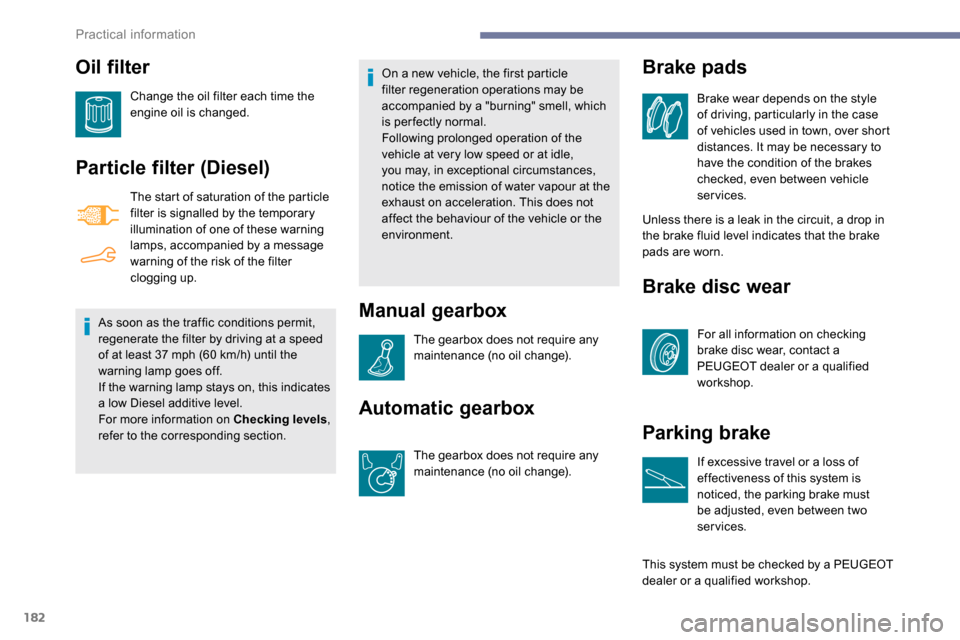
The start of saturation of the particle
filter is signalled by the temporary
illumination of one of these warning
lamps, accompanied by a message
warning of the risk of the filter
clogging up.
As soon as the traffic conditions permit,
regenerate the filter by driving at a speed
of at least 37
mph (60 km/h) until the
warning lamp goes off.
If the warning lamp stays on, this indicates
a low Diesel additive level.
For more information on Checking levels ,
refer to the corresponding section. On a new vehicle, the first particle
filter regeneration operations may be
accompanied by a "burning" smell, which
is per fectly normal.
Following prolonged operation of the
vehicle at very low speed or at idle,
you may, in exceptional circumstances,
notice the emission of water vapour at the
exhaust on acceleration. This does not
affect the behaviour of the vehicle or the
environment.
Manual gearbox
The gearbox does not require any
maintenance (no oil change).
Automatic gearbox
The gearbox does not require any
maintenance (no oil change).
Unless there is a leak in the circuit, a drop in
the brake fluid level indicates that the brake
pads are worn.
Brake disc wear
For all information on checking
brake disc wear, contact a
PEUGEOT dealer or a qualified
workshop.
Parking brake
If excessive travel or a loss of
effectiveness of this system is
noticed, the parking brake must
be adjusted, even between two
services.
This system must be checked by a PEUGEOT
dealer or a qualified workshop.
Brake pads
Brake wear depends on the style
of driving, particularly in the case
of vehicles used in town, over short
distances. It may be necessary to
have the condition of the brakes
checked, even between vehicle
services.
Practical information
Page 227 of 312
7
DAB/FM station tracking
"DAB" does not have 100% coverage of
the country.
When the digital signal is weak,
"DAB / FM auto tracking" allows you to
continue listening to the same station,
by automatically switching to the
corresponding analogue FM station (if it
ex i st s).
When the "DAB
/ FM auto tracking" is
active, the DAB station will be selected
automatically.
Press the MENU button.
Select " Multimedia " and confirm.
Select " DAB
/ FM auto tracking"
and confirm.
If "DAB
/ FM auto tracking" tracking is
enabled, there is a lag of a few seconds
when the system switches to the analogue
FM station sometimes with a change in
volume. If the "DAB" station you are listening to
is not available on FM ("
DAB/FM" option
struck out), or if "DAB / FM auto tracking"
is not on, the sound will be cut when the
digital signal is too weak.
Media
USB port
To protect the system, do not use a USB
hub. Any additional equipment connected to
the system must conform to the standard
of the product or standard IEC 60950 -1.
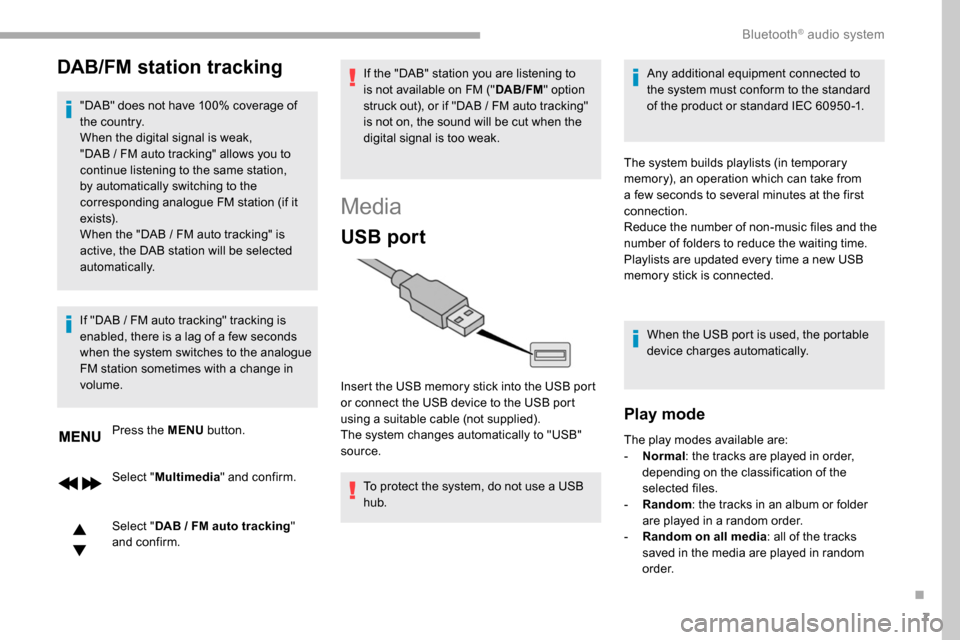
Insert the USB memory stick into the USB port
or connect the USB device to the USB port
using a suitable cable (not supplied).
The system changes automatically to "USB"
source. The system builds playlists (in temporary
memory), an operation which can take from
a few seconds to several minutes at the first
connection.
Reduce the number of non-music files and the
number of folders to reduce the waiting time.
Playlists are updated every time a new USB
memory stick is connected.
When the USB port is used, the portable
device charges automatically.
Play mode
The play modes available are:
- No rmal: the tracks are played in order,
depending on the classification of the
selected files.
-
Ra
ndom: the tracks in an album or folder
are played in a random order.
-
R
andom on all media: all of the tracks
saved in the media are played in random
o r d e r.
.
Bluetooth® audio system
Page 239 of 312
1
PEUGEOT Connect Radio
Multimedia audio system –
Applications – Bluetooth®
telephone
Contents
First steps
2
S
teering mounted controls
3
M
enus
4
A
pplications
5
Radio
6
DAB radio (Digital Audio Broadcasting)
8
M
edia 9
Telephone
10
Settings
16
Frequently asked questions
1
8The different functions and settings
described vary according to the version
and configuration of your vehicle.
As a safety measure and because it
requires sustained attention by the
driver, the pairing of a Bluetooth mobile
telephone with the Bluetooth hands-free
system of your audio system must be
done with the vehicle stationary
and the
ignition on.
The system is protected in such a way that
it will only operate in your vehicle.
The display of the message Energy
Economy Mode signals that a change to
standby is imminent.
The link below gives access to OSS (Open
Source Software) codes for the system.
https://www.groupe-psa.com/fr/oss/
https://www.groupe-psa.com/en/oss/
.
PEUGEOT Connect Radio
Page 241 of 312
3
In very hot conditions, the volume may
be limited to protect the system. It may go
into standby (screen and sound off) for at
least 5
minutes.
The return to normal takes place when
the temperature in the passenger
compartment has dropped.
Steering mounted controls
Steering mounted
controls – Type 1
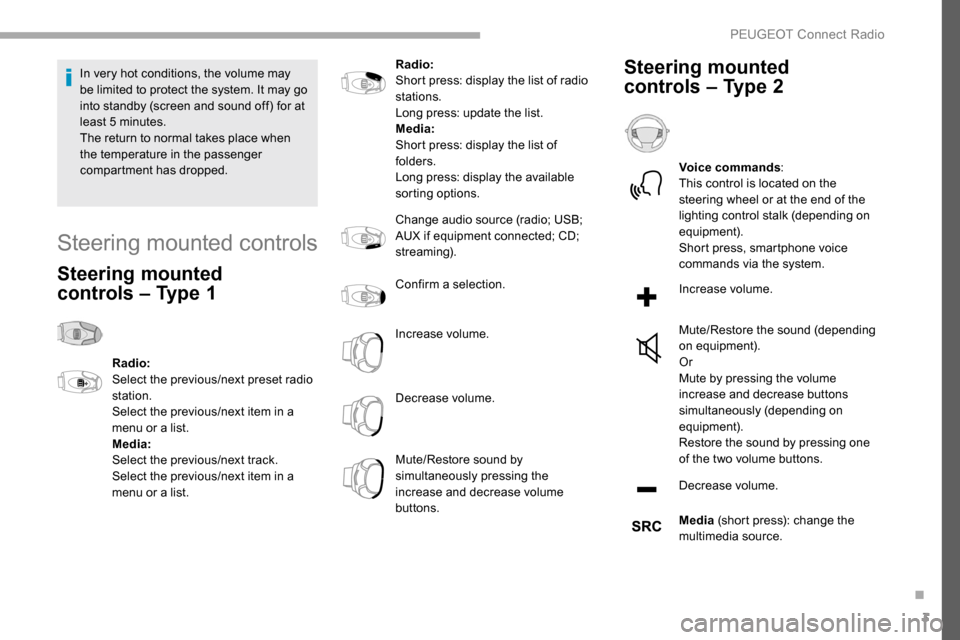
Radio:
Select the previous/next preset radio
station.
Select the previous/next item in a
menu or a list.
Media:
Select the previous/next track.
Select the previous/next item in a
menu or a list. Radio:
Short press: display the list of radio
stations.
Long press: update the list.
Media:
Short press: display the list of
folders.
Long press: display the available
sorting options.
Change audio source (radio; USB;
AUX if equipment connected; CD;
streaming).
Confirm a selection.
Increase volume.
Decrease volume.
Mute/Restore sound by
simultaneously pressing the
increase and decrease volume
buttons.
Steering mounted
controls – Type 2
Voice commands
:
This control is located on the
steering wheel or at the end of the
lighting control stalk (depending on
equipment).
Short press, smartphone voice
commands via the system.
Increase volume.
Mute/Restore the sound (depending
on equipment).
Or
Mute by pressing the volume
increase and decrease buttons
simultaneously (depending on
equipment).
Restore the sound by pressing one
of the two volume buttons.
Decrease volume.
Media (short press): change the
multimedia source.
.
PEUGEOT Connect Radio
Page 246 of 312
8
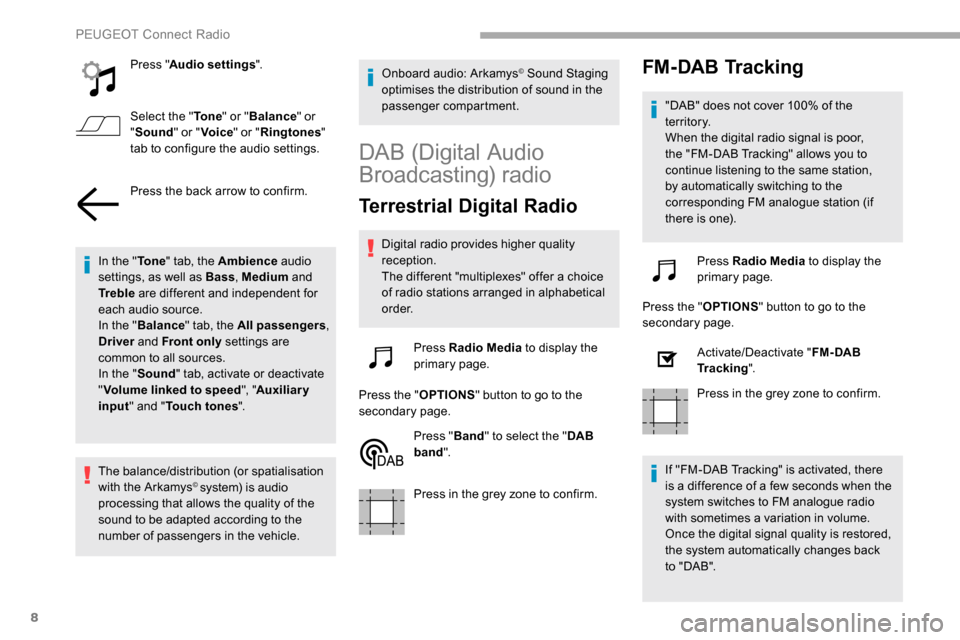
Press "Audio settings ".
Select the " To n e" or "Balance " or
" Sound " or "Voice " or "Ringtones "
tab to configure the audio settings.
Press the back arrow to confirm.
In the " To n e" tab, the Ambience audio
settings, as well as Bass , Medium and
Tr e b l e are different and independent for
each audio source.
In the " Balance " tab, the All passengers ,
Driver and Front only settings are
common to all sources.
In the " Sound" tab, activate or deactivate
" Volume linked to speed ", "Auxiliary
input " and " Touch tones ".
The balance/distribution (or spatialisation
with the Arkamys
© system) is audio
processing that allows the quality of the
sound to be adapted according to the
number of passengers in the vehicle. Onboard audio: Arkamys
© Sound Staging
optimises the distribution of sound in the
passenger compartment.
DAB (Digital Audio
Broadcasting) radio
Terrestrial Digital Radio
Digital radio provides higher quality
reception.
The different "multiplexes" offer a choice
of radio stations arranged in alphabetical
o r d e r.
Press Radio Media to display the
primary page.
Press the " OPTIONS" button to go to the
secondary page.
Press "Band" to select the " DAB
band ".
Press in the grey zone to confirm.
FM-DAB Tracking
"DAB" does not cover 100% of the
te r r i to r y.
When the digital radio signal is poor,
the "FM-DAB Tracking" allows you to
continue listening to the same station,
by automatically switching to the
corresponding FM analogue station (if
there is one).
Press Radio Media to display the
primary page.
Press the " OPTIONS" button to go to the
secondary page.
Activate/Deactivate " FM- DAB
Tracking ".
Press in the grey zone to confirm.
If "FM-DAB Tracking" is activated, there
is a difference of a few seconds when the
system switches to FM analogue radio
with sometimes a variation in volume.
Once the digital signal quality is restored,
the system automatically changes back
to " DA B ".
PEUGEOT Connect Radio
Page 255 of 312
17
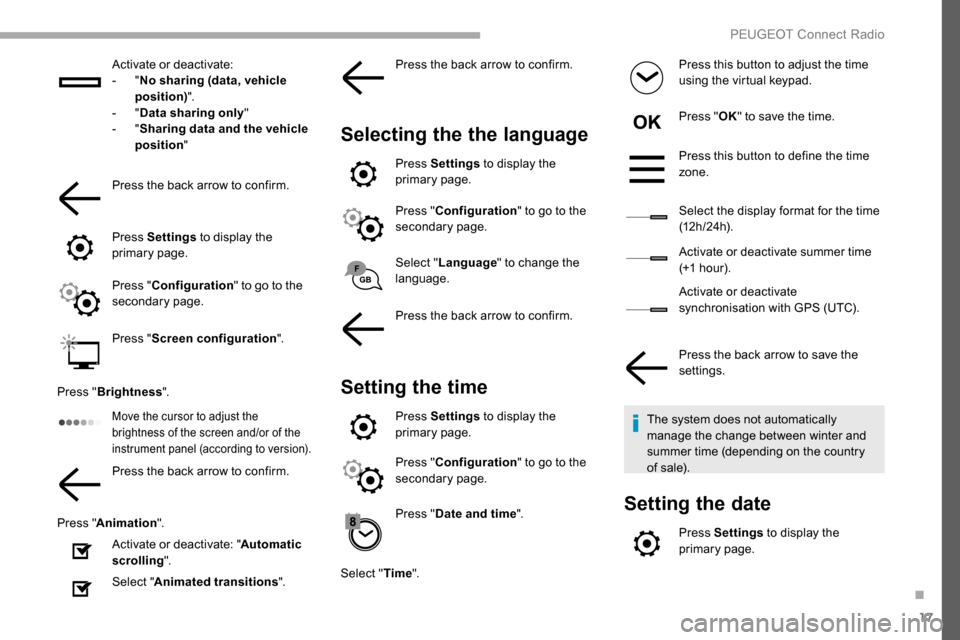
Activate or deactivate:
- "No sharing (data, vehicle
position) ".
-
"Data sharing only "
-
"Sharing data and the vehicle
position "
Press the back arrow to confirm.
Press Settings to display the
primary page.
Press " Configuration " to go to the
secondary page.
Press " Screen configuration ".
Press " Brightness ".
Move the cursor to adjust the
brightness of the screen and/or of the
instrument panel (according to version).
Press the back arrow to confirm.
Press " Animation ".
Activate or deactivate: " Automatic
scrolling ".
Select " Animated transitions ".Press the back arrow to confirm.
Selecting the the language
Press Settings
to display the
primary page.
Press " Configuration " to go to the
secondary page.
Select " Language " to change the
language.
Press the back arrow to confirm.
Setting the time
Press Settings to display the
primary page.
Press " Configuration " to go to the
secondary page.
Press " Date and time ".
Select " Time". Press this button to adjust the time
using the virtual keypad.
Press "
OK" to save the time.
Press this button to define the time
zone.
Select the display format for the time
(12 h / 24 h).
Activate or deactivate summer time
(+1 hour).
Activate or deactivate
synchronisation with GPS (UTC).
Press the back arrow to save the
settings.
The system does not automatically
manage the change between winter and
summer time (depending on the country
of sale).
Setting the date
Press Settings to display the
primary page.
.
PEUGEOT Connect Radio
Page 261 of 312
1
PEUGEOT Connect Nav
GPS satellite navigation –
Applications – Multimedia
audio system – Bluetooth
®
telephone
Contents
First steps
2
S
teering mounted controls
3
M
enus
4
V
oice commands
5
N
avigation
13
Connected navigation
1
5
Applications
18
Radio
23
DAB radio (Digital Audio Broadcasting)
2
4
Media
25
Telephone
27
Configuration
31
Frequently asked questions
3
3The different functions and settings
described vary depending on the version
and configuration of your vehicle.
As a safety measure and because it
requires sustained attention by the
driver, the pairing of a Bluetooth mobile
telephone with the Bluetooth hands-free
system of your audio system must be
done with the vehicle stationary
and the
ignition on.
The system is protected in such a way that
it will only operate in your vehicle.
The display of the Energy Economy
Mode message signals that a change to
standby is imminent.
The link below gives access to OSS (Open
Source Software) codes for the system.
https://www.groupe-psa.com/fr/oss/
https://www.groupe-psa.com/en/oss/
.
PEUGEOT Connect Nav
Page 263 of 312
3
In the "Settings" menu you can create
a profile for just one person or a group
of people with common points, with the
possibility of entering a multitude of
settings (radio presets, audio settings,
navigation history, contact favourites,
etc.); these settings are taken into account
automatically.
In very hot conditions, the volume may
be limited to protect the system. It may go
into standby (screen and sound off) for at
least 5
minutes.
The return to normal takes place when
the temperature in the passenger
compartment has dropped.
Steering mounted controls
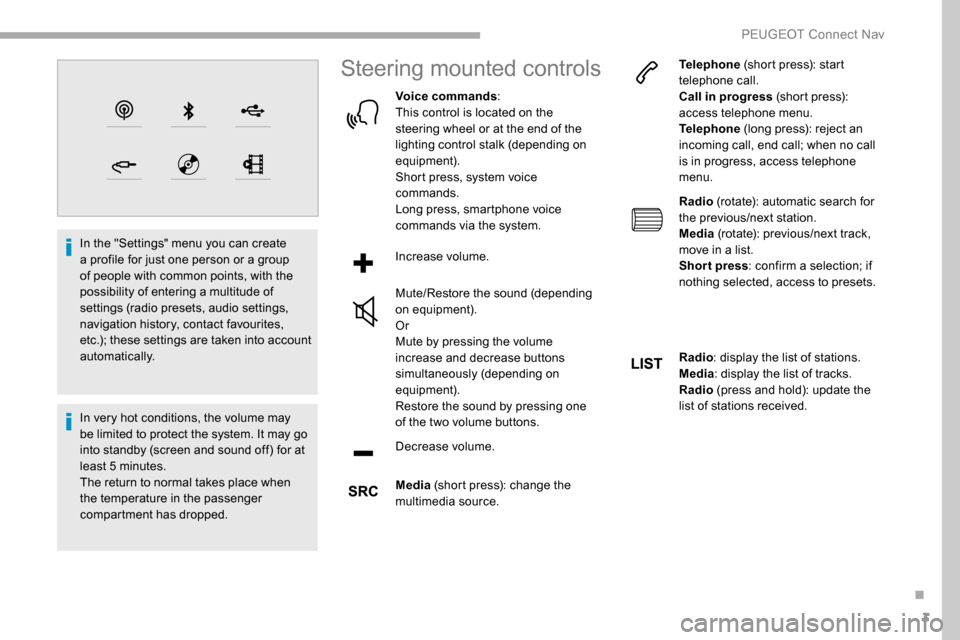
Voice commands :
This control is located on the
steering wheel or at the end of the
lighting control stalk (depending on
equipment).
Short press, system voice
commands.
Long press, smartphone voice
commands via the system.
Increase volume.
Mute/Restore the sound (depending
on equipment).
Or
Mute by pressing the volume
increase and decrease buttons
simultaneously (depending on
equipment).
Restore the sound by pressing one
of the two volume buttons.
Decrease volume.
Media (short press): change the
multimedia source. Telephone
(short press): start
telephone call.
Call in progress (short press):
access telephone menu.
Telephone (long press): reject an
incoming call, end call; when no call
is in progress, access telephone
menu.
Radio (rotate): automatic search for
the previous/next station.
Media (rotate): previous/next track,
move in a list.
Short press : confirm a selection; if
nothing selected, access to presets.
Radio : display the list of stations.
Media : display the list of tracks.
Radio (press and hold): update the
list of stations received.
.
PEUGEOT Connect Nav
Page 285 of 312
25
Press "OK".
If "DAB-FM tracking" is activated, there
is a difference of a few seconds when the
system switches to FM analogue radio
with sometimes a variation in volume.
Once the digital signal quality is restored,
the system automatically changes back
to " DA B ".
If the "DAB" station being listened to is
not available on FM (" DAB- FM" option
greyed out), or "DAB-FM tracking" is not
activated, the sound will cut out while the
digital signal is too weak.
Media
USB port
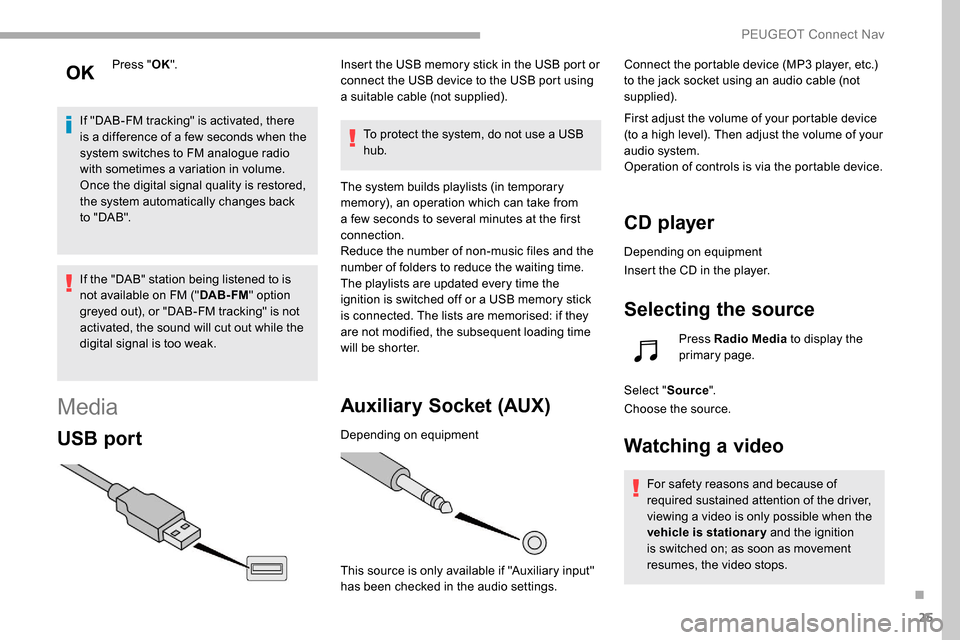
Insert the USB memory stick in the USB port or
connect the USB device to the USB port using
a suitable cable (not supplied).
To protect the system, do not use a USB
hub.
The system builds playlists (in temporary
memory), an operation which can take from
a few seconds to several minutes at the first
connection.
Reduce the number of non-music files and the
number of folders to reduce the waiting time.
The playlists are updated every time the
ignition is switched off or a USB memory stick
is connected. The lists are memorised: if they
are not modified, the subsequent loading time
will be shorter.
Auxiliary Socket (AUX)
Depending on equipment
This source is only available if "Auxiliary input"
has been checked in the audio settings. Connect the portable device (MP3 player, etc.)
to the jack socket using an audio cable (not
supplied).
First adjust the volume of your portable device
(to a high level). Then adjust the volume of your
audio system.
Operation of controls is via the portable device.
CD player
Depending on equipment
Insert the CD in the player.
Selecting the source
Press Radio Media
to display the
primary page.
Select " Source".
Choose the source.
Watching a video
For safety reasons and because of
required sustained attention of the driver,
viewing a video is only possible when the
vehicle is stationary and the ignition
is switched on; as soon as movement
resumes, the video stops.
.
PEUGEOT Connect Nav
Page 292 of 312
32
The location for the photograph is
square; the system reshapes the original
photograph if in another format.Press this button to initialise the
profile selected.
Initialisation of the profile selected
activates the English language by default.
Select a " Profile" (1 or 2 or 3) to associate the
" Audio settings " with it.
Select " Audio settings ".
Select " Ambience ".
Or
" Distribution ".
Or
" Sound ".
Or
" Voice ".
Or
" Ringtone ".
Press " OK" to save the settings.Modifying system settings
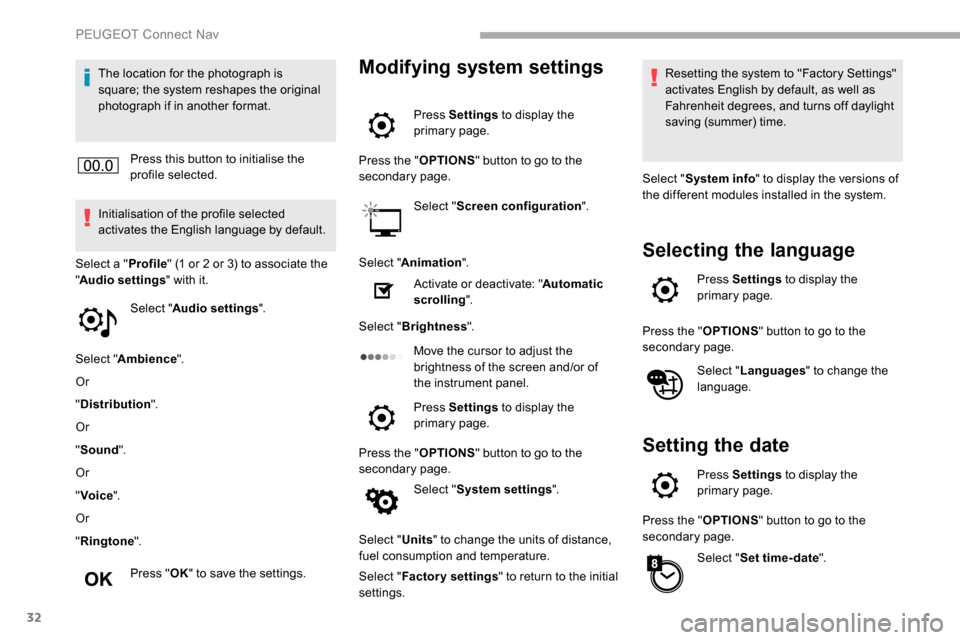
Press Settings to display the
primary page.
Press the " OPTIONS" button to go to the
secondary page.
Select "Screen configuration ".
Select " Animation ".
Activate or deactivate: " Automatic
scrolling ".
Select " Brightness ".
Move the cursor to adjust the
brightness of the screen and/or of
the instrument panel.
Press Settings to display the
primary page.
Press the " OPTIONS" button to go to the
secondary page.
Select "System settings ".
Select " Units" to change the units of distance,
fuel consumption and temperature.
Select " Factory settings " to return to the initial
settings. Resetting the system to "Factory Settings"
activates English by default, as well as
Fahrenheit degrees, and turns off daylight
saving (summer) time.
Select " System info " to display the versions of
the different modules installed in the system.
Selecting the language
Press Settings to display the
primary page.
Press the " OPTIONS" button to go to the
secondary page.
Select "Languages " to change the
language.
Setting the date
Press Settings to display the
primary page.
Press the " OPTIONS" button to go to the
secondary page.
Select "Set time-date ".
PEUGEOT Connect Nav