engine Peugeot Partner Tepee 2015 Owner's Guide
[x] Cancel search | Manufacturer: PEUGEOT, Model Year: 2015, Model line: Partner Tepee, Model: Peugeot Partner Tepee 2015Pages: 276, PDF Size: 12.76 MB
Page 51 of 276
49
Partner_2_VP_en_Chap03_Pret-a-partir_ed02-2014
Reactivation
Press the "ECO OFF" switch again.
t
he system is active again; this is
confirmed by the switch warning
lamp going off and a message in the
instrument panel.
t
he system is reactivated
automatically at every new start
using the key.
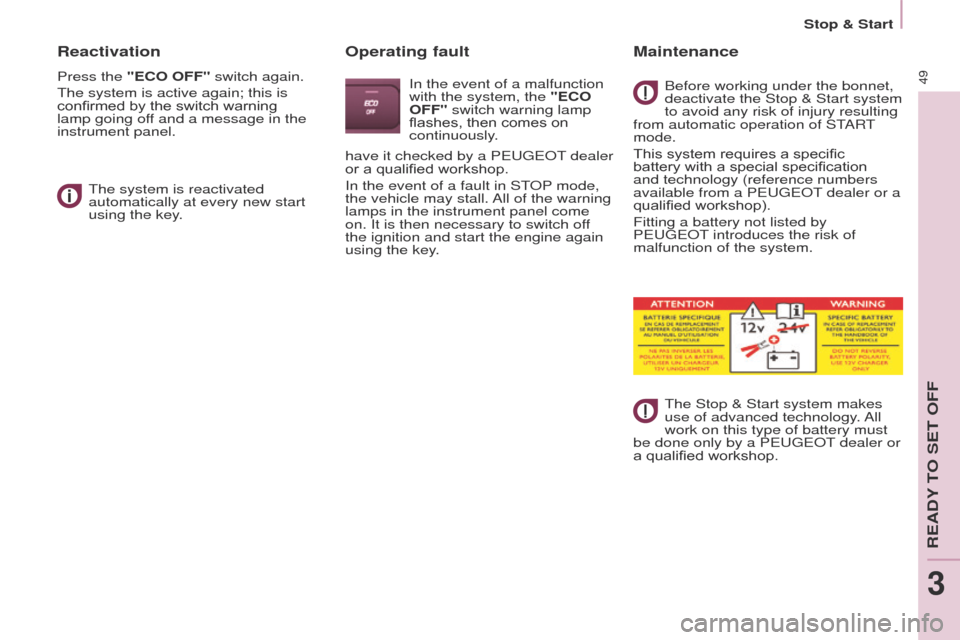
Operating fault
In the event of a malfunction
with the system, the "ECO
OFF" switch warning lamp
flashes, then comes on
continuously.
Maintenance
Before working under the bonnet,
deactivate the Stop & Start system
to avoid any risk of injury resulting
from automatic operation of S
t
ARt
mode.
This system requires a specific
battery with a special specification
and technology (reference numbers
available from a P
euge O t
dealer or a
qualified workshop).
Fitting a battery not listed by
P
euge O t introduces the risk of
malfunction of the system.
t
he Stop & Start system makes
use of advanced technology. All
work on this type of battery must
be done only by a P
euge O t
dealer or
a qualified workshop.
have it checked by a P
euge
O
t
dealer
or a qualified workshop.
In the event of a fault in S
t
OP
mode,
the vehicle may stall. All of the warning
lamps in the instrument panel come
on. It is then necessary to switch off
the ignition and start the engine again
using the key.
Stop & Start
ReADY tO Set OFF
3
Page 52 of 276
50
Partner_2_VP_en_Chap03_Pret-a-partir_ed02-2014
Good practice when stopping Good practice when starting
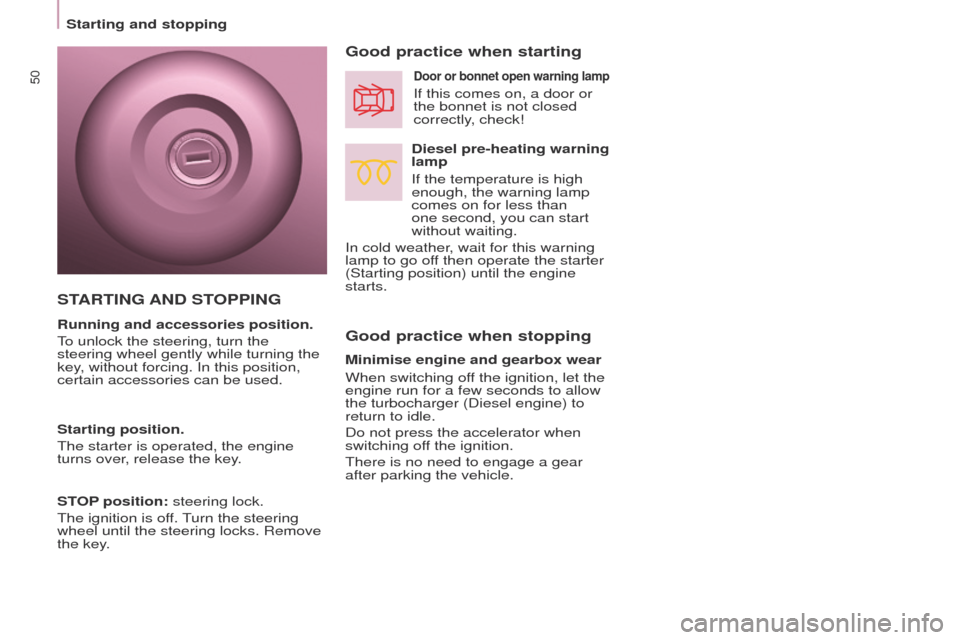
Diesel pre-heating warning
lamp
If the temperature is high
enough, the warning lamp
comes on for less than
one second, you can start
without waiting.
In cold weather, wait for this warning
lamp to go off then operate the starter
(Starting position) until the engine
starts.
Door or bonnet open warning lamp
If this comes on, a door or
the bonnet is not closed
correctly, check!
Minimise engine and gearbox wear
When switching off the ignition, let the
engine run for a few seconds to allow
the turbocharger (Diesel engine) to
return to idle.
Do not press the accelerator when
switching off the ignition.
t
here is no need to engage a gear
after parking the vehicle.
STARTING AND STOPPING
Running and accessories position.
to unlock the steering, turn the
steering wheel gently while turning the
key
, without forcing. In this position,
certain accessories can be used.
Starting position.
t
he starter is operated, the engine
turns over, release the key.
STOP position: steering lock.
t
he ignition is off.
turn the steering
wheel until the steering locks. Remove
the key
.
Starting and stopping
Page 53 of 276
51
Partner_2_VP_en_Chap03_Pret-a-partir_ed02-2014
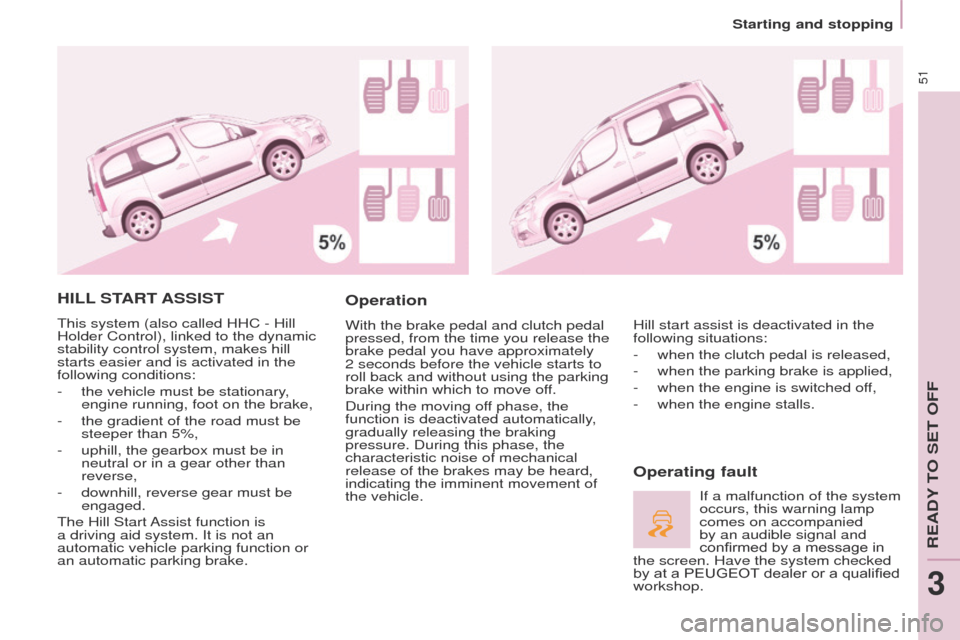
HILL START ASSIST
this system (also called HHC - Hill
Holder Control), linked to the dynamic
stability control system, makes hill
starts easier and is activated in the
following conditions:
-
the vehicle must be stationary
,
engine running, foot on the brake,
-
the gradient of the road must be
steeper than 5%,
-
uphill, the gearbox must be in
neutral or in a gear other than
reverse,
-
downhill, reverse gear must be
engaged.
t
he Hill Start Assist function is
a driving aid system. It is not an
automatic vehicle parking function or
an automatic parking brake.
Operation
With the brake pedal and clutch pedal
pressed, from the time you release the
brake pedal you have approximately
2 seconds before the vehicle starts to
roll back and without using the parking
brake within which to move off.
During the moving off phase, the
function is deactivated automatically,
gradually releasing the braking
pressure. During this phase, the
characteristic noise of mechanical
release of the brakes may be heard,
indicating the imminent movement of
the vehicle.
Operating fault
Hill start assist is deactivated in the
following situations:
-
when the clutch pedal is released,
-
when the parking brake is applied,
-
when the engine is switched of
f,
-
when the engine stalls.
If a malfunction of the system
occurs, this warning lamp
comes on accompanied
by an audible signal and
confirmed by a message in
the screen. Have the system checked
by at a PEUGEOT
dealer or a qualified
workshop.
Starting and stopping
ReADY tO Set OFF
3
Page 62 of 276
60
Partner_2_VP_en_Chap04_ergonomie_ed02-2014
However, pressing the pedal beyond
this point of resistance to the floor
allows the programmed speed to be
exceeded.
to resume use of the limiter
,
simply reduce the pressure on the
accelerator pedal gradually and return
to a speed below that programmed.
The operating actions may be
carried out when stationary, with the
engine running, or with the vehicle
moving.
t
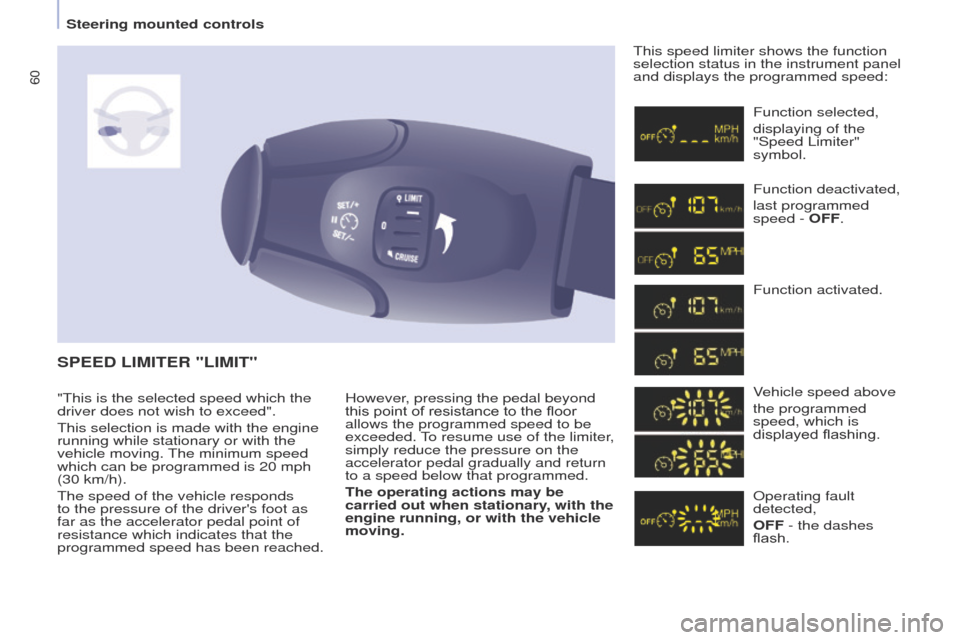
his speed limiter shows the function
selection status in the instrument panel
and displays the programmed speed:
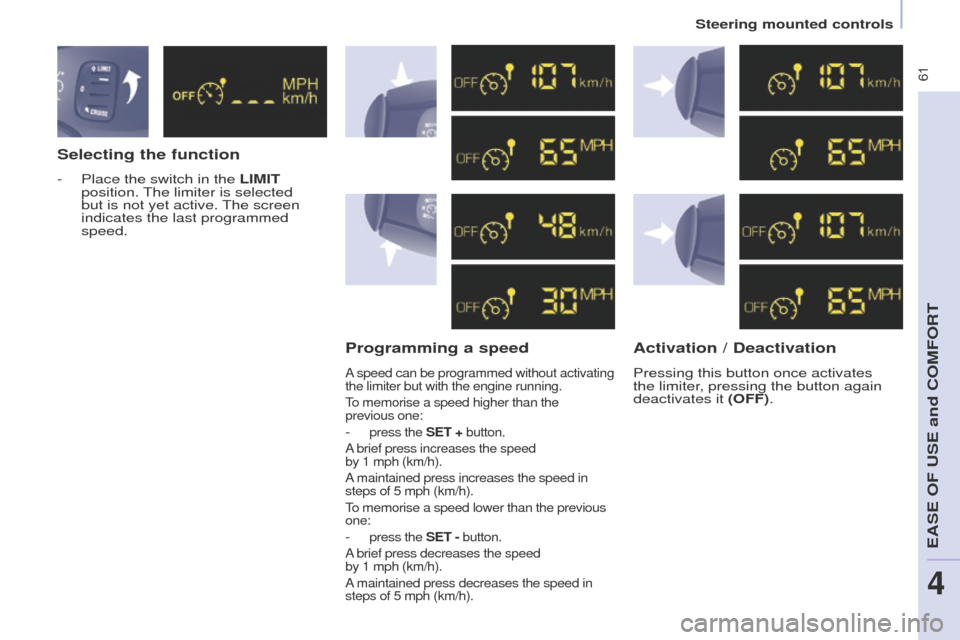
SPEED LIMITER "LIMIT"
Function selected,
displaying of the
"Speed Limiter"
symbol.
Function deactivated,
last programmed
speed - OFF.
Function activated.
Vehicle speed above
the programmed
speed, which is
displayed flashing.
Operating fault
detected,
OFF - the dashes
flash.
"
t
his is the selected speed which the
driver does not wish to exceed".
t
his selection is made with the engine
running while stationary or with the
vehicle moving.
t
he minimum speed
which can be programmed is 20 mph
(30 km/h).
t
he speed of the vehicle responds
to the pressure of the driver's foot as
far as the accelerator pedal point of
resistance which indicates that the
programmed speed has been reached.
Steering mounted controls
Page 63 of 276
61
Partner_2_VP_en_Chap04_ergonomie_ed02-2014
Selecting the function
- Place the switch in the LIMIT
position. t he limiter is selected
but is not yet active.
t
he screen
indicates the last programmed
speed.
Programming a speed
A speed can be programmed without activating
the limiter but with the engine running.
to memorise a speed higher than the
previous
one:
- press the SET + button.
A brief press increases the speed
by
1 mph (km/h).
A maintained press increases the speed in
steps of 5 mph (km/h).
to memorise a speed lower than the previous
one:
- press the SET - button.
A brief press decreases the speed
by
1 mph (km/h).
A maintained press decreases the speed in
steps of 5 mph (km/h).
Activation / Deactivation
Pressing this button once activates
the limiter, pressing the button again
deactivates it (OFF).
Steering mounted controls
eASe OF uSe and COMFORt
4
Page 66 of 276
64
Partner_2_VP_en_Chap04_ergonomie_ed02-2014
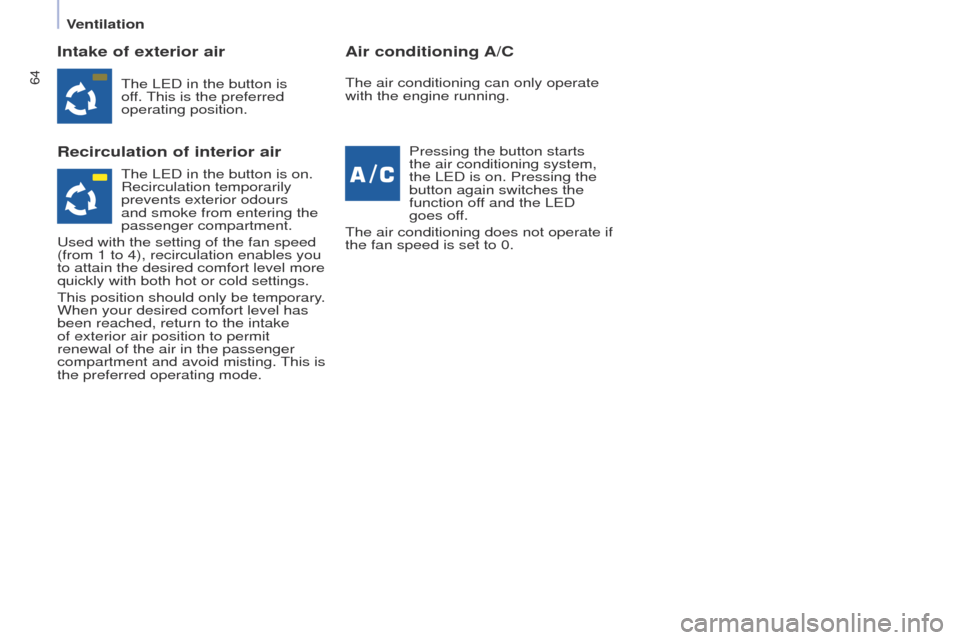
Intake of exterior air
Recirculation of interior airAir conditioning A/C
the LeD in the button is
of f. t his is the preferred
operating position.
Pressing the button starts
the air conditioning system,
the L
e D is on. Pressing the
button again switches the
function off and the L
e D
goes off.
t
he air conditioning does not operate if
the fan speed is set to 0.t he air conditioning can only operate
with the engine running.
t
he L e D in the button is on.
Recirculation temporarily
prevents exterior odours
and smoke from entering the
passenger compartment.
u
sed with the setting of the fan speed
(from 1 to 4), recirculation enables you
to attain the desired comfort level more
quickly with both hot or cold settings.
t
his position should only be temporary.
When your desired comfort level has
been reached, return to the intake
of exterior air position to permit
renewal of the air in the passenger
compartment and avoid misting.
t
his is
the preferred operating mode.
Ventilation
Page 67 of 276
65
Partner_2_VP_en_Chap04_ergonomie_ed02-2014
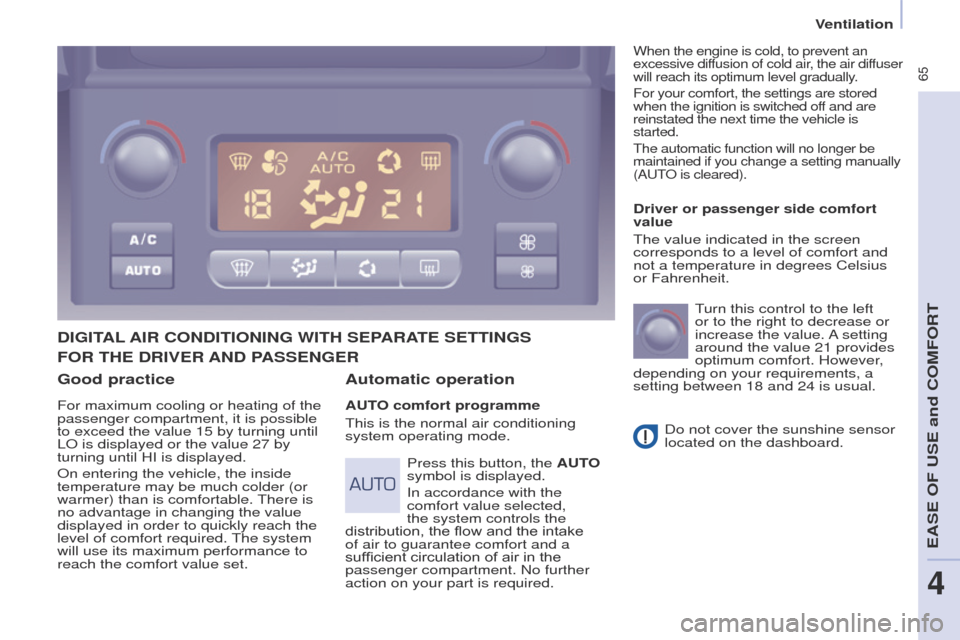
Good practice
For maximum cooling or heating of the
passenger compartment, it is possible
to exceed the value 15 by turning until
LO is displayed or the value 27 by
turning until HI is displayed.
On entering the vehicle, the inside
temperature may be much colder (or
warmer) than is comfortable.
t
here is
no advantage in changing the value
displayed in order to quickly reach the
level of comfort required.
t
he system
will use its maximum performance to
reach the comfort value set.
DIGITAL AIR CONDITIONING WITH SEPARATE SETTINGS
Automatic operation
AUTO comfort programme
t
his is the normal air conditioning
system operating mode. Driver or passenger side comfort
value
t
he value indicated in the screen
corresponds to a level of comfort and
not a temperature in degrees Celsius
or Fahrenheit.
turn this control to the left
or to the right to decrease or
increase the value.
A setting
around the value 21 provides
optimum comfort. However,
depending on your requirements, a
setting between 18 and 24 is usual.
Do not cover the sunshine sensor
located on the dashboard.
Press this button, the AUTO
symbol is displayed.
In accordance with the
comfort value selected,
the system controls the
distribution, the flow and the intake
of air to guarantee comfort and a
sufficient circulation of air in the
passenger compartment. No further
action on your part is required.
When the engine is cold, to prevent an
excessive diffusion of cold air, the air diffuser
will reach its optimum level gradually.
For your comfort, the settings are stored
when the ignition is switched off and are
reinstated the next time the vehicle is
started.
t
he automatic function will no longer be
maintained if you change a setting manually
(A
ut
O is cleared).
FOR THE DRIVER AND PASSENGER
Ventilation
eASe OF uSe and COMFORt
4
Page 69 of 276
67
Partner_2_VP_en_Chap04_ergonomie_ed02-2014
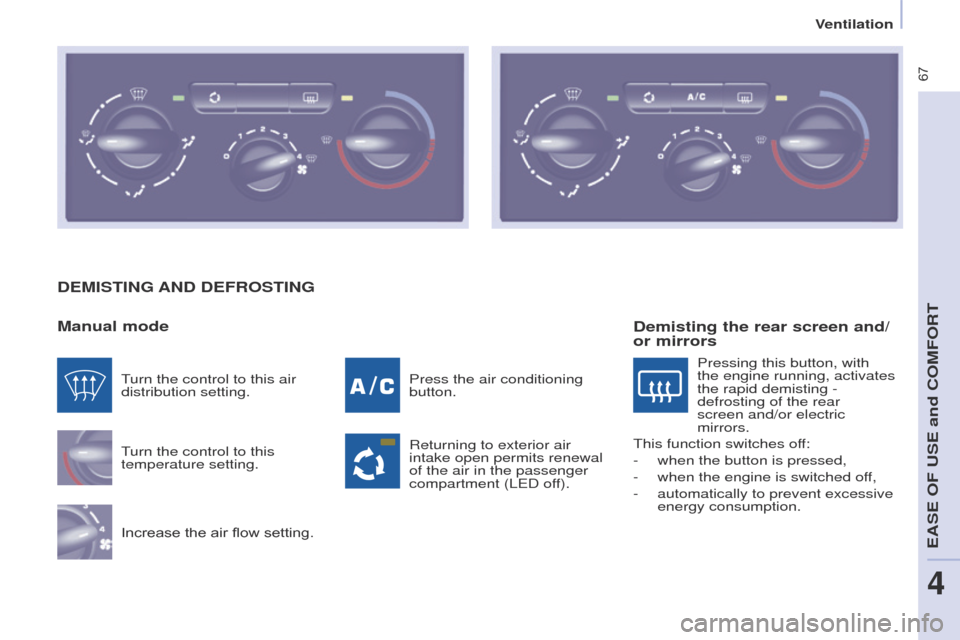
DEMISTING AND DEFROSTING
Manual mode
turn the control to this
temperature setting.
Increase the air flow setting. Press the air conditioning
button.
Returning to exterior air
intake open permits renewal
of the air in the passenger
compartment (L
e D off).
turn the control to this air
distribution setting.
Demisting the rear screen and/
or mirrors
Pressing this button, with
the engine running, activates
the rapid demisting -
defrosting of the rear
screen and/or electric
mirrors.
t
his function switches off:
-
when the button is pressed,
-
when the engine is switched of
f,
-
automatically to prevent excessive
energy consumption.
Ventilation
eASe OF uSe and COMFORt
4
Page 112 of 276
11 0
Partner_2_VP_en_Chap05_Securite_ed02-2014
ANTI-SLIP REGULATION (ASR)
AND DYNAMIC STABILITY
CONTROL (DSC)
these systems are linked and
complement the ABS.
t
he ASR system is very useful for
maintaining optimum drive and
avoiding losses of control of the vehicle
on acceleration.
t
he system optimises drive to prevent
the wheels skidding, by acting on the
brakes of the drive wheels and on the
engine. It also allows the directional
stability of the vehicle to be improved
on acceleration.
u
se the DSC to hold your course
without attempting to countersteer.
If there is a variation between the
trajectory followed by the vehicle and
that required by the driver, the DSC
system automatically acts on the
engine and the brake of one or more
wheels, in order to put the vehicle back
on course.
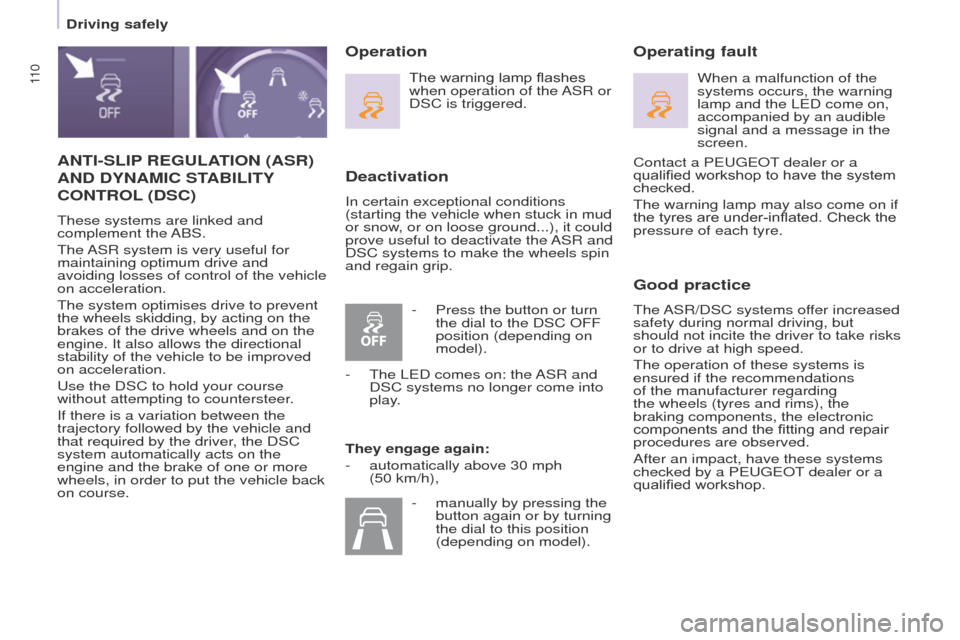
Deactivation
In certain exceptional conditions
(starting the vehicle when stuck in mud
or snow, or on loose ground...), it could
prove useful to deactivate the ASR and
DSC systems to make the wheels spin
and regain grip.
Operating fault
Good practice
the ASR/DSC systems offer increased
safety during normal driving, but
should not incite the driver to take risks
or to drive at high speed.
t
he operation of these systems is
ensured if the recommendations
of the manufacturer regarding
the wheels (tyres and rims), the
braking components, the electronic
components and the fitting and repair
procedures are observed.
After an impact, have these systems
checked by a P
euge O t
dealer or a
qualified workshop.
Operation
The warning lamp flashes
when operation of the ASR or
DSC is triggered.
They engage again:
-
automatically above 30 mph
(50 km/h), When a malfunction of the
systems occurs, the warning
lamp and the L
e D come on,
accompanied by an audible
signal and a message in the
screen.
-
Press the button or turn
the dial to the DSC OFF
position (depending on
model).
-
t
he L
e D comes on: the ASR and
DSC systems no longer come into
play.
-
manually by pressing the
button again or by turning
the dial to this position
(depending on model). Contact a P
euge O t
dealer or a
qualified workshop to have the system
checked.
t
he warning lamp may also come on if
the tyres are under-inflated. Check the
pressure of each tyre.
Driving safely
Page 113 of 276
111
Partner_2_VP_en_Chap05_Securite_ed02-2014
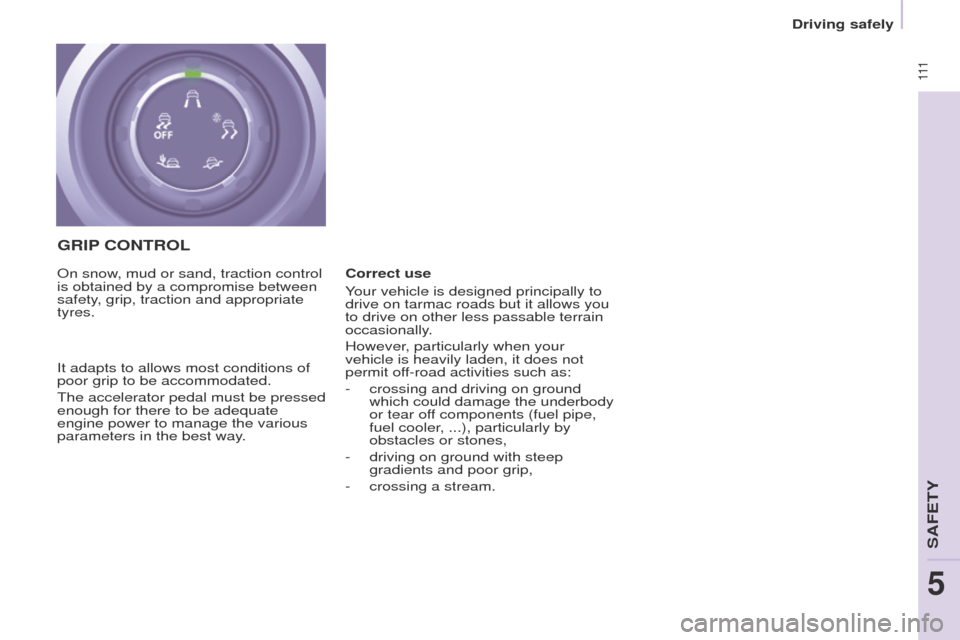
GRIP CONTROL
Correct use
Your vehicle is designed principally to
drive on tarmac roads but it allows you
to drive on other less passable terrain
occasionally.
However, particularly when your
vehicle is heavily laden, it does not
permit off-road activities such as:
-
crossing and driving on ground
which could damage the underbody
or tear of
f components (fuel pipe,
fuel cooler, ...), particularly by
obstacles or stones,
-
driving on ground with steep
gradients and poor grip,
-
crossing a stream.
On snow
, mud or sand, traction control
is obtained by a compromise between
safety, grip, traction and appropriate
tyres.
It adapts to allows most conditions of
poor grip to be accommodated.
t
he accelerator pedal must be pressed
enough for there to be adequate
engine power to manage the various
parameters in the best way.
Driving safely
SAFetY
5