key PONTIAC BONNEVILLE 2003 Service Manual
[x] Cancel search | Manufacturer: PONTIAC, Model Year: 2003, Model line: BONNEVILLE, Model: PONTIAC BONNEVILLE 2003Pages: 418, PDF Size: 20.24 MB
Page 154 of 418
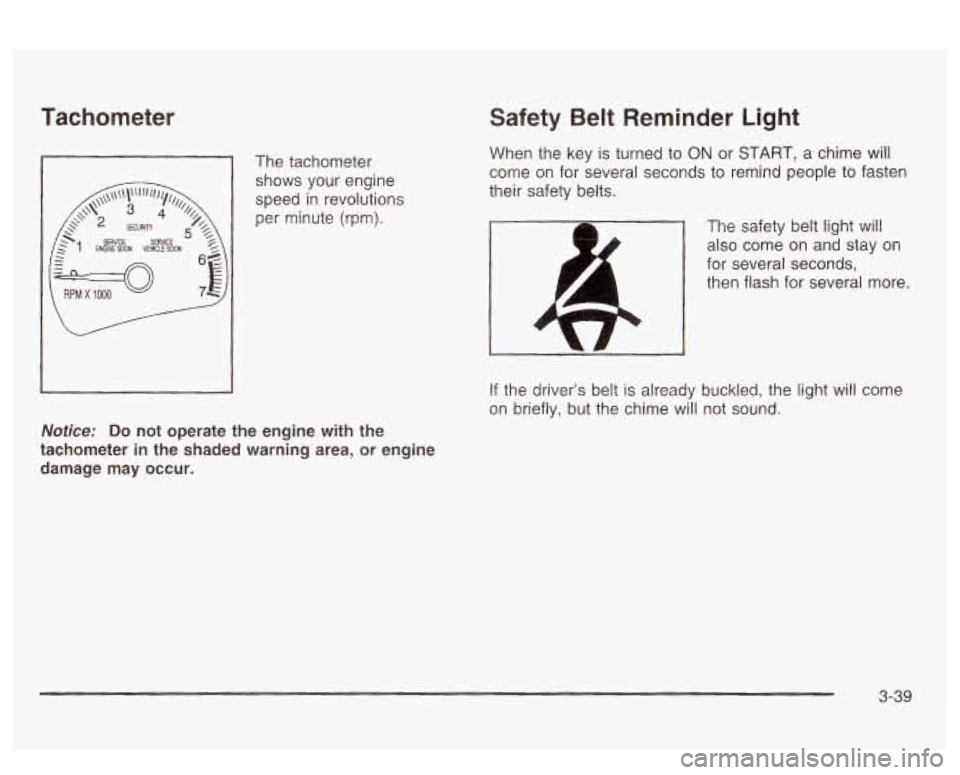
Tachometer
The tachometer
shows your engine
speed in revolutions
per minute (rpm).
Notice: Do
not operate the engine with the
tachometer in the shaded warning area, or engine damage may occur.
Safety Belt Reminder Light
When the key is turned to ON or START, a chime will
come on for several seconds to remind people to fasten
their safety belts.
The safety belt light will
also come
on and stay on
for several seconds,
then flash for several more.
If the driver’s belt is already buckled, the light wil! come
on briefly, but the chime will not sound.
3-39
Page 155 of 418
Air Bag Readiness Light
There is an air bag readiness light on the instrument
panel, which shows
AIR BAG. The system checks
the air bag’s electrical system for malfunctions. The light
tells you
if there is an electrical problem. The system
check includes the air bag sensors, the air bag modules,
the wiring and the crash sensing and diagnostic
module. For more information on the air bag system,
see
Air Bag Systems on page 1-47.
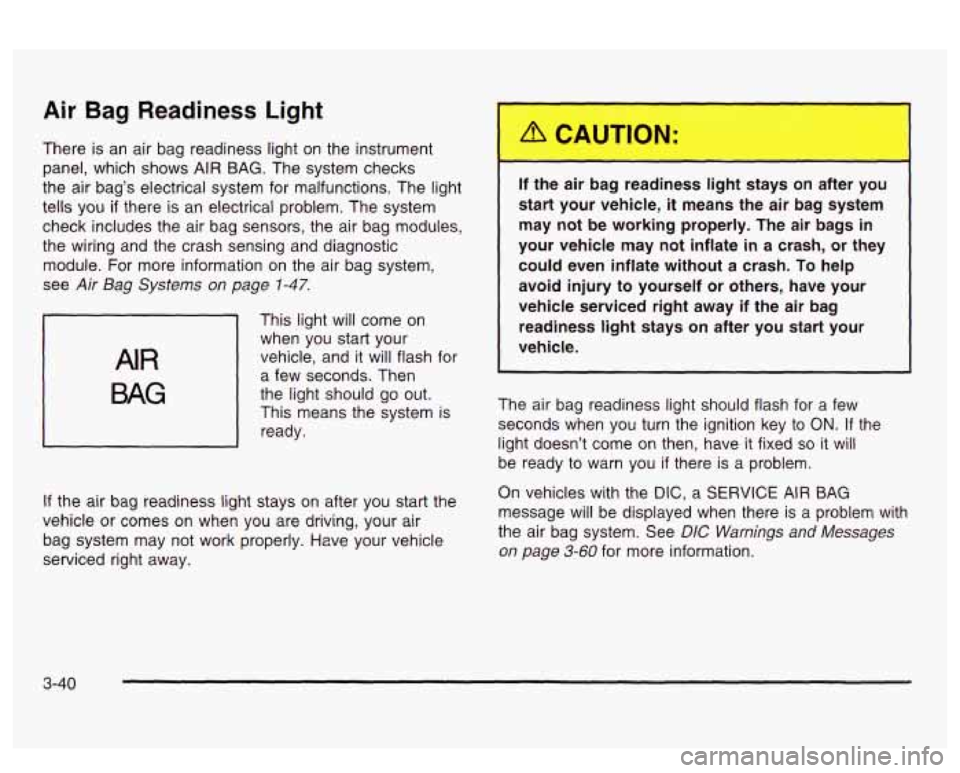
AIR
BAG
This light will come on
when you start your
vehicle, and it will flash for
a few seconds. Then
the light should go out.
This means the system is
ready.
If the air bag readiness light stays on after you start the
vehicle or comes on when you are driving, your air
bag system may not work properly. Have your vehicle
serviced right away. If the air
I ~ 3 reac ess IiL ~ :ays on after
you
start your vehicle,
it means the air bag system
may not be working properly. The air bags in
your vehicle may not inflate
in a crash, or they
could even inflate without a crash.
To help
avoid injury
to yourself or others, have your
vehicle serviced right away if the air bag
readiness
light stays on after you start your
vehicle.
The air bag readiness light should flash for a few
seconds when you turn the ignition key to
ON. If the
light doesn’t come
on then, have it fixed so it will
be ready to warn you if there is a problem.
On vehicles with the
DIC, a SERVICE AIR BAG
message will be displayed when there is a problem with
the air bag system. See
DIC Warnings and Messages
on page 3-60 for more information.
3-40
Page 157 of 418
On vehicles with a DIC, a CHECK CHARGE SYSTEM
message will be displayed and a warning chime will
sound
if there is a problem in the electrical system. Have
your vehicle serviced immediately. See
DIC Warnings
and Messages on page
3-60 for more information.
Brake System Warning Light
Your vehicle’s hydraulic brake system is divided into two
parts.
If one part isn’t working, the other part can still
work and stop you. For good braking, though, you need
both parts working well.
If the warning light comes on, there is a brake problem.
Have your brake system inspected right away.
iL
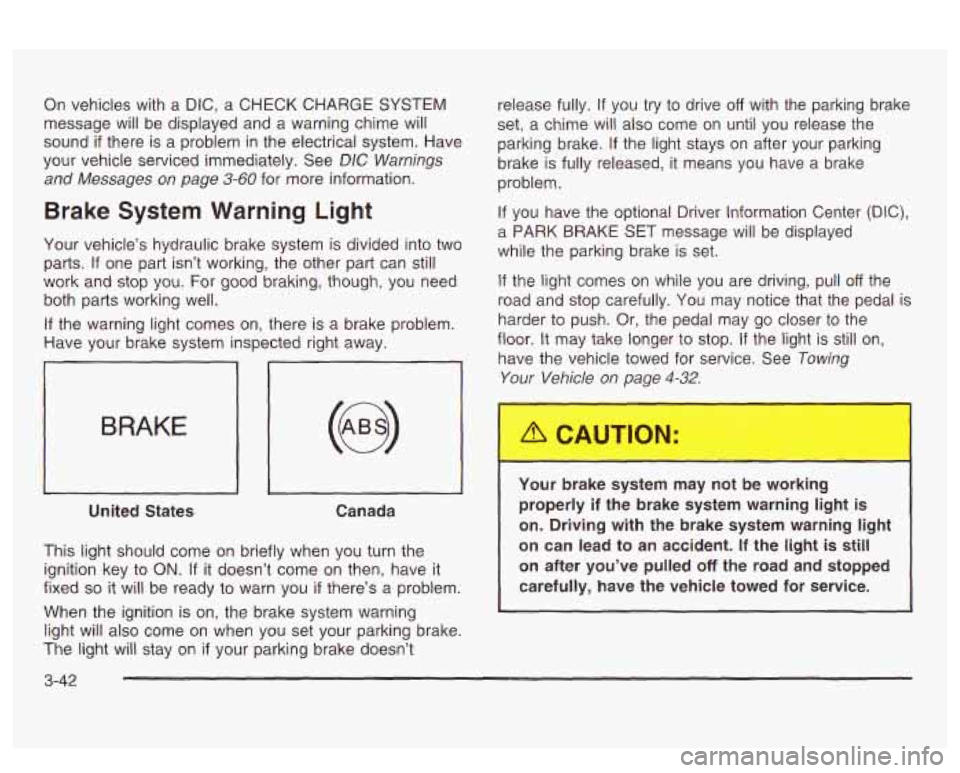
BRAKE
United States Canada
This light should come on briefly when you turn the
ignition key to
ON. If it doesn’t come on then, have it
fixed
so it will be ready to warn you if there’s a problem.
When the ignition is on, the brake system warning
light will also come on when you set your parking brake.
The light will stay on
if your parking brake doesn’t release fully.
If you
try to drive off with the parking brake
set,
a chime will also come on until you release the
parking brake.
If the light stays on after your parking
brake is fully released, it means you have a brake
problem.
If you have the optional Driver Information Center (DIC),
a PARK BRAKE SET message will be displayed
while the parking brake is set.
If the light comes on while you are driving, pull off the
road and stop carefully. You may notice that the pedal is
harder to push. Or, the pedal may go closer to the
floor.
It may take longer to stop. If the light is still on,
have the vehicle towed for service. See
Towing
Your Vehicle on page 4-32.
Your brake system may not be working
properly
if the brake system warning light is
on. Driving with the brake system warning light
on can lead to an accident.
If the light is still
on after you’ve pulled
off the road and stopped
carefully, have the vehicle towed for service.
I
3-42
Page 158 of 418
Anti-Lock Brake System
Warning Light
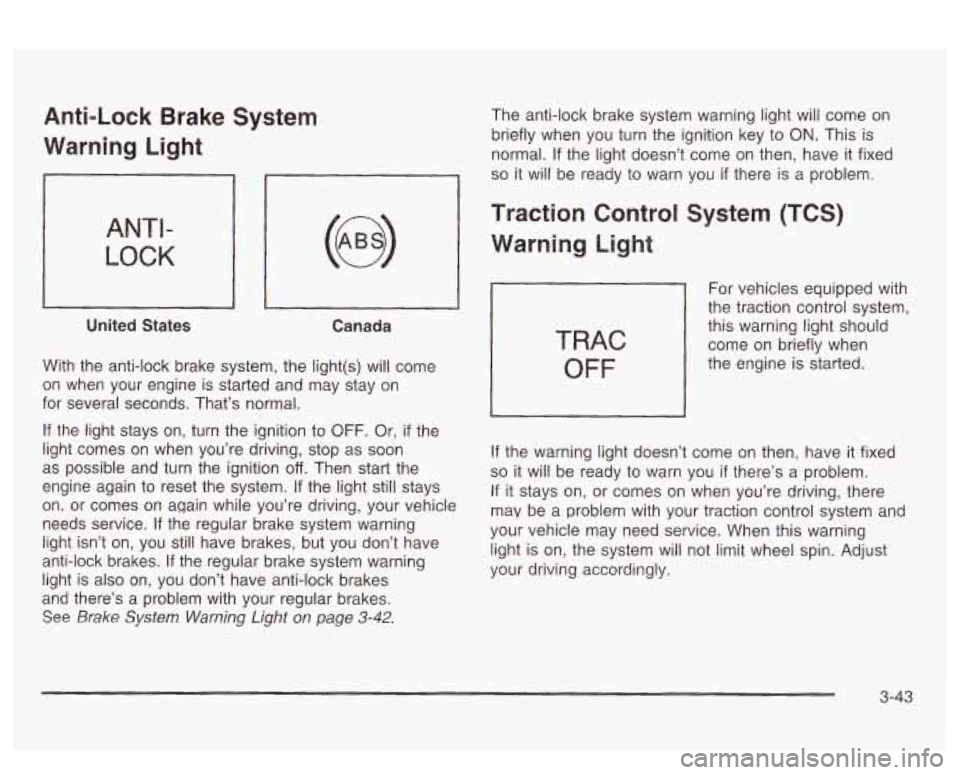
ANTI-
LOCK
United States Canada
With the anti-lock brake system, the light(s) will come
on when your engine
is starled and x2y stay on
for several seconds. That’s normal.
If the light stays on, turn the ignition to OFF. Or, if the
light comes on when you’re driving, stop as soon
as possible and turn the ignition
off. Then start the
engine again to reset the system.
If the light still stays
on. or comes on again while you’re driving, your vehicle
needs service. If the regular brake system warning
light isn’t on, you still have brakes, but
you don’t have
anti-lock brakes. If the regular brake system warning
light is also on, you don’t have anti-lock brakes
and there’s a problem with your regular brakes.
See Brake System Warning Light on page 3-42.
The anti-lock brake system warning light will come on
briefly when you turn the ignition key to
ON. This is
normal.
If the light doesn’t come on then, have it fixed
so it will be ready to warn you if there is a problem.
Traction Control System (TCS)
Warning Light
TRAC
OFF
For vehicles equipped with
the traction control system,
this warning light should
come on briefly when
the engine is started.
If the warning light doesn’t come on then, have it fixed
so it will be ready to warn you if there’s a problem.
If it stays on, or comes on when you’re driving, there
may be a problem with your traction control system and
your vehicle may need service. When this warning
light is on, the system will not limit wheel spin. Adjust
your driving accordingly.
3-43
Page 161 of 418
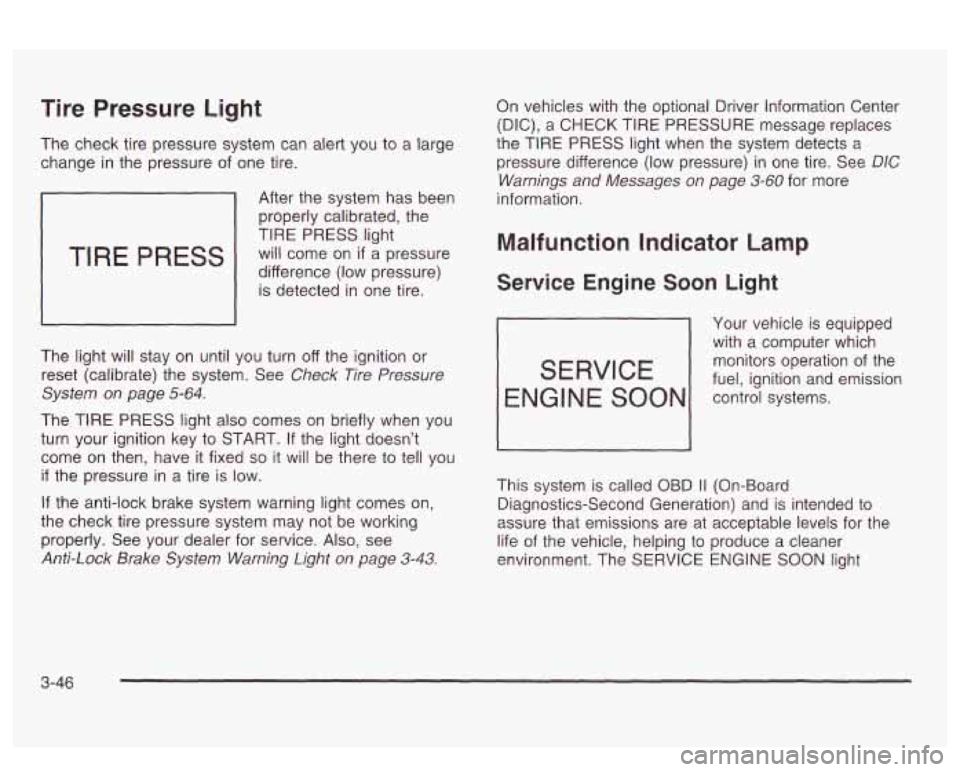
Tire Pressure Light
The check tire pressure system can alert you to a large
change in the pressure of one tire.
TIRE PRESS
After the system has been
properly calibrated, the
TIRE PRESS light
will come on
if a pressure
difference (low pressure) is detected in one tire.
The light will stay on until you turn off the ignition or
reset (calibrate) the system. See
Check Tire Pressure
System on page
5-64.
The TIRE PRESS light also comes on briefly when you
turn your ignition key to START.
If the light doesn’t
come
on then, have it fixed so it will be there to tell you
if the pressure in a tire is low.
If the anti-lock brake system warning light comes on,
the check tire pressure system may not be working
properly. See your dealer for service. Also, see
Anti-Lock Brake System Warning Light on page 3-43.
On vehicles with the optional Driver Information Center
(DIC), a
CHECK TIRE PRESSURE message replaces
the TIRE
PRESS light when the system detects a
pressure difference (low pressure) in one tire. See
DIC
Warnings and Messages on page 3-60 for more
information.
Malfunction Indicator Lamp
Service Engine Soon Light
Your vehicle is equipped
with a computer which
monitors operation of the
fuel, ignition and emission
SERVICE
ENGl NE SOON control systems.
This system is called OBD
I1 (On-Board
Diagnostics-Second Generation) and is intended to
assure that emissions are at acceptable levels for the
life of the vehicle, helping to produce a cleaner
environment. The SERVICE
ENGINE SOON light
3-46
Page 163 of 418
Find a safe place to park your vehicle. Turn the key off,
wait at least
10 seconds and restart the engine. If
the light remains on steady, see “If the Light Is On
Steady” following.
If the light is still flashing, follow the
previous steps, and drive the vehicle to your dealer
or qualified service center for service.
If the Light Is On Steady
You may be able to correct the emission system
malfunction by considering the following:
Did you recently put fuel into your vehicle?
If so, reinstall the fuel cap, making sure to fully install
the cap. See
Filling Your Tank on page 5-8. The
diagnostic system can determine
if the fuel cap has
been left
off or improperly installed. A loose or missing
fuel cap will allow fuel to evaporate into the atmosphere.
A few driving trips with the cap properly installed
should turn the light off.
Did you just drive through a deep puddle of water?
If so, your electrical system may be wet. The condition
will usually be corrected when the electrical system
dries out.
A few driving trips should turn the light off.
Have you recently changed brands of fuel?
If so, be sure to fuel your vehicle with quality fuel. See
Gasoline Octane on page 5-5. Poor fuel quality will
cause your engine not to run as efficiently as designed.
You may notice this as stalling after start-up, stalling
when you put the vehicle into gear, misfiring, hesitation
on acceleration or stumbling on acceleration. (These
conditions may go away once the engine is warmed up.)
This will be detected by the system and cause the
light to turn on.
If you experience one or more of these conditions,
change the fuel brand you use. It will require at least
one full tank of the proper fuel to turn the light off.
If none of the above steps have made the light turn
off,
have your dealer or qualified service center check
the vehicle. Your dealer has the proper test equipment
and diagnostic tools to fix any mechanical or electrical
problems that may have developed.
Emissions Inspection and Maintenance
Programs
Some state/provincial and local governments have or
may begin programs to inspect the emission control
equipment on your vehicle. Failure to pass this
inspection could prevent you from getting a vehicle
registration.
3-48
Page 165 of 418
On vehicles with a DIC, a CHECK GAGES OIL
PRESSURE message will be displayed and a warning
chime will sound. See
DIC Warnings and Messages
on Daue
3-60 for more information.
Don’t keep drivi
J if the oil pressure is low. If
you do, your engine can become
so hot that it
catches fire. You or others could be burned.
Check your oil as soon as possible and have
your vehicle serviced.
Notice: Damage to your engine from neglected oil
problems can be costly and is not covered by
your warranty.
Check Oil Level Light
If your vehicle has the
systems monitor, the
comes on for five seconds CHECK
OIL LEVEL light
OIL LEVEL I as
a-bulb check each
time the ignition key
I is turned io ON.
If the engine oil is more than 1 .O quart (0.9 L) low and
the engine has been shut
off for at least eight minutes,
the CHECK OIL LEVEL light will come on and a
chime will sound the next time you
start your vehicle.
If the CHECK OIL LEVEL light comes on, the engine oil
level should be checked
at the dipstick then brought
up
to the proper level, if necessary. See Engine Oil on
page
5- 15.
On vehicles with a DIC, the CHECK OIL LEVEL light is
replaced by an OIL LEVEL
LOW message. See DIC
Warnings and Messages on page 3-60 for more
information.
3-50
Page 169 of 418
On vehicles with a DIC, the CHECK GAGES LOW
FUEL message will be displayed when the fuel gage
reads
in the yellow band. See DIC Warnings and
Messages on page
3-60 for more information.
Here are some things that owners ask about. None of
these show a problem with your fuel gage:
At the service station, the gas pump shuts off
before the gage reads full.
It takes a little more (or less) fuel to fill up than the
gage indicated. For example, the gage may have
indicated the tank was half full, but it actually took a
little more (or less) than half the tank’s capacity
to
fill the tank.
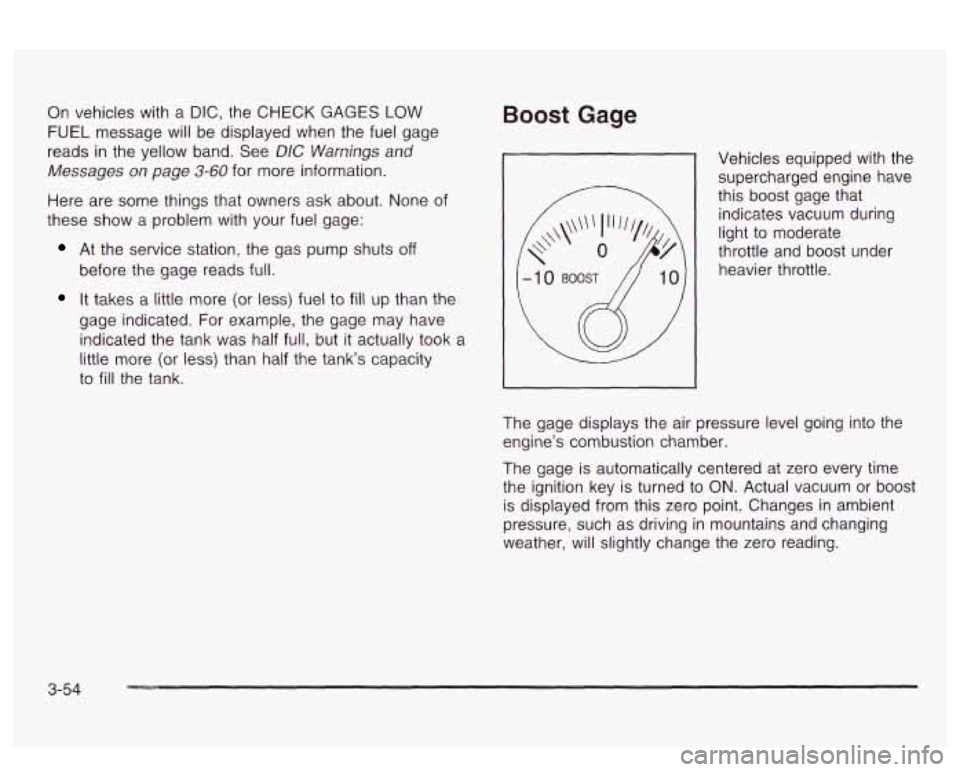
Boost Gage
Vehicles equipped with the supercharged engine have
this boost gage that
indicates vacuum during
light to moderate
throttle and boost under
heavier throttle.
The gage displays the air pressure level going into the
engine’s combustion chamber.
The gage is automatically centered at zero every time
the ignition key is turned to
ON. Actual vacuum or boost
is displayed from this zero point. Changes in ambient
pressure, such as driving in mountains and changing
weather, will slightly change the zero reading.
3-54
Page 176 of 418
SERVICE STABILITY SYSTEM - 54: If you ever see
the SERVICE STABILITY SYSTEM message,
it
means there may be a problem with your stability
enhancement system.
If you see this message, try to
reset the system (stop; turn
off the engine; then start the
engine again).
If the SERVICE STABILITY SYSTEM
message still comes on, it means there is a problem.
You should see your dealer for service. Reduce
your speed and drive accordingly.
STABILITY SYSTEM ACTIVE - 55: You may see the
STABILITY SYSTEM ACTIVE message on the Driver
Information Center. It means that an advanced,
computer-controlled system has come on to help your
vehicle cmtinue to
go in the direction in which you’re
steering. This stability enhancement system activates
when the computer senses that your vehicle
is just
starting to spin, as it might
if you hit a patch of ice or
other slippery spot
on the road. When the system is on,
you may hear a noise or feel a vibration in the brake
pedal. This is normal.
When the STABILITY SYSTEM ACTIVE message
is on,
you should continue to steer in the direction you want
to go. The system is designed to help you in bad
weather or other difficult driving situations by making the
most
of whatever road conditions will permit. If the
STABiLiiY SYSTEM ACTIVE message comes on, you’!!
know that something has caused your vehicle to start
to spin,
so you should consider slowing down.
Tire Pressure Status - 144: If you see the CHECK
TIRE PRESSURE message, you should stop as soon as
you can and check all your tires for damage. (If a tire
is flat, see
If a Tire Goes Flat on page 5-72.) Also check
the tire pressure in all four tires as soon as you can.
See
inflation -- lire Pressure on page 5-62 and Check
Tire Pressure System
on page 5-64.
Driver Identifier DIC Display
This feature allows two different drivers to store and
recall their own preferred display mode. The
personalization settings displayed
on the DIC are
determined by the transmitter used to enter the vehicle.
After the uniock button
on a remote keyless entry
transmitter (if equipped) is pressed and the ignition is
in
ON, the DIC will display the identified driver. The
settings can also be changed by briefly pressing one of
the MEMORY buttons located on the driver’s door.
The DIC is used to program information for DRIVER
#I
UNKNOWN DRIVER if they are neither DRIVER #I nor
DRIVER
#2.
1 --a* .un TI^ nbfi ... :II :A~...+;$., ,-,~orp.,n Qc ~[IU unlvcn ft~. I IIZ UIU vvII1 luGltrl~y S r)bld-aI --
3-61
Page 177 of 418
DIC Vehicle Personalization
The DIC can be used to program the following
personalization features available with your vehicle:
Automatic Door Locks
Window Lock Out
Security Feedback
Delayed Locking
Perimeter Lighting
Memory Seats
Outside Curb View Assist Mirror
Driver ID
The DIC is used to program the personal choices of two
drivers. The drivers are recognized as DRIVER
#1
and DRIVER #2. You will let the DIC know which driver
you are by using your remote keyless entry transmitter
or by pressing the appropriate memory seat control
button located on the driver’s door or by choosing the
driver with the
DIC. Each remote keyless entry
transmitter was preprogrammed to belong to DRIVER
#I
or DRIVER #2. Each transmitter may be programmed
differently for each driver. When you
press the button with the unlock symbol on
your transmitter, the DIC will automatically change driver
numbers and the vehicle will recall the personalization
settings that were last made to correspond to your
transmitter, including your radio and comfort control
settings. See
Climate Controls Personalization on
page
3-33.
If you unlock the vehicle using your door key instead of
your transmitter, the DIC will not change drivers and
will recall the information from the last transmitter use or
the last driver change using the memory seat controls.
If this happens and you were not the last driver of
the vehicle, simply press your correct driver number on
the memory seat controls or press the button with
the unlock symbol
on your transmitter or select the
personalization programming mode and choose
the correct driver number.
Use the following steps for personalization programming
instructions.
1. Turn the ignition on and keep the transaxle in
2. Press the MODE button to reach personalization
3. Press the SELECT button to enter personalization
PARK (P).
programming display. programming mode.
3-62