climate control PONTIAC G8 2009 User Guide
[x] Cancel search | Manufacturer: PONTIAC, Model Year: 2009, Model line: G8, Model: PONTIAC G8 2009Pages: 356, PDF Size: 1.83 MB
Page 161 of 356
2. Adjust the temperature to a
comfortable setting between
72°F (22°C) and 75°F (24°C).
Choosing the coldest or warmest
temperature setting will not cause
the system to heat or cool any
faster.
3. Let the system stabilize for a
few minutes.
4. Adjust the air outlets or
temperature.
In cold weather, the system starts in
the recirculation mode with the fan
off. As the engine warms up, warm
air is directed to the oor outlets,
before automatically changing to
bi-level mode with a reduced fan
speed.
Do not cover the solar sensor
located in the center of the
instrument panel, near the
windshield. For more information
on the solar sensor, see “Sensors”
later in this section.Manual Operation
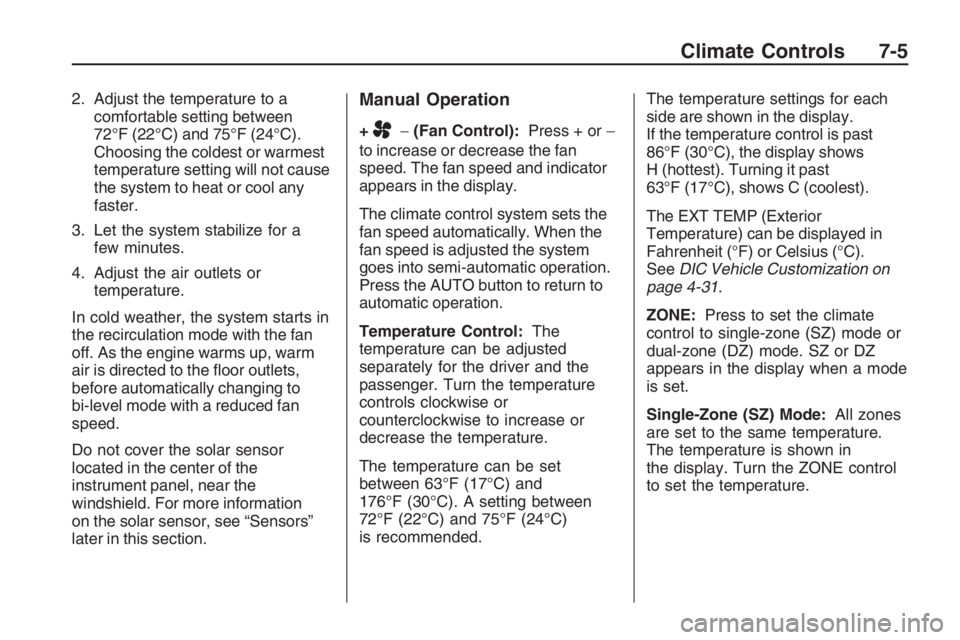
+A−(Fan Control):Press + or−
to increase or decrease the fan
speed. The fan speed and indicator
appears in the display.
The climate control system sets the
fan speed automatically. When the
fan speed is adjusted the system
goes into semi-automatic operation.
Press the AUTO button to return to
automatic operation.
Temperature Control:The
temperature can be adjusted
separately for the driver and the
passenger. Turn the temperature
controls clockwise or
counterclockwise to increase or
decrease the temperature.
The temperature can be set
between 63°F (17°C) and
176°F (30°C). A setting between
72°F (22°C) and 75°F (24°C)
is recommended.The temperature settings for each
side are shown in the display.
If the temperature control is past
86°F (30°C), the display shows
H (hottest). Turning it past
63°F (17°C), shows C (coolest).
The EXT TEMP (Exterior
Temperature) can be displayed in
Fahrenheit (°F) or Celsius (°C).
SeeDIC Vehicle Customization on
page 4-31.
ZONE:Press to set the climate
control to single-zone (SZ) mode or
dual-zone (DZ) mode. SZ or DZ
appears in the display when a mode
is set.
Single-Zone (SZ) Mode:All zones
are set to the same temperature.
The temperature is shown in
the display. Turn the ZONE control
to set the temperature.
Climate Controls 7-5
Page 162 of 356
Dual-Zone (DZ) Mode:Allows
different temperatures to be set for
the driver and passenger sides
or to link them. When linked,
the passenger side temperature
uses the same temperature setting
as the driver side.
Turn the AUTO control to set a
different temperature for the
passenger.
Press and hold the AUTO button
for at least three seconds to link
the passenger and driver side
temperatures. Linking automatically
occurs if the passenger and driver
sides are set to the same
temperature when the ignition is
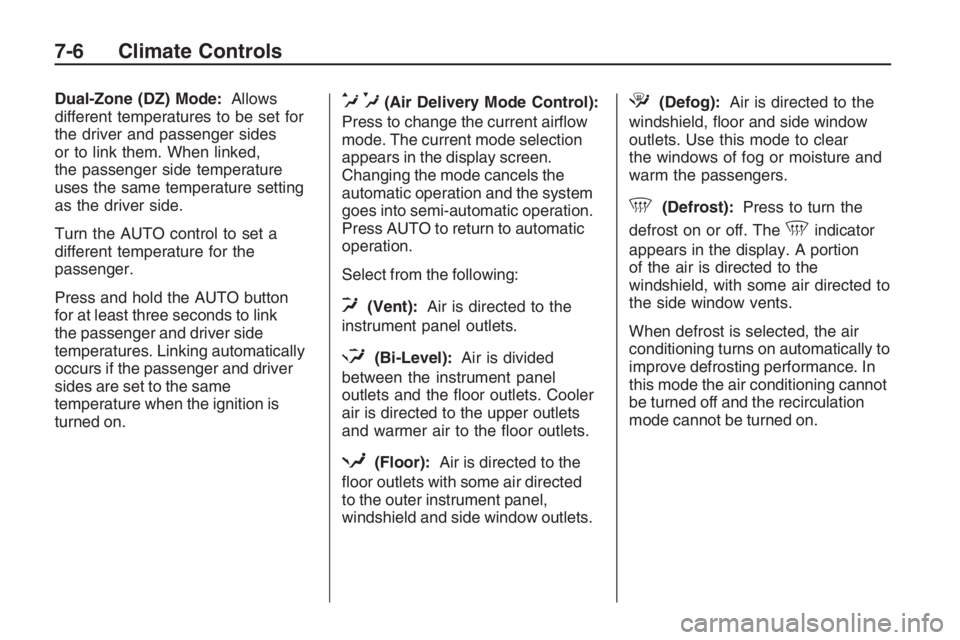
turned on.e*(Air Delivery Mode Control):
Press to change the current airow
mode. The current mode selection
appears in the display screen.
Changing the mode cancels the
automatic operation and the system
goes into semi-automatic operation.
Press AUTO to return to automatic
operation.
Select from the following:
0(Vent):Air is directed to the
instrument panel outlets.
1(Bi-Level):Air is divided
between the instrument panel
outlets and the oor outlets. Cooler
air is directed to the upper outlets
and warmer air to the oor outlets.
d(Floor):Air is directed to the
oor outlets with some air directed
to the outer instrument panel,
windshield and side window outlets.
4(Defog):Air is directed to the
windshield, oor and side window
outlets. Use this mode to clear
the windows of fog or moisture and
warm the passengers.
5(Defrost):Press to turn the
defrost on or off. The
5indicator
appears in the display. A portion
of the air is directed to the
windshield, with some air directed to
the side window vents.
When defrost is selected, the air
conditioning turns on automatically to
improve defrosting performance. In
this mode the air conditioning cannot
be turned off and the recirculation
mode cannot be turned on.
7-6 Climate Controls
Page 163 of 356
Air Conditioning
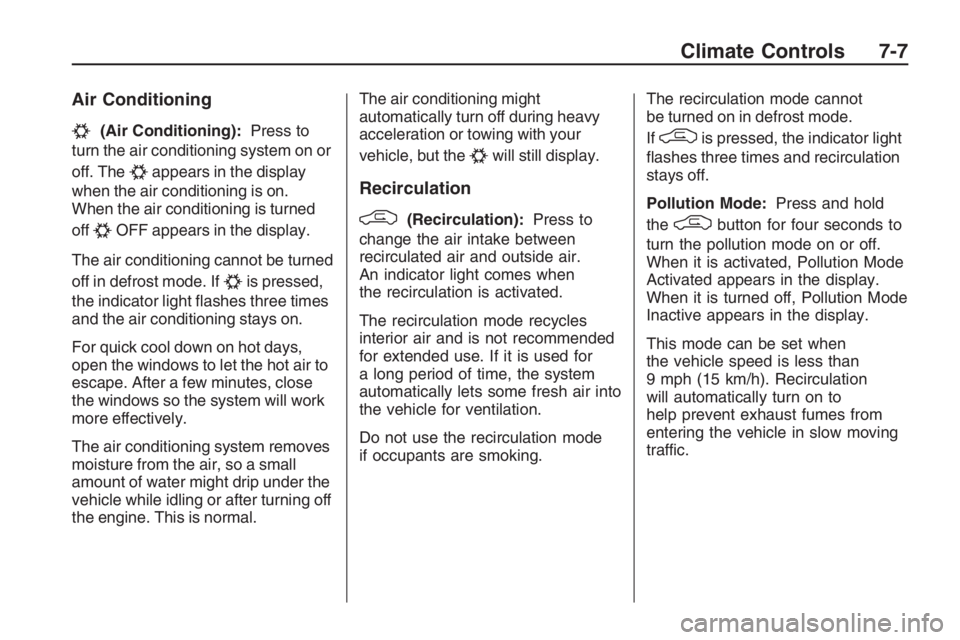
#(Air Conditioning):Press to
turn the air conditioning system on or
off. The
#appears in the display
when the air conditioning is on.
When the air conditioning is turned
off
#OFF appears in the display.
The air conditioning cannot be turned
off in defrost mode. If
#is pressed,
the indicator light ashes three times
and the air conditioning stays on.
For quick cool down on hot days,
open the windows to let the hot air to
escape. After a few minutes, close
the windows so the system will work
more effectively.
The air conditioning system removes
moisture from the air, so a small
amount of water might drip under the
vehicle while idling or after turning off
the engine. This is normal.The air conditioning might
automatically turn off during heavy
acceleration or towing with your
vehicle, but the
#will still display.
Recirculation
/(Recirculation):Press to
change the air intake between
recirculated air and outside air.
An indicator light comes when
the recirculation is activated.
The recirculation mode recycles
interior air and is not recommended
for extended use. If it is used for
a long period of time, the system
automatically lets some fresh air into
the vehicle for ventilation.
Do not use the recirculation mode
if occupants are smoking.The recirculation mode cannot
be turned on in defrost mode.
If
/is pressed, the indicator light
ashes three times and recirculation
stays off.
Pollution Mode:Press and hold
the
/button for four seconds to
turn the pollution mode on or off.
When it is activated, Pollution Mode
Activated appears in the display.
When it is turned off, Pollution Mode
Inactive appears in the display.
This mode can be set when
the vehicle speed is less than
9 mph (15 km/h). Recirculation
will automatically turn on to
help prevent exhaust fumes from
entering the vehicle in slow moving
traffic.
Climate Controls 7-7
Page 164 of 356
Rear Window Defogger
The rear window defogger uses a
warming grid to remove fog or
frost from the rear window. It only
works when the ignition is in
ON/RUN.
The rear window defogger will
only work when the ignition is in
ON/RUN.
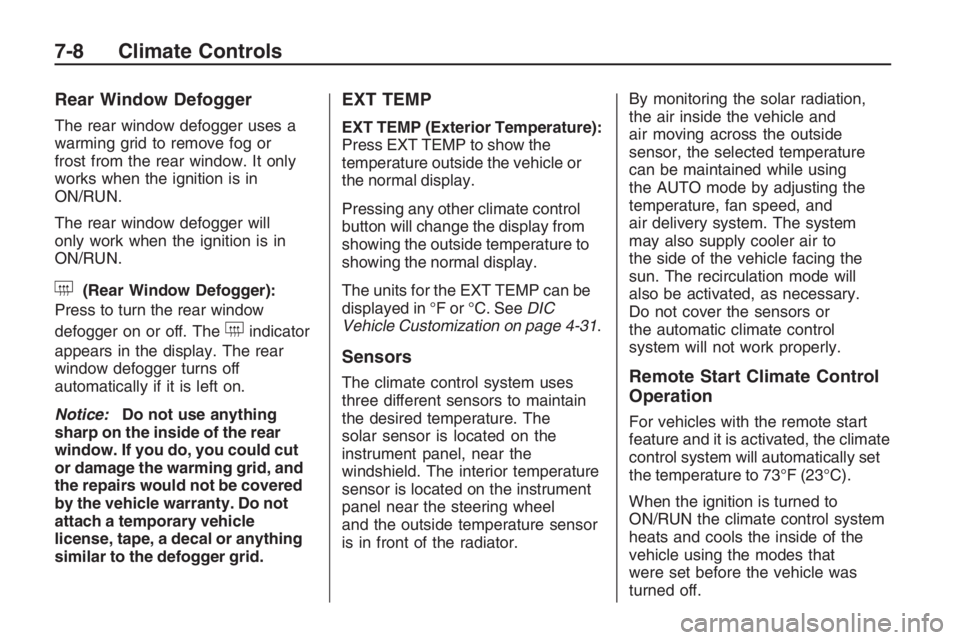
+(Rear Window Defogger):
Press to turn the rear window
defogger on or off. The
+indicator
appears in the display. The rear
window defogger turns off
automatically if it is left on.
Notice:Do not use anything
sharp on the inside of the rear
window. If you do, you could cut
or damage the warming grid, and
the repairs would not be covered
by the vehicle warranty. Do not
attach a temporary vehicle
license, tape, a decal or anything
similar to the defogger grid.
EXT TEMP
EXT TEMP (Exterior Temperature):
Press EXT TEMP to show the
temperature outside the vehicle or
the normal display.
Pressing any other climate control
button will change the display from
showing the outside temperature to
showing the normal display.
The units for the EXT TEMP can be
displayed in °F or °C. SeeDIC
Vehicle Customization on page 4-31.
Sensors
The climate control system uses
three different sensors to maintain
the desired temperature. The
solar sensor is located on the
instrument panel, near the
windshield. The interior temperature
sensor is located on the instrument
panel near the steering wheel
and the outside temperature sensor
is in front of the radiator.By monitoring the solar radiation,
the air inside the vehicle and
air moving across the outside
sensor, the selected temperature
can be maintained while using
the AUTO mode by adjusting the
temperature, fan speed, and
air delivery system. The system
may also supply cooler air to
the side of the vehicle facing the
sun. The recirculation mode will
also be activated, as necessary.
Do not cover the sensors or
the automatic climate control
system will not work properly.Remote Start Climate Control
Operation
For vehicles with the remote start
feature and it is activated, the climate
control system will automatically set
the temperature to 73°F (23°C).
When the ignition is turned to
ON/RUN the climate control system
heats and cools the inside of the
vehicle using the modes that
were set before the vehicle was
turned off.
7-8 Climate Controls
Page 165 of 356
Personal Identity Keys
For vehicles with the Personal
Identity Key Locking System,
the system remembers the last
climate control settings used with
different keys.
When the unlock button is pressed,
the system remembers the key
and sets the climate control system
to the last settings used with that
key. SeeRemote Keyless Entry
(RKE) System Operation on
page 2-4.
Passenger Compartment
Air Filter
The vehicle has a passenger
compartment air lter that lters the
outside air entering the vehicle.
The lter removes contaminants,
such as pollen and dust. See
your dealer/retailer for more
information.
Outlet Adjustment
The air outlets have adjustable
vanes to move up or down and left or
right to change the direction of the
airow. Use the thumbwheels
located near the air outlets on the
instrument panel, to shut off the
airow.
Operation Tips
Clear away any ice, snow or
leaves from the air inlets at
the base of the windshield that
may block the ow of air into
the vehicle.
Use of non-GM approved hood
deectors may adversely affect
performance of the system.
Keep the path under the front
seats clear of objects to help
circulate the air inside of
the vehicle more effectively.
Outside air is drawn into the
vehicle, unless recirculation
mode is selected.
Climate Controls 7-9
Page 166 of 356

✍NOTES
7-10 Climate Controls
Page 195 of 356
CAUTION (Continued)
Fully open the air outlets on
or under the instrument panel.
Adjust the Climate Control
system to a setting that
circulates the air inside the
vehicle and set the fan speed
to the highest setting. See
Climate Control System in the
Index.
For more information about carbon
monoxide, seeEngine Exhaust on
page 8-14.
Snow can trap exhaust gases
under your vehicle. This can cause
deadly CO (carbon monoxide) gas
to get inside. CO could overcome
you and kill you. You cannot see it
or smell it, so you might not know it
is in your vehicle. Clear away snow
from around the base of your
vehicle, especially any that is
blocking the exhaustRun the engine for short periods
only as needed to keep warm,
but be careful.
To save fuel, run the engine for only
short periods as needed to warm
the vehicle and then shut the engine
off and close the window most of
the way to save heat. Repeat
this until help arrives but only when
you feel really uncomfortable
from the cold. Moving about to keep
warm also helps.
If it takes some time for help to
arrive, now and then when you run
the engine, push the accelerator
pedal slightly so the engine
runs faster than the idle speed. This
keeps the battery charged to
restart the vehicle and to signal for
help with the headlamps. Do
this as little as possible to save fuel.
If Your Vehicle is Stuck
in Sand, Mud, Ice,
or Snow
Slowly and cautiously spin the
wheels to free the vehicle when
stuck in sand, mud, ice, or snow.
SeeRocking Your Vehicle to Get It
Out on page 8-30.
{CAUTION
If you let your vehicle’s tires spin
at high speed, they can explode,
and you or others could be
injured. The vehicle can overheat,
causing an engine compartment
re or other damage. Spin the
wheels as little as possible and
avoid going above 35 mph
(55 km/h) as shown on the
speedometer.
For information about using tire
chains on the vehicle, seeTire
Chains on page 9-65.
Driving and Operating 8-29
Page 266 of 356
Uniform Tire Quality
Grading
Quality grades can be found
where applicable on the tire
sidewall between tread shoulder
and maximum section width. For
example:
Treadwear 200 Traction AA
Temperature A
The following information relates
to the system developed by the
United States National Highway
Traffic Safety Administration
(NHTSA), which grades tires by
treadwear, traction, and
temperature performance. This
applies only to vehicles sold in
the United States. The grades
are molded on the sidewalls ofmost passenger car tires. The
Uniform Tire Quality Grading
(UTQG) system does not apply to
deep tread, winter-type snow
tires, space-saver, or temporary
use spare tires, tires with nominal
rim diameters of 10 to 12 inches
(25 to 30 cm), or to some
limited-production tires.
While the tires available on
General Motors passenger cars
and light trucks may vary with
respect to these grades, they
must also conform to federal
safety requirements and
additional General Motors Tire
Performance Criteria (TPC)
standards.Treadwear
The treadwear grade is a
comparative rating based on the
wear rate of the tire when tested
under controlled conditions on a
specied government test
course. For example, a tire
graded 150 would wear one and
a half (1.5) times as well on the
government course as a tire
graded 100. The relative
performance of tires depends
upon the actual conditions of
their use, however, and may
depart signicantly from the norm
due to variations in driving habits,
service practices, and differences
in road characteristics and
climate.
9-62 Vehicle Service and Care
Page 273 of 356
Do a safety check before
proceeding. SeeIf a Tire
Goes Flat on page 9-66.
Inspect the damaged tire.
The sealant cannot seal sidewall
damage, large punctures, or a
tire that has unseated from
the wheel. SeeRoadside Assistance
Program on page 12-6.
Do not remove any objects that
have penetrated the tire.
1. Place the tire sealant and
compressor kit on the ground and
unwrap the sealant/air hose (E)
from the side of the compressor.
2. Remove the air compressor
accessory plug (B) from the unit.
Do not plug the plug in yet.3. Turn the tire valve stem cap
counterclockwise to remove.
4. Attach the sealant/air hose (E)
onto the tire valve stem.
Turn it clockwise until tight.
5. Make sure the sealant and
compressor kit on/off switch (A)
is in the O (off) position.
Plug the air compressor
accessory plug (B) into an
accessory power outlet in the
vehicle. SeeAccessory Power
Outlet(s) on page 4-9for
more information.
Do not slam door or close
window on the compressor
accessory plug cord.
{CAUTION
Idling the engine in a closed-in
place or with the climate control
system off can cause deadly
carbon monoxide (CO). See
Engine Exhaust on page 8-14.6. Start the vehicle. The vehicle
must be running while using
the air compressor.
{CAUTION
Overination could cause the tire
to rupture, and you or others
could be injured. Be sure to read
the inator instructions, and inate
the tire to its recommended
pressure. Do not exceed 36 psi
(248 kPa).
7. Push the On/Off switch (A) to the
I (on) position.
The kit will begin to inject sealant
into the tire. Sealant could leak
from the puncture hole until
the vehicle is driven and the hole
has sealed.
Vehicle Service and Care 9-69
Page 277 of 356
{CAUTION
Idling the engine in a closed-in
place or with the climate control
system off can cause deadly
carbon monoxide (CO). See
Engine Exhaust on page 8-14.
5. Start the vehicle. The vehicle
must be running while using
the air compressor.
{CAUTION
Overination could cause the tire
to rupture, and you or others could
be injured. Be sure to read the
inator instructions, and inate the
tire to its recommended pressure.
Do not exceed 36 psi (248 kPa).
6. Push the On/Off switch (G) to
the I (on) position.
Check the pressure gage (F).
If there is not a pressure reading
while the compressor isrunning, check for leaks at the
connection between the
hose and the tire valve stem.
7. Inate the tire up to the
recommended ination pressure
using the air pressure gage (F)
on the top of the unit. See
Inflation - Tire Pressure on
page 9-49.
The pressure gage (F) reads
slightly high while the compressor
is on. Turn the compressor off to
get an accurate reading. The
compressor may be turned on
and off until the correct pressure
is reached.
8. Push the On/Off switch (G) to
the O (off) position.
Be careful while handling the tire
sealant and compressor kit as
they could be hot after usage.
9. Unplug the air compressor
accessory plug (A) from the
accessory power outlet in
the vehicle and stow it in its
original location.10. Disconnect the air-only hose (E)
from the tire valve stem and
stow it back in its original
location.
11. Replace the tire valve
stem cap.
{CAUTION
Storing the tire sealant and
compressor kit or other equipment
in the passenger compartment of
the vehicle could cause injury. In
a sudden stop or collision, loose
equipment could strike someone.
Store the tire sealant and
compressor kit in its original
location.
12. Place the equipment in the
original location in the trunk
of your vehicle.
Vehicle Service and Care 9-73