warning PONTIAC G8 2009 User Guide
[x] Cancel search | Manufacturer: PONTIAC, Model Year: 2009, Model line: G8, Model: PONTIAC G8 2009Pages: 356, PDF Size: 1.83 MB
Page 89 of 356
Airbag Readiness Light
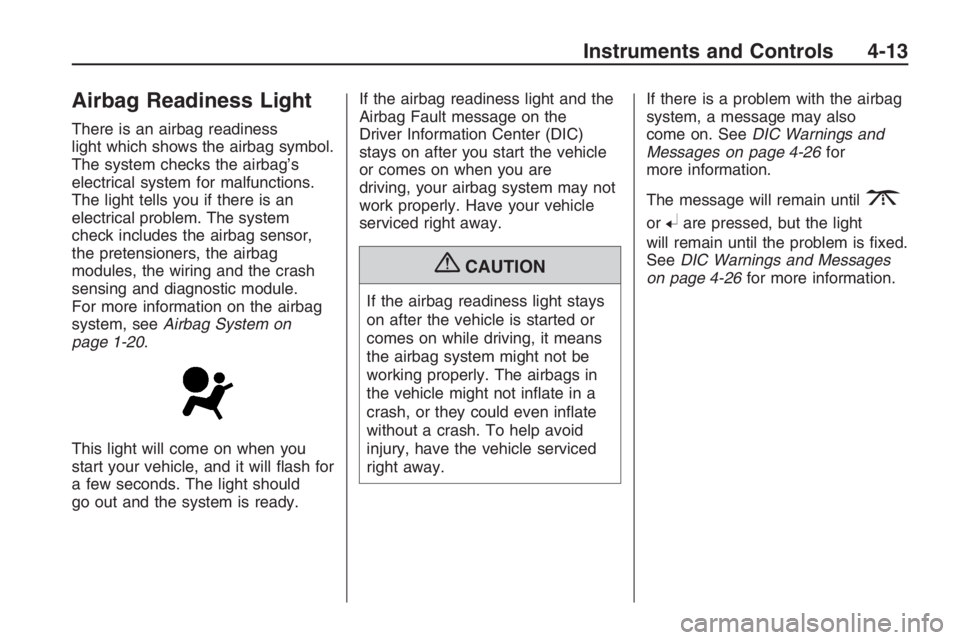
There is an airbag readiness
light which shows the airbag symbol.
The system checks the airbag’s
electrical system for malfunctions.
The light tells you if there is an
electrical problem. The system
check includes the airbag sensor,
the pretensioners, the airbag
modules, the wiring and the crash
sensing and diagnostic module.
For more information on the airbag
system, seeAirbag System on
page 1-20.
This light will come on when you
start your vehicle, and it will ash for
a few seconds. The light should
go out and the system is ready.If the airbag readiness light and the
Airbag Fault message on the
Driver Information Center (DIC)
stays on after you start the vehicle
or comes on when you are
driving, your airbag system may not
work properly. Have your vehicle
serviced right away.
{CAUTION
If the airbag readiness light stays
on after the vehicle is started or
comes on while driving, it means
the airbag system might not be
working properly. The airbags in
the vehicle might not inate in a
crash, or they could even inate
without a crash. To help avoid
injury, have the vehicle serviced
right away.If there is a problem with the airbag
system, a message may also
come on. SeeDIC Warnings and
Messages on page 4-26for
more information.
The message will remain until
3
or8are pressed, but the light
will remain until the problem is xed.
SeeDIC Warnings and Messages
on page 4-26for more information.
Instruments and Controls 4-13
Page 91 of 356
Voltmeter Gage
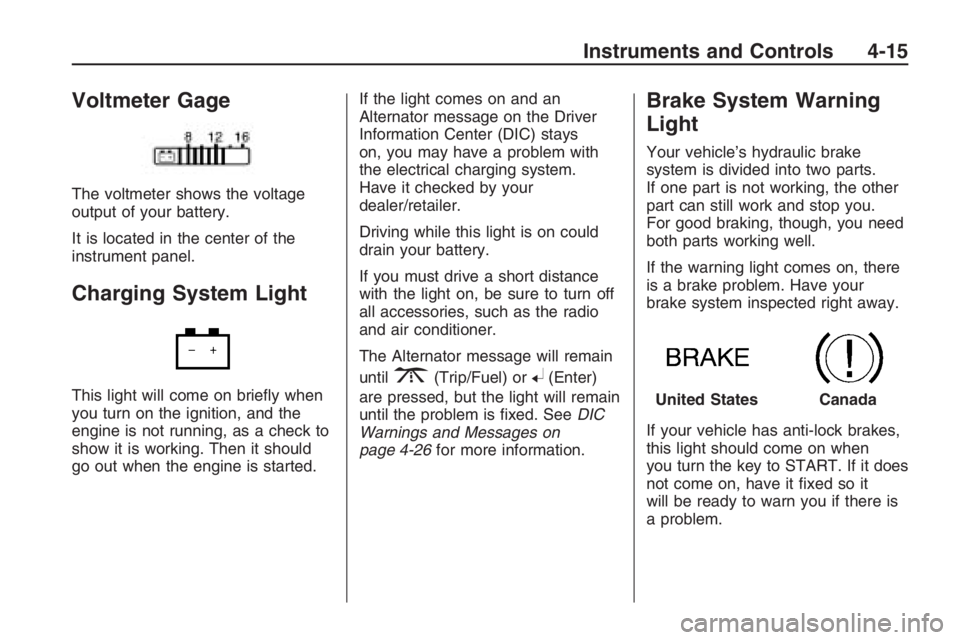
The voltmeter shows the voltage
output of your battery.
It is located in the center of the
instrument panel.
Charging System Light
This light will come on briey when
you turn on the ignition, and the
engine is not running, as a check to
show it is working. Then it should
go out when the engine is started.If the light comes on and an
Alternator message on the Driver
Information Center (DIC) stays
on, you may have a problem with
the electrical charging system.
Have it checked by your
dealer/retailer.
Driving while this light is on could
drain your battery.
If you must drive a short distance
with the light on, be sure to turn off
all accessories, such as the radio
and air conditioner.
The Alternator message will remain
until
3(Trip/Fuel) or8(Enter)
are pressed, but the light will remain
until the problem is xed. SeeDIC
Warnings and Messages on
page 4-26for more information.
Brake System Warning
Light
Your vehicle’s hydraulic brake
system is divided into two parts.
If one part is not working, the other
part can still work and stop you.
For good braking, though, you need
both parts working well.
If the warning light comes on, there
is a brake problem. Have your
brake system inspected right away.
If your vehicle has anti-lock brakes,
this light should come on when
you turn the key to START. If it does
not come on, have it xed so it
will be ready to warn you if there is
a problem.
United StatesCanada
Instruments and Controls 4-15
Page 92 of 356
When the ignition is on, the brake
system warning light will also
come on when you set your parking
brake. The light will stay on if
your parking brake does not release
fully. If it stays on after your
parking brake is fully released, it
means you have a brake problem.
If the light comes on and Brake
message comes on the Driver
Information Center (DIC), while you
are driving, pull off the road and
stop carefully. You may notice that
the pedal is harder to push or
the pedal may go closer to the oor.
It may take longer to stop. If the
light is still on, have the vehicle
towed for service. SeeAntilock
Brake System (ABS) Warning Light
on page 4-16andTowing Your
Vehicle on page 9-88.{CAUTION
The brake system might not be
working properly if the brake
system warning light is on.
Driving with the brake system
warning light on can lead to a
crash. If the light is still on after the
vehicle has been pulled off the
road and carefully stopped, have
the vehicle towed for service.
The Brake message will remain until
3(Trip/Fuel) or8(Enter) are
pressed, but the brake light will
remain until the problem is xed.
SeeDIC Warnings and Messages
on page 4-26for more information.
Antilock Brake System
(ABS) Warning Light
For vehicles with the Antilock Brake
System (ABS), this light will come on
briey, as a check, when you start
your vehicle.
If it does not, have your vehicle
serviced so that the light works
properly when it needs to.
If the light and a message in the DIC
stays on longer than a few seconds
after you start your engine, or comes
on and stays on while you are
driving, try resetting the system.
To reset the system:
1. If you are driving, pull over when
it is safe to do so.
2. Place the vehicle in P (Park).
3. Turn off the ignition.
4. Then restart the engine.
4-16 Instruments and Controls
Page 93 of 356
If the light remains on after resetting
the system or comes on again
while driving, your vehicle needs
service. If the ABS light is on,
but the regular brake system
warning light is not on, the antilock
brakes are not working properly,
but the regular brakes are still
functioning. Have your vehicle
serviced right away. If both brake
lights are on, you do not have
antilock brakes, and there’s a
problem with your regular brakes as
well. Have your vehicle towed for
service. SeeTowing Your Vehicle
on page 9-88.
The ABS Fault message will remain
until
3(Trip/Fuel) or8(Enter)
are pressed, but the warning
light will remain until the problem is
xed. SeeDIC Warnings and
Messages on page 4-26for more
information.
Engine Coolant
Temperature Gage
This gage shows the engine coolant
temperature. If the gage pointer
moves into the red area, the engine
is too hot. It means that the engine
has overheated. Pull off the road,
stop the vehicle, and turn off the
engine as soon as possible. See
Engine Overheating on page 9-20.
Tire Pressure Light
TPMS Light
This light comes on briey when the
engine is started and provides
information about tire pressures and
the Tire Pressure Monitoring System.When the Light is On Steady
This light will also come on when
one or more of your tires are
signicantly underinated. A CHECK
TIRE PRESSURE DIC message
will accompany the light.
SeeDIC Warnings and Messages
on page 4-26for more information.
Stop and check your tires as soon
as it is safe to do so. If underinated,
inate to the proper pressure.
SeeTires on page 9-42for more
information.
When the Light Flashes First and
Then is On Steady
This indicates that there may be a
problem with the Tire Pressure
Monitor System.
The light ashes for about a minute
and stays on on steady for the
remainder of the ignition cycle.
This sequence will repeat with every
ignition cycle. SeeTire Pressure
Monitor System on page 9-52
andTire Pressure Monitor Operation
on page 9-54for more information.
Instruments and Controls 4-17
Page 97 of 356
Daytime Running Lamps
(DRL) Indicator Light
This light turns on whenever the
Daytime Running Lamps are on.
SeeDaytime Running Lamps (DRL)
on page 5-2for more information.
Door Ajar Light
When the ignition is on, this light
stays on until all doors are closed
and completely latched.
If a door is not closed properly,
a chime sounds after the engine is
started and the vehicle is not in
P (Park).
Oil Pressure Gage
The gage shows the engine oil
pressure.
It is located in the center of the
instrument panel.
{CAUTION
Do not keep driving if the oil
pressure is low. The engine can
become so hot that it catches re.
Someone could be burned. Check
the oil as soon as possible and
have the vehicle serviced.
Notice:Lack of proper engine oil
maintenance can damage the
engine. The repairs would not be
covered by the vehicle warranty.
Always follow the maintenance
schedule in this manual for
changing engine oil.
Fuel Gage
The fuel gage shows about how
much fuel you have left, when the
ignition is on.
When the indicator nears empty,
the low fuel warning light will come
on and along with a chime.
There is still a little fuel left,
but you should refuel soon.
Here are four things that some
owners ask about. These are normal
and do not indicate a problem
with your fuel gage:
At the service station, the gas
pump shuts off before the gage
reads full.
It takes a little more or less fuel
to ll up than the gage indicated.
The indicator moves a little when
you turn a corner or speed up.
The gage will continue to show
the remaining fuel when the
ignition is turned off.
Instruments and Controls 4-21
Page 98 of 356
Driver Information
Center (DIC)
The DIC displays information about
your vehicle. It also displays warning
messages if a system problem is
detected. The DIC also allows some
features to be customized. SeeDIC
Vehicle Customization on page 4-31
for more information. All messages
will appear in the DIC display located
in the center of the instrument panel
cluster.
When the ignition is turned on, a
vehicle system check is performed
and the status is shown on the
DIC display. If there are no warnings
or service reminders, the display
shows a series of welcome screens.
When the ignition is turned off,
the odometer appears on the display
for a short period of time unless
a service reminder is active.Active service reminders are
displayed for 10 seconds before
the odometer appears. The
odometer will reappear on the
display when the driver door is
opened. For more information on
the warnings and messages
seeDIC Warnings and Messages
on page 4-26.
DIC Operation and
Displays
The DIC has different displays
which can be accessed by pressing
the DIC buttons located on the
left side of the steering wheel.
The DIC displays trip, fuel, vehicle
system information, and warning
messages if a system problem
is detected.
DIC Buttons
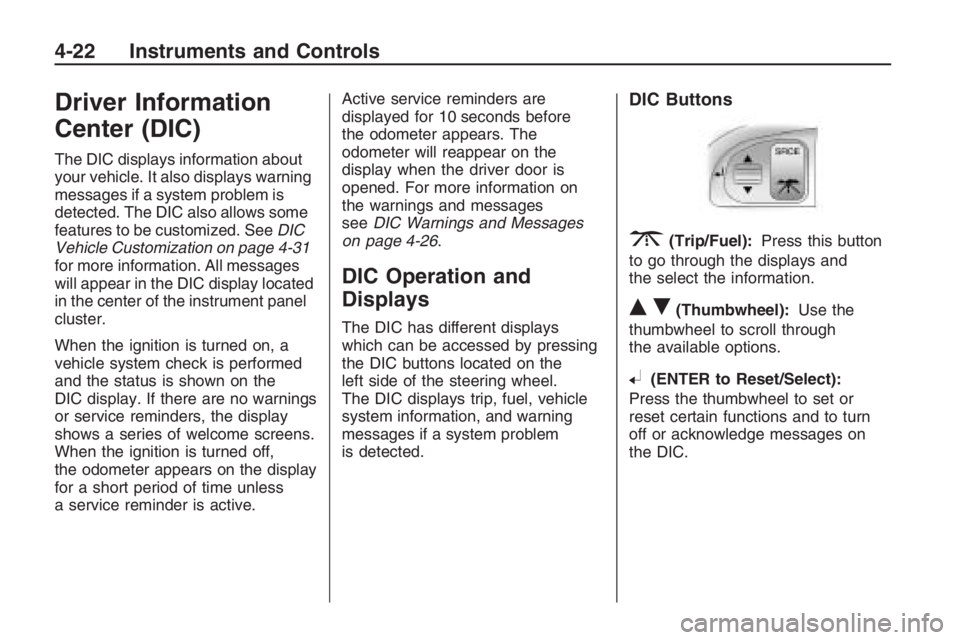
3(Trip/Fuel):Press this button
to go through the displays and
the select the information.
QR(Thumbwheel):Use the
thumbwheel to scroll through
the available options.
8(ENTER to Reset/Select):
Press the thumbwheel to set or
reset certain functions and to turn
off or acknowledge messages on
the DIC.
4-22 Instruments and Controls
Page 100 of 356
Distance/Time To Go
Press
3until To Go is displayed.
If this item doesn’t display, check
that the display is turned on through
the Customize Options menu.
SeeDIC Vehicle Customization on
page 4-31for more information.
At the start of a trip, estimate the
distance to arrival (for example,
from maps, road signs). Move the
thumbwheel up or down until
the display shows the estimated
trip distance. When driving, the
computer constantly updates
the time to arrival, based on
changing driving speeds. Use the
thumbwheel to adjust the distance
any time this display is shown.
Time to go is shown in hours and
minutes and is only shown if the
distance to go is more than zero.
This display can be turned on or off
and the default setting can be
changed.Range
Press3until Range is displayed.
This display shows the approximate
distance the vehicle can be driven
without refueling. The fuel range
estimate is based on an average of
the vehicle’s fuel economy over
recent driving history and the amount
of fuel remaining in the fuel tank.
Fuel range cannot be reset.
Avg (Average) Speed/Avg
(Average) Fuel
Press
3until Avg Speed/Avg
Fuel is displayed.
Avg Speed shows the average
speed (while the engine is running)
since the last reset.
Avg Fuel shows average fuel used
since the last reset.
To reset only the Avg Speed or Avg
Fuel, press and hold
8while either
value is highlighted. If
8is only
pressed briey, the Trip Odometer
will be reset as well.OverSpeed
OverSpeed allows the driver to set
a speed that they do not want to
exceed. OverSpeed will illuminate in
the display and a chime will sound
to warn that the vehicle’s speed
is equal or has exceeded the
preselected value. During an
OverSpeed warning, the OverSpeed
display is shown, allowing the
driver to make adjustments.
To set the OverSpeed warning
press
3when OverSpeed
is displayed to highlight the
OverSpeed mode. Move the
thumbwheel up
Qor downRto
scroll through and highlight one
of the following options:
Off:No OverSpeed warning set.
Manual:Allows you to manually
set the OverSpeed warning.
See “Manual OverSpeed” following.
4-24 Instruments and Controls
Page 101 of 356
Preset 1:Default setting 30 MPH
(48 km/h)
Preset 2:Default setting 45 MPH
(72 km/h)
Preset 3:Default setting 55 MPH
(89 km/h)
Preset 4:Default setting 70 MPH
(113 km/h)
The selection is set automatically
after a few seconds.
The corresponding value of the
presets will be shown on the display.
The preset OverSpeed warnings
can be reprogrammed. See
“Programming the OverSpeed
Presets” later in this section.Manual OverSpeed
To manually set the OverSpeed
warning:
1. Use the thumbwheel to select
Manual for OverSpeed.
2. Press
8to highlight the current
value.
3. Use the thumbwheel to adjust
the value in 5 MPH or km/h
increments and press
8
to conrm the setting.
To set the OverSpeed warning to
the vehicle’s current speed:
1. Use the thumbwheel to select
Manual as described in the
OverSpeed section.
2. Press
8to highlight the current
value.
3. Press and hold
8for more than
3 seconds to set the value to the
nearest 5 MPH or km/h above the
current vehicle’s speed.Programming the OverSpeed
Presets
While the vehicle’s speed is 6 MPH
(10 km/h) or below, each of the
presets can be altered and values
can be stored for future use.
To reprogram the OverSpeed
presets:
1. Use the thumbwheel to select the
desired preset and press
8.
2. Move the thumbwheel up
Qor
down
Rto adjust the value in
1km/h increments.
3. Press
8to conrm the setting.
Instruments and Controls 4-25
Page 102 of 356
Adjusting the Setting During an
OverSpeed Warning
While the OverSpeed warning is
displayed move the thumbwheel up
Qor downRto adjust the
value when in Manual mode or to
select a different preset when
in Preset mode. Press and hold
8
for more than 3 seconds to set
the value to the nearest 5 MPH or
km/h above the current vehicle’s
speed. If Preset mode was selected,
this will change it to Manual mode.
Underspeed Chime
If an OverSpeed warning appeared
and the vehicle’s speed drops
below the set value, you will hear a
chime. The underspeed chime
can be turned on or off through the
vehicle customization. SeeDIC
Vehicle Customization on page 4-31
for more information.
DIC Warnings and
Messages
Messages are displayed on the DIC
to notify the driver that the status
of the vehicle has changed and that
some action may be needed by
the driver to correct the condition.
Multiple messages may appear
one after another.
Some messages may not require
immediate action, but you can press
3or8to acknowledge that
you received the messages and
to clear them from the display.
Some messages cannot be cleared
from the DIC display because
they are more urgent. These
messages require action before they
can be cleared. You should take
any messages that appear on
the display seriously and remember
that clearing the messages will
only make the messages disappear,
not correct the problem.The following are the possible
messages that can be displayed
and some information about them.
!ABS Fault
This message is displayed if there is
a problem with the ABS system.
The ABS light may also turn on
in the instrument panel cluster.
SeeAntilock Brake System (ABS)
Warning Light on page 4-16.
When this message is on, the brake
system will still operate with the
antilock operation disabled.
See your dealer/retailer.
uActive Select On
This message is displayed when
the automatic transmission
active select mode is enabled.
See “Active Select Mode” under
Automatic Transmission Operation
on page 8-6.
4-26 Instruments and Controls
Page 103 of 356
9Airbag Fault
This message is displayed if there is
a problem with the airbag system
or safety belt pretensioner system.
SeeAirbag System on page 1-20
and “Safety Belt Pretensioners”
underLap-Shoulder Belt on
page 1-14. The Airbag Readiness
light may also come on in the
instrument panel cluster. SeeAirbag
Readiness Light on page 4-13.
See your dealer/retailer.
{Alarm Activated
This message is displayed when
the content theft-deterrent system
was activated by an attempted
break-in. The messages may
also include the location on the
vehicle where the break-in
was attempted. SeeContent
Theft-Deterrent on page 2-13
for more information.
"Alternator
This message is displayed if there is
a problem with the battery charging
system. The charging system light
may also come on in the instrument
panel cluster. SeeCharging System
Light on page 4-15. Driving while this
message is on could drain the
battery. Turn off all unnecessary
accessories. Have the electrical
system checked as soon as possible.
See your dealer/retailer.
Battery Saver Mode On
This message is displayed when the
battery voltage level is low.
$Brake
This message is displayed if there is
a problem with the brake system.
The Brake System Warning light may
also come on in the instrument panel
cluster. SeeBrake System Warning
Light on page 4-15. When this
message is on, stop the vehicle onthe side of the road. Do not continue
driving until you know that braking is
possible or that the cause of the
problem has been corrected, see
your dealer/retailer. This message
also indicates low brake uid. Check
the brake uid level. SeeBrakes on
page 9-25.
*Check Engine
If this message and the Malfunction
Indicator Lamp come on and
stay on when driving, the system
may require servicing. Although the
vehicle may still be drivable and
not require towing, take the vehicle
to your dealer/retailer as soon
as possible. If this message comes
on when the Malfunction Indicator
Lamp is ashing, reduce the
vehicle’s speed and load until the
lamp stops ashing, then take
the vehicle to your dealer/retailer as
soon as possible. SeeMalfunction
Indicator Lamp on page 4-18
for more information.
Instruments and Controls 4-27