buttons PONTIAC GRAND AM 2003 User Guide
[x] Cancel search | Manufacturer: PONTIAC, Model Year: 2003, Model line: GRAND AM, Model: PONTIAC GRAND AM 2003Pages: 354, PDF Size: 16.3 MB
Page 167 of 354
BAND (Alternate Frequency): Alternate frequency
allows the radio
to switch to a stronger station with the
same programming. Press and hold BAND for two
seconds to turn alternate frequency on. AF
ON
will appear on the display. The radio may switch to
stronger stations. Press and hold BAND again for two
seconds
to turn alternate frequency off. AF OFF
will appear on the display. The radio will not switch
to
other stations.
This function does not apply for XMTM or DAB.
Setting Preset PTYs (RDS Only)
The six numbered pushbuttons let you return to your
favorite program types (PTYs). These pushbuttons have factory PTY presets. You can set up
to 12 PTYs
(six FM1 and six FM2) by performing the following steps:
1. Press BAND
to select FM1 or FM2.
2. Press PROG TYPE to activate program type
3. Turn the SELECT knob to select a PTY.
select
mode.
4.
5.
Press and hold one of the six numbered
pushbuttons until you hear a beep. Whenever you
press that numbered pushbutton, the PTY you
set will return,
if program type select mode
is activated.
Repeat the steps for each pushbutton.
RDS and DAB Messages
ALERT!: Alert warns of local or national emergencies.
When an alert announcement comes on the current
radio station, ALERT! will appear on the display. You will
hear the announcement, even
if the volume is muted
or a cassette tape or a compact disc is playing. If
the cassette tape or compact disc player is playing, play
will stop during the announcement. You will not be
able to turn
off alert announcements.
ALERT! will not be affected by tests
of the emergency
broadcast system. This feature is not supported by
all RDS stations.
INFO (Information):
If the current station has a
message, INFO will appear on the display. Press this
button
to see the message. The message may display
the artist and song title, call in phone numbers, etc.
3-60
Page 176 of 354
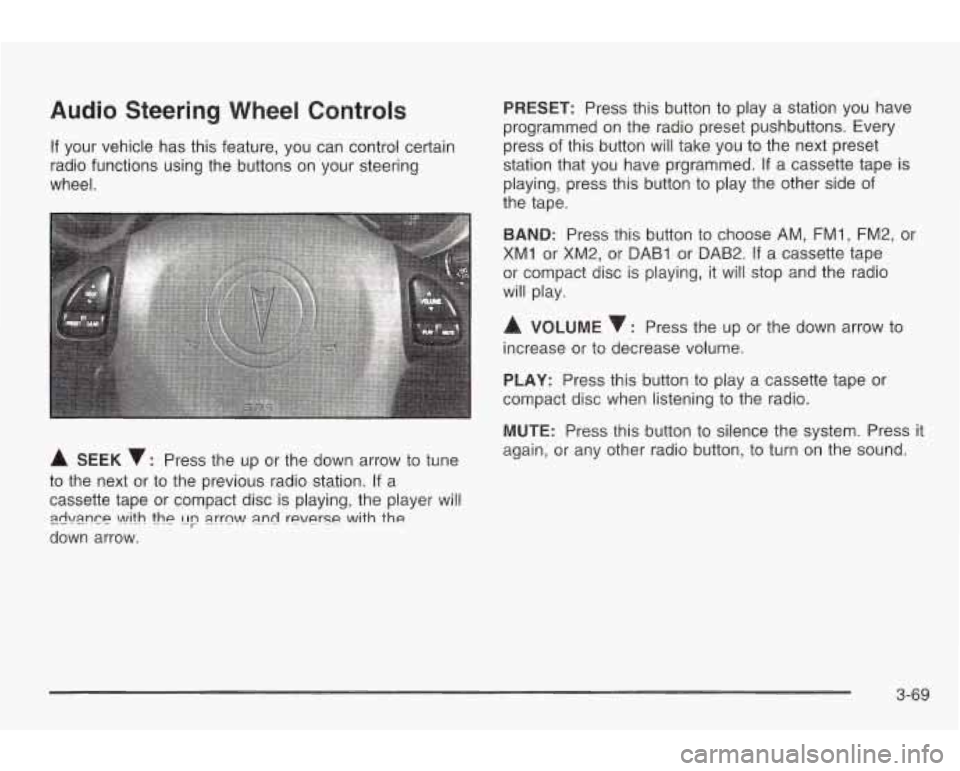
Audio Steering Wheel Controls
If your vehicle has this feature, you can control certain
radio functions using the buttons on your steering
wheel.
A SEEK v: Press the up or the down arrow to tune
to the next or to the previous radio station. If a
cassette tape or compact disc is playing, the player will
down arrow.
zwi\mn~~ \A!ith thp [Ip a.rrn\A/ a.nd reverse with the
PRESET: Press this button to play a station you have
programmed on the radio preset pushbuttons. Every
press of this button will take you to the next preset
station that you have prgrammed.
If a cassette tape is
playing, press this button to play the other side of
the tape.
BAND: Press this button to choose AM, FMI, FM2, or
XM1 or XM2, or DAB1 or DAB2. If a cassette tape
or compact disc is playing, it will stop and the radio
will play.
A VOLUME : Press the up or the down arrow to
increase or to decrease volume.
PLAY: Press this button to play a cassette tape or
compact disc when listening to the radio.
MUTE: Press this button
to silence the system. Press it
again, or any other radio button, to turn on the sound.
3-69