wheel PONTIAC GRAND AM 2004 User Guide
[x] Cancel search | Manufacturer: PONTIAC, Model Year: 2004, Model line: GRAND AM, Model: PONTIAC GRAND AM 2004Pages: 364, PDF Size: 2.48 MB
Page 111 of 364
Other Warning Devices
If you carry reflective triangles, you can set one up at
the side of the road about 300 feet (100 m) behind your
vehicle.
Horn
You can sound the horn by pressing the horn symbol on
your steering wheel.
Tilt Wheel
A tilt wheel allows you to adjust the steering wheel
before you drive. You can raise it to the highest level to
give your legs more room when you exit and enter
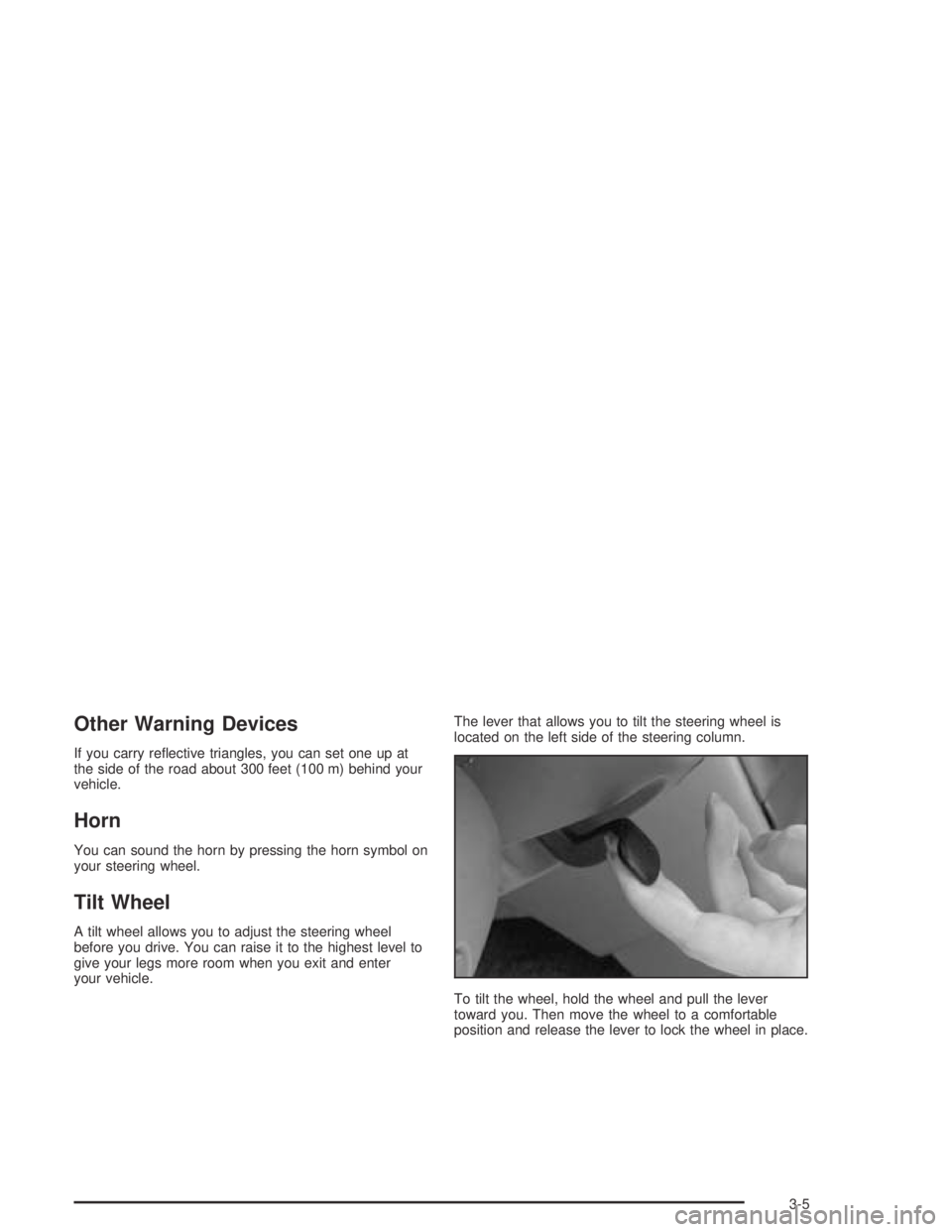
your vehicle.The lever that allows you to tilt the steering wheel is
located on the left side of the steering column.
To tilt the wheel, hold the wheel and pull the lever
toward you. Then move the wheel to a comfortable
position and release the lever to lock the wheel in place.
3-5
Page 115 of 364
Windshield Wiper Lever
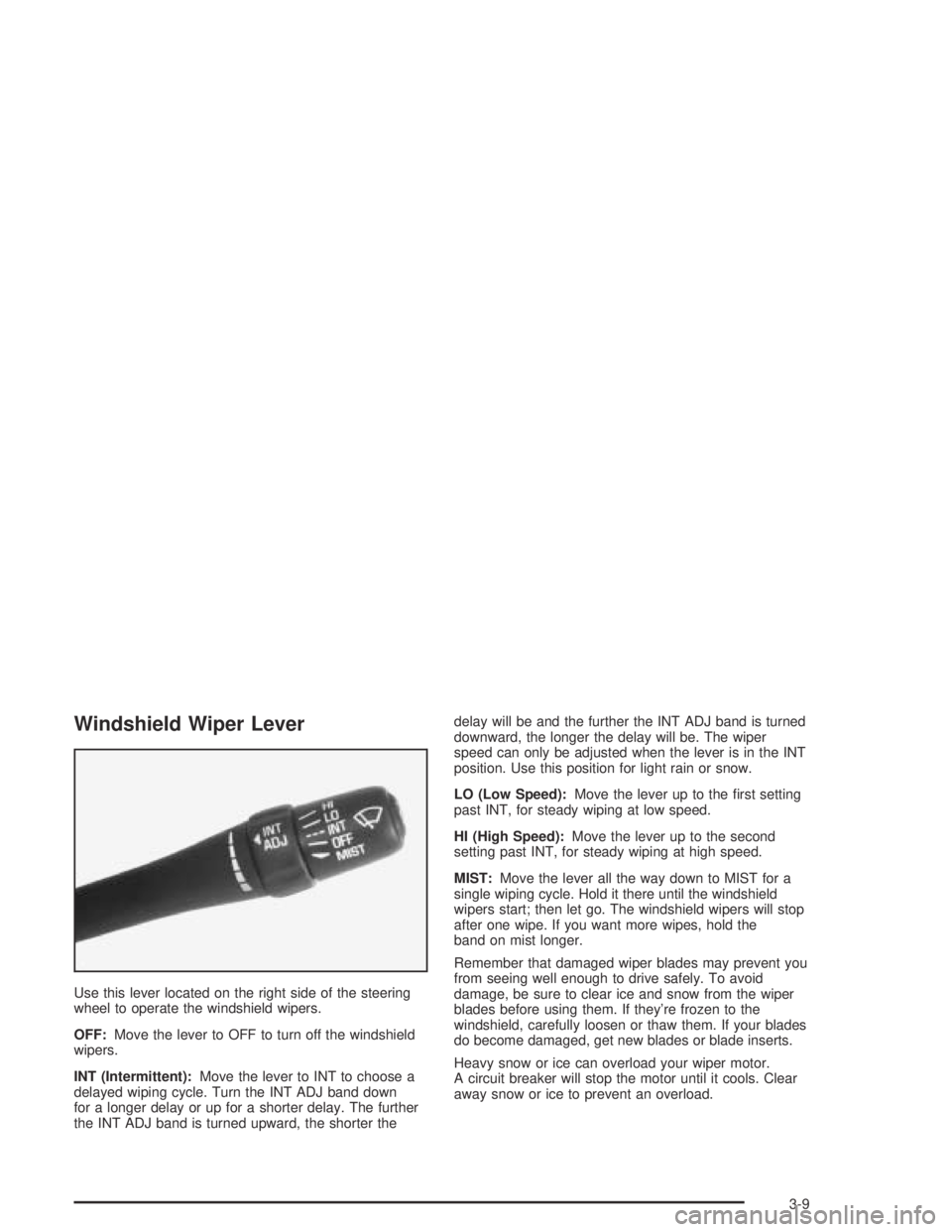
Use this lever located on the right side of the steering
wheel to operate the windshield wipers.
OFF:Move the lever to OFF to turn off the windshield
wipers.
INT (Intermittent):Move the lever to INT to choose a
delayed wiping cycle. Turn the INT ADJ band down
for a longer delay or up for a shorter delay. The further
the INT ADJ band is turned upward, the shorter thedelay will be and the further the INT ADJ band is turned
downward, the longer the delay will be. The wiper
speed can only be adjusted when the lever is in the INT
position. Use this position for light rain or snow.
LO (Low Speed):Move the lever up to the first setting
past INT, for steady wiping at low speed.
HI (High Speed):Move the lever up to the second
setting past INT, for steady wiping at high speed.
MIST:Move the lever all the way down to MIST for a
single wiping cycle. Hold it there until the windshield
wipers start; then let go. The windshield wipers will stop
after one wipe. If you want more wipes, hold the
band on mist longer.
Remember that damaged wiper blades may prevent you
from seeing well enough to drive safely. To avoid
damage, be sure to clear ice and snow from the wiper
blades before using them. If they’re frozen to the
windshield, carefully loosen or thaw them. If your blades
do become damaged, get new blades or blade inserts.
Heavy snow or ice can overload your wiper motor.
A circuit breaker will stop the motor until it cools. Clear
away snow or ice to prevent an overload.
3-9
Page 116 of 364
Windshield Washer
To wash your windshield, press the button at the end of
the lever until the washers begin.
{CAUTION:
In freezing weather, do not use your washer
until the windshield is warmed. Otherwise the
washer uid can form ice on the windshield,
blocking your vision.
When you release the button, the washers will stop, but
the wipers will continue to wipe for about three times
or will resume the speed you were using before.
Cruise Control
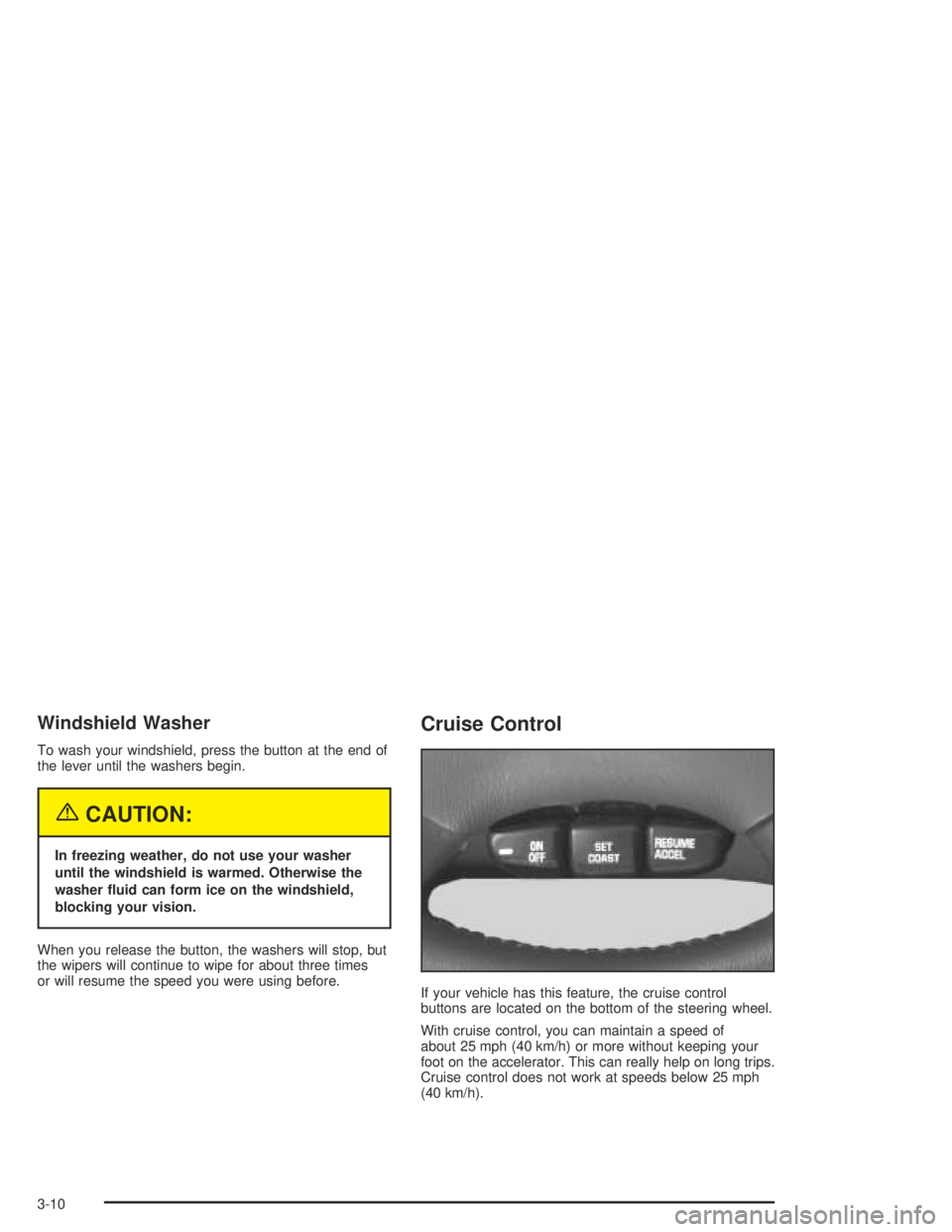
If your vehicle has this feature, the cruise control
buttons are located on the bottom of the steering wheel.
With cruise control, you can maintain a speed of
about 25 mph (40 km/h) or more without keeping your
foot on the accelerator. This can really help on long trips.
Cruise control does not work at speeds below 25 mph
(40 km/h).
3-10
Page 117 of 364
The cruise control will turn off if any of the following
occur:
•The brakes are applied,
•the clutch pedal is applied (manual transaxle),
•the automatic transaxle is shifted to NEUTRAL (N),
•the parking brake is applied, or
•the brake system warning light is on.
{CAUTION:
Cruise control can be dangerous where you
can not drive safely at a steady speed. So, do
not use your cruise control on winding roads
or in heavy traffic.
Cruise control can be dangerous on slippery
roads. On such roads, fast changes in tire
traction can cause needless wheel spinning,
and you could lose control. Do not use cruise
control on slippery roads.Your vehicle may have Enhanced Traction System
(ETS). SeeEnhanced Traction System (ETS) on
page 4-9. If your vehicle is in cruise control while the
ETS begins to limit wheel spin, the cruise control
will automatically disengage. When road conditions allow
you to safely use it again, you may turn the cruise
control back on.
Setting Cruise Control
{CAUTION:
If you leave your cruise control on when you
are not using cruise, you might hit a button
and go into cruise when you do not want to.
You could be startled and even lose control.
Keep the cruise control switch off until you
want to use cruise control.
1. Press cruise ON OFF.
2. Get up to the speed you want.
3. Press the SET COAST button and release it.
4. Take your foot off the accelerator pedal.
3-11
Page 122 of 364
Headlamps Off in Park (P)
To turn the headlamps off when it is dark outside, turn
the exterior lamps control to the parking lamp position.
In this position, the parking lamps, sidemarker lamps,
taillamps, license plate lamps and instrument panel
lights will be on, but the headlamps will be off.
To turn on the headlamps along with the other lamps
when it is dark outside, turn the exterior lamps control to
the AUTO or headlamp position.
Delayed Headlamps
The delayed headlamps feature will continue to
illuminate the headlamps for 20 seconds after the key is
turned to OFF, then the headlamps will automatically
turn off.
To override the 20 second delayed headlamp feature
while it is active turn the turn signal/multifunction
lever up one position and then back to AUTO.
Fog Lamps
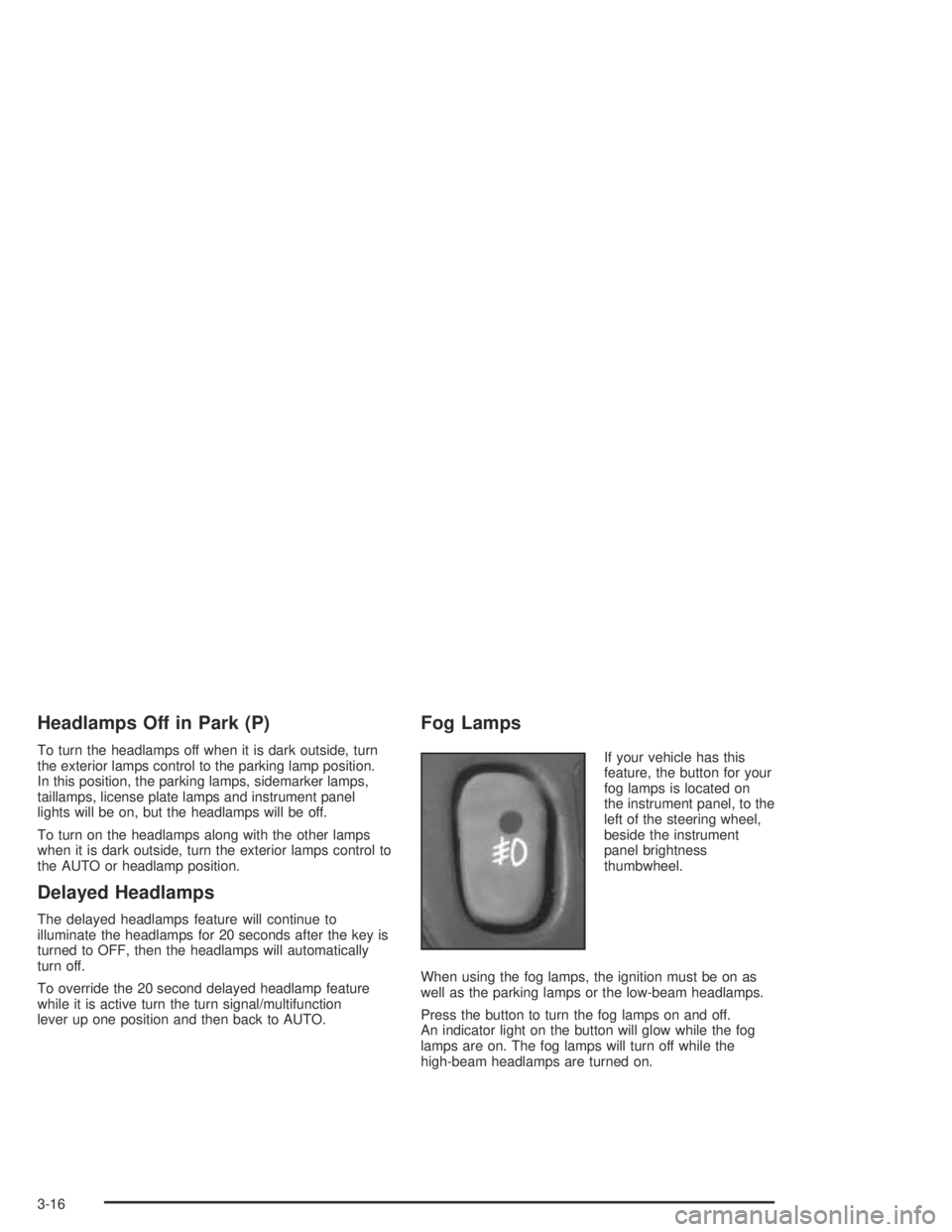
If your vehicle has this
feature, the button for your
fog lamps is located on
the instrument panel, to the
left of the steering wheel,
beside the instrument
panel brightness
thumbwheel.
When using the fog lamps, the ignition must be on as
well as the parking lamps or the low-beam headlamps.
Press the button to turn the fog lamps on and off.
An indicator light on the button will glow while the fog
lamps are on. The fog lamps will turn off while the
high-beam headlamps are turned on.
3-16
Page 123 of 364
Interior Lamps
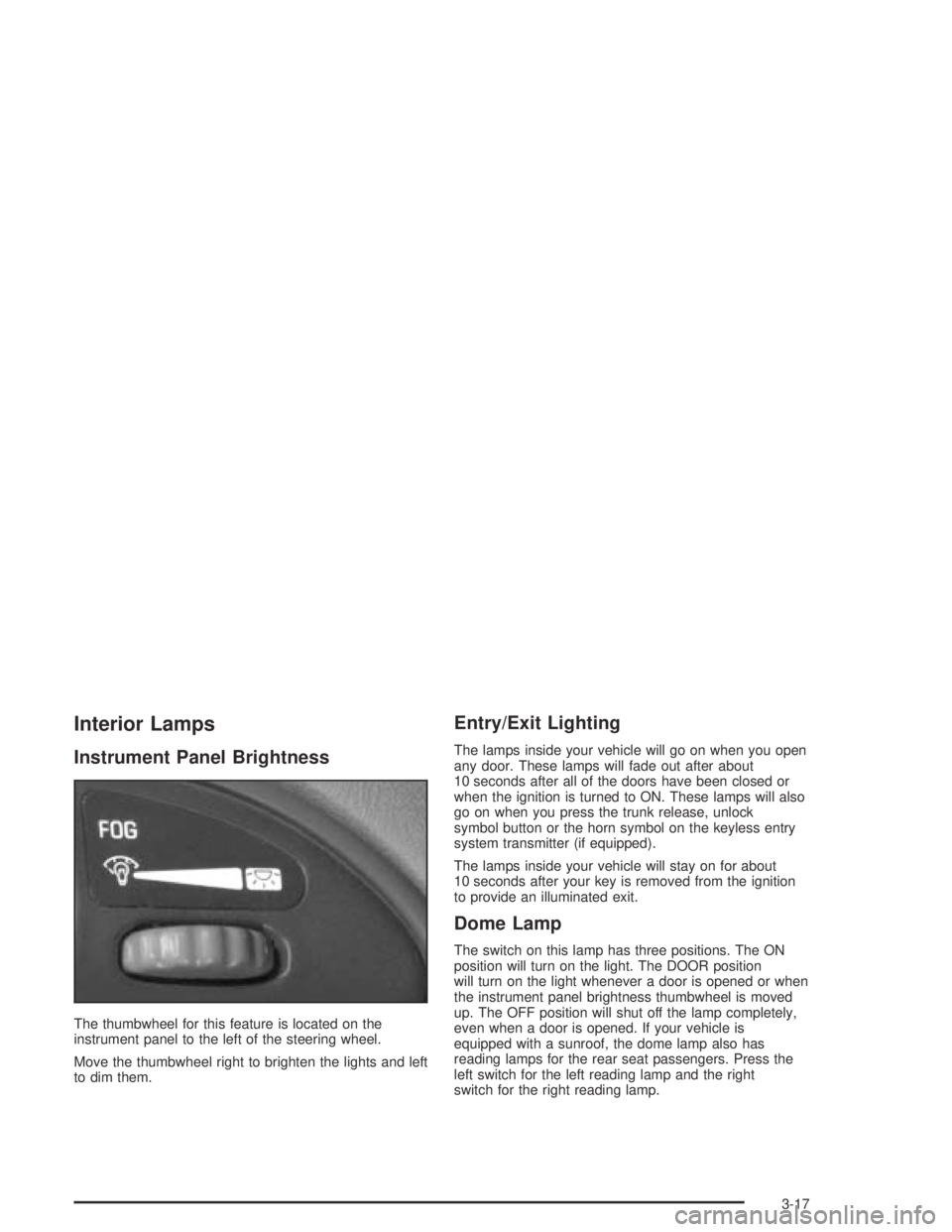
Instrument Panel Brightness
The thumbwheel for this feature is located on the
instrument panel to the left of the steering wheel.
Move the thumbwheel right to brighten the lights and left
to dim them.
Entry/Exit Lighting
The lamps inside your vehicle will go on when you open
any door. These lamps will fade out after about
10 seconds after all of the doors have been closed or
when the ignition is turned to ON. These lamps will also
go on when you press the trunk release, unlock
symbol button or the horn symbol on the keyless entry
system transmitter (if equipped).
The lamps inside your vehicle will stay on for about
10 seconds after your key is removed from the ignition
to provide an illuminated exit.
Dome Lamp
The switch on this lamp has three positions. The ON
position will turn on the light. The DOOR position
will turn on the light whenever a door is opened or when
the instrument panel brightness thumbwheel is moved
up. The OFF position will shut off the lamp completely,
even when a door is opened. If your vehicle is
equipped with a sunroof, the dome lamp also has
reading lamps for the rear seat passengers. Press the
left switch for the left reading lamp and the right
switch for the right reading lamp.
3-17
Page 134 of 364
Anti-Lock Brake System
Warning Light
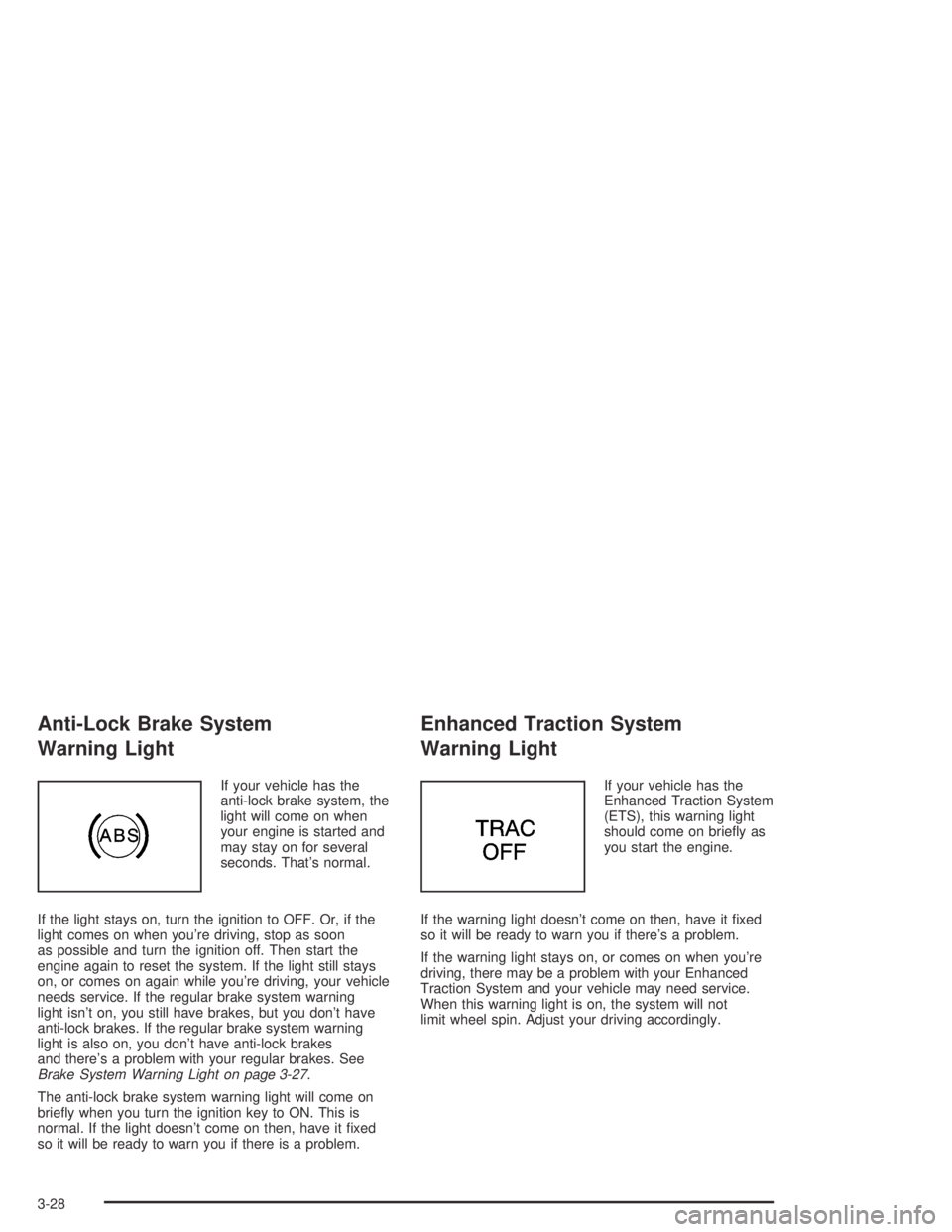
If your vehicle has the
anti-lock brake system, the
light will come on when
your engine is started and
may stay on for several
seconds. That’s normal.
If the light stays on, turn the ignition to OFF. Or, if the
light comes on when you’re driving, stop as soon
as possible and turn the ignition off. Then start the
engine again to reset the system. If the light still stays
on, or comes on again while you’re driving, your vehicle
needs service. If the regular brake system warning
light isn’t on, you still have brakes, but you don’t have
anti-lock brakes. If the regular brake system warning
light is also on, you don’t have anti-lock brakes
and there’s a problem with your regular brakes. See
Brake System Warning Light on page 3-27.
The anti-lock brake system warning light will come on
briefly when you turn the ignition key to ON. This is
normal. If the light doesn’t come on then, have it fixed
so it will be ready to warn you if there is a problem.
Enhanced Traction System
Warning Light
If your vehicle has the
Enhanced Traction System
(ETS), this warning light
should come on briefly as
you start the engine.
If the warning light doesn’t come on then, have it fixed
so it will be ready to warn you if there’s a problem.
If the warning light stays on, or comes on when you’re
driving, there may be a problem with your Enhanced
Traction System and your vehicle may need service.
When this warning light is on, the system will not
limit wheel spin. Adjust your driving accordingly.
3-28
Page 135 of 364
The Enhanced Traction System warning light may come
on for the following reasons:
•If you turn the system off by pressing the ETS
button on the center console near the gear
shift lever, the warning light will come on and stay
on. To turn the system back on, press the button
again. The warning light should go off. See
Enhanced Traction System (ETS) on page 4-9for
more information.
•If the traction control system is affected by an
engine-related problem, the system will turn off and
the warning light will come on.
•If the vehicle is driven on an extremely rough road,
the warning light may come on momentarily but will
go off again when the vehicle leaves the rough
surface.
If the Enhanced Traction System warning light comes
on and stays on for an extended period of time when the
system is turned on and the parking brake is fully
released, your vehicle needs service.
Enhanced Traction System
Active Light
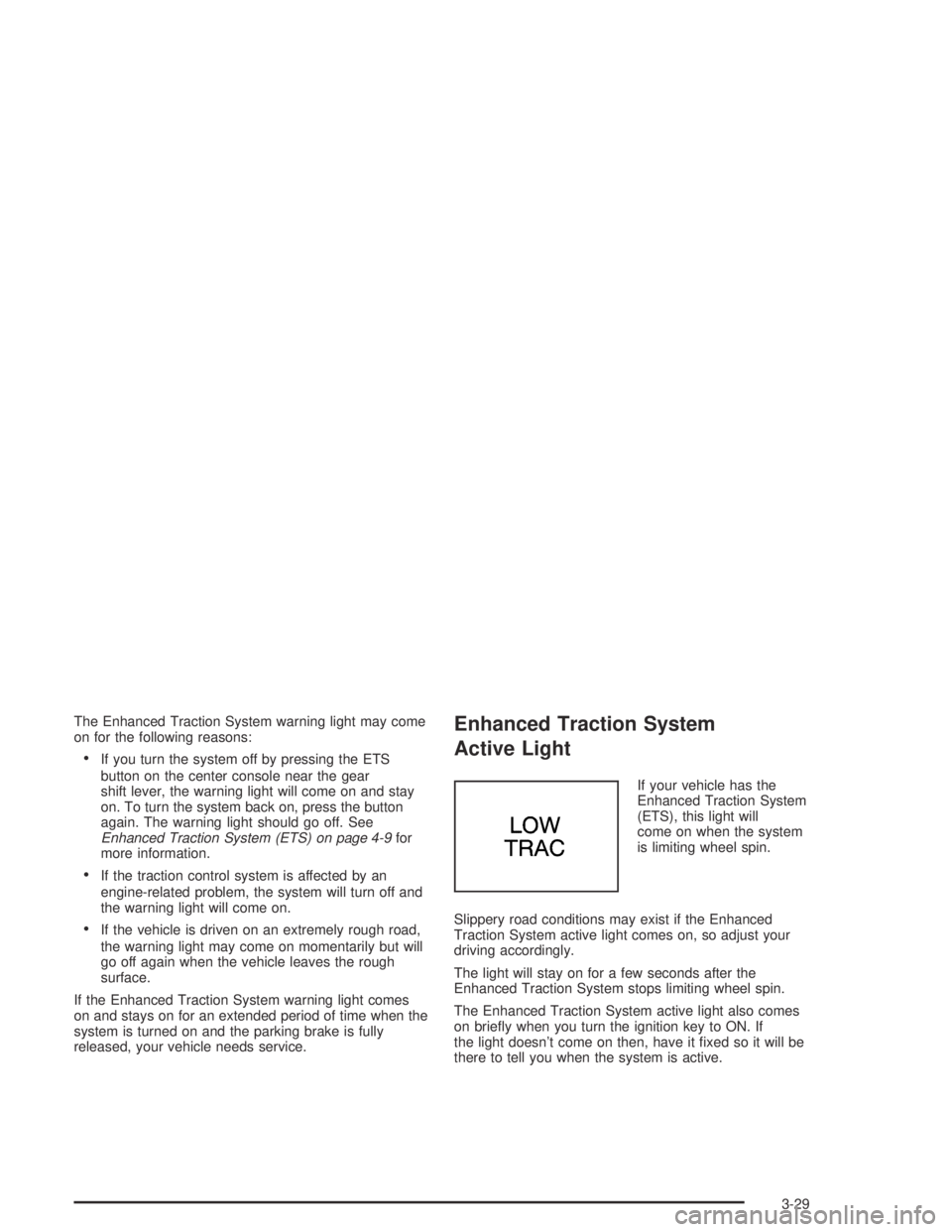
If your vehicle has the
Enhanced Traction System
(ETS), this light will
come on when the system
is limiting wheel spin.
Slippery road conditions may exist if the Enhanced
Traction System active light comes on, so adjust your
driving accordingly.
The light will stay on for a few seconds after the
Enhanced Traction System stops limiting wheel spin.
The Enhanced Traction System active light also comes
on briefly when you turn the ignition key to ON. If
the light doesn’t come on then, have it fixed so it will be
there to tell you when the system is active.
3-29
Page 175 of 364
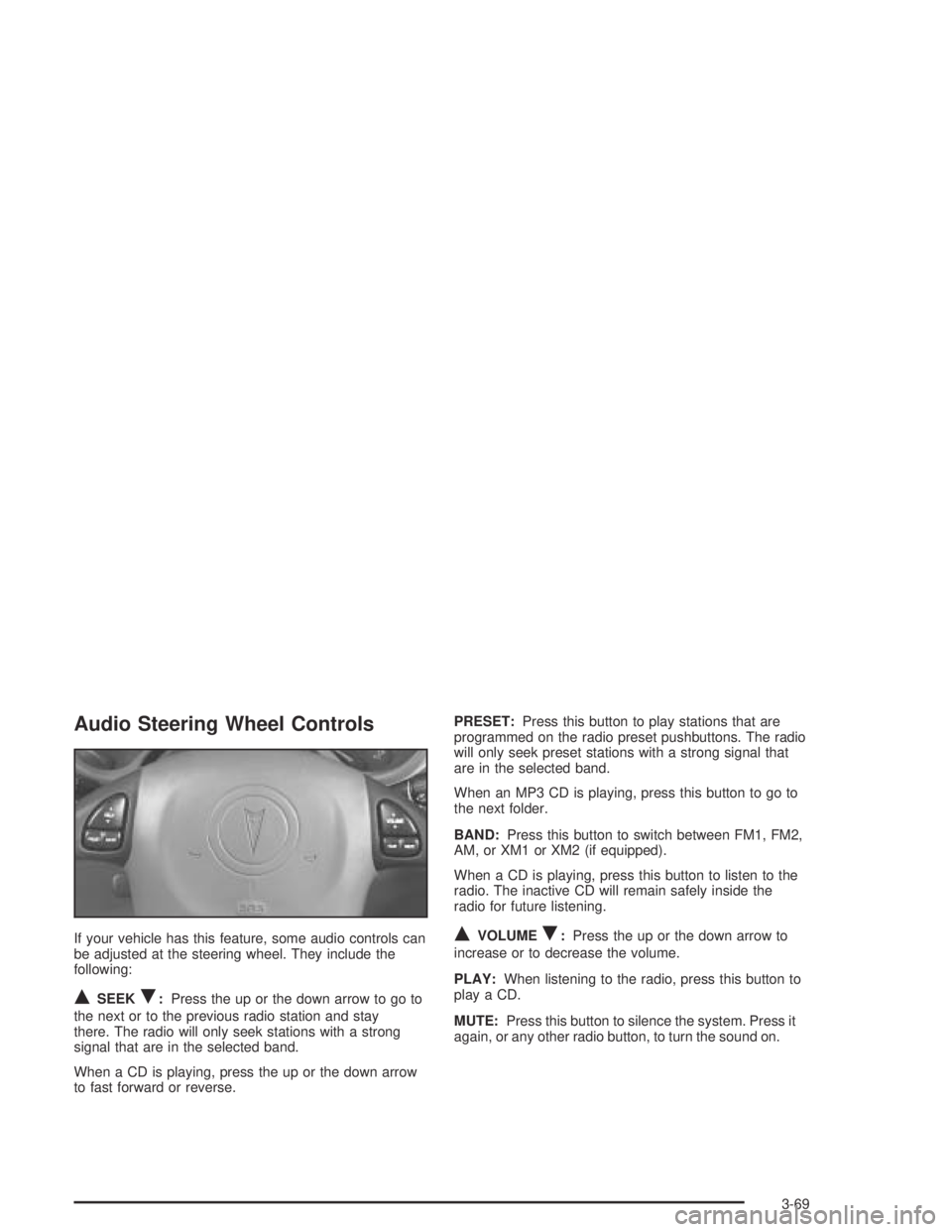
Audio Steering Wheel Controls
If your vehicle has this feature, some audio controls can
be adjusted at the steering wheel. They include the
following:
QSEEKR:Press the up or the down arrow to go to
the next or to the previous radio station and stay
there. The radio will only seek stations with a strong
signal that are in the selected band.
When a CD is playing, press the up or the down arrow
to fast forward or reverse.PRESET:Press this button to play stations that are
programmed on the radio preset pushbuttons. The radio
will only seek preset stations with a strong signal that
are in the selected band.
When an MP3 CD is playing, press this button to go to
the next folder.
BAND:Press this button to switch between FM1, FM2,
AM, or XM1 or XM2 (if equipped).
When a CD is playing, press this button to listen to the
radio. The inactive CD will remain safely inside the
radio for future listening.
QVOLUMER:Press the up or the down arrow to
increase or to decrease the volume.
PLAY:When listening to the radio, press this button to
play a CD.
MUTE:Press this button to silence the system. Press it
again, or any other radio button, to turn the sound on.
3-69
Page 186 of 364
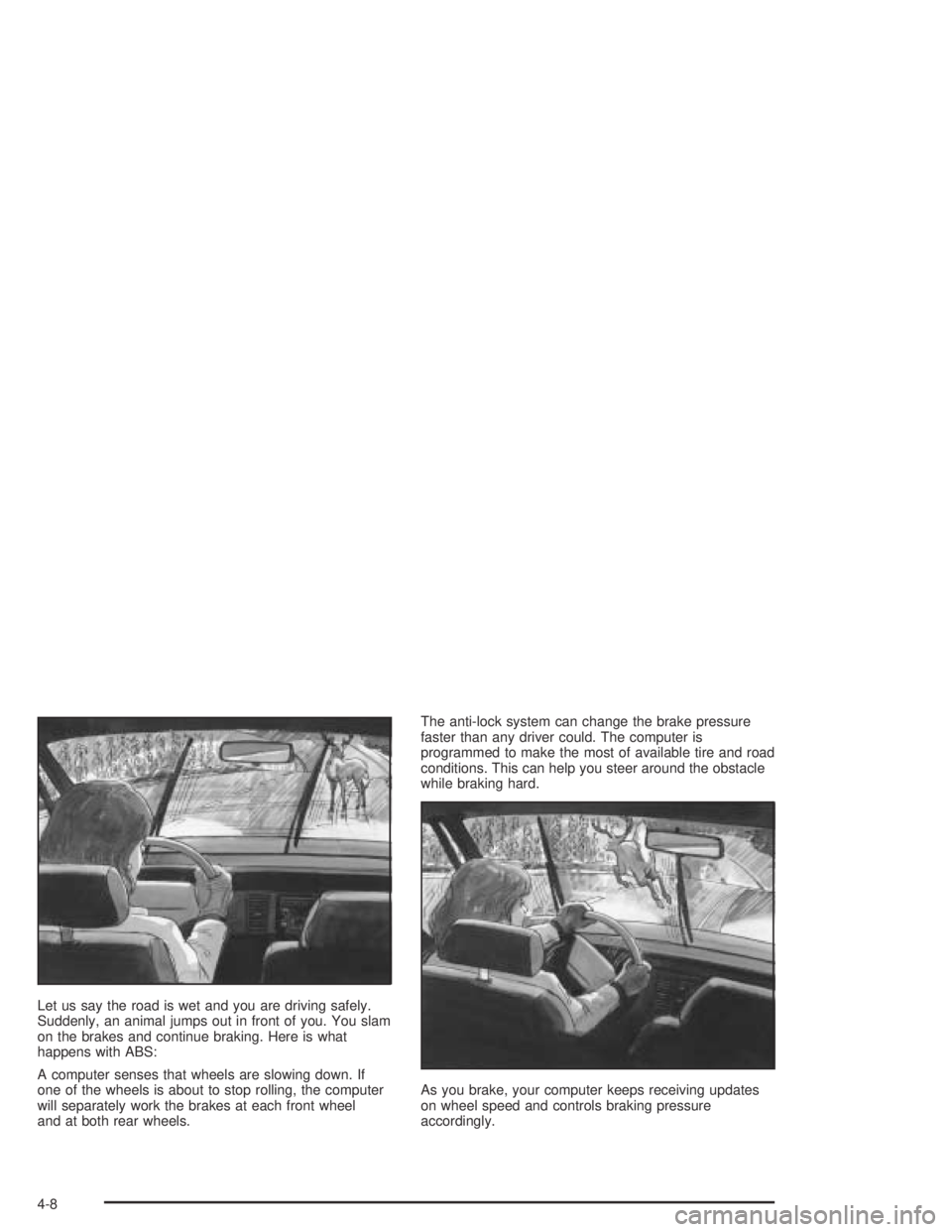
Let us say the road is wet and you are driving safely.
Suddenly, an animal jumps out in front of you. You slam
on the brakes and continue braking. Here is what
happens with ABS:
A computer senses that wheels are slowing down. If
one of the wheels is about to stop rolling, the computer
will separately work the brakes at each front wheel
and at both rear wheels.The anti-lock system can change the brake pressure
faster than any driver could. The computer is
programmed to make the most of available tire and road
conditions. This can help you steer around the obstacle
while braking hard.
As you brake, your computer keeps receiving updates
on wheel speed and controls braking pressure
accordingly.
4-8