lock PONTIAC GRAND-PRIX 1993 User Guide
[x] Cancel search | Manufacturer: PONTIAC, Model Year: 1993, Model line: GRAND-PRIX, Model: PONTIAC GRAND-PRIX 1993Pages: 338, PDF Size: 17.3 MB
Page 44 of 338
Here you can learn about the
many standard and optional
features on your Pontiac. and information on starting. shifting and
braking
. Also explained are the
instrument panel and the warning
systems that tetl you if everything is
working properly-and what to
do if
you have a problem .
Features & Controls
Keys ........................................................................\
........................................... 44
Locks ........................................................................\
......................................... 45
Remote Lock Control ........................................................................\
................ 46
Glove Box ........................................................................\
................................... 50
Ignition ........................................................................\
....................................... 52
Starting Your Engine ........................................................................\
................. 54
Engine Block Heater ........................................................................\
.................. 56
Shifting the Transaxle ........................................................................\
................ 57
Second-Gear Start ........................................................................\
..................... 61
Parking Brake ........................................................................\
............................. 64
Shifting into Park ........................................................................\
....................... 65
Windows ........................................................................\
..................................... 70
Turn Signal/Headlight Beam Lever .................................................................. 70
Cruise Control ........................................................................\
............................ 72
Windshield Wipers ........................................................................\
..................... 76
Windshield Washer ........................................................................\
.................... 77
Headlights ........................................................................\
.................................. 78
Interior Lights ........................................................................\
............................ 81
Mirrors ........................................................................\
........................................ 83
Storage Compartments ........................................................................\
.............. 85
Ashtrays and Lighter ........................................................................\
................. 87
Sunroof ........................................................................\
....................................... 90
Instrument Panel ........................................................................\
....................... 92
Warning Lights, Gages and Indicators .............................................................. 95
Driver Information Center ........................................................................\
...... 105
Head-Up Display ........................................................................\
..................... 110
ProCarManuals.com
Page 45 of 338
Features & Controls
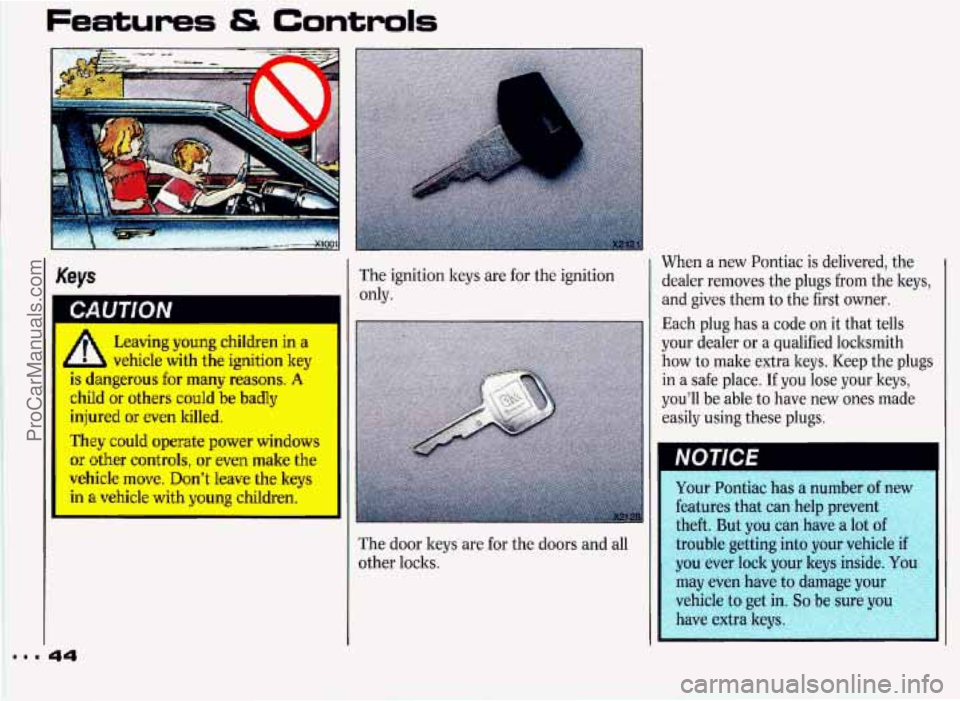
When a new Pontiac is delivered, the
dealer removes the plugs from the keys,
and gives them to the first owner.
Each plug has a code
on it that tells
your dealer or a qualified locksmith
how to make extra keys. Keep the plugs
in a safe place. If you lose your keys,
you’ll be able to have new ones made
easily using these plugs.
Keys The ignition keys are for the ignition
only.
Leaving young children in a
4 b vehicle with the ignition key
is dangerous for many reasons. A
child or others could be badly
injured or even killed.
They could operate power windows
or other controls, or even make the
I vehicle move. Don’t leave the keys
’ ‘--I a vehicle with young children.-
‘I
I
I trouble getting into your vehicl
The door keys are for the doors and all
other locks.
44 I
ProCarManuals.com
Page 46 of 338
Door Locks
Unlocked doors can be
dangerous.
Passengers-especially children-
can easily open the doors and fall
out. When
a door is locked, the
inside handle won’t open it.
Outsiders can easily enter through
an unlocked door when
you slow
down or
stop your vehicle.
This may not be
so obvious: You
increase the chance of being
thrown out
of the vehicle in a crash
if the doors aren’t locked. Wear
safety belts properly, lock your
doors, and you will be far better off
vhenever you drive your vehicle.
L
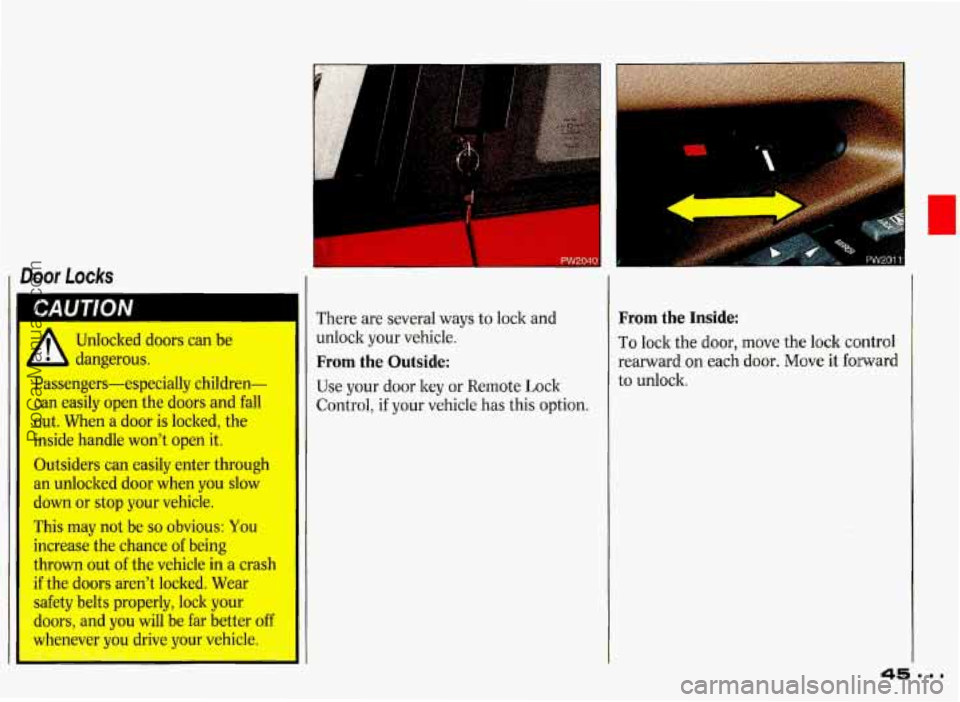
There are several ways to lock and
unlock your vehicle.
From the Outside:
Use your door key or Remote Lock
if your vehicle has this option.
From the Inside:
To lock the door, move the lock control
rearward on each door. Move it forward
to unlock.
ProCarManuals.com
Page 47 of 338
Features & Controls
Power Door Locks
You can lock or unlock all doors of your
vehicle from the driver or passenger
door lock switch.
On 4-door models, the switch on each
rear door works only that door’s lock. It
won’t lock (or unlock) all of the
doors-that’s a safety feature.
Leaving Your Vehicle
If you are leaving the vehicle, open your
door and set the loclss from inside. Then
get
out and close the door.
Automatic Door Locks
Just close your doors and turn on the
ignition.
If you have an automatic
transaxle, all
of the doors will loclt when
you move your shift lever out of
P (Park) or N (Neutral). If you have a
manual transaxle, all of the doors will
lock when the vehicle goes about
8 mph
(13 ltrn/h). Each time ycu close your
doors and turn on the ignition, the
doors will lock automatically only once.
If someone needs to get out while the
vehicle is running, have that person use
the manual or power loclt. When the
door is closed again, it will not lock
automatically. Just use the manual
or
power lock to lock the door again.
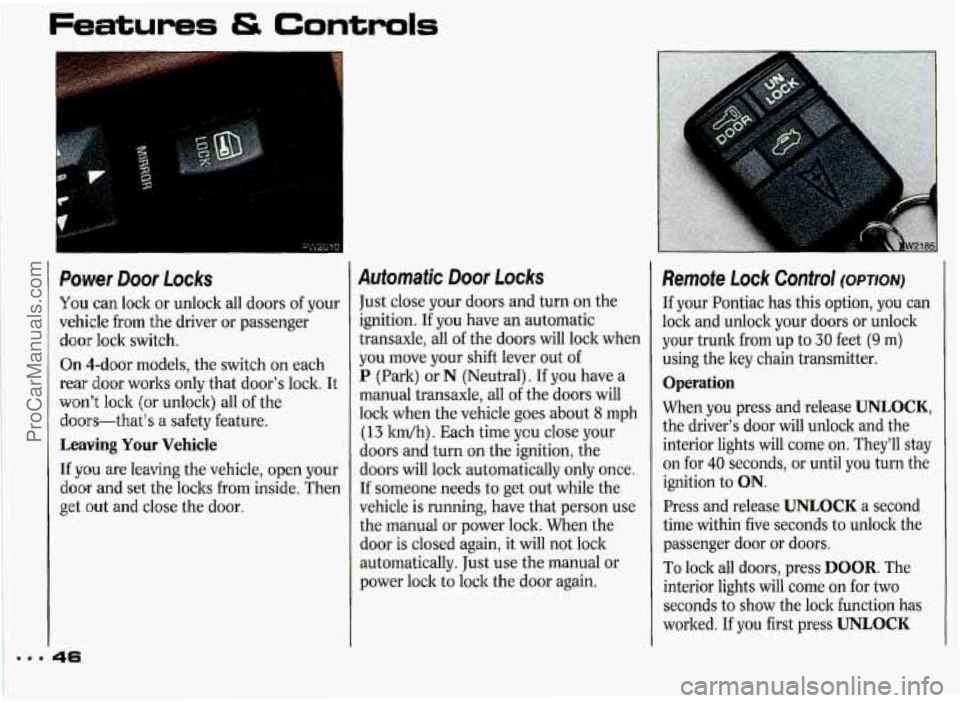
Remote Lock Control (OPTION)
If your Pontiac has this option, you can
lock and unlock your doors or unlock
your trunk from up to
30 feet (9 m)
using the key chain transmitter.
Operation
When you press and release UNLOCK,
the driver’s door will unlock and the
interior lights will come on. They’ll stay
on for
40 seconds, or until you turn the
ignition to
ON.
Press and release UNLOCK a second
time within five seconds to unlock the
passenger door or doors.
To loclt all doors, press DOOR. The
interior lights will come on for two
seconds to show the lock function has
worked. If you first press
UNLOCK
ProCarManuals.com
Page 48 of 338
and then press DOOR within 40
seconds, the interior lights will stay on
until the 40 seconds are over.
Press
a to unlock the trunk. Your
interior lights will not come
on.
Matching Transmitter(s) To Your
Vehicle
Each key chain transmitter is coded to
prevent another transmitter from
unlocking your vehicle.
If a transmitter
is lost or stolen, a replacement can be
purchased through your dealer.
Remember to bring the remaining
transmitter with you when you go to
your dealer. When the dealer matches
the replacement transmitter to your
vehicle, the remaining transmitter must
also be matched. Once the new
transmitter is coded, the lost
transmitter will not unlock your vehicle.
You can match a transmitter to as many
different vehicles as you
own, provided
they are equipped with exactly the same
model system. (General Motors offers
several different models of these
systems on their vehicles.) Each vehicle
can have only two transmitters matched
to it. See your dealer to match
transmitters to another vehicle.
Your Remote Lock Co~ntrol operates
on
a radio frequency subject to Federal
Communications Commission (FCC)
Rules.
This device complies with Part
15 of the
FCC Rules. Operation is subject to the
following two conditions:
(1) This
device may not cause harmful
interference, and
(2) This device must
accept any interference received,
including interference that may cause
undesired operation. Should interference
to this system
occur, try this:
Check to determine if battery
replacement is necessary. See the
instructions
on battery replacement
later in this section.
Check the distance. You may be too
far from your vehicle. This product
has a maximum range.
Check the location. Other vehicles or
objects may be blocking the signal.
See your Pontiac dealer or a qualified
technician for service.
Changes or modifications to this system
by other than an authorized service
facility could void authorization to
use
this equipment.
ProCarManuals.com
Page 49 of 338
Features & Controls
f
t
k
t
I
t
r
t.
C
C
3
I
1
3attery Replacement
Jnder normal use, the batteries in your
:ey chain transmitter should last about
wo years.
r‘ou can tell the batteries are weak if the
ransmitter won’t work at the normal
ange in any location. If you have to get
‘lose to your vehicle before the
ransmitter works, it’s probably time to
hange the batteries.
?o Replace Batteries in the Remote
mck Control:
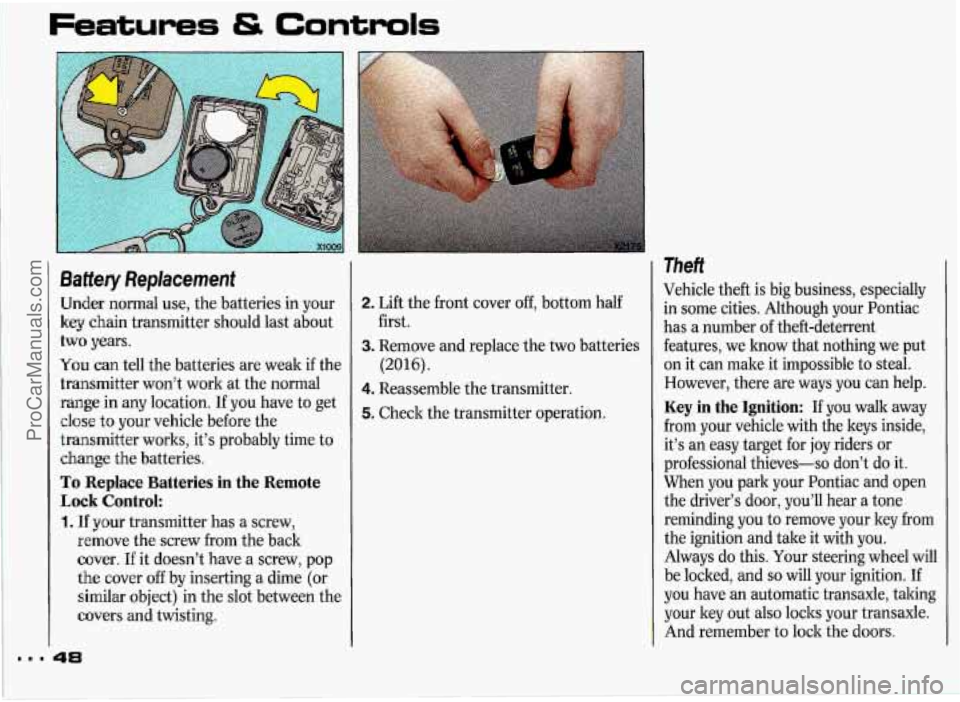
. If your transmitter has a screw,
remove the screw from the back
cover. If it doesn’t have a screw, pop
the cover off by inserting
a dime (or
similar object) in the slot between the
covers and twisting.
2. Lift the front cover off, bottom half
3. Remove and replace the two batteries
4. Reassemble the transmitter.
5. Check the transmitter operation.
first.
(2016).
Theft
Vehicle theft
is big business, especially
in some cities. Although your Pontiac
has a number of theft-deterrent
features, we know that nothing we put
on it can male it impossible to steal.
However, there are ways you can help.
Key in the Ignition: If you walk away
from your vehicle with the keys inside,
it’s an easy target for
joy riders or
professional thieves-so don’t do it.
When you park your Pontiac and open
the driver’s door, you’ll hear a tone
reminding you to remove your ley from
the ignition and take it with you.
Always do this. Your steering wheel will
be locked, and
so will your ignition. If
you have an automatic transaxle, taking
your ley out also
locks your transaxle.
And remember to lock the doors.
ProCarManuals.com
Page 50 of 338
Parking at Night: Park in a lighted
spot, close all windows and lock your
vehicle. Remember to keep your
valuables out
of sight. Put them in a
storage area, or take them with you.
Parking Lots: If you park in a lot
where someone will be watching your
vehicle, it’s best to lock it
up and take
your keys. But what if you have to leave
your ignition key? What if
you have to
leave something valuable in your
vehicle?
Put your valuables in a storage area,
Lock the glove box.
Lock all the doors except the driver’s.
Then take the door key with you.
like your
trunk or glove
box.
Key Finder
Pull the driver’s door handle to light the
door
Iock for a few seconds. This helps
you find the
lock when it’s dark.
Trunk Lock
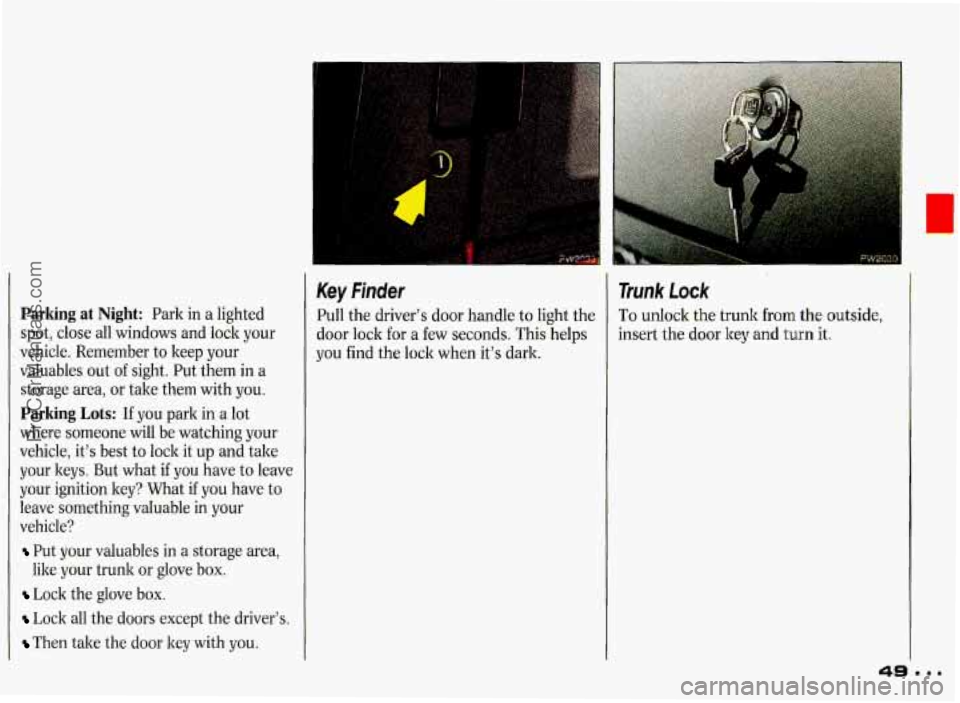
To unlock the trunk from the outside,
insert the door key and
turn it.
ProCarManuals.com
Page 51 of 338
Features & Controls
Remote Trunk Release (OPTION)
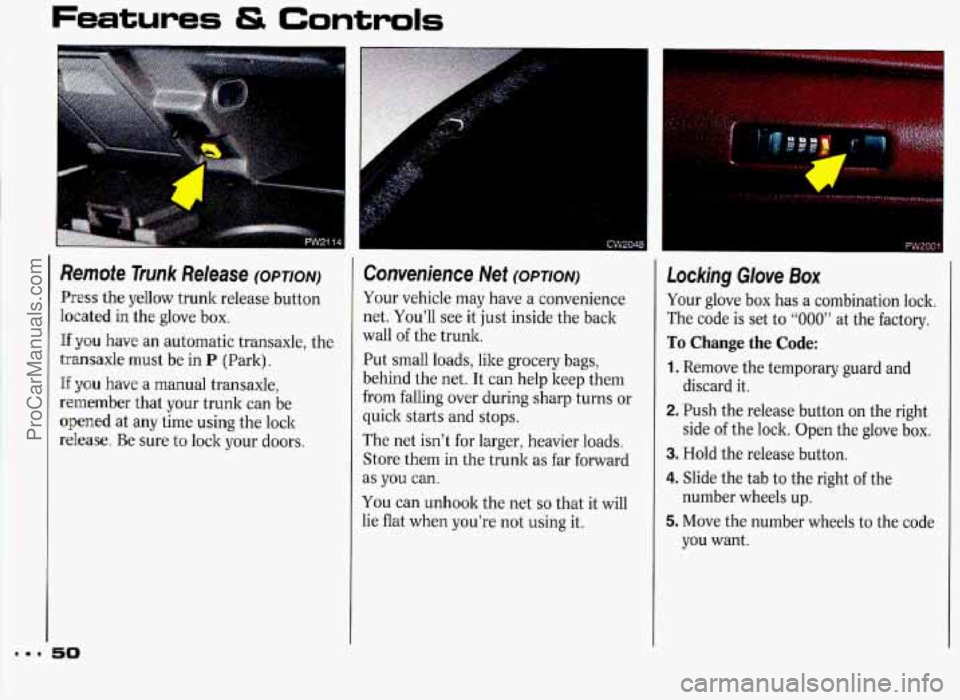
Press the yellow trunk release button
heated in the glove box.
Hf you have an automatic transaxle, the
transaxle must be in
P (Park).
If y0.u have a manual transaxle,
remember that your trunk can be
opened at any time using the lock
release. Be sure to lock your doors.
50
Convenience Net (OPTION)
Your vehicle may have a convenience
net. You’ll see it just inside the back
wall
of the trunk.
Put small loads, like grocery bags,
behind the net. It can help keep them
from falling over during sharp turns or
quick starts and stops.
The net isn’t for larger, heavier loads.
Store them in the trunk as far forward
as
you can.
You can unhook the net
so that it will
lie flat when you’re not using it.
Locking Glove Box
Your glove box has a combination lock.
The code is set to
“000” at the factory.
To Change the Code:
1. Remove the temporary guard and
discard it.
2. Push the release button on the right
side
of the lock. Open the glove box.
3. Hold the release button.
4. Slide the tab to the right of the
5. Move the number wheels to the code
number wheels up.
you want.
ProCarManuals.com
Page 52 of 338
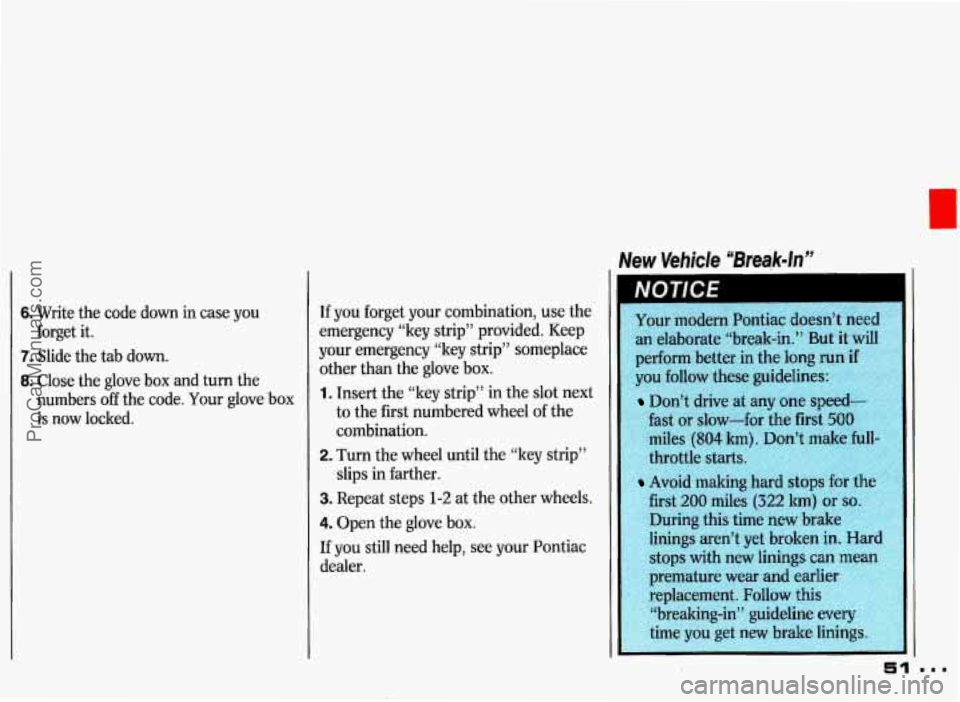
New Vehicle “Break-In”
6. Write the code down in case you
7. Slide the tab down.
8. Close the glove box and turn the
forget
it.
numbers
off the code. Your glove box
is now locked. If
you forget your combination, use the
emergency “key strip” provided. Keep
your emergency “key strip” someplace
other than the glove box. 1. Insert the “ley strip” in the slot next
to the first numbered wheel
of the
combination.
2. Turn the wheel until the “key strip”
slips in farther.
3. Repeat steps 1-2 at the other wheels.
4. Open the glove box.
If you still need help, see your Pontiac
dealer.
an elaborate “break-in.” But it will
perform better in the long run
if
you follow these guidelines:
Don’t drive at any one speed-
fast or slow-for the first
500
miles (804 km). Don’t make hll-
throttle starts.
Avoid making
first
200 miles (322 lun) or so.
During this time new brake
linings aren’t yet broken
in. Hard
stops with new linings
can mean
premature wear and earlier
;8r:li .4.,Y ‘‘;-:A replacement. Follow this
$j “breaking-in” guideline every
51
ProCarManuals.com
Page 53 of 338
Features & Controls
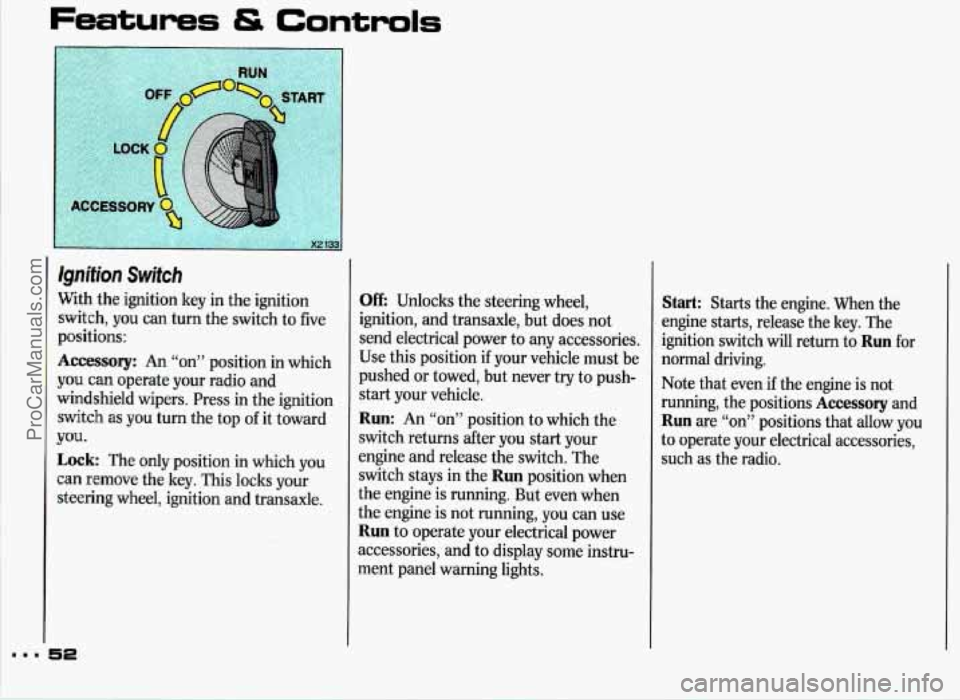
Qnifion Switch
Nith the ignition key in the ignition
;witch, you can turn the switch to five
~ositions:
kccessory: An “on” position in which
rou can operate your radio and
vindshield wipers. Press in the ignition
;witch as you turn the top of it toward
Lock: The only position in which you
:an remove the key. This locks your
;teering wheel, ignition and transaxle.
TOU.
Off: Unlocks the steering wheel,
ignition, and transaxle, but does not
send electrical power to any accessories,
Use this position if your vehicle must
be
pushed or towed, but never try to push-
start your vehicle.
Run: An “on” position to which the
switch returns after you start your
engine and release the switch. The
switch stays in the
Run position when
the engine is running. But even when
the engine is not running, you can use
Run to operate your electrical power
accessories, and to display some instru-
ment panel warning lights.
Start: Starts the engine. When the
engine starts, release the key. The
ignition switch will return to
Run for
normal driving.
Note that even
if the engine is not
running, the positions
Accessory and
Run are “on” positions that allow you
to operate your electrical accessories,
such
as the radio.
ProCarManuals.com