trip computer PONTIAC GRAND PRIX 2003 User Guide
[x] Cancel search | Manufacturer: PONTIAC, Model Year: 2003, Model line: GRAND PRIX, Model: PONTIAC GRAND PRIX 2003Pages: 378, PDF Size: 17.64 MB
Page 192 of 378
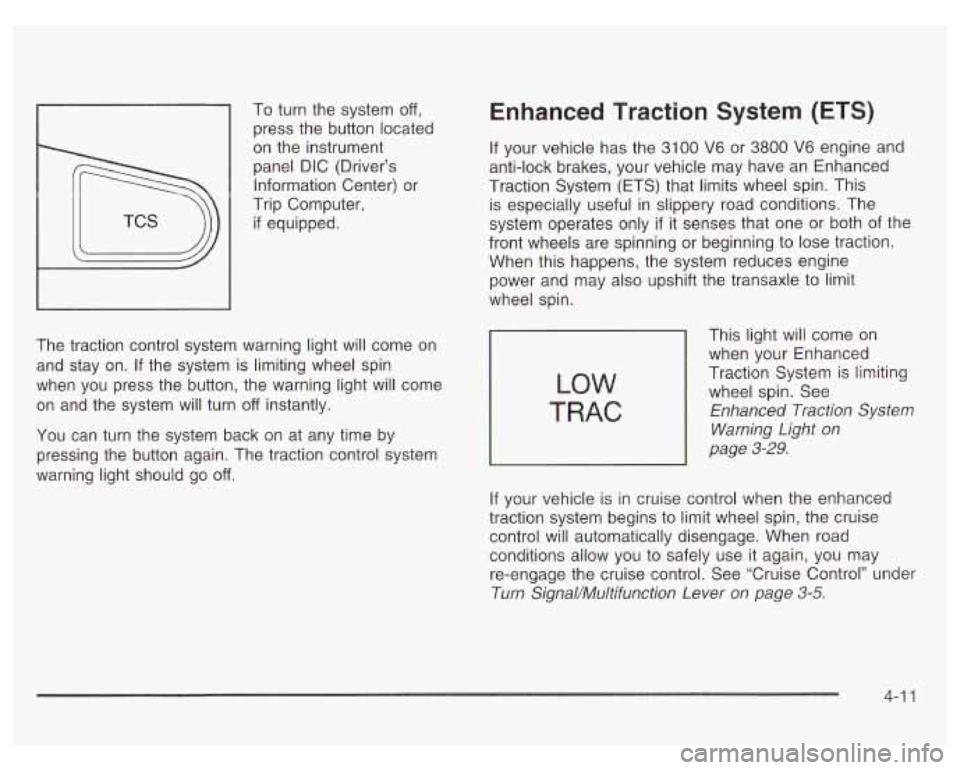
1 press the button located
To
turn the system
off,
on the instrument
panel DIC (Driver’s
Information Center) or
Trip Computer,
if equipped.
The traction control system warning light will come on
and stay on. If the system is limiting wheel spin
when you press the button, the warning light will come
on and the system will turn
off instantly.
You can turn the system back on at any time by
pressing the button again. The traction control system
warning light should go
off.
Enhanced Traction System (ETS)
If your vehicle has the 3100 V6 or 3800 V6 engine and
anti-lock brakes, your vehicle may have an Enhanced
Traction System (ETS) that limits wheel spin. This
is especially useful in slippery road conditions. The
system operates only
if it senses that one or both of the
front wheels are spinning or beginning to lose traction.
When this happens, the system reduces engine
power and may also upshift the transaxle to limit
wheel spin.
LOW
TRAC
This light will come on
when your Enhanced
Traction System is limiting
wheel spin. See
Enhanced Traction System
Warning Light
on
page 3-29.
If your vehicle is in cruise control when the enhanced
traction system begins to limit wheel spin, the cruise
control will automatically disengage. When road conditions allow you to safely use
it again, you may
re-engage the cruise control. See ‘Cruise Control’’ under
Turn Signal/Multifunction Lever
on page 3-5.
4-1 1
Page 193 of 378
The Enhanced Traction System operates in all transaxle
shift lever positions. But the system can upshift the
transaxle only as high as the shift lever position you’ve
chosen,
so you should use the lower gears only
when necessary. See Automatic Transaxle Operation
on page
2-24.
TRAC
OFF
This TRAC OFF
warning light will come
on to let you know
if
there’s a problem.
See Enhanced Traction System Warning Light on
page
3-30. When this warning light is on, the system will
not limit wheel spin. Adjust your driving accordingly.
To limit wheel spin, especially in slippery road
conditions, you should always leave the Enhanced
Traction System on. But you can turn the system
off if
you ever need to. You should turn the system off if your
vehicle ever gets stuck in sand, mud or snow and
rocking the vehicle is required. See “Rocking Your
Vehicle To Get It Out” under If
You Are Stuck: In Sand,
Mud, Ice or Snow on page 4-32.
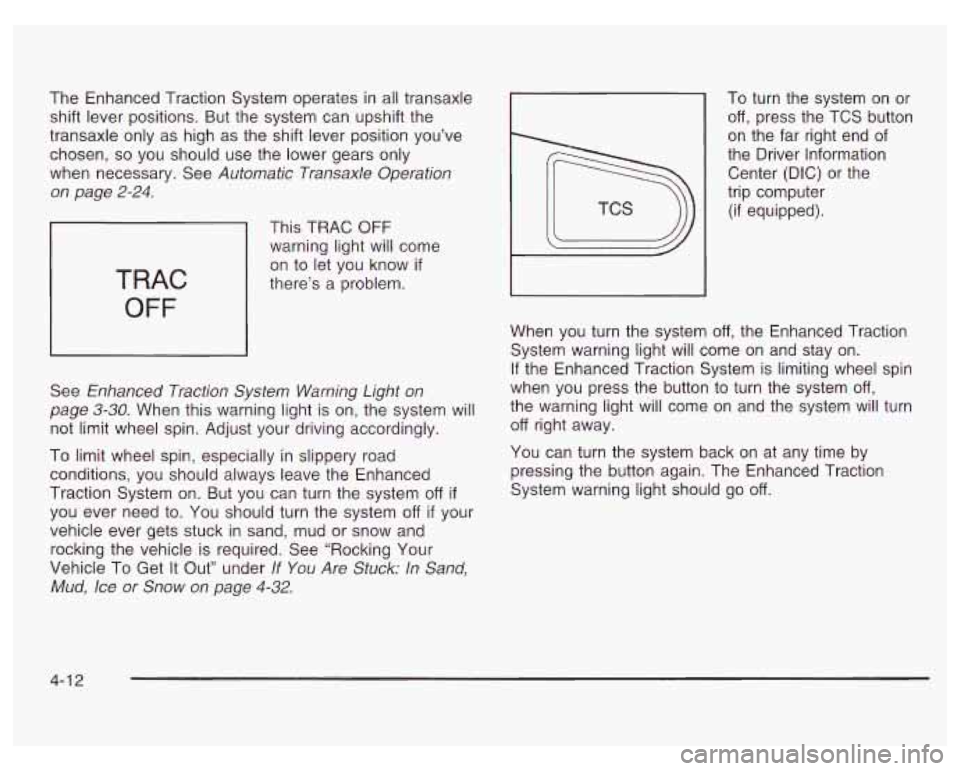
To turn the system on or
off, press the TCS button
on the far right end of
the Driver Information
Center (DIG) or the
trip computer
(if equipped).
When you turn the system
off, the Enhanced Traction
System warning light will come on and stay on.
If the Enhanced Traction System is limiting wheel spin
when you press the button to turn the system
off,
the warning light will come on and the system will turn
off right away.
You can turn the system back on at any time by
pressing the button again. The Enhanced Traction
System warning light should go
off.
4-1 2
Page 248 of 378
When to Change Engine Oil (GM Oil
Life SystemTM)
Your vehicle has a computer system that lets you know
when to change the engine
oil and filter. This is
based on engine revolutions and engine temperature,
and not on mileage. Based on driving conditions,
the mileage at which an oil change will be indicated
can vary considerably. For the oil life system to
work properly, you must reset the system every time
the oil is changed.
When the system has calculated that oil life has been
diminished, it will indicate that an oil change is
necessary.
A CHANGE OIL SOON light will come on.
Change your
oil as soon as possible within the next two
times you stop for fuel.
It is possible that, if you are
driving under the best conditions, the oil life system may
not indicate that an oil change is necessary for over a
year. However, your engine oil and filter must be
changed at least once a year and at this time the system
must be reset. It is also important to check your oil
regularly and keep it at the proper level.
If the system is ever reset accidentally, you must
change your oil at
3,000 miles (5 000 km) since your
last oil change. Remember
to reset the oil life system
whenever the oil is changed.
How to Reset the GM Oil Life System
The GM Oil Life SystemTM calculates when to change
your engine oil and filter based on vehicle use. Anytime
your oil is changed, reset the system
so it can calculate
when the next oil change is required.
If a situation occurs
where you change your oil prior to a CHANGE
OIL SOON
light being turned on, reset the system.
To reset the GM Oil Life SystemTM after the oil has
been changed, use one of the following two procedures:
Using the Driver Information Center (DIC)
1.
2.
3.
With the ignition key in RUN but the engine off, fully
push and release the accelerator pedal slowly three
times within five seconds.
If the CHANGE OIL SOON light flashes, the system
is resetting.
Turn the key to OFF after the light stops flashing,
then start the vehicle.
If the CHANGE OIL SOON light comes back on, the
engine oil life monitor has not reset. Repeat the
procedure.
Using the Trip Computer (If Equipped)
1. Press the MODE button until the light appears lit
2. Press and hold the RESET button for three seconds.
next to
OIL LIFE.
The
oil life percentage should change to 100%.
5-23
Page 326 of 378
I
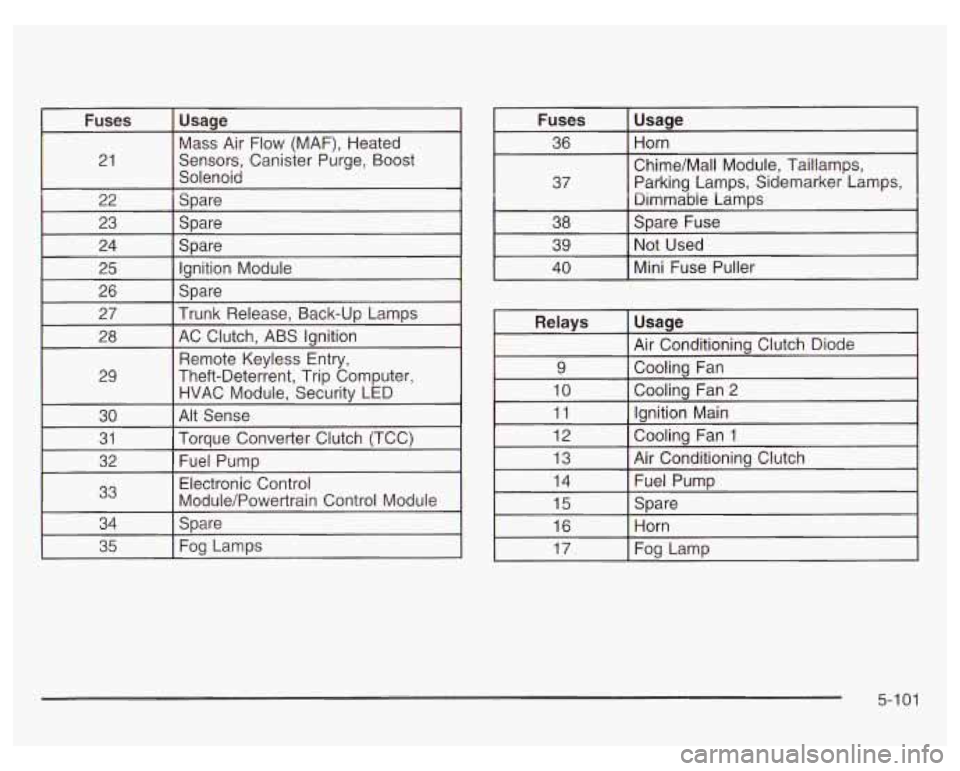
21
22
I 27
Usaqe
Mass Air Flow (MAF), Heated
Sensors, Canister Purge, Boost
Solenoid
Spare
SDare
Spare lanition Module
Spare
trunk Release. Back-UD Lamps I
28 I AC Clutch, ABS Ignition
I I Remote Kevless Entrv. I
29 Theft-Deterient, Trip Computer,
HVAC Module, Security LED
30
Torque Converter Clutch (TCC) 31
Alt Sense idemarker Lamps,
Relays
Usage
Air Conditionina Clutch Diode I
9 I Coolina Fan
4
I
I 10 I Coolina Fan 2
v
1
I 11 I lanition Main I ~ ~
12 Cooling Fan 1
13 Air Conditioning Clutch
5-1 01
Page 373 of 378
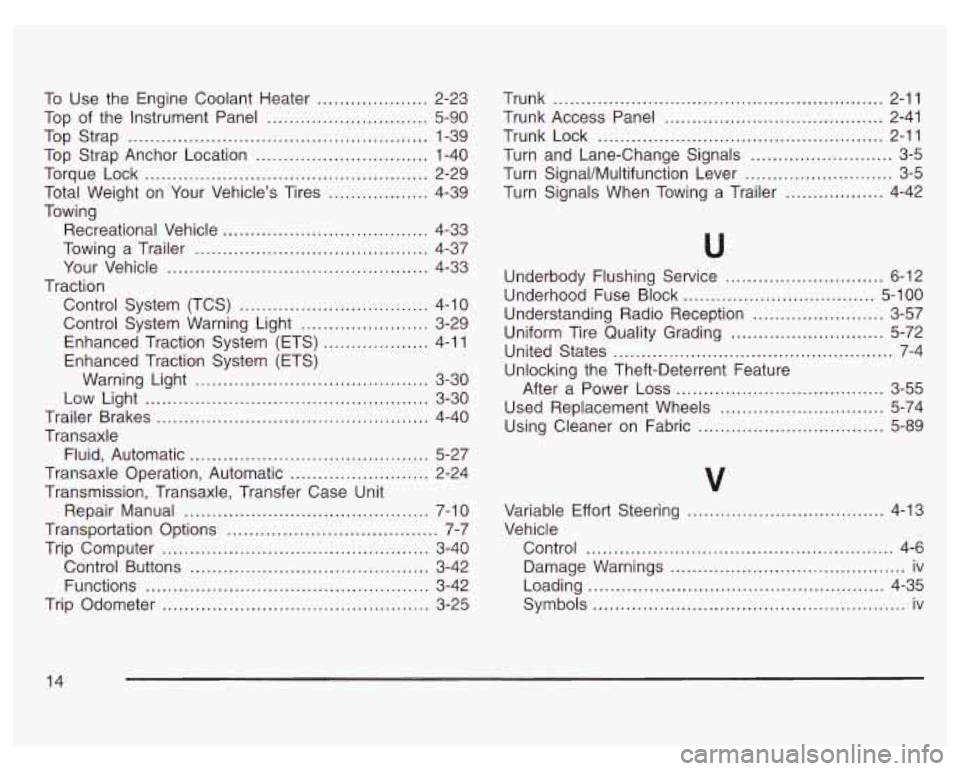
To Use the Engine Coolant Heater .................... 2-23
Top
of the Instrument Panel ............................. 5-90
Top Strap
...................................................... 1-39
Top Strap Anchor Location
............................... 1-40
Torque Lock
................................................... 2-29
Total Weight on Your Vehicle’s Tires
.................. 4-39
Towing
Recreational Vehicle
..................................... 4-33
Towing a Trailer
.......................................... 4-37
Your Vehicle
............................................... 4-33
Control System (TCS)
.................................. 4-10
Traction
Control System Warning Light
....................... 3-29
Enhanced Traction System (ETS)
................... 4-1 1
Warning Light .......................................... 3-30
Enhanced
Traction System (ETS)
Low Light
................................................... 3-30
Trailer Brakes
................................................. 4-40
Transaxle Fluid, Automatic
....................................... 5-27
Transaxle Operation, Automatic
......................... 2-24
Transmission, Transaxle, Transfer Case Unit
Transportation Options
...................................... 7-7
Trip Computer
................................................ 3-40
Control Buttons
........................................... 3-42
Functions
.................... ............ 3-42
Trip Odometer
.......... ............ 3-25
Repair
Manual
............................................ 7-10 Trunk
........................... ................. 2-11
Trunk Access Panel
..., .... ............. 2-41
Trunk Lock
................................................ 2-11
Turn SignaVMultifunction Lever
........................... 3-5
Turn Signals When Towing a Trailer
.................. 4-42
Turn
and Lane-Change Signals
............... ... 3-5
Underbody Flushing Service
............................. 6-12
Underhood Fuse Block
................................... 5-100
Understanding Radio Reception ........................ 3-57
Uniform Tire Quality Grading
............................ 5-72
United States
................................................... 7-4
Unlocking the Theft-Deterrent Feature
After a Power Loss
...................................... 3-55
Used Replacement Wheels
.............................. 5-74
Using Cleaner on Fabric
.................................. 5-89
Variable Effort Steering
.................................... 4-13
Vehicle Control
........................................................ 4-6
Damage Warnings
........................................... iv
Loading
...................................................... 4-35
Symbols
......................................................... iv
14