light PONTIAC GRAND PRIX 2003 Workshop Manual
[x] Cancel search | Manufacturer: PONTIAC, Model Year: 2003, Model line: GRAND PRIX, Model: PONTIAC GRAND PRIX 2003Pages: 378, PDF Size: 17.64 MB
Page 164 of 378
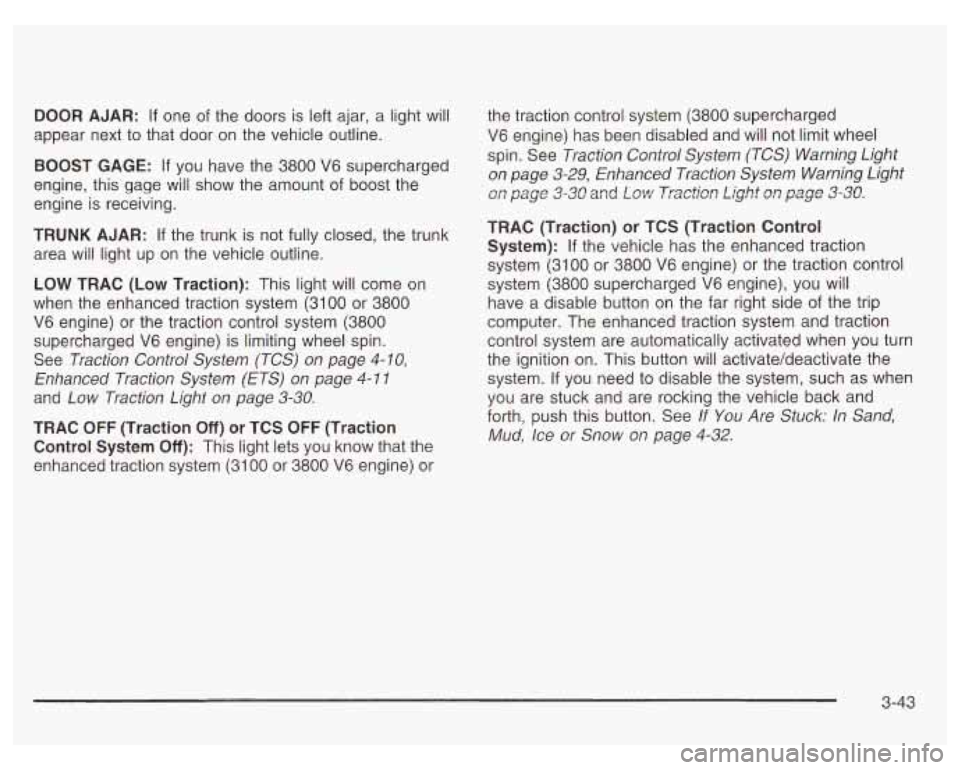
DOOR AJAR: If one of the doors is left ajar, a light will
appear next to that door on the vehicle outline.
BOOST GAGE: If you have the 3800 V6 supercharged
engine, this gage will show the amount
of boost the
engine is receiving.
TRUNK AJAR: If the trunk is not fully closed, the trunk
area will light up on the vehicle outline.
LOW TRAC (Low Traction): This light will come on
when the enhanced traction system (3100 or 3800
V6 engine) or the traction control system (3800
supercharged V6 engine) is limiting wheel spin.
See Traction Control System (TCS)
on page 4- IO,
Enhanced Traction System (ETS) on page 4- 1 I
and Low Traction Light on page 3-30.
TRAC OFF (Traction Off) or TCS OFF (Traction
Control System
Off): This light lets you know that the
enhanced traction system (31
00 or 3800 V6 engine) or the
traction control system (3800 supercharged
V6 engine) has been disabled and will not limit wheel
spin. See Traction Control System (TCS) Warning Light
on page 3-29, Enhanced Traction System Warning Light
on page 3=30 and Low Trxti=n Light a1 page 3-38.
TRAC (Traction) or TCS (Traction Control
System):
If the vehicle has the enhanced traction
system (3100 or 3800 V6 engine) or the traction control
system (3800 supercharged V6 engine), you will
have a disable button on the far right side of the trip
computer. The enhanced traction system and traction
control system are automatically activated when you turn
the ignition on. This button will activate/deactivate the
system.
If you need to disable the system, such as when
you are stuck and are rocking the vehicle back and
forth, push this button. See If
You Are Stuck: In Sand,
Mud, Ice or Snow on page 4-32.
3-43
Page 166 of 378
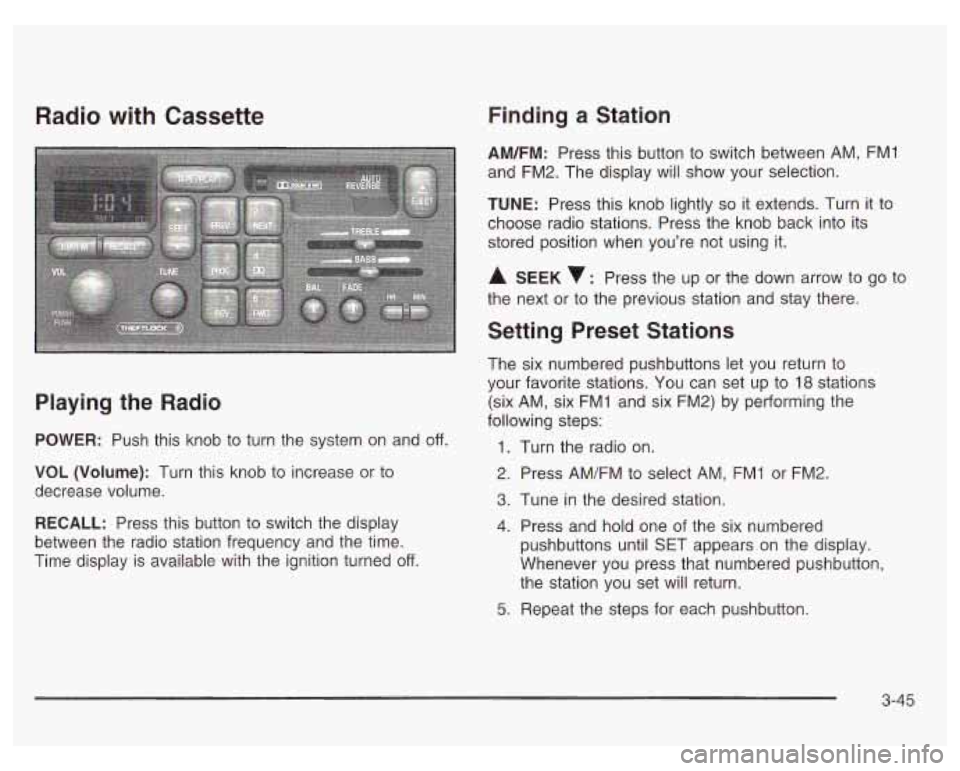
Radio with Cassette
Playing the Radio
POWER: Push this knob to turn the system on and off.
VOL (Volume): Turn this knob to increase or to
decrease volume.
RECALL: Press this button to switch the display
between the radio station frequency and the time.
Time display is available with the ignition turned
off.
Finding a Station
AM/FM: Press this button to switch between AM, FMI
and FM2. The display will show your selection.
TUNE: Press this knob lightly so it extends. Turn it to
choose radio stations. Press the knob back into its
stored position when you’re not using it.
A SEEK : Press the up or the down arrow to go to
the next or to the previous station and stay there.
Setting Preset Stations
The six numbered pushbuttons let you return to
your favorite stations. You can set up to
18 stations
(six AM, six FMI and six FM2) by performing the
following steps:
1.
2.
3.
4.
5.
Turn the radio on.
Press AM/FM to select AM, FMI or FM2.
Tune
in the desired station.
Press and hold one of the six numbered
pushbuttons until SET appears on the display.
Whenever you press that numbered pushbutton,
the station you set will return.
Repeat the steps for each pushbutton.
3-45
Page 167 of 378
Setting the Tone (Bassnreble)
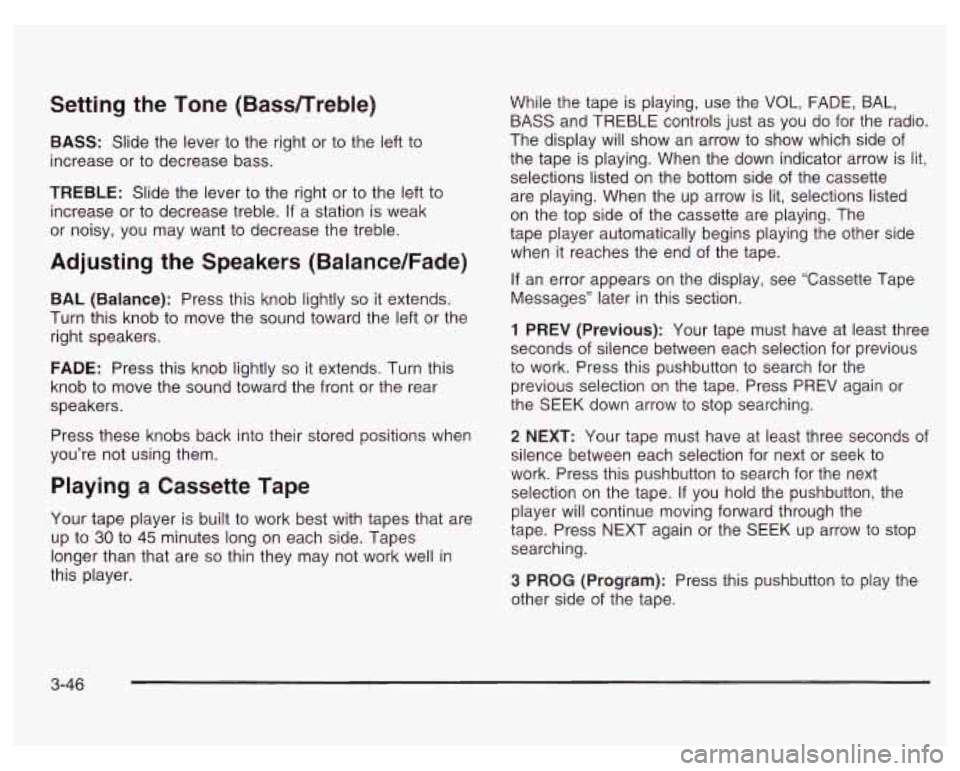
BASS: Slide the lever to the right or to the left to
increase or to decrease bass.
TREBLE: Slide the lever to the right or to the left to
increase or to decrease treble.
If a station is weak
or noisy, you may want to decrease the treble.
Adjusting the Speakers (Balance/Fade)
BAL (Balance): Press this knob lightly so it extends.
Turn this knob to move the sound toward the left or the
right speakers.
FADE: Press this knob lightly so it extends. Turn this
knob to move the sound toward the front or the rear
speakers.
Press these knobs back into their stored positions when
you’re not using them.
Playing a Cassette Tape
Your tape player is built to work best with tapes that are
up to
30 to 45 minutes long on each side. Tapes
longer than that are
so thin they may not work well in
this player. While
the tape is playing, use the VOL, FADE, BAL,
BASS and TREBLE controls just as you
do for the radio.
The display will show an arrow to show which side
of
the tape is playing. When the down indicator arrow is lit,
selections listed on the bottom side of the cassette
are playing. When the up arrow is lit, selections listed
on the top side of the cassette are playing. The
tape player automatically begins playing the other side
when it reaches the end of the tape.
If an error appears on the display, see ‘Cassette Tape
Messages” later in this section.
1 PREV (Previous): Your tape must have at least three
seconds
of silence between each selection for previous
to work. Press this pushbutton to search for the
previous selection on the tape. Press PREV again or
the SEEK down arrow to stop searching.
2 NEXT: Your tape must have at least three seconds of
silence between each selection for next or seek to
work. Press this pushbutton to search for the next
selection on the tape.
If you hold the pushbutton, the
player will continue moving forward through the
tape. Press NEXT again or the SEEK
up arrow to stop
searching.
3 PROG (Program): Press this pushbutton to play the
other side
of the tape.
3-46
Page 170 of 378
Finding a Station
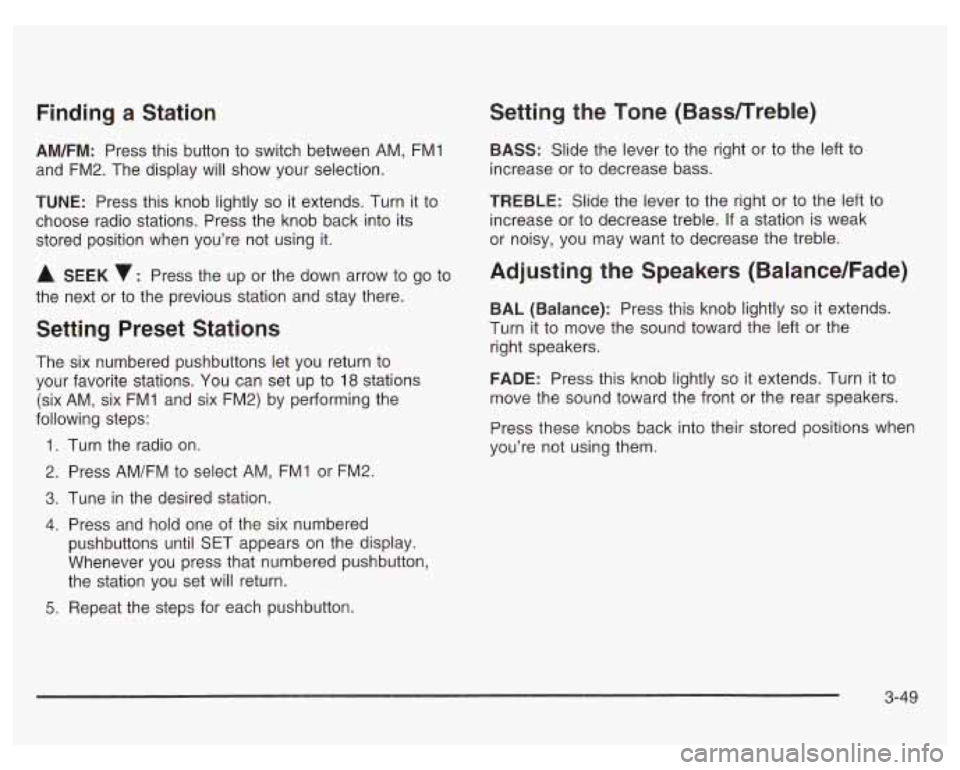
AM/FM: Press this button to switch between AM, FMl
and FM2. The display
will show your selection.
TUNE: Press this knob lightly so it extends. Turn it to
choose radio stations. Press the knob back into its
stored position when you’re not using it.
A SEEK v: Press the up or the down arrow to go to
the next or to the previous station and stay there.
Setting Preset Stations
The six numbered pushbuttons let you return to
your favorite stations. You can set up to
18 stations
(six AM, six
FMI and six FM2) by performing the
following steps:
1.
2.
3.
4.
5.
Turn the radio on.
Press AM/FM to select AM, FMI or FM2.
Tune in the desired station.
Press and hold one of the six numbered
pushbuttons until §ET appears on the display.
Whenever you press that numbered pushbutton,
the station you set will return.
Repeat the steps for each pushbutton.
Setting the Tone (BasdTreble)
BASS: Slide the lever to the right or to the left to
increase or to decrease bass.
TREBLE: Slide the lever to the right or to the left to
increase
or to decrease treble. If a station is weak
or noisy, you may want to decrease the treble.
Adjusting the Speakers (Balance/Fade)
BAL (Balance): Press this knob lightly so it extends.
Turn it to move the sound toward the left or the
right speakers.
FADE: Press this knob lightly so it extends. Turn it to
move the sound toward the front or the rear speakers.
Press these knobs back into their stored positions when
you’re not using them.
3-49
Page 173 of 378
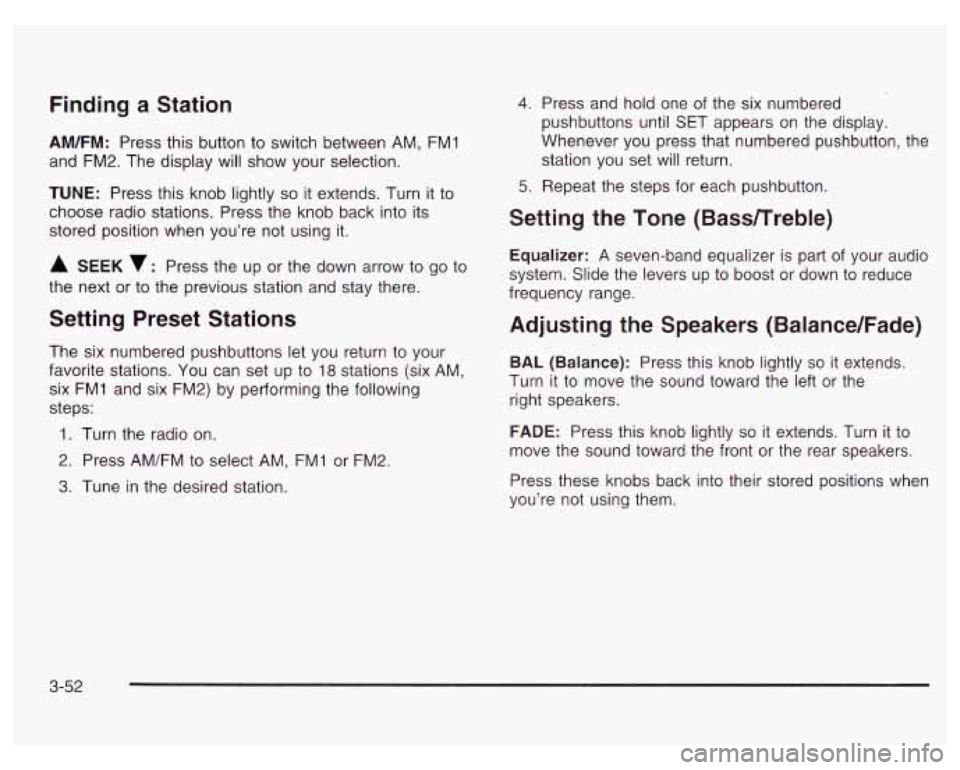
Finding a Station
AM/FM: Press this button to switch between AM, FM1
and FM2. The display will show your selection.
TUNE: Press this knob lightly so it extends. Turn it to
choose radio stations. Press the knob back into its
stored position when you’re not using it.
A SEEK v: Press the up or the down arrow to go to
the next or to the previous station and stay there.
Setting Preset Stations
The six numbered pushbuttons let you return to your
favorite stations. You can set up to
18 stations (six AM,
six FMI and six FM2) by performing the following
steps:
1. Turn the radio on.
2. Press AM/FM to select AM, FM1 or FM2.
3. Tune in the desired station.
4. Press and hold one of the six numbered
pushbuttons until SET appears on the display.
Whenever you press that numbered pushbutton, the station you set will return.
5. Repeat the steps for each pushbutton.
Setting the Tone (Bass/Treble)
Equalizer: A seven-band equalizer is part of your audio
system. Slide the levers up to boost or down to reduce
frequency range.
Adjusting the Speakers (Balance/Fade)
BAL (Balance): Press this knob lightly so it extends.
Turn it to move the sound toward the left or the
right speakers.
FADE: Press this knob lightly so it extends. Turn it to
move the sound toward the front or the rear speakers.
Press these knobs back into their stored positions when
you’re not using them.
3-52
Page 179 of 378
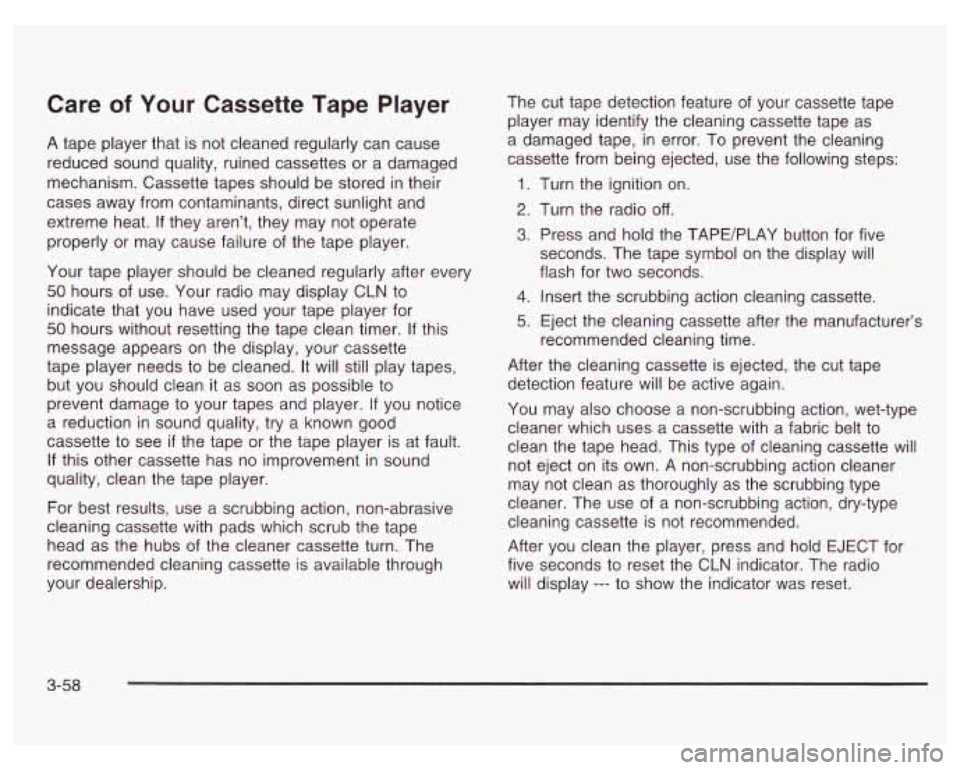
Care of Your Cassette Tape Player
A tape player that is not cleaned regularly can cause
reduced sound quality, ruined cassettes or a damaged
mechanism. Cassette tapes should be stored in their
cases away from contaminants, direct sunlight and
extreme heat.
If they aren’t, they may not operate
properly or may cause failure of the tape player.
Your tape player should be cleaned regularly after every
50 hours of use. Your radio may display CLN to
indicate that you have used your tape player for
50 hours without resetting the tape clean timer. If this
message appears on the display, your cassette
tape player needs to be cleaned. It will still play tapes,
but you should clean it as soon as possible to
prevent damage to your tapes and player. If you notice
a reduction in sound quality, try a known good
cassette to see
if the tape or the tape player is at fault.
If this other cassette has no improvement in sound
quality, clean the tape player.
For best results, use a scrubbing action, non-abrasive
cleaning cassette with pads which scrub the tape
head as the hubs of the cleaner cassette turn. The
recommended cleaning cassette is available through
your dealership. The
cut tape detection feature of your cassette tape
player may identify the cleaning cassette tape as
a damaged tape,
in error. To prevent the cleaning
cassette from being ejected, use the following steps:
1.
2.
3.
4.
5.
Turn the ignition on.
Turn the radio
off.
Press and hold the TAPE/PLAY button for five
seconds. The tape symbol on the display will
flash for two seconds.
Insert the scrubbing action cleaning cassette.
Eject the cleaning cassette after the manufacturer’s
recommended cleaning time.
After the cleaning cassette is ejected, the cut tape
detection feature will be active again.
You may also choose a non-scrubbing action, wet-type
cleaner which uses a cassette with a fabric belt to
clean the tape head. This type of cleaning cassette will
not eject on its own. A non-scrubbing action cleaner
may not clean as thoroughly as the scrubbing type
cleaner. The use of a non-scrubbing action, dry-type
cleaning cassette is not recommended.
After you clean the player, press and hold EJECT for
five seconds to reset the CLN indicator. The radio
will display
--- to show the indicator was reset.
3-58
Page 180 of 378
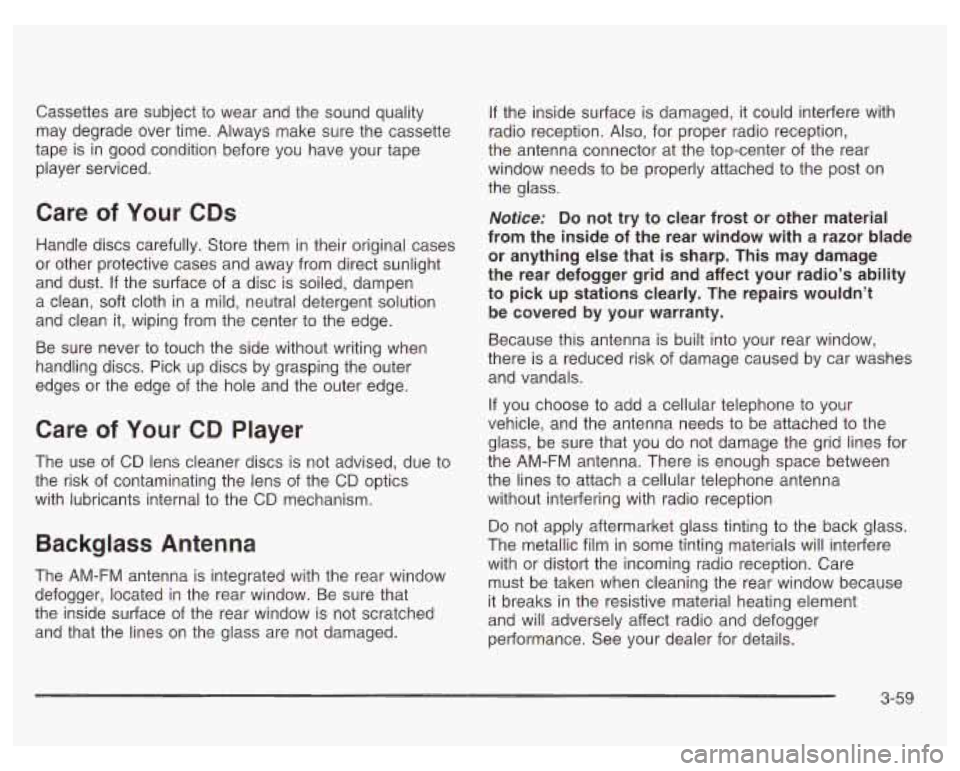
Cassettes are subject to wear and the sound quality
may degrade over time. Always make sure the cassette
tape is in good condition before you have your tape
player serviced.
Care of Your CDs
Handle discs carefully. Store them in their original cases
or other protective cases and away from direct sunlight
and dust.
If the surface of a disc is soiled, dampen
a clean, soft cloth in a mild, neutral detergent solution
and clean it, wiping from the center to the edge.
Be sure never to touch the side without writing when
handling discs. Pick up discs by grasping the outer
edges or the edge of the hole and the outer edge.
Care of Your CD Player
The use of CD lens cleaner discs is not advised, due to
the risk
of contaminating the lens of the CD optics
with lubricants internal to the CD mechanism.
Backglass Antenna
The AM-FM antenna is integrated with the rear window
defogger, located in the rear window. Be sure that
the inside surface of the rear window is not scratched
and that the lines on the glass are not damaged.
If the inside surface is damaged, it could interfere with
radio reception. Also, for proper radio reception,
the antenna connector at the top-center of the rear
window needs to be properly attached to the post on
the glass.
Notice; Do not try to clear frost or other material
from the inside of the rear window with a razor blade
or anything else that
is sharp. This may damage
the rear defogger grid and affect your radio’s ability
to pick up stations clearly. The repairs wouldn’t
be covered by your warranty.
Because this antenna is built into your rear window,
there is a reduced risk of damage caused by car washes
and vandals.
If you choose
to add a cellular telephone to your
vehicle, and the antenna needs to be attached
to the
glass, be sure that you do not damage the grid lines for
the AM-FM antenna. There is enough space between
the lines
to attach a cellular telephone antenna
without interfering with radio reception
Do not apply aftermarket glass tinting to the back glass.
The metallic film in some tinting materials will interfere
with or distort the incoming radio reception. Care
must be taken when cleaning the rear window because
it breaks in the resistive material heating element
and will adversely affect radio and defogger
performance. See your dealer for details.
3-59
Page 188 of 378
And, of course, actual stopping distances vary greatly
with the surface of the road (whether it’s pavement
or gravel); the condition of the road (wet, dry, icy);
tire tread; the condition of your brakes; the weight of the
vehicle and the amount of brake force applied.
Avoid needless heavy braking. Some people drive in
spurts
- heavy acceleration followed by heavy
braking
- rather than keeping pace with traffic. This is
a mistake. Your brakes may not have time
to cool
between hard stops. Your brakes will wear out much
faster
if you do a lot of heavy braking. If you keep pace
with the traffic and allow realistic following distances,
you will eliminate a lot of unnecessary braking.
That means better braking and longer brake life.
If your engine ever stops while you’re driving, brake
normally but don’t pump your brakes.
If you do,
the pedal may get harder to push down. If your engine
stops, you will still have some power brake assist.
But you will use it when you brake. Once the power
assist is used up, it may take longer to stop and
the brake pedal will be harder to push.
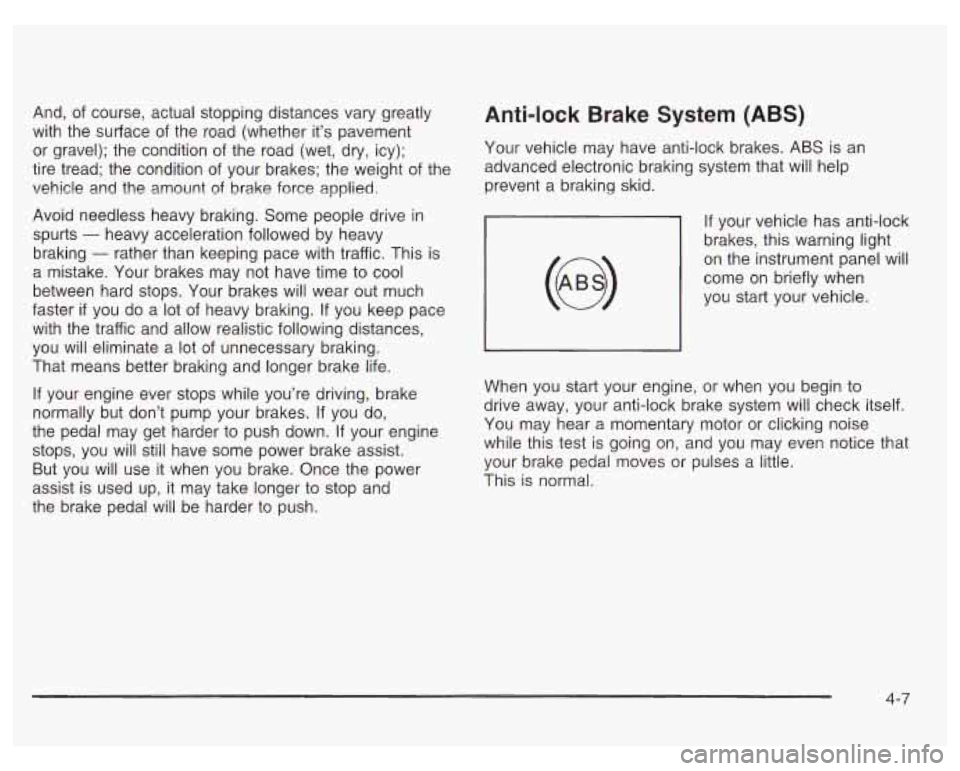
Anti-lock Brake System (ABS)
Your vehicle may have anti-lock brakes. ABS is an
advanced electronic braking system that will help
prevent a braking skid.
If your vehicle has anti-lock
brakes, this warning light
on the instrument panel will
come on briefly when
you start your vehicle.
When you start your engine, or when you begin to
drive away, your anti-lock brake system will check itself.
You may hear a momentary motor or clicking noise
while this test is going on, and you may even notice that
your brake pedal moves or pulses a little.
This is normal.
4-7
Page 190 of 378
Remember: Anti-lock doesn’t change the time you need
to get your foot up to the brake pedal or always
decrease stopping distance. If you get too close to the
vehicle in front of you, you won’t have time to apply
your brakes
if that vehicle suddenly slows or stops.
Always leave enough room up ahead to stop, even
though you have anti-lock brakes.
Using Anti-Lock
Don’t pump the brakes. Just hold the brake pedal down
firmly and let anti-lock work for you. You may feel a
slight brake pedal pulsation or notice some noise, but
this is normal.
Braking in Emergencies
At some time, nearly every driver gets into a situation
that requires hard braking.
If you have anti-lock, you can steer and brake at the
same time. However,
if you don’t have anti-lock,
your first reaction
- to hit the brake pedal hard and
hold it down
- may be the wrong thing to do. Your
wheels can stop rolling. Once they do, the vehicle
can’t respond to your steering. Momentum will carry
it in whatever direction it was headed when the wheels
stopped rolling. That could be off the road, into the
very
thing you were trying to avoid, or into traffic.
If you don’t have anti-lock, use a “squeeze’’ braking
technique. This will give you maximum braking while
maintaining steering control. You can do this by pushing
on the brake pedal with steadily increasing pressure.
In an emergency, you will probably want to squeeze the
brakes hard without locking the wheels. If you hear or
feel the wheels sliding, ease off the brake pedal.
This will help you retain steering control.
If you do have
anti-lock, it’s different. See “Anti-Lock Brakes.”
In many emergencies, steering can help you more than
even the very best braking.
4-9
Page 191 of 378
Traction Control System (TCS)
If your vehicle has the 3800 supercharged V6 engine it
has a traction control system that limits wheel spin.
This is especially useful in slippery road conditions. The
system operates only
if it senses that one or both of
the front wheels are spinning or beginning to lose
traction. When this happens, the system works the front
brakes and reduces engine power to limit wheel spin.
LOW
TRAC
This light will come on
when your traction control
system is limiting wheel
spin. See Traction Control
System (TCS) Warning
Light on page 3-29.
You may feel or hear the system working, but this
is normal.
If your vehicle is in cruise control when the traction
control system begins to limit wheel spin, the cruise
control will automatically disengage. When road
conditions allow you to safely use it again, you may
reengage the cruise control. See “Cruise Control” under
Turn SignaVMultifunction Lever on page 3-5.
TCS
OFF
This light should come on
briefly when you start the
engine.
If it stays on or
comes on while you
are driving, there is a
problem with your traction
control system.
See Traction Control System (TCS) Warning Light on
page 3-29. When this warning light
is on, the system will
not limit wheel spin. Adjust your driving accordingly.
The traction control system automatically comes
on whenever you start your vehicle.
To limit wheel spin,
especially in slippery road conditions, you should
always leave the system on. But you can turn the
traction control system
off if you ever need to. You
should turn the system
off if your vehicle ever gets stuck
in sand, mud or snow and rocking the vehicle is
required. See “Rocking Your Vehicle to Get It Out”
under
If You Are Stuck: In Sand, Mud, Ice or Snow
on page
4-32.
4-1 0