warning PONTIAC GRAND PRIX 2004 User Guide
[x] Cancel search | Manufacturer: PONTIAC, Model Year: 2004, Model line: GRAND PRIX, Model: PONTIAC GRAND PRIX 2004Pages: 432, PDF Size: 2.99 MB
Page 108 of 432
Hazard Warning Flashers
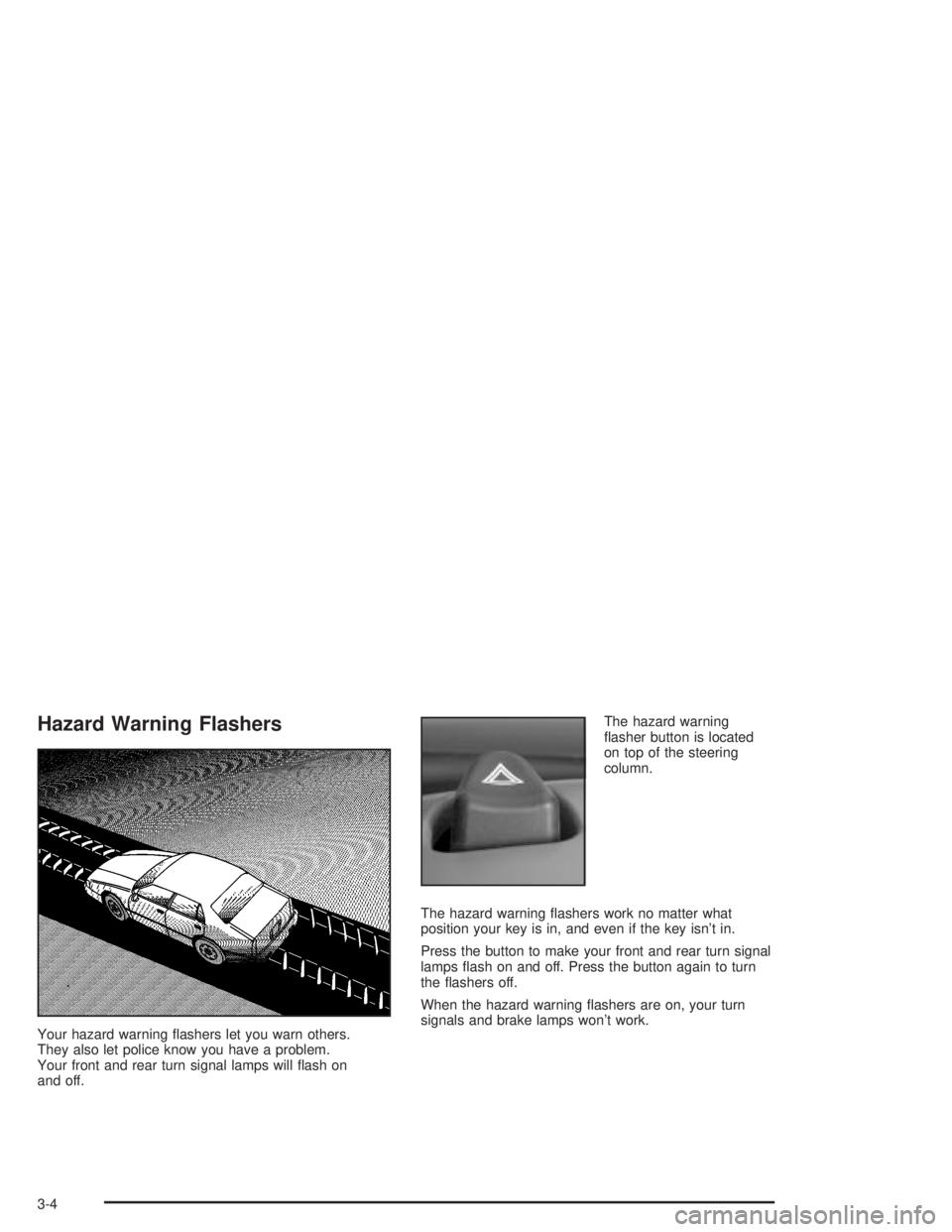
Your hazard warning ¯ashers let you warn others.
They also let police know you have a problem.
Your front and rear turn signal lamps will ¯ash on
and off.The hazard warning
¯asher button is located
on top of the steering
column.
The hazard warning ¯ashers work no matter what
position your key is in, and even if the key isn't in.
Press the button to make your front and rear turn signal
lamps ¯ash on and off. Press the button again to turn
the ¯ashers off.
When the hazard warning ¯ashers are on, your turn
signals and brake lamps won't work.
3-4
Page 109 of 432
Other Warning Devices
If you carry re¯ective triangles, you can set one up at
the side of the road about 300 feet (100 m) behind
your vehicle.
Horn
Press the vehicle's steering wheel pad to sound the horn.
Tilt Wheel
A tilt steering wheel allows you to adjust the steering
wheel before you drive. You can raise it to the highest
level to give your legs more room when you exit and
enter the vehicle, or you can lower it so that you're more
comfortable while driving.
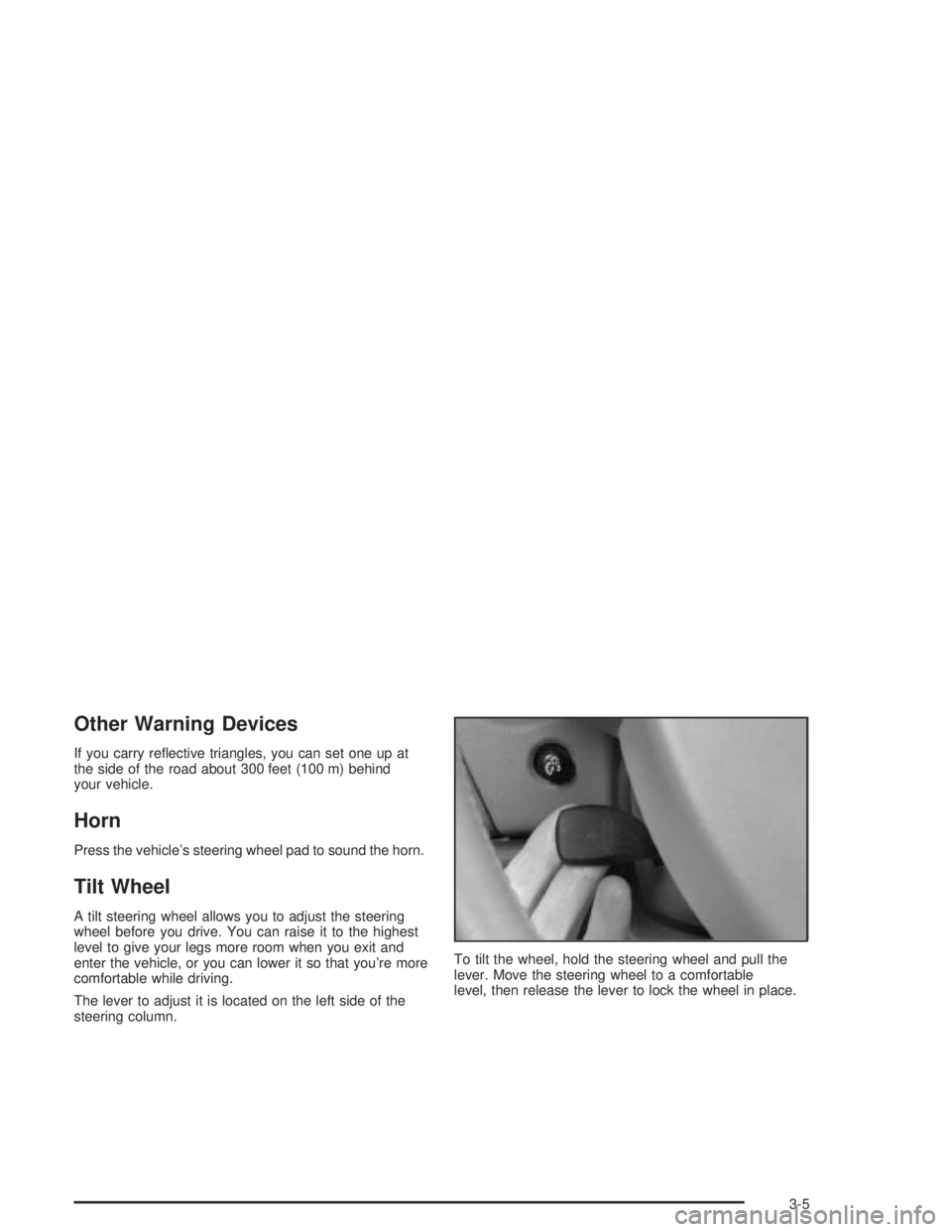
The lever to adjust it is located on the left side of the
steering column.To tilt the wheel, hold the steering wheel and pull the
lever. Move the steering wheel to a comfortable
level, then release the lever to lock the wheel in place.
3-5
Page 111 of 432
7(Mist):For a single wiping cycle, push the lever
down once and let go. The wipers will stop after one
cycle. For additional cycles, hold the lever down.
Be sure to clear ice and snow from the wiper blades
before using them. If they're frozen to the windshield,
gently loosen or thaw them. Damaged wiper blades may
prevent you from seeing well enough to drive safely.
If the blades do become damaged, install new blades or
blade inserts. For more information, see
Windshield
Wiper Blade Replacement on page 5-67.
Heavy snow or ice can overload the wiper motor.
A circuit breaker will stop the motor until it cools down.
Clear away snow or ice to prevent an overload.
Windshield Washer
{CAUTION:
In freezing weather, don't use your washer
until the windshield is warmed. Otherwise the
washer ¯uid can form ice on the windshield,
blocking your vision.
The windshield washer button is located at the end of
the windshield wiper lever.
K(Washer Fluid):Press this button to activate the
washer ¯uid to spray onto the windshield. The wipers
will run for a few cycles to clear the windshield. For more
wash cycles, press and hold the button.
If your vehicle is low on washer ¯uid, the LOW WASHER
FLUID message will appear on the Driver Information
Center (DIC) display. See
DIC Warnings and Messages
on page 3-65for more information.
3-7
Page 117 of 432
Fog Lamps
Fog lamps provide brighter roadway lighting for better
vision in foggy or misty conditions.
-(Fog Lamps):Turn the second band on the exterior
lamps lever to this position to turn the fog lamps on.
The band will return to its original position.
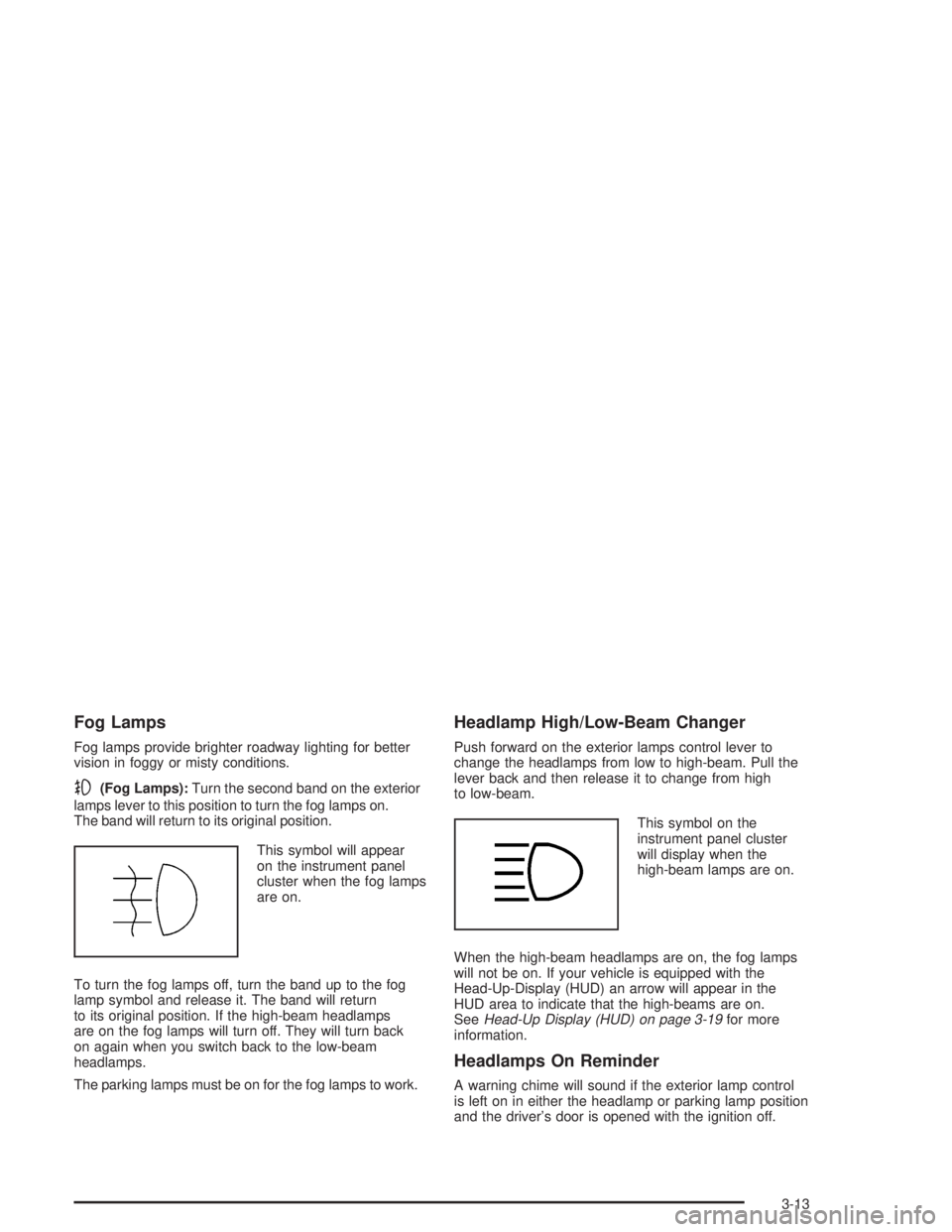
This symbol will appear
on the instrument panel
cluster when the fog lamps
are on.
To turn the fog lamps off, turn the band up to the fog
lamp symbol and release it. The band will return
to its original position. If the high-beam headlamps
are on the fog lamps will turn off. They will turn back
on again when you switch back to the low-beam
headlamps.
The parking lamps must be on for the fog lamps to work.
Headlamp High/Low-Beam Changer
Push forward on the exterior lamps control lever to
change the headlamps from low to high-beam. Pull the
lever back and then release it to change from high
to low-beam.
This symbol on the
instrument panel cluster
will display when the
high-beam lamps are on.
When the high-beam headlamps are on, the fog lamps
will not be on. If your vehicle is equipped with the
Head-Up-Display (HUD) an arrow will appear in the
HUD area to indicate that the high-beams are on.
See
Head-Up Display (HUD) on page 3-19for more
information.
Headlamps On Reminder
A warning chime will sound if the exterior lamp control
is left on in either the headlamp or parking lamp position
and the driver's door is opened with the ignition off.
3-13
Page 119 of 432
Turn Signal On Chime
If the turn signal is left on for approximately 1 mile
(1.61 km), a warning chime will sound and the TURN
SIGNAL ON warning message will appear on the Driver
Information Center (DIC) display. See ªTurn Signal
Onº under
DIC Warnings and Messages on page 3-65for more information.
Daytime Running Lamps
Daytime Running Lamps (DRL) can make it easier for
others to see the front of your vehicle during the
day. DRL can be helpful in many different driving
conditions, but they can be especially helpful in the short
periods after dawn and before sunset. Fully functional
daytime running lamps are required on all vehicles
®rst sold in Canada.
The DRL system will make the turn signal lamps come
on when the following conditions are met:
·It is still daylight and the ignition is in RUN or
START,
·the exterior lamp control is in off or AUTO with the
headlamps off, and
·an automatic transaxle is not in PARK (P) and the
parking brake is released.When DRL are on, only the front turn signal/parking
lamps will be on. No other exterior lamps will be
on when the DRL are being used. Your instrument
panel won't be lit up either.
When the exterior lamp control is in AUTO and it's dark
enough outside, the DRL will turn off and the low-beam
headlamps at full brightness will turn on. When it's
bright enough outside, the front turn signal lamps will
go off, and the DRL will turn back on. If you start
your vehicle in a dark garage, the automatic headlamp
system will come on immediately. Once you leave
the garage, it will take approximately one minute for the
automatic headlamp system to change to DRL if it is
light outside. During that delay, your instrument
panel cluster may not be as bright as usual. Make sure
your instrument panel brightness knob is in the full
bright position. See ªInstrument Panel Brightnessº under
Interior Lamps on page 3-16.
Vehicle's sold in the U.S. can turn the DRL off.
To do this, turn the band on the exterior lamp control
to off. Turn the band to this position again to turn
the DRL on.
As with any vehicle, you should turn on the regular
headlamp system when you need it.
3-15
Page 125 of 432
When the HUD is on, the speedometer reading will be
displayed continually. The current radio station or
CD track number will only be displayed for three
seconds after the radio or CD track status changes.
This will happen whenever one of the radio controls
is pressed.
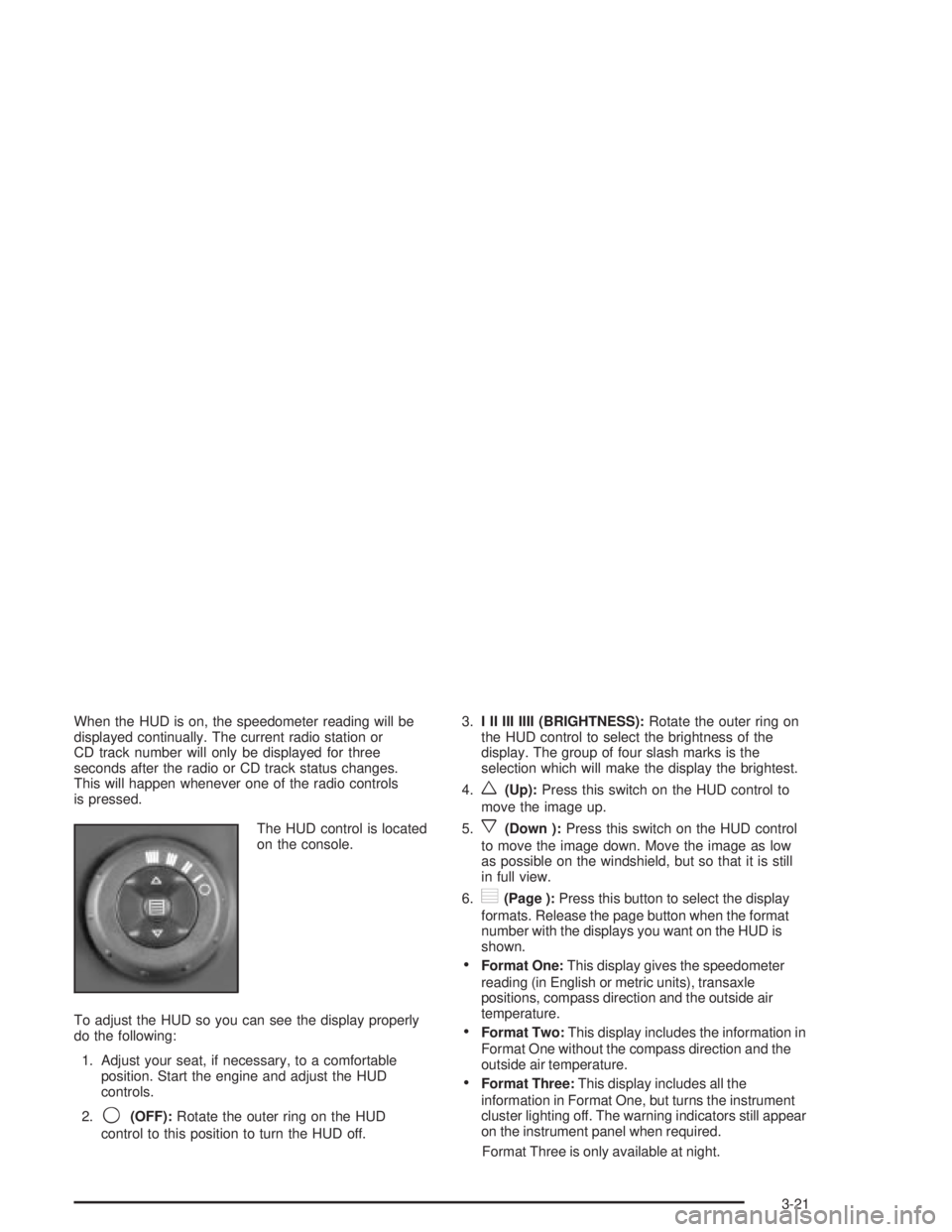
The HUD control is located
on the console.
To adjust the HUD so you can see the display properly
do the following:
1. Adjust your seat, if necessary, to a comfortable
position. Start the engine and adjust the HUD
controls.
2.
9(OFF):Rotate the outer ring on the HUD
control to this position to turn the HUD off.3.I II III IIII (BRIGHTNESS):Rotate the outer ring on
the HUD control to select the brightness of the
display. The group of four slash marks is the
selection which will make the display the brightest.
4.
w(Up):Press this switch on the HUD control to
move the image up.
5.
x(Down ):Press this switch on the HUD control
to move the image down. Move the image as low
as possible on the windshield, but so that it is still
in full view.
6.
?(Page ):Press this button to select the display
formats. Release the page button when the format
number with the displays you want on the HUD is
shown.
·Format One:This display gives the speedometer
reading (in English or metric units), transaxle
positions, compass direction and the outside air
temperature.
·Format Two:This display includes the information in
Format One without the compass direction and the
outside air temperature.
·Format Three:This display includes all the
information in Format One, but turns the instrument
cluster lighting off. The warning indicators still appear
on the instrument panel when required.
Format Three is only available at night.
3-21
Page 135 of 432
Warning Lights, Gages and
Indicators
This part describes the warning lights and gages that
may be on your vehicle. The pictures will help you
locate them.
Warning lights and gages can signal that something is
wrong before it becomes serious enough to cause
an expensive repair or replacement. Paying attention to
your warning lights and gages could also save you
or others from injury.
Warning lights come on when there may be or is a
problem with one of your vehicle's functions. As you
will see in the details on the next few pages, some
warning lights come on brie¯y when you start the engine
just to let you know they're working. If you are familiar
with this section, you should not be alarmed when
this happens.Gages can indicate when there may be or is a problem
with one of your vehicle's functions. Often gages
and warning lights work together to let you know when
there's a problem with your vehicle.
When one of the warning lights comes on and stays on
when you are driving, or when one of the gages
shows there may be a problem, check the section that
tells you what to do about it. Follow this manual's
advice. Waiting to do repairs can be costly ± and even
dangerous. So please get to know your warning
lights and gages. They're a big help.
Your vehicle also has a Driver Information Center (DIC)
that works along with the warning lights and gages.
See
Driver Information Center (DIC) on page 3-45for
more information.
3-31
Page 136 of 432
Instrument Panel Cluster
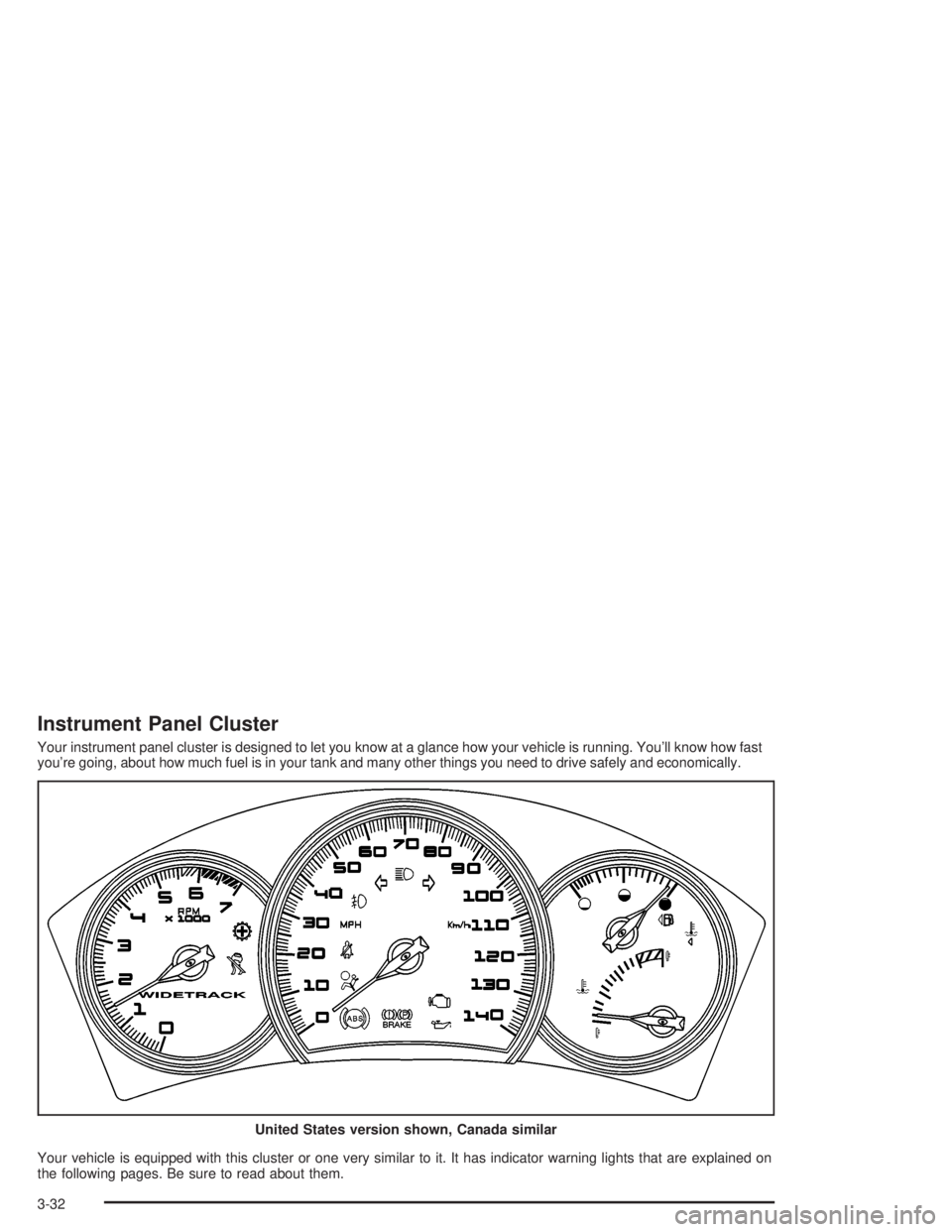
Your instrument panel cluster is designed to let you know at a glance how your vehicle is running. You'll know how fast
you're going, about how much fuel is in your tank and many other things you need to drive safely and economically.
Your vehicle is equipped with this cluster or one very similar to it. It has indicator warning lights that are explained on
the following pages. Be sure to read about them.United States version shown, Canada similar
3-32
Page 137 of 432
Speedometer and Odometer
The speedometer lets you see your speed in both
miles per hour (mph) and kilometers per hour (km/h).
The odometer, located on the Driver Information Center
(DIC) display, shows how far your vehicle has been
driven, in either miles or kilometers. See
DIC Controls
and Displays on page 3-45for more information.
If the vehicle has the Head-Up Display (HUD), the speed
will also be displayed on the HUD screen.
You may wonder what happens if a vehicle has to have
a new odometer installed. It the new one can be set
to the mileage total of the old odometer, than that will be
done. If it can't, than it will be set at zero and a label
must be put on the driver's door to show the old mileage
reading when the new odometer was installed.
Trip Odometer
The trip odometer, located in the Driver Information
Center (DIC), tells you how far you have driven since you
last reset it. You are able to see the miles (kilometers) for
two different trips. See
DIC Controls and Displays on
page 3-45for more information on setting the trip
odometer.
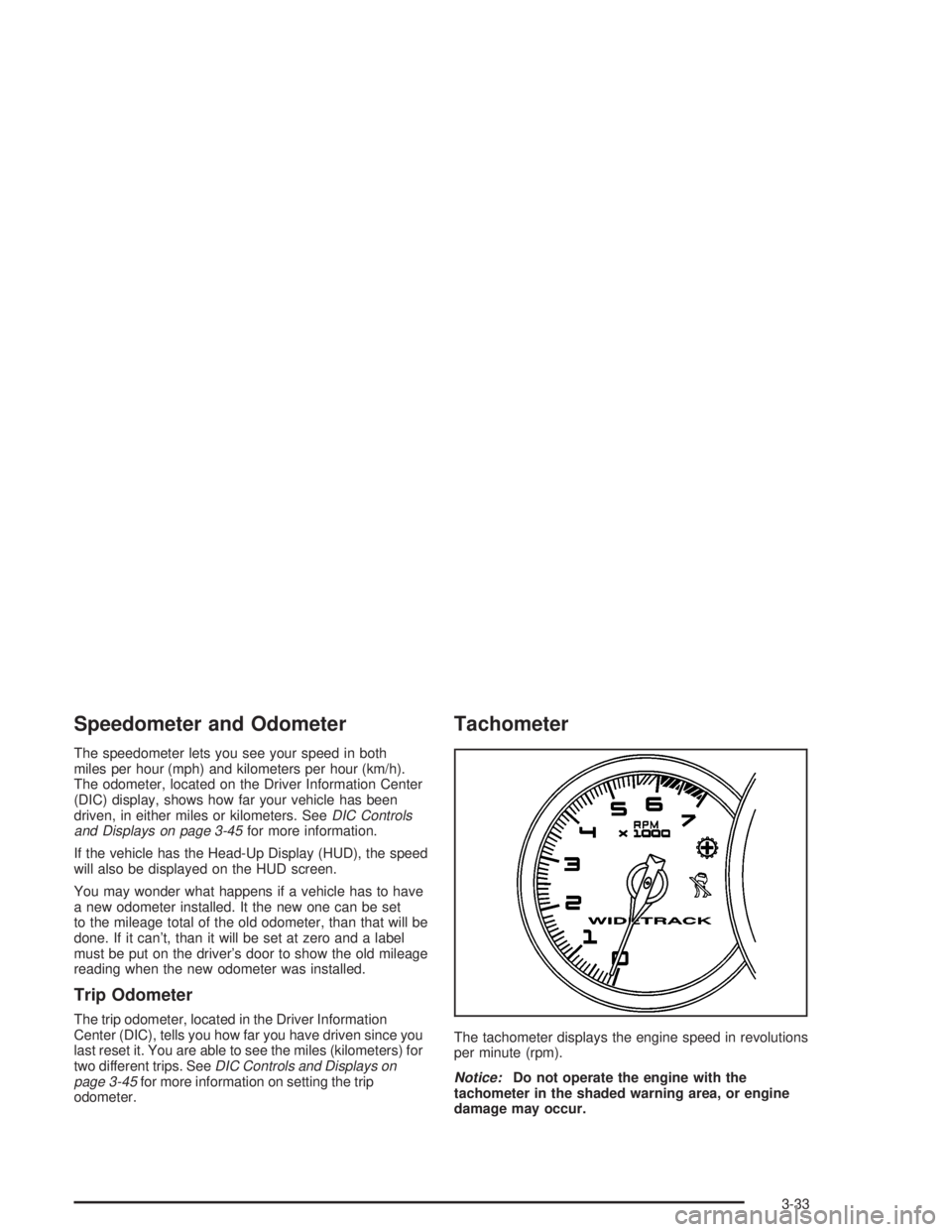
Tachometer
The tachometer displays the engine speed in revolutions
per minute (rpm).
Notice:Do not operate the engine with the
tachometer in the shaded warning area, or engine
damage may occur.
3-33
Page 140 of 432
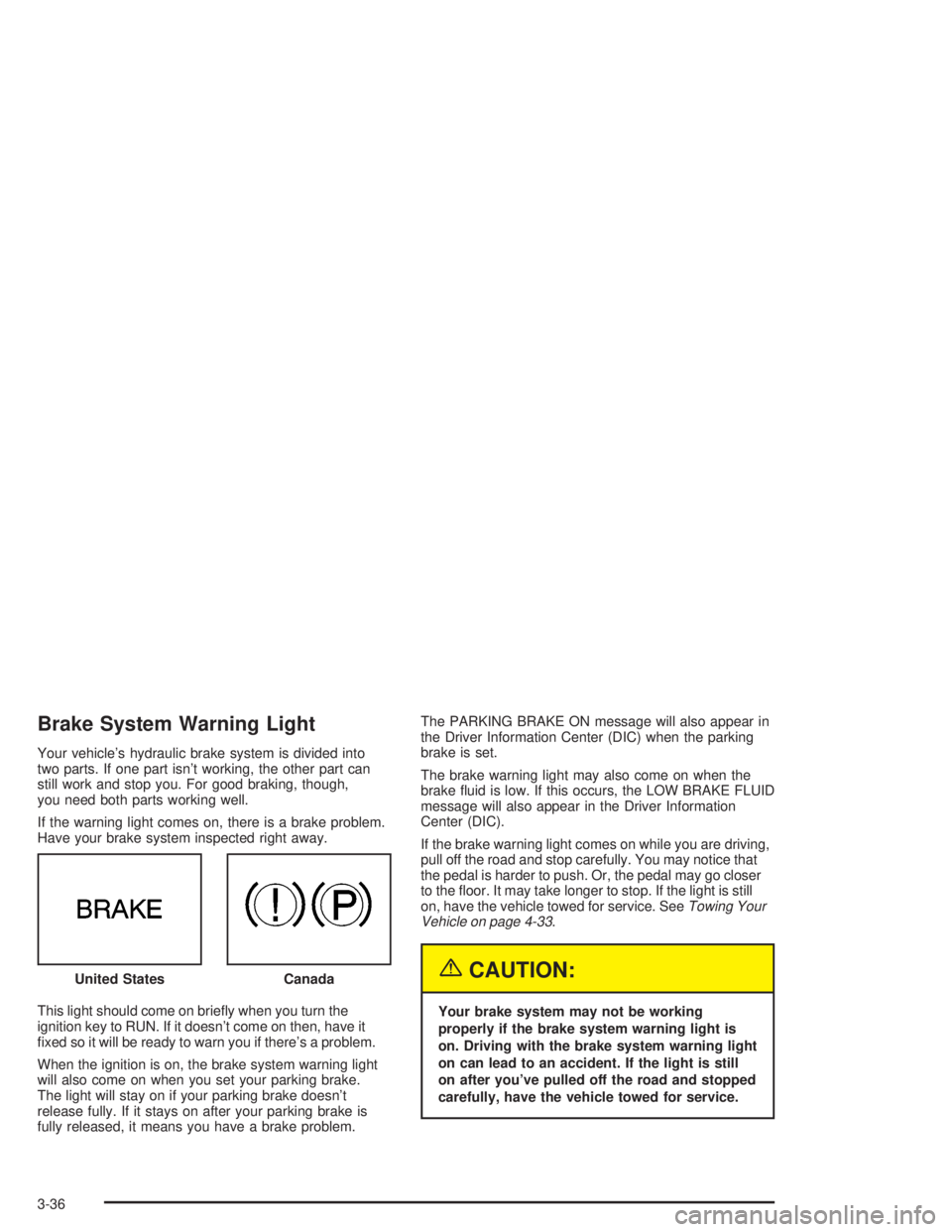
Brake System Warning Light
Your vehicle's hydraulic brake system is divided into
two parts. If one part isn't working, the other part can
still work and stop you. For good braking, though,
you need both parts working well.
If the warning light comes on, there is a brake problem.
Have your brake system inspected right away.
This light should come on brie¯y when you turn the
ignition key to RUN. If it doesn't come on then, have it
®xed so it will be ready to warn you if there's a problem.
When the ignition is on, the brake system warning light
will also come on when you set your parking brake.
The light will stay on if your parking brake doesn't
release fully. If it stays on after your parking brake is
fully released, it means you have a brake problem.The PARKING BRAKE ON message will also appear in
the Driver Information Center (DIC) when the parking
brake is set.
The brake warning light may also come on when the
brake ¯uid is low. If this occurs, the LOW BRAKE FLUID
message will also appear in the Driver Information
Center (DIC).
If the brake warning light comes on while you are driving,
pull off the road and stop carefully. You may notice that
the pedal is harder to push. Or, the pedal may go closer
to the ¯oor. It may take longer to stop. If the light is still
on, have the vehicle towed for service. See
Towing Your
Vehicle on page 4-33.
{CAUTION:
Your brake system may not be working
properly if the brake system warning light is
on. Driving with the brake system warning light
on can lead to an accident. If the light is still
on after you've pulled off the road and stopped
carefully, have the vehicle towed for service. United States
Canada
3-36