warning PONTIAC GRAND PRIX 2004 Owner's Manual
[x] Cancel search | Manufacturer: PONTIAC, Model Year: 2004, Model line: GRAND PRIX, Model: PONTIAC GRAND PRIX 2004Pages: 432, PDF Size: 2.99 MB
Page 141 of 432
Anti-Lock Brake System Warning
Light
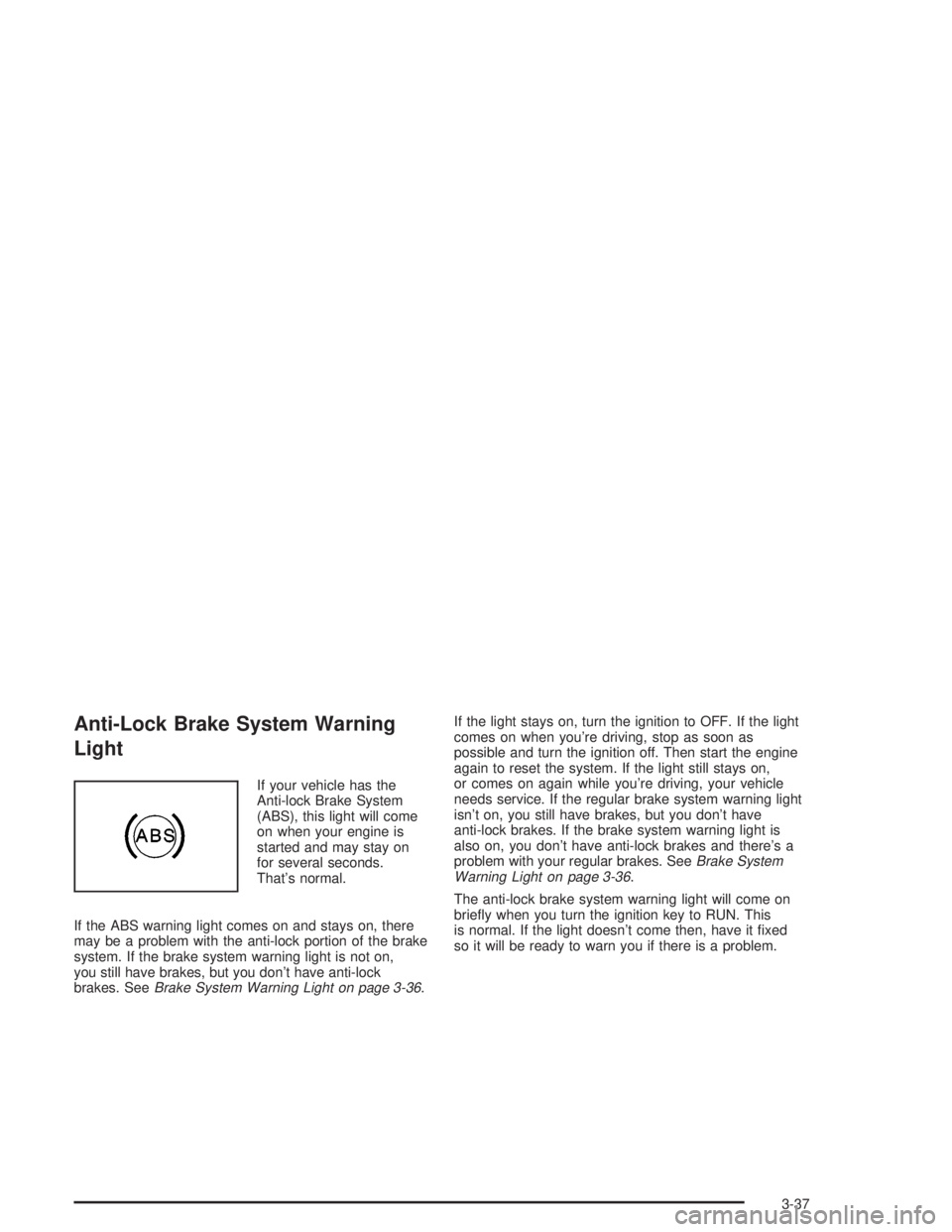
If your vehicle has the
Anti-lock Brake System
(ABS), this light will come
on when your engine is
started and may stay on
for several seconds.
That's normal.
If the ABS warning light comes on and stays on, there
may be a problem with the anti-lock portion of the brake
system. If the brake system warning light is not on,
you still have brakes, but you don't have anti-lock
brakes. See
Brake System Warning Light on page 3-36.If the light stays on, turn the ignition to OFF. If the light
comes on when you're driving, stop as soon as
possible and turn the ignition off. Then start the engine
again to reset the system. If the light still stays on,
or comes on again while you're driving, your vehicle
needs service. If the regular brake system warning light
isn't on, you still have brakes, but you don't have
anti-lock brakes. If the brake system warning light is
also on, you don't have anti-lock brakes and there's a
problem with your regular brakes. See
Brake System
Warning Light on page 3-36.
The anti-lock brake system warning light will come on
brie¯y when you turn the ignition key to RUN. This
is normal. If the light doesn't come then, have it ®xed
so it will be ready to warn you if there is a problem.
3-37
Page 142 of 432
Traction Control System (TCS)
Warning Light
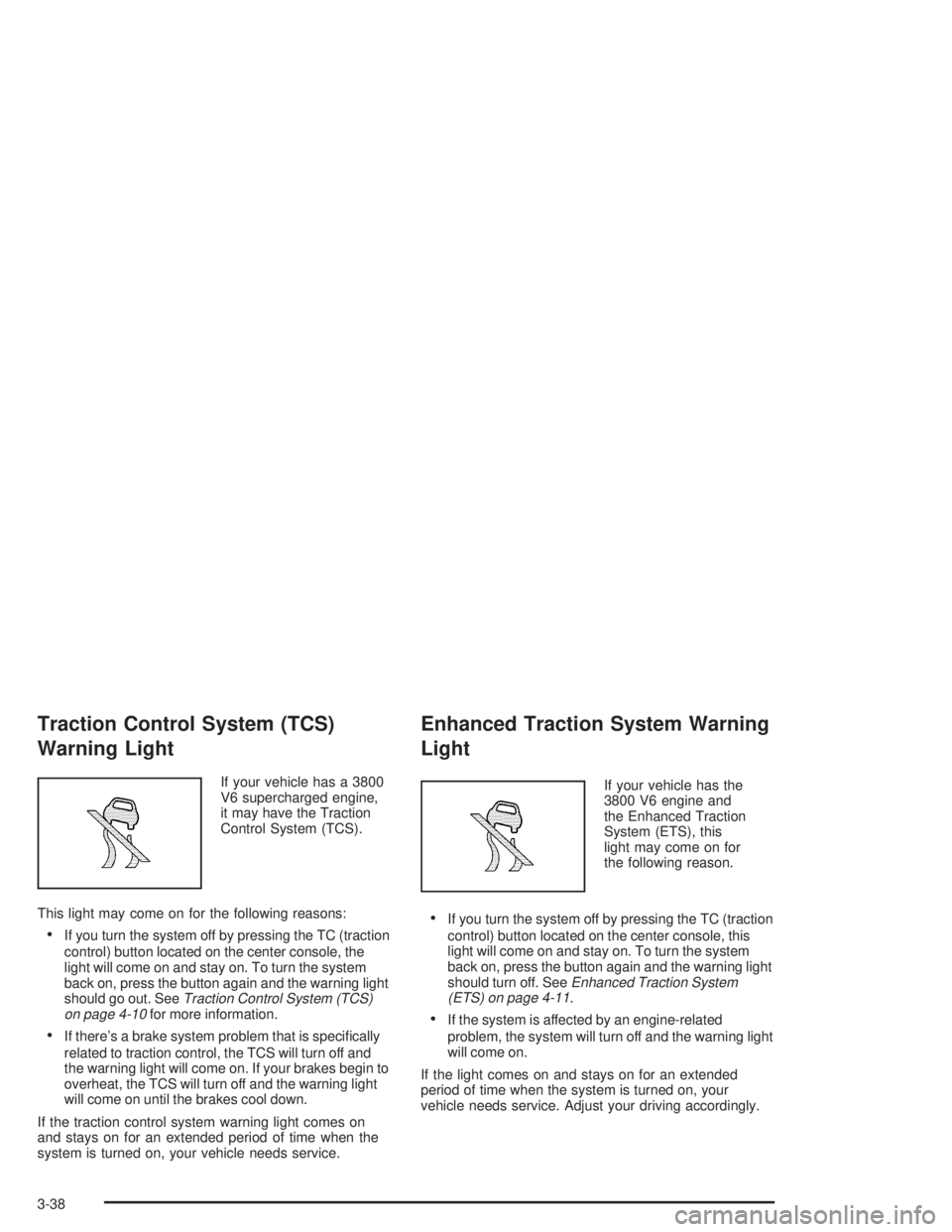
If your vehicle has a 3800
V6 supercharged engine,
it may have the Traction
Control System (TCS).
This light may come on for the following reasons:
·If you turn the system off by pressing the TC (traction
control) button located on the center console, the
light will come on and stay on. To turn the system
back on, press the button again and the warning light
should go out. See
Traction Control System (TCS)
on page 4-10for more information.
·If there's a brake system problem that is speci®cally
related to traction control, the TCS will turn off and
the warning light will come on. If your brakes begin to
overheat, the TCS will turn off and the warning light
will come on until the brakes cool down.
If the traction control system warning light comes on
and stays on for an extended period of time when the
system is turned on, your vehicle needs service.
Enhanced Traction System Warning
Light
If your vehicle has the
3800 V6 engine and
the Enhanced Traction
System (ETS), this
light may come on for
the following reason.
·If you turn the system off by pressing the TC (traction
control) button located on the center console, this
light will come on and stay on. To turn the system
back on, press the button again and the warning light
should turn off. See
Enhanced Traction System
(ETS) on page 4-11.
·If the system is affected by an engine-related
problem, the system will turn off and the warning light
will come on.
If the light comes on and stays on for an extended
period of time when the system is turned on, your
vehicle needs service. Adjust your driving accordingly.
3-38
Page 143 of 432
Engine Coolant Temperature
Warning Light
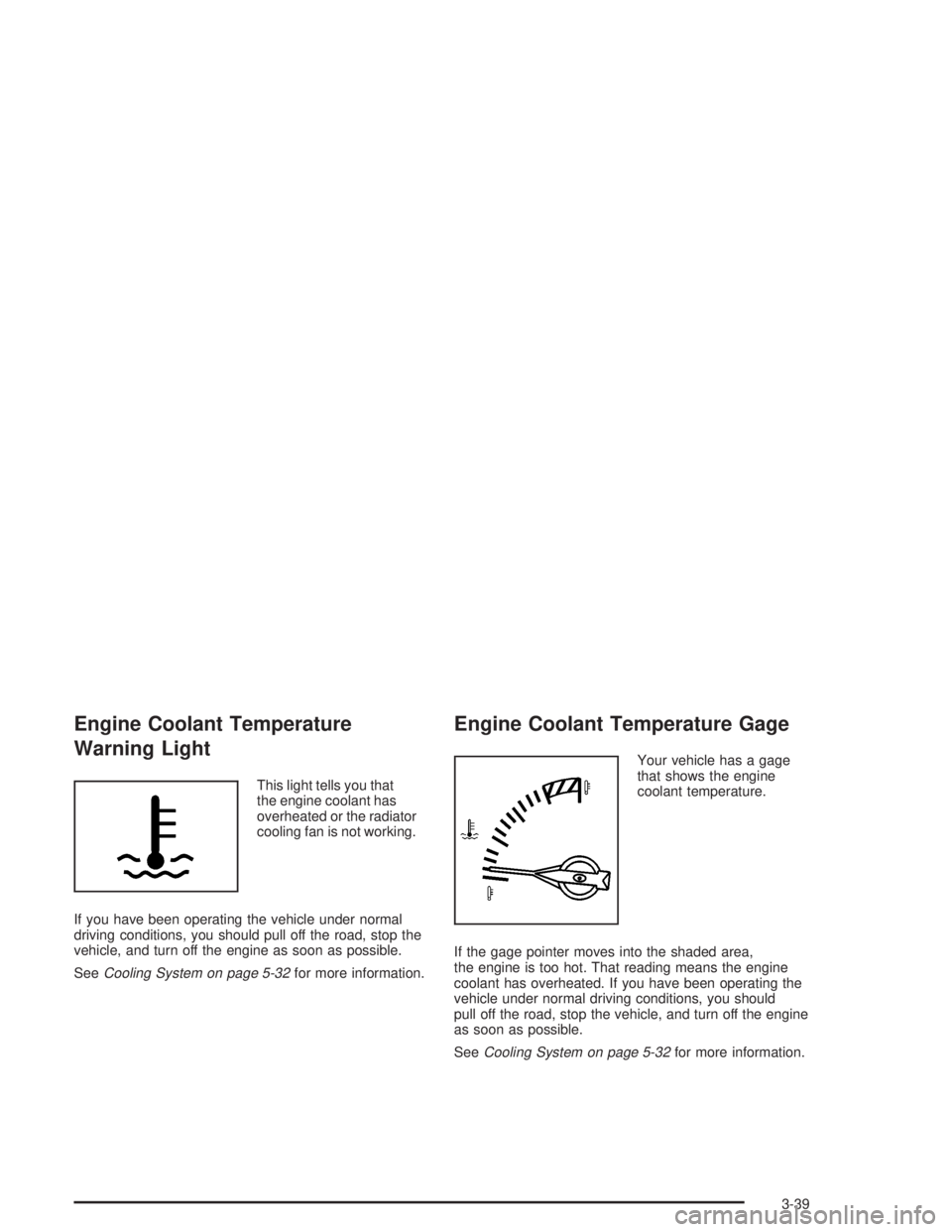
This light tells you that
the engine coolant has
overheated or the radiator
cooling fan is not working.
If you have been operating the vehicle under normal
driving conditions, you should pull off the road, stop the
vehicle, and turn off the engine as soon as possible.
See
Cooling System on page 5-32for more information.
Engine Coolant Temperature Gage
Your vehicle has a gage
that shows the engine
coolant temperature.
If the gage pointer moves into the shaded area,
the engine is too hot. That reading means the engine
coolant has overheated. If you have been operating the
vehicle under normal driving conditions, you should
pull off the road, stop the vehicle, and turn off the engine
as soon as possible.
See
Cooling System on page 5-32for more information.
3-39
Page 149 of 432
Driver Information Center (DIC)
The Driver Information Center (DIC) gives you important
safety and maintenance facts. When you turn the ignition
on, all of the DIC lights illuminate for a few seconds and
the phrase WIDETRACK GP will appear. After this, the
DIC will begin working.
DIC Controls and Displays
Base Level DIC
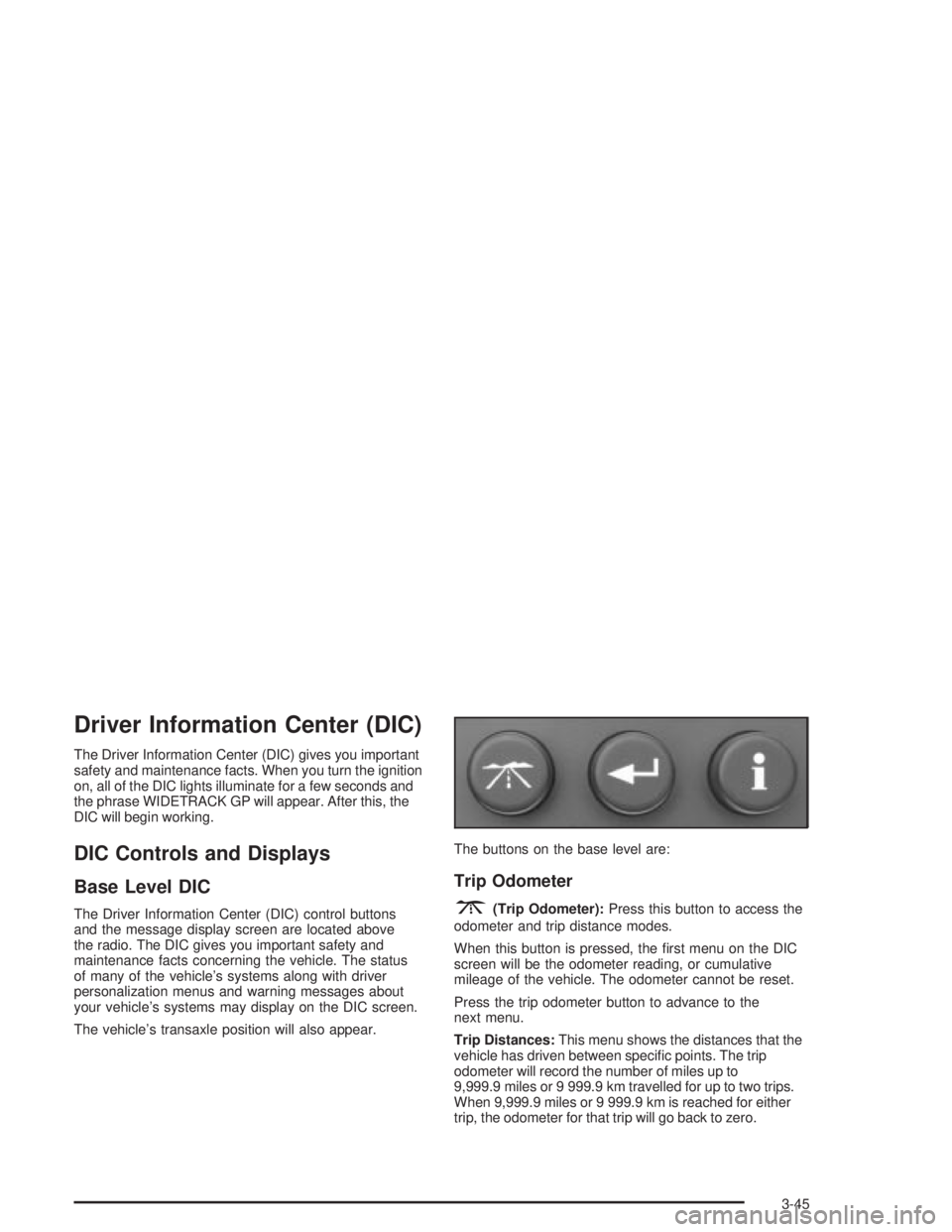
The Driver Information Center (DIC) control buttons
and the message display screen are located above
the radio. The DIC gives you important safety and
maintenance facts concerning the vehicle. The status
of many of the vehicle's systems along with driver
personalization menus and warning messages about
your vehicle's systems may display on the DIC screen.
The vehicle's transaxle position will also appear.The buttons on the base level are:
Trip Odometer
3(Trip Odometer):Press this button to access the
odometer and trip distance modes.
When this button is pressed, the ®rst menu on the DIC
screen will be the odometer reading, or cumulative
mileage of the vehicle. The odometer cannot be reset.
Press the trip odometer button to advance to the
next menu.
Trip Distances:This menu shows the distances that the
vehicle has driven between speci®c points. The trip
odometer will record the number of miles up to
9,999.9 miles or 9 999.9 km travelled for up to two trips.
When 9,999.9 miles or 9 999.9 km is reached for either
trip, the odometer for that trip will go back to zero.
3-45
Page 157 of 432
Uplevel DIC with Trip Computer
The Driver Information Center (DIC) control buttons and
the message display screen are located above the radio.
The DIC gives you important safety and maintenance
facts concerning the vehicle. The status of many of the
vehicle's systems along with driver personalization
menus and warning messages about your vehicle's
systems may display on the DIC screen.
The outside temperature automatically appears on the
bottom right corner of the DIC display screens. If the
outside temperature is below 38ÉF (3ÉC), the temperature
reading will toggle between displaying the outside
temperature and the word ICE for two minutes. If there is
a problem with the system that controls the temperature
display, the letters OC (Open Circuit) or SC (Short
Circuit) will appear on the display. If this occurs, have the
vehicle serviced by your dealer.
The vehicle's transaxle position, and the direction the
vehicle is traveling will also appear on the DIC screen.The compass is self-calibrating, which eliminates the
need to manually set the compass. However, under
certain circumstances, such as during a long distance
cross-country trip, it will be necessary to compensate
for compass variance and reset the zone through
the DIC. See ªSetting the Compassº later in this section
for more information.
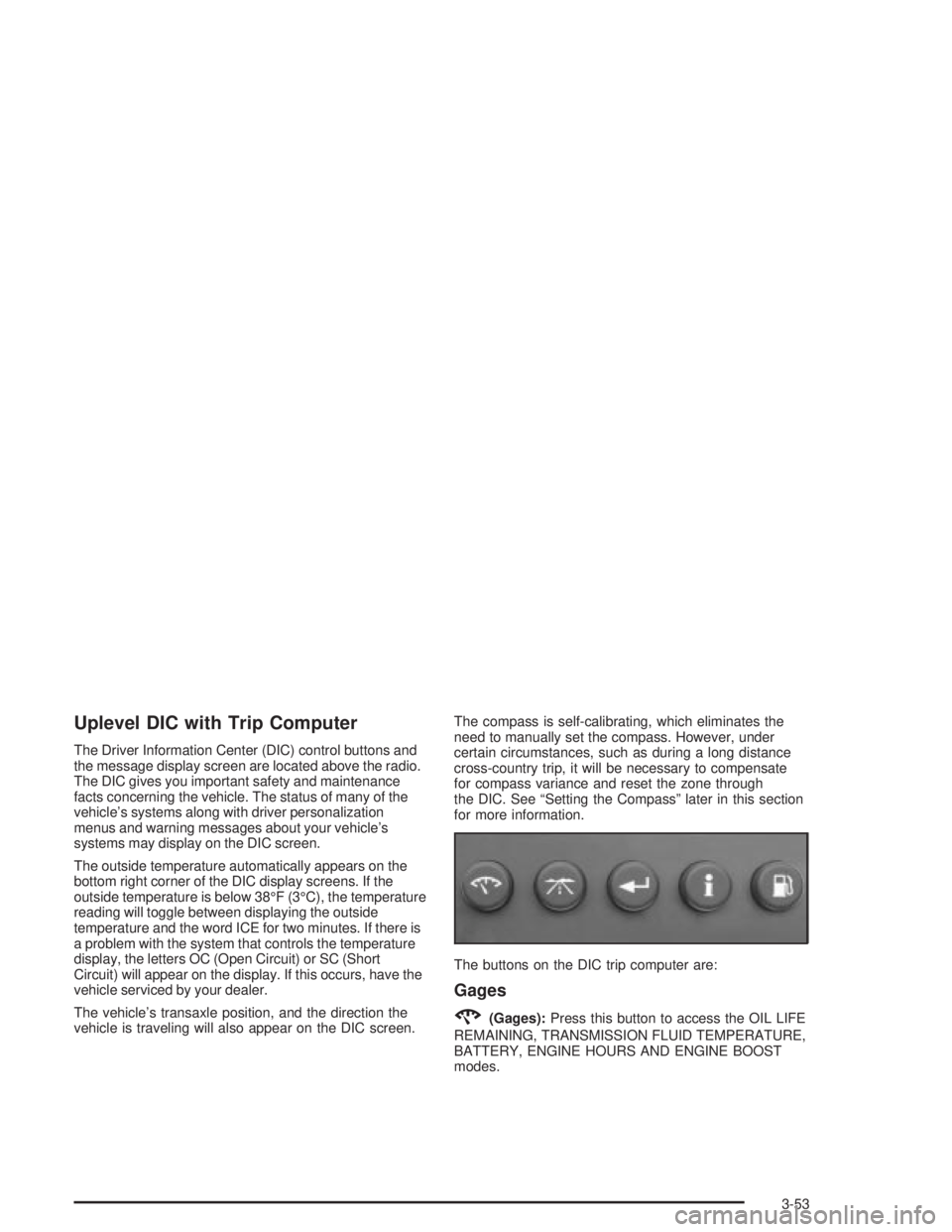
The buttons on the DIC trip computer are:
Gages
2(Gages):Press this button to access the OIL LIFE
REMAINING, TRANSMISSION FLUID TEMPERATURE,
BATTERY, ENGINE HOURS AND ENGINE BOOST
modes.
3-53
Page 168 of 432
Fuel
.(Fuel):Press this button to access the Average
Fuel Economy, Instantaneous Fuel Economy and Fuel
Range modes.
AVG ECONOMY (Average Fuel Economy):This
screen will display the approximate average miles per
gallon (mpg) or liters per 100 kilometers (L/100 km).
This number is calculated based on the number of mpg
(L/100 km) recorded since the last time this menu
item was reset.
To view the average fuel economy for the vehicle follow
this procedure:
1. Press the set/reset button to reset to zero.
2. Press the fuel button again to advance to the next
screen.
INST ECONOMY (Instantaneous Fuel Economy):
This screen displays the current fuel economy at
a particular moment and will change frequently as
driving conditions change. Unlike average fuel economy,
this screen cannot be reset.
Press the fuel button again to advance to the next screen.RANGE:This screen displays the approximate number
of remaining miles or kilometers you can drive without
refueling. This estimate is based on the average fuel
economy for the amount of fuel remaining in the fuel tank
and the current driving conditions. This estimate will
change if driving conditions change. For example, if you
are driving in traffic and making frequent stops, the
display may read one number, but if you enter the
freeway, the number may change even though the same
amount of fuel is in the fuel tank. This is because different
driving conditions produce different fuel economies.
Generally, freeway driving produces better fuel economy
than city driving.
If the fuel tank contains less than 2 gallons (7.6 L),
the LOW FUEL message will appear on the DIC screen.
Fill the fuel tank as soon as possible to avoid running
out of fuel.
See ªLow Fuelº under
DIC Warnings and Messages on
page 3-65.
3-64
Page 169 of 432
DIC Warnings and Messages
These messages will appear if there is a problem in
one of the vehicle's systems. They will override
any other mode or screen the DIC may be in.
Some messages allow you to erase them from the
DIC screen. To do this you must acknowledge
the message. To acknowledge or clear the message
from the screen, press the set/reset button on the DIC.
See
DIC Controls and Displays on page 3-45for
DIC button descriptions.
Other warning messages are not allowed to be erased
until the problem indicated by the warning message
is taken care of. When the problem indicated by
the message is resolved, it can be acknowledged and
the screen can be reset.
Be sure to take any message that appears on the
DIC screen seriously and remember that clearing the
messages that are able to be acknowledged, will
only make the message disappear, not the problem.
A/C OFF FOR ENGINE PROTECTION
This warning message appears when the engine coolant
becomes hotter than the normal operating temperature.
To avoid added strain on a hot engine, the air
conditioning compressor is automatically turned off.
When the coolant temperature returns to normal, the air
conditioning compressor will turn back on. You can
continue to drive your vehicle.
This warning message will display while the ignition
is in RUN. A chime will sound for two seconds when
this message is displayed. Press the set/reset button
to acknowledge this warning message and to clear
it from the screen.
This message will continue to display if it has not been
acknowledged when the engine is turned off. It will
also re-display for three seconds if the message has
been acknowledged, but the condition still exists
when the engine is turned off.
The message will re-appear when the engine is turned
on and the condition still exists.
3-65
Page 170 of 432
AJAR
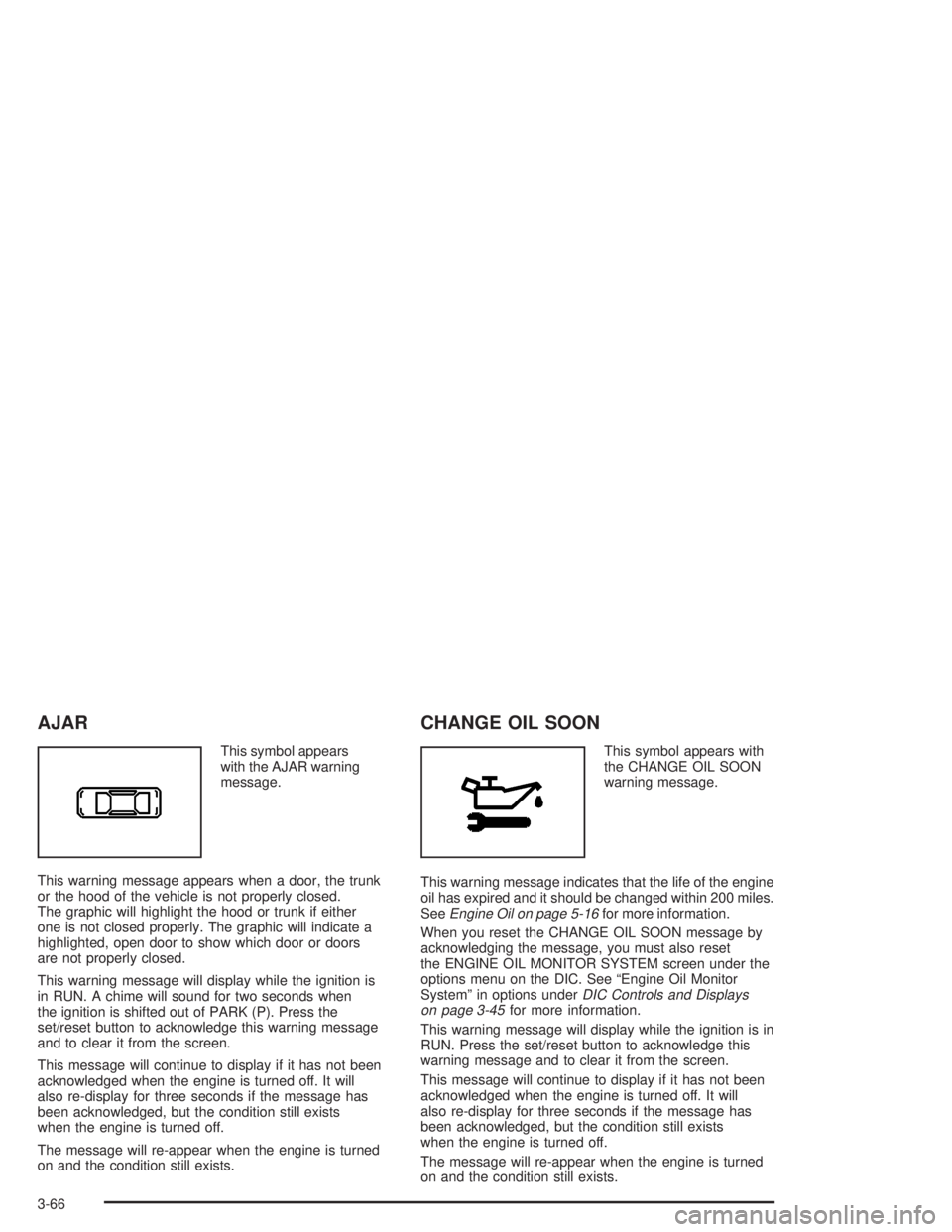
This symbol appears
with the AJAR warning
message.
This warning message appears when a door, the trunk
or the hood of the vehicle is not properly closed.
The graphic will highlight the hood or trunk if either
one is not closed properly. The graphic will indicate a
highlighted, open door to show which door or doors
are not properly closed.
This warning message will display while the ignition is
in RUN. A chime will sound for two seconds when
the ignition is shifted out of PARK (P). Press the
set/reset button to acknowledge this warning message
and to clear it from the screen.
This message will continue to display if it has not been
acknowledged when the engine is turned off. It will
also re-display for three seconds if the message has
been acknowledged, but the condition still exists
when the engine is turned off.
The message will re-appear when the engine is turned
on and the condition still exists.
CHANGE OIL SOON
This symbol appears with
the CHANGE OIL SOON
warning message.
This warning message indicates that the life of the engine
oil has expired and it should be changed within 200 miles.
See
Engine Oil on page 5-16for more information.
When you reset the CHANGE OIL SOON message by
acknowledging the message, you must also reset
the ENGINE OIL MONITOR SYSTEM screen under the
options menu on the DIC. See ªEngine Oil Monitor
Systemº in options under
DIC Controls and Displays
on page 3-45for more information.
This warning message will display while the ignition is in
RUN. Press the set/reset button to acknowledge this
warning message and to clear it from the screen.
This message will continue to display if it has not been
acknowledged when the engine is turned off. It will
also re-display for three seconds if the message has
been acknowledged, but the condition still exists
when the engine is turned off.
The message will re-appear when the engine is turned
on and the condition still exists.
3-66
Page 171 of 432
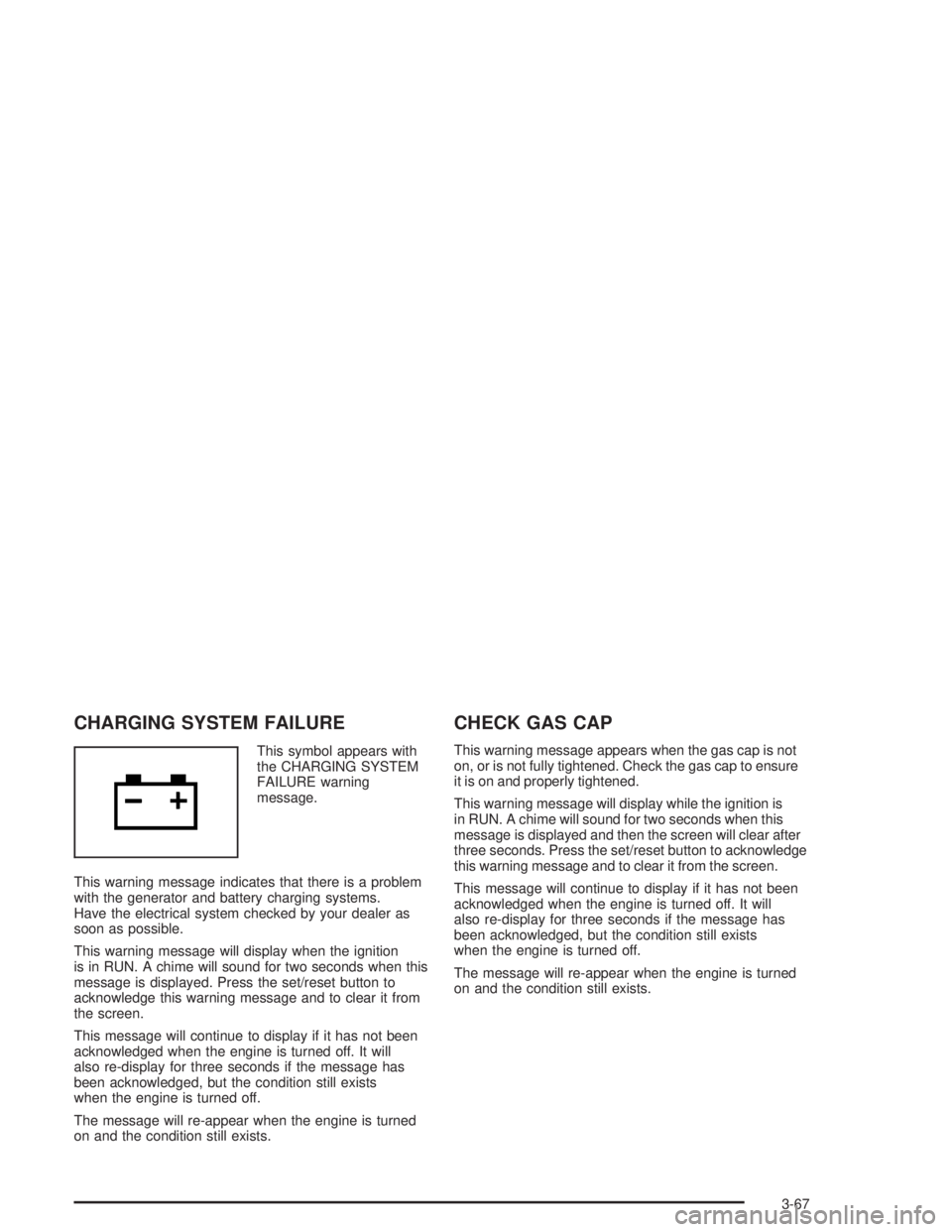
CHARGING SYSTEM FAILURE
This symbol appears with
the CHARGING SYSTEM
FAILURE warning
message.
This warning message indicates that there is a problem
with the generator and battery charging systems.
Have the electrical system checked by your dealer as
soon as possible.
This warning message will display when the ignition
is in RUN. A chime will sound for two seconds when this
message is displayed. Press the set/reset button to
acknowledge this warning message and to clear it from
the screen.
This message will continue to display if it has not been
acknowledged when the engine is turned off. It will
also re-display for three seconds if the message has
been acknowledged, but the condition still exists
when the engine is turned off.
The message will re-appear when the engine is turned
on and the condition still exists.
CHECK GAS CAP
This warning message appears when the gas cap is not
on, or is not fully tightened. Check the gas cap to ensure
it is on and properly tightened.
This warning message will display while the ignition is
in RUN. A chime will sound for two seconds when this
message is displayed and then the screen will clear after
three seconds. Press the set/reset button to acknowledge
this warning message and to clear it from the screen.
This message will continue to display if it has not been
acknowledged when the engine is turned off. It will
also re-display for three seconds if the message has
been acknowledged, but the condition still exists
when the engine is turned off.
The message will re-appear when the engine is turned
on and the condition still exists.
3-67
Page 172 of 432
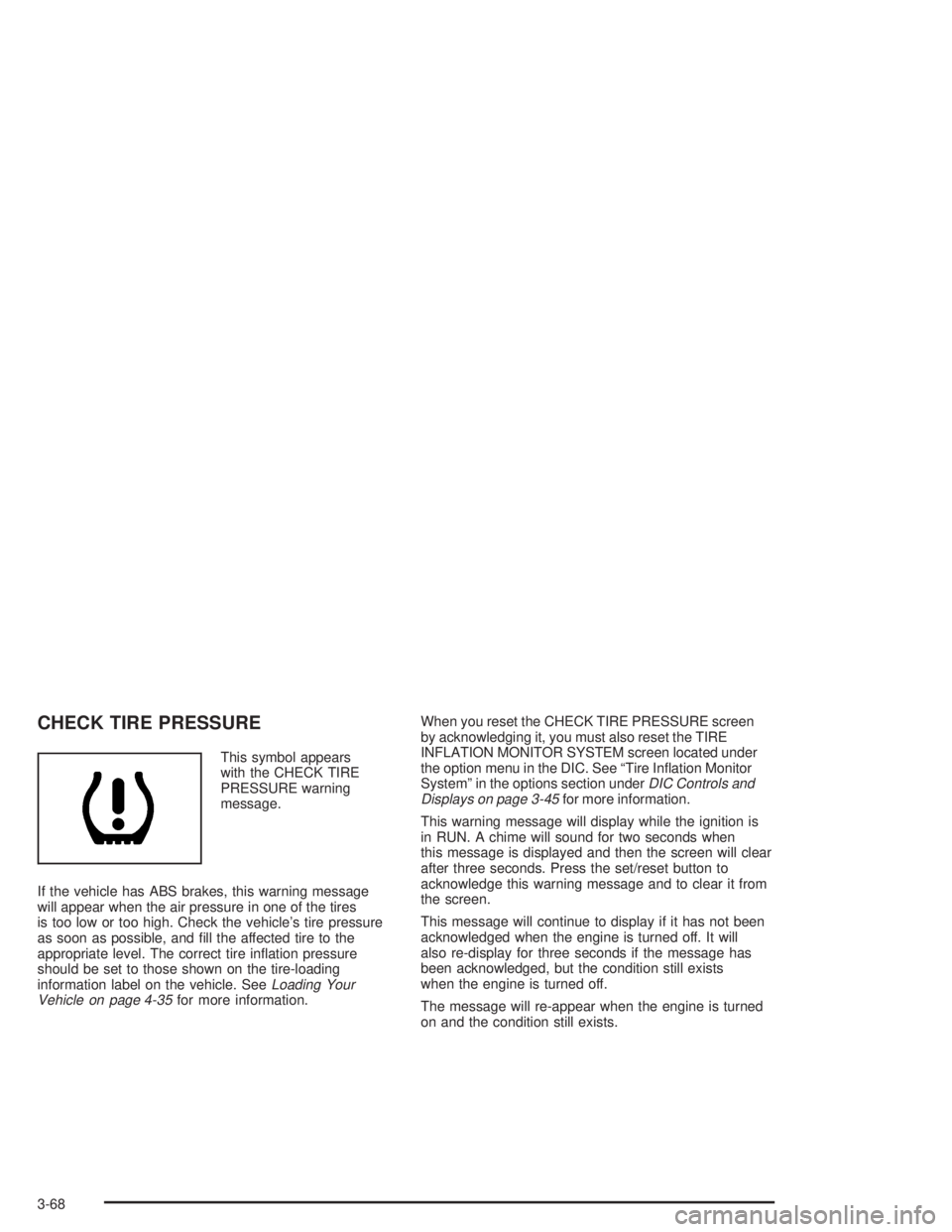
CHECK TIRE PRESSURE
This symbol appears
with the CHECK TIRE
PRESSURE warning
message.
If the vehicle has ABS brakes, this warning message
will appear when the air pressure in one of the tires
is too low or too high. Check the vehicle's tire pressure
as soon as possible, and ®ll the affected tire to the
appropriate level. The correct tire in¯ation pressure
should be set to those shown on the tire-loading
information label on the vehicle. See
Loading Your
Vehicle on page 4-35for more information.When you reset the CHECK TIRE PRESSURE screen
by acknowledging it, you must also reset the TIRE
INFLATION MONITOR SYSTEM screen located under
the option menu in the DIC. See ªTire In¯ation Monitor
Systemº in the options section under
DIC Controls and
Displays on page 3-45for more information.
This warning message will display while the ignition is
in RUN. A chime will sound for two seconds when
this message is displayed and then the screen will clear
after three seconds. Press the set/reset button to
acknowledge this warning message and to clear it from
the screen.
This message will continue to display if it has not been
acknowledged when the engine is turned off. It will
also re-display for three seconds if the message has
been acknowledged, but the condition still exists
when the engine is turned off.
The message will re-appear when the engine is turned
on and the condition still exists.
3-68