ECO mode PONTIAC GRAND PRIX 2004 Owner's Manual
[x] Cancel search | Manufacturer: PONTIAC, Model Year: 2004, Model line: GRAND PRIX, Model: PONTIAC GRAND PRIX 2004Pages: 432, PDF Size: 2.99 MB
Page 223 of 432
BAND (Alternate Frequency):Alternate frequency
allows the radio to switch to a stronger station with the
same program type. Press and hold BAND for two
seconds to turn alternate frequency on. AF ON
will appear on the display. The radio may switch to
stronger stations. Press and hold BAND again for
two seconds to turn alternate frequency off. AF OFF will
appear on the display. The radio will not switch to
other stations. When you turn the ignition off and then
on again, the alternate frequency feature will
automatically be turned on.
This function does not apply for XMŸ Satellite Radio
Service.Setting Preset PTYs (RDS Only)
The six numbered pushbuttons let you return to your
favorite program types (PTYs). These pushbuttons
have factory PTY presets. You can set up to 12 PTYs
(six FM1 and six FM2) by performing the following steps:
1. Press BAND to select FM1 or FM2.
2. Press the P-TYPE button to activate program type
select mode.
3. Turn the P-TYPE knob to select a PTY.
4. Press and hold one of the six numbered pushbuttons
until you hear a beep. Whenever you press that
numbered pushbutton, the PTY you set will return.
5. Repeat the steps for each pushbutton.
3-119
Page 230 of 432
sSCANt:To scan one disc, press and hold either
SCAN arrow for more than two seconds until SCAN
appears on the display and you hear a beep. Use this
feature to listen to 10 seconds of each track of the
currently selected disc. SCAN will appear on the display.
Press either SCAN arrow again, to stop scanning.
To scan all loaded discs, press and hold either SCAN
arrow for more than four seconds until DISC SCAN
appears on the display and you hear a beep. Use this
feature to listen to 10 seconds of the ®rst tracks of each
disc loaded. Press either SCAN arrow again, to stop
scanning.
RCL (Recall):Press this button to see how long the
current track has been playing. To change the default on
the display (track and elapsed time), press the button
until you see the display you want, then hold the button
until the display ¯ashes. The selected display will
now be the default.
BAND:Press this button to play the radio when a
disc(s) is in the player.Using Song List Mode
The integrated six-disc CD changer has a feature called
song list. This feature is capable of saving 20 track
selections.
To save tracks into the song list feature, perform the
following steps:
1. Turn the CD player on and load it with at least one
disc. See ªLOAD CDº listed previously in this section
for more information.
2. Check to see that the disc changer is not in song
list mode. S-LIST should not appear in the display.
If S-LIST is present, press the SONG LIST
button to turn it off.
3. Select the desired disc by pressing the numbered
pushbutton and then use the SEEK SCAN right
arrow button to locate the track that you want
to save. The track will begin to play.
4. Press and hold the SONG LIST button for two or
more seconds to save the track into memory.
When SONG LIST is pressed a beep will be
heard immediately. After two seconds of pressing
SONG LIST continuously, two beeps will sound
to con®rm that the track has been saved.
5. Repeat Steps 3 and 4 for saving other selections.
If you attempt to save more than 20 selections,
S-LIST FULL will appear on the display.
3-126
Page 231 of 432
To play the song list, press the SONG LIST button.
One beep will be heard and S-LIST will appear on the
display. The recorded tracks will begin to play in
the order that they were saved.
You may seek through the song list by using the SEEK
SCAN arrows. Seeking past the last saved track will
return you to the ®rst saved track.
To delete tracks from the song list, perform the
following steps:
1. Turn the CD player on.
2. Press the SONG LIST button to turn song list on.
S-LIST will appear on the display.
3. Press the SEEK SCAN arrows to select the desired
track to be deleted.
4. Press and hold the SONG LIST button for two
seconds. When pressing SONG LIST, one beep
will be heard immediately. After two seconds
of pressing the SONG LIST button continuously,
two beeps will be heard to con®rm that the track has
been deleted.
After a track has been deleted, the remaining tracks are
moved up the list. When another track is added to the
song list, the track will be added to the end of the list.To delete the entire song list, perform the following steps:
1. Turn the disc player on.
2. Press the SONG LIST button to turn song list on.
S-LIST will appear on the display.
3. Press and hold the SONG LIST button for more
than four seconds. A beep will be heard, followed
by two beeps after two seconds and a ®nal beep will
be heard after four seconds. S-LIST EMPTY will
appear on the display indicating that the song
list has been deleted.
If a disc is ejected, and the song list contains saved
tracks from that disc, those tracks are automatically
deleted from the song list. Any tracks saved to the song
list again are added to the bottom of the list.
To end song list mode, press the SONG LIST button.
One beep will be heard and S-LIST will be removed from
the display.
3-127
Page 314 of 432
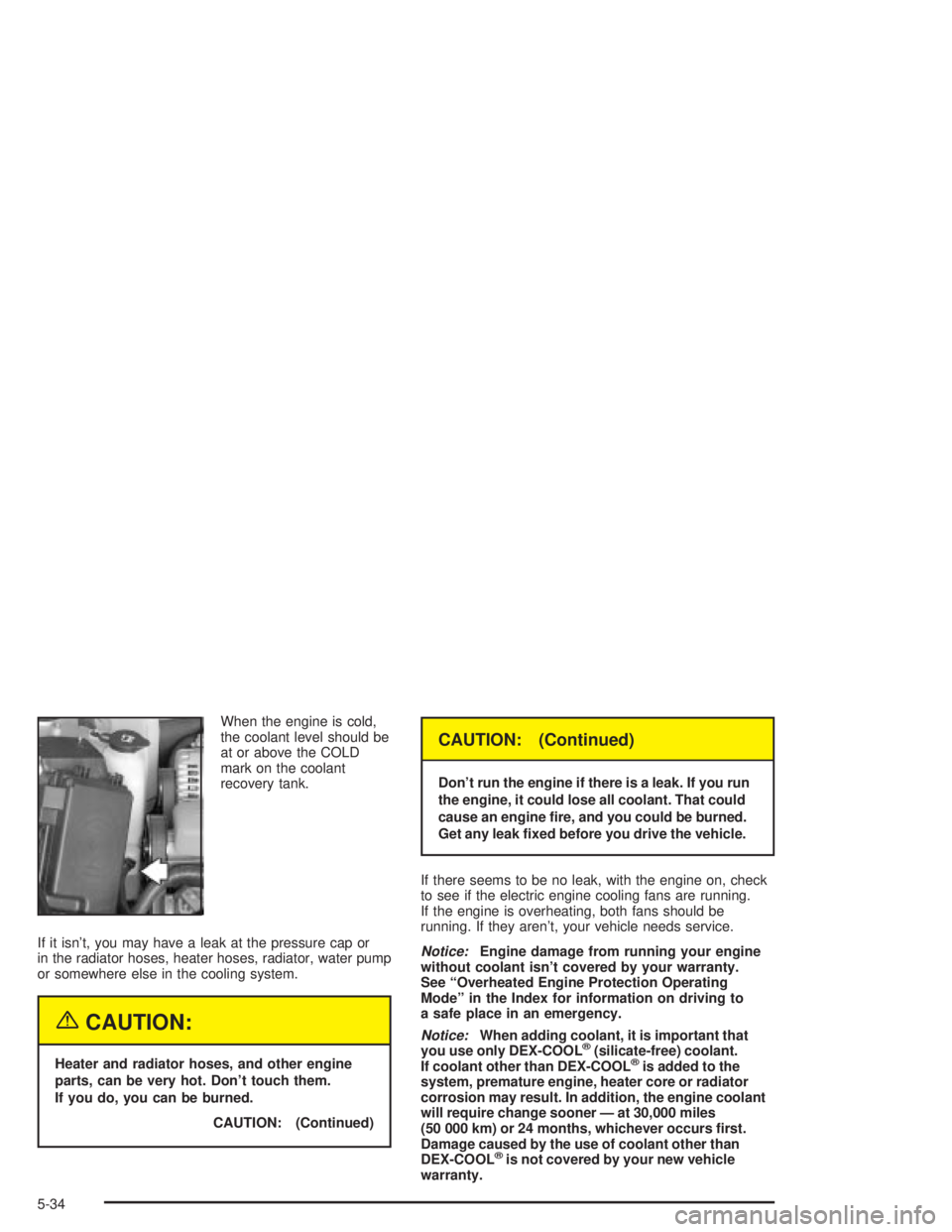
When the engine is cold,
the coolant level should be
at or above the COLD
mark on the coolant
recovery tank.
If it isn't, you may have a leak at the pressure cap or
in the radiator hoses, heater hoses, radiator, water pump
or somewhere else in the cooling system.
{CAUTION:
Heater and radiator hoses, and other engine
parts, can be very hot. Don't touch them.
If you do, you can be burned.
CAUTION: (Continued)
CAUTION: (Continued)
Don't run the engine if there is a leak. If you run
the engine, it could lose all coolant. That could
cause an engine ®re, and you could be burned.
Get any leak ®xed before you drive the vehicle.
If there seems to be no leak, with the engine on, check
to see if the electric engine cooling fans are running.
If the engine is overheating, both fans should be
running. If they aren't, your vehicle needs service.
Notice:Engine damage from running your engine
without coolant isn't covered by your warranty.
See ªOverheated Engine Protection Operating
Modeº in the Index for information on driving to
a safe place in an emergency.
Notice:When adding coolant, it is important that
you use only DEX-COOLž(silicate-free) coolant.
If coolant other than DEX-COOLžis added to the
system, premature engine, heater core or radiator
corrosion may result. In addition, the engine coolant
will require change sooner Ð at 30,000 miles
(50 000 km) or 24 months, whichever occurs ®rst.
Damage caused by the use of coolant other than
DEX-COOL
žis not covered by your new vehicle
warranty.
5-34
Page 350 of 432
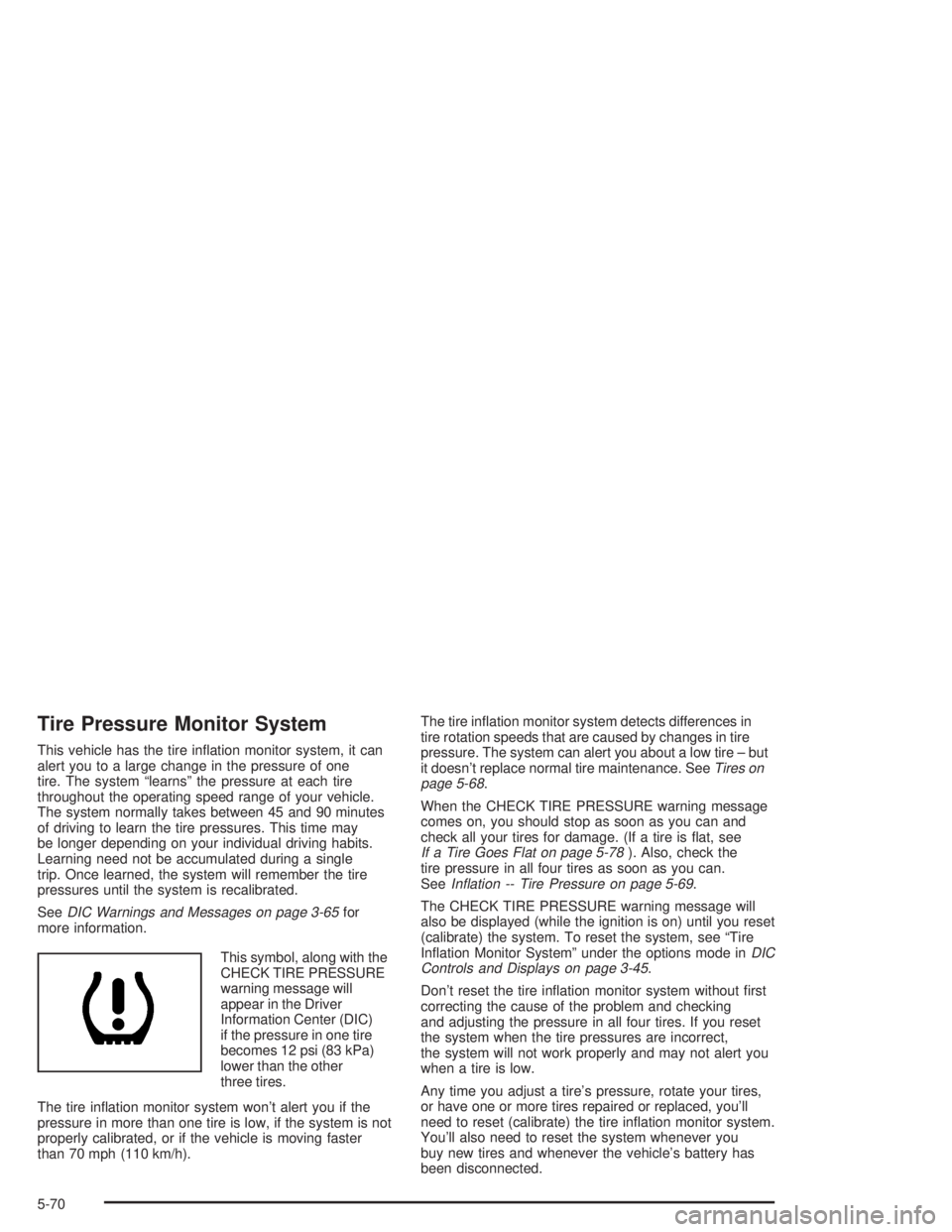
Tire Pressure Monitor System
This vehicle has the tire in¯ation monitor system, it can
alert you to a large change in the pressure of one
tire. The system ªlearnsº the pressure at each tire
throughout the operating speed range of your vehicle.
The system normally takes between 45 and 90 minutes
of driving to learn the tire pressures. This time may
be longer depending on your individual driving habits.
Learning need not be accumulated during a single
trip. Once learned, the system will remember the tire
pressures until the system is recalibrated.
See
DIC Warnings and Messages on page 3-65for
more information.
This symbol, along with the
CHECK TIRE PRESSURE
warning message will
appear in the Driver
Information Center (DIC)
if the pressure in one tire
becomes 12 psi (83 kPa)
lower than the other
three tires.
The tire in¯ation monitor system won't alert you if the
pressure in more than one tire is low, if the system is not
properly calibrated, or if the vehicle is moving faster
than 70 mph (110 km/h).The tire in¯ation monitor system detects differences in
tire rotation speeds that are caused by changes in tire
pressure. The system can alert you about a low tire ± but
it doesn't replace normal tire maintenance. See
Tires on
page 5-68.
When the CHECK TIRE PRESSURE warning message
comes on, you should stop as soon as you can and
check all your tires for damage. (If a tire is ¯at, see
If a Tire Goes Flat on page 5-78). Also, check the
tire pressure in all four tires as soon as you can.
See
In¯ation -- Tire Pressure on page 5-69.
The CHECK TIRE PRESSURE warning message will
also be displayed (while the ignition is on) until you reset
(calibrate) the system. To reset the system, see ªTire
In¯ation Monitor Systemº under the options mode in
DIC
Controls and Displays on page 3-45.
Don't reset the tire in¯ation monitor system without ®rst
correcting the cause of the problem and checking
and adjusting the pressure in all four tires. If you reset
the system when the tire pressures are incorrect,
the system will not work properly and may not alert you
when a tire is low.
Any time you adjust a tire's pressure, rotate your tires,
or have one or more tires repaired or replaced, you'll
need to reset (calibrate) the tire in¯ation monitor system.
You'll also need to reset the system whenever you
buy new tires and whenever the vehicle's battery has
been disconnected.
5-70
Page 425 of 432
Maintenance Schedule (cont.)
Brake System Inspection..............................6-15
Engine Cooling System Inspection.................6-15
Exhaust System Inspection...........................6-14
Fuel System Inspection................................6-14
How This Section is Organized....................... 6-3
Introduction.................................................. 6-2
Maintenance Requirements............................. 6-2
Part A - Scheduled Maintenance Services......... 6-4
Part B - Owner Checks and Services.............6-10
Part C - Periodic Maintenance Inspections......6-14
Part D - Recommended Fluids
and Lubricants.........................................6-16
Part E - Maintenance Record........................6-17
Scheduled Maintenance................................. 6-5
Steering, Suspension and Front Drive Axle
Boot and Seal Inspection..........................6-14
Throttle System Inspection............................6-15
Using Your................................................... 6-4
Your Vehicle and the Environment................... 6-2
Maintenance When Trailer Towing.....................4-44
Making Turns.................................................4-42
Malfunction Indicator Light................................3-40
Manual Climate Control System........................3-25
Manual Seats................................................... 1-2
Matching Transmitter(s) to Your Vehicle................. 2-5
Message
DIC Warnings and Messages........................3-65Mexico, Central America and Caribbean
Islands/Countries (Except Puerto Rico and
U.S. Virgin Islands) ± Customer Assistance....... 7-5
Mirrors
Manual Rearview Mirror................................2-33
Manual Rearview Mirror with OnStar
ž.............2-33
Outside Convex Mirror.................................2-34
Outside Power Mirrors..................................2-34
Mode............................................................3-25
MyGMLink.com................................................ 7-3
N
New Vehicle Break-In......................................2-18
Normal Maintenance Replacement Parts...........5-105
O
Odometer......................................................3-33
Off-Road Recovery..........................................4-16
Oil
Engine.......................................................5-16
Pressure Light.............................................3-43
Supercharger, Engine...................................5-21
Older Children, Restraints................................1-29
Online Owner Center........................................ 7-3
OnStar
žPersonal Calling.................................2-36
OnStaržServices............................................2-35
9
Page 426 of 432
OnStaržSystem.............................................2-35
OnStaržVirtual Advisor....................................2-36
Other Warning Devices...................................... 3-5
Outlet Adjustment............................................3-29
Outside
Convex Mirror.............................................2-34
Power Mirrors.............................................2-34
Overhead Console Reading Lamps....................3-18
Overhead Console..........................................2-36
Overheated Engine Protection Operating Mode.....5-30
Overseas ± Customer Assistance........................ 7-5
Owners, Canadian............................................... ii
Owner's Information........................................7-11
P
PARK LAMPS ON..........................................3-78
Park (P)
Shifting Into................................................2-28
Shifting Out of............................................2-30
Parking
Brake........................................................2-27
Over Things That Burn.................................2-30
Parking Brake and Automatic Transaxle
Park (P) Mechanism Check...........................6-13
PARKING BRAKE ON.....................................3-78
Parking on Hills..............................................4-43Part A - Scheduled Maintenance Services............ 6-4
Part B - Owner Checks and Services................6-10
Part C - Periodic Maintenance Inspections..........6-14
Part D - Recommended Fluids and Lubricants....6-16
Part E - Maintenance Record...........................6-17
Passing.................................................4-16, 4-41
PASS-Key
žIII ................................................2-15
PASS-KeyžIII Operation..................................2-16
Performance Shifting with TAP-ShiftŸ................2-25
Plan Ahead When Possible................................ 7-7
Playing a Cassette Tape................................3-109
Playing a Compact Disc...............3-98, 3-111, 3-123
Playing a Speci®c Loaded
Compact Disc............................................3-124
Playing the Radio........................3-90, 3-101, 3-115
Power
Accessory Outlets........................................3-23
Door Locks.................................................. 2-8
Electrical System.........................................5-99
Lumbar Controls........................................... 1-5
Seat............................................................ 1-4
Steering Fluid.............................................5-42
Windows....................................................2-13
Power Steering...............................................4-14
Pretensioners, Safety Belt................................1-28
Programmable Automatic Door Locks.................. 2-9
10