oil temperature PONTIAC GRAND PRIX 2004 Owners Manual
[x] Cancel search | Manufacturer: PONTIAC, Model Year: 2004, Model line: GRAND PRIX, Model: PONTIAC GRAND PRIX 2004Pages: 432, PDF Size: 2.99 MB
Page 85 of 432
To Use the Engine Coolant Heater
1. Turn off the engine.
2. Open the hood and unwrap the electrical cord.
The cord is located above the engine air
cleaner/®lter. See
Engine Compartment Overview
on page 5-12for more information on location.
3. Plug it into a normal, grounded 110-volt AC outlet.
{CAUTION:
Plugging the cord into an ungrounded outlet
could cause an electrical shock. Also, the
wrong kind of extension cord could overheat
and cause a ®re. You could be seriously
injured. Plug the cord into a properly grounded
three-prong 110-volt AC outlet. If the cord
won't reach, use a heavy-duty three-prong
extension cord rated for at least 15 amps.4. Before starting the engine, be sure to unplug and
store the cord as it was before to keep it away
from moving engine parts. If you don't, it could be
damaged.
How long should you keep the coolant heater plugged
in? The answer depends on the outside temperature, the
kind of oil you have, and some other things. Instead
of trying to list everything here, we ask that you contact
your dealer in the area where you'll be parking your
vehicle. The dealer can give you the best advice for that
particular area.
2-21
Page 105 of 432
Instrument Panel Overview...............................3-2
Hazard Warning Flashers................................3-4
Other Warning Devices...................................3-5
Horn.............................................................3-5
Tilt Wheel.....................................................3-5
Windshield Washer Lever................................3-6
Cruise Control Lever.......................................3-8
Exterior Lamps.............................................3-12
Interior Lamps..............................................3-16
Head-Up Display (HUD).................................3-19
Accessory Power Outlets...............................3-23
Ashtrays and Cigarette Lighter........................3-24
Climate Controls............................................3-25
Climate Control System.................................3-25
Outlet Adjustment.........................................3-29
Warning Lights, Gages and Indicators.............3-31
Instrument Panel Cluster................................3-32
Speedometer and Odometer...........................3-33
Tachometer.................................................3-33
Safety Belt Reminder Light.............................3-34
Air Bag Readiness Light................................3-34
Up-Shift Light...............................................3-35
Brake System Warning Light..........................3-36
Anti-Lock Brake System Warning Light.............3-37
Traction Control System (TCS)
Warning Light...........................................3-38Enhanced Traction System Warning Light.........3-38
Engine Coolant Temperature Warning Light......3-39
Engine Coolant Temperature Gage..................3-39
Malfunction Indicator Lamp.............................3-40
Oil Pressure Light.........................................3-43
Fog Lamp Light............................................3-44
High-Beam On Light......................................3-44
Fuel Gage...................................................3-44
Driver Information Center (DIC).......................3-45
DIC Controls and Displays.............................3-45
DIC Warnings and Messages.........................3-65
Audio System(s).............................................3-88
Setting the Time...........................................3-88
Radio with CD..............................................3-89
Radio with Cassette and CD.........................3-100
Radio with Six-Disc CD................................3-114
Theft-Deterrent Feature................................3-128
Audio Steering Wheel Controls......................3-129
Understanding Radio Reception....................3-130
Care of Your Cassette Tape Player...............3-130
Care of Your CDs.......................................3-131
Care of Your CD Player...............................3-131
Backglass Antenna......................................3-132
XMŸ Satellite Radio Antenna System
(United States Only).................................3-132
Section 3 Instrument Panel
3-1
Page 157 of 432
Uplevel DIC with Trip Computer
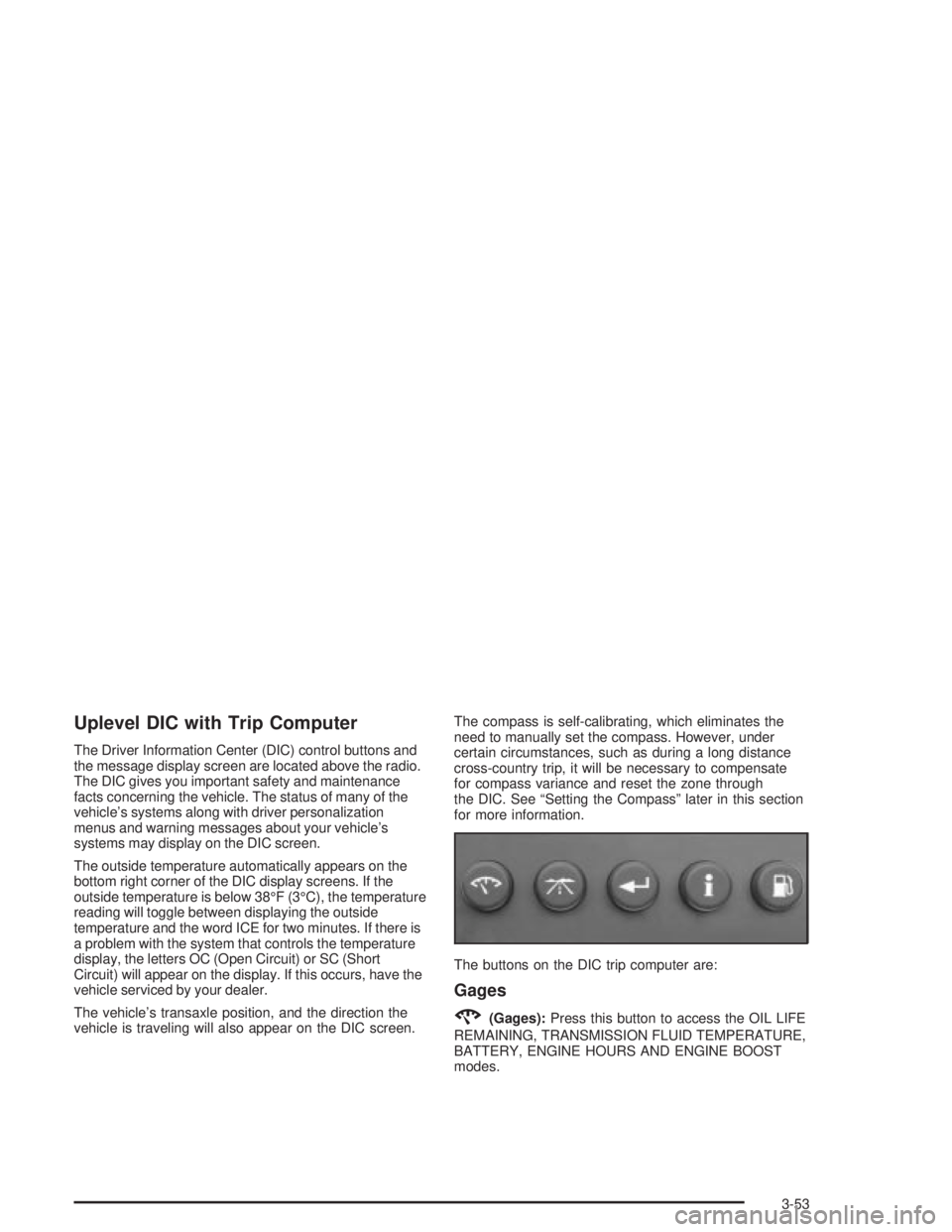
The Driver Information Center (DIC) control buttons and
the message display screen are located above the radio.
The DIC gives you important safety and maintenance
facts concerning the vehicle. The status of many of the
vehicle's systems along with driver personalization
menus and warning messages about your vehicle's
systems may display on the DIC screen.
The outside temperature automatically appears on the
bottom right corner of the DIC display screens. If the
outside temperature is below 38ÉF (3ÉC), the temperature
reading will toggle between displaying the outside
temperature and the word ICE for two minutes. If there is
a problem with the system that controls the temperature
display, the letters OC (Open Circuit) or SC (Short
Circuit) will appear on the display. If this occurs, have the
vehicle serviced by your dealer.
The vehicle's transaxle position, and the direction the
vehicle is traveling will also appear on the DIC screen.The compass is self-calibrating, which eliminates the
need to manually set the compass. However, under
certain circumstances, such as during a long distance
cross-country trip, it will be necessary to compensate
for compass variance and reset the zone through
the DIC. See ªSetting the Compassº later in this section
for more information.
The buttons on the DIC trip computer are:
Gages
2(Gages):Press this button to access the OIL LIFE
REMAINING, TRANSMISSION FLUID TEMPERATURE,
BATTERY, ENGINE HOURS AND ENGINE BOOST
modes.
3-53
Page 158 of 432
OIL LIFE REMAINING:Press the gage button until OIL
LIFE REMAINING is displayed. This screen indicates
the percentage of oil life in the vehicle's engine that has
not degraded. If the screen indicates 99% OIL LIFE
REMAINING, this means that 99 percent of the current
oil life remains. When the oil life drops below ®ve
percent, the CHANGE OIL SOON message will appear
on the display. The engine oil should be changed
within 200 miles. Be sure to keep a record of the
mileage and date of the oil change so you will have it
for future reference.
Never drive the vehicle more than 10,000 miles
(16 000 km) or 12 months (whichever comes ®rst)
without an oil change.
After the oil has been changed in the vehicle, reset the
ENGINE OIL MONITOR screen in the options menu.
Press the gages button again to advance to the
next screen.TRANSMISSION FLUID TEMP:This screen displays
this message along with the temperature (FÉ or CÉ)
of the transmission ¯uid.
Press the gages button again to advance to the next
screen.
BATTERY:This screen displays the amount of volts
the battery is generating.
Press the gages button again to advance to the next
screen.
ENGINE HOURS:This screen shows the number of
cumulative hours the engine has operated while the key
was in the RUN position. This screen cannot be reset.
Press the gages button to scroll to the next screen.
ENGINE BOOST:If the vehicle has the supercharged
engine, this screen will appear. It shows a graphic
that indicates the amount of boost the engine is
receiving.
Press the gages button again to scroll to the next
screen.
3-54
Page 175 of 432
To avoid added strain, turn off the air conditioner if it is
on. When the coolant temperature returns to normal,
the air conditioning compressor can be turned back on.
This warning message will display only while the
ignition is in RUN. A chime will sound continuously
when this message is displayed. Press the set/reset
button to acknowledge this warning message and
to clear it from the screen.
This message will continue to display if it has not been
acknowledged when the engine is turned off. It will
also re-display for three seconds if the message has
been acknowledged, but the condition still exists
when the engine is turned off.
The message will re-appear when the engine is turned
on and the condition still exists.HOT ENGINE OIL. REDUCE SPEED
This warning message will display when the vehicle's
engine oil is above the proper engine operating
temperature. Reduce the speed of the vehicle. If the
warning message continues to display, have the vehicle
serviced as soon as possible. A chime will sound
continuously when this message is displayed. Press the
set/reset button to acknowledge this warning message.
This clears it from the screen.
This message will continue to display if it has not been
acknowledged when the engine is turned off. It will
also re-display for three seconds if the message has
been acknowledged, but the condition still exists
when the engine is turned off.
The message will re-appear when the engine is turned
on and the condition still exists.
3-71
Page 299 of 432
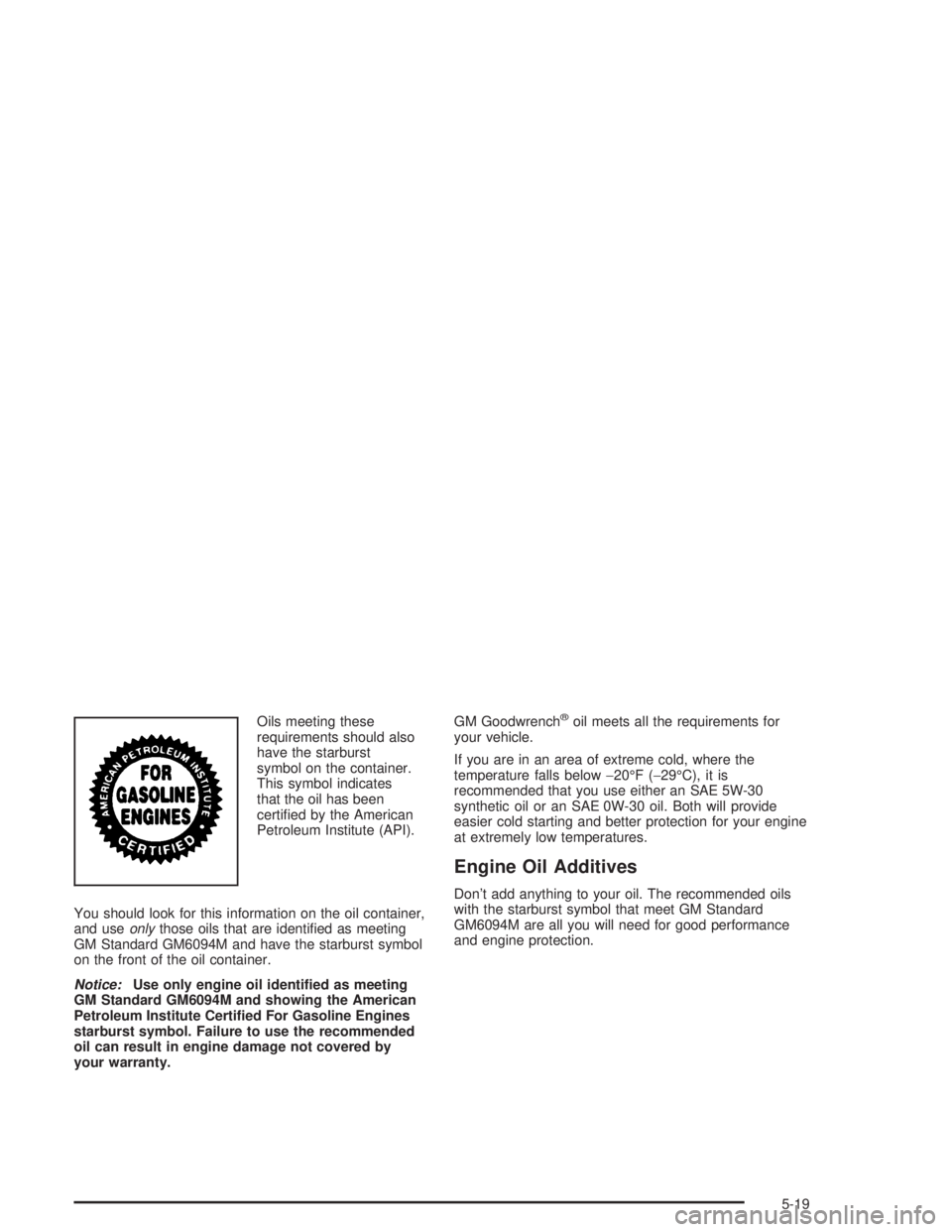
Oils meeting these
requirements should also
have the starburst
symbol on the container.
This symbol indicates
that the oil has been
certi®ed by the American
Petroleum Institute (API).
You should look for this information on the oil container,
and use
onlythose oils that are identi®ed as meeting
GM Standard GM6094M and have the starburst symbol
on the front of the oil container.
Notice:Use only engine oil identi®ed as meeting
GM Standard GM6094M and showing the American
Petroleum Institute Certi®ed For Gasoline Engines
starburst symbol. Failure to use the recommended
oil can result in engine damage not covered by
your warranty.GM Goodwrench
žoil meets all the requirements for
your vehicle.
If you are in an area of extreme cold, where the
temperature falls below-20ÉF (-29ÉC), it is
recommended that you use either an SAE 5W-30
synthetic oil or an SAE 0W-30 oil. Both will provide
easier cold starting and better protection for your engine
at extremely low temperatures.
Engine Oil Additives
Don't add anything to your oil. The recommended oils
with the starburst symbol that meet GM Standard
GM6094M are all you will need for good performance
and engine protection.
5-19
Page 300 of 432
When to Change Engine Oil
(GM Oil Life System)
Your vehicle has a computer system that lets you know
when to change the engine oil and ®lter. This is based on
engine revolutions and engine temperature, and not on
mileage. Based on driving conditions, the mileage at
which an oil change will be indicated can vary
considerably. For the oil life system to work properly, you
must reset the system every time the oil is changed.
When the system has calculated that oil life has been
diminished, it will indicate that an oil change is
necessary. A CHANGE OIL SOON light will come on.
Change your oil as soon as possible within the next two
times you stop for fuel. It is possible that, if you are
driving under the best conditions, the oil life system may
not indicate that an oil change is necessary for over a
year. However, your engine oil and ®lter must be
changed at least once a year and at this time the system
must be reset. Your dealer has GM-trained service
people who will perform this work using genuine GM
parts and reset the system. It is also important to check
your oil regularly and keep it at the proper level.
If the system is ever reset accidentally, you must change
your oil at 3,000 miles (5 000 km) since your last oil
change. Remember to reset the oil life system whenever
the oil is changed.
How to Reset the GM Oil Life System
The GM Oil Life System calculates when to change
your engine oil and ®lter based on vehicle use.
Anytime your oil is changed, reset the system so it can
calculate when the next oil change is required. If a
situation occurs where you change your oil prior to a
CHANGE OIL SOON message appearing on the DIC,
reset the system.
To reset the GM Oil Life System, after the oil has been
changed, use the following procedure:
1. Press the options button on the DIC until ENGINE
OIL MONITOR appears on the DIC screen.
2. Press the set/reset button to reset the system.
The next screen indicates that the engine oil monitor
system has been reset.
If the vehicle is equipped with the trip computer DIC,
when the gage button is pressed and the OIL LIFE
REMAINING mode appears, it should read 100 percent
OIL LIFE REMAINING.
5-20
Page 304 of 432
Automatic Transaxle Fluid
When to Check and Change
A good time to check your automatic transaxle ¯uid
level is when the engine oil is changed.
Change both the ¯uid and ®lter every 50,000 miles
(83 000 km) if the vehicle is mainly driven under one or
more of these conditions:
·In heavy city traffic where the outside temperature
regularly reaches 90ÉF (32ÉC) or higher.
·In hilly or mountainous terrain.
·When doing frequent trailer towing.
·Uses such as found in taxi, police or delivery
service.
If you do not use your vehicle under any of these
conditions, change the ¯uid and ®lter at
100,000 miles (166 000 km).
See
Part A: Scheduled Maintenance Services on
page 6-4.
How to Check
Because this operation can be a little difficult, you may
choose to have this done at the dealership service
department.
If you do it yourself, be sure to follow all the instructions
here, or you could get a false reading on the dipstick.
Notice:Too much or too little ¯uid can damage
your transaxle. Too much can mean that some of the
¯uid could come out and fall on hot engine or
exhaust system parts, starting a ®re. Too little ¯uid
could cause the transaxle to overheat. Be sure
to get an accurate reading if you check your
transaxle ¯uid.
Wait at least 30 minutes before checking the transaxle
¯uid level if you have been driving:
·When outside temperatures are above 90ÉF (32ÉC).
·At high speed for quite a while.
·In heavy traffic ± especially in hot weather.
·While pulling a trailer.
5-24
Page 307 of 432
A 50/50 mixture of clean, drinkable water and
DEX-COOLžengine coolant will:
·Give freezing protection down to-34ÉF (-37ÉC).
·Give boiling protection up to 265ÉF (129ÉC).
·Protect against rust and corrosion.
·Help keep the proper engine temperature.
·Let the warning lights and gages work as they
should.
Notice:When adding coolant, it is important that
you use only DEX-COOLž(silicate-free) coolant.
If coolant other than DEX-COOLžis added to
the system, premature engine, heater core or
radiator corrosion may result. In addition, the engine
coolant will require change sooner ± at 30,000 miles
(50,000 km) or 24 months, whichever occurs ®rst.
Damage caused by the use of coolant other
than DEX-COOL
žis not covered by your new vehicle
warranty.
What to Use
Use a mixture of one-half clean, drinkable water and
one-half DEX-COOLžengine coolant which won't
damage aluminum parts. If you use this coolant mixture,
you don't need to add anything else.
{CAUTION:
Adding only plain water to your cooling system
can be dangerous. Plain water, or some other
liquid such as alcohol, can boil before the
proper coolant mixture will. Your vehicle's
coolant warning system is set for the proper
coolant mixture. With plain water or the wrong
mixture, your engine could get too hot but you
wouldn't get the overheat warning. Your engine
could catch ®re and you or others could be
burned. Use a 50/50 mixture of clean, drinkable
water and DEX-COOL
žcoolant.
Notice:If you use an improper coolant mixture,
your engine could overheat and be badly damaged.
The repair cost wouldn't be covered by your
warranty. Too much water in the mixture can freeze
and crack the engine, radiator, heater core and
other parts.
If you have to add coolant more than four times a year,
have your dealer check your cooling system.
Notice:If you use the proper coolant, you don't
have to add extra inhibitors or additives which claim
to improve the system. These can be harmful.
5-27
Page 310 of 432
Overheated Engine Protection
Operating Mode
This emergency operating mode allows your vehicle to
be driven to a safe place in an emergency situation.
If an overheated engine condition exists, an overheat
protection mode which alternates ®ring groups of
cylinders helps prevent engine damage. In this mode,
you will notice a signi®cant loss in power and engine
performance. The engine coolant temperature gage will
indicate an overheat condition exists. Driving extended
miles (km) and/or towing a trailer in the overheat
protection mode should be avoided.
Notice:After driving in the overheated engine
protection operating mode, to avoid engine damage,
allow the engine to cool before attempting any repair.
The engine oil will be severely degraded. Repair the
cause of coolant loss, change the oil and reset the oil
life system. See ªEngine Oilº in the Index.
If Steam Is Coming From Your Engine
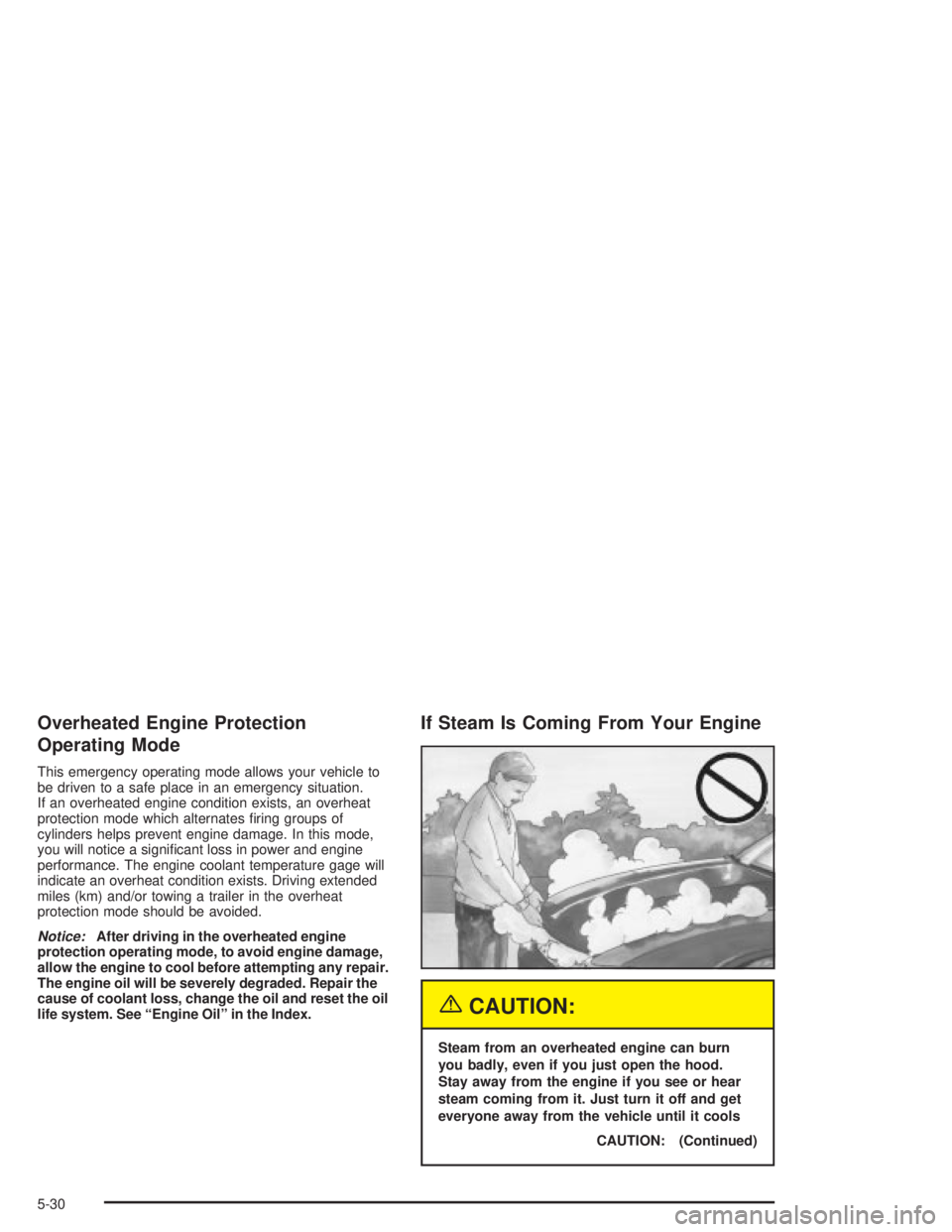
{CAUTION:
Steam from an overheated engine can burn
you badly, even if you just open the hood.
Stay away from the engine if you see or hear
steam coming from it. Just turn it off and get
everyone away from the vehicle until it cools
CAUTION: (Continued)
5-30