wiper PONTIAC GRAND PRIX 2004 Owners Manual
[x] Cancel search | Manufacturer: PONTIAC, Model Year: 2004, Model line: GRAND PRIX, Model: PONTIAC GRAND PRIX 2004Pages: 432, PDF Size: 2.99 MB
Page 1 of 432
Seats and Restraint Systems........................... 1-1
Front Seats
............................................... 1-2
Rear Seats
............................................... 1-8
Safety Belts
.............................................1-10
Child Restraints
.......................................1-29
Air Bag Systems
......................................1-48
Restraint System Check
............................1-56
Features and Controls..................................... 2-1
Keys
........................................................ 2-2
Doors and Locks
....................................... 2-7
Windows
.................................................2-12
Theft-Deterrent Systems
............................2-14
Starting and Operating Your Vehicle
...........2-18
Mirrors
....................................................2-33
OnStar
žSystem
......................................2-35
Storage Areas
.........................................2-36
Sunroof
..................................................2-39
Instrument Panel............................................. 3-1
Instrument Panel Overview
.......................... 3-2
Climate Controls
......................................3-25
Warning Lights, Gages and Indicators
.........3-31
Driver Information Center (DIC)
..................3-45
Audio System(s)
.......................................3-88Driving Your Vehicle....................................... 4-1
Your Driving, the Road, and Your Vehicle
..... 4-2
Towing
...................................................4-33
Service and Appearance Care.......................... 5-1
Service
..................................................... 5-3
Fuel
......................................................... 5-4
Checking Things Under the Hood
...............5-10
Headlamp Aiming
.....................................5-56
Bulb Replacement
....................................5-59
Windshield Wiper Blade Replacement
.........5-67
Tires
......................................................5-68
Appearance Care
.....................................5-90
Vehicle Identi®cation
.................................5-98
Electrical System
......................................5-99
Capacities and Speci®cations
...................5-104
Normal Maintenance Replacement Parts
......5-105
Maintenance Schedule..................................... 6-1
Maintenance Schedule
................................ 6-2
Customer Assistance Information.................... 7-1
Customer Assistance Information
.................. 7-2
Reporting Safety Defects
............................ 7-9
Index................................................................ 1
2004 Pontiac Grand Prix Owner ManualM
Page 83 of 432
Notice:If your key seems stuck in OFF and you
can't turn it, be sure you are using the correct key;
if so, is it all the way in? If it is, then turn the
steering wheel left and right while you turn the key
hard. Turn the key only with your hand. Using a
tool to force it could break the key or the ignition
switch. If none of these works, then your vehicle
needs service.
ACC (ACCESSORY):This position lets you use things
like the radio and windshield wipers while the engine
is off.
R(RUN):This position is where the key returns to
after you start the vehicle. With the engine off, you can
use RUN to display some of the warning and indicator
lights.
/(START):This position starts the engine. Let go of
the key when the engine starts. The key will return
to the RUN position.
A continuous warning chime will sound and a KEY IN
IGNITION warning message will display on the DIC
if the key is in the ignition in the OFF or ACCESSORY
positions and the driver's door is opened.
Retained Accessory Power (RAP)
With Retained Accessory Power (RAP), the power
windows, audio system and sunroof will continue to
work up to 10 minutes after the ignition key is turned
to OFF and none of the doors are opened.
Starting Your Engine
1. Move your shift lever to PARK (P) or NEUTRAL (N).
Your engine won't start in any other position ± that's
a safety feature. To restart while you're already
moving, use NEUTRAL (N) only.
Notice:Don't try to shift to PARK (P) if your vehicle
is moving. If you do, you could damage the transaxle.
Shift to PARK (P) only when your vehicle is stopped.
2. With your foot off the accelerator pedal, turn your
ignition key to START. When the engine starts,
let go of the key. The idle speed will go down as
your engine gets warm.
Notice:Holding your key in START for longer than
15 seconds at a time will cause your battery to
be drained much sooner. And the excessive
heat can damage your starter motor. Wait about
15 seconds between each try to help avoid draining
your battery or damaging your starter.
2-19
Page 107 of 432
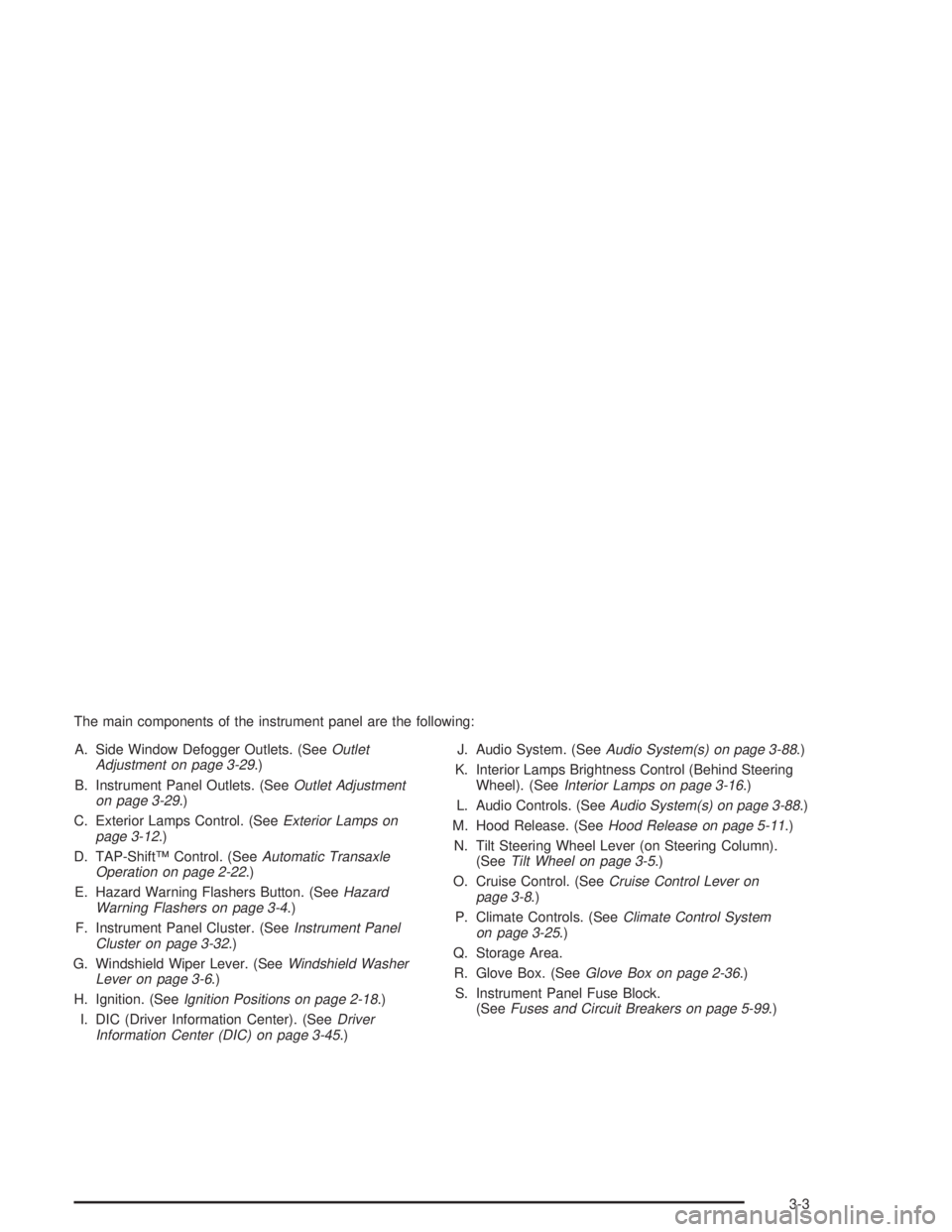
The main components of the instrument panel are the following:
A. Side Window Defogger Outlets. (See
Outlet
Adjustment on page 3-29.)
B. Instrument Panel Outlets. (See
Outlet Adjustment
on page 3-29.)
C. Exterior Lamps Control. (See
Exterior Lamps on
page 3-12.)
D. TAP-ShiftŸ Control. (See
Automatic Transaxle
Operation on page 2-22.)
E. Hazard Warning Flashers Button. (See
Hazard
Warning Flashers on page 3-4.)
F. Instrument Panel Cluster. (See
Instrument Panel
Cluster on page 3-32.)
G. Windshield Wiper Lever. (See
Windshield Washer
Lever on page 3-6.)
H. Ignition. (See
Ignition Positions on page 2-18.)
I. DIC (Driver Information Center). (See
Driver
Information Center (DIC) on page 3-45.)J. Audio System. (See
Audio System(s) on page 3-88.)
K. Interior Lamps Brightness Control (Behind Steering
Wheel). (See
Interior Lamps on page 3-16.)
L. Audio Controls. (See
Audio System(s) on page 3-88.)
M. Hood Release. (See
Hood Release on page 5-11.)
N. Tilt Steering Wheel Lever (on Steering Column).
(See
Tilt Wheel on page 3-5.)
O. Cruise Control. (See
Cruise Control Lever on
page 3-8.)
P. Climate Controls. (See
Climate Control System
on page 3-25.)
Q. Storage Area.
R. Glove Box. (See
Glove Box on page 2-36.)
S. Instrument Panel Fuse Block.
(See
Fuses and Circuit Breakers on page 5-99.)
3-3
Page 110 of 432

Windshield Washer Lever
Windshield Wipers
N
(Windshield Wipers):The lever with this symbol,
located on the right side of the steering column,
operates the windshield wipers.
9(Off):Lower the lever to its original position to turn
the wipers off.
&(Delay):Push the lever up once to this position to
set a delay between wipes. Turn the delay adjustment
band to set the length of the delay.
x(Delay Adjustment):Turn the band, located on
the left of the windshield wiper lever, to set the length of
the delay between wiper cycles when using the delay
feature. There are ®ve delay adjustment settings.
Turn the band up to make the delays shorter in between
wiper cycles. Turn the band down to make the delays
longer between wiper cycles. The windshield wiper lever
must be in delay for this feature to work.
6(Low Speed):Push the lever up to the second
position for steady wiping cycles at a slow speed.
1(High Speed):Push the lever up to the third
position for steady wiping cycles at a high speed.
3-6
Page 111 of 432
7(Mist):For a single wiping cycle, push the lever
down once and let go. The wipers will stop after one
cycle. For additional cycles, hold the lever down.
Be sure to clear ice and snow from the wiper blades
before using them. If they're frozen to the windshield,
gently loosen or thaw them. Damaged wiper blades may
prevent you from seeing well enough to drive safely.
If the blades do become damaged, install new blades or
blade inserts. For more information, see
Windshield
Wiper Blade Replacement on page 5-67.
Heavy snow or ice can overload the wiper motor.
A circuit breaker will stop the motor until it cools down.
Clear away snow or ice to prevent an overload.
Windshield Washer
{CAUTION:
In freezing weather, don't use your washer
until the windshield is warmed. Otherwise the
washer ¯uid can form ice on the windshield,
blocking your vision.
The windshield washer button is located at the end of
the windshield wiper lever.
K(Washer Fluid):Press this button to activate the
washer ¯uid to spray onto the windshield. The wipers
will run for a few cycles to clear the windshield. For more
wash cycles, press and hold the button.
If your vehicle is low on washer ¯uid, the LOW WASHER
FLUID message will appear on the Driver Information
Center (DIC) display. See
DIC Warnings and Messages
on page 3-65for more information.
3-7
Page 112 of 432
Cruise Control Lever
Cruise Control
{CAUTION:
·Cruise control can be dangerous where
you can't drive safely at a steady speed.
So, don't use your cruise control on
winding roads or in heavy traffic.
·Cruise control can be dangerous on
slippery roads. On such roads, fast
changes in tire traction can cause
needless wheel spinning, and you could
lose control. Don't use cruise control on
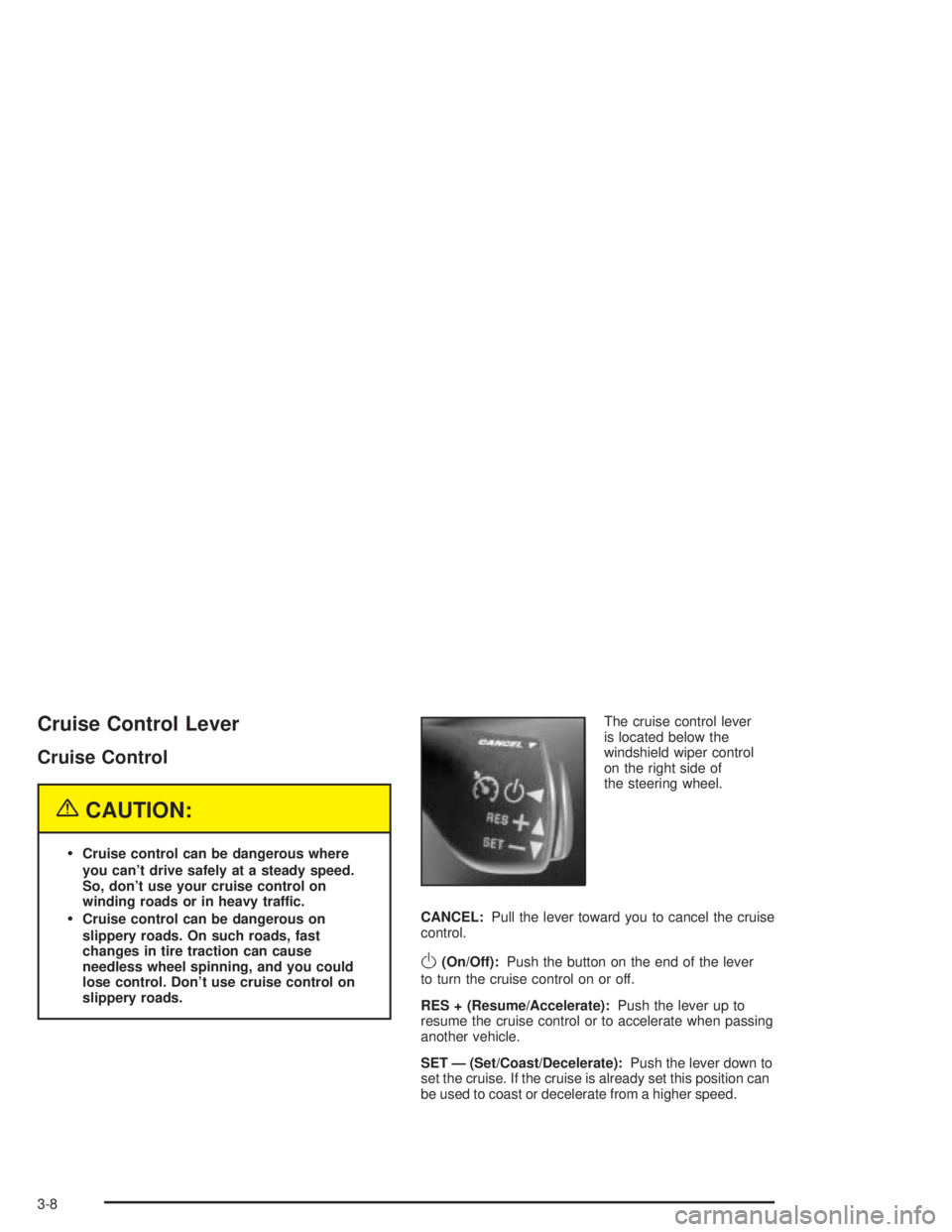
slippery roads.The cruise control lever
is located below the
windshield wiper control
on the right side of
the steering wheel.
CANCEL:Pull the lever toward you to cancel the cruise
control.
O(On/Off):Push the button on the end of the lever
to turn the cruise control on or off.
RES + (Resume/Accelerate):Push the lever up to
resume the cruise control or to accelerate when passing
another vehicle.
SET Ð (Set/Coast/Decelerate):Push the lever down to
set the cruise. If the cruise is already set this position can
be used to coast or decelerate from a higher speed.
3-8
Page 133 of 432
Outlet Adjustment
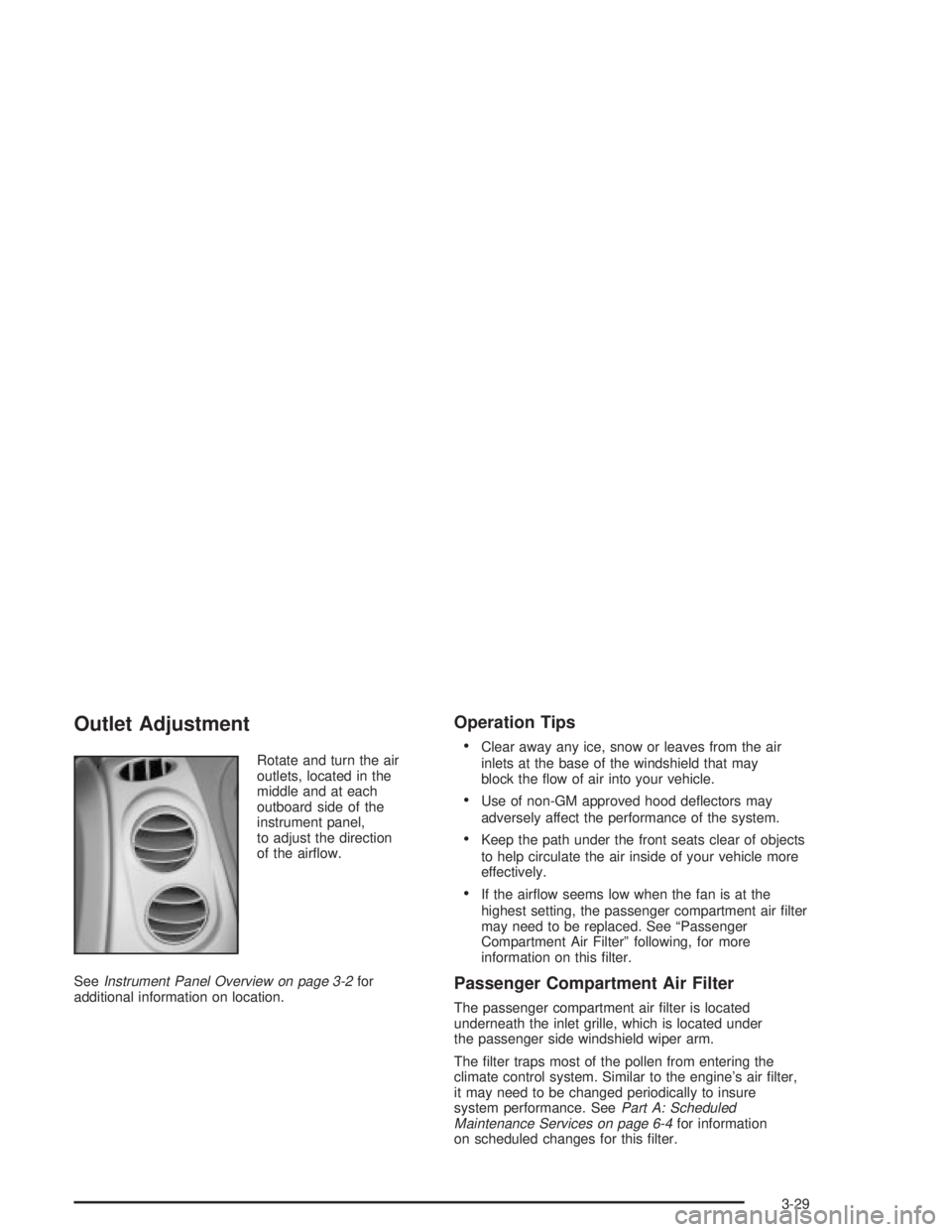
Rotate and turn the air
outlets, located in the
middle and at each
outboard side of the
instrument panel,
to adjust the direction
of the air¯ow.
See
Instrument Panel Overview on page 3-2for
additional information on location.
Operation Tips
·
Clear away any ice, snow or leaves from the air
inlets at the base of the windshield that may
block the ¯ow of air into your vehicle.
·Use of non-GM approved hood de¯ectors may
adversely affect the performance of the system.
·Keep the path under the front seats clear of objects
to help circulate the air inside of your vehicle more
effectively.
·If the air¯ow seems low when the fan is at the
highest setting, the passenger compartment air ®lter
may need to be replaced. See ªPassenger
Compartment Air Filterº following, for more
information on this ®lter.
Passenger Compartment Air Filter
The passenger compartment air ®lter is located
underneath the inlet grille, which is located under
the passenger side windshield wiper arm.
The ®lter traps most of the pollen from entering the
climate control system. Similar to the engine's air ®lter,
it may need to be changed periodically to insure
system performance. See
Part A: Scheduled
Maintenance Services on page 6-4for information
on scheduled changes for this ®lter.
3-29
Page 134 of 432
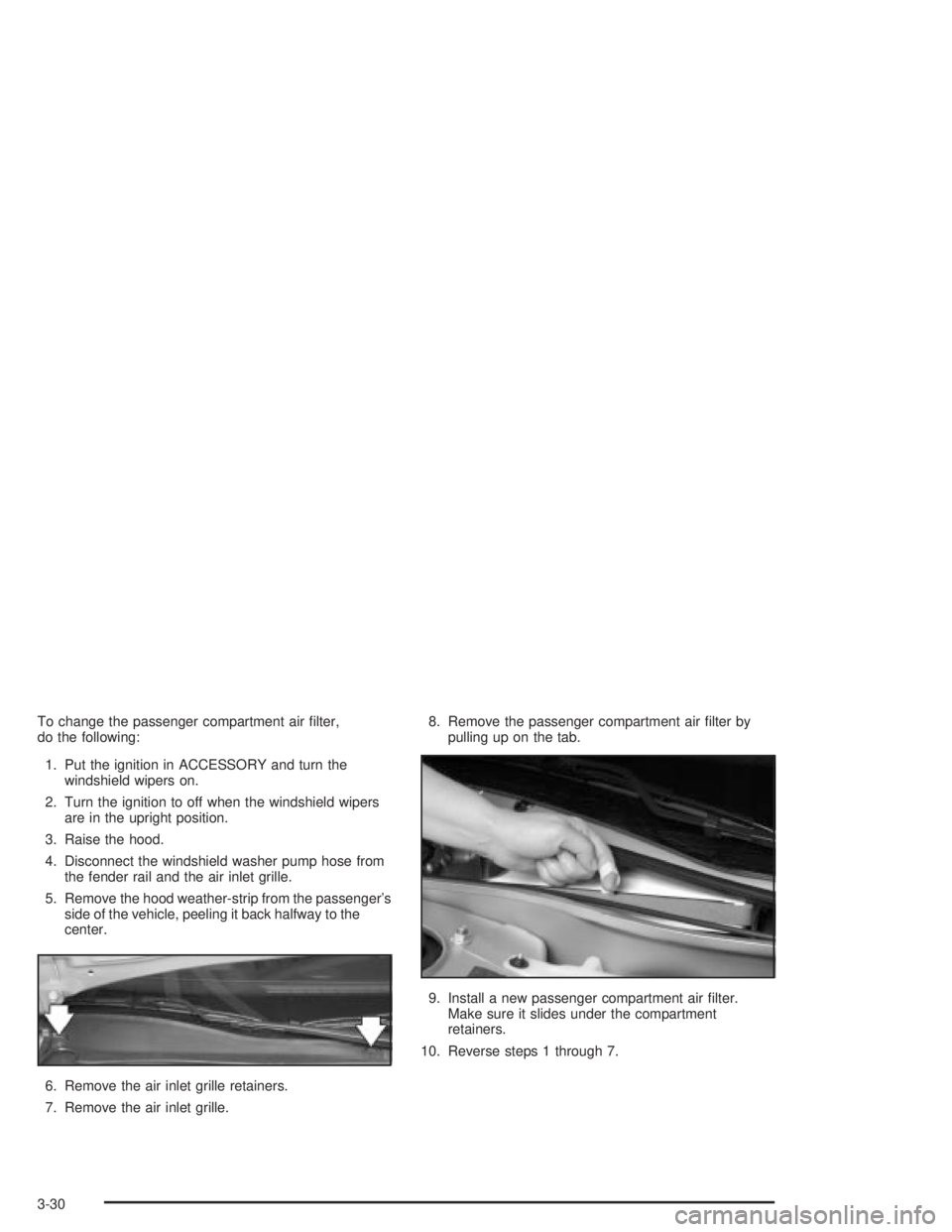
To change the passenger compartment air ®lter,
do the following:
1. Put the ignition in ACCESSORY and turn the
windshield wipers on.
2. Turn the ignition to off when the windshield wipers
are in the upright position.
3. Raise the hood.
4. Disconnect the windshield washer pump hose from
the fender rail and the air inlet grille.
5. Remove the hood weather-strip from the passenger's
side of the vehicle, peeling it back halfway to the
center.
6. Remove the air inlet grille retainers.
7. Remove the air inlet grille.8. Remove the passenger compartment air ®lter by
pulling up on the tab.
9. Install a new passenger compartment air ®lter.
Make sure it slides under the compartment
retainers.
10. Reverse steps 1 through 7.
3-30
Page 257 of 432
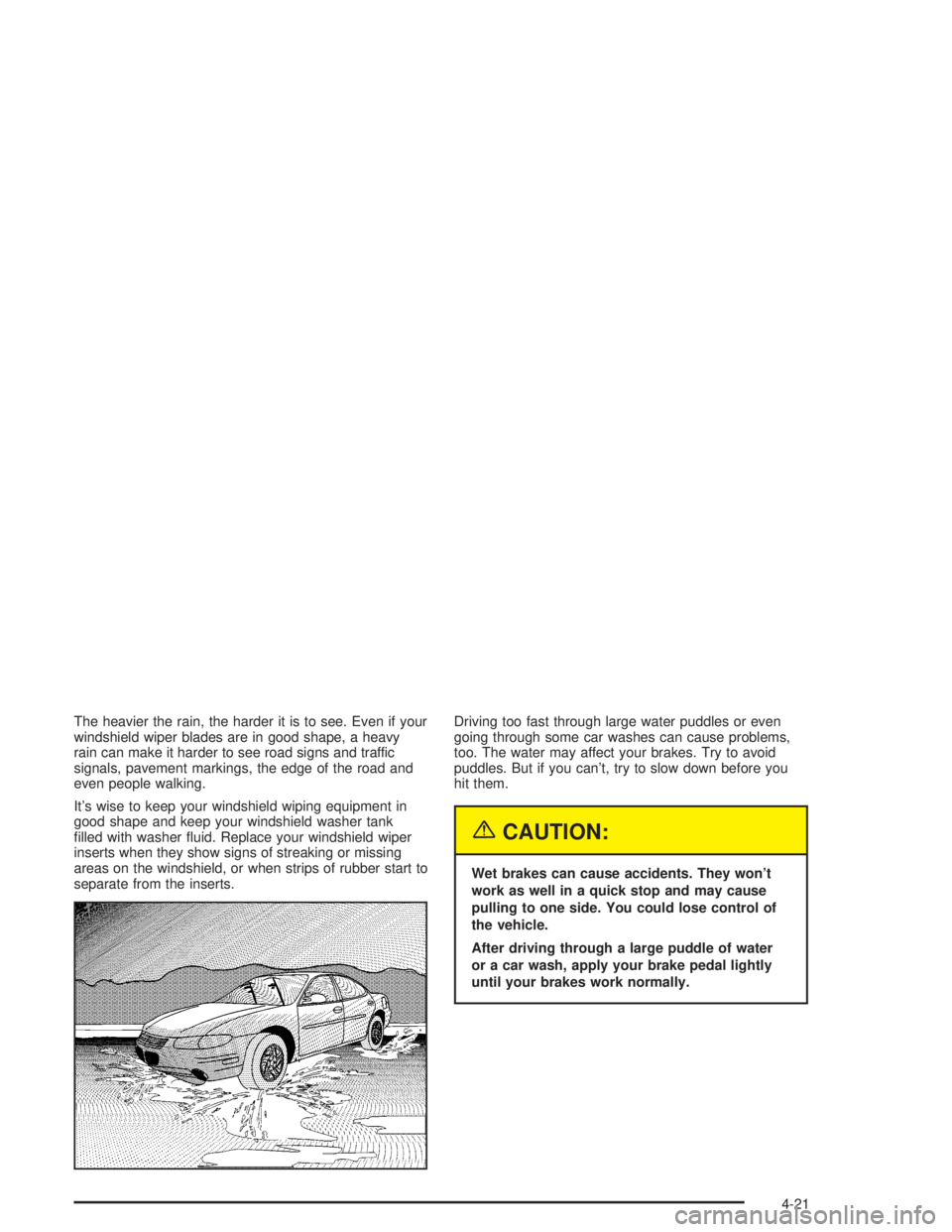
The heavier the rain, the harder it is to see. Even if your
windshield wiper blades are in good shape, a heavy
rain can make it harder to see road signs and traffic
signals, pavement markings, the edge of the road and
even people walking.
It's wise to keep your windshield wiping equipment in
good shape and keep your windshield washer tank
®lled with washer ¯uid. Replace your windshield wiper
inserts when they show signs of streaking or missing
areas on the windshield, or when strips of rubber start to
separate from the inserts.Driving too fast through large water puddles or even
going through some car washes can cause problems,
too. The water may affect your brakes. Try to avoid
puddles. But if you can't, try to slow down before you
hit them.
{CAUTION:
Wet brakes can cause accidents. They won't
work as well in a quick stop and may cause
pulling to one side. You could lose control of
the vehicle.
After driving through a large puddle of water
or a car wash, apply your brake pedal lightly
until your brakes work normally.
4-21
Page 261 of 432
When you want to leave the freeway, move to the
proper lane well in advance. If you miss your exit,
do not, under any circumstances, stop and back up.
Drive on to the next exit.
The exit ramp can be curved, sometimes quite sharply.
The exit speed is usually posted. Reduce your speed
according to your speedometer, not to your sense
of motion. After driving for any distance at higher
speeds, you may tend to think you are going slower
than you actually are.
Before Leaving on a Long Trip
Make sure you're ready. Try to be well rested. If you
must start when you're not fresh Ð such as after a day's
work Ð don't plan to make too many miles that ®rst
part of the journey. Wear comfortable clothing and shoes
you can easily drive in.
Is your vehicle ready for a long trip? If you keep it
serviced and maintained, it's ready to go. If it needs
service, have it done before starting out. Of course,
you'll ®nd experienced and able service experts in
GM dealerships all across North America. They'll be
ready and willing to help if you need it.Here are some things you can check before a trip:
·Windshield Washer Fluid:Is the reservoir full?
Are all windows clean inside and outside?
·Wiper Blades:Are they in good shape?
·Fuel, Engine Oil, Other Fluids:Have you checked
all levels?
·Lamps:Are they all working? Are the lenses clean?
·Tires:They are vitally important to a safe,
trouble-free trip. Is the tread good enough for
long-distance driving? Are the tires all in¯ated to
the recommended pressure?
·Weather Forecasts:What's the weather outlook
along your route? Should you delay your trip a
short time to avoid a major storm system?
·Maps:Do you have up-to-date maps?
4-25