warning light PONTIAC GRAND PRIX 2005 User Guide
[x] Cancel search | Manufacturer: PONTIAC, Model Year: 2005, Model line: GRAND PRIX, Model: PONTIAC GRAND PRIX 2005Pages: 444, PDF Size: 2.6 MB
Page 142 of 444
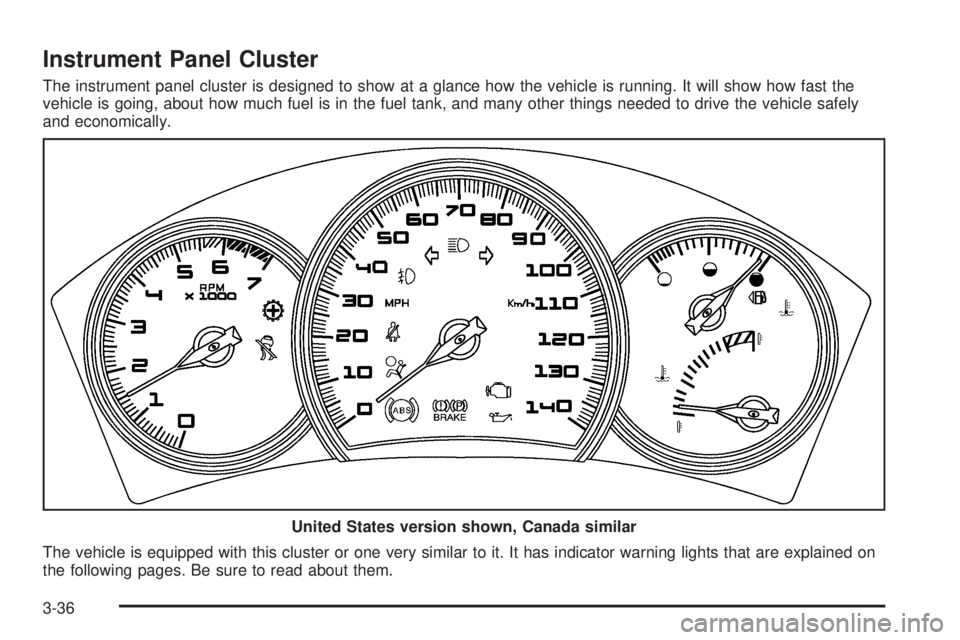
Instrument Panel Cluster
The instrument panel cluster is designed to show at a glance how the vehicle is running. It will show how fast the
vehicle is going, about how much fuel is in the fuel tank, and many other things needed to drive the vehicle safely
and economically.
The vehicle is equipped with this cluster or one very similar to it. It has indicator warning lights that are explained on
the following pages. Be sure to read about them.United States version shown, Canada similar
3-36
Page 146 of 444
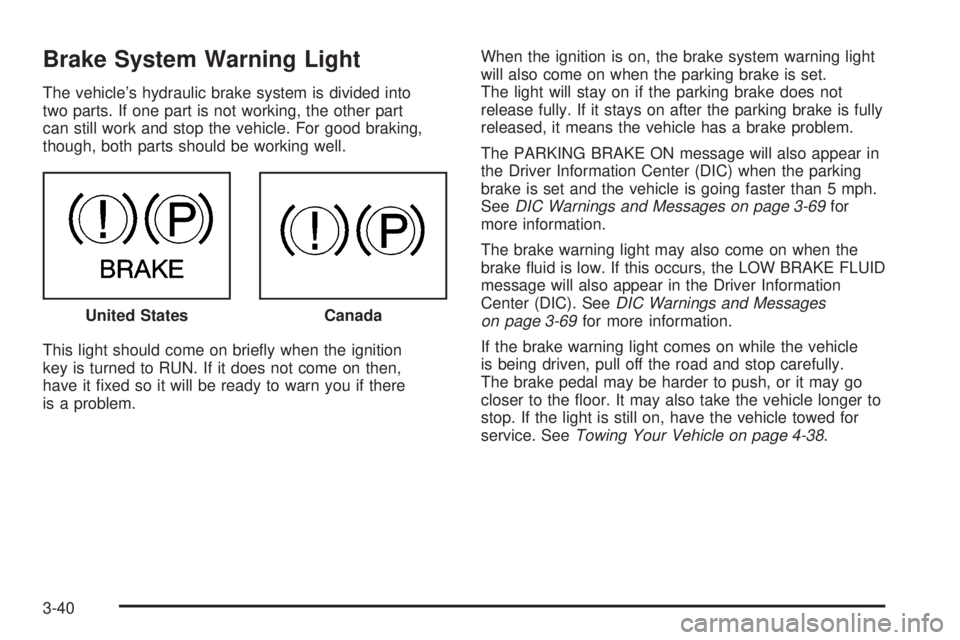
Brake System Warning Light
The vehicle’s hydraulic brake system is divided into
two parts. If one part is not working, the other part
can still work and stop the vehicle. For good braking,
though, both parts should be working well.
This light should come on briey when the ignition
key is turned to RUN. If it does not come on then,
have it xed so it will be ready to warn you if there
is a problem.When the ignition is on, the brake system warning light
will also come on when the parking brake is set.
The light will stay on if the parking brake does not
release fully. If it stays on after the parking brake is fully
released, it means the vehicle has a brake problem.
The PARKING BRAKE ON message will also appear in
the Driver Information Center (DIC) when the parking
brake is set and the vehicle is going faster than 5 mph.
SeeDIC Warnings and Messages on page 3-69for
more information.
The brake warning light may also come on when the
brake uid is low. If this occurs, the LOW BRAKE FLUID
message will also appear in the Driver Information
Center (DIC). SeeDIC Warnings and Messages
on page 3-69for more information.
If the brake warning light comes on while the vehicle
is being driven, pull off the road and stop carefully.
The brake pedal may be harder to push, or it may go
closer to the oor. It may also take the vehicle longer to
stop. If the light is still on, have the vehicle towed for
service. SeeTowing Your Vehicle on page 4-38. United States
Canada
3-40
Page 147 of 444
{CAUTION:
Your brake system may not be working properly
if the brake system warning light is on. Driving
with the brake system warning light on can lead
to an accident. If the light is still on after you
have pulled off the road and stopped carefully,
have the vehicle towed for service.
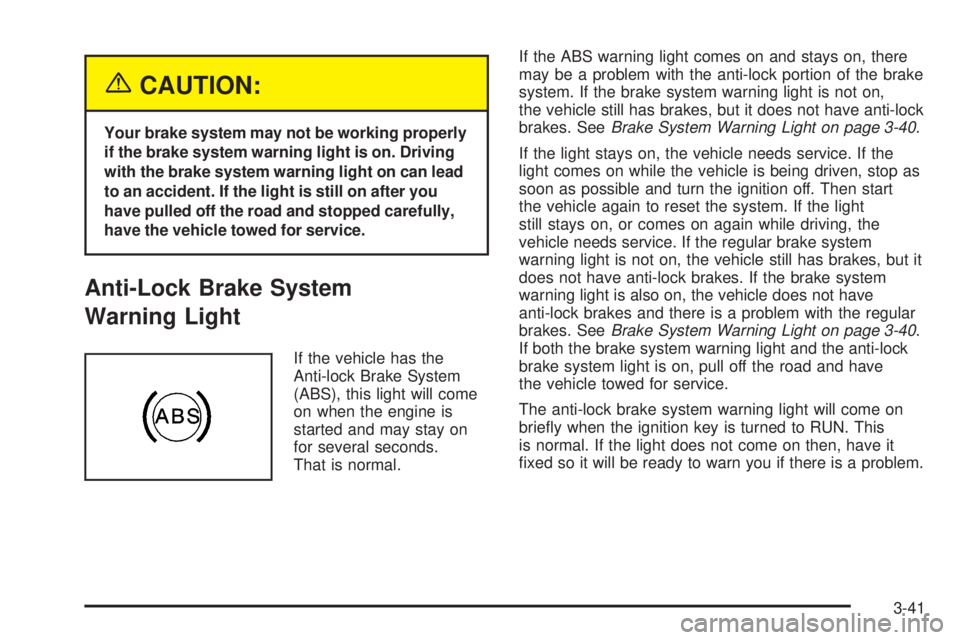
Anti-Lock Brake System
Warning Light
If the vehicle has the
Anti-lock Brake System
(ABS), this light will come
on when the engine is
started and may stay on
for several seconds.
That is normal.If the ABS warning light comes on and stays on, there
may be a problem with the anti-lock portion of the brake
system. If the brake system warning light is not on,
the vehicle still has brakes, but it does not have anti-lock
brakes. SeeBrake System Warning Light on page 3-40.
If the light stays on, the vehicle needs service. If the
light comes on while the vehicle is being driven, stop as
soon as possible and turn the ignition off. Then start
the vehicle again to reset the system. If the light
still stays on, or comes on again while driving, the
vehicle needs service. If the regular brake system
warning light is not on, the vehicle still has brakes, but it
does not have anti-lock brakes. If the brake system
warning light is also on, the vehicle does not have
anti-lock brakes and there is a problem with the regular
brakes. SeeBrake System Warning Light on page 3-40.
If both the brake system warning light and the anti-lock
brake system light is on, pull off the road and have
the vehicle towed for service.
The anti-lock brake system warning light will come on
briey when the ignition key is turned to RUN. This
is normal. If the light does not come on then, have it
xed so it will be ready to warn you if there is a problem.
3-41
Page 148 of 444
Traction Control System (TCS)
Warning Light
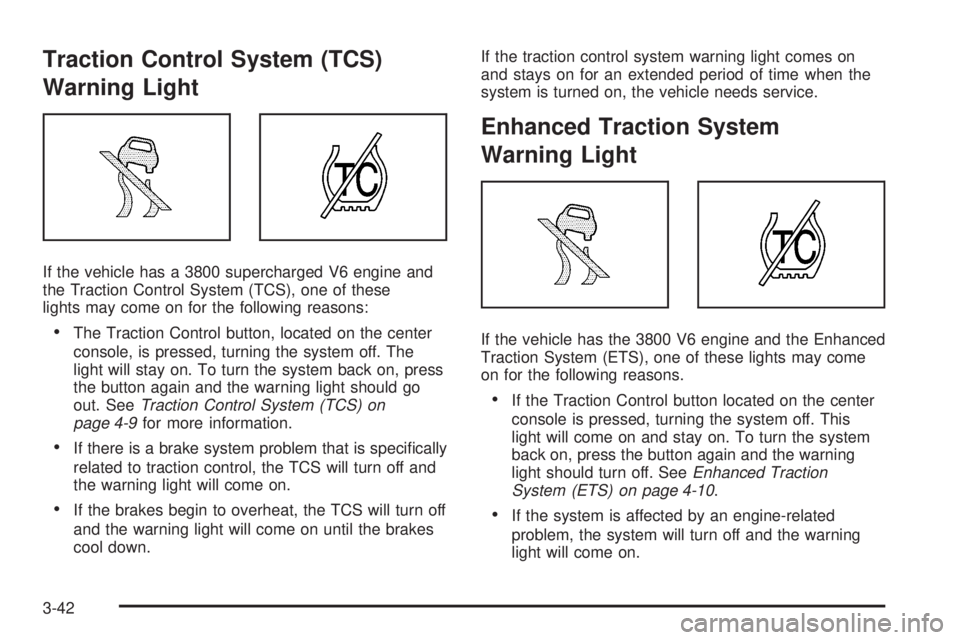
If the vehicle has a 3800 supercharged V6 engine and
the Traction Control System (TCS), one of these
lights may come on for the following reasons:
The Traction Control button, located on the center
console, is pressed, turning the system off. The
light will stay on. To turn the system back on, press
the button again and the warning light should go
out. SeeTraction Control System (TCS) on
page 4-9for more information.
If there is a brake system problem that is specically
related to traction control, the TCS will turn off and
the warning light will come on.
If the brakes begin to overheat, the TCS will turn off
and the warning light will come on until the brakes
cool down.If the traction control system warning light comes on
and stays on for an extended period of time when the
system is turned on, the vehicle needs service.
Enhanced Traction System
Warning Light
If the vehicle has the 3800 V6 engine and the Enhanced
Traction System (ETS), one of these lights may come
on for the following reasons.
If the Traction Control button located on the center
console is pressed, turning the system off. This
light will come on and stay on. To turn the system
back on, press the button again and the warning
light should turn off. SeeEnhanced Traction
System (ETS) on page 4-10.
If the system is affected by an engine-related
problem, the system will turn off and the warning
light will come on.
3-42
Page 149 of 444
If the light comes on and stays on for an extended
period of time when the system is turned on, the vehicle
needs service.
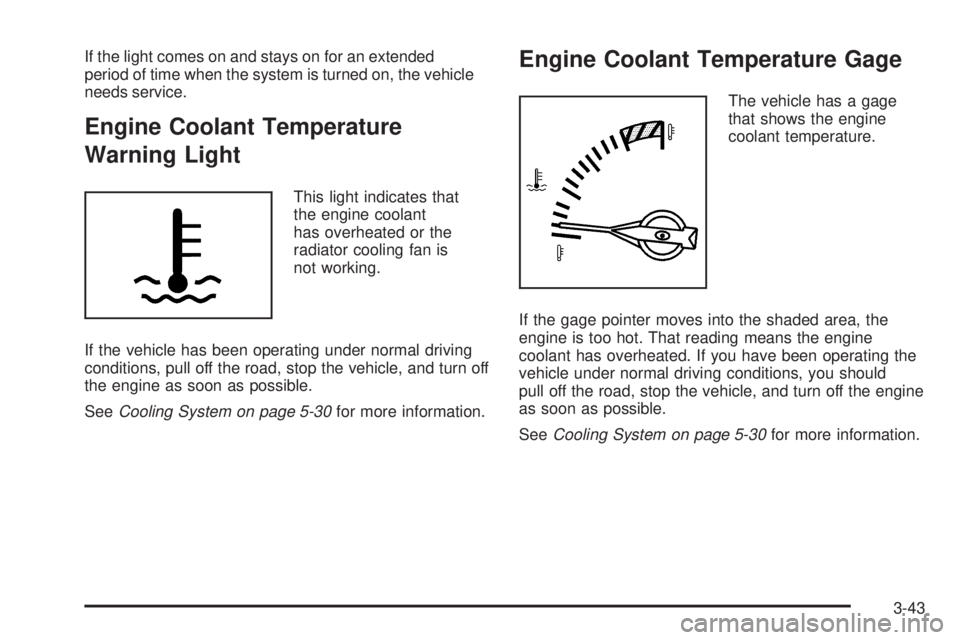
Engine Coolant Temperature
Warning Light
This light indicates that
the engine coolant
has overheated or the
radiator cooling fan is
not working.
If the vehicle has been operating under normal driving
conditions, pull off the road, stop the vehicle, and turn off
the engine as soon as possible.
SeeCooling System on page 5-30for more information.
Engine Coolant Temperature Gage
The vehicle has a gage
that shows the engine
coolant temperature.
If the gage pointer moves into the shaded area, the
engine is too hot. That reading means the engine
coolant has overheated. If you have been operating the
vehicle under normal driving conditions, you should
pull off the road, stop the vehicle, and turn off the engine
as soon as possible.
SeeCooling System on page 5-30for more information.
3-43
Page 155 of 444
Driver Information Center (DIC)
The Driver Information Center (DIC) gives important
safety and maintenance facts. When the vehicle’s
ignition is turned on, all of the DIC lights illuminate for a
few seconds and an introductory message will appear.
After this, the DIC will begin working.
DIC Controls and Displays
(Base Level DIC)
The Driver Information Center (DIC) control buttons and
the message display screen are located above the
radio. The DIC gives important safety and maintenance
facts concerning the vehicle. The status of many of
the vehicle’s systems along with driver personal
programming mode menus and warning messages
about the vehicle’s systems may display on the
DIC screen.The vehicle’s transaxle position will also appear.
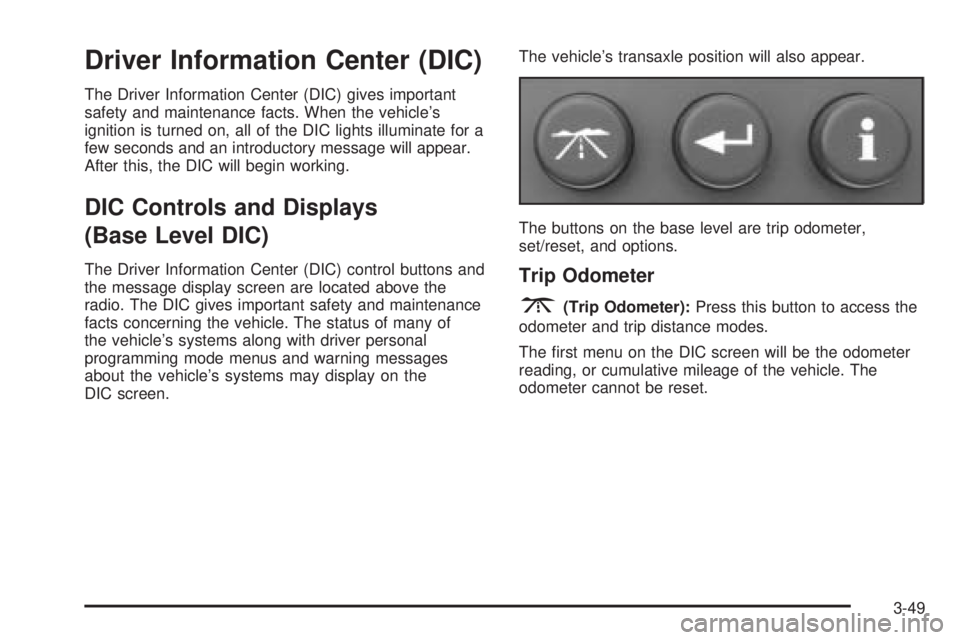
The buttons on the base level are trip odometer,
set/reset, and options.Trip Odometer
3(Trip Odometer):Press this button to access the
odometer and trip distance modes.
The rst menu on the DIC screen will be the odometer
reading, or cumulative mileage of the vehicle. The
odometer cannot be reset.
3-49
Page 176 of 444
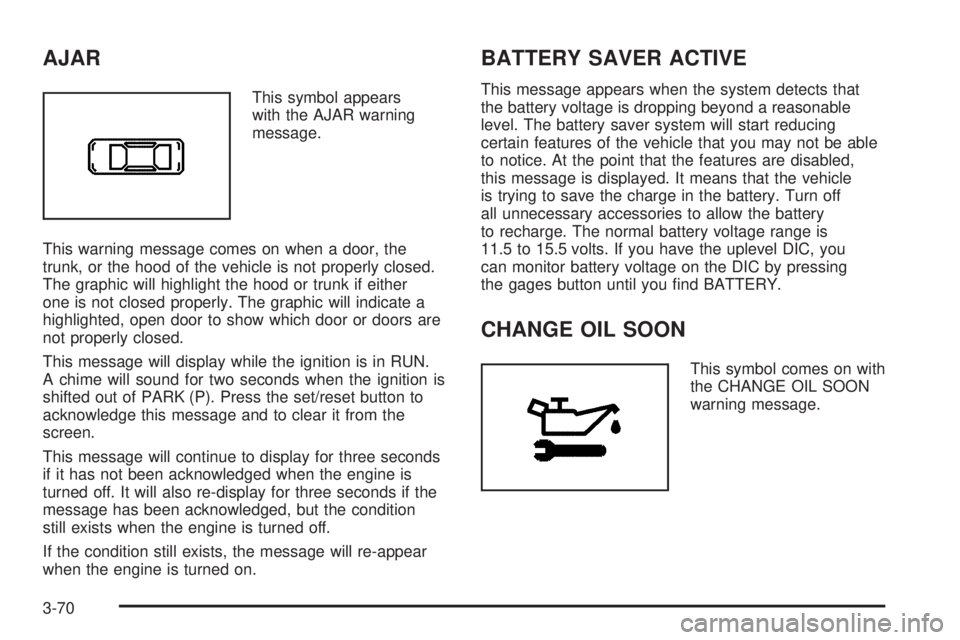
AJAR
This symbol appears
with the AJAR warning
message.
This warning message comes on when a door, the
trunk, or the hood of the vehicle is not properly closed.
The graphic will highlight the hood or trunk if either
one is not closed properly. The graphic will indicate a
highlighted, open door to show which door or doors are
not properly closed.
This message will display while the ignition is in RUN.
A chime will sound for two seconds when the ignition is
shifted out of PARK (P). Press the set/reset button to
acknowledge this message and to clear it from the
screen.
This message will continue to display for three seconds
if it has not been acknowledged when the engine is
turned off. It will also re-display for three seconds if the
message has been acknowledged, but the condition
still exists when the engine is turned off.
If the condition still exists, the message will re-appear
when the engine is turned on.
BATTERY SAVER ACTIVE
This message appears when the system detects that
the battery voltage is dropping beyond a reasonable
level. The battery saver system will start reducing
certain features of the vehicle that you may not be able
to notice. At the point that the features are disabled,
this message is displayed. It means that the vehicle
is trying to save the charge in the battery. Turn off
all unnecessary accessories to allow the battery
to recharge. The normal battery voltage range is
11.5 to 15.5 volts. If you have the uplevel DIC, you
can monitor battery voltage on the DIC by pressing
the gages button until you nd BATTERY.
CHANGE OIL SOON
This symbol comes on with
the CHANGE OIL SOON
warning message.
3-70
Page 180 of 444

DELAYED LOCKING
This message comes on when the doors of the vehicle
are closed and the delayed locking feature has been
programmed through the DIC. See “Delayed Locking”
in the options menu underDIC Controls and Displays
(Base Level DIC) on page 3-49orDIC Controls
and Displays (Uplevel DIC with Trip Computer) on
page 3-57for more information.
This message will appear when the ignition is in OFF.
A chime will sound for two seconds when this message
is displayed.
This message cannot be acknowledged.
HEADLAMPS SUGGESTED
This message comes on when the amount of available
light outside the vehicle is low and the exterior lamps
control is off. This message informs the driver that it has
become dark enough outside to require the headlamps
and/or other exterior lamps to be turned on, even
though the Daytime Running Lamps (DRL) are still
illuminated.This message will display while the ignition is in RUN.
A chime will sound for two seconds when this message
is displayed. Press the set/reset button to acknowledge
this warning message and to clear it from the screen.
This message will continue to display if it has not been
acknowledged when the engine is turned off. It will
also re-display for three seconds if the message has
been acknowledged, but the condition still exists
when the engine is turned off.
If the condition still exists, the message will re-appear
when the engine is turned on.
HOT COOLANT
Notice:If the HOT COOLANT warning message
appears on the DIC display, stop the vehicle as soon
as possible. Do not increase the engine speed
above normal idling speed. Severe engine damage
can result from driving a vehicle with an overheated
engine. SeeEngine Overheating on page 5-27for
more information.
3-74
Page 181 of 444
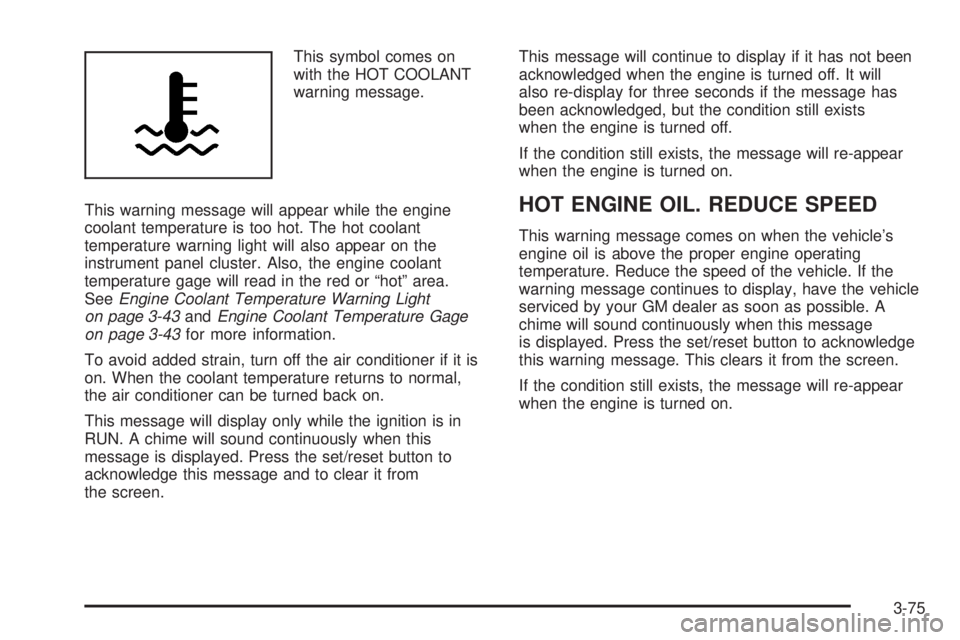
This symbol comes on
with the HOT COOLANT
warning message.
This warning message will appear while the engine
coolant temperature is too hot. The hot coolant
temperature warning light will also appear on the
instrument panel cluster. Also, the engine coolant
temperature gage will read in the red or “hot” area.
SeeEngine Coolant Temperature Warning Light
on page 3-43andEngine Coolant Temperature Gage
on page 3-43for more information.
To avoid added strain, turn off the air conditioner if it is
on. When the coolant temperature returns to normal,
the air conditioner can be turned back on.
This message will display only while the ignition is in
RUN. A chime will sound continuously when this
message is displayed. Press the set/reset button to
acknowledge this message and to clear it from
the screen.This message will continue to display if it has not been
acknowledged when the engine is turned off. It will
also re-display for three seconds if the message has
been acknowledged, but the condition still exists
when the engine is turned off.
If the condition still exists, the message will re-appear
when the engine is turned on.
HOT ENGINE OIL. REDUCE SPEED
This warning message comes on when the vehicle’s
engine oil is above the proper engine operating
temperature. Reduce the speed of the vehicle. If the
warning message continues to display, have the vehicle
serviced by your GM dealer as soon as possible. A
chime will sound continuously when this message
is displayed. Press the set/reset button to acknowledge
this warning message. This clears it from the screen.
If the condition still exists, the message will re-appear
when the engine is turned on.
3-75
Page 184 of 444
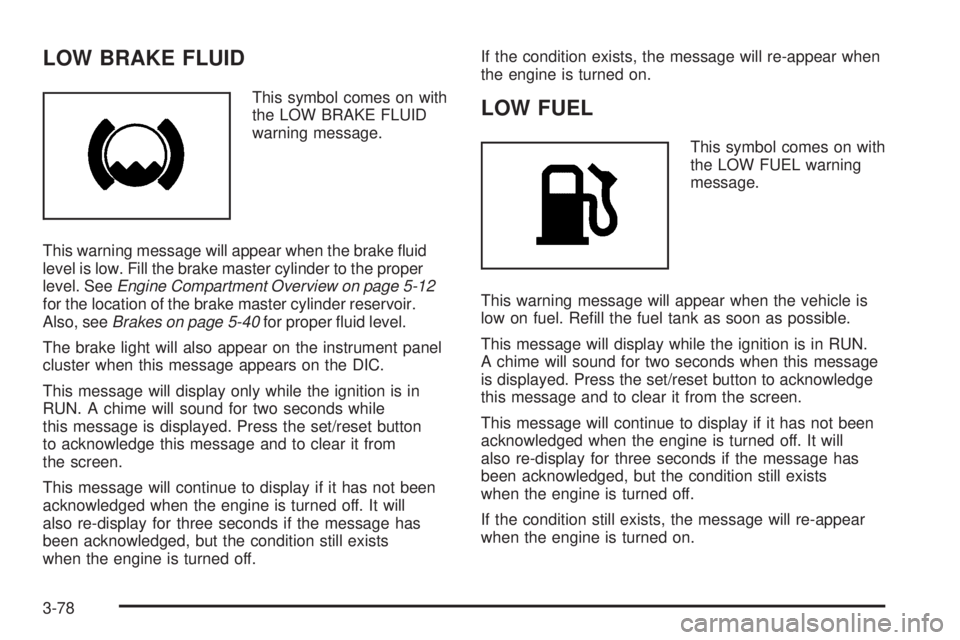
LOW BRAKE FLUID
This symbol comes on with
the LOW BRAKE FLUID
warning message.
This warning message will appear when the brake uid
level is low. Fill the brake master cylinder to the proper
level. SeeEngine Compartment Overview on page 5-12
for the location of the brake master cylinder reservoir.
Also, seeBrakes on page 5-40for proper uid level.
The brake light will also appear on the instrument panel
cluster when this message appears on the DIC.
This message will display only while the ignition is in
RUN. A chime will sound for two seconds while
this message is displayed. Press the set/reset button
to acknowledge this message and to clear it from
the screen.
This message will continue to display if it has not been
acknowledged when the engine is turned off. It will
also re-display for three seconds if the message has
been acknowledged, but the condition still exists
when the engine is turned off.If the condition exists, the message will re-appear when
the engine is turned on.LOW FUEL
This symbol comes on with
the LOW FUEL warning
message.
This warning message will appear when the vehicle is
low on fuel. Rell the fuel tank as soon as possible.
This message will display while the ignition is in RUN.
A chime will sound for two seconds when this message
is displayed. Press the set/reset button to acknowledge
this message and to clear it from the screen.
This message will continue to display if it has not been
acknowledged when the engine is turned off. It will
also re-display for three seconds if the message has
been acknowledged, but the condition still exists
when the engine is turned off.
If the condition still exists, the message will re-appear
when the engine is turned on.
3-78