light PONTIAC GRAND PRIX 2005 Owner's Manual
[x] Cancel search | Manufacturer: PONTIAC, Model Year: 2005, Model line: GRAND PRIX, Model: PONTIAC GRAND PRIX 2005Pages: 444, PDF Size: 2.6 MB
Page 107 of 444
Instrument Panel Overview...............................3-4
Hazard Warning Flashers................................3-5
Other Warning Devices...................................3-6
Horn.............................................................3-6
Tilt Wheel.....................................................3-6
Turn and Lane-Change Signals........................3-7
Headlamp High/Low-Beam Changer..................3-8
Flash-to-Pass.................................................3-8
Windshield Wiper Lever...................................3-9
Cruise Control..............................................3-10
Exterior Lamps.............................................3-14
Headlamps on Reminder................................3-15
Daytime Running Lamps (DRL).......................3-15
Fog Lamps..................................................3-16
Exterior Lighting Battery Saver........................3-17
Interior Lamps..............................................3-17
Instrument Panel Brightness...........................3-17
Courtesy Lamps...........................................3-18
Entry Lighting...............................................3-18
Delayed Entry Lighting...................................3-18
Delayed Exit Lighting.....................................3-19
Front Reading Lamps....................................3-19
Overhead Console Reading Lamps.................3-19
Rear Assist Handle Reading Lamps................3-19Battery Run-Down Protection..........................3-20
Head-Up Display (HUD).................................3-20
Accessory Power Outlets...............................3-24
Ashtrays and Cigarette Lighter........................3-25
Climate Controls............................................3-26
Climate Control System.................................3-26
Dual Automatic Climate Control System...........3-29
Outlet Adjustment.........................................3-33
Passenger Compartment Air Filter...................3-33
Warning Lights, Gages, and Indicators............3-35
Instrument Panel Cluster................................3-36
Speedometer and Odometer...........................3-37
Tachometer.................................................3-37
Safety Belt Reminder Light.............................3-38
Airbag Readiness Light..................................3-38
Up-Shift Light...............................................3-39
Brake System Warning Light..........................3-40
Anti-Lock Brake System Warning Light.............3-41
Traction Control System (TCS) Warning Light......3-42
Enhanced Traction System Warning Light.........3-42
Engine Coolant Temperature Warning Light......3-43
Engine Coolant Temperature Gage..................3-43
Malfunction Indicator Lamp.............................3-44
Section 3 Instrument Panel
3-1
Page 108 of 444
Oil Pressure Light.........................................3-47
Fog Lamp Light............................................3-47
Cruise Control Light......................................3-48
Highbeam On Light.......................................3-48
Fuel Gage...................................................3-48
Driver Information Center (DIC).......................3-49
DIC Controls and Displays
(Base Level DIC).......................................3-49
DIC Controls and Displays
(Uplevel DIC with Trip Computer)................3-57
DIC Warnings and Messages.........................3-69
Audio System(s).............................................3-92
Setting the Time...........................................3-93
Radio with CD (Base Level)...........................3-93Radio with CD (MP3)..................................3-104
Radio with Six-Disc CD................................3-118
Navigation/Radio System..............................3-132
Theft-Deterrent Feature................................3-132
Audio Steering Wheel Controls......................3-133
Radio Reception.........................................3-134
Care of Your CDs.......................................3-134
Care of Your CD Player...............................3-134
Backglass Antenna......................................3-134
XM™ Satellite Radio Antenna System............3-135
Chime Level Adjustment...............................3-135
Section 3 Instrument Panel
3-2
Page 116 of 444

About 30 seconds after the wipers are on, the
headlamps, taillamps, and instrument panel lighting will
come on, and the Driver Information Center (DIC)
back lighting will decrease to the night time mode. About
ten seconds after the wipers are turned off, all the
lamps will go back to the AUTO (Automatic) mode.
Windshield Washer
{CAUTION:
In freezing weather, do not use your washer
until the windshield is warmed. Otherwise the
washer uid can form ice on the windshield,
blocking your vision.
The windshield washer button is located at the end of
the windshield wiper lever.
K(Washer Fluid):Press this button to activate the
washer uid to spray onto the windshield. The wipers
will run for a few cycles to clear the windshield. For more
wash cycles, press and hold the button.If the vehicle is low on washer uid, the LOW WASHER
FLUID message will appear on the Driver Information
Center (DIC) display. See “LOW WASHER FLUID”
underDIC Warnings and Messages on page 3-69for
more information.
Cruise Control
{CAUTION:
Cruise control can be dangerous where you
cannot drive safely at a steady speed. So, do
not use your cruise control on winding roads
or in heavy traffic.
Cruise control can be dangerous on slippery
roads. On such roads, fast changes in tire
traction can cause needless wheel spinning,
and you could lose control. Do not use cruise
control on slippery roads.
3-10
Page 118 of 444
Setting Cruise Control
{CAUTION:
If you leave your cruise control on when you
are not using cruise, you might hit a button
and go into cruise when you do not want to.
You could be startled and even lose control.
Keep the cruise control switch off until you
want to use cruise control.
1. Push the button at the end of the cruise control
lever to turn the cruise control on.
2. Accelerate to the desired speed.
3. Push down on the cruise control lever and release
it. This will set the speed in cruise control.
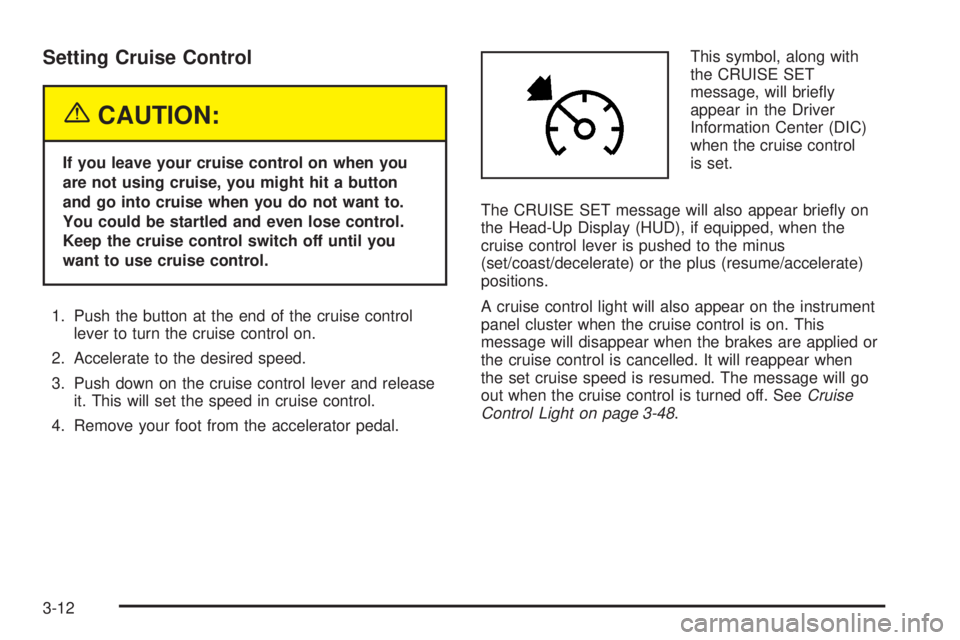
4. Remove your foot from the accelerator pedal.This symbol, along with
the CRUISE SET
message, will briey
appear in the Driver
Information Center (DIC)
when the cruise control
is set.
The CRUISE SET message will also appear briey on
the Head-Up Display (HUD), if equipped, when the
cruise control lever is pushed to the minus
(set/coast/decelerate) or the plus (resume/accelerate)
positions.
A cruise control light will also appear on the instrument
panel cluster when the cruise control is on. This
message will disappear when the brakes are applied or
the cruise control is cancelled. It will reappear when
the set cruise speed is resumed. The message will go
out when the cruise control is turned off. SeeCruise
Control Light on page 3-48.
3-12
Page 120 of 444
Passing Another Vehicle While Using
Cruise Control
Use the accelerator pedal to increase the vehicle’s
speed. When you take your foot off the pedal, the vehicle
will slow down to the cruise control speed set earlier.
Using Cruise Control on Hills
How well the cruise control will work on hills depends
upon the vehicle’s speed, its load, and the steepness of
the hills. When going up steep hills, the accelerator pedal
might have to be used in order to maintain the vehicle’s
speed. When going downhill, the brakes might have to be
applied, or the transaxle might have to be shifted to a
lower gear to keep the vehicle’s speed down. Doing
either of these things will take the vehicle out of cruise.
It may be better not to use the cruise control if the brakes
constantly have to be applied, or the vehicle continuously
needs to be shifted to a lower gear.
Cancelling Cruise Control
To cancel a cruise control session, pull the cruise
control lever forward, or step lightly on the brake pedal.
Doing either of these things will only end the current
cruise control session, but the set speed will be retained
in memory.
Push the button at the end of the cruise control lever to
turn the system off.
Erasing Speed Memory
When the cruise control or the ignition is turned off, the
cruise control set speed memory is erased.
Exterior Lamps
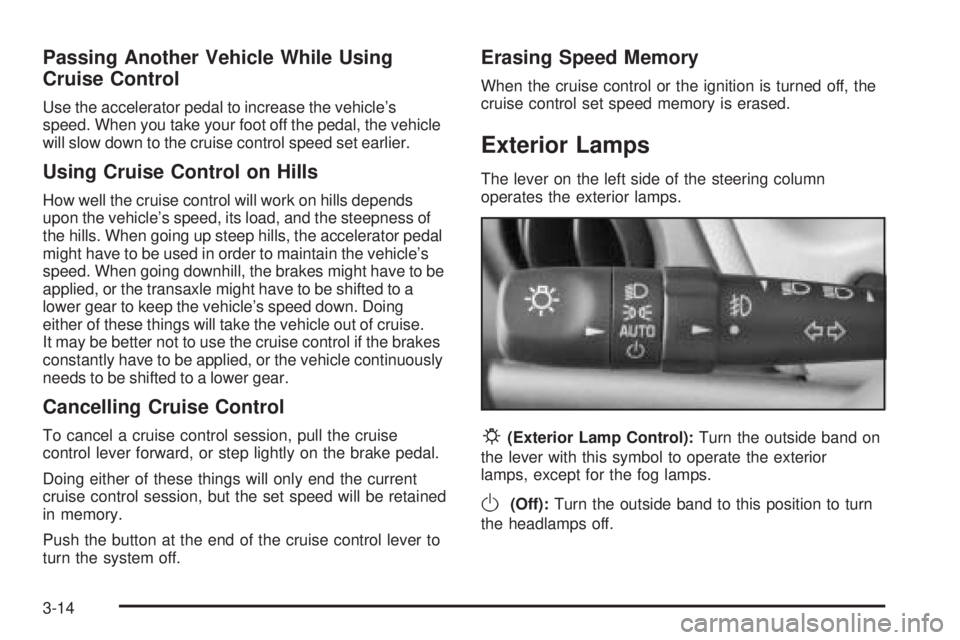
The lever on the left side of the steering column
operates the exterior lamps.
P(Exterior Lamp Control):Turn the outside band on
the lever with this symbol to operate the exterior
lamps, except for the fog lamps.
O(Off):Turn the outside band to this position to turn
the headlamps off.
3-14
Page 121 of 444
AUTO (Automatic):Turn the outside band to this
position to set the headlamps so that they will
automatically come on when it is dark outside. The
headlamps, taillamps, and instrument panel lighting
will also come on when the windshield wipers are
activated. SeeWindshield Wiper Lever on page 3-9for
more information.
;(Parking Lamps):Turn the outside band to this
position to turn on the parking lamps together with
the following:
Sidemarker Lamps
Taillamps
License Plate Lamps
Instrument Panel Lamps
2(Headlamps):Turn the outside band to this
position to turn on the headlamps, together with the
lamps listed previously.
Headlamps on Reminder
A warning chime will sound if the exterior lamp control
is left on in either the headlamp or parking lamp position
and the driver’s door is opened with the ignition off.
Daytime Running Lamps (DRL)
Daytime Running Lamps (DRL) can make it easier for
others to see the front of the vehicle during the day. DRL
can be helpful in many different driving conditions, but
they can be especially helpful in the short periods
after dawn and before sunset. Fully functional daytime
running lamps are required on all vehicles rst sold
in Canada.
The DRL system will make the turn signal lamps come
on when the following conditions are met:
It is still daylight and the ignition is in RUN
or START.
The exterior lamp control is in off or AUTO with
the headlamps off.
The transaxle is not in PARK (P) and the parking
brake is released.
When the DRL are on, no exterior lamps, except
for the front turn signal/parking lamps will be on.
The instrument panel will not be lit up either.
3-15
Page 122 of 444
When the exterior lamp control is in AUTO and it is dark
enough outside, the DRL will turn off and the low-beam
headlamps at full brightness will turn on. When it is
bright enough outside, the front turn signal lamps will
go off, and the DRL will turn back on. If the vehicle
is started in a dark garage, the automatic headlamp
system will come on immediately. Once the vehicle
leaves the garage, it will take approximately one minute
for the automatic headlamp system to change to
DRL if it is light outside. During that delay, the
instrument panel cluster may not be as bright as usual.
Make sure the instrument panel brightness control is
at the highest setting. SeeInstrument Panel Brightness
on page 3-17.
Vehicle’s sold in the U.S. can turn the DRL off.
To do this, turn the band on the exterior lamp control
to off. Turn the band to this position again to turn the
DRL on.
As with any vehicle, the regular headlamp system
should be turned on when needed.Light Sensor
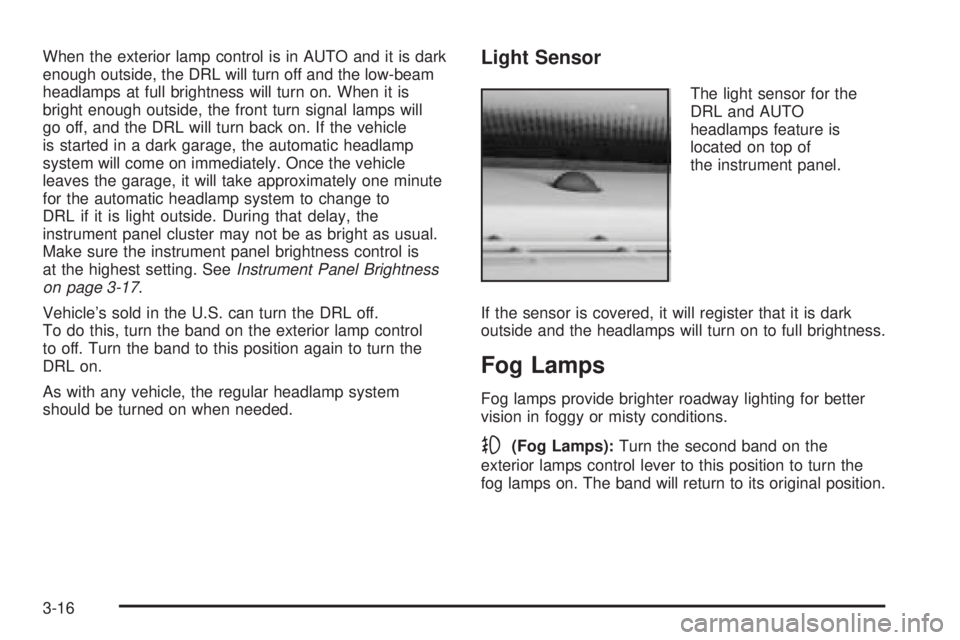
The light sensor for the
DRL and AUTO
headlamps feature is
located on top of
the instrument panel.
If the sensor is covered, it will register that it is dark
outside and the headlamps will turn on to full brightness.
Fog Lamps
Fog lamps provide brighter roadway lighting for better
vision in foggy or misty conditions.
-(Fog Lamps):Turn the second band on the
exterior lamps control lever to this position to turn the
fog lamps on. The band will return to its original position.
3-16
Page 123 of 444
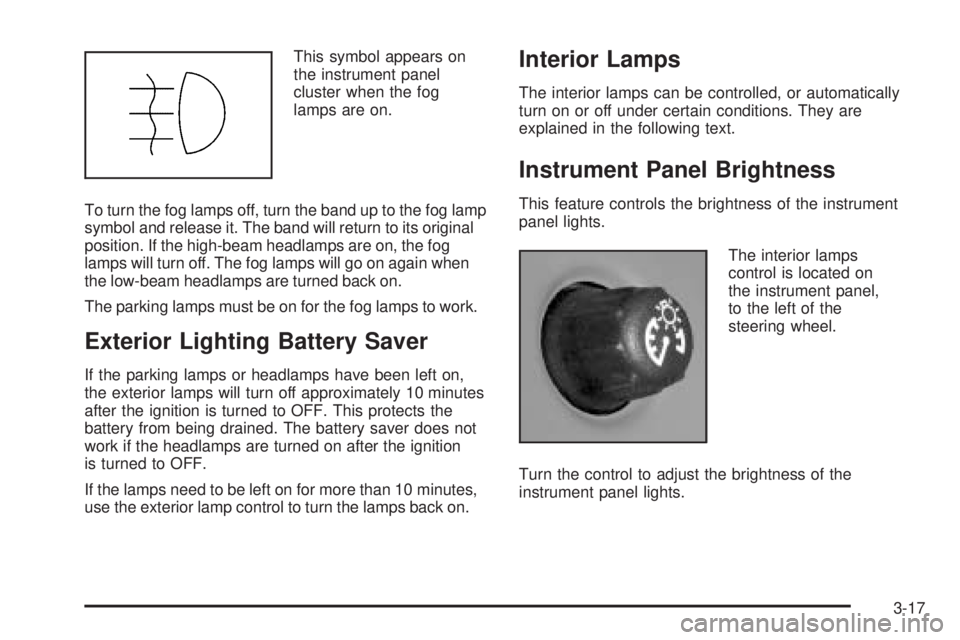
This symbol appears on
the instrument panel
cluster when the fog
lamps are on.
To turn the fog lamps off, turn the band up to the fog lamp
symbol and release it. The band will return to its original
position. If the high-beam headlamps are on, the fog
lamps will turn off. The fog lamps will go on again when
the low-beam headlamps are turned back on.
The parking lamps must be on for the fog lamps to work.
Exterior Lighting Battery Saver
If the parking lamps or headlamps have been left on,
the exterior lamps will turn off approximately 10 minutes
after the ignition is turned to OFF. This protects the
battery from being drained. The battery saver does not
work if the headlamps are turned on after the ignition
is turned to OFF.
If the lamps need to be left on for more than 10 minutes,
use the exterior lamp control to turn the lamps back on.
Interior Lamps
The interior lamps can be controlled, or automatically
turn on or off under certain conditions. They are
explained in the following text.
Instrument Panel Brightness
This feature controls the brightness of the instrument
panel lights.
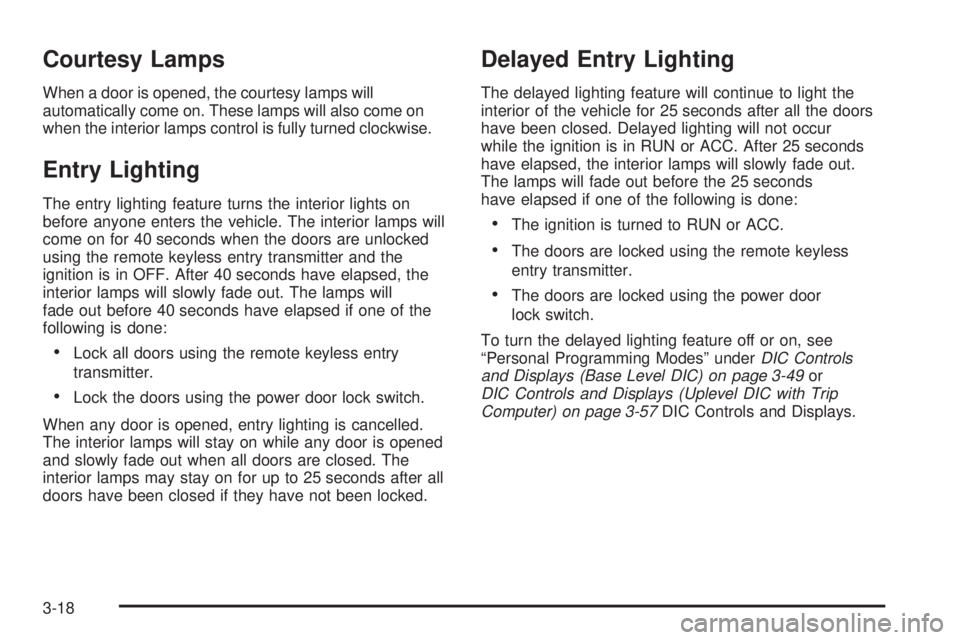
The interior lamps
control is located on
the instrument panel,
to the left of the
steering wheel.
Turn the control to adjust the brightness of the
instrument panel lights.
3-17
Page 124 of 444
Courtesy Lamps
When a door is opened, the courtesy lamps will
automatically come on. These lamps will also come on
when the interior lamps control is fully turned clockwise.
Entry Lighting
The entry lighting feature turns the interior lights on
before anyone enters the vehicle. The interior lamps will
come on for 40 seconds when the doors are unlocked
using the remote keyless entry transmitter and the
ignition is in OFF. After 40 seconds have elapsed, the
interior lamps will slowly fade out. The lamps will
fade out before 40 seconds have elapsed if one of the
following is done:
Lock all doors using the remote keyless entry
transmitter.
Lock the doors using the power door lock switch.
When any door is opened, entry lighting is cancelled.
The interior lamps will stay on while any door is opened
and slowly fade out when all doors are closed. The
interior lamps may stay on for up to 25 seconds after all
doors have been closed if they have not been locked.
Delayed Entry Lighting
The delayed lighting feature will continue to light the
interior of the vehicle for 25 seconds after all the doors
have been closed. Delayed lighting will not occur
while the ignition is in RUN or ACC. After 25 seconds
have elapsed, the interior lamps will slowly fade out.
The lamps will fade out before the 25 seconds
have elapsed if one of the following is done:
The ignition is turned to RUN or ACC.
The doors are locked using the remote keyless
entry transmitter.
The doors are locked using the power door
lock switch.
To turn the delayed lighting feature off or on, see
“Personal Programming Modes” underDIC Controls
and Displays (Base Level DIC) on page 3-49or
DIC Controls and Displays (Uplevel DIC with Trip
Computer) on page 3-57DIC Controls and Displays.
3-18
Page 125 of 444
Delayed Exit Lighting
For exiting the vehicle at night, the vehicle is equipped
with the delayed exit lighting feature. The interior
lamps will light for up to 25 seconds when the key is
removed from the ignition. After 25 seconds have
elapsed, the interior lamps will slowly fade. The lamps
will fade before the 25 seconds have elapsed if any
of the following are done:
The ignition is turned to RUN or ACC.
The doors are locked using the remote keyless
entry transmitter.
The doors are locked using the power door
lock switch.
When any door is opened, delayed exit lighting is
cancelled. The interior lamps will stay on while any door
is opened and will slowly fade out when all the doors
are closed. The interior lamps may stay on for up
to 25 seconds after all the doors have been closed if
they have not been locked.
To turn the delayed exit lighting feature off or on, see
“Personal Programming Mode Screen” underDIC
Controls and Displays (Base Level DIC) on page 3-49
orDIC Controls and Displays (Uplevel DIC with Trip
Computer) on page 3-57.
Front Reading Lamps
If the vehicle has a sunroof, there are reading lamps in
front of the sunroof switch located on the headliner.
These lamps will come on when the doors are opened.
Press the side of each reading lamp to turn them on
and off when the doors are closed.
Overhead Console Reading Lamps
The vehicle may have reading lamps on the overhead
console. These lamps will turn on when the doors
are opened. When the doors are closed, press the side
of each lamp to turn them on and off.
Rear Assist Handle Reading Lamps
If the vehicle has reading lamps on each rear assist
handle, press the side of each lamp to turn it on or off.
3-19