ignition PONTIAC GRAND PRIX 2006 Owner's Guide
[x] Cancel search | Manufacturer: PONTIAC, Model Year: 2006, Model line: GRAND PRIX, Model: PONTIAC GRAND PRIX 2006Pages: 472, PDF Size: 2.82 MB
Page 135 of 472
Fog Lamps
If equipped, fog lamps provide brighter roadway lighting
for better vision in foggy or misty conditions.
-(Fog Lamps):Turn the second band on the
exterior lamps control lever to this position to turn the
fog lamps on. The band will return to its original position.
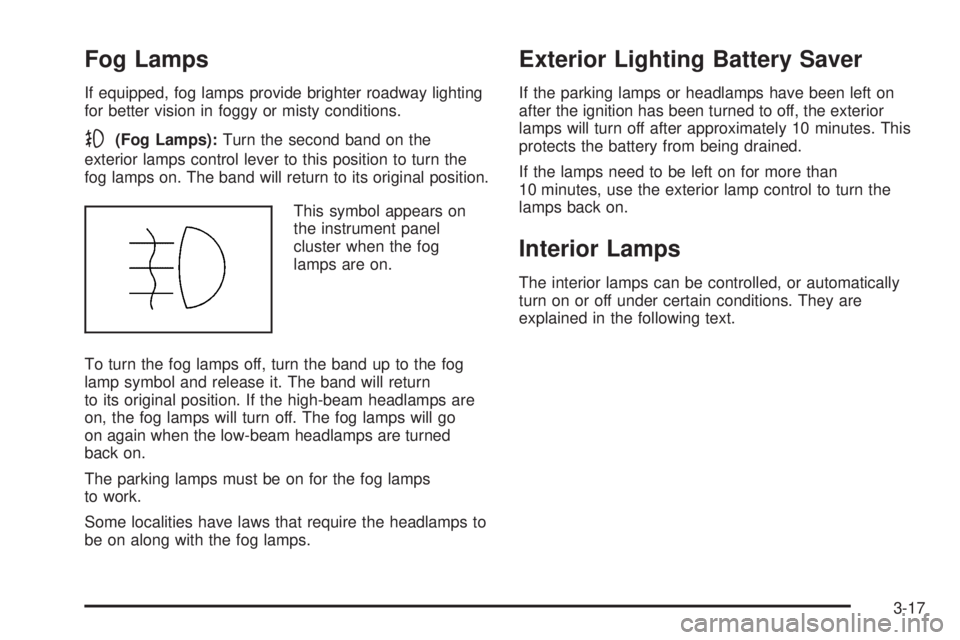
This symbol appears on
the instrument panel
cluster when the fog
lamps are on.
To turn the fog lamps off, turn the band up to the fog
lamp symbol and release it. The band will return
to its original position. If the high-beam headlamps are
on, the fog lamps will turn off. The fog lamps will go
on again when the low-beam headlamps are turned
back on.
The parking lamps must be on for the fog lamps
to work.
Some localities have laws that require the headlamps to
be on along with the fog lamps.
Exterior Lighting Battery Saver
If the parking lamps or headlamps have been left on
after the ignition has been turned to off, the exterior
lamps will turn off after approximately 10 minutes. This
protects the battery from being drained.
If the lamps need to be left on for more than
10 minutes, use the exterior lamp control to turn the
lamps back on.
Interior Lamps
The interior lamps can be controlled, or automatically
turn on or off under certain conditions. They are
explained in the following text.
3-17
Page 136 of 472
Instrument Panel Brightness
This feature controls the brightness of the instrument
panel lights.
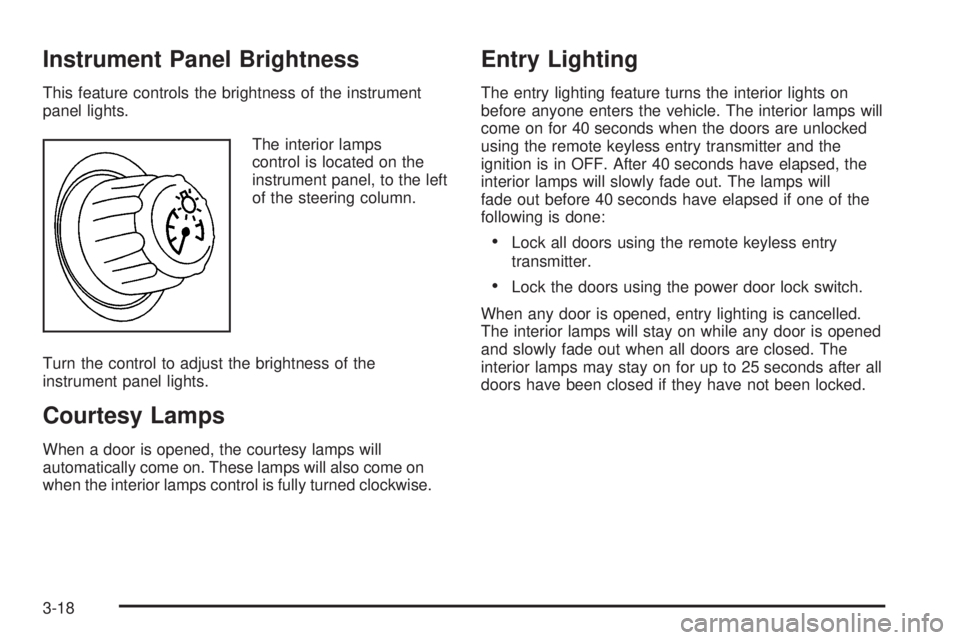
The interior lamps
control is located on the
instrument panel, to the left
of the steering column.
Turn the control to adjust the brightness of the
instrument panel lights.
Courtesy Lamps
When a door is opened, the courtesy lamps will
automatically come on. These lamps will also come on
when the interior lamps control is fully turned clockwise.
Entry Lighting
The entry lighting feature turns the interior lights on
before anyone enters the vehicle. The interior lamps will
come on for 40 seconds when the doors are unlocked
using the remote keyless entry transmitter and the
ignition is in OFF. After 40 seconds have elapsed, the
interior lamps will slowly fade out. The lamps will
fade out before 40 seconds have elapsed if one of the
following is done:
Lock all doors using the remote keyless entry
transmitter.
Lock the doors using the power door lock switch.
When any door is opened, entry lighting is cancelled.
The interior lamps will stay on while any door is opened
and slowly fade out when all doors are closed. The
interior lamps may stay on for up to 25 seconds after all
doors have been closed if they have not been locked.
3-18
Page 137 of 472
Delayed Entry Lighting
The delayed lighting feature will continue to light the
interior of the vehicle for 25 seconds after all the doors
have been closed. Delayed lighting will not occur
while the ignition is in RUN or ACC. After 25 seconds
have elapsed, the interior lamps will slowly fade out. The
lamps will fade out before the 25 seconds have
elapsed if one of the following is done:
The ignition is turned to RUN or ACC.
The doors are locked using the remote keyless
entry transmitter.
The doors are locked using the power door
lock switch.
To turn the delayed lighting feature off or on, see
“Personal Programming Modes” underDIC Controls and
Displays (Base Level DIC) on page 3-52orDIC
Controls and Displays (Uplevel DIC with Trip Computer)
on page 3-60DIC Controls and Displays.
Delayed Exit Lighting
For exiting the vehicle at night, the vehicle is equipped
with the delayed exit lighting feature. After the key
is removed from the ignition, the interior lamps will light
for up the amount of seconds set in the Driver
Information Center (DIC). See “Personal Programming
Mode Screens” underDIC Controls and Displays
(Base Level DIC) on page 3-52orDIC Controls and
Displays (Uplevel DIC with Trip Computer) on
page 3-60. After the set time has elapsed, the interior
lamps will slowly fade. The lamps will fade before the set
time has elapsed if one of the following is done:
The ignition is turned to RUN or ACC.
The doors are locked using the remote keyless
entry transmitter.
The doors are locked using the power door
lock switch.
When any door is opened, delayed exit lighting is
cancelled. The interior lamps will stay on while any door
is opened and will slowly fade out when all the doors
are closed. The interior lamps will stay on for the
set time after all the doors have been closed if they
have not been locked.
To turn the delayed exit lighting feature off or on, see
“Personal Programming Mode Screens” underDIC
Controls and Displays (Base Level DIC) on page 3-52
orDIC Controls and Displays (Uplevel DIC with Trip
Computer) on page 3-60.
3-19
Page 138 of 472

Front Reading Lamps
If the vehicle has a sunroof, there are reading lamps in
front of the sunroof switch located on the headliner.
These lamps will come on when the doors are opened.
Press the side of each reading lamp to turn them on
and off when the doors are closed.
Overhead Console Reading Lamps
The vehicle may have reading lamps on the overhead
console. These lamps will turn on when the doors
are opened. When the doors are closed, press the side
of each lamp to turn them on and off.
Rear Assist Handle Reading Lamps
If the vehicle has a reading lamp on each rear assist
handle, press the side of each lamp to turn it on or off.
Battery Run-Down Protection
The vehicle has a feature to help prevent the battery
from draining in case the interior, trunk, or underhood
lamps are accidentally left on. If any of these lamps are
left on while the ignition is in OFF, they will automatically
turn off after 10 minutes. The lamps will not come
back on again until any of the following are done:
The ignition is turned to RUN or ACC.
The interior lamps control is turned completely to
the right, then back slightly to the left.
Open, or close and reopen, a door that is closed.
If the vehicle has less than 15 miles (25 km) on
the odometer, the battery saver will turn off the lamps
after only three minutes.
3-20
Page 140 of 472
When the ignition key is turned to RUN, the HUD will
display an introductory message for a short time,
until the HUD has warmed up.
The following indicator lights come on the instrument
panel when activated and will also appear on the HUD:
Turn Signal Indicators
High-Beam Indicator Symbol
The HUD will temporarily display CHECK TRIP
COMPUTER when there are messages on the DIC trip
computer.
The HUD will also display the following messages when
these systems, if equipped, are active:
TRACTION CONTROL ACTIVE
STABILITY CONTROL ACTIVE
The HUD will temporarily display the TRACTION
CONTROL OFF message when the traction control
system is turned off.
The HUD will temporarily display the CRUISE SET
message when cruise control is activated or cruise
speed is increased.
Notice:If you try to use the HUD image as a
parking aid, you may misjudge the distance and
damage your vehicle. Do not use the HUD image as
a parking aid.When the HUD is on, the speedometer reading will
continually be displayed. The current radio station or
CD track number will display for a short period of time
after the radio or CD track status changes. This will
happen whenever one of the radio controls is pressed.
The speedometer size will be reduced when radio,
CD information, warnings, or turn-by-turn navigation
information are displayed on the HUD.
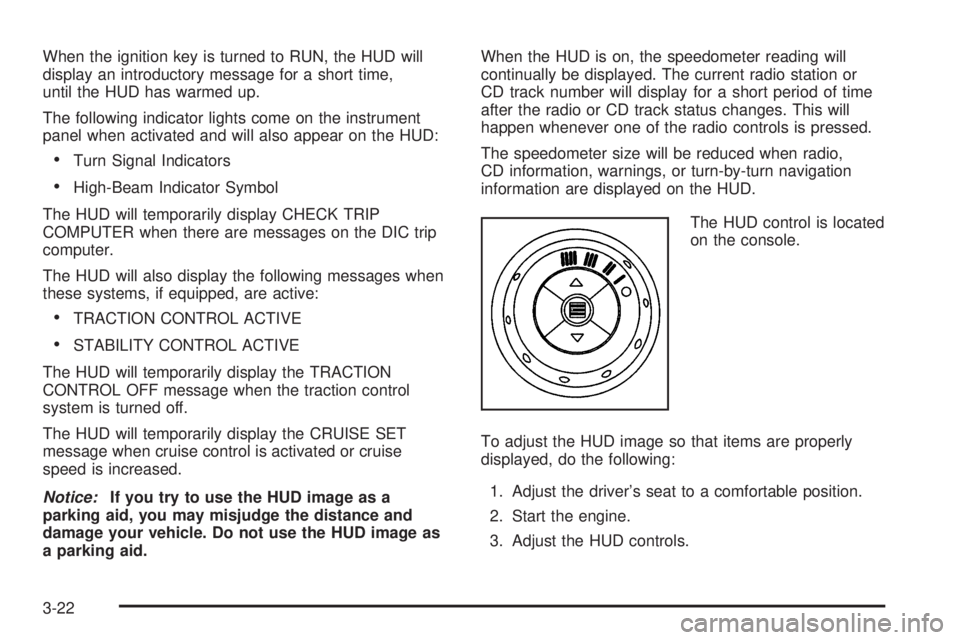
The HUD control is located
on the console.
To adjust the HUD image so that items are properly
displayed, do the following:
1. Adjust the driver’s seat to a comfortable position.
2. Start the engine.
3. Adjust the HUD controls.
3-22
Page 142 of 472
Care of the HUD
Clean the inside of the windshield as needed to remove
any dirt or lm that could reduce the sharpness or
clarity of the HUD image.
To clean the HUD lens, use a soft, clean cloth that has
household glass cleaner sprayed on it. Wipe the HUD
lens gently, then dry it. Do not spray cleaner directly on
the lens because the cleaner could leak into the unit.
If You Cannot See the HUD Image
When the Ignition Is On
Is anything covering the HUD lens?
Is the HUD dimmer setting bright enough?
Is the HUD image adjusted to the proper height?
Are you wearing polarized sunglasses?
Still no HUD image? Check the fuse in the
instrument panel fuse block. SeeInstrument Panel
Fuse Block on page 5-112.
If the HUD Image Is Not Clear
Is the HUD image too bright?
Are the windshield and HUD lens clean?
If the HUD image is not correct, contact your dealer.
Keep in mind that the windshield is part of the HUD
system. SeeWindshield Replacement on page 5-60.
Accessory Power Outlet(s)
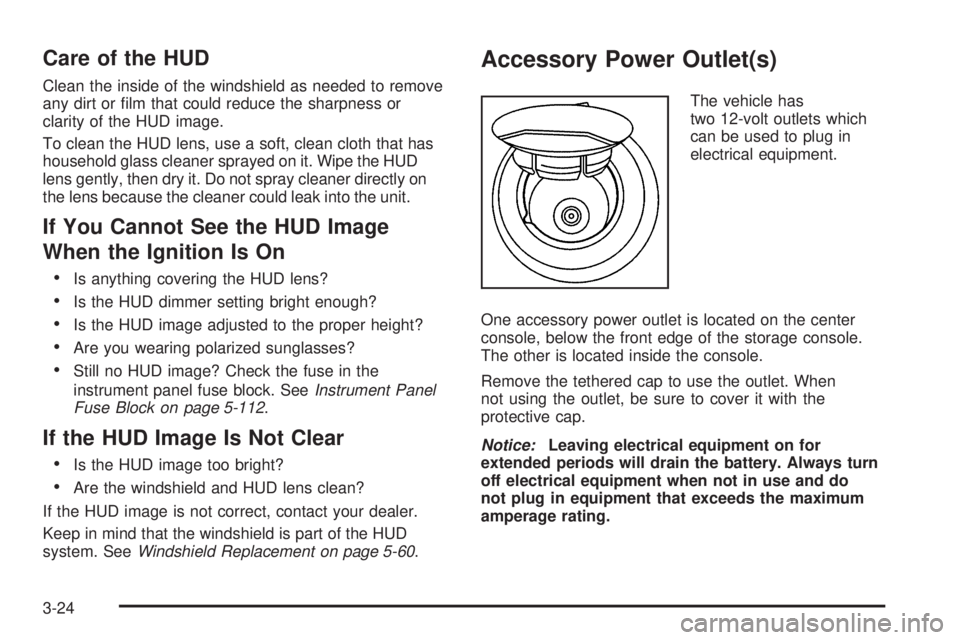
The vehicle has
two 12-volt outlets which
can be used to plug in
electrical equipment.
One accessory power outlet is located on the center
console, below the front edge of the storage console.
The other is located inside the console.
Remove the tethered cap to use the outlet. When
not using the outlet, be sure to cover it with the
protective cap.
Notice:Leaving electrical equipment on for
extended periods will drain the battery. Always turn
off electrical equipment when not in use and do
not plug in equipment that exceeds the maximum
amperage rating.
3-24
Page 152 of 472
To change the passenger compartment air lter, do the
following:
1. Turn the ignition to ACC and the windshield
wipers on.
2. Turn the ignition to OFF when the windshield
wipers are in the upright position.
3. Raise the hood.
4. Disconnect the windshield washer pump hose from
the fender rail and the air inlet grille.
5. Remove the hood weather-strip from the
passenger’s side of the vehicle, peeling it
back halfway.
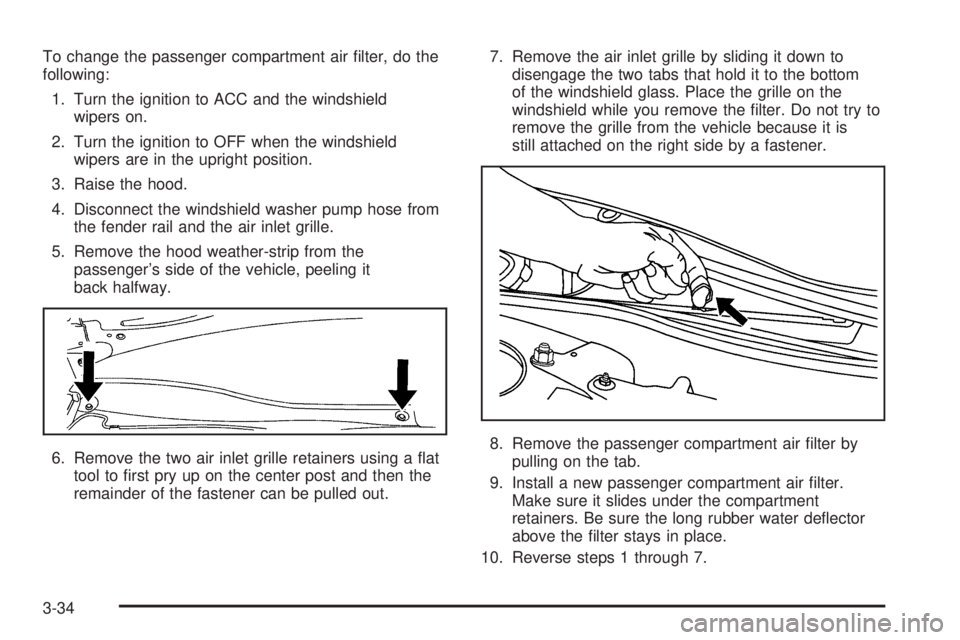
6. Remove the two air inlet grille retainers using a at
tool to rst pry up on the center post and then the
remainder of the fastener can be pulled out.7. Remove the air inlet grille by sliding it down to
disengage the two tabs that hold it to the bottom
of the windshield glass. Place the grille on the
windshield while you remove the lter. Do not try to
remove the grille from the vehicle because it is
still attached on the right side by a fastener.
8. Remove the passenger compartment air lter by
pulling on the tab.
9. Install a new passenger compartment air lter.
Make sure it slides under the compartment
retainers. Be sure the long rubber water deector
above the lter stays in place.
10. Reverse steps 1 through 7.
3-34
Page 157 of 472
Airbag Readiness Light
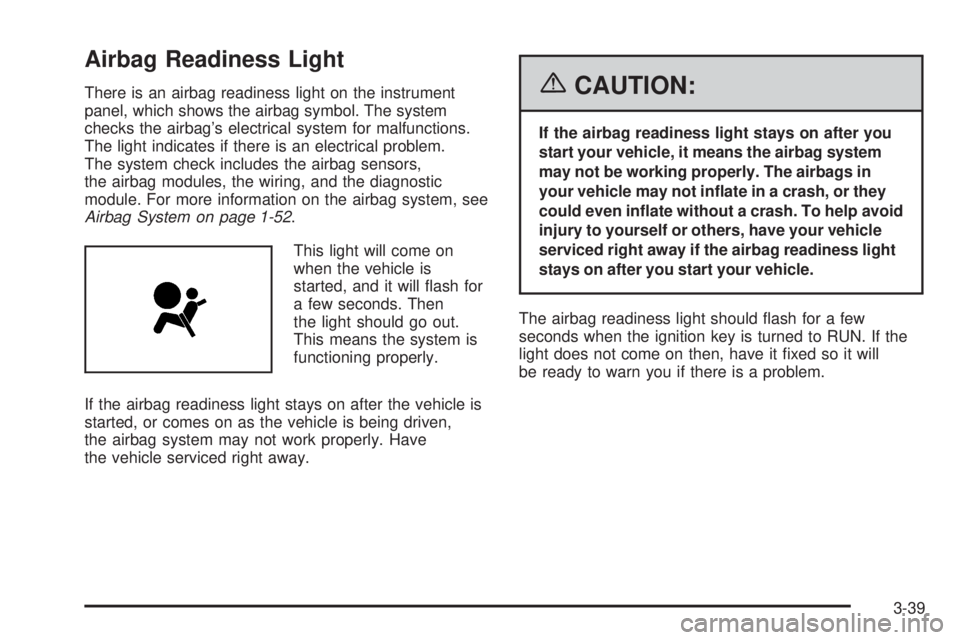
There is an airbag readiness light on the instrument
panel, which shows the airbag symbol. The system
checks the airbag’s electrical system for malfunctions.
The light indicates if there is an electrical problem.
The system check includes the airbag sensors,
the airbag modules, the wiring, and the diagnostic
module. For more information on the airbag system, see
Airbag System on page 1-52.
This light will come on
when the vehicle is
started, and it will ash for
a few seconds. Then
the light should go out.
This means the system is
functioning properly.
If the airbag readiness light stays on after the vehicle is
started, or comes on as the vehicle is being driven,
the airbag system may not work properly. Have
the vehicle serviced right away.{CAUTION:
If the airbag readiness light stays on after you
start your vehicle, it means the airbag system
may not be working properly. The airbags in
your vehicle may not inate in a crash, or they
could even inate without a crash. To help avoid
injury to yourself or others, have your vehicle
serviced right away if the airbag readiness light
stays on after you start your vehicle.
The airbag readiness light should ash for a few
seconds when the ignition key is turned to RUN. If the
light does not come on then, have it xed so it will
be ready to warn you if there is a problem.
3-39
Page 158 of 472
Passenger Airbag Status Indicator
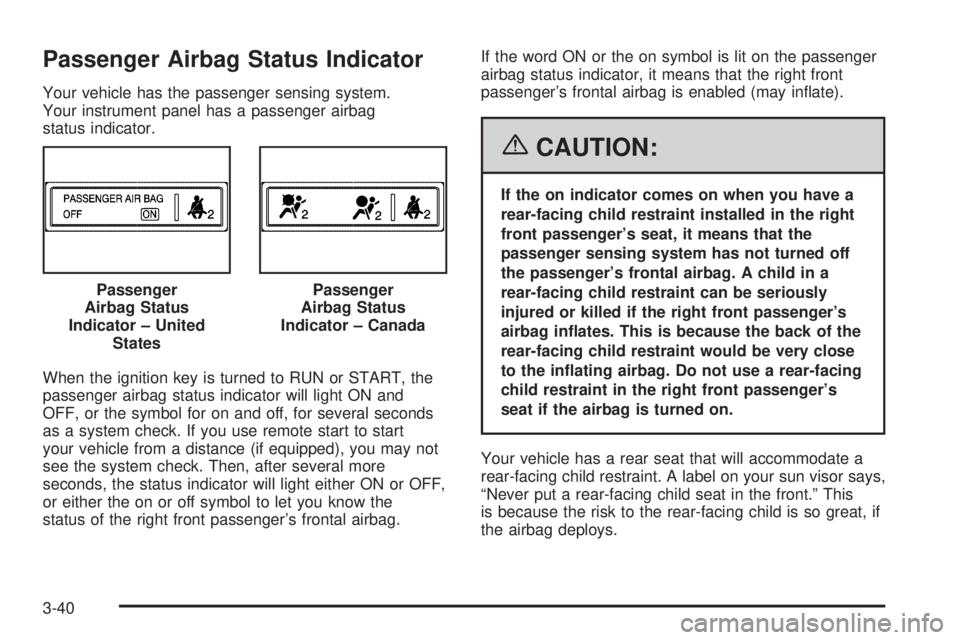
Your vehicle has the passenger sensing system.
Your instrument panel has a passenger airbag
status indicator.
When the ignition key is turned to RUN or START, the
passenger airbag status indicator will light ON and
OFF, or the symbol for on and off, for several seconds
as a system check. If you use remote start to start
your vehicle from a distance (if equipped), you may not
see the system check. Then, after several more
seconds, the status indicator will light either ON or OFF,
or either the on or off symbol to let you know the
status of the right front passenger’s frontal airbag.If the word ON or the on symbol is lit on the passenger
airbag status indicator, it means that the right front
passenger’s frontal airbag is enabled (may inate).
{CAUTION:
If the on indicator comes on when you have a
rear-facing child restraint installed in the right
front passenger’s seat, it means that the
passenger sensing system has not turned off
the passenger’s frontal airbag. A child in a
rear-facing child restraint can be seriously
injured or killed if the right front passenger’s
airbag inates. This is because the back of the
rear-facing child restraint would be very close
to the inating airbag. Do not use a rear-facing
child restraint in the right front passenger’s
seat if the airbag is turned on.
Your vehicle has a rear seat that will accommodate a
rear-facing child restraint. A label on your sun visor says,
“Never put a rear-facing child seat in the front.” This
is because the risk to the rear-facing child is so great, if
the airbag deploys. Passenger
Airbag Status
Indicator – United
States
Passenger
Airbag Status
Indicator – Canada
3-40
Page 160 of 472
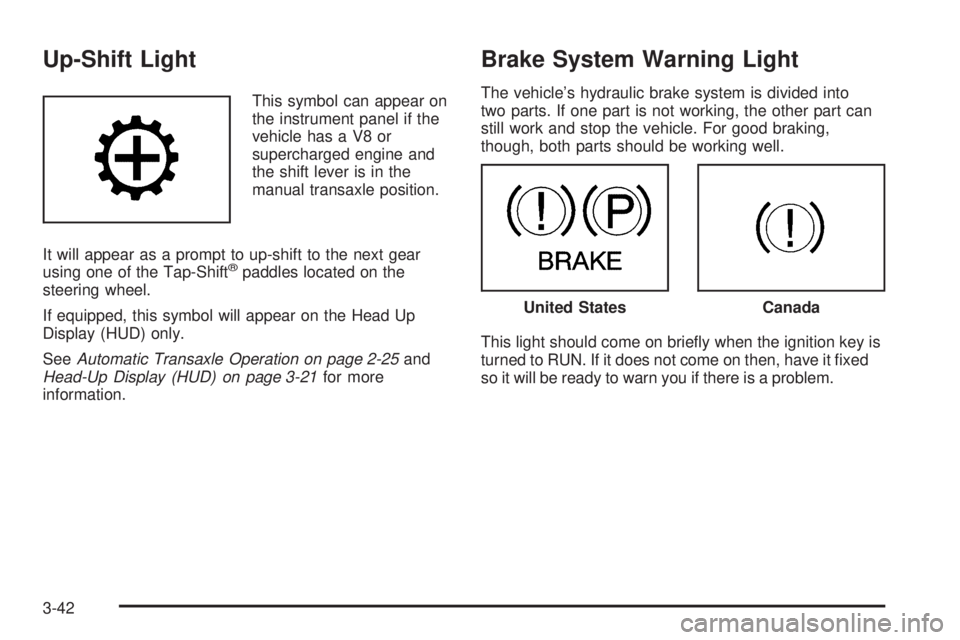
Up-Shift Light
This symbol can appear on
the instrument panel if the
vehicle has a V8 or
supercharged engine and
the shift lever is in the
manual transaxle position.
It will appear as a prompt to up-shift to the next gear
using one of the Tap-Shift
®paddles located on the
steering wheel.
If equipped, this symbol will appear on the Head Up
Display (HUD) only.
SeeAutomatic Transaxle Operation on page 2-25and
Head-Up Display (HUD) on page 3-21for more
information.
Brake System Warning Light
The vehicle’s hydraulic brake system is divided into
two parts. If one part is not working, the other part can
still work and stop the vehicle. For good braking,
though, both parts should be working well.
This light should come on briey when the ignition key is
turned to RUN. If it does not come on then, have it xed
so it will be ready to warn you if there is a problem.
United StatesCanada
3-42