display PONTIAC GRAND PRIX 2006 Repair Manual
[x] Cancel search | Manufacturer: PONTIAC, Model Year: 2006, Model line: GRAND PRIX, Model: PONTIAC GRAND PRIX 2006Pages: 472, PDF Size: 2.82 MB
Page 204 of 472
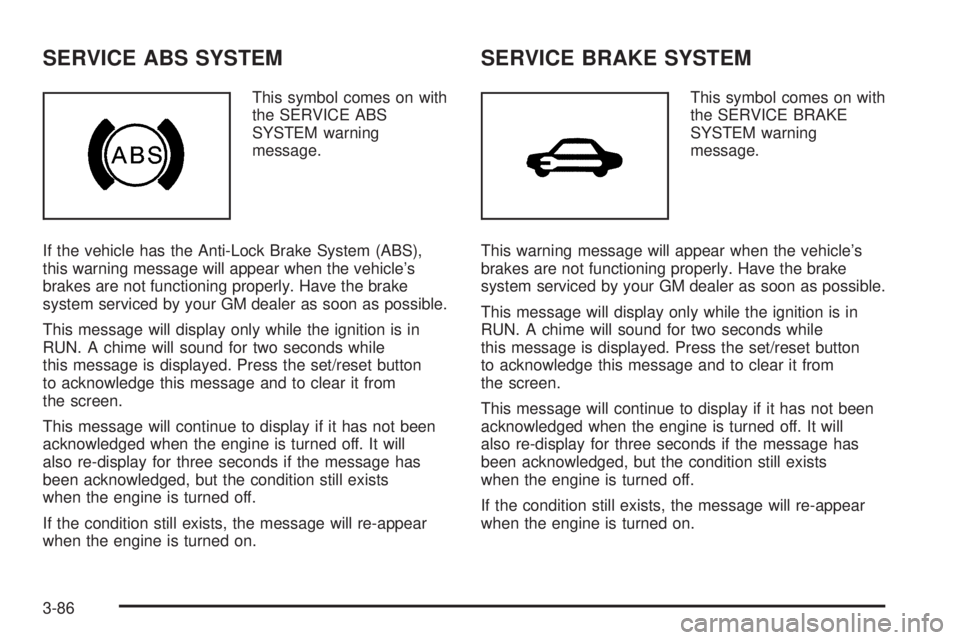
SERVICE ABS SYSTEM
This symbol comes on with
the SERVICE ABS
SYSTEM warning
message.
If the vehicle has the Anti-Lock Brake System (ABS),
this warning message will appear when the vehicle’s
brakes are not functioning properly. Have the brake
system serviced by your GM dealer as soon as possible.
This message will display only while the ignition is in
RUN. A chime will sound for two seconds while
this message is displayed. Press the set/reset button
to acknowledge this message and to clear it from
the screen.
This message will continue to display if it has not been
acknowledged when the engine is turned off. It will
also re-display for three seconds if the message has
been acknowledged, but the condition still exists
when the engine is turned off.
If the condition still exists, the message will re-appear
when the engine is turned on.
SERVICE BRAKE SYSTEM
This symbol comes on with
the SERVICE BRAKE
SYSTEM warning
message.
This warning message will appear when the vehicle’s
brakes are not functioning properly. Have the brake
system serviced by your GM dealer as soon as possible.
This message will display only while the ignition is in
RUN. A chime will sound for two seconds while
this message is displayed. Press the set/reset button
to acknowledge this message and to clear it from
the screen.
This message will continue to display if it has not been
acknowledged when the engine is turned off. It will
also re-display for three seconds if the message has
been acknowledged, but the condition still exists
when the engine is turned off.
If the condition still exists, the message will re-appear
when the engine is turned on.
3-86
Page 205 of 472
SERVICE BRAKE APPLY SENSOR
This message will come on when the brake apply sensor
is not functioning properly. The vehicle still has brakes
when this warning message displays, but you should
have the vehicle serviced by your GM dealer as soon
as possible.
This message will display only while the ignition is in
RUN. A chime will sound for two seconds while
this message is displayed. Press the set/reset button
to acknowledge this message and to clear it from
the screen.
This message will continue to display if it has not been
acknowledged when the engine is turned off. It will
also re-display for three seconds if the message has
been acknowledged, but the condition still exists
when the engine is turned off.
If the condition still exists, the message will re-appear
when the engine is turned on.
SERVICE PARK LAMPS
This warning message will come on if one of the
vehicle’s parking lamps needs to be replaced. SeeFront
Turn Signal, Parking and Fog Lamps on page 5-56for
bulb replacement procedures.
This message will display only while the ignition is in
RUN. A chime will sound for two seconds while
this message is displayed. Press the set/reset button
to acknowledge this message and to clear it from
the screen.
This message will continue to display if it has not been
acknowledged when the engine is turned off. It will
also re-display for three seconds if the message has
been acknowledged, but the condition still exists
when the engine is turned off.
If the condition still exists, the message will re-appear
when the engine is turned on.
3-87
Page 206 of 472
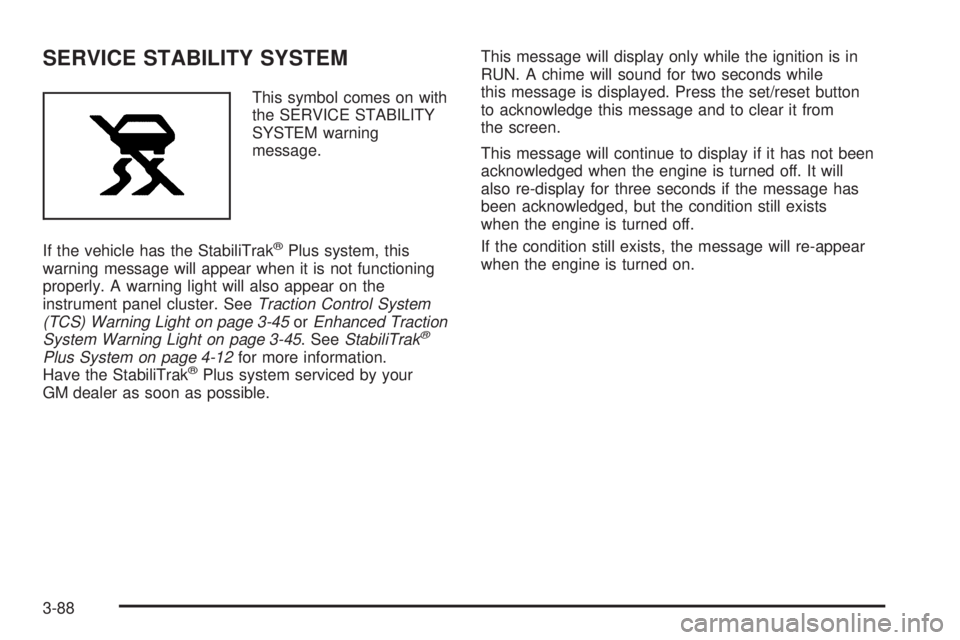
SERVICE STABILITY SYSTEM
This symbol comes on with
the SERVICE STABILITY
SYSTEM warning
message.
If the vehicle has the StabiliTrak
®Plus system, this
warning message will appear when it is not functioning
properly. A warning light will also appear on the
instrument panel cluster. SeeTraction Control System
(TCS) Warning Light on page 3-45orEnhanced Traction
System Warning Light on page 3-45. SeeStabiliTrak
®
Plus System on page 4-12for more information.
Have the StabiliTrak®Plus system serviced by your
GM dealer as soon as possible.This message will display only while the ignition is in
RUN. A chime will sound for two seconds while
this message is displayed. Press the set/reset button
to acknowledge this message and to clear it from
the screen.
This message will continue to display if it has not been
acknowledged when the engine is turned off. It will
also re-display for three seconds if the message has
been acknowledged, but the condition still exists
when the engine is turned off.
If the condition still exists, the message will re-appear
when the engine is turned on.
3-88
Page 207 of 472
SERVICE THEFT SYSTEM
This warning message comes on if there is a problem
with the theft-deterrent system programmed in the
key. A fault has been detected in the system which
means that the system is disabled and it is not protecting
the vehicle. The vehicle usually restarts; however, you
may want to take the vehicle to your GM dealer
before turning off the engine. SeeKeys on page 2-2for
information on the PASS-Key
®III system.
This message will display only while the ignition is in
RUN. A chime will sound for two seconds while this
message is displayed. Press the set/reset button to
acknowledge this message and to clear it from the
screen.
This message will continue to display if it has not been
acknowledged when the engine is turned off. It will
also re-display for three seconds if the message has
been acknowledged, but the condition still exists
when the engine is turned off.
If the condition still exists, the message will re-appear
when the engine is turned on.
SERVICE TRACTION SYSTEM
This symbol will come on
with the SERVICE
TRACTION SYSTEM
warning message.
If the vehicle has the traction control system, this
warning message appears when the system is not
functioning properly. A warning light will also appear on
the instrument panel cluster. SeeTraction Control
System (TCS) Warning Light on page 3-45orEnhanced
Traction System Warning Light on page 3-45. See
Traction Control System (TCS) on page 4-9for more
information. Have the traction control system serviced by
your GM dealer as soon as possible.
This message will display only while the ignition is in
RUN. A chime will sound for two seconds while
this message is displayed. Press the set/reset button
to acknowledge this message and to clear it from
the screen.
3-89
Page 208 of 472
This message will continue to display if it has not been
acknowledged when the engine is turned off. It will
also re-display for three seconds if the message has
been acknowledged, but the condition still exists
when the engine is turned off.
If the condition still exists, the message will re-appear
when the engine is turned on.
SERVICE VARIABLE EFFORT
STEERING
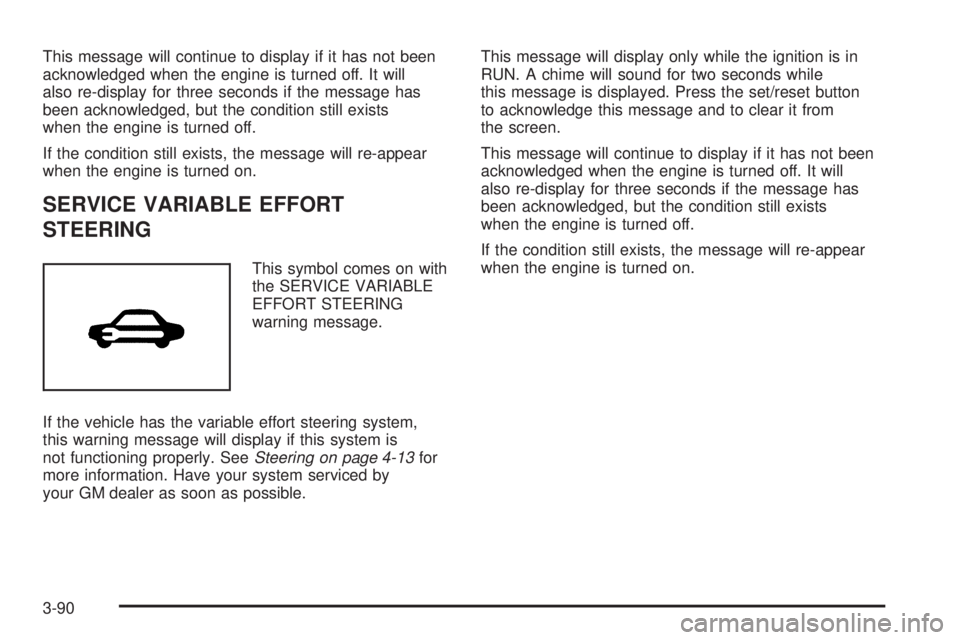
This symbol comes on with
the SERVICE VARIABLE
EFFORT STEERING
warning message.
If the vehicle has the variable effort steering system,
this warning message will display if this system is
not functioning properly. SeeSteering on page 4-13for
more information. Have your system serviced by
your GM dealer as soon as possible.This message will display only while the ignition is in
RUN. A chime will sound for two seconds while
this message is displayed. Press the set/reset button
to acknowledge this message and to clear it from
the screen.
This message will continue to display if it has not been
acknowledged when the engine is turned off. It will
also re-display for three seconds if the message has
been acknowledged, but the condition still exists
when the engine is turned off.
If the condition still exists, the message will re-appear
when the engine is turned on.
3-90
Page 209 of 472
SERVICE VEHICLE SOON
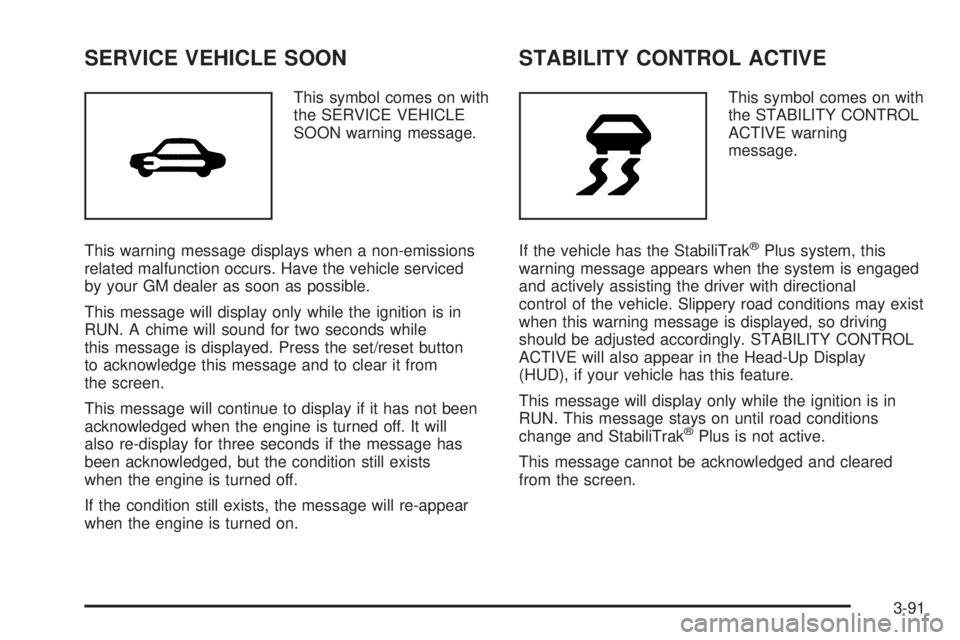
This symbol comes on with
the SERVICE VEHICLE
SOON warning message.
This warning message displays when a non-emissions
related malfunction occurs. Have the vehicle serviced
by your GM dealer as soon as possible.
This message will display only while the ignition is in
RUN. A chime will sound for two seconds while
this message is displayed. Press the set/reset button
to acknowledge this message and to clear it from
the screen.
This message will continue to display if it has not been
acknowledged when the engine is turned off. It will
also re-display for three seconds if the message has
been acknowledged, but the condition still exists
when the engine is turned off.
If the condition still exists, the message will re-appear
when the engine is turned on.
STABILITY CONTROL ACTIVE
This symbol comes on with
the STABILITY CONTROL
ACTIVE warning
message.
If the vehicle has the StabiliTrak
®Plus system, this
warning message appears when the system is engaged
and actively assisting the driver with directional
control of the vehicle. Slippery road conditions may exist
when this warning message is displayed, so driving
should be adjusted accordingly. STABILITY CONTROL
ACTIVE will also appear in the Head-Up Display
(HUD), if your vehicle has this feature.
This message will display only while the ignition is in
RUN. This message stays on until road conditions
change and StabiliTrak
®Plus is not active.
This message cannot be acknowledged and cleared
from the screen.
3-91
Page 210 of 472
STABILITY CONTROL OFF
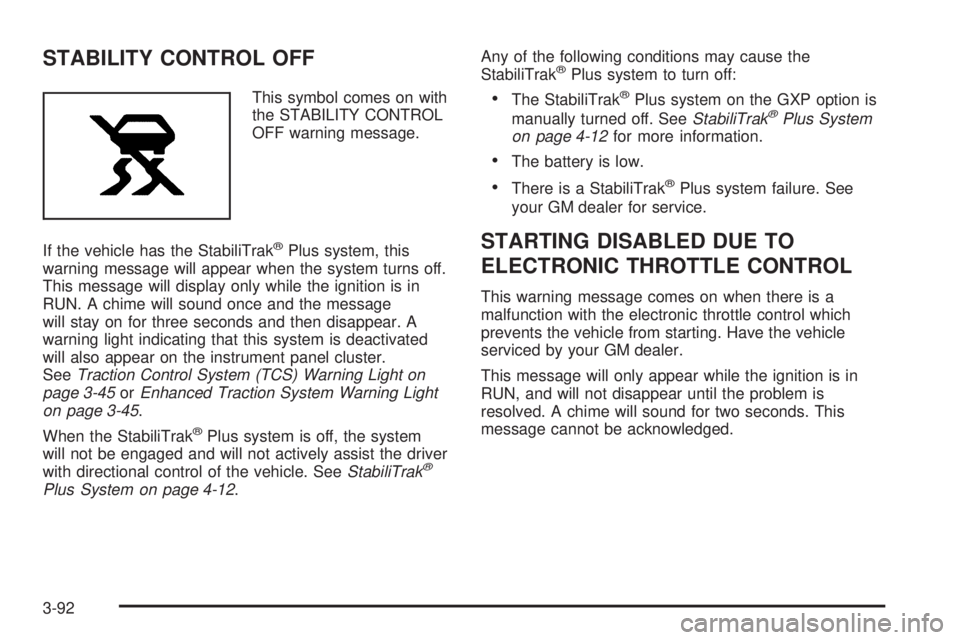
This symbol comes on with
the STABILITY CONTROL
OFF warning message.
If the vehicle has the StabiliTrak
®Plus system, this
warning message will appear when the system turns off.
This message will display only while the ignition is in
RUN. A chime will sound once and the message
will stay on for three seconds and then disappear. A
warning light indicating that this system is deactivated
will also appear on the instrument panel cluster.
SeeTraction Control System (TCS) Warning Light on
page 3-45orEnhanced Traction System Warning Light
on page 3-45.
When the StabiliTrak
®Plus system is off, the system
will not be engaged and will not actively assist the driver
with directional control of the vehicle. SeeStabiliTrak
®
Plus System on page 4-12.Any of the following conditions may cause the
StabiliTrak
®Plus system to turn off:
The StabiliTrak®Plus system on the GXP option is
manually turned off. SeeStabiliTrak®Plus System
on page 4-12for more information.
The battery is low.
There is a StabiliTrak®Plus system failure. See
your GM dealer for service.
STARTING DISABLED DUE TO
ELECTRONIC THROTTLE CONTROL
This warning message comes on when there is a
malfunction with the electronic throttle control which
prevents the vehicle from starting. Have the vehicle
serviced by your GM dealer.
This message will only appear while the ignition is in
RUN, and will not disappear until the problem is
resolved. A chime will sound for two seconds. This
message cannot be acknowledged.
3-92
Page 211 of 472
STARTING DISABLED DUE TO THEFT
SYSTEM
This warning message comes on when the system
detects a malfunction in the content theft-deterrent
system and prevents the vehicle from starting.
This message will only appear while the ignition is in
RUN, and will not disappear until the problem is
resolved. A chime will sound for two seconds. This
message cannot be acknowledged.
TRACTION CONTROL ACTIVE
This symbol comes on with
the TRACTION CONTROL
ACTIVE message.
If the vehicle has the traction control system, this
message will appear when the system is on. TRACTION
CONTROL ACTIVE will also appear in the Head-Up
Display (HUD), if your vehicle has this feature.This message only displays while the ignition is in RUN
and will not disappear until driving conditions change
and the traction control is no longer active.
This message cannot be acknowledged or cleared from
the screen.
TRACTION CONTROL OFF
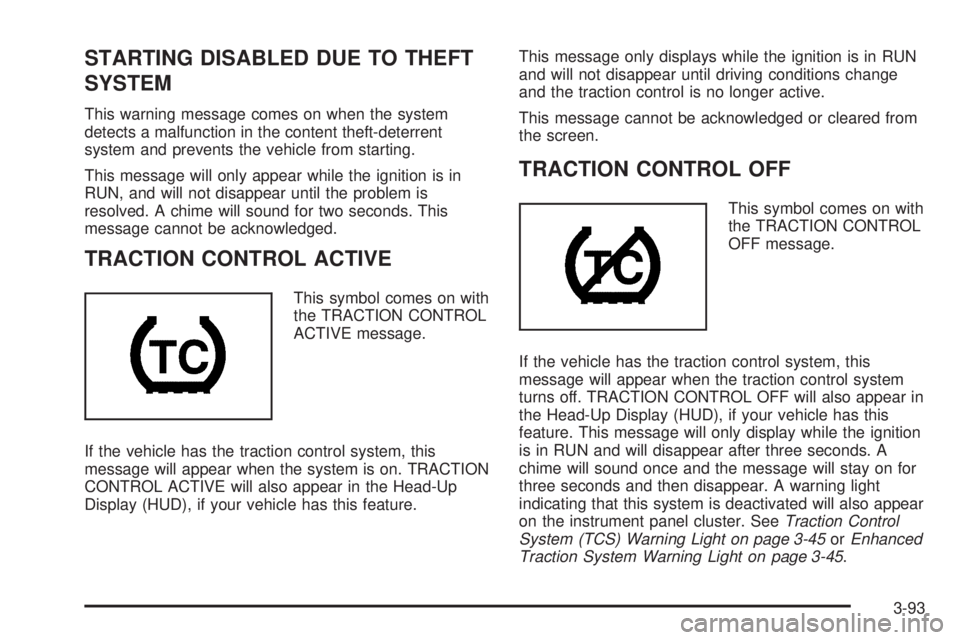
This symbol comes on with
the TRACTION CONTROL
OFF message.
If the vehicle has the traction control system, this
message will appear when the traction control system
turns off. TRACTION CONTROL OFF will also appear in
the Head-Up Display (HUD), if your vehicle has this
feature. This message will only display while the ignition
is in RUN and will disappear after three seconds. A
chime will sound once and the message will stay on for
three seconds and then disappear. A warning light
indicating that this system is deactivated will also appear
on the instrument panel cluster. SeeTraction Control
System (TCS) Warning Light on page 3-45orEnhanced
Traction System Warning Light on page 3-45.
3-93
Page 212 of 472
Any of the following conditions may cause the traction
control system to turn off:
The traction control system is turned off by pressing
the TC (traction control) button located on the
center console. SeeTraction Control System (TCS)
on page 4-9orEnhanced Traction System (ETS)
on page 4-11for more information.
The battery is low.
There is a traction control system failure. See your
GM dealer for service.
TURN SIGNAL ON
This message comes on if the vehicle is driven for more
than 0.75 mile (1.21 km) while one of the turn signals
are on. It appears as a reminder to turn off the turn
signal.
This message only displays when the ignition is in RUN.
A chime will sound for two seconds and the message
will not disappear until the turn signal is manually turned
off, or a turn is completed.
Audio System(s)
Determine which radio your vehicle has and then read
the pages following to familiarize yourself with its
features.
Driving without distraction is a necessity for a safer
driving experience. SeeDefensive Driving on page 4-2.
By taking a few moments to read this manual and
get familiar with your vehicle’s audio system, you can
use it with less effort, as well as take advantage of
its features. While your vehicle is parked, set up your
audio system by presetting your favorite radio stations,
setting the tone and adjusting the speakers. Then,
when driving conditions permit, you can tune to your
favorite stations using the presets and steering
wheel controls (if equipped).
{CAUTION:
This system provides you with a far greater
access to audio stations and song listings.
Giving extended attention to entertainment
tasks while driving can cause a crash and you
or others can be injured or killed. Always keep
your eyes on the road and your mind on the
drive — avoid engaging in extended searching
while driving.
3-94
Page 214 of 472
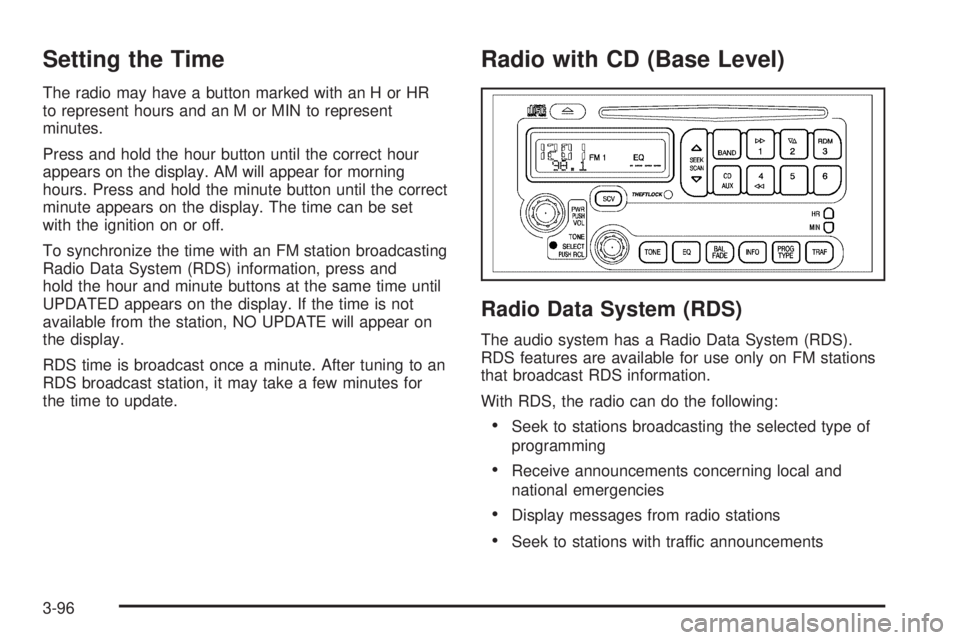
Setting the Time
The radio may have a button marked with an H or HR
to represent hours and an M or MIN to represent
minutes.
Press and hold the hour button until the correct hour
appears on the display. AM will appear for morning
hours. Press and hold the minute button until the correct
minute appears on the display. The time can be set
with the ignition on or off.
To synchronize the time with an FM station broadcasting
Radio Data System (RDS) information, press and
hold the hour and minute buttons at the same time until
UPDATED appears on the display. If the time is not
available from the station, NO UPDATE will appear on
the display.
RDS time is broadcast once a minute. After tuning to an
RDS broadcast station, it may take a few minutes for
the time to update.
Radio with CD (Base Level)
Radio Data System (RDS)
The audio system has a Radio Data System (RDS).
RDS features are available for use only on FM stations
that broadcast RDS information.
With RDS, the radio can do the following:
Seek to stations broadcasting the selected type of
programming
Receive announcements concerning local and
national emergencies
Display messages from radio stations
Seek to stations with traffic announcements
3-96