light PONTIAC GRAND PRIX 2006 Manual PDF
[x] Cancel search | Manufacturer: PONTIAC, Model Year: 2006, Model line: GRAND PRIX, Model: PONTIAC GRAND PRIX 2006Pages: 472, PDF Size: 2.82 MB
Page 198 of 472
This message will continue to display if it has not been
acknowledged when the engine is turned off. It will
also re-display for three seconds if the message has
been acknowledged, but the condition still exists
when the engine is turned off.
If the condition still exists, the message will re-appear
when the engine is turned on.
LEFT REAR TURN LAMP OUT
This warning message comes on when the left rear turn
signal lamp needs to be replaced. SeeTaillamps,
Turn Signal, and Stoplamps on page 5-57for
replacement procedures.
This message will display while the ignition is in RUN. A
chime will sound for two seconds when this message
is displayed. Press the set/reset button to acknowledge
this message and to clear it from the screen.
This message will continue to display if it has not been
acknowledged when the engine is turned off. It will
also re-display for three seconds if the message has
been acknowledged, but the condition still exists
when the engine is turned off.
If the condition still exists, the message will re-appear
when the engine is turned on.
LOW BRAKE FLUID
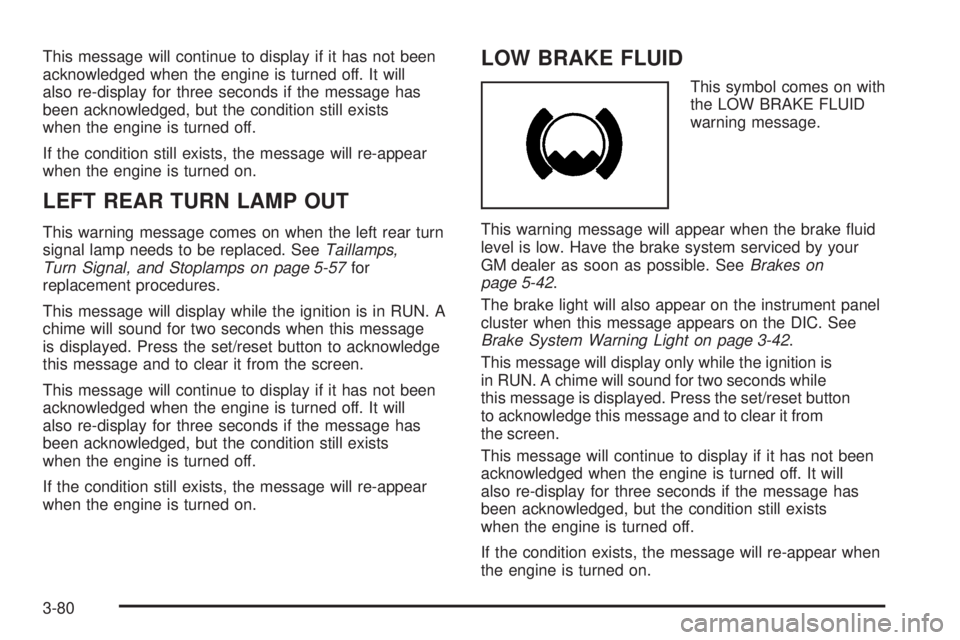
This symbol comes on with
the LOW BRAKE FLUID
warning message.
This warning message will appear when the brake uid
level is low. Have the brake system serviced by your
GM dealer as soon as possible. SeeBrakes on
page 5-42.
The brake light will also appear on the instrument panel
cluster when this message appears on the DIC. See
Brake System Warning Light on page 3-42.
This message will display only while the ignition is
in RUN. A chime will sound for two seconds while
this message is displayed. Press the set/reset button
to acknowledge this message and to clear it from
the screen.
This message will continue to display if it has not been
acknowledged when the engine is turned off. It will
also re-display for three seconds if the message has
been acknowledged, but the condition still exists
when the engine is turned off.
If the condition exists, the message will re-appear when
the engine is turned on.
3-80
Page 200 of 472
LOW OIL PRESSURE
Notice:If the LOW OIL PRESSURE warning
message appears on the DIC display, stop the
vehicle immediately. Do not drive the vehicle until
the cause of the low oil pressure is corrected.
Severe engine damage can result from driving a
vehicle with low oil pressure. SeeEngine Oil
on page 5-16for more information.
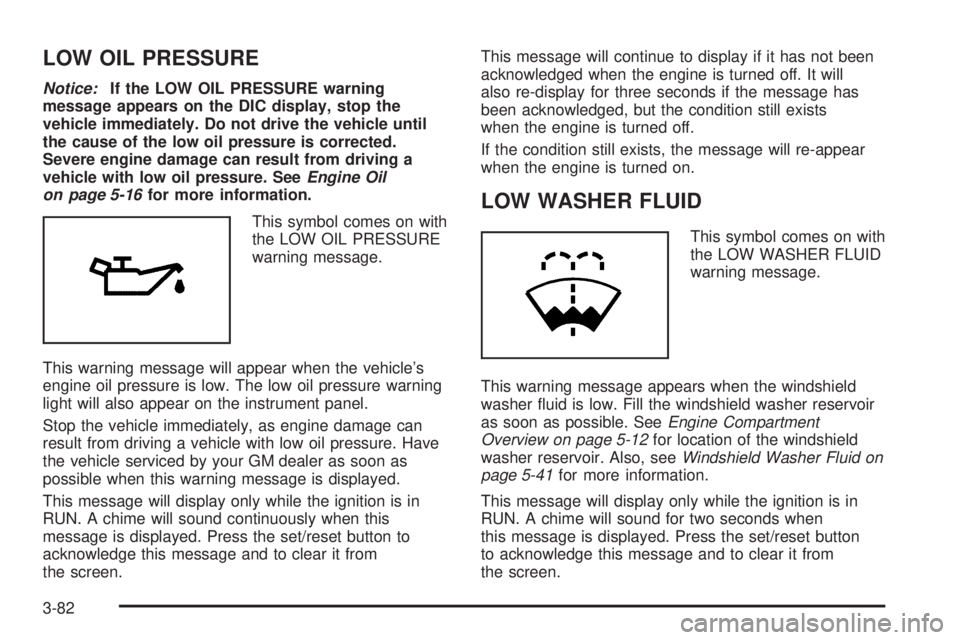
This symbol comes on with
the LOW OIL PRESSURE
warning message.
This warning message will appear when the vehicle’s
engine oil pressure is low. The low oil pressure warning
light will also appear on the instrument panel.
Stop the vehicle immediately, as engine damage can
result from driving a vehicle with low oil pressure. Have
the vehicle serviced by your GM dealer as soon as
possible when this warning message is displayed.
This message will display only while the ignition is in
RUN. A chime will sound continuously when this
message is displayed. Press the set/reset button to
acknowledge this message and to clear it from
the screen.This message will continue to display if it has not been
acknowledged when the engine is turned off. It will
also re-display for three seconds if the message has
been acknowledged, but the condition still exists
when the engine is turned off.
If the condition still exists, the message will re-appear
when the engine is turned on.
LOW WASHER FLUID
This symbol comes on with
the LOW WASHER FLUID
warning message.
This warning message appears when the windshield
washer uid is low. Fill the windshield washer reservoir
as soon as possible. SeeEngine Compartment
Overview on page 5-12for location of the windshield
washer reservoir. Also, seeWindshield Washer Fluid on
page 5-41for more information.
This message will display only while the ignition is in
RUN. A chime will sound for two seconds when
this message is displayed. Press the set/reset button
to acknowledge this message and to clear it from
the screen.
3-82
Page 201 of 472
This message will continue to display if it has not been
acknowledged when the engine is turned off. It will
also re-display for three seconds if the message has
been acknowledged, but the condition still exists
when the engine is turned off.
If the condition still exists, the message will re-appear
when the engine is turned on.
PARKING BRAKE ON
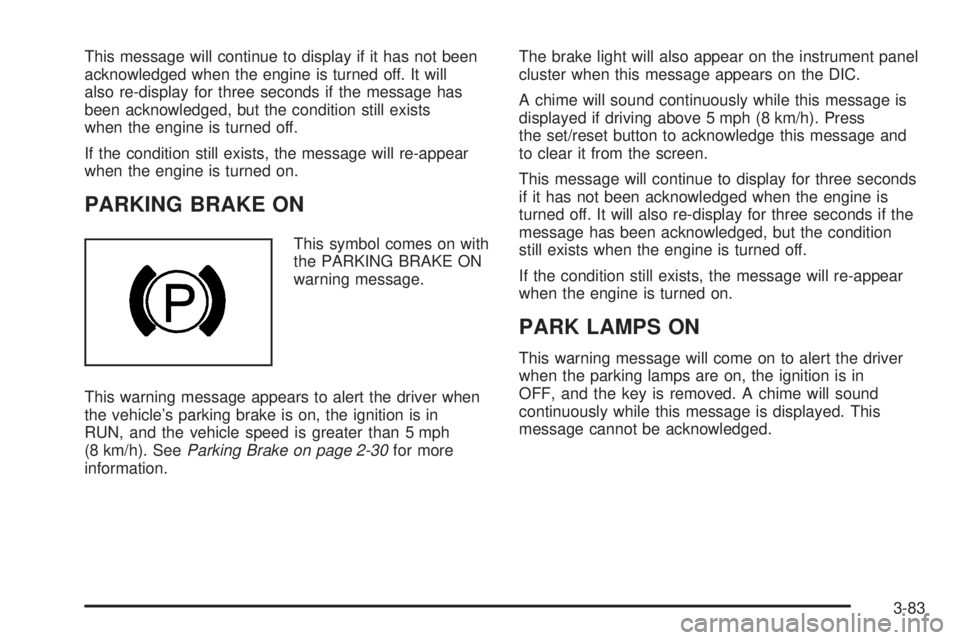
This symbol comes on with
the PARKING BRAKE ON
warning message.
This warning message appears to alert the driver when
the vehicle’s parking brake is on, the ignition is in
RUN, and the vehicle speed is greater than 5 mph
(8 km/h). SeeParking Brake on page 2-30for more
information.The brake light will also appear on the instrument panel
cluster when this message appears on the DIC.
A chime will sound continuously while this message is
displayed if driving above 5 mph (8 km/h). Press
the set/reset button to acknowledge this message and
to clear it from the screen.
This message will continue to display for three seconds
if it has not been acknowledged when the engine is
turned off. It will also re-display for three seconds if the
message has been acknowledged, but the condition
still exists when the engine is turned off.
If the condition still exists, the message will re-appear
when the engine is turned on.
PARK LAMPS ON
This warning message will come on to alert the driver
when the parking lamps are on, the ignition is in
OFF, and the key is removed. A chime will sound
continuously while this message is displayed. This
message cannot be acknowledged.
3-83
Page 206 of 472
SERVICE STABILITY SYSTEM
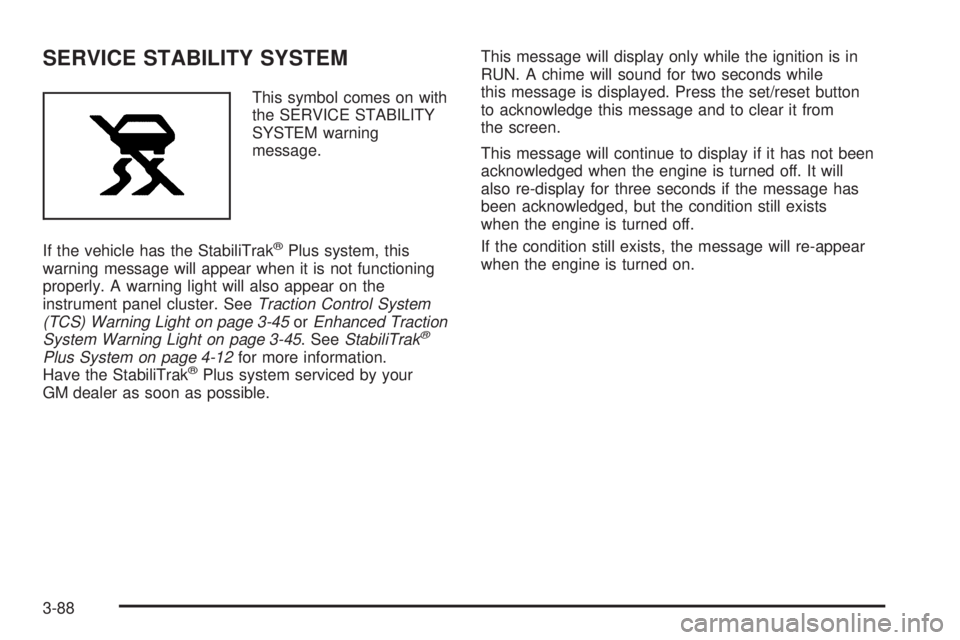
This symbol comes on with
the SERVICE STABILITY
SYSTEM warning
message.
If the vehicle has the StabiliTrak
®Plus system, this
warning message will appear when it is not functioning
properly. A warning light will also appear on the
instrument panel cluster. SeeTraction Control System
(TCS) Warning Light on page 3-45orEnhanced Traction
System Warning Light on page 3-45. SeeStabiliTrak
®
Plus System on page 4-12for more information.
Have the StabiliTrak®Plus system serviced by your
GM dealer as soon as possible.This message will display only while the ignition is in
RUN. A chime will sound for two seconds while
this message is displayed. Press the set/reset button
to acknowledge this message and to clear it from
the screen.
This message will continue to display if it has not been
acknowledged when the engine is turned off. It will
also re-display for three seconds if the message has
been acknowledged, but the condition still exists
when the engine is turned off.
If the condition still exists, the message will re-appear
when the engine is turned on.
3-88
Page 207 of 472
SERVICE THEFT SYSTEM
This warning message comes on if there is a problem
with the theft-deterrent system programmed in the
key. A fault has been detected in the system which
means that the system is disabled and it is not protecting
the vehicle. The vehicle usually restarts; however, you
may want to take the vehicle to your GM dealer
before turning off the engine. SeeKeys on page 2-2for
information on the PASS-Key
®III system.
This message will display only while the ignition is in
RUN. A chime will sound for two seconds while this
message is displayed. Press the set/reset button to
acknowledge this message and to clear it from the
screen.
This message will continue to display if it has not been
acknowledged when the engine is turned off. It will
also re-display for three seconds if the message has
been acknowledged, but the condition still exists
when the engine is turned off.
If the condition still exists, the message will re-appear
when the engine is turned on.
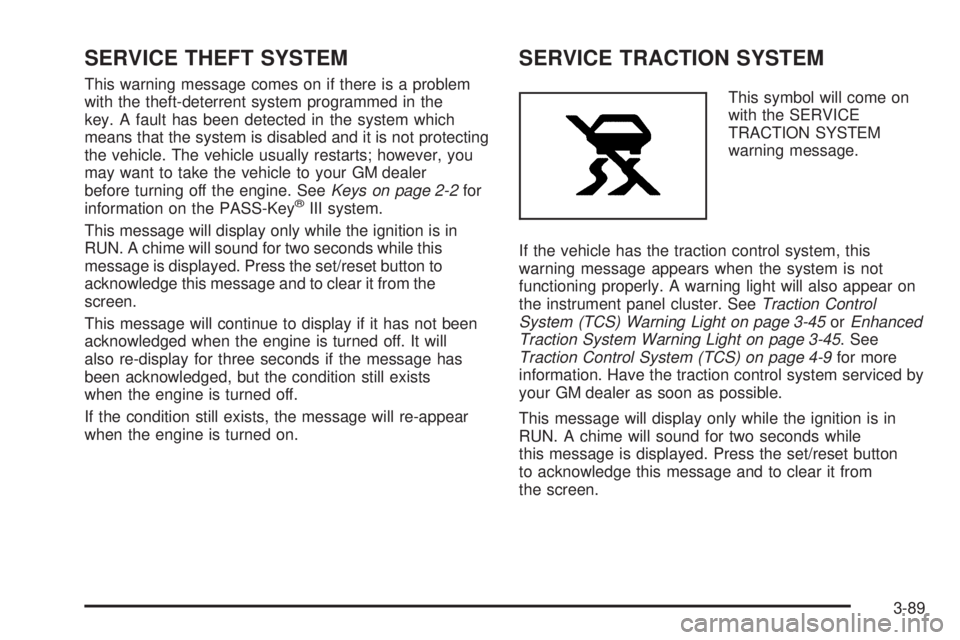
SERVICE TRACTION SYSTEM
This symbol will come on
with the SERVICE
TRACTION SYSTEM
warning message.
If the vehicle has the traction control system, this
warning message appears when the system is not
functioning properly. A warning light will also appear on
the instrument panel cluster. SeeTraction Control
System (TCS) Warning Light on page 3-45orEnhanced
Traction System Warning Light on page 3-45. See
Traction Control System (TCS) on page 4-9for more
information. Have the traction control system serviced by
your GM dealer as soon as possible.
This message will display only while the ignition is in
RUN. A chime will sound for two seconds while
this message is displayed. Press the set/reset button
to acknowledge this message and to clear it from
the screen.
3-89
Page 210 of 472
STABILITY CONTROL OFF
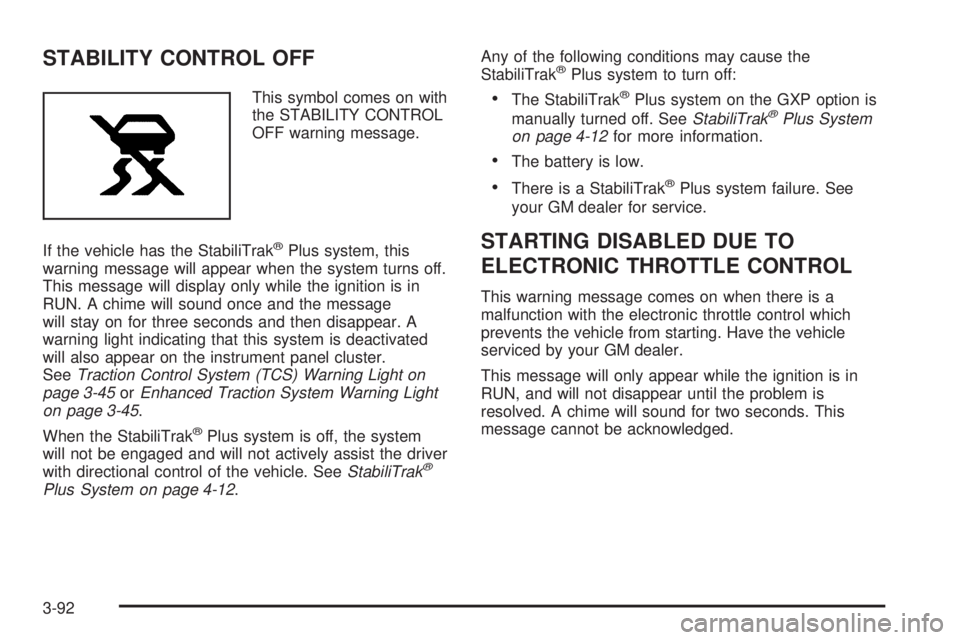
This symbol comes on with
the STABILITY CONTROL
OFF warning message.
If the vehicle has the StabiliTrak
®Plus system, this
warning message will appear when the system turns off.
This message will display only while the ignition is in
RUN. A chime will sound once and the message
will stay on for three seconds and then disappear. A
warning light indicating that this system is deactivated
will also appear on the instrument panel cluster.
SeeTraction Control System (TCS) Warning Light on
page 3-45orEnhanced Traction System Warning Light
on page 3-45.
When the StabiliTrak
®Plus system is off, the system
will not be engaged and will not actively assist the driver
with directional control of the vehicle. SeeStabiliTrak
®
Plus System on page 4-12.Any of the following conditions may cause the
StabiliTrak
®Plus system to turn off:
The StabiliTrak®Plus system on the GXP option is
manually turned off. SeeStabiliTrak®Plus System
on page 4-12for more information.
The battery is low.
There is a StabiliTrak®Plus system failure. See
your GM dealer for service.
STARTING DISABLED DUE TO
ELECTRONIC THROTTLE CONTROL
This warning message comes on when there is a
malfunction with the electronic throttle control which
prevents the vehicle from starting. Have the vehicle
serviced by your GM dealer.
This message will only appear while the ignition is in
RUN, and will not disappear until the problem is
resolved. A chime will sound for two seconds. This
message cannot be acknowledged.
3-92
Page 211 of 472
STARTING DISABLED DUE TO THEFT
SYSTEM
This warning message comes on when the system
detects a malfunction in the content theft-deterrent
system and prevents the vehicle from starting.
This message will only appear while the ignition is in
RUN, and will not disappear until the problem is
resolved. A chime will sound for two seconds. This
message cannot be acknowledged.
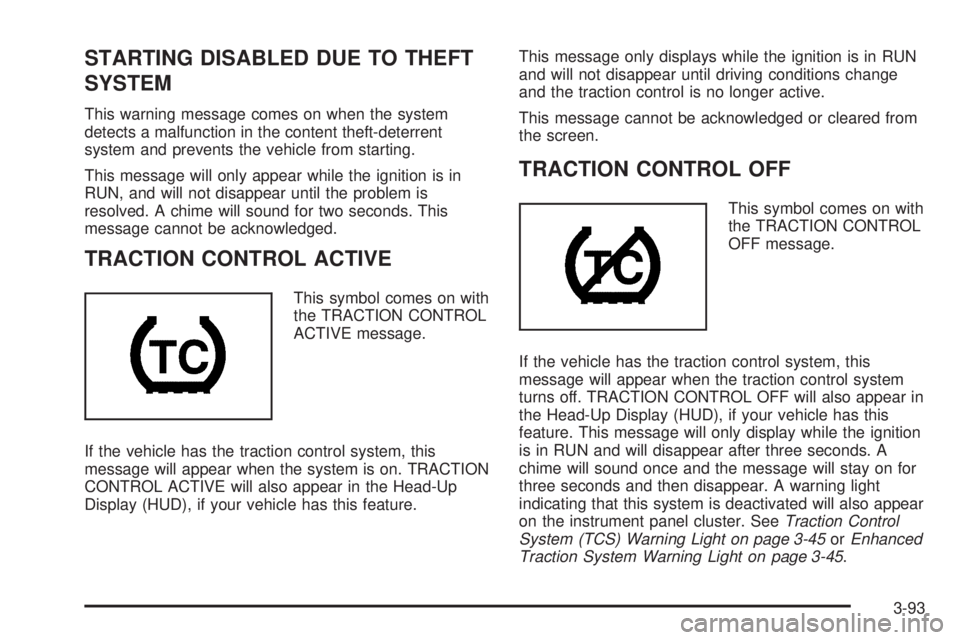
TRACTION CONTROL ACTIVE
This symbol comes on with
the TRACTION CONTROL
ACTIVE message.
If the vehicle has the traction control system, this
message will appear when the system is on. TRACTION
CONTROL ACTIVE will also appear in the Head-Up
Display (HUD), if your vehicle has this feature.This message only displays while the ignition is in RUN
and will not disappear until driving conditions change
and the traction control is no longer active.
This message cannot be acknowledged or cleared from
the screen.
TRACTION CONTROL OFF
This symbol comes on with
the TRACTION CONTROL
OFF message.
If the vehicle has the traction control system, this
message will appear when the traction control system
turns off. TRACTION CONTROL OFF will also appear in
the Head-Up Display (HUD), if your vehicle has this
feature. This message will only display while the ignition
is in RUN and will disappear after three seconds. A
chime will sound once and the message will stay on for
three seconds and then disappear. A warning light
indicating that this system is deactivated will also appear
on the instrument panel cluster. SeeTraction Control
System (TCS) Warning Light on page 3-45orEnhanced
Traction System Warning Light on page 3-45.
3-93
Page 217 of 472
Setting the Tone
(Bass/Midrange/Treble)
TONE:Press and release this button until BASS, MID,
or TREB appears on the display. The SELECT LED
indicator will light to show that the tone control can be
adjusted. Turn the SELECT knob to increase or to
decrease. If a station is weak or noisy, decrease
the treble.
To return all of the tone controls to the middle position,
press and hold the TONE button until FLAT appears
on the display
EQ (Equalizer):Press this button to select customized
equalization settings.
Up to six customized equalization settings, can be
programmed, by performing the following steps:
1. Turn the radio on.
2. Use the TONE button and the SELECT knob to
create the equalization.
3. Press and hold the EQ button for two seconds.
SELECT EQ # will appear on the display and the
EQ symbol will ash.
4. Press EQ or turn the SELECT knob to select the
EQ number.5. Press and hold the EQ button or push the SELECT
knob to store the equalization setting and the
number. EQ SAVED will appear on the display and
you will hear a beep.
6. Repeat the steps for the other EQ settings
and numbers.
EQ 5 has been programmed at the factory for use with
talk radio, but it can be preset to a different tone.
Adjusting the Speakers (Balance/Fade)
BAL (Balance):To adjust the balance between the
right and the left speakers, press and release this button
until BAL appears on the display. The SELECT LED
indicator will light to show that the speakers can
be adjusted. Turn the SELECT knob to move the sound
toward the right or the left speakers.
FADE:To adjust the fade between the front and the
rear speakers, press and release this button until FADE
appears on the display. The SELECT LED indicator
will light to show that the speakers can be adjusted. Turn
the SELECT knob to move the sound toward the front
or the rear speakers.
Pressing and holding the BAL FADE button for
two seconds will return all speaker settings to the
middle position.
3-99
Page 227 of 472
Finding a Station
BAND:Press this button to switch between FM1, FM2,
AM, or XM1 or XM2 (if equipped). The display will
show the selection.
TUNE:Turn this knob to select radio stations.
wSEEKx:Press the up or the down arrow to go to
the next or to the previous station and stay there.
The radio will only seek stations with a strong signal
that are in the selected band.
wSCANx:Press and hold either SCAN arrow for
two seconds until SCAN appears on the display and you
hear a beep. The radio will go to a station, play for a
few seconds, then go on to the next station. Press either
SCAN arrow again to stop scanning.
To scan preset stations, press and hold either SCAN
arrow for more than four seconds until PSCAN and the
preset number appear on the display and you will
hear a double beep. The radio will go to the rst preset
station, play for a few seconds, then go on to the
next preset station. Press either SCAN arrow again to
stop scanning presets.
The radio will only scan stations with a strong signal
that are in the selected band.
Setting Preset Stations
Up to 30 stations (six FM1, six FM2, and six AM,
six XM1 and six XM2 (if equipped)), can be programmed
on the six numbered pushbuttons, by performing the
following steps:
1. Turn the radio on.
2. Press BAND to select FM1, FM2, AM, or XM1
or XM2.
3. Tune in the desired station.
4. Press EQ to select the equalization.
5. Press and hold one of the six numbered
pushbuttons until you hear a beep. Whenever that
numbered pushbutton is pressed, the station
that was set will return and the equalization that
was selected will be stored for that pushbutton.
6. Repeat the steps for each pushbutton.
Setting the Tone
(Bass/Midrange/Treble)
TONE:Press and release this button until BASS,
MID, or TREB appears on the display. The SELECT
LED indicator will light to show that the tone control can
be adjusted. Turn the SELECT knob to increase or to
decrease. If a station is weak or noisy, decrease
the treble.
3-109
Page 228 of 472
Pressing and holding the TONE button until FLAT
appears on the display will return all of the tone controls
to the middle position.
EQ (Equalizer):Press this button to select customized
bass, midrange, and treble equalization settings.
Up to six customized equalization settings, can be
programmed on the six numbered pushbuttons,
by performing the following steps:
1. Turn the radio on.
2. Use the TONE button and the SELECT knob to
create the desired equalization.
3. Press and hold the EQ button for two seconds.
SELECT EQ # will appear on the display and the
EQ symbol will ash.
4. Press EQ or turn the SELECT knob to select the
desired EQ number.
5. Press and hold the EQ button or push the SELECT
knob to store the equalization setting and the
number. You will hear a beep and EQ SAVED will
appear on the display.
6. Repeat the steps for the other EQ settings and
numbers.
EQ 5 has been programmed at the factory for use with
talk radio, but it can be set to a different tone.Adjusting the Speakers (Balance/Fade)
BAL (Balance):To adjust the balance between the
right and the left speakers, press and release this button
until BAL appears on the display. The SELECT LED
indicator will light to show that the speakers can
be adjusted. Turn the SELECT knob to move the sound
toward the right or the left speakers.
FADE:To adjust the fade between the front and the
rear speakers, press and release this button until FADE
appears on the display. The SELECT LED indicator
will light to show that the speakers can be adjusted. Turn
the SELECT knob to move the sound toward the front
or the rear speakers.
Pressing and holding the BAL FADE button for
two seconds will return all speaker settings to the
middle position.
3-110