warning PONTIAC GTO 2006 User Guide
[x] Cancel search | Manufacturer: PONTIAC, Model Year: 2006, Model line: GTO, Model: PONTIAC GTO 2006Pages: 326, PDF Size: 1.62 MB
Page 120 of 326

Warning Lights, Gages, and
Indicators
This part describes the warning lights and gages that
may be on your vehicle. The pictures will help you
locate them.
Warning lights and gages can signal that something is
wrong before it becomes serious enough to cause
an expensive repair or replacement. Paying attention to
your warning lights and gages could also save you
or others from injury.
Warning lights come on when there may be or is a
problem with one of your vehicle's functions. As you will
see in the details on the next few pages, some
warning lights come on brie¯y when you start the
engine just to let you know they're working. If you are
familiar with this section, you should not be alarmed
when this happens.
Gages can indicate when there may be or is a problem
with one of your vehicle's functions. Often gages
and warning lights work together to let you know when
there's a problem with your vehicle.When one of the warning lights comes on and stays on
when you are driving, or when one of the gages shows
there may be a problem, check the section that tells you
what to do about it. Please follow this manual's advice.
Waiting to do repairs can be costly ± and even
dangerous. So please get to know your warning lights
and gages. They're a big help.
Your vehicle also has a trip computer that works along
with the warning lights and gages. The trip computer
display provides visual information. See
Trip Computer
on page 3-33. The warning message are displayed
through the trip computer or as an illuminated symbol or
sometimes both ways.
If a Service Error Contact Dealer message appears on
the trip computer display while driving, a fault in the
instrument panel is indicated. Contact your dealer
as soon as possible. This message will remain until the
MODE button on the trip computer is pressed.
3-22
2006 - Pontiac GTO Owner Manual
Page 122 of 326

Speedometer
The speedometer shows vehicle speed in both miles
per hour (mph) and kilometers per hour (km/h).
Tachometer
The tachometer shows
engine speed in
revolutions per
minute (rpm).
For automatic transmission vehicle's, under wide open
throttle acceleration, when the accelerator pedal is
pushed ¯at to the ¯oor, it is possible that the tachometer
needle may brie¯y enter the lower end of the
tachometer's red zone just prior to automatically
upshifting into a higher gear.
Notice:If you operate the engine with the
tachometer in the shaded warning area, your vehicle
could be damaged, and the damages would not
be covered by your warranty. Do not operate
the engine with the tachometer in the shaded
warning area.
Safety Belt Reminder Light
When the key is turned to
ON, the safety belt light will
come on and stay on for
several seconds and a
chime will be sounded for
eight seconds, then it will
¯ash continuously until the
driver's belt is buckled.
If the driver's belt is already buckled, the light will not
come on.
3-24
2006 - Pontiac GTO Owner Manual
Page 125 of 326
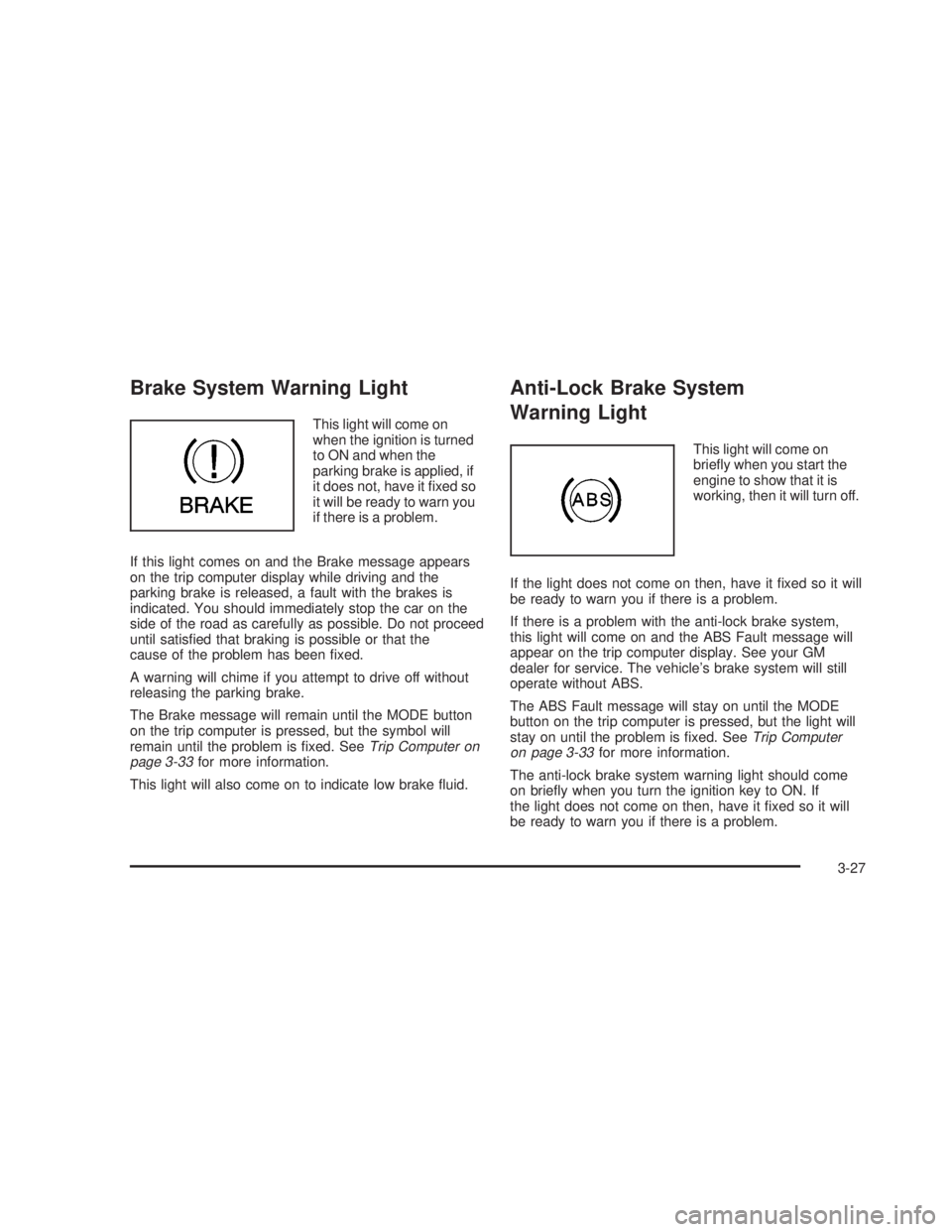
Brake System Warning Light
This light will come on
when the ignition is turned
to ON and when the
parking brake is applied, if
it does not, have it ®xed so
it will be ready to warn you
if there is a problem.
If this light comes on and the Brake message appears
on the trip computer display while driving and the
parking brake is released, a fault with the brakes is
indicated. You should immediately stop the car on the
side of the road as carefully as possible. Do not proceed
until satis®ed that braking is possible or that the
cause of the problem has been ®xed.
A warning will chime if you attempt to drive off without
releasing the parking brake.
The Brake message will remain until the MODE button
on the trip computer is pressed, but the symbol will
remain until the problem is ®xed. See
Trip Computer on
page 3-33for more information.
This light will also come on to indicate low brake ¯uid.
Anti-Lock Brake System
Warning Light
This light will come on
brie¯y when you start the
engine to show that it is
working, then it will turn off.
If the light does not come on then, have it ®xed so it will
be ready to warn you if there is a problem.
If there is a problem with the anti-lock brake system,
this light will come on and the ABS Fault message will
appear on the trip computer display. See your GM
dealer for service. The vehicle's brake system will still
operate without ABS.
The ABS Fault message will stay on until the MODE
button on the trip computer is pressed, but the light will
stay on until the problem is ®xed. See
Trip Computer
on page 3-33for more information.
The anti-lock brake system warning light should come
on brie¯y when you turn the ignition key to ON. If
the light does not come on then, have it ®xed so it will
be ready to warn you if there is a problem.
3-27
2006 - Pontiac GTO Owner Manual
Page 133 of 326

O/SPEED (Overspeed)
Overspeed sets the speed you do not want to exceed.
For example, if driving in a 45 mph zone, set
OVERSPEED to 45 mph by tapping the up or down
arrows. The overspeed setting is shown in the left
display. When your vehicle's speed exceeds the setting,
the overspeed warning message and an audible
chime warn you that you are speeding. At that time, the
trip computer automatically shows the overspeed
display, allowing you to make adjustments if desired. If
in the Overspeed preset mode, press and hold the
MODE button for two seconds to make adjustments.
Preset O/Speed (Overspeed)
Instead of adjusting overspeed up and down in
increments of 3 mph (5 km/h), you can set four
commonly used speeds. Hold down the MODE button
for two seconds when the overspeed display is
shown. The display changes from normal overspeed
operation to preset overspeed. Preset 1 has a default
setting of 25 mph (40 km/h). Tap the up arrow to see the
other three presets.
The overspeed preset display has now replaced the
normal overspeed display. Tap the MODE button
to scroll through the other displays.
To change the display back to normal overspeed, hold
down the MODE button for two seconds while the
overspeed preset display is shown.
Altering Overspeed Presets
The default overspeed settings can be changed for your
individual preference.
The vehicle must be stopped when changing a preset.
Ensure the preset you wish to change is showing.
Then brie¯y press the SET button. The display will start
to ¯ash. Use the up or down arrows to adjust the
setting. When at the desired speed, brie¯y press the
SET button. Each PRESET can be changed in this way.
The presets are automatically arranged in ascending
order.
One or more presets can be assigned to OFF, by
reducing the preset down to 0 (OFF). When driving, you
then only have three or less presets to choose from.
To turn back on, select the OFF preset when the vehicle
is stopped, brie¯y press the SET button, and use the
up arrow to increase the number.
If the up or down arrows are brie¯y pressed while
driving, the overspeed setting is changed to the speed
at which you are travelling.
If the SET button is pressed for two seconds, either
while driving or stopped, overspeed is turned completely
off or on.
3-35
2006 - Pontiac GTO Owner Manual
Page 135 of 326

Trip A/B
When the Time to Arrival/Distance to Arrival/Fuel
Remaining set of displays are turned on, using vehicle
personalization, and are showing on the display,
hold the MODE button down for two seconds. Now,
instead of the Time to Arrival set of displays, the
trip computer shows Trip B details.
Press the MODE button to view your displays. You now
have two different sets of trip displays counting, your
original set of trip displays Ð labelled A while B is turned
on Ð and a new set of trip displays, labelled B. This
is useful on a long trip, as Trip B can be reset at
the beginning of the journey and then locked away by
pressing the MODE button for two seconds when Trip B
is shown. Time to Arrival/Distance to Arrival/Fuel
Remaining will again be shown on the display, but Trip B
is still counting away in the background and the
original trip display can be used for short distances
during the journey. Trip B can be viewed at any time by
pressing the MODE button for two seconds when
Distance to Arrival is shown.
Trip A/B can also be enabled/disabled in vehicle
personalization. See
Vehicle Personalization on
page 2-31. If the Trip A and B function is selected,
the Average Speed and Average Fuel displays
indicate Trip A.
Trip Computer Notes:
·If the wrong buttons are accidentally pressed,
causing the display to show a display other
than normal, turn the ignition off and then on again
when the vehicle is stopped.
·Several warning lights are linked to the trip
computer displays. See
Warning Lights, Gages, and
Indicators on page 3-22.
·When the overspeed warning symbol is ®rst shown,
the overspeed trip computer display is automatically
shown for 10 seconds. This is to show what your
pre-selected speed is and allow you to adjust
it if desired. After 10 seconds, the trip computer
returns to its previous display.
·Some displays change the units of measurement
over time. For example, the Time to Arrival shows
hours only above 99 hours and 59 minutes, and
hours and minutes below. Time to Arrival also
shows 10 minute units above 2 hours, 5 minute
units below 2 hours and 1 minute units below
10 minutes.
3-37
2006 - Pontiac GTO Owner Manual
Page 136 of 326
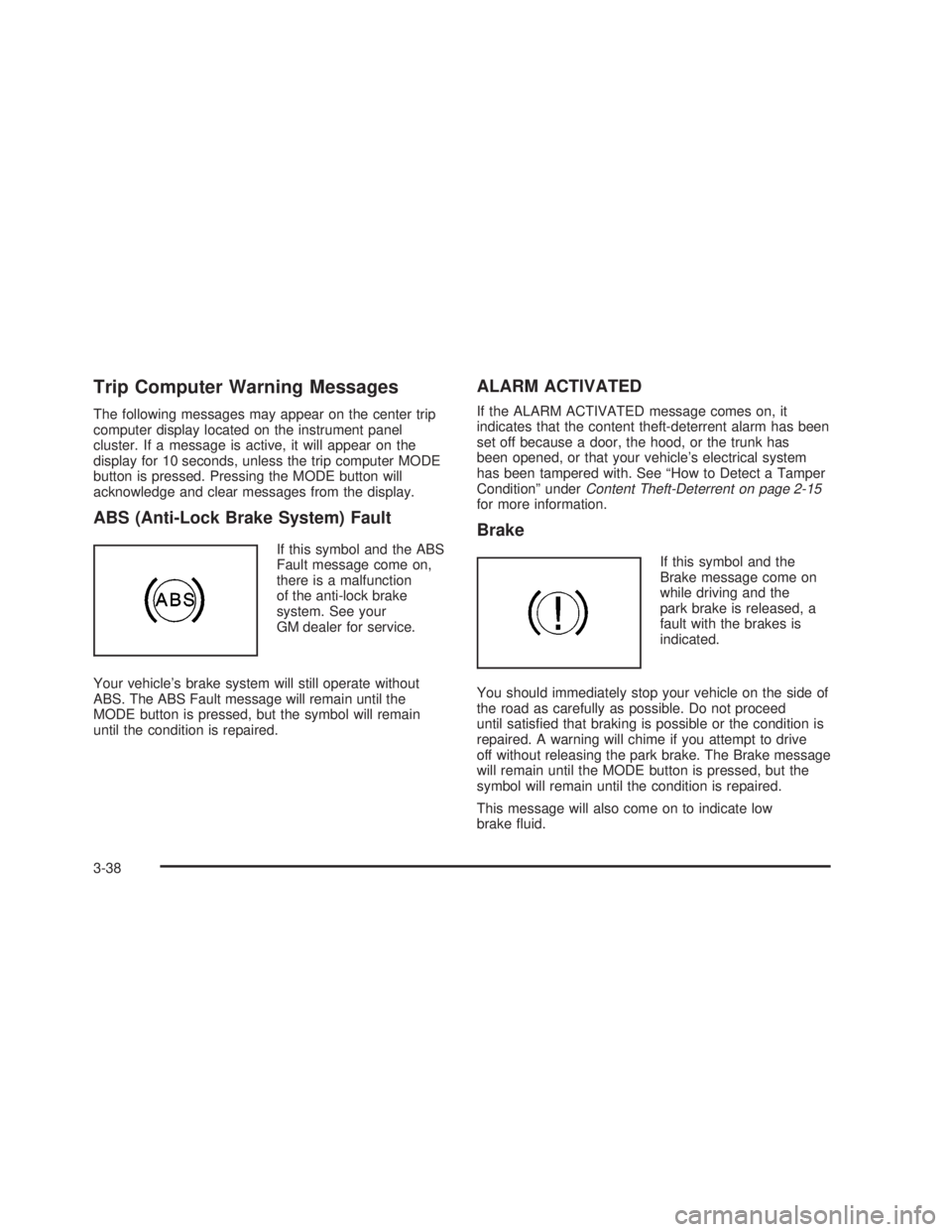
Trip Computer Warning Messages
The following messages may appear on the center trip
computer display located on the instrument panel
cluster. If a message is active, it will appear on the
display for 10 seconds, unless the trip computer MODE
button is pressed. Pressing the MODE button will
acknowledge and clear messages from the display.
ABS (Anti-Lock Brake System) Fault
If this symbol and the ABS
Fault message come on,
there is a malfunction
of the anti-lock brake
system. See your
GM dealer for service.
Your vehicle's brake system will still operate without
ABS. The ABS Fault message will remain until the
MODE button is pressed, but the symbol will remain
until the condition is repaired.
ALARM ACTIVATED
If the ALARM ACTIVATED message comes on, it
indicates that the content theft-deterrent alarm has been
set off because a door, the hood, or the trunk has
been opened, or that your vehicle's electrical system
has been tampered with. See ªHow to Detect a Tamper
Conditionº under
Content Theft-Deterrent on page 2-15for more information.
Brake
If this symbol and the
Brake message come on
while driving and the
park brake is released, a
fault with the brakes is
indicated.
You should immediately stop your vehicle on the side of
the road as carefully as possible. Do not proceed
until satis®ed that braking is possible or the condition is
repaired. A warning will chime if you attempt to drive
off without releasing the park brake. The Brake message
will remain until the MODE button is pressed, but the
symbol will remain until the condition is repaired.
This message will also come on to indicate low
brake ¯uid.
3-38
2006 - Pontiac GTO Owner Manual
Page 139 of 326

The display then returns to
the original trip computer
display with a small
low fuel symbol on the left.
The symbol will remain until the fuel tank is ®lled above
the low fuel level.
Low Traction
If this symbol and the Low
Traction message come on
while driving, the traction
control system is
limiting wheel spin.
The Low Traction message displays as long as a low
traction event is occurring. If the MODE button is
pressed while the message is still displayed, then the
message returns to the original trip computer display
with a small low traction symbol on the left. The symbol
will remain as long as the low traction situation exits.
See
Traction Control System (TCS) on page 4-9.
O/Speed (Overspeed)
When your vehicle's speed exceeds the pre-selected
overspeed setting, the overspeed warning message and
an audible chime warn you that you are speeding.
If the overspeed is maintained for longer than
10 seconds, but is less than 9 mph (15 km/h) over the
set overspeed value, the overspeed returns to the
original trip computer display with an O/SPEED
message on the left.
If the overspeed is maintained for longer than
10 seconds and is more than 9 mph (15 km/h) over the
set overspeed value, the overspeed returns to a
¯ashing O/SPEED message.
See ªO/SPEED (Overspeed)º earlier in this section for
more information.
3-41
2006 - Pontiac GTO Owner Manual
Page 162 of 326
Control of a Vehicle
You have three systems that make your vehicle go
where you want it to go. They are the brakes, the
steering, and the accelerator. All three systems have
to do their work at the places where the tires
meet the road.
Sometimes, as when you are driving on snow or ice, it
is easy to ask more of those control systems than
the tires and road can provide. That means you can
lose control of your vehicle. See
Traction Control
System (TCS) on page 4-9.
Adding non-GM accessories can affect your vehicle's
performance. See
Accessories and Modi®cations
on page 5-3.
Braking
SeeBrake System Warning Light on page 3-27.
Braking action involves perception time and
reaction time.
First, you have to decide to push on the brake pedal.
That is perception time. Then you have to bring up
your foot and do it. That is reaction time.
Average reaction time is about three-fourths of a
second. But that is only an average. It might be less
with one driver and as long as two or three seconds or
more with another. Age, physical condition, alertness,
coordination, and eyesight all play a part. So do
alcohol, drugs, and frustration. But even in three-fourths
of a second, a vehicle moving at 60 mph (100 km/h)
travels 66 feet (20 m). That could be a lot of distance in
an emergency, so keeping enough space between
your vehicle and others is important.
And, of course, actual stopping distances vary greatly
with the surface of the road, whether it is pavement
or gravel; the condition of the road, whether it is
wet, dry, or icy; tire tread; the condition of your brakes;
the weight of the vehicle; and the amount of brake
force applied.
4-6
2006 - Pontiac GTO Owner Manual
Page 163 of 326
Avoid needless heavy braking. Some people drive in
spurts Ð heavy acceleration followed by heavy
braking Ð rather than keeping pace with traffic. This is a
mistake. Your brakes may not have time to cool between
hard stops. Your brakes will wear out much faster if you
do a lot of heavy braking. If you keep pace with the traffic
and allow realistic following distances, you will eliminate a
lot of unnecessary braking. That means better braking
and longer brake life.
If your engine ever stops while you are driving, brake
normally but do not pump your brakes. If you do,
the pedal may get harder to push down. If your engine
stops, you will still have some power brake assist.
But you will use it when you brake. Once the power
assist is used up, it may take longer to stop and
the brake pedal will be harder to push.
Adding non-GM accessories can affect your vehicle's
performance. See
Accessories and Modi®cations
on page 5-3.
Anti-Lock Brake System (ABS)
Your vehicle has the Anti-Lock Brake System (ABS),
an advanced electronic braking system that will
help prevent a braking skid.
When you start your engine and begin to drive away,
ABS will check itself. You may hear a momentary
motor or clicking noise while this test is going on, and
you may even notice that your brake pedal moves
a little. This is normal.
If there is a problem with
ABS, this warning light
will stay on. See
Anti-Lock Brake System
Warning Light on
page 3-27
.
4-7
2006 - Pontiac GTO Owner Manual
Page 171 of 326
A cornering skid is best handled by easing your foot off
the accelerator pedal.
Remember: Any traction control system helps avoid only
the acceleration skid. If your traction control system is
off, then an acceleration skid is also best handled
by easing your foot off the accelerator pedal.
If your vehicle starts to slide, ease your foot off the
accelerator pedal and quickly steer the way you want
the vehicle to go. If you start steering quickly enough,
your vehicle may straighten out. Always be ready
for a second skid if it occurs.
Of course, traction is reduced when water, snow, ice,
gravel, or other material is on the road. For safety, you
will want to slow down and adjust your driving to
these conditions. It is important to slow down on slippery
surfaces because stopping distance will be longer and
vehicle control more limited.
While driving on a surface with reduced traction, try
your best to avoid sudden steering, acceleration,
or braking, including engine braking by shifting to a
lower gear. Any sudden changes could cause the tires
to slide. You may not realize the surface is slippery
until your vehicle is skidding. Learn to recognize
warning clues Ð such as enough water, ice, or packed
snow on the road to make a mirrored surface Ð and
slow down when you have any doubt.
Remember: Any Anti-Lock Brake System (ABS) helps
avoid only the braking skid.Competitive Driving
See your warranty book before using your vehicle for
competitive driving.
Notice:If you use your vehicle for racing or other
competitive driving, the engine may use more
oil than it would with normal use. Low oil levels can
damage the engine. Be sure to check the oil level
often during racing or other competitive driving and
keep the level at or near the upper mark that
shows the proper operating range on the engine oil
dipstick. For information on how to add oil, see
Engine Oil on page 5-13.
4-15
2006 - Pontiac GTO Owner Manual