lock PONTIAC PONTIAC 1996 Service Manual
[x] Cancel search | Manufacturer: PONTIAC, Model Year: 1996, Model line: PONTIAC, Model: PONTIAC PONTIAC 1996Pages: 370, PDF Size: 17.69 MB
Page 110 of 370
To use the lighter, just push it in all the way and let go.
When it’s ready, it will pop back by itself.
NOTICE:
Don’t hold a cigarette lighter in with your hand
while it is heating.
If you do, it won’t be able to
back away from the heating element when
it’s
ready. That can make it overheat, damaging the
lighter and the heating element.
Sun Visors
To block out glare, you can swing down the visors. You
can
also move them from side to side.
Visor Vanity Mirrors
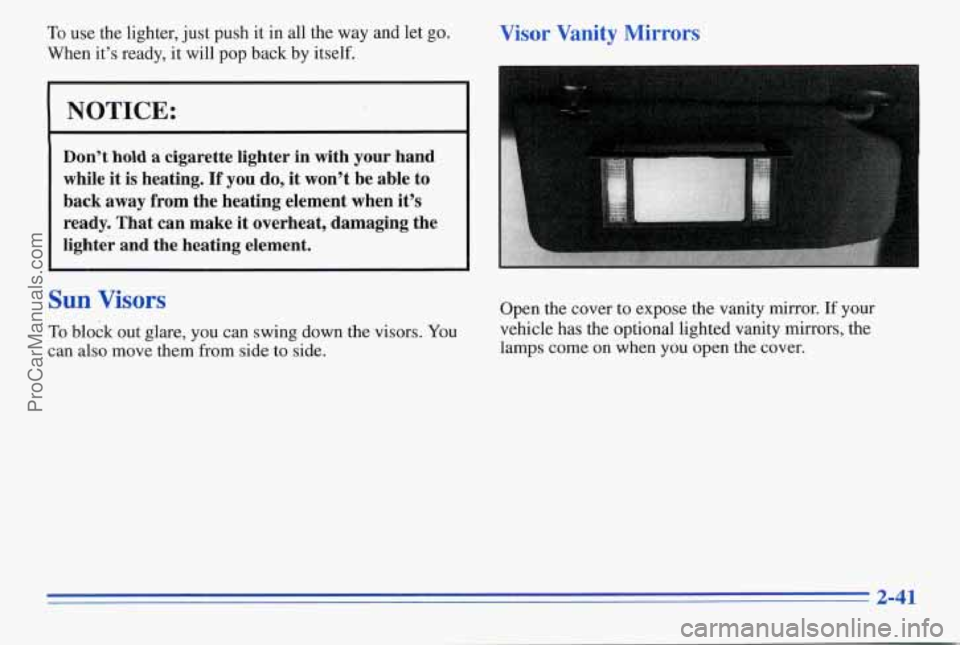
Open the cover to expose the vanity mirror. If your
vehicle has the optional hghted vanity mirrors, the
lamps come on when you open
the cover.
2-41
ProCarManuals.com
Page 117 of 370
Brake System Warning Light
Your Pontiac's hydraulic brake system is divided into
two pats. If one part isn't working, the other pa;t.can
still work and stop you. For
good braking, though, you
need both parts working well.
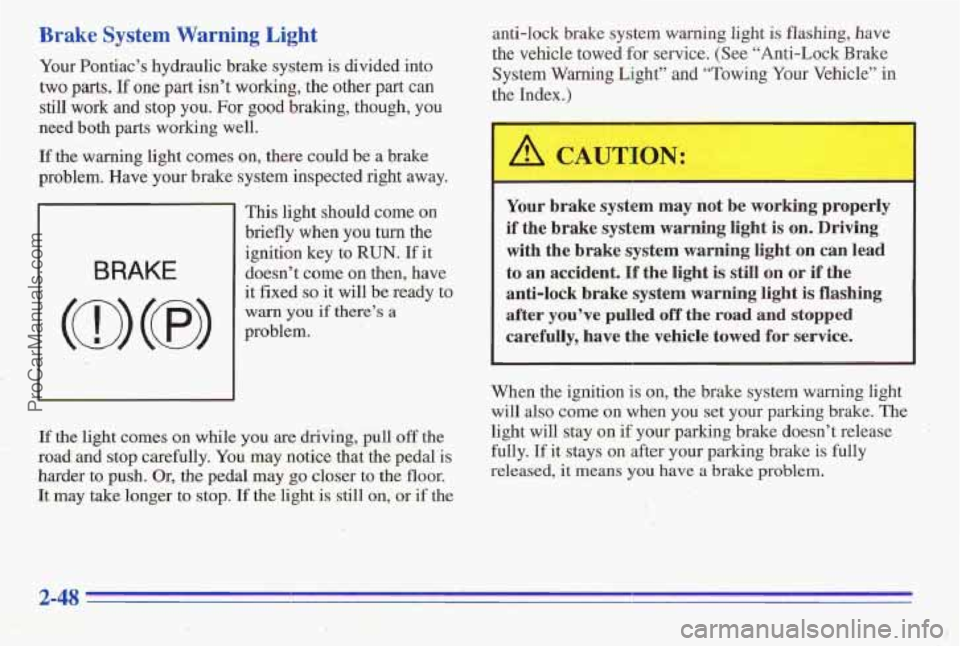
If the warning light comes on, there could be a brake
problem. Have your brake system inspected right away.
BRAKE
This light should come on
briefly when you turn the
ignition key to
RUN. If it
doesn't come on then, have
it fixed
so it will be ready to
warn you if there's a
problem.
If the light comes on while you are driving, pull off the
road and stop carefully.
You may notice that the pedal is
harder to push. Or, the pedal may go closer to the floor.
It may take longer to stop. If the light is still on; or if the anti-lock brake system warning light
is flashing,
have
the vehicle towed
for service. (See "Anti-Lock Brake
System Warning Light" and "Towing Your Vehicle" in
the Index.)
A CAUTION: -
~ ~~~~ ~ ~ ~~
Your brake system may not be working properly
if the brake system warning light is on. Driving
with the brake system warning light on can
lead
to an accident. If the light is still on or if the
anti-lock brake system warning light
is flashing
after you've pulled.off the
road and stopped
carefully, have the vehicle towed for service.
When the ignition is on, the brake system warning light
will also come on when you set your
parking brake. The
light will stay on if your parking brake doesn't release
fully.
If it stays on after your parking brake is fdly
released,
it means you have a brake problem.
ProCarManuals.com
Page 118 of 370
Anti-Lock Brake System Warning Light (Option)
(@)
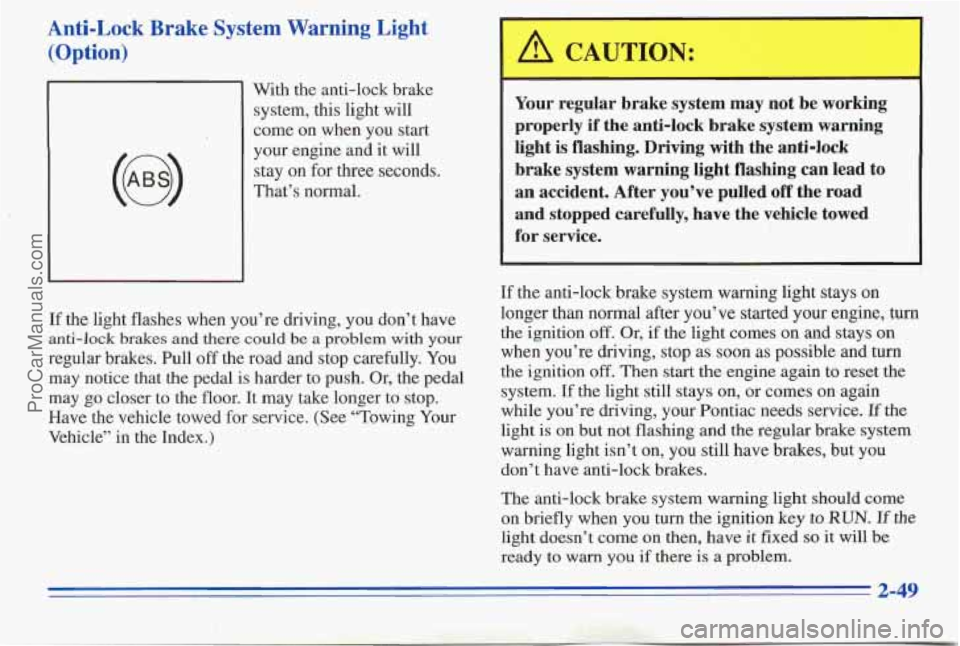
With the anti-lock brake
system, this light will
come on when you start
your engine and it will
stay
on for three seconds.
That’s normal.
If the light flashes when you’re ( ving, you don’t have
anti-lock brakes and there could be a problem with your
regular brakes. Pull off the road and stop carefully.
You
may notice that the pedal is harder to push. Or, the pedal
may
go closer to the floor. It may take longer to stop.
Have the vehicle towed for service. (See ‘Towing Your
Vehicle’’ in the Index.)
A CAUTION:
I
Your regular brake system may not be working
properly if the anti-lock brake system warning
light is flashing. Driving with the anti-lock
brake system warning light flashing can lead to
an accident. After you’ve pulled
off the road
and stopped carefully, have the vehicle towed
for service.
If the anti-lock brake system warning light stays on
longer than normal after you’ve started your engine, turn
the ignition
off. Or, if the light comes on and stays on
when you’re driving, stop as soon as possible and turn
the ignition
off. Then start the engine again to reset the
system.
If the light still stays on, or comes on again
while you’re driving, your Pontiac needs service.
If the
light
is on but not flashing and the regular brake system
warning light isn’t on, you still have brakes, but you
don’t have anti-lock brakes.
The anti-lock brake system warning light should come
on briefly when you turn
the ignition key to RUN. If the
light doesn’t come on then, have it fixed so it will be
ready to
warn you if there is a problem.
ProCarManuals.com
Page 119 of 370
Anti-Lock Brake System Active Light
(Option)
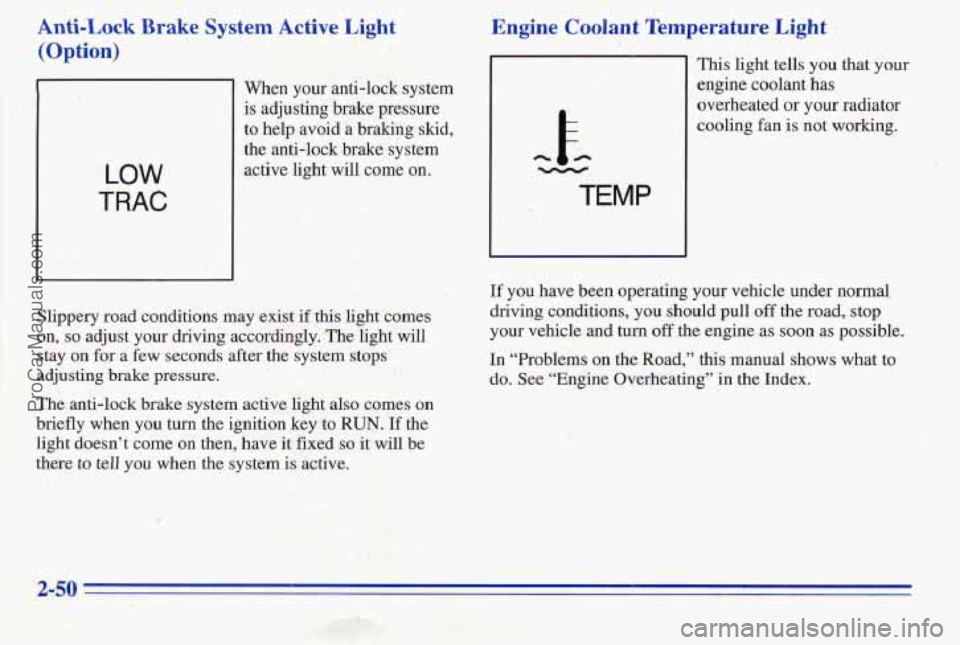
Men your anti-lock system
is adjusting brake pressure
to help avoid a braking skid,
the anti-lock brake system
active light will come on.
Engine Coolant Temperature Light
h E- -
c. TEMP
This light tells you that your
engine coolant,
has
overheated or your radiator
c-ooling €an
is not working.
.. . ..
' .. 5
.. . .
Slippery road conditions may exist if this light comes
on,
so adjust your driving accordingly. The light will
stay un for a few seconds after the system stops
adjusting brake pressure.
If you have been operatmg your vehicle under normal
driving conditions, you should pull off the road, stop
your vehicle and turn off the engine as soon as possible.
In "Problems on the Road," this manual shows what to
do. See "Engine Overheating" in the Index.
The anti-lock brake system active light also come,s on
briefly when you turn the ignition key to RUN. If the
'light doesn't come on then, have it fixed
so it will be
there to tell you when the system is active.
ProCarManuals.com
Page 130 of 370

If You Can’t See the HUD Image When the Ignition
Is On
If the HUD Image Is Not Clear
Is the HUD image too bright?
0
0
0
0
Is anything covering the HUD unit?
Is the HUD dimmer setting bright enough?
Is the HUD image adjusted to the proper height? have to have a new windshield, be sure to get one
0 Are the windshield and HUD lens clean?
Your windshield is
part of the HUD system. If you ever
Still no
HUD image? Check the fuse in the
I/P Electronics position in the instrument panel
fuse block. See “Fuses and Circuit Breakers” in
the Index,. designed for
HUD. If you. don’t, the HUD image may
look blurred and out
of focus.
2-61 ..
ProCarManuals.com
Page 132 of 370
Section 3 Comfort Controls and Audio Systems
In this section you'll find out how to operate the comfort
control and audio systems offered with your Pontiac. Be
sure to read about the particular systems supplied with
your vehicle.
Comfort Controls
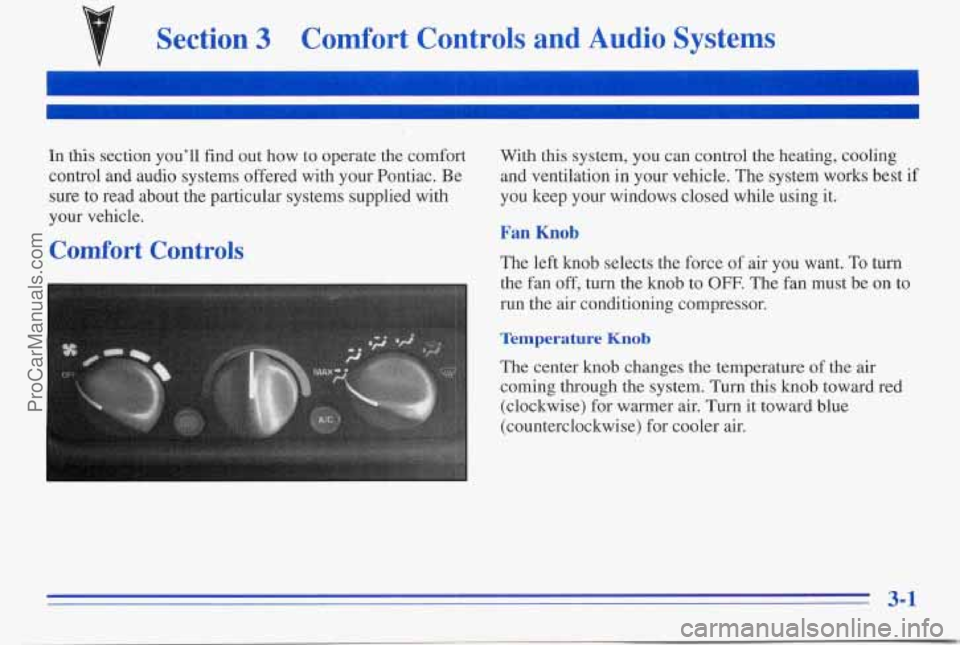
With this system, you can control the heating, cooling
and ventilation in your vehicle. The system works best if
you keep your windows closed while using it.
Fan Knob
The left knob selects the force of air you want. To turn
the fan
off, turn the knob to OFF. The fan must be on to
run the air conditioning compressor.
Temperature Knob
' The center knob changes the temperature of the air
coming through the system.
Turn this knob toward red
(clockwise) for warmer air. Turn it toward blue
(counterclockwise) for cooler air.
3-1
ProCarManuals.com
Page 136 of 370
Do not attach anything like a temporary vehicle license
or decal across the defogger grid.
NOTICE:
Don’t use a razor blade or anything else sharp on
the inside of the rear window. If you do, you
could cut or damage the warming grid, and the
repairs wouldn’t be
covered by your warranty.
Audio Systems
Your Delco@ audio system has been designed to operate
easily and give years of listening pleasure. You will get
the most enjoyment out of it if you acquaint yourself
with’it first. Find out what your Delco system can do
and how to operate all its controls, to be sure you’re
getting the
most out of the advanced engineering that
went into it.
Setting the Clock for AM-FM Stereo
Press SET. Within five seconds, press and hold the
SEEK down arrow until the correct hour appears on the
display. Press and hold the
SEEK up arrow until the
correct minute appears on the display.
Setting the Clock for All Systems Except
AM-FM Stereo
Press and hold HR until the correct hour appears. Press
and hold
MIN until the correct minute appears. There
will be a two-second delay before the clock goes into
time-set mode, and the colon on the display will blink
while in this mode.
ProCarManuals.com
Page 137 of 370

SEEK: Press the up or down arrow to go to the next
higher or lower station.
PUSHBUTTONS: The four numbered pushbuttons let
you return to your favorite stations. You can set up to
14 stations (seven AM and seven FM).
1. Press AM-F;M to select the band.
2. Tune in the desired station.
3. Press SET;
Playing the Radio
VOLUME: Turn this knob to turn the system on or off.
Turn the knob clockwise to increase volume. Turn it
counterclockwise
to decrease volume.
RCL: Press the upper knob briefly to recall the station
being played or to display the clock.
Finding a Station
AM-F": Press the lower knob to get AM or FM. The
display shows
your selection.
TUNE: Turn the lower knob to choose radio stations.
4. Whenever you press the same buttons, the station
you set will return.
4. Within five seconds, press one of the four numbered
pushbuttons. Whenever
you press that numbered
pushbutton, the station
you set will return.
5. Repeat the steps for each pushbutton.
In addition to the four stations set as above, up to three
additional stations may be preset
on each band by
pressing two adjoining huttons at the same
time. Just:
1. Tune in the desired station.
2. Press SET.
3. Press any two adjoining pushbuttons at the same
time
(within five seconds).
3-6
ProCarManuals.com
Page 138 of 370

Setting the Tone
BASS: Slide the lever up or down to increase or
decrease bass.
TREB: Slide the lever up or down to increqse or
decrease treble. If a station is weak or noisy, slide the
lever down to reduce the noise.
Adjusting the Speakers
BALANCE: Turn the control behind the upper knob to
move the sound
to the left or right speakers. Use the
middle position to balance these speakers.
FADE: Turn the control behind the lower knob to move
the sound to the front or rear speakers. Use the middle
position to balance these speakers.
AM-FM Stereo with Cassette Tape Player
(Option)
Playing the Radio
VOL: Push this knob to turn the system on or off. Turn
it clockwise to increase volume and counterclockwise to
decrease volume.
RECALL: Press this button briefly to recall the station
being played
or to display the clock. If you press the
knob when the ignition is off, the clock will show for a
few seconds.
ProCarManuals.com
Page 140 of 370

Playing a Cassette Tape
Your tape player is built to work best with tapes that are
30 to 45 minutes long on each side. Tapes longer than
that
are so thin they may not work well in this player.
While the tape is playing, use the VOL, FADE,
BAL,
TREBLE and BASS controls just as you do for the
radio. The display will show an arrow to show which
side of the tape is playing. When
the down indicator
arrow is lit, selections listed on the bottom side of the
cassette are playing. When the up arrow
is lit, selections
listed on the top side
of the cassette are playing. The
tape player automatically begins playing the other side
when
it reaches the end of the tape.
If E and a number appear on the radio display, the tape
won’t play because
of an error.
ElO: The tape is tight and the player can’t turn the
tape hubs. Remove the tape. Hold the tape with the
open end down and try to turn the right hub
counterclockwise with a pencil. Turn the tape over
and repeat. If the hubs do not turn easily, your tape
may be damaged and should not be used in the
player.
Try a new tape to make sure your player is
working properly.
0 Ell: The tape is broken. Try a new tape. If
any error occurs repeatedly or if an error can’t be
corrected, please contact your dealer. If your radio
displays an error number, write it down and provide it to
your dealer when reporting the problem.
PREV (1): Press this button or the SEEK down arrow to
search for the previous selection on the tape. Your tape
must have at least three seconds of silence between
each
selection for PREV or SEEK to work. The tape direction
arrow blinks during PREV or SEEK operation. Press
PREV or the.SEEK down akow to stop searching.
The
sound is muted during PREV or SEEK operation.
NEXT (2): Press this button or the SEEK up arrow to
search for the next selection on the tape. If you hold the
button or press it more
than once, the player will
continue moving forward through the tape. Your
tape
must have at least three seconds of silence between each
selection for NEXT or SEEK to work. The tape
direction arrow blinks during NEXT or
SEEK operation.
Press PREV
or the SEEK up arrow to stop searching.
The sound is muted during NEXT or SEEK operation.
PROG (3): Press this button to play the other side of
the tape.
ProCarManuals.com