light PONTIAC SOLSTICE 2009 Workshop Manual
[x] Cancel search | Manufacturer: PONTIAC, Model Year: 2009, Model line: SOLSTICE, Model: PONTIAC SOLSTICE 2009Pages: 354, PDF Size: 1.98 MB
Page 148 of 354

EQ (Equalization):Press this button to select preset
equalization settings.
To return to the manual mode, press EQ until Manual
displays or start to manually adjust the bass, midrange,
or treble by pressing
f.
Adjusting the Speakers (Balance/Fade)
Depending on which radio the vehicle has, the
Balance/Fade can be adjusted using
for`.
To adjust balance or fade using
f:
1. Press
funtil the speaker control tabs display.
2. Press the softkey under the desired tab, or continue
pressing
fto highlight the desired tab.
3. Turn
fto adjust the highlighted setting. The
highlighted setting can also be adjusted by pressing
either SEEK arrow.
On some radios,
\FWD andsREV can also
be used to adjust the highlighted level.
To adjust balance or fade using
`:
1. Press
`until the speaker control labels display.
2. Continue pressing
`until the desired speaker
control label displays.3. Turn
fto adjust the setting. The setting can also
be adjusted by pressing either SEEK arrow,
\FWD, orsREV.
The radio may be capable of adjusting balance or fade
to the middle position by pressing the softkey below
the BAL or FADE tab for more than two seconds. The
radio beeps once and the level adjusts to the middle
position.
The radio may also be capable of adjusting all tone and
speaker controls to the middle position by pressing
ffor more than two seconds until the radio beeps once.
Finding a Category (CAT) Station
(XM Satellite Radio Service Only)
CAT (Category):The radio may have the CAT button
feature.
To select and nd a desired category:
1. Press BAND until the XM frequency displays.
2. Press CAT to display the category tabs on the radio
display. Continue pressing the CAT button until the
desired category name displays.
3. Press either of the two softkeys below the desired
category tab to immediately tune to the rst XM
station associated with that category.
3-54
Page 152 of 354
Playing an MP3 CD-R or CD-RW Disc
The radio may have the ability to play an MP3 CD-R or
CD-RW disc. SeeUsing an MP3 on page 3-60for
more information.
CD Messages
CHECK DISC:If an error message displays and/or the
CD comes out, it could be for one of the following
reasons:
The CD player is very hot. When the temperature
returns to normal, the CD should play.
The road is very rough. When the road becomes
smoother, the CD should play.
The CD is dirty, scratched, wet, or upside down.
The air is very humid. If so, wait about an hour and
try again.
A problem may have occurred while burning the CD.
The label could be caught in the CD player.
If the CD is not playing correctly, for any other reason,
try a known good CD.
If any error occurs repeatedly or if an error cannot be
corrected, contact your dealer/retailer. If the radio
displays an error message, write it down and provide it
to your dealer/retailer when reporting the problem.
Care of CDs
Store CD(s) in their original cases or other protective
cases and away from direct sunlight and dust. The CD
player scans the bottom of the disc. If the bottom of
a CD is damaged it may not play properly or at all. Do
not touch the bottom of a CD while handling it. Pick
up CDs by grasping the outer edges or the edge of the
hole and the outer edge.
If the surface of a CD is dirty, take a soft, lint free cloth or
dampen a clean, soft cloth in a mild, neutral detergent
solution mixed with water, and clean it. Make sure the
wiping process starts from the center to the edge.
Care of the CD Player
Do not add labels to a CD, it could get caught in the CD
player. Use a marking pen to write on the top of the
CD if a description is needed.
Do not use CD lens cleaners, they could damage the
CD player.
Notice:If a label is added to a CD, or more than
one CD is inserted into the slot at a time, or an
attempt is made to play scratched or damaged CDs,
the CD player could be damaged. While using the
CD player, use only CDs in good condition without
any label, load one CD at a time, and keep the
CD player and the loading slot free of foreign
materials, liquids, and debris.
If an error displays, see “CD Messages” earlier in this
section.
3-58
Page 173 of 354

Audio Steering Wheel Controls
Vehicles with audio
steering wheel controls
could differ depending
on the vehicle’s options.
Some audio controls
can be adjusted at the
steering wheel.
e+/e−(Volume):Press to increase or to decrease
the radio volume.
w/x(Next / Previous):Press to change radio
stations, select tracks on a CD, or to select tracks and
navigate folders on an iPod
®or USB device.
To change radio stations:
Press and releaseworxto go to the next or
previous radio station stored as a preset.
Press and holdworxto go to the next or
previous radio station in the selected band with a
strong signal.To select tracks on a CD:
Press and release
worxto go to the next or
previous track.
To select tracks on an iPod or USB device:
1. Press and hold
worxwhile listening to a song
until the contents of the current folder display on
the radio display.
2. Press and release
worxto scroll up or down the
list, then press and hold
wto play the highlighted
track.
To navigate folders on an iPod or USB device:
1. Press and hold
worxwhile listening to a song
until the contents of the current folder display on
the radio display.
2. Press and hold
xto go back to the previous
folder list.
3. Press and release
worxto scroll up or down
the list.
To select a folder, press and holdwwhen the
folder is highlighted.
To go back further in the folder list, press and
hold
x.
3-79
Page 175 of 354

Cellular Phone Usage
Cellular phone usage may cause interference with the
vehicle’s radio. This interference may occur when
making or receiving phone calls, charging the phone’s
battery, or simply having the phone on. This interference
causes an increased level of static while listening to
the radio. If static is received while listening to the radio,
unplug the cellular phone and turn it off.
Fixed Mast Antenna
The xed mast antenna can withstand most car washes
without being damaged as long as it is securely
attached to the base. If the mast becomes slightly bent,
straighten it out by hand. If the mast is badly bent,
replace it.
Occasionally check to make sure the antenna is
tightened to its base. If tightening is required, tighten by
hand, until fully seated plus one quarter turn.
XM™ Satellite Radio Antenna
System
The XM Satellite Radio antenna is located on the roof
or the rear of the vehicle. Keep the antenna clear
of obstructions for clear radio reception.
Chime Level Adjustment
The radio may be used to adjust the vehicle’s chime
level. If the radio can be used to change the volume
level of the chime, press and hold the sixth numbered
pushbutton or the sixth FAV pushbutton with the ignition
on and the radio power off. The volume level changes
between Normal and Loud. The selected volume
level appears on the radio display.
Removing the radio and not replacing it with a factory
radio or chime module will disable vehicle chimes.
3-81
Page 180 of 354

Braking
SeeBrake System Warning Light on page 3-25.
Braking action involves perception time and reaction
time. Deciding to push the brake pedal is perception
time. Actually doing it is reaction time.
Average reaction time is about three-fourths of a
second. But that is only an average. It might be less
with one driver and as long as two or three seconds or
more with another. Age, physical condition, alertness,
coordination, and eyesight all play a part. So do alcohol,
drugs, and frustration. But even in three-fourths of a
second, a vehicle moving at 60 mph (100 km/h) travels
66 feet (20 m). That could be a lot of distance in an
emergency, so keeping enough space between
the vehicle and others is important.
And, of course, actual stopping distances vary greatly
with the surface of the road, whether it is pavement
or gravel; the condition of the road, whether it is
wet, dry, or icy; tire tread; the condition of the brakes;
the weight of the vehicle; and the amount of brake force
applied.
Avoid needless heavy braking. Some people drive
in spurts — heavy acceleration followed by heavy
braking — rather than keeping pace with traffic. This is
a mistake. The brakes might not have time to cool
between hard stops. The brakes will wear out much
faster with a lot of heavy braking. Keeping pace with thetraffic and allowing realistic following distances
eliminates a lot of unnecessary braking. That means
better braking and longer brake life.
If the engine ever stops while the vehicle is being driven,
brake normally but do not pump the brakes. If the brakes
are pumped, the pedal could get harder to push down. If
the engine stops, there will still be some power brake
assist but it will be used when the brake is applied. Once
the power assist is used up, it can take longer to stop and
the brake pedal will be harder to push.
Adding non-dealer/non-retailer accessories can affect
vehicle performance. SeeAccessories and Modifications
on page 5-3.
Antilock Brake System (ABS)
This vehicle has Electronic Stability Control (ESC)
with the Antilock Brake System (ABS), an advanced
electronic braking system that will help prevent a
braking skid.
When the engine is started and the vehicle begins to
drive away, ABS checks itself. A momentary motor
or clicking noise might be heard while this test is going
on, and it might even be noticed that the brake pedal
moves a little. This is normal.
4-4
Page 181 of 354
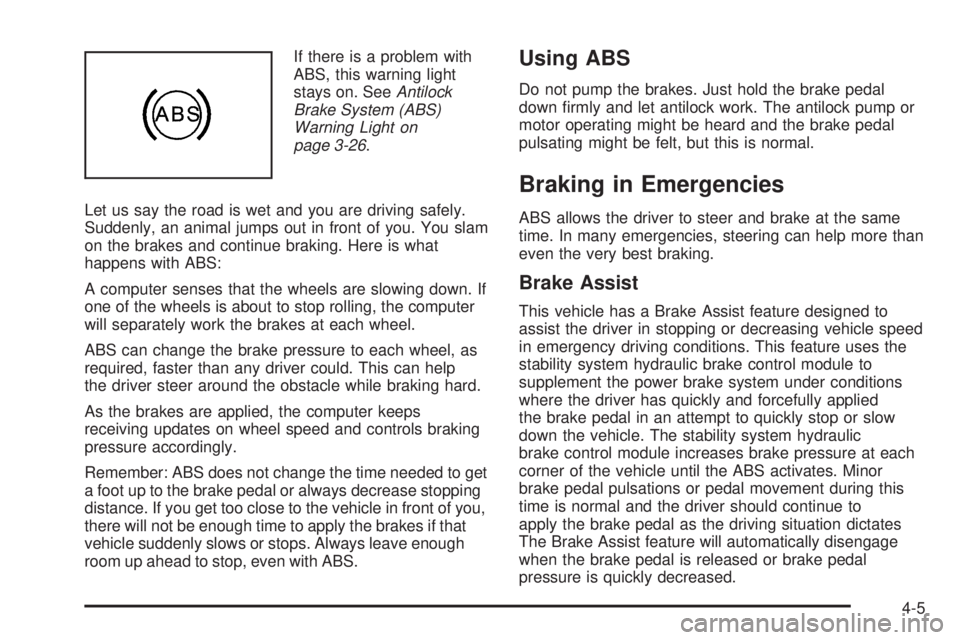
If there is a problem with
ABS, this warning light
stays on. SeeAntilock
Brake System (ABS)
Warning Light on
page 3-26.
Let us say the road is wet and you are driving safely.
Suddenly, an animal jumps out in front of you. You slam
on the brakes and continue braking. Here is what
happens with ABS:
A computer senses that the wheels are slowing down. If
one of the wheels is about to stop rolling, the computer
will separately work the brakes at each wheel.
ABS can change the brake pressure to each wheel, as
required, faster than any driver could. This can help
the driver steer around the obstacle while braking hard.
As the brakes are applied, the computer keeps
receiving updates on wheel speed and controls braking
pressure accordingly.
Remember: ABS does not change the time needed to get
a foot up to the brake pedal or always decrease stopping
distance. If you get too close to the vehicle in front of you,
there will not be enough time to apply the brakes if that
vehicle suddenly slows or stops. Always leave enough
room up ahead to stop, even with ABS.Using ABS
Do not pump the brakes. Just hold the brake pedal
down rmly and let antilock work. The antilock pump or
motor operating might be heard and the brake pedal
pulsating might be felt, but this is normal.
Braking in Emergencies
ABS allows the driver to steer and brake at the same
time. In many emergencies, steering can help more than
even the very best braking.
Brake Assist
This vehicle has a Brake Assist feature designed to
assist the driver in stopping or decreasing vehicle speed
in emergency driving conditions. This feature uses the
stability system hydraulic brake control module to
supplement the power brake system under conditions
where the driver has quickly and forcefully applied
the brake pedal in an attempt to quickly stop or slow
down the vehicle. The stability system hydraulic
brake control module increases brake pressure at each
corner of the vehicle until the ABS activates. Minor
brake pedal pulsations or pedal movement during this
time is normal and the driver should continue to
apply the brake pedal as the driving situation dictates
The Brake Assist feature will automatically disengage
when the brake pedal is released or brake pedal
pressure is quickly decreased.
4-5
Page 182 of 354
Electronic Stability Control (ESC)
The vehicle has an Electronic Stability Control (ESC)
system which combines antilock brake, traction
and stability control systems and helps the driver
maintain directional control of the vehicle in most driving
conditions.
ESC activates when the computer senses a discrepancy
between the intended path and the direction the
vehicle is actually traveling. ESC selectively applies
braking pressure at any one of the vehicle’s brakes to
help steer the vehicle in the desired direction.
When you rst start the vehicle and begin to drive away,
the system performs several diagnostic checks to
ensure there are no problems. The system may be
heard or felt while it is working. This is normal and does
not mean there is a problem with the vehicle. The
system should initialize before the vehicle reaches
20 mph (32 km/h).
If the system fails to turn on or activate, the ESC/TCS
light comes on, and the ESC OFF and/or SERVICE ESC
message displays.
For more information, seeDriver Information Center
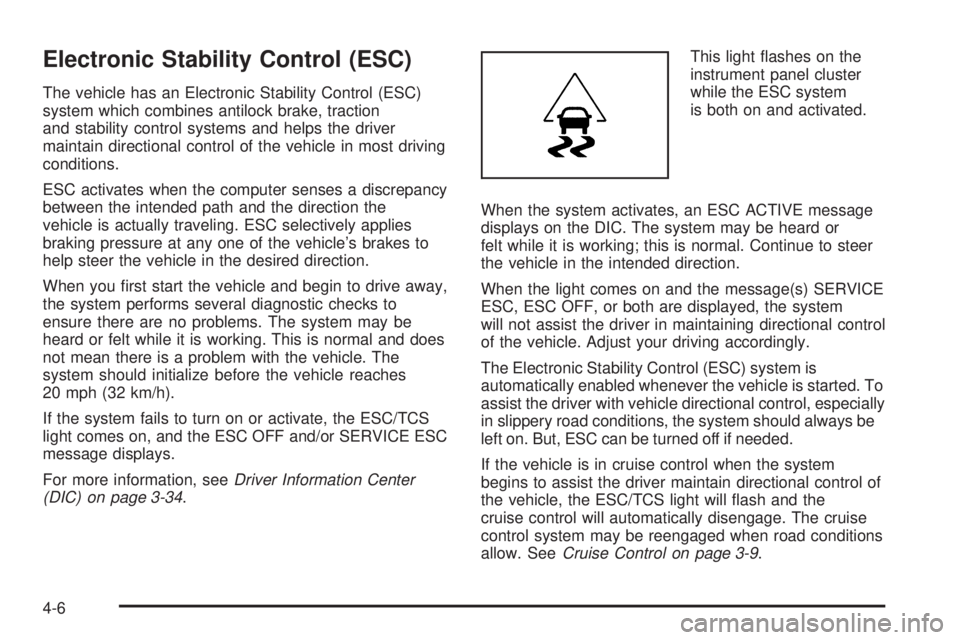
(DIC) on page 3-34.This light ashes on the
instrument panel cluster
while the ESC system
is both on and activated.
When the system activates, an ESC ACTIVE message
displays on the DIC. The system may be heard or
felt while it is working; this is normal. Continue to steer
the vehicle in the intended direction.
When the light comes on and the message(s) SERVICE
ESC, ESC OFF, or both are displayed, the system
will not assist the driver in maintaining directional control
of the vehicle. Adjust your driving accordingly.
The Electronic Stability Control (ESC) system is
automatically enabled whenever the vehicle is started. To
assist the driver with vehicle directional control, especially
in slippery road conditions, the system should always be
left on. But, ESC can be turned off if needed.
If the vehicle is in cruise control when the system
begins to assist the driver maintain directional control of
the vehicle, the ESC/TCS light will ash and the
cruise control will automatically disengage. The cruise
control system may be reengaged when road conditions
allow. SeeCruise Control on page 3-9.
4-6
Page 183 of 354
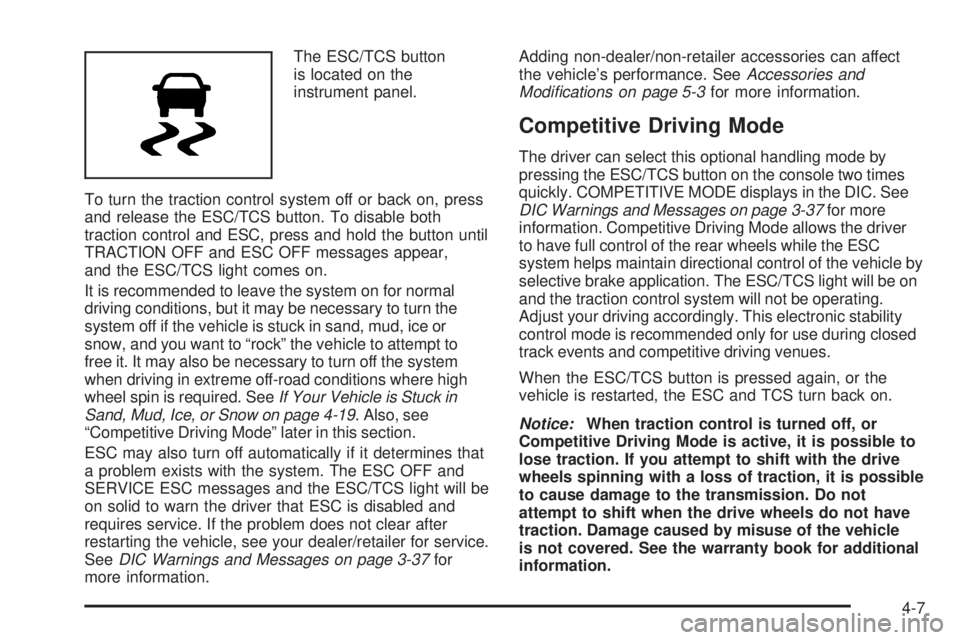
The ESC/TCS button
is located on the
instrument panel.
To turn the traction control system off or back on, press
and release the ESC/TCS button. To disable both
traction control and ESC, press and hold the button until
TRACTION OFF and ESC OFF messages appear,
and the ESC/TCS light comes on.
It is recommended to leave the system on for normal
driving conditions, but it may be necessary to turn the
system off if the vehicle is stuck in sand, mud, ice or
snow, and you want to “rock” the vehicle to attempt to
free it. It may also be necessary to turn off the system
when driving in extreme off-road conditions where high
wheel spin is required. SeeIf Your Vehicle is Stuck in
Sand, Mud, Ice, or Snow on page 4-19. Also, see
“Competitive Driving Mode” later in this section.
ESC may also turn off automatically if it determines that
a problem exists with the system. The ESC OFF and
SERVICE ESC messages and the ESC/TCS light will be
on solid to warn the driver that ESC is disabled and
requires service. If the problem does not clear after
restarting the vehicle, see your dealer/retailer for service.
SeeDIC Warnings and Messages on page 3-37for
more information.Adding non-dealer/non-retailer accessories can affect
the vehicle’s performance. SeeAccessories and
Modifications on page 5-3for more information.
Competitive Driving Mode
The driver can select this optional handling mode by
pressing the ESC/TCS button on the console two times
quickly. COMPETITIVE MODE displays in the DIC. See
DIC Warnings and Messages on page 3-37for more
information. Competitive Driving Mode allows the driver
to have full control of the rear wheels while the ESC
system helps maintain directional control of the vehicle by
selective brake application. The ESC/TCS light will be on
and the traction control system will not be operating.
Adjust your driving accordingly. This electronic stability
control mode is recommended only for use during closed
track events and competitive driving venues.
When the ESC/TCS button is pressed again, or the
vehicle is restarted, the ESC and TCS turn back on.
Notice:When traction control is turned off, or
Competitive Driving Mode is active, it is possible to
lose traction. If you attempt to shift with the drive
wheels spinning with a loss of traction, it is possible
to cause damage to the transmission. Do not
attempt to shift when the drive wheels do not have
traction. Damage caused by misuse of the vehicle
is not covered. See the warranty book for additional
information.
4-7
Page 184 of 354
Traction Control System (TCS)
The vehicle has a Traction Control System (TCS) that
limits wheel spin. This is especially useful in slippery
road conditions. The system operates only if it senses
that the rear wheels are spinning too much or are
beginning to lose traction. When this happens, the
system works the rear brakes and reduces engine power
by closing the throttle and managing engine spark to
limit wheel spin.
This light will ash when
the traction control system
is limiting wheel spin.
The system may be heard or felt while it is working, but
this is normal.
If the vehicle is in cruise control when TCS begins to
limit wheel spin, the ESC/TCS light will ash and
the cruise control will automatically disengage. The
cruise control may be reengaged when road conditions
allow. SeeCruise Control on page 3-9.When this light is on solid
and either the SERVICE
TRACTION or TRACTION
OFF message is
displayed, the system will
not limit wheel spin.
Adjust your driving accordingly. SeeDIC Warnings and
Messages on page 3-37for more information.
The Traction Control System is automatically enabled
whenever the vehicle is started. To limit wheel spin,
especially in slippery road conditions, always leave the
system enabled. TCS can be turned off if needed.
It is recommended to leave the system on for normal
driving conditions, but it may be necessary to turn
the system off if the vehicle is stuck in sand, mud, ice or
snow, and you want to “rock” the vehicle to attempt to
free it. It may also be necessary to turn off the
system when driving in extreme off-road conditions
where high wheel spin is required. SeeIf Your Vehicle
is Stuck in Sand, Mud, Ice, or Snow on page 4-19.
4-8
Page 185 of 354
To turn the system off or
on, press and release the
ESC/TCS button located
on the instrument panel.
The DIC will display the appropriate message the button
is pressed.
Traction Control Operation
Traction control limits wheel spin by reducing engine
power to the wheels (engine speed management)
and by applying brakes to each individual wheel
(brake-traction control) as necessary.
The traction control system is enabled automatically
when the vehicle is started, and it will activate and ash
the ESC/TCS light and display the LOW TRACTION
message if it senses either of the rear wheels are
spinning or beginning to lose traction while driving. For
more information on the LOW TRACTION message,
seeDriver Information Center (DIC) on page 3-34.Notice:If the wheel(s) of one axle are allowed to
spin excessively while the ESC/TCS, ABS and Brake
warning lights and the SERVICE ESC and/or
SERVICE TRACTION messages are displayed, the
differential could be damaged. The repairs would not
be covered by the vehicle warranty. Reduce engine
power and do not spin the wheel(s) excessively
while these lights and this message are displayed.
Notice:When traction control is turned off, or
Competitive Driving Mode is active, it is possible to
lose traction. If you attempt to shift with the drive
wheels spinning with a loss of traction, it is possible
to cause damage to the transmission. Do not
attempt to shift when the drive wheels do not have
traction. Damage caused by misuse of the vehicle
is not covered. See the warranty book for additional
information.
The traction control system may activate on dry or
rough roads or under conditions such as heavy
acceleration while turning or abrupt upshifts/downshifts
of the transmission. When this happens, a reduction
in acceleration may be noticed, or a noise or vibration
may be heard. This is normal.
Adding non-dealer/non-retailer accessories can affect
the vehicle’s performance. SeeAccessories and
Modifications on page 5-3for more information.
4-9