brakes PONTIAC TORRENT 2009 User Guide
[x] Cancel search | Manufacturer: PONTIAC, Model Year: 2009, Model line: TORRENT, Model: PONTIAC TORRENT 2009Pages: 436, PDF Size: 2.43 MB
Page 250 of 436
Brake Assist
This vehicle has a Brake Assist feature designed to
assist the driver in stopping or decreasing vehicle speed
in emergency driving conditions. This feature uses the
stability system hydraulic brake control module to
supplement the power brake system under conditions
where the driver has quickly and forcefully applied the
brake pedal in an attempt to quickly stop or slow down
the vehicle. The stability system hydraulic brake control
module increases brake pressure at each corner of
the vehicle until the ABS activates. Minor brake pedal
pulsations or pedal movement during this time is normal
and the driver should continue to apply the brake pedal
as the driving situation dictates The Brake Assist feature
will automatically disengage when the brake pedal is
released or brake pedal pressure is quickly decreased.
StabiliTrak®System
The vehicle has the StabiliTrak system, an advanced
computer controlled system that helps the driver
maintain directional control of the vehicle in difficult
driving conditions. This is accomplished by selectively
applying any one of the vehicle’s brakes and reducing
power. The Stabilitrak system comes on automatically
whenever the vehicle is started.
The STABILITRAK NOT READY message may be
displayed in the Driver Information Center (DIC) and
the StabiliTrak/Traction Control System (TCS) warning
light will come on the instrument panel cluster after rst
driving the vehicle and exceeding 30 mph 48 (km/h)
for 30 seconds. The StabiliTrak system is off until the
light has turned off. This could take up to 15 minutes.
SeeDIC Warnings and Messages on page 3-49for more
information.
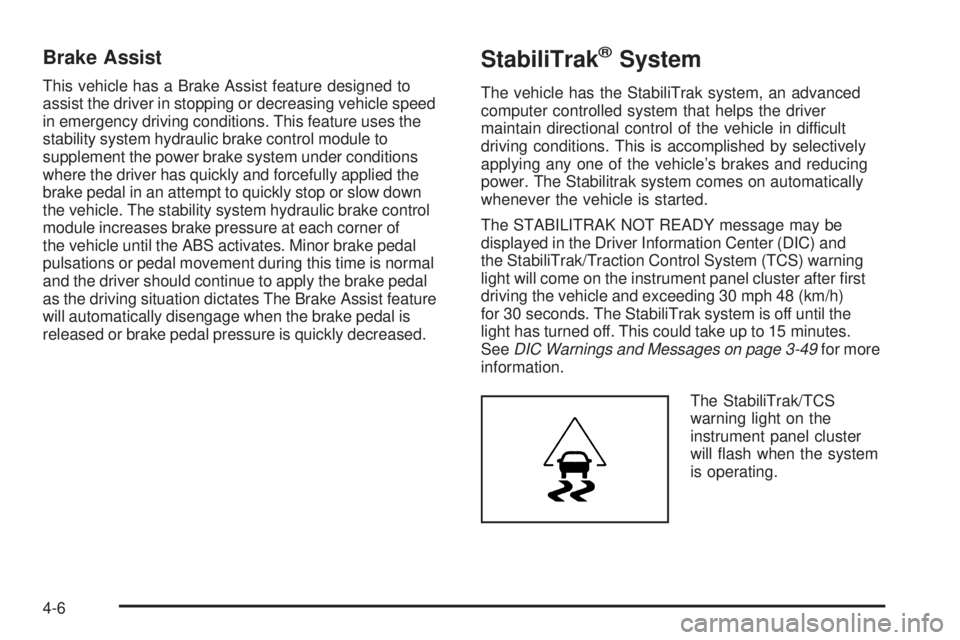
The StabiliTrak/TCS
warning light on the
instrument panel cluster
will ash when the system
is operating.
4-6
Page 251 of 436
The system may be heard or felt while it is working.
This is normal. This light may also come on after
extended heavy braking, indicating the brakes have
become too hot to limit wheel spin.
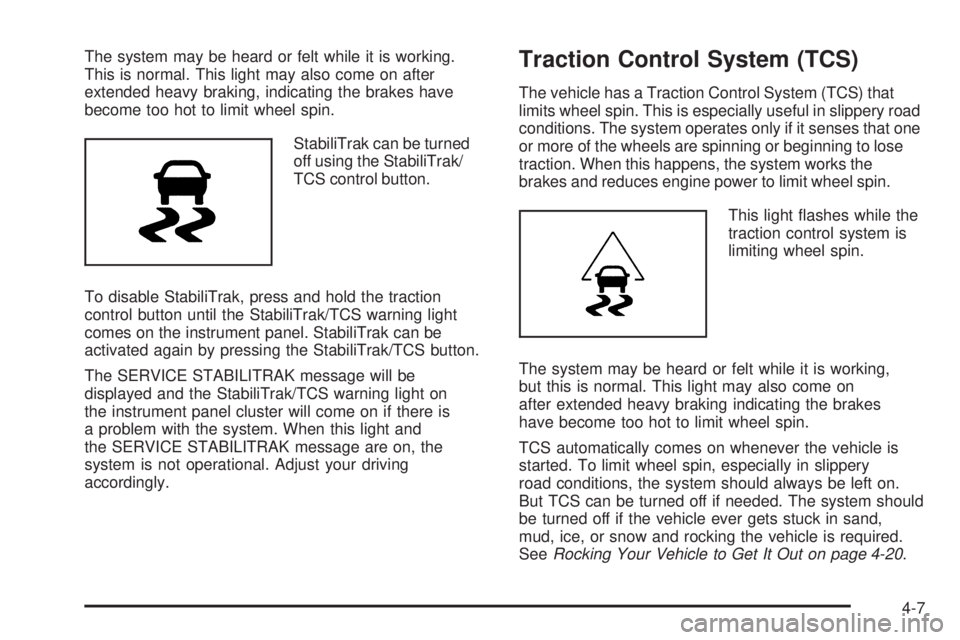
StabiliTrak can be turned
off using the StabiliTrak/
TCS control button.
To disable StabiliTrak, press and hold the traction
control button until the StabiliTrak/TCS warning light
comes on the instrument panel. StabiliTrak can be
activated again by pressing the StabiliTrak/TCS button.
The SERVICE STABILITRAK message will be
displayed and the StabiliTrak/TCS warning light on
the instrument panel cluster will come on if there is
a problem with the system. When this light and
the SERVICE STABILITRAK message are on, the
system is not operational. Adjust your driving
accordingly.Traction Control System (TCS)
The vehicle has a Traction Control System (TCS) that
limits wheel spin. This is especially useful in slippery road
conditions. The system operates only if it senses that one
or more of the wheels are spinning or beginning to lose
traction. When this happens, the system works the
brakes and reduces engine power to limit wheel spin.
This light ashes while the
traction control system is
limiting wheel spin.
The system may be heard or felt while it is working,
but this is normal. This light may also come on
after extended heavy braking indicating the brakes
have become too hot to limit wheel spin.
TCS automatically comes on whenever the vehicle is
started. To limit wheel spin, especially in slippery
road conditions, the system should always be left on.
But TCS can be turned off if needed. The system should
be turned off if the vehicle ever gets stuck in sand,
mud, ice, or snow and rocking the vehicle is required.
SeeRocking Your Vehicle to Get It Out on page 4-20.
4-7
Page 254 of 436
Hydraulic Power Steering
(3.6L V6 Engine)
If power steering assist is lost because the engine stops
or the power steering system is not functioning, the
vehicle can be steered but it will take more effort.
Steering Tips
It is important to take curves at a reasonable speed.
Traction in a curve depends on the condition of the tires
and the road surface, the angle at which the curve is
banked, and vehicle speed. While in a curve, speed
is the one factor that can be controlled.
If there is a need to reduce speed, do it before entering
the curve, while the front wheels are straight.
Try to adjust the speed so you can drive through
the curve. Maintain a reasonable, steady speed.
Wait to accelerate until out of the curve, and then
accelerate gently into the straightaway.
Steering in Emergencies
There are times when steering can be more effective
than braking. For example, you come over a hill and nd
a truck stopped in your lane, or a car suddenly pulls
out from nowhere, or a child darts out from between
parked cars and stops right in front of you. These
problems can be avoided by braking — if you can
stop in time. But sometimes you cannot stop in time
because there is no room. That is the time for evasive
action — steering around the problem.
The vehicle can perform very well in emergencies like
these. First apply the brakes. SeeBraking on page 4-4.
It is better to remove as much speed as possible
from a collision. Then steer around the problem, to
the left or right depending on the space available.
4-10
Page 256 of 436
Passing
Passing another vehicle on a two-lane road can be
dangerous. To reduce the risk of danger while passing:
Look down the road, to the sides, and to crossroads
for situations that might affect a successful pass.
If in doubt, wait.
Watch for traffic signs, pavement markings, and
lines that could indicate a turn or an intersection.
Never cross a solid or double-solid line on your side
of the lane.
Do not get too close to the vehicle you want to
pass. Doing so can reduce your visibility.
Wait your turn to pass a slow vehicle.
When you are being passed, ease to the right.
Loss of Control
Let us review what driving experts say about what
happens when the three control systems — brakes,
steering, and acceleration — do not have enough friction
where the tires meet the road to do what the driver has
asked.
In any emergency, do not give up. Keep trying to steer
and constantly seek an escape route or area of less
danger.
Skidding
In a skid, a driver can lose control of the vehicle.
Defensive drivers avoid most skids by taking reasonable
care suited to existing conditions, and by not overdriving
those conditions. But skids are always possible.
The three types of skids correspond to the vehicle’s
three control systems. In the braking skid, the wheels
are not rolling. In the steering or cornering skid, too much
speed or steering in a curve causes tires to slip and lose
cornering force. And in the acceleration skid, too much
throttle causes the driving wheels to spin.
Remember: Any traction control system helps avoid only
the acceleration skid. If the traction system is off, then
an acceleration skid is best handled by easing your foot
off the accelerator pedal. SeeTraction Control System
(TCS) on page 4-7andStabiliTrak
®System on
page 4-6.
If the vehicle starts to slide, ease your foot off the
accelerator pedal and quickly steer the way you want
the vehicle to go. If you start steering quickly enough,
the vehicle may straighten out. Always be ready for
a second skid if it occurs.
4-12
Page 258 of 436
Driving in Rain and on Wet Roads
Rain and wet roads can reduce vehicle traction
and affect your ability to stop and accelerate. Always
drive slower in these types of driving conditions
and avoid driving through large puddles and
deep-standing or owing water.
{CAUTION:
Wet brakes can cause crashes. They might not
work as well in a quick stop and could cause
pulling to one side. You could lose control of the
vehicle.
After driving through a large puddle of water or a
car/vehicle wash, lightly apply the brake pedal until
the brakes work normally.
Flowing or rushing water creates strong forces.
Driving through owing water could cause your
vehicle to be carried away. If this happens, you
and other vehicle occupants could drown. Do not
ignore police warnings and be very cautious about
trying to drive through owing water.
Hydroplaning
Hydroplaning is dangerous. Water can build up under
your vehicle’s tires so they actually ride on the
water. This can happen if the road is wet enough and
you are going fast enough. When your vehicle is
hydroplaning, it has little or no contact with the road.
There is no hard and fast rule about hydroplaning.
The best advice is to slow down when the road is wet.
Other Rainy Weather Tips
Besides slowing down, other wet weather driving tips
include:
Allow extra following distance.
Pass with caution.
Keep windshield wiping equipment in good shape.
Keep the windshield washer uid reservoir lled.
Have good tires with proper tread depth. SeeTires
on page 5-48.
Turn off cruise control.
4-14
Page 260 of 436
Hill and Mountain Roads
Driving on steep hills or through mountains is different
than driving on at or rolling terrain. Tips for driving
in these conditions include:
Keep the vehicle serviced and in good shape.
Check all uid levels and brakes, tires, cooling
system, and transmission.
Going down steep or long hills, shift to a
lower gear.
{CAUTION:
If you do not shift down, the brakes could get so
hot that they would not work well. You would then
have poor braking or even none going down a hill.
You could crash. Shift down to let the engine
assist the brakes on a steep downhill slope.
{CAUTION:
Coasting downhill in N (Neutral) or with the ignition
off is dangerous. The brakes will have to do all the
work of slowing down and they could get so hot
that they would not work well. You would then
have poor braking or even none going down a hill.
You could crash. Always have the engine running
and the vehicle in gear when going downhill.
Stay in your own lane. Do not swing wide or cut
across the center of the road. Drive at speeds
that let you stay in your own lane.
Top of hills: Be alert — something could be in your
lane (stalled car, accident).
Pay attention to special road signs (falling rocks
area, winding roads, long grades, passing or
no-passing zones) and take appropriate action.
4-16
Page 261 of 436
Winter Driving
Driving on Snow or Ice
Drive carefully when there is snow or ice between the
tires and the road, creating less traction or grip. Wet ice
can occur at about 32°F (0°C) when freezing rain
begins to fall, resulting in even less traction. Avoid
driving on wet ice or in freezing rain until roads can
be treated with salt or sand.
Drive with caution, whatever the condition. Accelerate
gently so traction is not lost. Accelerating too quickly
causes the wheels to spin and makes the surface under
the tires slick, so there is even less traction.
Try not to break the fragile traction. If you accelerate too
fast, the drive wheels will spin and polish the surface
under the tires even more.TheTraction Control System (TCS) on page 4-7
improves the ability to accelerate on slippery roads,
but slow down and adjust your driving to the road
conditions. When driving through deep snow, turn off
the traction control system to help maintain vehicle
motion at lower speeds.
TheAntilock Brake System (ABS) on page 4-5improves
vehicle stability during hard stops on a slippery roads, but
apply the brakes sooner than when on dry pavement.
Allow greater following distance on any slippery road
and watch for slippery spots. Icy patches can occur on
otherwise clear roads in shaded areas. The surface
of a curve or an overpass can remain icy when the
surrounding roads are clear. Avoid sudden steering
maneuvers and braking while on ice.
Turn off cruise control, if equipped, on slippery surfaces.
4-17
Page 277 of 436
Towing a Trailer
{CAUTION:
The driver can lose control when pulling a trailer if
the correct equipment is not used or the vehicle is
not driven properly. For example, if the trailer is
too heavy, the brakes may not work well — or
even at all. The driver and passengers could
be seriously injured. The vehicle may also be
damaged; the resulting repairs would not be
covered by the vehicle warranty. Pull a trailer only
if all the steps in this section have been followed.
Ask your dealer/retailer for advice and information
about towing a trailer with the vehicle.
Notice:Pulling a trailer improperly can damage
the vehicle and result in costly repairs not covered
by the vehicle warranty. To pull a trailer correctly,
follow the advice in this section and see your
dealer/retailer for important information about
towing a trailer with the vehicle.The vehicle can tow a trailer if it is equipped with the
proper trailer towing equipment.
To identify the trailering capacity of the vehicle, read
the information in “Weight of the Trailer” that appears
later in this section.
Trailering is different than just driving the vehicle by itself.
Trailering means changes in handling, acceleration,
braking, durability and fuel economy. Successful, safe
trailering takes correct equipment, and it has to be used
properly.
The following information has many time-tested,
important trailering tips and safety rules. Many of these
are important for your safety and that of your passengers.
So please read this section carefully before pulling a
trailer.
Load-pulling components such as the engine,
transmission, wheel assemblies and tires are forced to
work harder against the drag of the added weight.
The engine is required to operate at relatively higher
speeds and under greater loads, generating extra heat.
The trailer also adds considerably to wind resistance,
increasing the pulling requirements.
4-33
Page 280 of 436
Total Weight on the Vehicle’s Tires
Be sure the vehicle’s tires are inated to the upper limit
for cold tires. These numbers can be found on the
Certication label or seeLoading the Vehicle on
page 4-20for more information. Make sure not to go
over the GVW limit for the vehicle, or the GAWR,
including the weight of the trailer tongue.
Hitches
It is important to have the correct hitch equipment.
Crosswinds, large trucks going by and rough roads are
a few reasons why the right hitch is needed.
The rear bumper on the vehicle is not intended
for hitches. Do not attach rental hitches or other
bumper-type hitches to it. Use only a frame-mounted
hitch that does not attach to the bumper.
Will any holes be made in the body of the vehicle
when the trailer hitch is installed? If so, be sure to
seal the holes when the hitch is removed. If they are
not sealed, deadly carbon monoxide (CO) from the
engine’s exhaust can get into the vehicle. See
Engine Exhaust on page 2-35. Sealing the holes will
also prevent dirt and water from entering the vehicle.
Safety Chains
Always attach chains between the vehicle and the
trailer. Cross the safety chains under the tongue of
the trailer to help prevent the tongue from contacting the
road if it becomes separated from the hitch. Instructions
about safety chains may be provided by the hitch
manufacturer or by the trailer manufacturer. Follow the
manufacturer’s recommendation for attaching safety
chains and do not attach them to the bumper. Always
leave just enough slack so the rig can turn. Never allow
safety chains to drag on the ground.
Trailer Brakes
A loaded trailer that weighs more than 1,000 lbs
(450 kg) needs to have its own brake system that is
adequate for the weight of the trailer. Be sure to read
and follow the instructions for the trailer brakes so
they are installed, adjusted and maintained properly.
Because the vehicle has StabiliTrak, do not try to
tap into the vehicle’s hydraulic brake system. If you do,
both brake systems will not work well, or at all.
4-36
Page 281 of 436
Driving with a Trailer
{CAUTION:
When towing a trailer, exhaust gases may collect
at the rear of the vehicle and enter if the liftgate,
trunk/hatch, or rear-most window is open.
Engine exhaust contains carbon monoxide (CO)
which cannot be seen or smelled. It can cause
unconsciousness and even death.
To maximize safety when towing a trailer:
Have the exhaust system inspected for
leaks and make necessary repairs before
starting a trip.
Never drive with the liftgate, trunk/hatch, or
rear-most window open.
Fully open the air outlets on or under the
instrument panel.
Adjust the Climate Control system to a setting
that brings in only outside air and set the fan
speed to the highest setting. See Climate
Control System in the Index.
For more information about carbon monoxide, see
Engine Exhaust on page 2-35.Towing a trailer requires a certain amount of experience.
Get to know the rig before setting out for the open
road. Get acquainted with the feel of handling and
braking with the added weight of the trailer. And always
keep in mind that the vehicle you are driving is now
longer and not as responsive as the vehicle is by itself.
Before starting, check all trailer hitch parts and
attachments, safety chains, electrical connectors, lamps,
tires and mirror adjustments. If the trailer has electric
brakes, start the vehicle and trailer moving and then
apply the trailer brake controller by hand to be sure the
brakes are working. This checks the electrical connection
at the same time.
During the trip, check occasionally to be sure that the
load is secure, and that the lamps and any trailer brakes
are still working.
4-37