warning PONTIAC TORRENT 2009 Owner's Guide
[x] Cancel search | Manufacturer: PONTIAC, Model Year: 2009, Model line: TORRENT, Model: PONTIAC TORRENT 2009Pages: 436, PDF Size: 2.43 MB
Page 173 of 436
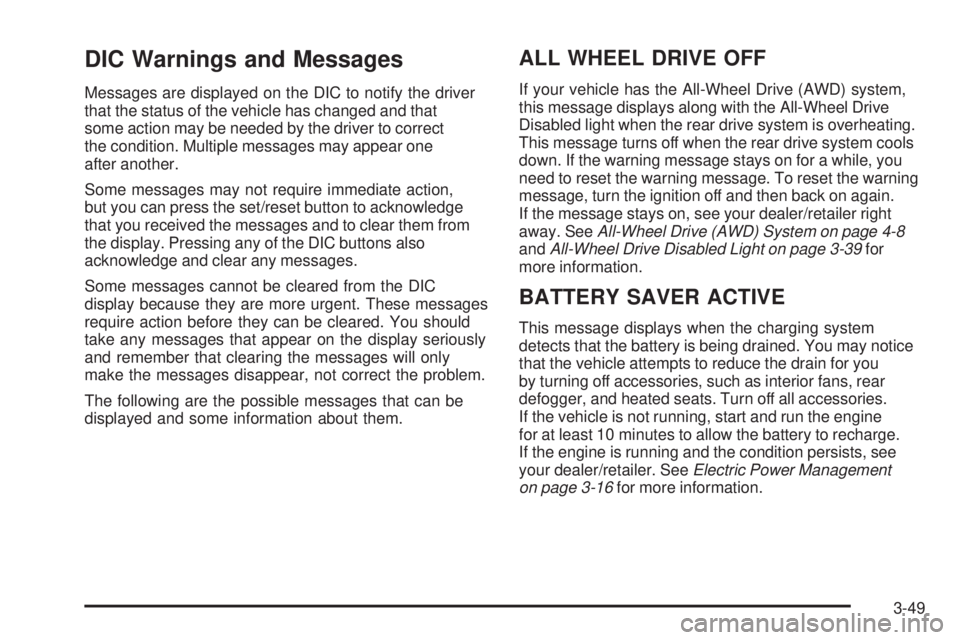
DIC Warnings and Messages
Messages are displayed on the DIC to notify the driver
that the status of the vehicle has changed and that
some action may be needed by the driver to correct
the condition. Multiple messages may appear one
after another.
Some messages may not require immediate action,
but you can press the set/reset button to acknowledge
that you received the messages and to clear them from
the display. Pressing any of the DIC buttons also
acknowledge and clear any messages.
Some messages cannot be cleared from the DIC
display because they are more urgent. These messages
require action before they can be cleared. You should
take any messages that appear on the display seriously
and remember that clearing the messages will only
make the messages disappear, not correct the problem.
The following are the possible messages that can be
displayed and some information about them.
ALL WHEEL DRIVE OFF
If your vehicle has the All-Wheel Drive (AWD) system,
this message displays along with the All-Wheel Drive
Disabled light when the rear drive system is overheating.
This message turns off when the rear drive system cools
down. If the warning message stays on for a while, you
need to reset the warning message. To reset the warning
message, turn the ignition off and then back on again.
If the message stays on, see your dealer/retailer right
away. SeeAll-Wheel Drive (AWD) System on page 4-8
andAll-Wheel Drive Disabled Light on page 3-39for
more information.
BATTERY SAVER ACTIVE
This message displays when the charging system
detects that the battery is being drained. You may notice
that the vehicle attempts to reduce the drain for you
by turning off accessories, such as interior fans, rear
defogger, and heated seats. Turn off all accessories.
If the vehicle is not running, start and run the engine
for at least 10 minutes to allow the battery to recharge.
If the engine is running and the condition persists, see
your dealer/retailer. SeeElectric Power Management
on page 3-16for more information.
3-49
Page 174 of 436
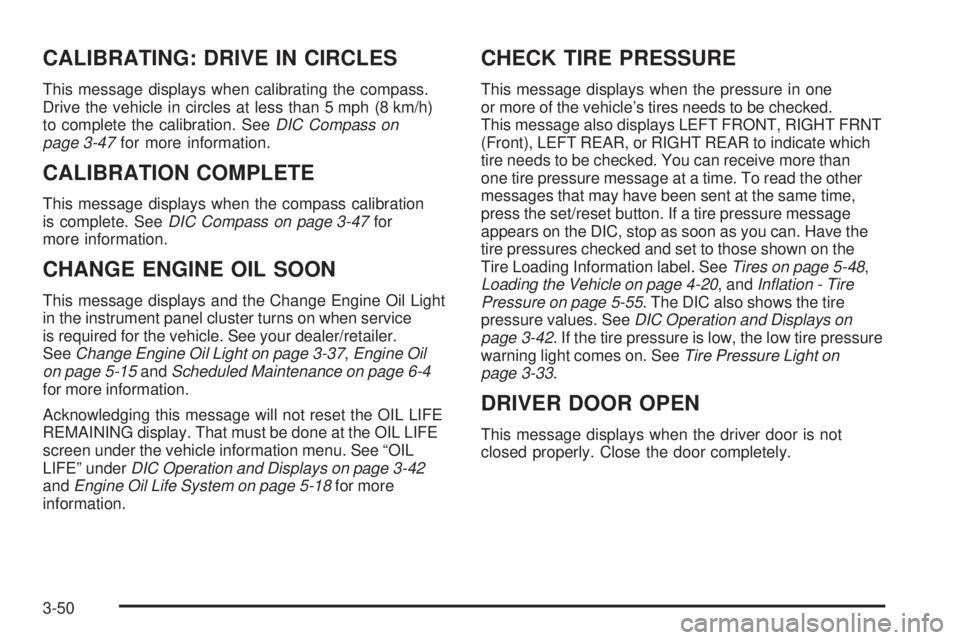
CALIBRATING: DRIVE IN CIRCLES
This message displays when calibrating the compass.
Drive the vehicle in circles at less than 5 mph (8 km/h)
to complete the calibration. SeeDIC Compass on
page 3-47for more information.
CALIBRATION COMPLETE
This message displays when the compass calibration
is complete. SeeDIC Compass on page 3-47for
more information.
CHANGE ENGINE OIL SOON
This message displays and the Change Engine Oil Light
in the instrument panel cluster turns on when service
is required for the vehicle. See your dealer/retailer.
SeeChange Engine Oil Light on page 3-37,Engine Oil
on page 5-15andScheduled Maintenance on page 6-4
for more information.
Acknowledging this message will not reset the OIL LIFE
REMAINING display. That must be done at the OIL LIFE
screen under the vehicle information menu. See “OIL
LIFE” underDIC Operation and Displays on page 3-42
andEngine Oil Life System on page 5-18for more
information.
CHECK TIRE PRESSURE
This message displays when the pressure in one
or more of the vehicle’s tires needs to be checked.
This message also displays LEFT FRONT, RIGHT FRNT
(Front), LEFT REAR, or RIGHT REAR to indicate which
tire needs to be checked. You can receive more than
one tire pressure message at a time. To read the other
messages that may have been sent at the same time,
press the set/reset button. If a tire pressure message
appears on the DIC, stop as soon as you can. Have the
tire pressures checked and set to those shown on the
Tire Loading Information label. SeeTires on page 5-48,
Loading the Vehicle on page 4-20, andInflation - Tire
Pressure on page 5-55. The DIC also shows the tire
pressure values. SeeDIC Operation and Displays on
page 3-42. If the tire pressure is low, the low tire pressure
warning light comes on. SeeTire Pressure Light on
page 3-33.
DRIVER DOOR OPEN
This message displays when the driver door is not
closed properly. Close the door completely.
3-50
Page 175 of 436
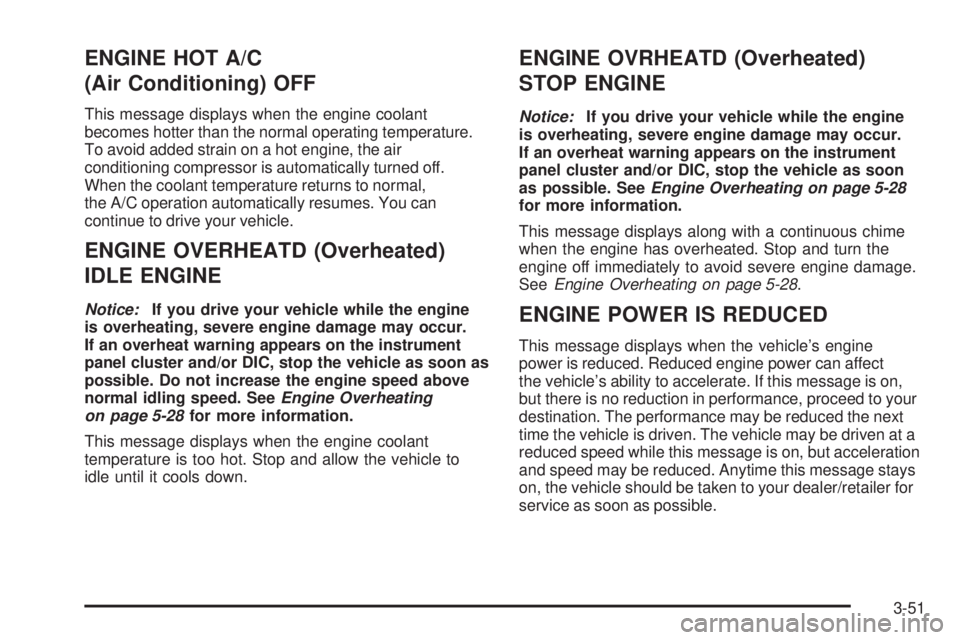
ENGINE HOT A/C
(Air Conditioning) OFF
This message displays when the engine coolant
becomes hotter than the normal operating temperature.
To avoid added strain on a hot engine, the air
conditioning compressor is automatically turned off.
When the coolant temperature returns to normal,
the A/C operation automatically resumes. You can
continue to drive your vehicle.
ENGINE OVERHEATD (Overheated)
IDLE ENGINE
Notice:If you drive your vehicle while the engine
is overheating, severe engine damage may occur.
If an overheat warning appears on the instrument
panel cluster and/or DIC, stop the vehicle as soon as
possible. Do not increase the engine speed above
normal idling speed. SeeEngine Overheating
on page 5-28for more information.
This message displays when the engine coolant
temperature is too hot. Stop and allow the vehicle to
idle until it cools down.
ENGINE OVRHEATD (Overheated)
STOP ENGINE
Notice:If you drive your vehicle while the engine
is overheating, severe engine damage may occur.
If an overheat warning appears on the instrument
panel cluster and/or DIC, stop the vehicle as soon
as possible. SeeEngine Overheating on page 5-28
for more information.
This message displays along with a continuous chime
when the engine has overheated. Stop and turn the
engine off immediately to avoid severe engine damage.
SeeEngine Overheating on page 5-28.
ENGINE POWER IS REDUCED
This message displays when the vehicle’s engine
power is reduced. Reduced engine power can affect
the vehicle’s ability to accelerate. If this message is on,
but there is no reduction in performance, proceed to your
destination. The performance may be reduced the next
time the vehicle is driven. The vehicle may be driven at a
reduced speed while this message is on, but acceleration
and speed may be reduced. Anytime this message stays
on, the vehicle should be taken to your dealer/retailer for
service as soon as possible.
3-51
Page 176 of 436
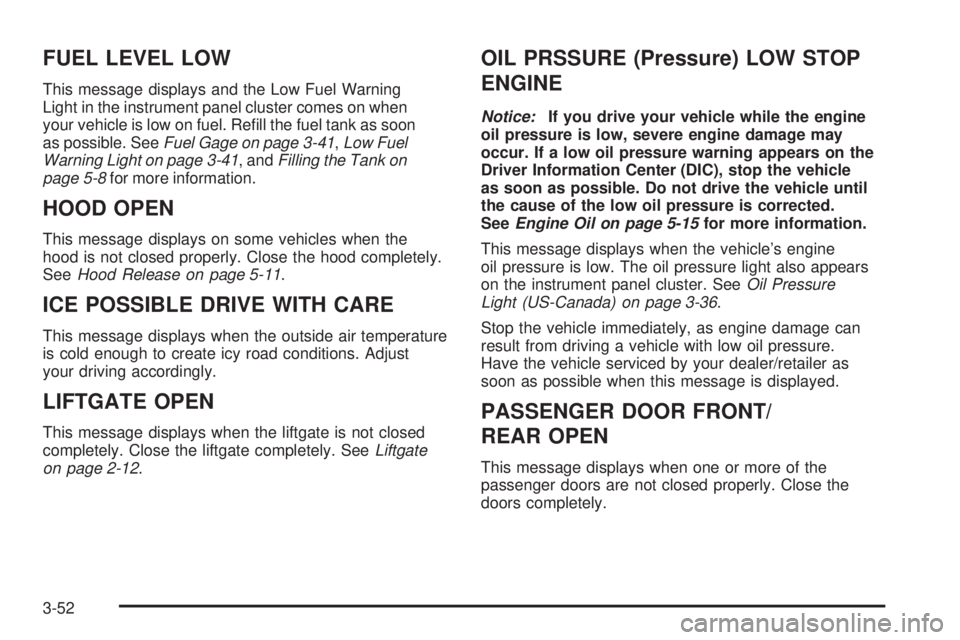
FUEL LEVEL LOW
This message displays and the Low Fuel Warning
Light in the instrument panel cluster comes on when
your vehicle is low on fuel. Rell the fuel tank as soon
as possible. SeeFuel Gage on page 3-41,Low Fuel
Warning Light on page 3-41, andFilling the Tank on
page 5-8for more information.
HOOD OPEN
This message displays on some vehicles when the
hood is not closed properly. Close the hood completely.
SeeHood Release on page 5-11.
ICE POSSIBLE DRIVE WITH CARE
This message displays when the outside air temperature
is cold enough to create icy road conditions. Adjust
your driving accordingly.
LIFTGATE OPEN
This message displays when the liftgate is not closed
completely. Close the liftgate completely. SeeLiftgate
on page 2-12.
OIL PRSSURE (Pressure) LOW STOP
ENGINE
Notice:If you drive your vehicle while the engine
oil pressure is low, severe engine damage may
occur. If a low oil pressure warning appears on the
Driver Information Center (DIC), stop the vehicle
as soon as possible. Do not drive the vehicle until
the cause of the low oil pressure is corrected.
SeeEngine Oil on page 5-15for more information.
This message displays when the vehicle’s engine
oil pressure is low. The oil pressure light also appears
on the instrument panel cluster. SeeOil Pressure
Light (US-Canada) on page 3-36.
Stop the vehicle immediately, as engine damage can
result from driving a vehicle with low oil pressure.
Have the vehicle serviced by your dealer/retailer as
soon as possible when this message is displayed.
PASSENGER DOOR FRONT/
REAR OPEN
This message displays when one or more of the
passenger doors are not closed properly. Close the
doors completely.
3-52
Page 177 of 436
REMOTE KEY LEARNING ACTIVE
This message displays while you are matching a
Remote Keyless Entry (RKE) transmitter to your vehicle.
See “LEARN REMOTE KEY” underDIC Operation
and Displays on page 3-42for more information.
SERVICE A/C (Air Conditioning)
SYSTEM
This message displays when there is a problem
detected in the air conditioning system. Have the
vehicle serviced by your dealer/retailer.
SERVICE AIR BAG
This message displays when there is a problem with
the airbag system. Have your vehicle serviced by your
dealer/retailer immediately. SeeAirbag Readiness
Light on page 3-28for more information.
SERVICE ALL WHEEL DRIVE
If your vehicle has the All-Wheel Drive (AWD)
system, this message displays along with the service
all-wheel drive light if a problem occurs with this system.
SeeService All-Wheel Drive Light on page 3-39. If this
message appears, stop as soon as possible and turn
off the vehicle. Restart the vehicle and check for themessage on the DIC display. If the message is still
displayed or appears again when you begin driving, the
AWD system needs service. See your dealer/retailer.
SERVICE BATTERY CHARGING
SYSTEM
This message displays when there is a problem with the
generator and battery charging systems. Driving with
this problem could drain the vehicle’s battery. Turn off all
unnecessary accessories. Stop and turn off the vehicle
as soon as it is safe to do so. Have the electrical
system checked by your dealer/retailer immediately.
Connecting a battery charger to your vehicle while the
ignition is in any position other than LOCK/OFF may
cause this message to appear. If you need to charge
your vehicle, make sure that the key is in LOCK/OFF
or out of the ignition during charging.
SERVICE BRAKE SYSTEM
This message displays and a chime sounds when the
brake uid level is low. The brake system warning
light also appears on the instrument panel cluster when
this message appears on the DIC. SeeBrake System
Warning Light on page 3-30. Have the brake system
serviced by your dealer/retailer as soon as possible.
3-53
Page 178 of 436
SERVICE POWER STEERING
On some vehicles, this message displays when a
problem is detected with the power steering system.
When this message is displayed, you may notice
that the effort required to steer the vehicle increases
or feels heavier, but you will still be able to steer
the vehicle. Have your vehicle serviced by your
dealer/retailer immediately.
SERVICE STABILITRAK
This message displays if there has been a problem
detected with the StabiliTrak®System. A warning
light also appears on the instrument panel cluster.
SeeTraction Control System (TCS) Warning Light
on page 3-32. SeeStabiliTrak
®System on page 4-6
for more information.
If this message turns on while you are driving, pull
off the road as soon as possible and stop carefully.
Try resetting the system by turning the ignition off and
then back on. If this message still stays on or turns
back on again while you are driving, your vehicle needs
service. Have the StabiliTrak
®System inspected by
your dealer/retailer as soon as possible.
SERVICE THEFT DETERRENT SYSTEM
This message displays when there is a problem with
the theft-deterrent system. A fault has been detected in
the system which means that the system is disabled
and it is not protecting the vehicle. The vehicle usually
restarts; however, you may want to take the vehicle
to your dealer/retailer before turning off the engine.
SeePASS-Key
®III+ Electronic Immobilizer Operation
on page 2-18for more information.
SERVICE TIRE MONITOR SYSTEM
This message displays if a part on the Tire Pressure
Monitor System (TPMS) is not working properly. The tire
pressure light also ashes and then remains on during
the same ignition cycle. SeeTire Pressure Light on
page 3-33. Several conditions may cause this message
to appear. SeeTire Pressure Monitor Operation on
page 5-59for more information. If the warning comes on
and stays on, there may be a problem with the TPMS.
See your dealer/retailer.
3-54
Page 179 of 436
SERVICE TRACTION CONTROL
This message displays when the Traction Control
System (TCS) is not functioning properly. A warning
light also appears on the instrument panel cluster.
SeeTraction Control System (TCS) Warning Light
on page 3-32andTraction Control System (TCS) on
page 4-7for more information. Have the TCS serviced
by your dealer/retailer as soon as possible.
SERVICE VEHICLE SOON
This message displays when a non-emissions related
malfunction occurs. Have the vehicle serviced by
your dealer/retailer as soon as possible.
STABILITRAK NOT READY
This message may display and a warning light on the
instrument panel cluster may be on after rst driving the
vehicle and exceeding 30 mph (48 km/h) for 30 seconds.
SeeTraction Control System (TCS) Warning Light on
page 3-32. The StabiliTrak
®System is not functional
until the light has turned off. SeeStabiliTrak®System
on page 4-6for more information.
STABILITRAK OFF
This message displays any time the StabiliTrak®
System turns off. When this message has been
displayed, StabiliTrak®is no longer available to assist
you with directional control of the vehicle. Adjust your
driving accordingly. SeeStabiliTrak
®System on
page 4-6.
This message displays only while the ignition is in
ON/RUN.
Any of the following conditions may cause the
StabiliTrak
®System to turn off:
The StabiliTrak®System is turned off by
pressing and holding the traction control button.
SeeStabiliTrak
®System on page 4-6for more
information.
The battery is low.
There is a StabiliTrak®System failure. See your
dealer/retailer for service.
3-55
Page 180 of 436

STARTING DISABLD (Disabled)
SERVICE THRTTLE (Throttle)
This message displays if the starting of the engine is
disabled due to the electronic throttle control system.
Have your vehicle serviced by your dealer/retailer
immediately.
This message only appears while the ignition is in
ON/RUN, and will not disappear until the problem
is resolved.
This message cannot be acknowledged.
THEFT ATTEMPTED
This message displays if the content theft-deterrent
system has detected a break-in attempt while you were
away from your vehicle. SeeContent Theft-Deterrent
on page 2-17for more information.
TIRE LEARNING ACTIVE
This message displays when the Tire Pressure Monitor
System (TPMS) is re-learning the tire positions on
your vehicle. The tire positions must be re-learned
after rotating the tires or after replacing a tire or
sensor. SeeTire Inspection and Rotation on page 5-62,
Tire Pressure Monitor System on page 5-57, and
Inflation - Tire Pressure on page 5-55for more
information.
TRACTION CONTROL OFF
This message displays when the Traction Control
System (TCS) turns off. SeeTraction Control
System (TCS) on page 4-7for more information.
This message only displays while the ignition is in
ON/RUN and disappears after 10 seconds, unless it
is acknowledged or an urgent warning appears.
Any of the following conditions may cause the TCS to
turn off:
The TCS is turned off by pressing the traction
control button. SeeTraction Control System (TCS)
on page 4-7for more information.
The battery is low.
There is a TCS failure. See your dealer/retailer for
service.
TRACTION CONTROL ON
This message displays when the Traction Control
System (TCS) turns on. SeeTraction Control System
(TCS) on page 4-7for more information.
3-56
Page 248 of 436
Braking
SeeBrake System Warning Light on page 3-30.
Braking action involves perception time and reaction
time. Deciding to push the brake pedal is perception
time. Actually doing it is reaction time.
Average reaction time is about three-fourths of a
second. But that is only an average. It might be less
with one driver and as long as two or three seconds or
more with another. Age, physical condition, alertness,
coordination, and eyesight all play a part. So do alcohol,
drugs, and frustration. But even in three-fourths of a
second, a vehicle moving at 60 mph (100 km/h) travels
66 feet (20 m). That could be a lot of distance in an
emergency, so keeping enough space between
the vehicle and others is important.
And, of course, actual stopping distances vary greatly
with the surface of the road, whether it is pavement
or gravel; the condition of the road, whether it is
wet, dry, or icy; tire tread; the condition of the brakes;
the weight of the vehicle; and the amount of brake force
applied.Avoid needless heavy braking. Some people drive
in spurts — heavy acceleration followed by heavy
braking — rather than keeping pace with traffic.
This is a mistake. The brakes might not have time
to cool between hard stops. The brakes will wear
out much faster with a lot of heavy braking. Keeping
pace with the traffic and allowing realistic following
distances eliminates a lot of unnecessary braking.
That means better braking and longer brake life.
If the engine ever stops while the vehicle is being driven,
brake normally but do not pump the brakes. If the brakes
are pumped, the pedal could get harder to push down.
If the engine stops, there will still be some power brake
assist but it will be used when the brake is applied. Once
the power assist is used up, it can take longer to stop and
the brake pedal will be harder to push.
Adding non-dealer/non-retailer accessories can affect
vehicle performance. SeeAccessories and Modifications
on page 5-3.
4-4
Page 249 of 436
Antilock Brake System (ABS)
This vehicle has the Antilock Brake System (ABS), an
advanced electronic braking system that helps prevent a
braking skid.
When the engine is started and the vehicle begins to
drive away, ABS checks itself. A momentary motor
or clicking noise might be heard while this test is going
on, and it might even be noticed that the brake pedal
moves a little. This is normal.
If there is a problem with
ABS, this warning light
stays on. SeeAntilock
Brake System (ABS)
Warning Light on
page 3-31.
Let us say the road is wet and you are driving safely.
Suddenly, an animal jumps out in front of you. You slam
on the brakes and continue braking. Here is what
happens with ABS:
A computer senses that the wheels are slowing down.
If one of the wheels is about to stop rolling, the computer
will separately work the brakes at each wheel.ABS can change the brake pressure to each wheel, as
required, faster than any driver could. This can help
the driver steer around the obstacle while braking hard.
As the brakes are applied, the computer keeps
receiving updates on wheel speed and controls braking
pressure accordingly.
Remember: ABS does not change the time needed to get
a foot up to the brake pedal or always decrease stopping
distance. If you get too close to the vehicle in front of you,
there will not be enough time to apply the brakes if that
vehicle suddenly slows or stops. Always leave enough
room up ahead to stop, even with ABS.
Using ABS
Do not pump the brakes. Just hold the brake pedal
down rmly and let antilock work. The antilock pump or
motor might be heard operating and the brake pedal
might be felt to pulsate, but this is normal.
Braking in Emergencies
ABS allows the driver to steer and brake at the same
time. In many emergencies, steering can help more than
even the very best braking.
4-5