steering PONTIAC VIBE 2010 Owner's Manual
[x] Cancel search | Manufacturer: PONTIAC, Model Year: 2010, Model line: VIBE, Model: PONTIAC VIBE 2010Pages: 318, PDF Size: 1.7 MB
Page 141 of 318
The three types of skids correspond
to the vehicle’s three control
systems. In the braking skid, the
wheels are not rolling. In the steering
or cornering skid, too much speed or
steering in a curve causes tires to
slip and lose cornering force. And in
the acceleration skid, too much
throttle causes the driving wheels
to spin.
If the vehicle starts to slide, ease
your foot off the accelerator pedal
and quickly steer the way you want
the vehicle to go. If you start steering
quickly enough, the vehicle may
straighten out. Always be ready
for a second skid if it occurs.
Of course, traction is reduced when
water, snow, ice, gravel, or other
material is on the road. For safety,
slow down and adjust your driving to
these conditions. It is important to
slow down on slippery surfaces
because stopping distance is longer
and vehicle control more limited.While driving on a surface with
reduced traction, try your best to
avoid sudden steering, acceleration,
or braking, including reducing vehicle
speed by shifting to a lower gear.
Any sudden changes could cause
the tires to slide. You might not
realize the surface is slippery until
the vehicle is skidding. Learn to
recognize warning clues — such as
enough water, ice, or packed snow
on the road to make a mirrored
surface — and slow down when you
have any doubt.
Remember: Any Antilock Brake
System (ABS) helps avoid only the
braking skid.
Driving on Wet Roads
Rain and wet roads can reduce
vehicle traction and affect your ability
to stop and accelerate. Always drive
slower in these types of driving
conditions and avoid driving through
large puddles and deep-standing or
flowing water.
{CAUTION
Wet brakes can cause crashes.
They might not work as well in
a quick stop and could cause
pulling to one side. You could
lose control of the vehicle.
After driving through a large
puddle of water or a car/vehicle
wash, lightly apply the brake pedal
until the brakes work normally.
Flowing or rushing water creates
strong forces. Driving through
flowing water could cause your
vehicle to be carried away. If this
happens, you and other vehicle
occupants could drown. Do not
ignore police warnings and be
very cautious about trying to
drive through flowing water.
Driving and Operating 8-7
Page 143 of 318
{CAUTION
Coasting downhill in N (Neutral) or
with the ignition off is dangerous.
The brakes will have to do all the
work of slowing down and they
could get so hot that they would
not work well. You would then
have poor braking or even none
going down a hill. You could crash.
Always have the engine running
and the vehicle in gear when going
downhill.
•Stay in your own lane. Do not
swing wide or cut across the
center of the road. Drive at
speeds that let you stay in your
own lane.
•Top of hills: Be alert — something
could be in your lane (stalled car,
accident).
•Pay attention to special road
signs (falling rocks area, winding
roads, long grades, passing or
no-passing zones) and take
appropriate action.
Winter Driving
Driving on Snow or Ice
Drive carefully when there is snow or
ice between the tires and the road,
creating less traction or grip. Wet ice
can occur at about 0°C (32°F) when
freezing rain begins to fall, resulting
in even less traction. Avoid driving on
wet ice or in freezing rain until roads
can be treated with salt or sand.
Drive with caution, whatever the
condition. Accelerate gently so
traction is not lost. Accelerating too
quickly causes the wheels to spin
and makes the surface under the
tires slick, so there is even less
traction.Try not to break the fragile traction.
If you accelerate too fast, the drive
wheels will spin and polish the
surface under the tires even more.
The
Antilock Brake System (ABS) on
page 8-32 improves vehicle stability
during hard stops on a slippery
roads, but apply the brakes sooner
than when on dry pavement.
Allow greater following distance on
any slippery road and watch for
slippery spots. Icy patches can occur
on otherwise clear roads in shaded
areas. The surface of a curve or an
overpass can remain icy when the
surrounding roads are clear. Avoid
sudden steering maneuvers and
braking while on ice.
Turn off cruise control, if equipped,
on slippery surfaces.
Driving and Operating 8-9
Page 145 of 318
To save fuel, run the engine for only
short periods as needed to warm the
vehicle and then shut the engine off
and close the window most of the
way to save heat. Repeat this until
help arrives but only when you feel
really uncomfortable from the cold.
Moving about to keep warm also
helps.
If it takes some time for help to
arrive, now and then when you run
the engine, push the accelerator
pedal slightly so the engine runs
faster than the idle speed. This
keeps the battery charged to restart
the vehicle and to signal for help with
the headlamps. Do this as little as
possible to save fuel.If the Vehicle is Stuck
Slowly and cautiously spin the
wheels to free the vehicle when
stuck in sand, mud, ice, or snow.
{CAUTION
If you let your vehicle’s tires spin at
high speed, they can explode, and
you or others could be injured. The
vehicle can overheat, causing an
engine compartment fire or other
damage. Spin the wheels as little
as possible and avoid going above
55 km/h (35 mph) as shown on the
speedometer.
For information about using tire
chains on the vehicle, see Tire
Chains on page 9-61 .
Rocking the Vehicle to Get
it Out
Turn the steering wheel left and
right to clear the area around the
front wheels. Turn off any traction
system. Shift back and forth between
R (Reverse) and a forward gear,
or with a manual transmission,
between 1 (First) or 2 (Second) and
R (Reverse), spinning the wheels
as little as possible. To prevent
transmission wear, wait until the
wheels stop spinning before shifting
gears. Release the accelerator pedal
while shifting, and press lightly on
the accelerator pedal when the
transmission is in gear. Slowly
spinning the wheels in the forward
and reverse directions causes a
rocking motion that could free the
vehicle. If that does not get the
vehicle out after a few tries, it might
need to be towed out. If the vehicle
does need to be towed out, see
Towing the Vehicle on page 9-73 .
Driving and Operating 8-11
Page 151 of 318
LOCK/OFF:This is the only position
from which you can remove the key.
This locks the steering wheel,
ignition and automatic transmission.
Push in the ignition switch as you
turn the key toward you.
On vehicles with an automatic
transmission, the shift lever must be
in P (Park) to turn the ignition switch
to the LOCK/OFF position.
A warning tone will sound if the driver
door is opened with the key in the
ignition.
The ignition switch can bind in the
LOCK/OFF position with your wheels
turned off center. If this happens,
move the steering wheel from right
to left while turning the key to
ACC/ACCESSORY. If this doesn’t
work, then the vehicle needs service.{CAUTION
On manual transmission vehicles,
turning the key to LOCK/OFF and
removing it will lock the steering
column and result in a loss of
ability to steer the vehicle.
This could cause a collision.
If you need to turn the engine
off while the vehicle is moving,
turn the key only to ACC/
ACCESSORY. Do not push the
key in while the vehicle is moving.
ACC/ACCESSORY: This position
provides power to some of the
electrical accessories. It unlocks the
steering wheel and ignition. To move
the key from ACC/ACCESSORY to
LOCK/OFF, push in the key and then
turn it to LOCK/OFF.
A warning tone will sound when the
driver door is opened when the
ignition is still in ACC/ACCESSORY
or LOCK/OFF and the key is in the
ignition. ON/RUN:
The ignition switch stays
in this position when the engine is
running. This position can be used
to operate the electrical accessories,
including the ventilation fan and
115 volt power outlet, as well as to
display some warning and indicator
lights. The transmission is also
unlocked in this position on
automatic transmission vehicles.
The battery could be drained
if you leave the key in the ACC/
ACCESSORY or ON/RUN position
with the engine off. You may not be
able to start the vehicle if the battery
is allowed to drain for an extended
period of time.
START: This position starts the
engine. When the engine starts,
release the key. The ignition switch
will return to ON/RUN for normal
driving.
Driving and Operating 8-17
Page 166 of 318
Brakes
Antilock Brake
System (ABS)
This vehicle has the Antilock Brake
System (ABS), an advanced
electronic braking system that
helps prevent a braking skid.
When the engine is started and the
vehicle begins to drive away, ABS
checks itself. A momentary motor or
clicking noise might be heard while
this test is going on, and it might
even be noticed that the brake pedal
moves a little. This is normal.
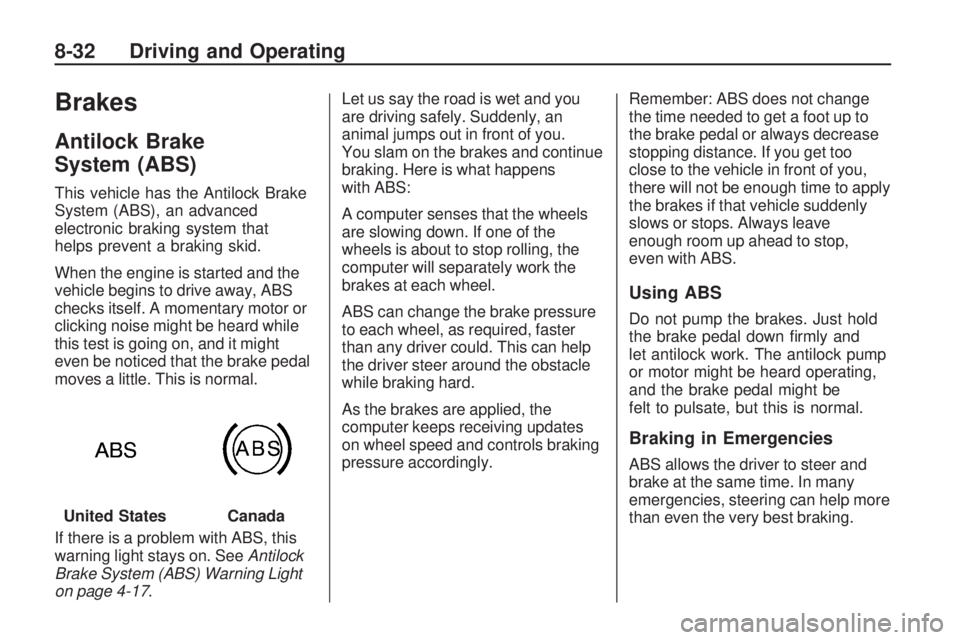
If there is a problem with ABS, this
warning light stays on. SeeAntilock
Brake System (ABS) Warning Light
on page 4-17. Let us say the road is wet and you
are driving safely. Suddenly, an
animal jumps out in front of you.
You slam on the brakes and continue
braking. Here is what happens
with ABS:
A computer senses that the wheels
are slowing down. If one of the
wheels is about to stop rolling, the
computer will separately work the
brakes at each wheel.
ABS can change the brake pressure
to each wheel, as required, faster
than any driver could. This can help
the driver steer around the obstacle
while braking hard.
As the brakes are applied, the
computer keeps receiving updates
on wheel speed and controls braking
pressure accordingly.
Remember: ABS does not change
the time needed to get a foot up to
the brake pedal or always decrease
stopping distance. If you get too
close to the vehicle in front of you,
there will not be enough time to apply
the brakes if that vehicle suddenly
slows or stops. Always leave
enough room up ahead to stop,
even with ABS.
Using ABS
Do not pump the brakes. Just hold
the brake pedal down firmly and
let antilock work. The antilock pump
or motor might be heard operating,
and the brake pedal might be
felt to pulsate, but this is normal.
Braking in Emergencies
ABS allows the driver to steer and
brake at the same time. In many
emergencies, steering can help more
than even the very best braking.
United States
Canada
8-32 Driving and Operating
Page 168 of 318
When the ignition is turned to
ON/RUN, the system automatically
turns on. If the system has been
turned off, it will automatically turn on
at 55 km/h (35 mph). TCS cannot be
turned off above 55 km/h (35 mph).
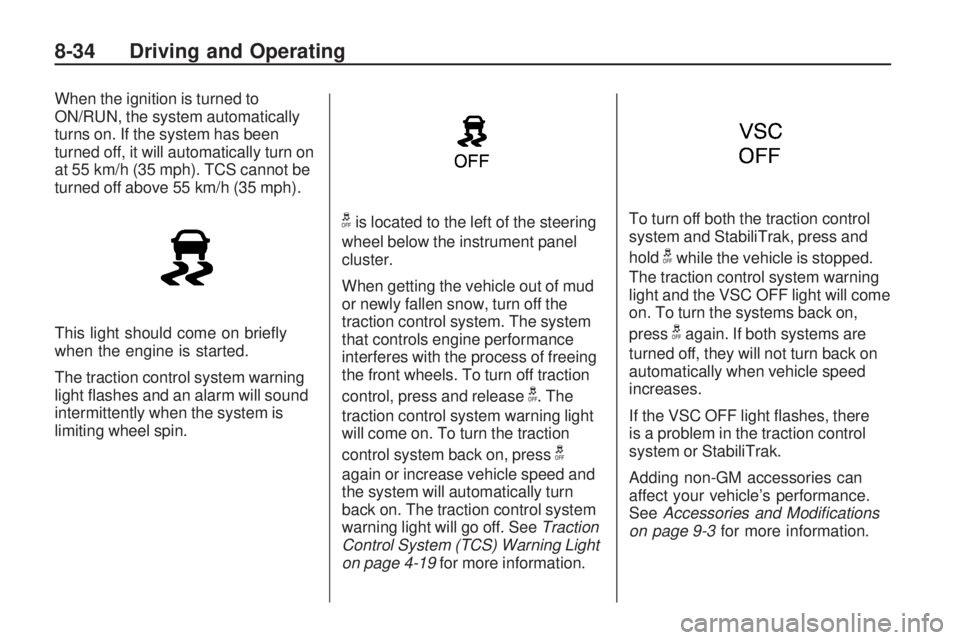
This light should come on briefly
when the engine is started.
The traction control system warning
light flashes and an alarm will sound
intermittently when the system is
limiting wheel spin.
gis located to the left of the steering
wheel below the instrument panel
cluster.
When getting the vehicle out of mud
or newly fallen snow, turn off the
traction control system. The system
that controls engine performance
interferes with the process of freeing
the front wheels. To turn off traction
control, press and release
g. The
traction control system warning light
will come on. To turn the traction
control system back on, press
g
again or increase vehicle speed and
the system will automatically turn
back on. The traction control system
warning light will go off. See Traction
Control System (TCS) Warning Light
on page 4-19 for more information. To turn off both the traction control
system and StabiliTrak, press and
hold
gwhile the vehicle is stopped.
The traction control system warning
light and the VSC OFF light will come
on. To turn the systems back on,
press
gagain. If both systems are
turned off, they will not turn back on
automatically when vehicle speed
increases.
If the VSC OFF light flashes, there
is a problem in the traction control
system or StabiliTrak.
Adding non-GM accessories can
affect your vehicle’s performance.
See Accessories and Modications
on page 9-3 for more information.
8-34 Driving and Operating
Page 169 of 318
StabiliTrak System
The vehicle has the StabiliTrak
system which combines antilock
brake, traction and stability control
systems. This system automatically
controls the brakes and engine to
help prevent the vehicle from
skidding when cornering on a
slippery road surface or turning
the steering wheel abruptly.
This system activates when the
vehicle speed reaches or exceeds
15 km/h (9 mph), and deactivates
when the vehicle speed reduces to
below 15 km/h (9 mph).
A sound may be heard in the engine
compartment for a few seconds
when the engine is started or just
after the vehicle begins to move.
This means that the system is in
the self-check mode, but does not
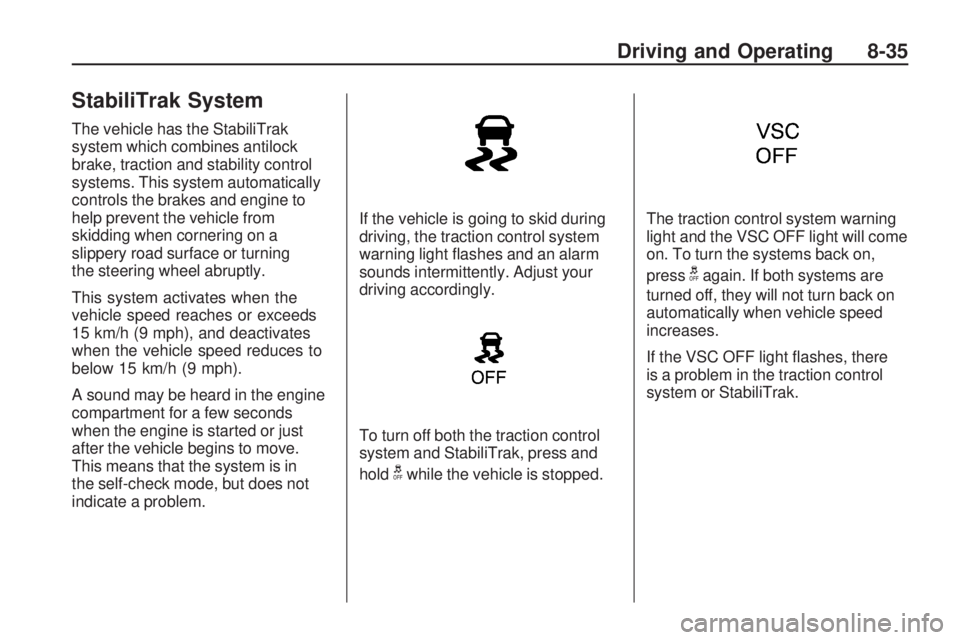
indicate a problem.If the vehicle is going to skid during
driving, the traction control system
warning light flashes and an alarm
sounds intermittently. Adjust your
driving accordingly.
To turn off both the traction control
system and StabiliTrak, press and
hold
gwhile the vehicle is stopped.
The traction control system warning
light and the VSC OFF light will come
on. To turn the systems back on,
press
gagain. If both systems are
turned off, they will not turn back on
automatically when vehicle speed
increases.
If the VSC OFF light flashes, there
is a problem in the traction control
system or StabiliTrak.
Driving and Operating 8-35
Page 170 of 318
Cruise Control
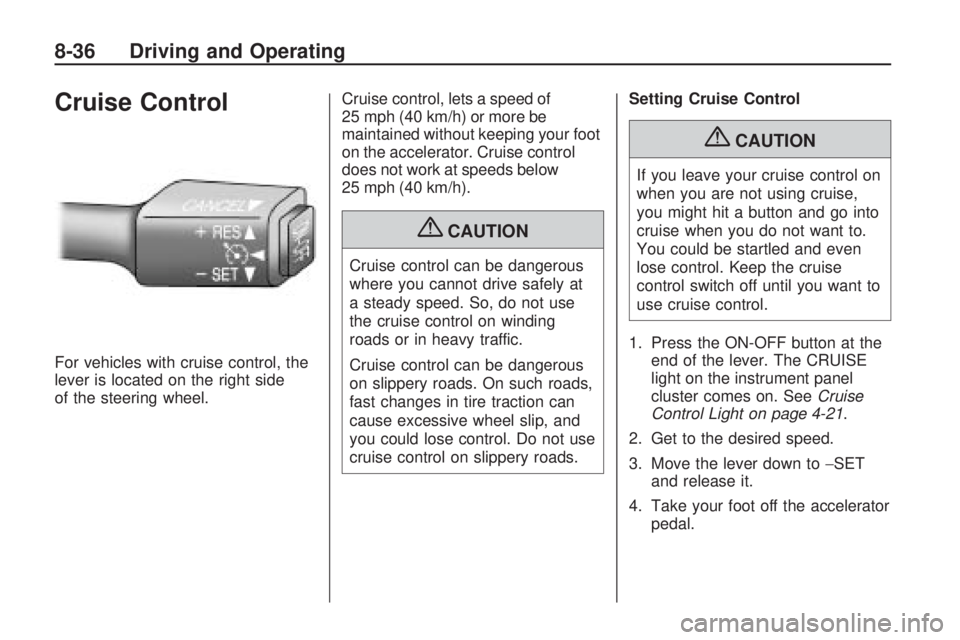
For vehicles with cruise control, the
lever is located on the right side
of the steering wheel.Cruise control, lets a speed of
25 mph (40 km/h) or more be
maintained without keeping your foot
on the accelerator. Cruise control
does not work at speeds below
25 mph (40 km/h).
{CAUTION
Cruise control can be dangerous
where you cannot drive safely at
a steady speed. So, do not use
the cruise control on winding
roads or in heavy traffic.
Cruise control can be dangerous
on slippery roads. On such roads,
fast changes in tire traction can
cause excessive wheel slip, and
you could lose control. Do not use
cruise control on slippery roads.Setting Cruise Control
{CAUTION
If you leave your cruise control on
when you are not using cruise,
you might hit a button and go into
cruise when you do not want to.
You could be startled and even
lose control. Keep the cruise
control switch off until you want to
use cruise control.
1. Press the ON-OFF button at the end of the lever. The CRUISE
light on the instrument panel
cluster comes on. See Cruise
Control Light on page 4-21 .
2. Get to the desired speed.
3. Move the lever down to −SET
and release it.
4. Take your foot off the accelerator pedal.
8-36 Driving and Operating
Page 179 of 318
•Vehicles with an automatic
transmission can tow in D (Drive).
Shift the transmission to a lower
gear if the transmission shifts too
often under heavy loads and/or
hilly conditions. For vehicles with
a manual transmission, it is better
not to use the highest gear.
•Use the Sport Shift mode and the
cruise control when towing.
•Obey speed limit restrictions
when towing a trailer. Do not drive
faster than the maximum posted
speed for trailers, or no more than
90 km/h (55 mph), to save wear
on the vehicle’s parts.
Driving with a Trailer
Towing a trailer requires a certain
amount of experience. Get to know
the rig before setting out for the open
road. Get acquainted with the feel of
handling and braking with the added
weight of the trailer. And always keep
in mind that the vehicle you are
driving is now longer and not as
responsive as the vehicle is by itself.Before starting, check all trailer
hitch parts and attachments, safety
chains, electrical connectors, lamps,
tires and mirror adjustments. If the
trailer has electric brakes, start the
vehicle and trailer moving and then
apply the trailer brake controller by
hand to be sure the brakes are
working. This checks the electrical
connection at the same time.
During the trip, check occasionally
to be sure that the load is secure,
and that the lamps and any
trailer brakes are still working.
Towing with StabiliTrak
When towing, the sound of the
StabiliTrak modulator might
be heard. StabiliTrak is reacting to
the vehicle movement caused
by the trailer, which mainly occurs
during cornering. This is normal
when towing heavier trailers.
Following Distance
Stay at least twice as far behind the
vehicle ahead as you would when
driving the vehicle without a trailer.
This can help to avoid situations that
require heavy braking and sudden
turns.
Passing
More passing distance is needed
when towing a trailer. Because the
rig is longer, it is necessary to go
much farther beyond the passed
vehicle before returning to the lane.
Backing Up
Hold the bottom of the steering wheel
with one hand. Then, to move the
trailer to the left, move that hand to
the left. To move the trailer to the
right, move your hand to the right.
Always back up slowly and, if
possible, have someone guide you.
Driving and Operating 8-45
Page 185 of 318
Vehicle Care
General InformationGeneral Information..............
.9-2
California Proposition 65 Warning ........................
.9-2
California Perchlorate Materials Requirements ........9-3
Accessories and Modifications ......................
.9-3
Vehicle ChecksDoing Your Own
Service Work .....................
.9-4
Hood ..................................
.9-5
Engine Compartment Overview ...........................
.9-6
Engine Oil ...........................
.9-9
Automatic Transmission Fluid ...............................
.9-12
Manual Transmission Fluid . . . .9-14
Hydraulic Clutch .................
.9-15
Engine Air Cleaner/Filter .......9-16
Cooling System ..................
.9-19
Engine Coolant ..................
.9-19Engine Overheating
.............9-23
Power Steering Fluid ............9-24
Washer Fluid .....................
.9-24
Brakes ..............................
.9-26
Brake Fluid ........................
.9-27
Battery ..............................
.9-28
All-Wheel Drive ..................
.9-29
Starter Switch Check ............9-30
Wiper Blade Replacement .....9-30
Headlamp AimingHeadlamp Aiming...............
.9-32
Bulb ReplacementBulb Replacement ..............
.9-33
Halogen Bulbs ...................
.9-33
Headlamps and Parking Lamps .............................
.9-33
Taillamps ...........................
.9-35
License Plate Lamp .............9-36
Replacement Bulbs .............
.9-37
Electrical SystemElectrical System Overload . . . .9-37
Fuses and Circuit Breakers . . .9-38
Engine Compartment Fuse Block ..............................
.9-38
Instrument Panel Fuse Block ..............................
.9-41
Wheels and TiresTires.................................
.9-43
Tire Sidewall Labeling ..........9-44
Tire Designations ................
.9-46
Tire Terminology and Definitions ........................
.9-46
Tire Pressure .....................
.9-49
Tire Pressure Monitor System ............................
.9-50
Tire Pressure Monitor Operation .........................
.9-52
Tire Inspection ...................
.9-54
Tire Rotation ......................
.9-55
When It Is Time for New Tires ...............................
.9-56
Buying New Tires ...............
.9-56
Different Size Tires and Wheels ............................
.9-58
Uniform Tire Quality Grading ...........................
.9-58
Wheel Alignment and Tire Balance ...........................
.9-60
Wheel Replacement .............9-60
Tire Chains ........................
.9-61
If a Tire Goes Flat ..............
.9-62
Tire Changing ....................
.9-63
Compact Spare Tire .............9-68
Vehicle Care 9-1