air condition Ram 1500 2009 User Guide
[x] Cancel search | Manufacturer: RAM, Model Year: 2009, Model line: 1500, Model: Ram 1500 2009Pages: 543, PDF Size: 7.75 MB
Page 295 of 543
RADIO OPERATION AND CELLULAR PHONES
Under certain conditions, the operation of a cellular
phone in your vehicle can cause erratic or noisy perfor-
mance from your radio. This condition may be lessened
or eliminated by relocating the cellular phone antenna.
This condition is not harmful to the radio. If your radio
performance does not satisfactorily “clear” by the repo-
sitioning of the antenna, it is recommended that the radio
volume be turned down or off during cellular phone
operation.
CLIMATE CONTROLS
The Climate Control System allows you to regulate the
temperature, amount, and direction of air circulating
throughout the vehicle. The controls are located on the
instrument panel below the radio.
Manual Heating and Air Conditioning System
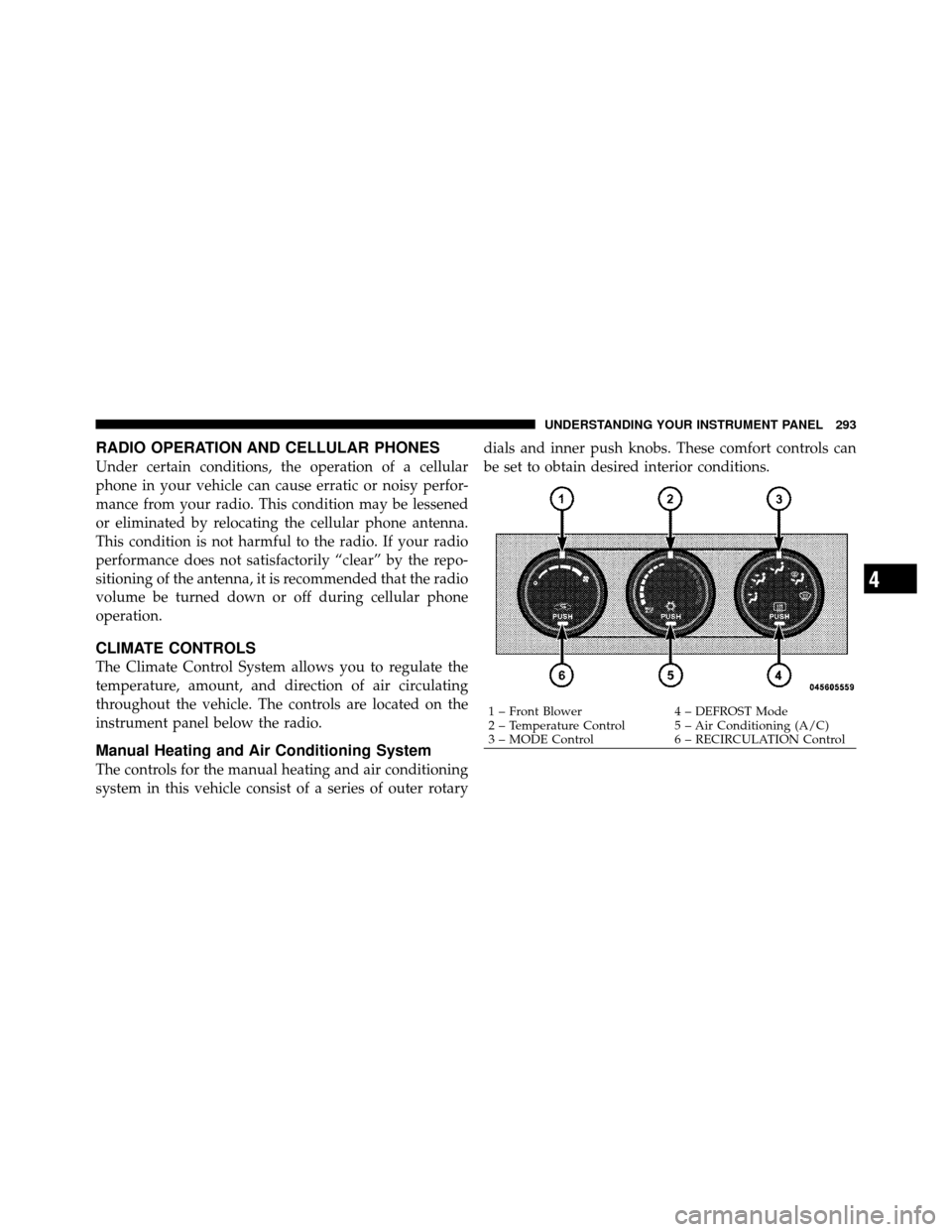
The controls for the manual heating and air conditioning
system in this vehicle consist of a series of outer rotarydials and inner push knobs. These comfort controls can
be set to obtain desired interior conditions.
1 – Front Blower
4 – DEFROST Mode
2 – Temperature Control 5 – Air Conditioning (A/C)
3 – MODE Control 6 – RECIRCULATION Control
4
UNDERSTANDING YOUR INSTRUMENT PANEL 293
Page 296 of 543
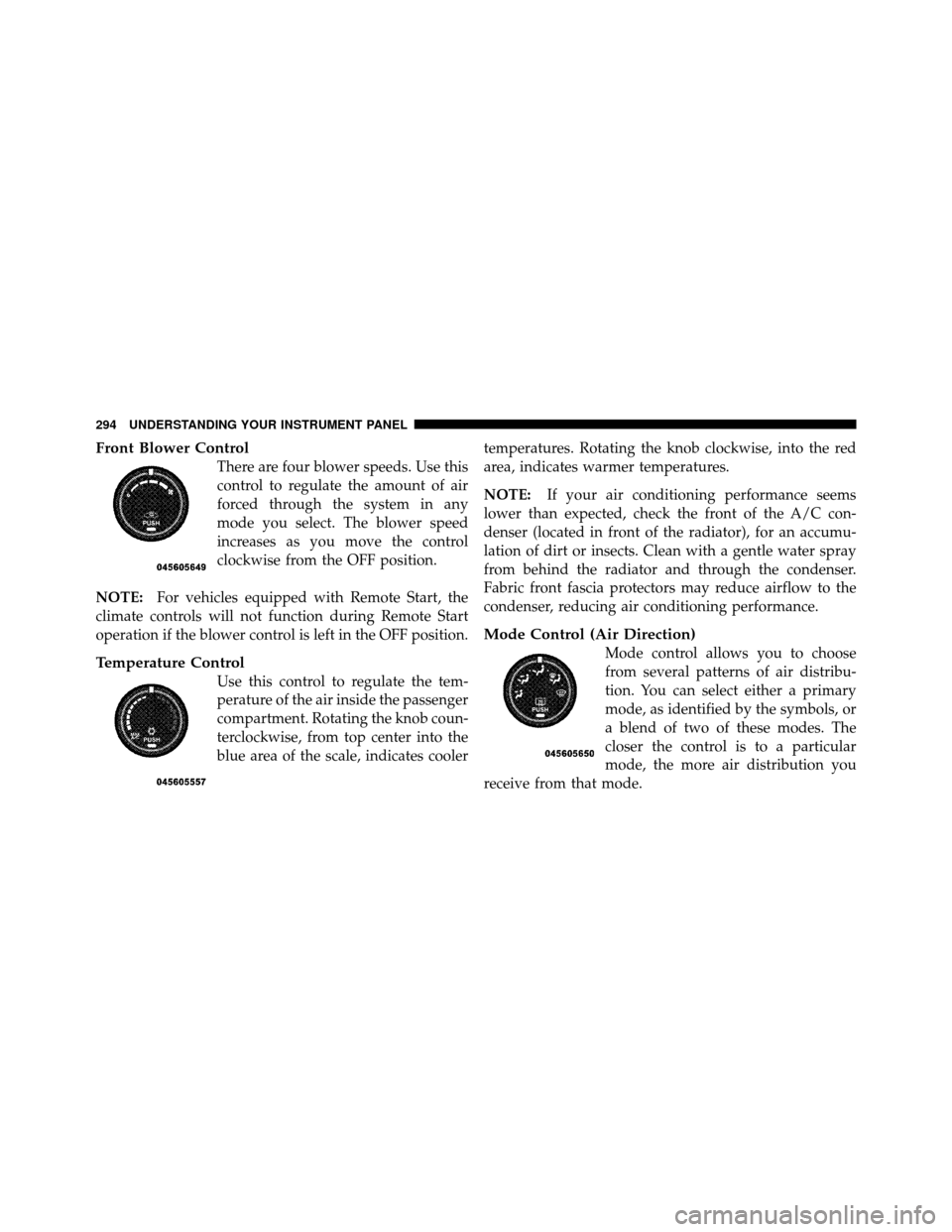
Front Blower Control
There are four blower speeds. Use this
control to regulate the amount of air
forced through the system in any
mode you select. The blower speed
increases as you move the control
clockwise from the OFF position.
NOTE: For vehicles equipped with Remote Start, the
climate controls will not function during Remote Start
operation if the blower control is left in the OFF position.
Temperature Control
Use this control to regulate the tem-
perature of the air inside the passenger
compartment. Rotating the knob coun-
terclockwise, from top center into the
blue area of the scale, indicates cooler temperatures. Rotating the knob clockwise, into the red
area, indicates warmer temperatures.
NOTE:
If your air conditioning performance seems
lower than expected, check the front of the A/C con-
denser (located in front of the radiator), for an accumu-
lation of dirt or insects. Clean with a gentle water spray
from behind the radiator and through the condenser.
Fabric front fascia protectors may reduce airflow to the
condenser, reducing air conditioning performance.
Mode Control (Air Direction)
Mode control allows you to choose
from several patterns of air distribu-
tion. You can select either a primary
mode, as identified by the symbols, or
a blend of two of these modes. The
closer the control is to a particular
mode, the more air distribution you
receive from that mode.
294 UNDERSTANDING YOUR INSTRUMENT PANEL
Page 297 of 543
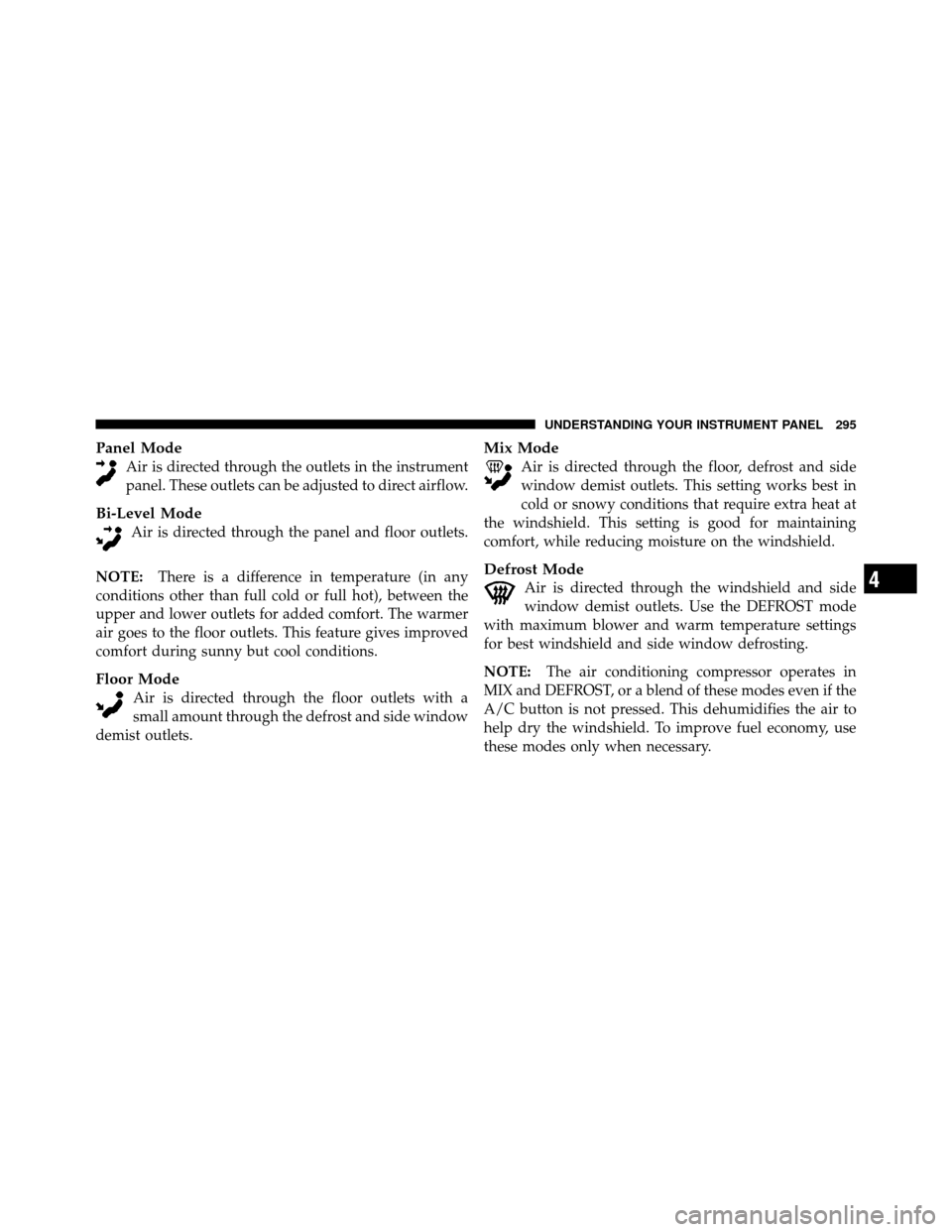
Panel Mode
Air is directed through the outlets in the instrument
panel. These outlets can be adjusted to direct airflow.
Bi-Level Mode
Air is directed through the panel and floor outlets.
NOTE: There is a difference in temperature (in any
conditions other than full cold or full hot), between the
upper and lower outlets for added comfort. The warmer
air goes to the floor outlets. This feature gives improved
comfort during sunny but cool conditions.
Floor Mode
Air is directed through the floor outlets with a
small amount through the defrost and side window
demist outlets.
Mix Mode
Air is directed through the floor, defrost and side
window demist outlets. This setting works best in
cold or snowy conditions that require extra heat at
the windshield. This setting is good for maintaining
comfort, while reducing moisture on the windshield.
Defrost Mode
Air is directed through the windshield and side
window demist outlets. Use the DEFROST mode
with maximum blower and warm temperature settings
for best windshield and side window defrosting.
NOTE: The air conditioning compressor operates in
MIX and DEFROST, or a blend of these modes even if the
A/C button is not pressed. This dehumidifies the air to
help dry the windshield. To improve fuel economy, use
these modes only when necessary.4
UNDERSTANDING YOUR INSTRUMENT PANEL 295
Page 299 of 543
Economy Mode
If ECONOMY mode is desired, press the A/C button to
turn off the indicator light and the A/C compressor. Rotate
the temperature control knob to the desired temperature.
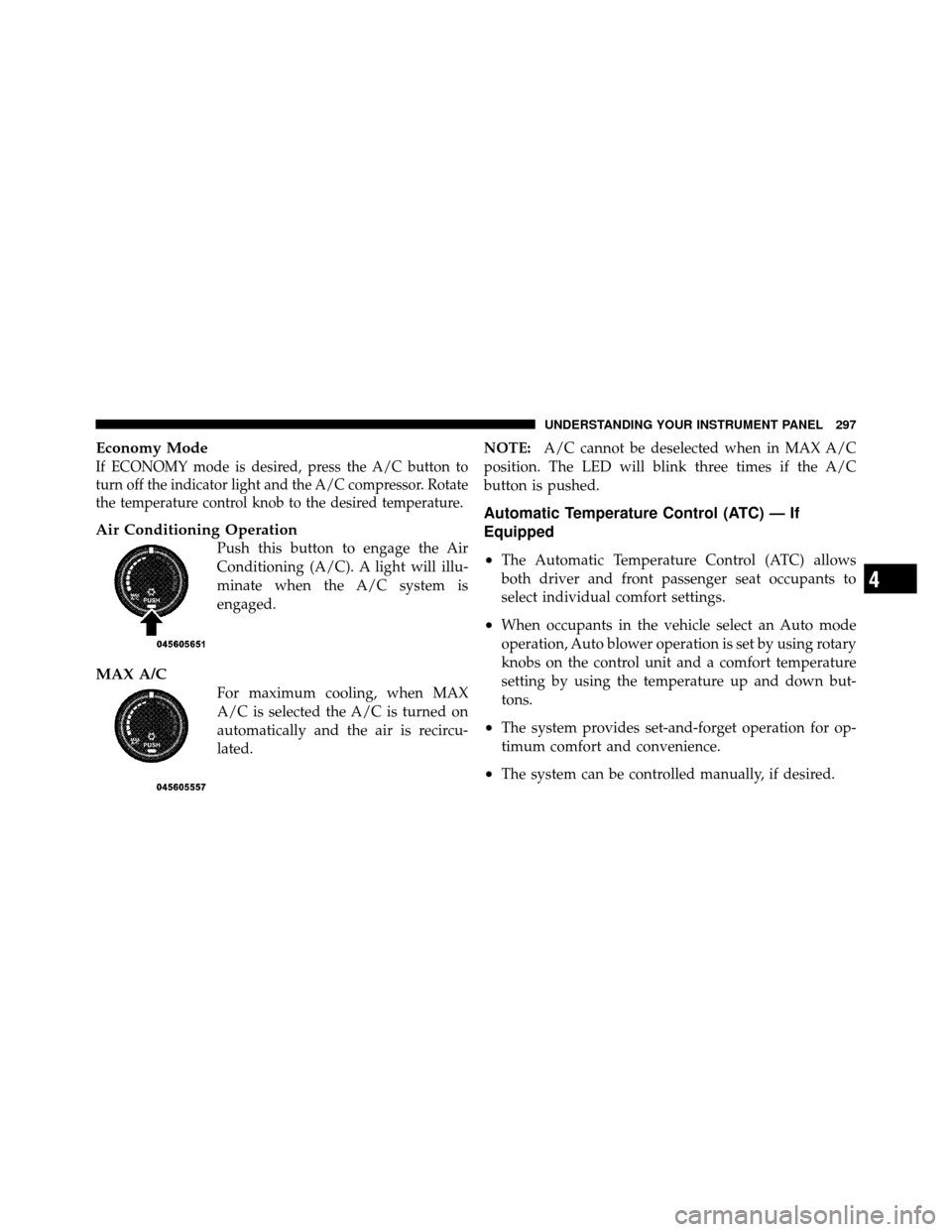
Air Conditioning Operation
Push this button to engage the Air
Conditioning (A/C). A light will illu-
minate when the A/C system is
engaged.
MAX A/C
For maximum cooling, when MAX
A/C is selected the A/C is turned on
automatically and the air is recircu-
lated.NOTE:
A/C cannot be deselected when in MAX A/C
position. The LED will blink three times if the A/C
button is pushed.
Automatic Temperature Control (ATC) — If
Equipped
•
The Automatic Temperature Control (ATC) allows
both driver and front passenger seat occupants to
select individual comfort settings.
•When occupants in the vehicle select an Auto mode
operation, Auto blower operation is set by using rotary
knobs on the control unit and a comfort temperature
setting by using the temperature up and down but-
tons.
•The system provides set-and-forget operation for op-
timum comfort and convenience.
•The system can be controlled manually, if desired.
4
UNDERSTANDING YOUR INSTRUMENT PANEL 297
Page 303 of 543
Floor ModeAir comes from the floor outlets. A slight amount of
air is directed through the defrost and side window
demister outlets.
Mix Mode Air comes from the floor, defrost and side window
demist outlets. This mode works best in cold or
snowy conditions. It allows you to stay comfortable
while keeping the windshield clear.
Defrost Mode Air comes from the windshield and side window
demist outlets. Use Defrost mode with maximum
blower and temperature settings for best windshield and
side window defrosting.
NOTE: While operating in the other modes, the system
will not automatically sense the presence of fog, mist or
ice on the windshield. Defrost mode must be manually
selected to clear the windshield and side glass. The Air Conditioning (A/C) button allows the
operator to manually activate or deactivate the air
conditioning system. When in A/C mode and the
ATC is set to a cool temperature, dehumidified air flows
through the air outlets. If Economy mode is desired, press
the A/C button to turn off the A/C mode in the ATC
display and deactivate the A/C system.
NOTE:
•If the system is in Mix, Bi-Level or Defrost Mode, the
A/C can be turned off, but the A/C system shall
remain active to prevent fogging of the windows.
•If fog or mist appears on the windshield or side glass,
select Defrost mode and increase blower speed.
4
UNDERSTANDING YOUR INSTRUMENT PANEL 301
Page 304 of 543
Recirculation Control
When outside air contains smoke, odors, or
high humidity, or if rapid cooling is desired,
you may wish to recirculate interior air by
pressing the RECIRCULATION control button.
Recirculation mode should only be used temporarily. The
recirculation LED will illuminate on the blower control
knob when this button is selected. Push the button a
second time to turn off the Recirculation mode LED and
allow outside air into the vehicle.
NOTE: In cold weather, use of Recirculation mode may
lead to excessive window fogging. The Recirculation
mode is not allowed in the Floor, Mix and Defrost modes
to improve window clearing operation. Recirculation will
be disabled automatically if these modes are selected.
Summer Operation
The engine cooling system in air conditioned vehicles
must be protected with a high-quality antifreeze coolant
to provide proper corrosion protection and to protect
against engine overheating. A solution of 50% ethylene
glycol antifreeze coolant and 50% water is recommended.
Refer to “Maintenance Procedures” in Section 7 of this
manual for proper coolant selection.
Winter Operation
To ensure the best possible heater and defroster perfor-
mance, make sure the engine cooling system is function-
ing properly and the proper amount, type, and concen-
tration of coolant is used. Refer to “Maintenance
Procedures” in section 7 of this manual for proper coolant
selection. Use of the air Recirculation mode during
Winter months is not recommended because it may cause
window fogging.
302 UNDERSTANDING YOUR INSTRUMENT PANEL
Page 305 of 543
Vacation/Storage
Any time you store your vehicle or keep it out of service
(i.e., vacation) for two weeks or more, run the air
conditioning system at idle for about five minutes in
fresh air with the blower setting in high. This will ensure
adequate system lubrication to minimize the possibility
of compressor damage when the system is started again.
Window Fogging and Frosting
Vehicle windows tend to fog on the inside of the glass in
mild, rainy and/or humid weather. Windows may frost
on the inside of the glass in very cold weather. To clearthe windows, select Defrost or Mix mode and increase
the front blower speed. Do not use the Recirculation
mode without A/C for long periods, as fogging may
occur.
Outside Air Intake
Make sure the air intake, located directly in front of the
windshield, is free of obstructions such as leaves. Leaves
collected in the air intake may reduce airflow, can cause
odor, and if they enter the plenum they could plug the
water drains. In Winter months make sure the air intake
is clear of ice, slush and snow.
4
UNDERSTANDING YOUR INSTRUMENT PANEL 303
Page 375 of 543
CAUTION!
After inspecting or adjusting the tire pressure, al-
ways reinstall the valve stem cap (if equipped). This
will prevent moisture and dirt from entering the
valve stem, which could damage the valve stem.
Inflation pressures specified on the placard are always
“cold tire inflation pressure.” Cold tire inflation pressure
is defined as the tire pressure after the vehicle has not
been driven for at least three hours or driven less than
1 mile (1.6 km) after a three hour period. The cold tire
inflation pressure must not exceed the maximum infla-
tion pressure molded into the tire sidewall.
Check tire pressures more often if subject to a wide range
of outdoor temperatures as tire pressures vary with
temperature changes. Tire pressures change by approximately 1 psi (7 kPa) per
12°F (7°C) of air temperature change. Keep this in mind
when checking tire pressure inside a garage, especially in
the Winter.
Example: If garage temperature = 68°F (20°C) and the
outside temperature = 32°F (0°C) then the cold tire
inflation pressure should be increased by 3 psi (21 kPa),
which equals 1 psi (7 kPa) for every 12°F (7°C) for this
outside temperature condition.
Tire pressure may increase from 2 to 6 psi (13 to 40 kPa)
during operation. Do not reduce this normal pressure
build up or your tire pressure will be too low.
5
STARTING AND OPERATING 373
Page 376 of 543
Tire Pressures for High Speed Operation
The manufacturer advocates driving at safe speeds
within posted speed limits. Where speed limits or condi-
tions are such that the vehicle can be driven at high
speeds, maintaining correct tire inflation pressure is very
important. Increased tire pressure and reduced vehicle
loading may be required for high-speed vehicle opera-
tion. Refer to original equipment or an authorized tire
dealer for recommended safe operating speeds, loading
and cold tire inflation pressures.
WARNING!
High speed driving with your vehicle under maxi-
mum load is dangerous. The added strain on your
tires could cause them to fail. You could have a
serious accident. Do not drive a vehicle loaded to the
maximum capacity at continuous speeds above
75 mph (120 km/h).
Radial Ply Tires
WARNING!
Combining radial ply tires with other types of tires
on your vehicle will cause your vehicle to handle
poorly. The instability could cause an accident. Al-
ways use radial ply tires in sets of four (or six, in the
case of trucks with dual rear wheels). Never combine
them with other types of tires.
Cuts and punctures in radial tires are repairable only in
the tread area because of sidewall flexing. Consult your
authorized tire dealer for radial tire repairs.
Tire Spinning
When stuck in mud, sand, snow, or ice conditions, do not
spin your vehicle’s wheels faster than 30 mph (48 km/h)
or for longer than 30 seconds continuously without
stopping when you are stuck.
374 STARTING AND OPERATING
Page 387 of 543
1. This spare tire does not have a tire pressure monitor-
ing sensor. Therefore, the TPMS will not monitor the tire
pressure in the spare tire.
2. If you install the full size spare tire in place of a road
tire that has a pressure below the low-pressure warning
limit, upon the next ignition key cycle, a chime will
sound and the “TPM Telltale Light” will still turn ON
due to the low tire.
3. However, after driving the vehicle for up to 20 min-
utes above 15 mph (25 km/h), the “TPM Telltale Light”
will flash on and off for 75 seconds and then remain on
solid.
4. For each subsequent ignition key cycle, a chime will
sound and the “TPM Telltale Light” will flash on and off
for 75 seconds and then remain on solid.5. Once you repair or replace the original road tire, and
reinstall it on the vehicle in place of the full size spare tire,
the TPMS will update automatically and the “TPM
Telltale Light” will turn OFF, as long as no tire pressure is
below the low-pressure warning limit in any of the four
active road tires. The vehicle may need to be driven for
up to 20 minutes above 15 mph (25 km/h) in order for the
TPMS to receive this information.
General Information
This device complies with part 15 of the FCC rules and
RSS 210 of Industry Canada. Operation is subject to the
following conditions:
•This device may not cause harmful interference.
•This device must accept any interference received,
including interference that may cause undesired
operation.
5
STARTING AND OPERATING 385