instrument panel Ram 1500 2011 Repair Manual
[x] Cancel search | Manufacturer: RAM, Model Year: 2011, Model line: 1500, Model: Ram 1500 2011Pages: 636, PDF Size: 4.88 MB
Page 226 of 636
Although your vehicle will usually be drivable and not
need towing, see your authorized dealer for service as
soon as possible.
CAUTION!
Prolonged driving with the MIL on could cause
damage to the engine control system. It also could
affect fuel economy and drivability. If the MIL is
flashing, severe catalytic converter damage and
power loss will soon occur. Immediate service is
required.
WARNING!
A malfunctioning catalytic converter, as referenced
above, can reach higher temperatures than in normal
operating conditions. This can cause a fire if you
drive slowly or park over flammable substances such
as dry plants, wood, cardboard, etc. This could result
in death or serious injury to the driver, occupants or
others.
27. Airbag Warning Light This light will turn on for four to eight seconds
as a bulb check when the ignition switch is first
turned to ON/RUN. If the light is either not on
during starting, stays on, or turns on while
driving, have the system inspected at an authorized
dealer as soon as possible. Refer to “Occupant Restraints”
in “Things To Know Before Starting Your Vehicle” for
further information.
224 UNDERSTANDING YOUR INSTRUMENT PANEL
Page 227 of 636
28. Front Fog Light Indicator — If EquippedThis indicator will illuminate when the front fog
lights are on.
29. Anti-Lock Brake (ABS) Light This light monitors the Anti-lock Brake System
(ABS). The light will turn on when the ignition
switch is turned to the ON/RUN position and
may stay on for as long as four seconds.
If the ABS light remains on or turns on while driving, it
indicates that the anti-lock portion of the brake system is
not functioning and that service is required. However,
the conventional brake system will continue to operate
normally if the BRAKE warning light is not on.
If the ABS light is on, the brake system should be serviced
as soon as possible to restore the benefits of anti-lock
brakes. If the ABS light does not turn on when the
ignition switch is turned to the ON/RUN position, have
the light inspected by an authorized dealer. 30. Transmission Temperature Warning Light
This light indicates that there is excessive trans-
mission fluid temperature that might occur
with severe usage such as trailer towing. It may
also occur when operating the vehicle in a high
torque converter slip condition, such as 4-wheel-drive
operation (e.g., snow plowing, off-road operation). If this
light comes on, stop the vehicle and run the engine at idle
or faster with the transmission in NEUTRAL until the
light goes off.
CAUTION!
Continuous driving with the Transmission Tempera-
ture Warning Light illuminated will eventually cause
severe transmission damage or transmission failure.
4
UNDERSTANDING YOUR INSTRUMENT PANEL 225
Page 228 of 636
WARNING!
If the Transmission Temperature Warning Light is
illuminated and you continue operating the vehicle,
in some circumstances you could cause the fluid to
boil over, come in contact with hot engine or exhaust
components and cause a fire.
For vehicles equipped with a premium cluster this warn-
ing light will display in the Electronic Vehicle Informa-
tion Center (EVIC). Refer to ”Electronic Vehicle Informa-
tion Center (EVIC) — If Equipped” for further
information.
31. Seat Belt Reminder Light When the ignition switch is first turned to ON/
RUN, this light will turn on for four to eight
seconds as a bulb check. During the bulb check, if
the driver’s seat belt is unbuckled, a chime will sound.
After the bulb check or when driving, if the driver’s seat belt remains unbuckled, the seat belt reminder light will
flash or remain on continuously. Refer to “Occupant
Restraints” in “Things To Know Before Starting Your
Vehicle” for further information.
32. Charging System Light
This light shows the status of the electrical charg-
ing system. The light should come on when the
ignition switch is first turned to ON/RUN and remain on
briefly as a bulb check. If the light stays on or comes on
while driving, turn off some of the vehicle’s non-essential
electrical devices or increase engine speed (if at idle). If
the charging system light remains on, it means that the
vehicle is experiencing a problem with the charging
system. Obtain SERVICE IMMEDIATELY. See an autho-
rized dealer.
If jump starting is required, refer to “Jump Starting
Procedures” in “What To Do In Emergencies”.
226 UNDERSTANDING YOUR INSTRUMENT PANEL
Page 229 of 636
For vehicles equipped with a premium cluster this indi-
cator will display in the Electronic Vehicle Information
Center (EVIC). Refer to ”Electronic Vehicle Information
Center (EVIC) — If Equipped” for further information.
33. Electronic Stability Control (ESC) OFF Indicator
Light — If EquippedThis light indicates the Electronic Stability Con-
trol (ESC) is off.
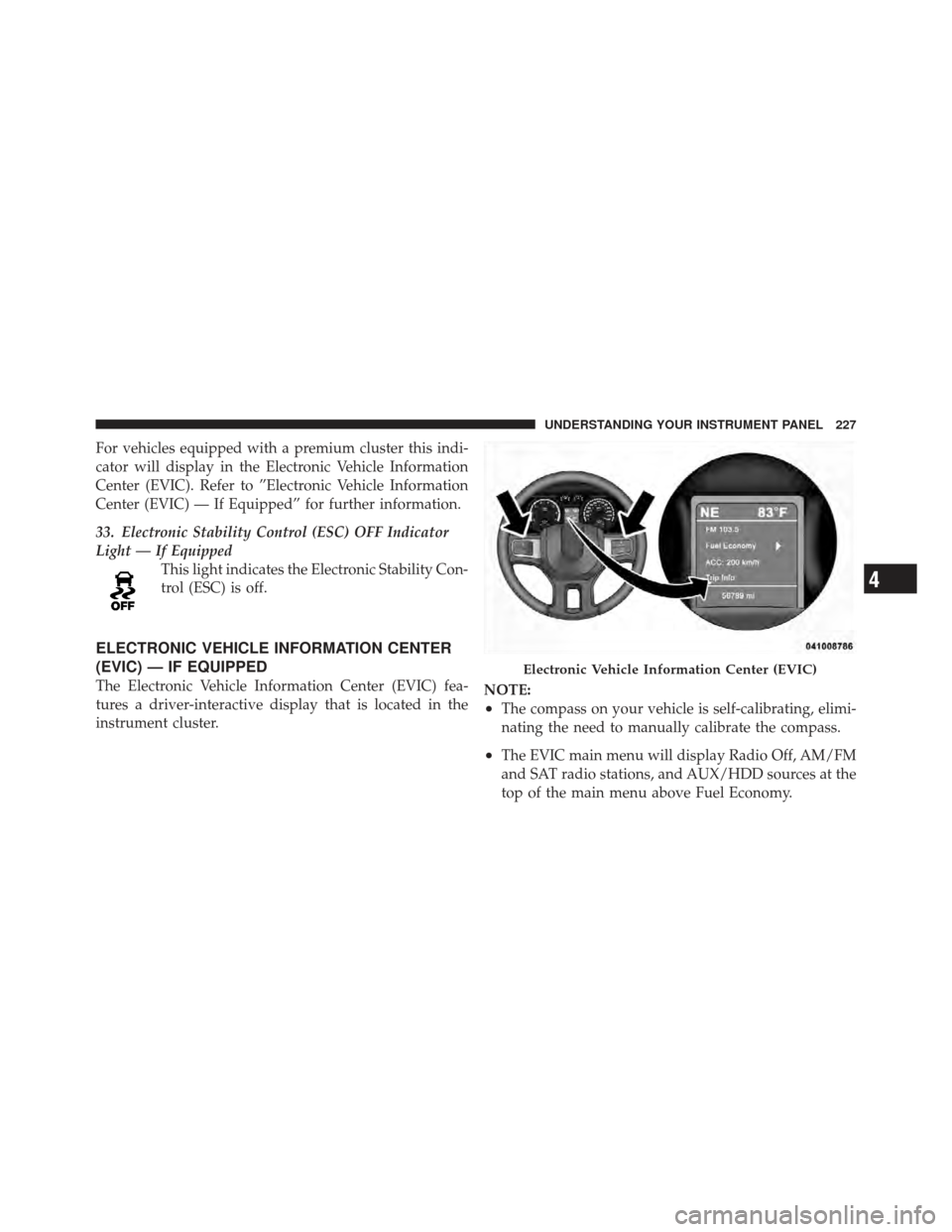
ELECTRONIC VEHICLE INFORMATION CENTER
(EVIC) — IF EQUIPPED
The Electronic Vehicle Information Center (EVIC) fea-
tures a driver-interactive display that is located in the
instrument cluster. NOTE:
•The compass on your vehicle is self-calibrating, elimi-
nating the need to manually calibrate the compass.
•The EVIC main menu will display Radio Off, AM/FM
and SAT radio stations, and AUX/HDD sources at the
top of the main menu above Fuel Economy.
Electronic Vehicle Information Center (EVIC)
4
UNDERSTANDING YOUR INSTRUMENT PANEL 227
Page 230 of 636
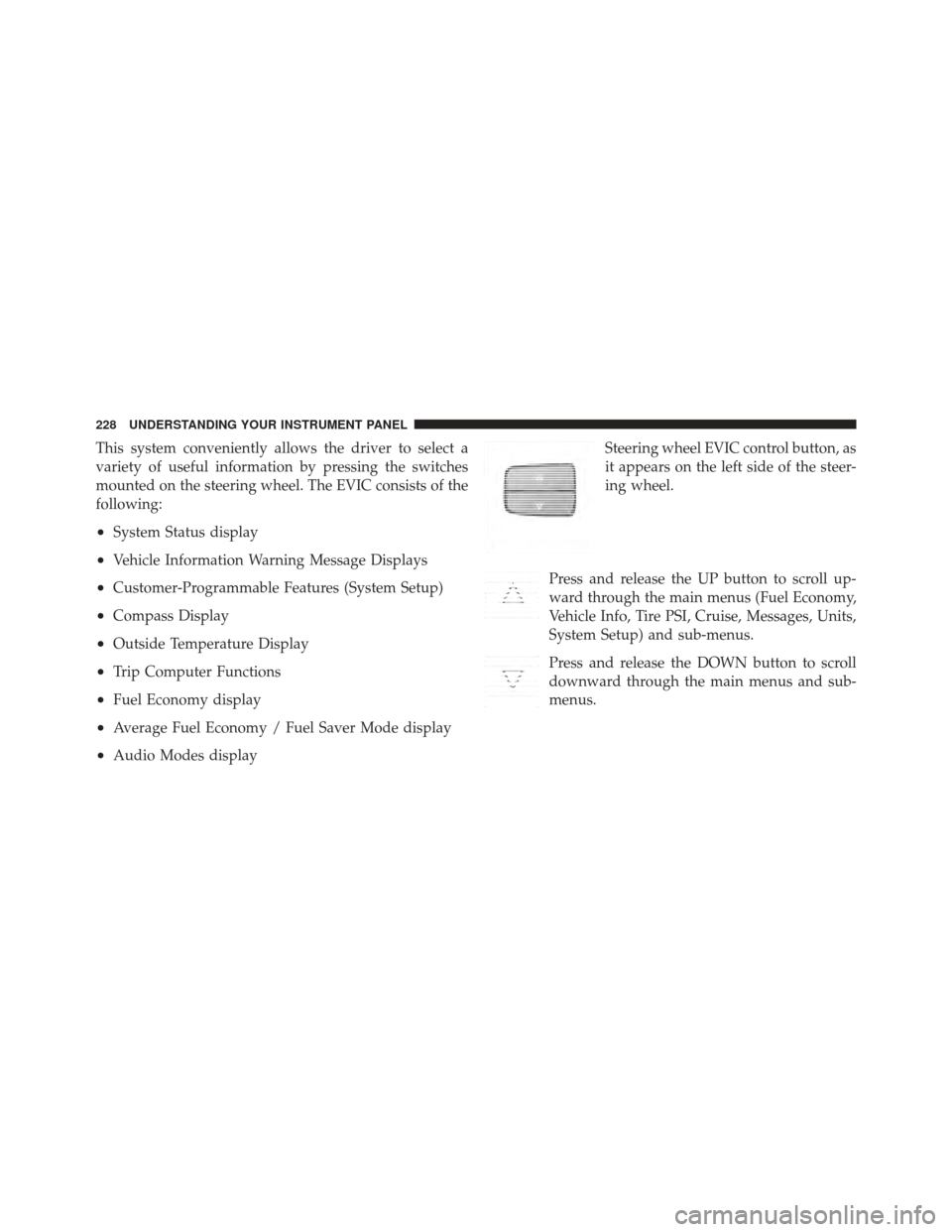
This system conveniently allows the driver to select a
variety of useful information by pressing the switches
mounted on the steering wheel. The EVIC consists of the
following:
•System Status display
•Vehicle Information Warning Message Displays
•Customer-Programmable Features (System Setup)
•Compass Display
•Outside Temperature Display
•Trip Computer Functions
•Fuel Economy display
•Average Fuel Economy / Fuel Saver Mode display
•Audio Modes displaySteering wheel EVIC control button, as
it appears on the left side of the steer-
ing wheel.
Press and release the UP button to scroll up-
ward through the main menus (Fuel Economy,
Vehicle Info, Tire PSI, Cruise, Messages, Units,
System Setup) and sub-menus.
Press and release the DOWN button to scroll
downward through the main menus and sub-
menus.
228 UNDERSTANDING YOUR INSTRUMENT PANEL
Page 231 of 636
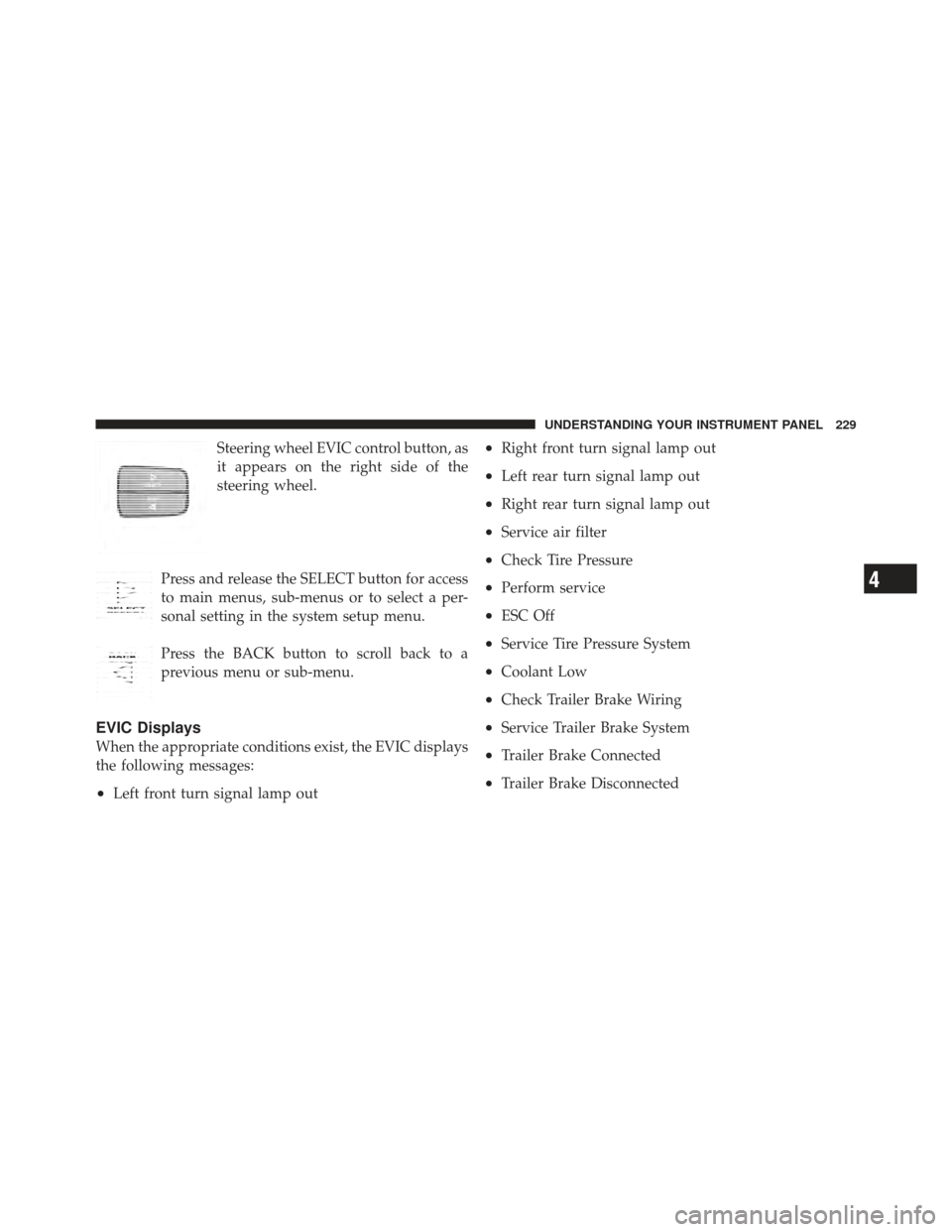
Steering wheel EVIC control button, as
it appears on the right side of the
steering wheel.
Press and release the SELECT button for access
to main menus, sub-menus or to select a per-
sonal setting in the system setup menu.
Press the BACK button to scroll back to a
previous menu or sub-menu.
EVIC Displays
When the appropriate conditions exist, the EVIC displays
the following messages:
•Left front turn signal lamp out
•Right front turn signal lamp out
•Left rear turn signal lamp out
•Right rear turn signal lamp out
•Service air filter
•Check Tire Pressure
•Perform service
•ESC Off
•Service Tire Pressure System
•Coolant Low
•Check Trailer Brake Wiring
•Service Trailer Brake System
•Trailer Brake Connected
•Trailer Brake Disconnected
4
UNDERSTANDING YOUR INSTRUMENT PANEL 229
Page 232 of 636
•Lights On
•Keyfob Battery Low
•ECO (Fuel Saver Indicator) — If Equipped
•Door(s) Ajar (with a single chime, if vehicle is in
motion)
•Wrong Key
•Damaged Key
•Key not programmed
•Key In Ignition
•Turn Signal On
•RKE Battery Low
•LOW WASHER FLUID
•Oil Change Due > Dealer Info
•Park Assist On
•Park Assist Off
•Warning Object Detected
•Left Front Turn Signal Light Out
•Left Rear Turn Signal Light Out
•Right Front Turn Signal Light Out
•Right Rear Turn Signal Light Out
•Service Park Assist System
•Park Assist System Blinded
•Trailer Brake Disconnected — If Equipped
•Personal Settings Not Available — Vehicle Not in Park
•Remote start aborted — Door ajar
•Remote start aborted — Hood ajar
230 UNDERSTANDING YOUR INSTRUMENT PANEL
Page 233 of 636
•Remote start aborted — Fuel low
•Remote start disabled — System fault
•Remote start disabled — Turn key
•Remote start active — Key to Run
•Remote Start Disabled — Start Vehicle to Reset
•Remote Start Active — Insert Key and Turn to RUN
•Memory 1 Profile Set
•Memory 2 Profile Set
•Memory System Unavailable — Not in Park
•Memory System Unavailable — Seatbelt Buckled
•Memory 1 Profile Recall
•Memory 2 Profile Recall
•Adjustable Pedals Unavailable — Vehicle in Reverse
•Adjustable Pedals Unavailable — Cruise Engaged
•To Tow Vehicle Safely, Read Neutral Shift Procedure in
Owners Manual
EVIC Warning Lights
•
Door AjarThis light will turn on to indicate that one or
more doors may be ajar.
•Oil Pressure Warning LightThis light indicates low engine oil pressure. The
light should turn on momentarily when the engine
is started. If the light turns on while driving, stop the
vehicle and shut off the engine as soon as possible. A
chime will sound for four minutes when this light turns
on.
4
UNDERSTANDING YOUR INSTRUMENT PANEL 231
Page 234 of 636
Do not operate the vehicle until the cause is corrected.
This light does not show how much oil is in the engine.
The engine oil level must be checked under the hood.
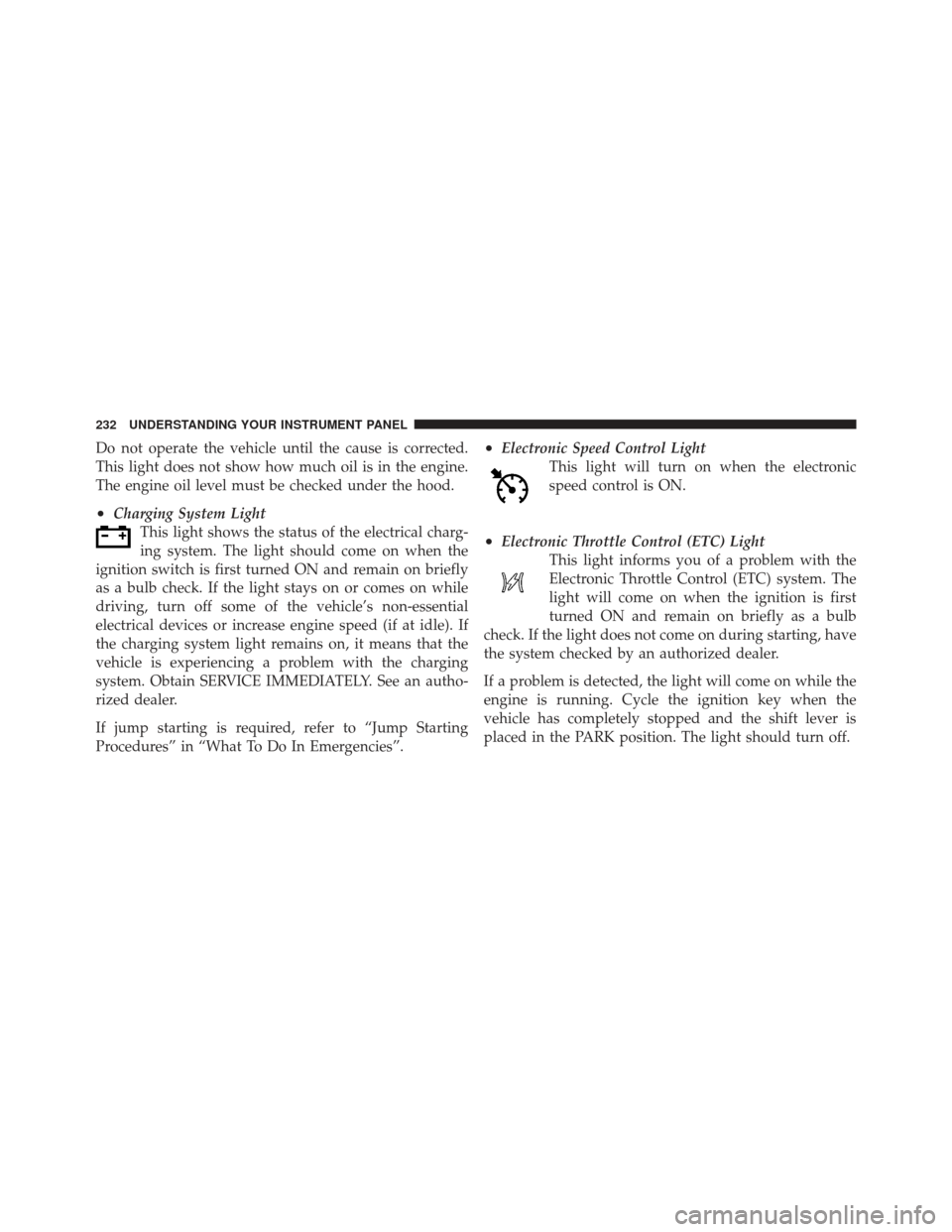
•Charging System LightThis light shows the status of the electrical charg-
ing system. The light should come on when the
ignition switch is first turned ON and remain on briefly
as a bulb check. If the light stays on or comes on while
driving, turn off some of the vehicle’s non-essential
electrical devices or increase engine speed (if at idle). If
the charging system light remains on, it means that the
vehicle is experiencing a problem with the charging
system. Obtain SERVICE IMMEDIATELY. See an autho-
rized dealer.
If jump starting is required, refer to “Jump Starting
Procedures” in “What To Do In Emergencies”.
•Electronic Speed Control Light This light will turn on when the electronic
speed control is ON.
•Electronic Throttle Control (ETC) LightThis light informs you of a problem with the
Electronic Throttle Control (ETC) system. The
light will come on when the ignition is first
turned ON and remain on briefly as a bulb
check. If the light does not come on during starting, have
the system checked by an authorized dealer.
If a problem is detected, the light will come on while the
engine is running. Cycle the ignition key when the
vehicle has completely stopped and the shift lever is
placed in the PARK position. The light should turn off.
232 UNDERSTANDING YOUR INSTRUMENT PANEL
Page 235 of 636
If the light remains lit with the engine running, your
vehicle will usually be drivable. However, see an autho-
rized dealer for service as soon as possible. If the light is
flashing when the engine is running, immediate service is
required. You may experience reduced performance, an
elevated/rough idle or engine stall and your vehicle may
require towing.
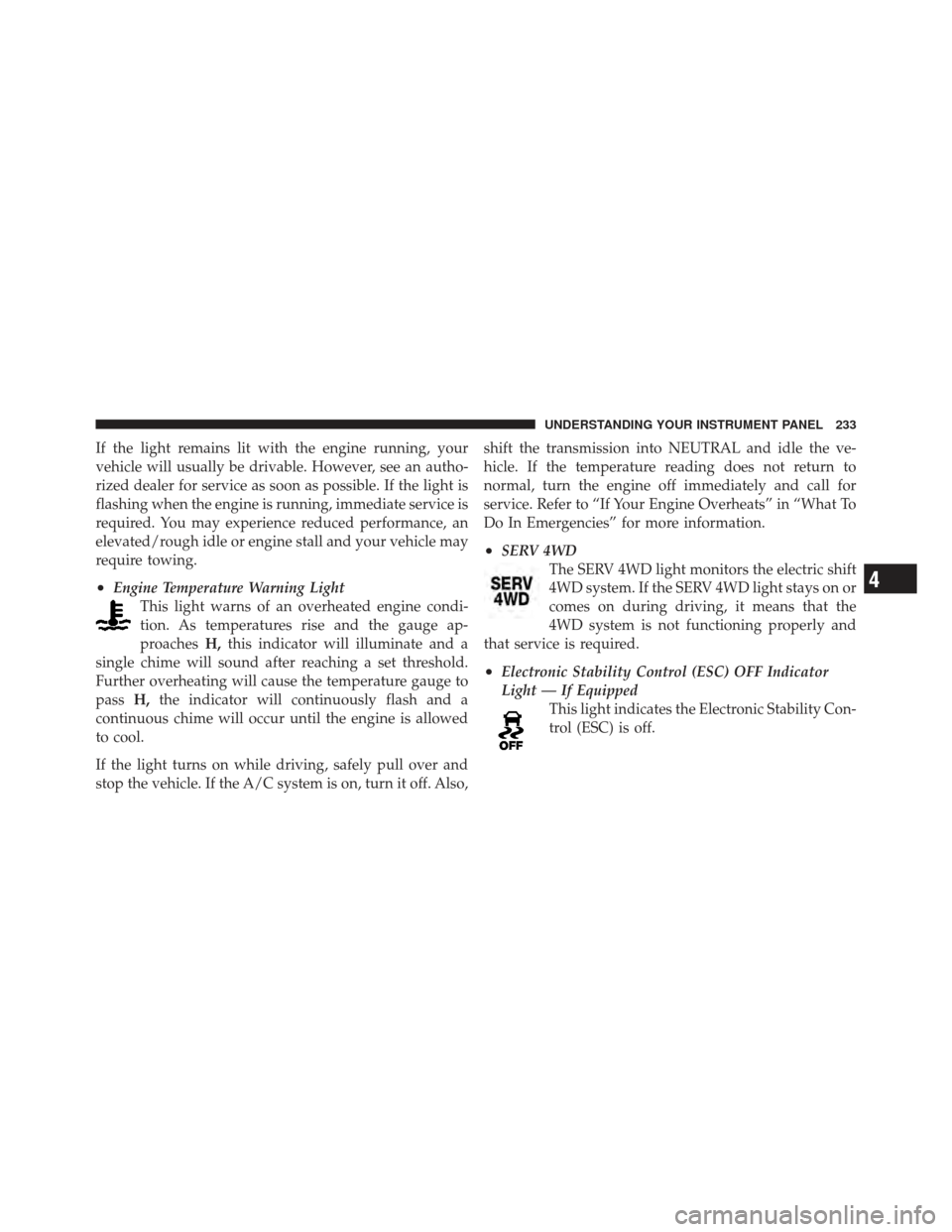
•Engine Temperature Warning LightThis light warns of an overheated engine condi-
tion. As temperatures rise and the gauge ap-
proaches H,this indicator will illuminate and a
single chime will sound after reaching a set threshold.
Further overheating will cause the temperature gauge to
pass H,the indicator will continuously flash and a
continuous chime will occur until the engine is allowed
to cool.
If the light turns on while driving, safely pull over and
stop the vehicle. If the A/C system is on, turn it off. Also, shift the transmission into NEUTRAL and idle the ve-
hicle. If the temperature reading does not return to
normal, turn the engine off immediately and call for
service. Refer to “If Your Engine Overheats” in “What To
Do In Emergencies” for more information.
•SERV 4WD
The SERV 4WD light monitors the electric shift
4WD system. If the SERV 4WD light stays on or
comes on during driving, it means that the
4WD system is not functioning properly and
that service is required.
•Electronic Stability Control (ESC) OFF Indicator
Light — If Equipped This light indicates the Electronic Stability Con-
trol (ESC) is off.
4
UNDERSTANDING YOUR INSTRUMENT PANEL 233