console Ram 1500 2013 User Guide
[x] Cancel search | Manufacturer: RAM, Model Year: 2013, Model line: 1500, Model: Ram 1500 2013Pages: 734, PDF Size: 5.47 MB
Page 213 of 734
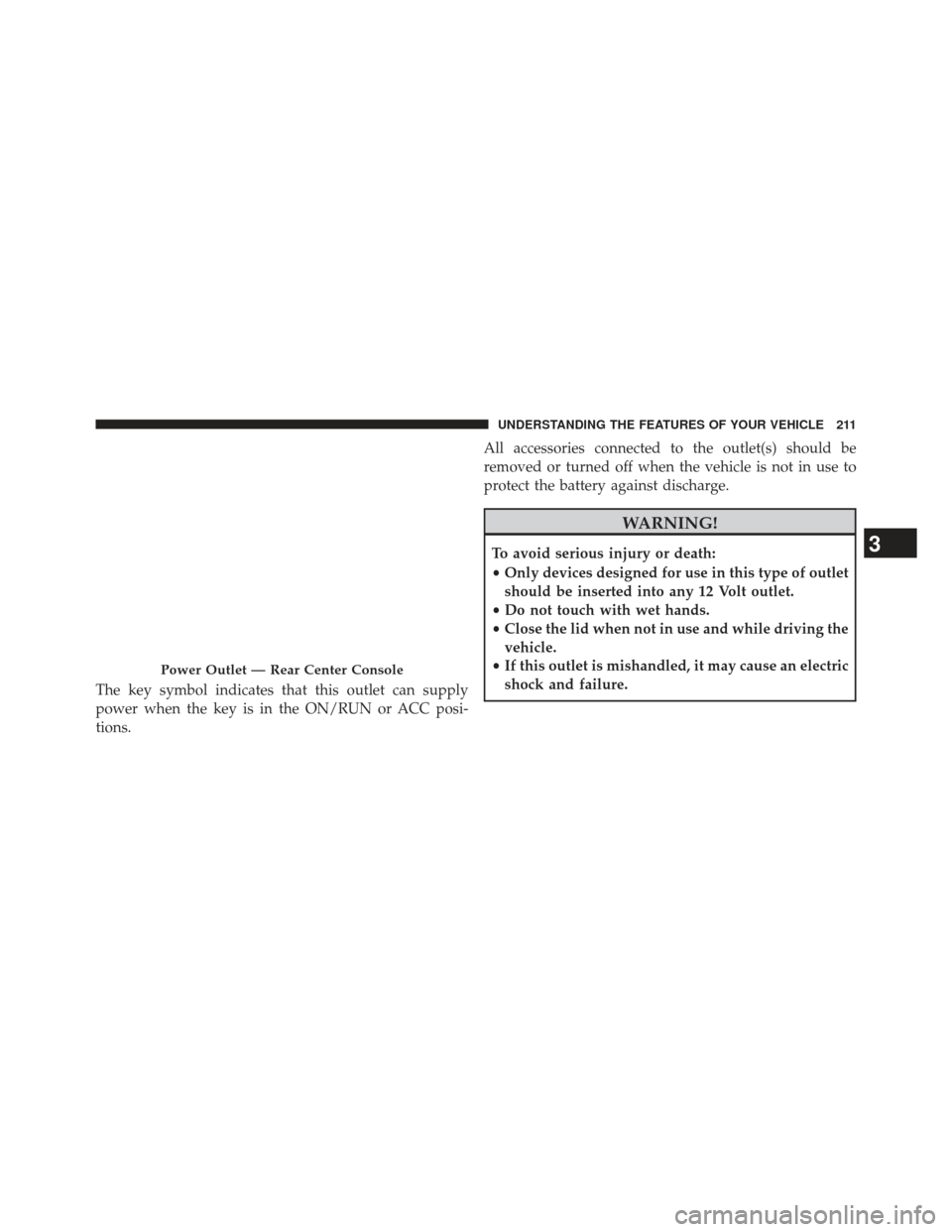
The key symbol indicates that this outlet can supply
power when the key is in the ON/RUN or ACC posi-
tions.All accessories connected to the outlet(s) should be
removed or turned off when the vehicle is not in use to
protect the battery against discharge.
WARNING!
To avoid serious injury or death:
•
Only devices designed for use in this type of outlet
should be inserted into any 12 Volt outlet.
• Do not touch with wet hands.
• Close the lid when not in use and while driving the
vehicle.
• If this outlet is mishandled, it may cause an electric
shock and failure.
Power Outlet — Rear Center Console
3
UNDERSTANDING THE FEATURES OF YOUR VEHICLE 211
Page 217 of 734
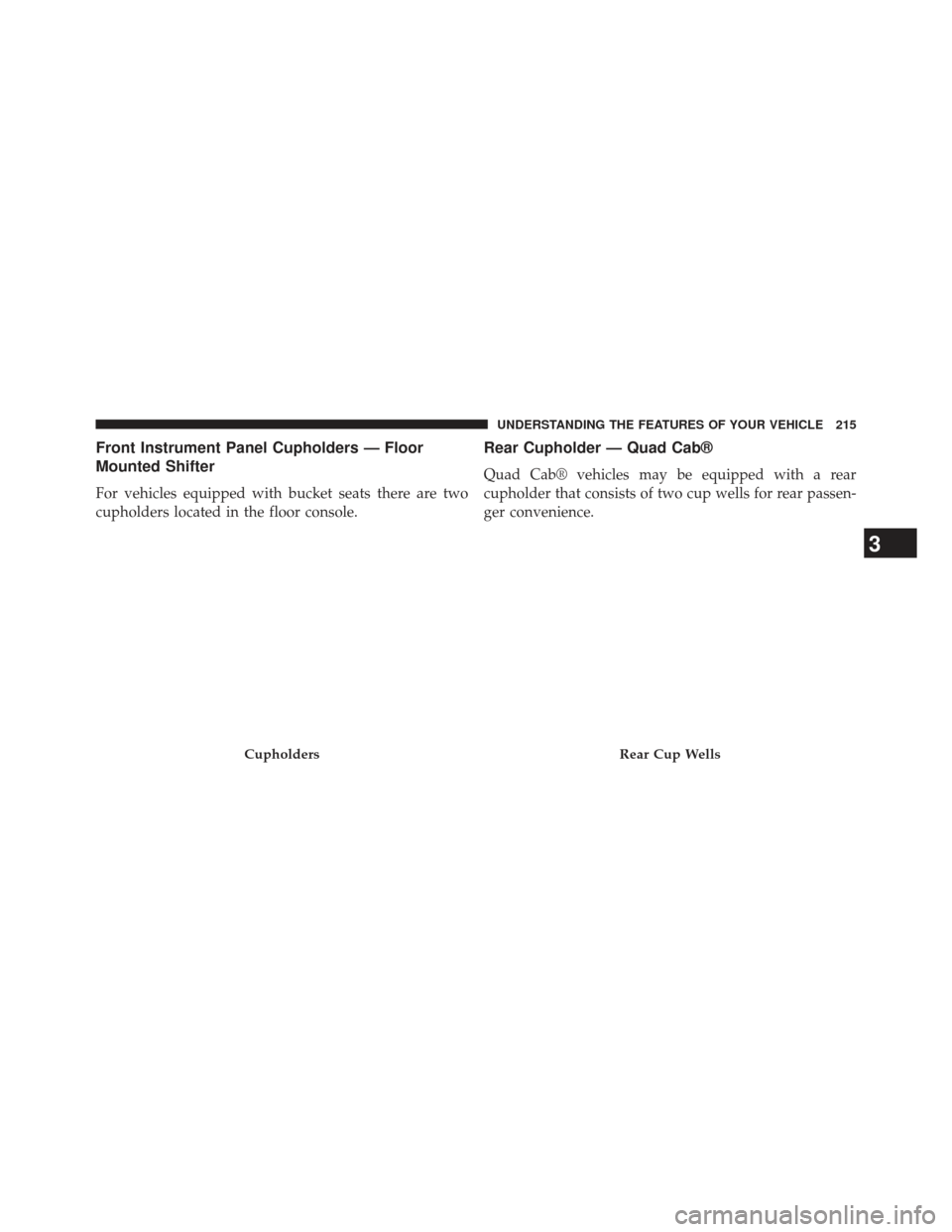
Front Instrument Panel Cupholders — Floor
Mounted Shifter
For vehicles equipped with bucket seats there are two
cupholders located in the floor console.
Rear Cupholder — Quad Cab®
Quad Cab® vehicles may be equipped with a rear
cupholder that consists of two cup wells for rear passen-
ger convenience.
CupholdersRear Cup Wells
3
UNDERSTANDING THE FEATURES OF YOUR VEHICLE 215
Page 223 of 734
WARNING!
Do not operate this vehicle with a console compart-
ment lid in the open position. Cellular phones, music
players, and other handheld electronic devices
should be stowed while driving. Use of these devices
while driving can cause an accident due to distrac-
tion, resulting in death or injury.
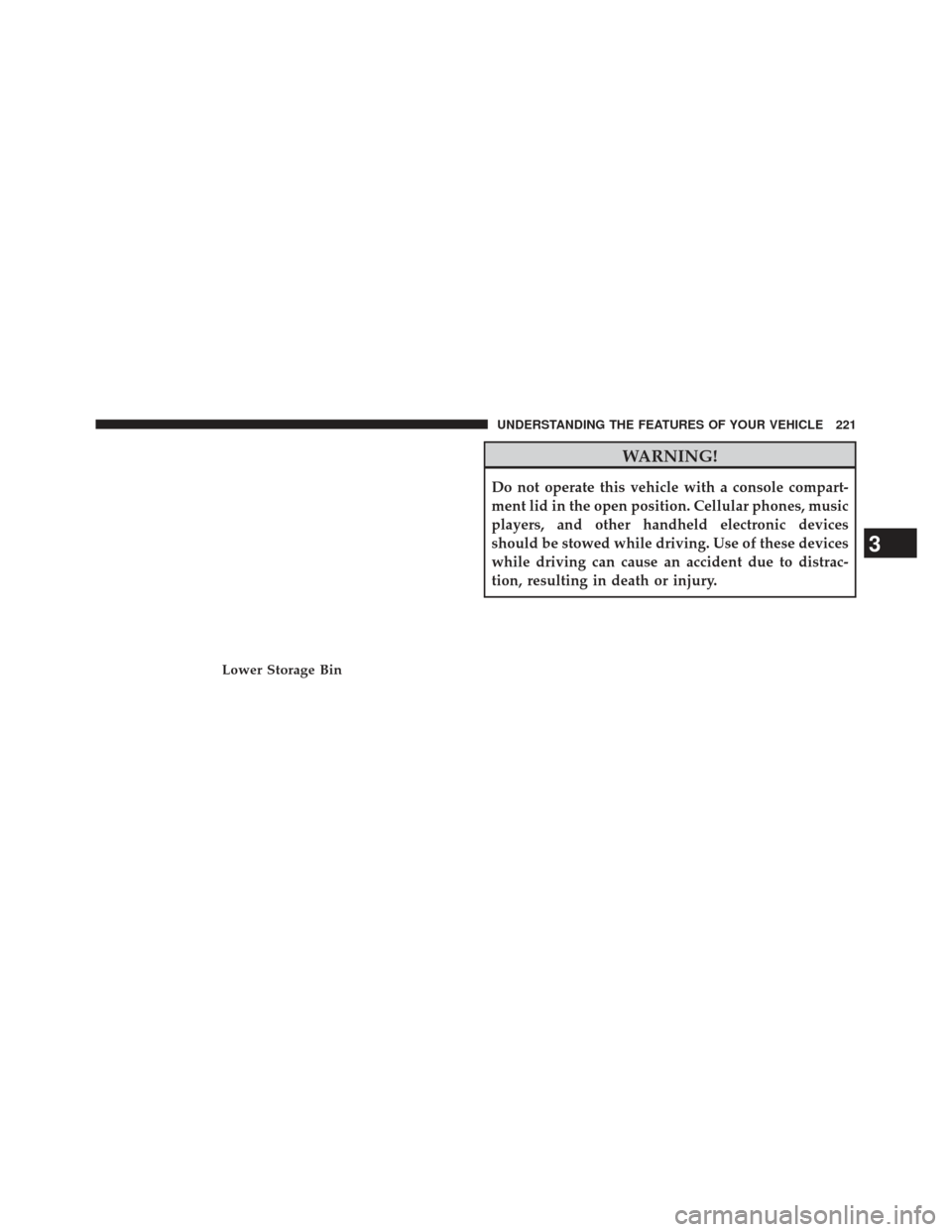
Lower Storage Bin
3
UNDERSTANDING THE FEATURES OF YOUR VEHICLE 221
Page 228 of 734
CAUTION!
Failure to follow these cautions can cause damage to
the heating elements:
•Use care when washing the inside of the rear
window. Do not use abrasive window cleaners on
the interior surface of the window. Use a soft cloth
and a mild washing solution, wiping parallel to the
heating elements. Labels can be peeled off after
soaking with warm water.
• Do not use scrapers, sharp instruments, or abrasive
window cleaners on the interior surface of the
window.
• Keep all objects a safe distance from the window.
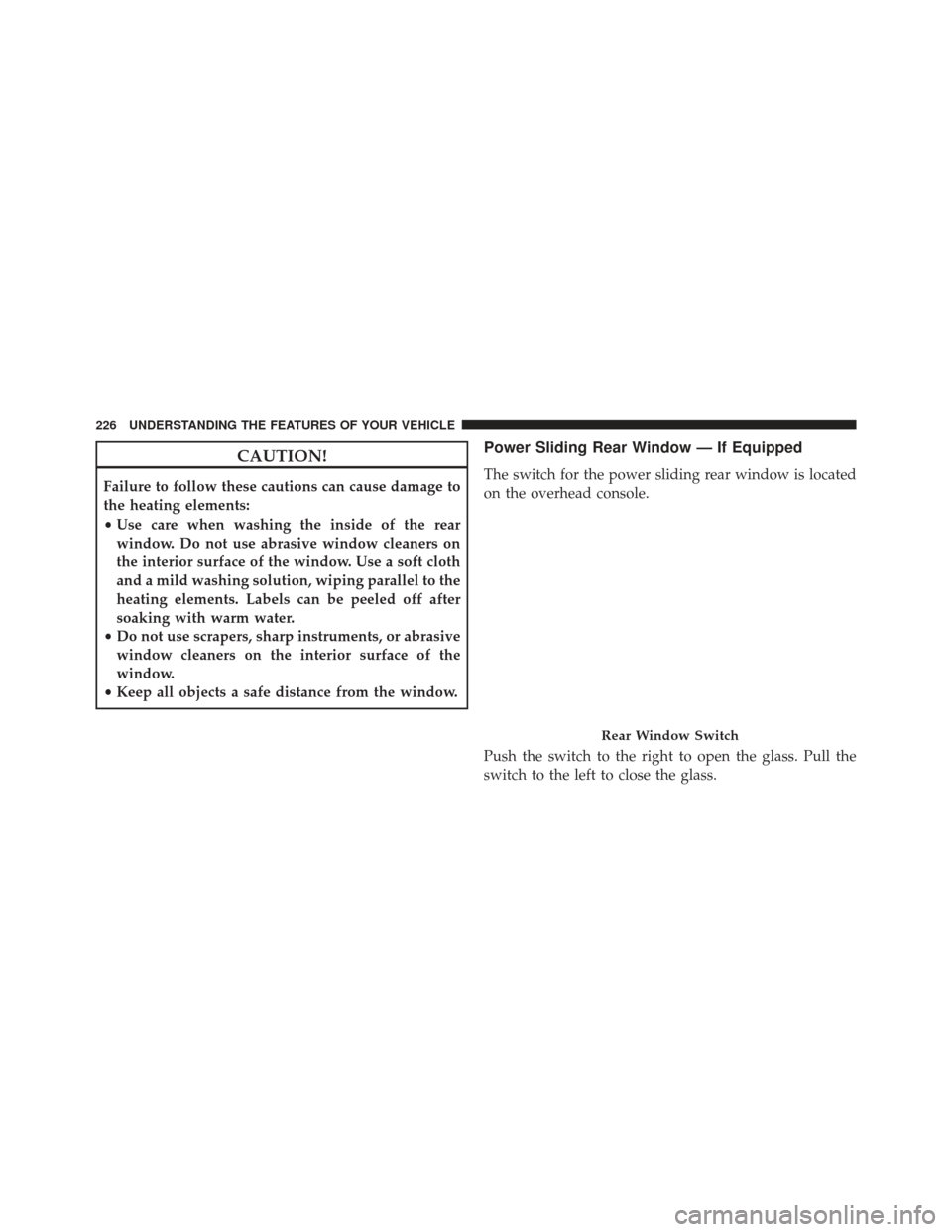
Power Sliding Rear Window — If Equipped
The switch for the power sliding rear window is located
on the overhead console.
Push the switch to the right to open the glass. Pull the
switch to the left to close the glass.
Rear Window Switch
226 UNDERSTANDING THE FEATURES OF YOUR VEHICLE
Page 314 of 734
Uconnect® RADIOS — IF EQUIPPED
For detailed information about your Uconnect® radio
refer to your Uconnect® Supplement Manual.
iPod®/USB/MP3 CONTROL — IF EQUIPPED
Located inside the center console upper lid, this feature
allows an iPod® or external USB device to be plugged
into the USB port.
iPod® control supports Mini, 4G, Photo, Nano, 5G iPod®
and iPhone® devices. Some iPod® software versions
may not fully support the iPod® control features. Please
visit Apple’s website for software updates.
For further information, refer to the Uconnect® Access
User ’s Manual.
STEERING WHEEL AUDIO CONTROLS — IF
EQUIPPED
The remote sound system controls are located on the back
surface of the steering wheel. Reach behind the wheel to
access the switches.
Remote Sound System Controls (Back View Of SteeringWheel)
312 UNDERSTANDING YOUR INSTRUMENT PANEL
Page 366 of 734
the default at engine start-up. If TOW/HAUL mode is
desired, the switch must be pressed each time the engine
is started.
Six–Speed Automatic Transmission If Equipped
— 1500 Models Only
The shift lever position display (located in the instrument
cluster) indicates the transmission gear range. The shift
lever is mounted either on the right side of the steering
column (if equipped) or on the console (if equipped). You
must press the brake pedal to move the shift lever out of
PARK (refer to “Brake/Transmission Shift Interlock Sys-
tem” in this section). To drive, move the shift lever from
PARK or NEUTRAL to the DRIVE position. Pull the shift
lever toward you when shifting into REVERSE or PARK,
or when shifting out of PARK (column shift only).
The electronically-controlled transmission provides a
precise shift schedule. The transmission electronics are
self-calibrating; therefore, the first few shifts on a newvehicle may be somewhat abrupt. This is a normal
condition, and precision shifts will develop within a few
hundred miles (kilometers).
Only shift from DRIVE to PARK or REVERSE when the
accelerator pedal is released and the vehicle is stopped.
Be sure to keep your foot on the brake pedal when
shifting between these gears.
The transmission shift lever has only PARK, REVERSE,
NEUTRAL, and DRIVE shift positions. Manual down-
shifts can be made using the Electronic Range Select
(ERS) shift control (refer to “Electronic Range Select (ERS)
Operation” in this section). Pressing the ERS (-/+)
switches (column shift) or moving the shift lever to the
left or right (-/+) (console shift) while in the DRIVE
position will select the highest available transmission
gear, and will display that gear in the instrument cluster
as 6, 5, 4, 3, 2, 1.
364 STARTING AND OPERATING
Page 367 of 734
Gear Ranges
DO NOT race the engine when shifting from PARK or
NEUTRAL into another gear range.
NOTE:After selecting any gear range, wait a moment to
allow the selected gear to engage before accelerating.
This is especially important when the engine is cold.
PARK
This range supplements the parking brake by locking the
transmission. The engine can be started in this range.
Never attempt to use PARK while the vehicle is in
motion. Apply the parking brake when leaving the
vehicle in this range.
When parking on a level surface, you may place the shift
lever in PARK first, and then apply the parking brake.
When parking on a hill, apply the parking brake before
placing the shift lever in PARK, otherwise the load on the transmission locking mechanism may make it difficult to
move the shift lever out of PARK. As an added precau-
tion, turn the front wheels toward the curb on a downhill
grade and away from the curb on an uphill grade.
WARNING!
•
Never use the PARK position as a substitute for the
parking brake. Always apply the parking brake
fully when parked to guard against vehicle move-
ment and possible injury or damage.
• Your vehicle could move and injure you and others
if it is not completely in PARK. Check by trying to
move the shift lever clockwise without first pulling
it toward you (column shift), or rearward with the
brake pedal released (console shift), after you have
placed it in PARK. Make sure the transmission is in
PARK before leaving the vehicle.
(Continued)
5
STARTING AND OPERATING 365
Page 369 of 734
WARNING!(Continued)
•Never leave children alone in a vehicle, or with
access to an unlocked vehicle. Allowing children to
be in a vehicle unattended is dangerous for a
number of reasons. A child or others could be
seriously or fatally injured. Children should be
warned not to touch the parking brake, brake pedal
or the shift lever. Do not leave the key fob in or
near the vehicle (or in a location accessible to
children), and do not leave Keyless Enter-N-Go™
(if equipped) in the ACC or ON/RUN position. A
child could operate power windows, other controls,
or move the vehicle.
CAUTION!
• Before moving the shift lever out of PARK, you
must turn the ignition switch from the OFF posi-
tion to the ON/RUN position, and also press the
brake pedal. Otherwise, damage to the shift lever
could result.
• DO NOT race the engine when shifting from
PARK or NEUTRAL into another gear range, as this
can damage the drivetrain.
The following indicators should be used to ensure that
you have engaged the shift lever into the PARK position:
• When shifting into PARK, pull the column-mounted
shift lever toward you and move it all the way
counterclockwise until it stops. For console-mounted
shifter, move the shift lever all the way forward and to
the left until it stops.
5
STARTING AND OPERATING 367
Page 373 of 734
6. Shift into the desired gear range. If the problem is nolonger detected, the transmission will return to normal
operation.
NOTE: Even if the transmission can be reset, we recom-
mend that you visit your authorized dealer at your
earliest possible convenience. Your authorized dealer has
diagnostic equipment to determine if the problem could
recur.
If the transmission cannot be reset, authorized dealer
service is required.
Electronic Range Select (ERS) Operation -
Six-Speed Transmission
The Electronic Range Select (ERS) shift control allows the
driver to limit the highest available gear when the shift
lever is in the DRIVE position. For example, if you shift the transmission into 3 (third gear), the transmission will
never shift above third gear, but will shift down into
second and first gears normally.
Use of ERS (or TOW/HAUL mode) also enables an
additional underdrive gear which is not normally used
during through-gear accelerations. This additional gear
can improve vehicle performance and cooling capability
when towing a trailer on certain grades. In ERS mode,
gears 1 though 3 are underdrive gears, and ERS 4 is direct
drive. ERS 5 and 6 (Overdrive gears) are the same as the
normal fourth and fifth gears.
You can switch between DRIVE and ERS mode at any
vehicle speed. When the shift lever is in the DRIVE
position, the transmission will operate automatically,
shifting between all available gears. Tapping the ERS (-)
switch (column shift) or tapping the shift lever to the left
(-) (console shift) will activate ERS mode, display the
current gear in the instrument cluster, and maintain that
5
STARTING AND OPERATING 371
Page 375 of 734
To exit ERS mode, simply press and hold the shift lever to
the right (+) (console shift) or press the ERS (+) switch
(column shift) until “D” is once again displayed in the
shift lever position indicator in the instrument cluster.
WARNING!
Do not downshift for additional engine braking on a
slippery surface. The drive wheels could lose their
grip and the vehicle could skid, causing an accident
or personal injury.
NOTE: To select the proper gear position for maximum
deceleration (engine braking), simply press and hold the
shift lever to the left (-) (console shift) or the ERS (-)
switch down (column shift). The transmission will shift
to the range from which the vehicle can best be slowed
down.
Console Shift Lever
5
STARTING AND OPERATING 373