instrument cluster Ram 1500 2013 User Guide
[x] Cancel search | Manufacturer: RAM, Model Year: 2013, Model line: 1500, Model: Ram 1500 2013Pages: 734, PDF Size: 5.47 MB
Page 257 of 734
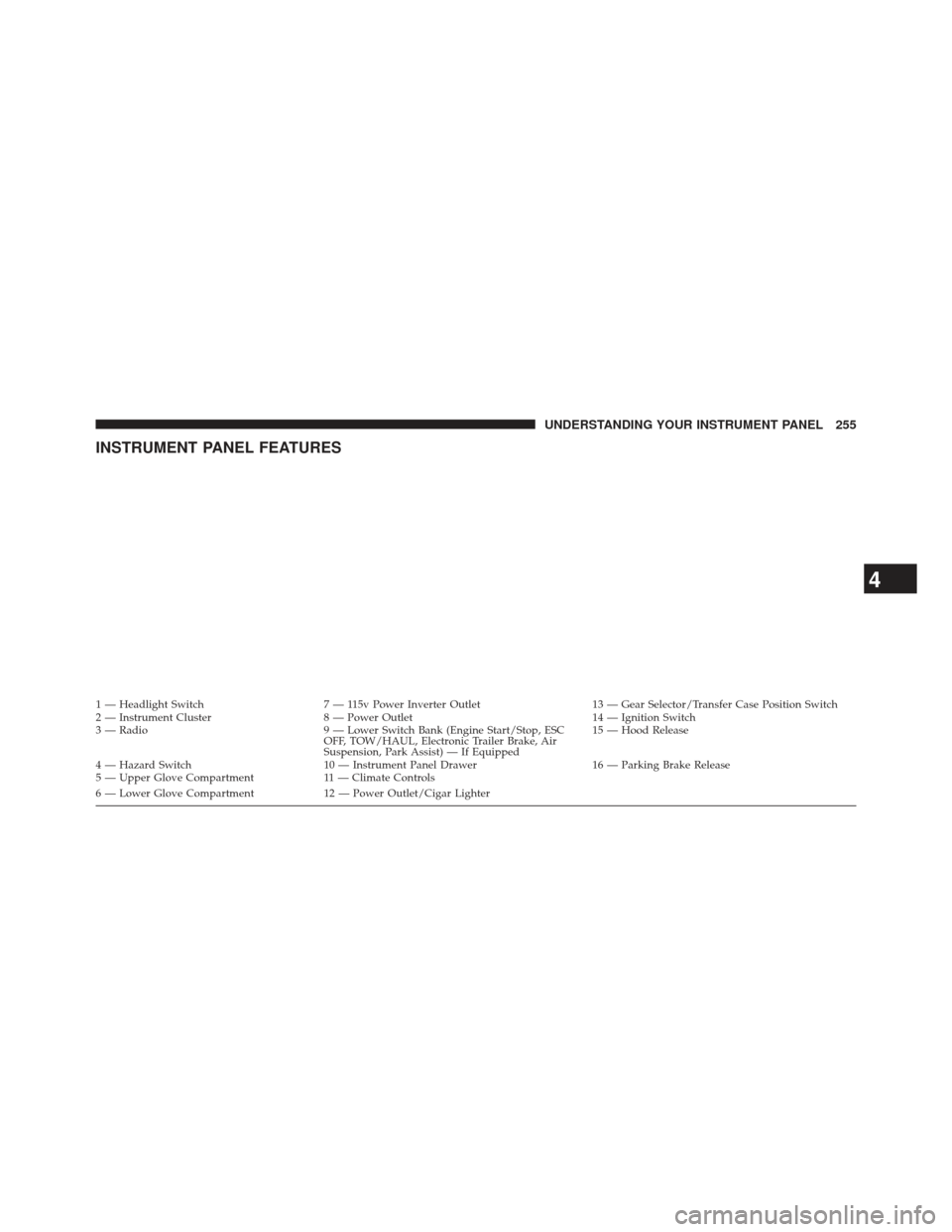
INSTRUMENT PANEL FEATURES
1 — Headlight Switch7 — 115v Power Inverter Outlet 13 — Gear Selector/Transfer Case Position Switch
2 — Instrument Cluster 8 — Power Outlet 14 — Ignition Switch
3 — Radio 9 — Lower Switch Bank (Engine Start/Stop, ESC
OFF, TOW/HAUL, Electronic Trailer Brake, Air
Suspension, Park Assist) — If Equipped 15 — Hood Release
4 — Hazard Switch 10 — Instrument Panel Drawer 16 — Parking Brake Release
5 — Upper Glove Compartment 11 — Climate Controls
6 — Lower Glove Compartment 12 — Power Outlet/Cigar Lighter
4
UNDERSTANDING YOUR INSTRUMENT PANEL 255
Page 258 of 734
INSTRUMENT CLUSTER — PREMIUM
256 UNDERSTANDING YOUR INSTRUMENT PANEL
Page 259 of 734
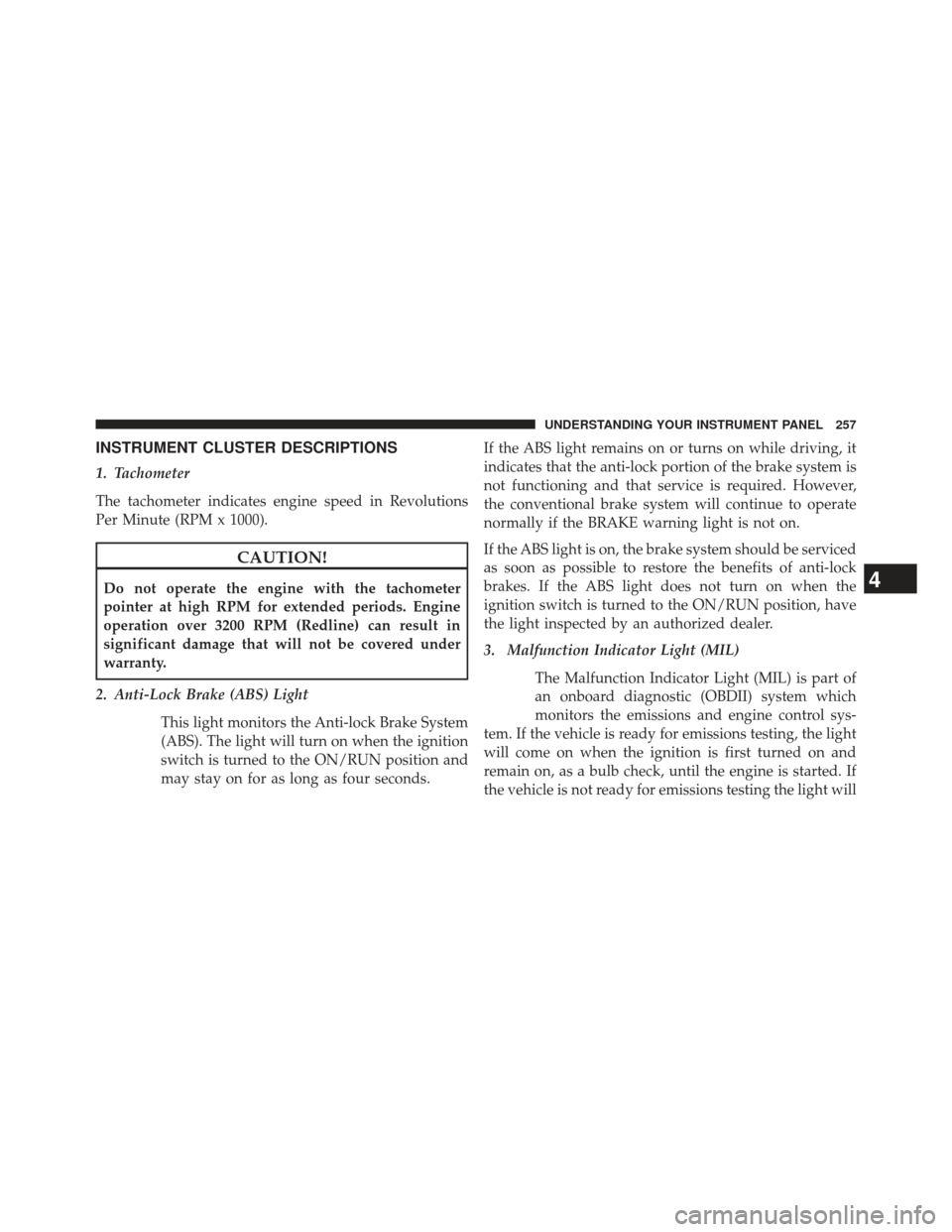
INSTRUMENT CLUSTER DESCRIPTIONS
1. Tachometer
The tachometer indicates engine speed in Revolutions
Per Minute (RPM x 1000).
CAUTION!
Do not operate the engine with the tachometer
pointer at high RPM for extended periods. Engine
operation over 3200 RPM (Redline) can result in
significant damage that will not be covered under
warranty.
2. Anti-Lock Brake (ABS) Light This light monitors the Anti-lock Brake System
(ABS). The light will turn on when the ignition
switch is turned to the ON/RUN position and
may stay on for as long as four seconds. If the ABS light remains on or turns on while driving, it
indicates that the anti-lock portion of the brake system is
not functioning and that service is required. However,
the conventional brake system will continue to operate
normally if the BRAKE warning light is not on.
If the ABS light is on, the brake system should be serviced
as soon as possible to restore the benefits of anti-lock
brakes. If the ABS light does not turn on when the
ignition switch is turned to the ON/RUN position, have
the light inspected by an authorized dealer.
3. Malfunction Indicator Light (MIL)
The Malfunction Indicator Light (MIL) is part of
an onboard diagnostic (OBDII) system which
monitors the emissions and engine control sys-
tem. If the vehicle is ready for emissions testing, the light
will come on when the ignition is first turned on and
remain on, as a bulb check, until the engine is started. If
the vehicle is not ready for emissions testing the light will4
UNDERSTANDING YOUR INSTRUMENT PANEL 257
Page 266 of 734
replacement or alternate tires and wheels allow the TPMS
to continue to function properly.
CAUTION!
The TPMS has been optimized for the original
equipment tires and wheels. TPMS pressures and
warning have been established for the tire size
equipped on your vehicle. Undesirable system opera-
tion or sensor damage may result when using re-
placement equipment that is not of the same size,
type, and/or style. Aftermarket wheels can cause
sensor damage. Do not use tire sealant from a can or
balance beads if your vehicle is equipped with a
TPMS, as damage to the sensors may result.
NOTE: The TPMS telltale is also accompanied by a “Low
Tire” message in the odometer (Base Cluster), or in the
Electronic Vehicle Information Center (EVIC) screen in-
dicating “Low Tire” for EVIC enabled clusters. 17. Front Fog Light Indicator — If Equipped
This indicator will illuminate when the front fog
lights are on.
18. Electronic Vehicle Information Center (EVIC)
The Electronic Vehicle Information Center (EVIC) fea-
tures a driver-interactive display that is located in the
instrument cluster. For further information, refer to
“Electronic Vehicle Information Center (EVIC)”.
19. Shift Lever Indicator
The Shift Lever Indicator is self-contained within the
instrument cluster. It displays the gear position of the
automatic transmission.
264 UNDERSTANDING YOUR INSTRUMENT PANEL
Page 267 of 734
NOTE:The highest available transmission gear is dis-
played in the lower right corner of the Electronic Vehicle
Information Center (EVIC) whenever the Electronic
Range Select (ERS) feature is active. Use the +/- selector
on the shift lever to activate ERS. Refer to “Automatic
Transmission” in “Starting And Operating” for further
information.
20. Electronic Vehicle Information Center (EVIC) Menu
The Electronic Vehicle Information Center (EVIC) fea-
tures a driver-interactive display that is located in the
instrument cluster. For further information, refer to
“Electronic Vehicle Information Center (EVIC)”.
21. Electronic Stability Control (ESC) OFF Indicator
Light — If Equipped
This light indicates the Electronic Stability Con-
trol (ESC) is off. 22. TOW/HAUL
The TOW HAUL button is located on the center
stack upper switch bank. This light will illumi-
nate when TOW HAUL mode is selected.
23. Electronic Stability Control (ESC) Activation/
Malfunction Indicator Light — If Equipped The “ESC Activation/Malfunction Indicator
Light” in the instrument cluster will come on
when the ignition switch is turned to the
ON/RUN position. It should go out with the
engine running. If the “ESC Activation/Malfunction In-
dicator Light” comes on continuously with the engine
running, a malfunction has been detected in the ESC
system. If this light remains on after several ignition
cycles, and the vehicle has been driven several miles
(kilometers) at speeds greater than 30 mph (48 km/h), see
your authorized dealer as soon as possible to have the
problem diagnosed and corrected.
4
UNDERSTANDING YOUR INSTRUMENT PANEL 265
Page 269 of 734
WARNING!
A hot engine cooling system is dangerous. You or
others could be badly burned by steam or boiling
coolant. You may want to call an authorized dealer
for service if your vehicle overheats. If you decide to
look under the hood yourself, see “Maintaining Your
Vehicle.” Follow the warnings under the “Cooling
System Pressure Cap” paragraph.
ELECTRONIC VEHICLE INFORMATION CENTER
(EVIC)
The Electronic Vehicle Information Center (EVIC) fea-
tures a driver-interactive display that is located in the
instrument cluster.
4
UNDERSTANDING YOUR INSTRUMENT PANEL 267
Page 272 of 734
Electronic Vehicle Information Center (EVIC)
Displays
The EVIC displays are located in the center portion of the
cluster and consists of eight sections:1. Main Screen — The inner ring of the display will
illuminate in grey under normal conditions, yellow for
non critical warnings, red for critical warnings and
white for on demand information.
2. Audio / Phone Information and Sub-menu Informa- tion — Whenever there are sub-menus available, the
position within the sub-menus is shown here.
3. Selectable Information (Compass, Temp, Range to Empty, Trip A, Trip B, Average MPG, Trailer Trip
(distance only), Trailer Brake Gain)
4. Telltales/Indicators
5. Shift Lever Status (PRNDL)
6. Selectable Menu Icons
7. Air Suspension Status – If Equipped
8. 4WD Status
270 UNDERSTANDING YOUR INSTRUMENT PANEL
Page 287 of 734
Audio
Press and release the UP or DOWN arrow
button until the Audio display icon is high-
lighted in the EVIC. Press and release the
SELECT/RIGHT arrow button to display the
active source.
Screen Setup
Press and release the UP or DOWN arrow
button until the Screen Setup display icon is
highlighted in the EVIC. Press and release the
SELECT/RIGHT arrow button to enter the
Screen Setup sub-menu. The Screen Setup feature allows
you to change what information is displayed in the
instrument cluster as well as the location that information
is displayed.
Stored Messages
Press and release the UP or DOWN button until “Mes-
sages: XX” displays highlighted in the EVIC. If there is
more than one message, pressing the SELECT/RIGHT
button will display a stored warning message. Press and
release the UP and DOWN buttons if there is more than
one message to step through the remaining stored mes-
sages. If there are no message, pressing the SELECT/
RIGHT button will do nothing.
Personal Settings (Customer-Programmable
Features)
For vehicles equipped a 3.5” EVIC screen
Personal Settings allows the driver to set and recall
features when the transmission is in PARK.
Press and release the UP and DOWN button until Per-
sonal Settings displays in the EVIC.
4
UNDERSTANDING YOUR INSTRUMENT PANEL 285
Page 301 of 734
•Units
When in this display, you may select to have the EVIC,
odometer, and navigation system (if equipped) changed
between US and Metric units of measure. Touch US or
Metric until a check-mark appears next to the setting,
showing that setting has been selected. Touch the back
arrow soft-key to return to the previous menu.
• Voice Response Length
When in this display, you may change the Voice Re-
sponse Length settings. To change the Voice Response
Length, touch the Brief or Detailed soft-key until a
check-mark appears next to the setting, showing that
setting has been selected. Touch the back arrow soft-key
to return to the previous menu.
• Touchscreen Beep
When in this display, you may turn on or shut off the
sound heard when a touch screen button (soft-key) is pressed. Touch the Touchscreen Beep soft-key until a
check-mark appears next to the setting, showing that
setting has been selected. Touch the back arrow soft-key
to return to the previous menu.
•
Navigation Turn-By-Turn In Cluster — If Equipped
When this feature is selected, the turn-by-turn directions
will appear in the display as the vehicle approaches a
designated turn within a programmed route. To make
your selection, touch the Navigation Turn-By-Turn In
Cluster soft-key, until a check-mark appears next to the
setting, showing that setting has been selected. Touch the
back arrow soft-key to return to the previous menu.
• Fuel Saver Display In Cluster
The “ECO” message is located in the instrument cluster
display, this message can be turned on or off. To make
your selection, touch the Fuel Saver Display soft-key,
4
UNDERSTANDING YOUR INSTRUMENT PANEL 299
Page 358 of 734
available transmission gear, and will display that gear in
the instrument cluster as 8, 7, 6, 5, 4, 3, 2, 1.
Gear Ranges
DO NOT race the engine when shifting from PARK or
NEUTRAL into another gear range.NOTE:
After selecting any gear range, wait a moment to
allow the selected gear to engage before accelerating.
This is especially important when the engine is cold.
PARK
This range supplements the parking brake by locking the
transmission. The engine can be started in this range.
Never attempt to use PARK while the vehicle is in
motion. Apply the parking brake when leaving the
vehicle in this range.
When parking on a level surface, you may shift the
transmission into PARK first, and then apply the parking
brake.
When parking on a hill, apply the parking brake before
shifting the transmission to PARK. As an added precau-
tion, turn the front wheels toward the curb on a downhill
grade and away from the curb on an uphill grade.
Electronic Transmission Shifter
356 STARTING AND OPERATING