controls Ram 1500 2013 Owner's Guide
[x] Cancel search | Manufacturer: RAM, Model Year: 2013, Model line: 1500, Model: Ram 1500 2013Pages: 734, PDF Size: 5.47 MB
Page 314 of 734
Uconnect® RADIOS — IF EQUIPPED
For detailed information about your Uconnect® radio
refer to your Uconnect® Supplement Manual.
iPod®/USB/MP3 CONTROL — IF EQUIPPED
Located inside the center console upper lid, this feature
allows an iPod® or external USB device to be plugged
into the USB port.
iPod® control supports Mini, 4G, Photo, Nano, 5G iPod®
and iPhone® devices. Some iPod® software versions
may not fully support the iPod® control features. Please
visit Apple’s website for software updates.
For further information, refer to the Uconnect® Access
User ’s Manual.
STEERING WHEEL AUDIO CONTROLS — IF
EQUIPPED
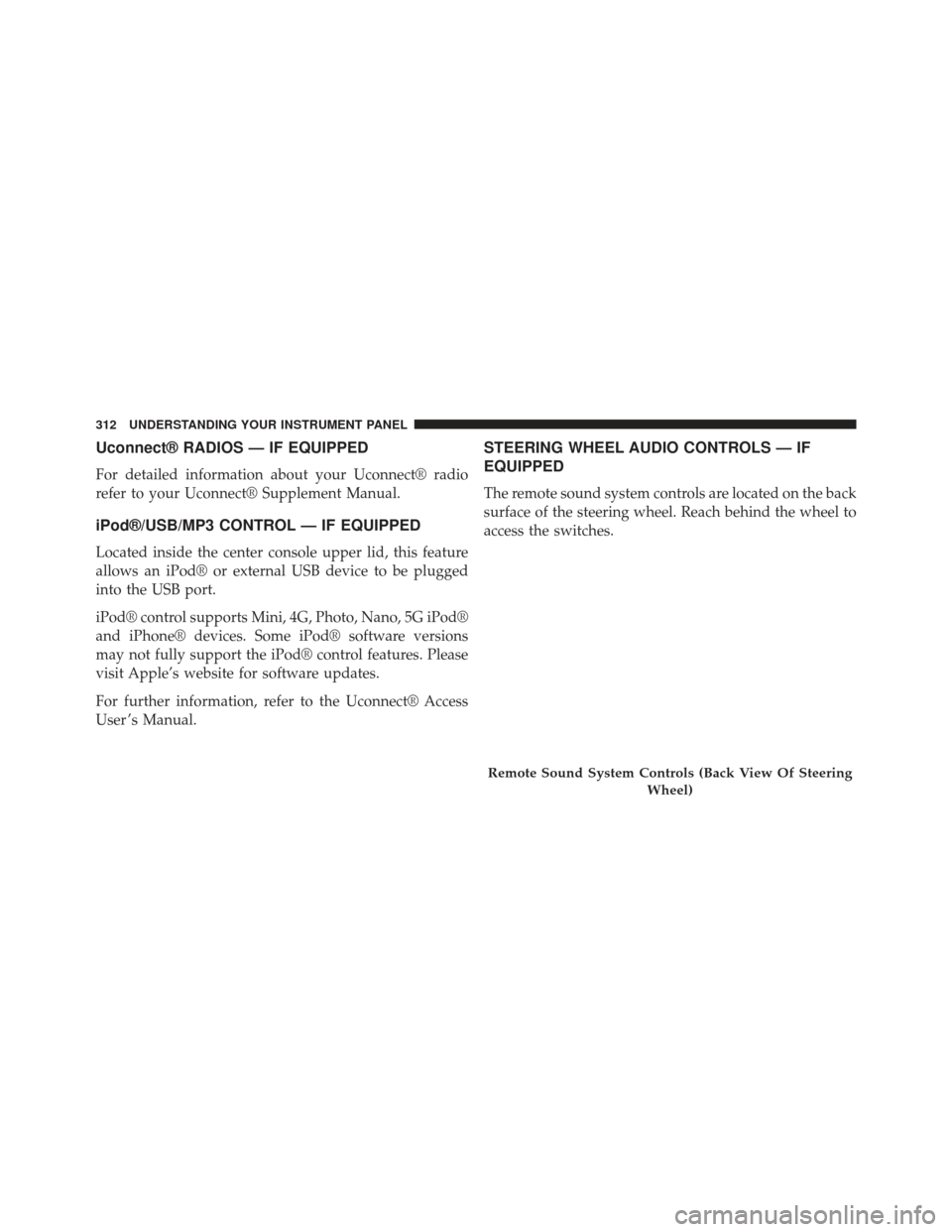
The remote sound system controls are located on the back
surface of the steering wheel. Reach behind the wheel to
access the switches.
Remote Sound System Controls (Back View Of SteeringWheel)
312 UNDERSTANDING YOUR INSTRUMENT PANEL
Page 316 of 734
2. If the disc is stained, clean the surface with a soft cloth,wiping from center to edge.
3. Do not apply paper or tape to the disc; avoid scratch- ing the disc.
4. Do not use solvents such as benzene, thinner, cleaners, or anti-static sprays.
5. Store the disc in its case after playing.
6. Do not expose the disc to direct sunlight.
7. Do not store the disc where temperatures may become too high.
NOTE: If you experience difficulty in playing a particular
disc, it may be damaged (i.e., scratched, reflective coating
removed, a hair, moisture or dew on the disc) oversized,
or have protection encoding. Try a known good disc
before considering disc player service.RADIO OPERATION AND MOBILE PHONES
Under certain conditions, the mobile phone being on in
your vehicle can cause erratic or noisy performance from
your radio. This condition may be lessened or eliminated
by relocating the mobile phone antenna. This condition is
not harmful to the radio. If your radio performance does
not satisfactorily “clear” by the repositioning of the
antenna, it is recommended that the radio volume be
turned down or off during mobile phone operation when
not using Uconnect® (if equipped).
CLIMATE CONTROLS
The Climate Control System allows you to regulate the
temperature, amount, and direction of air circulating
throughout the vehicle. The controls are located on the
instrument panel below the radio.
314 UNDERSTANDING YOUR INSTRUMENT PANEL
Page 317 of 734
Manual Climate Controls Without Touch-Screen
— If Equipped
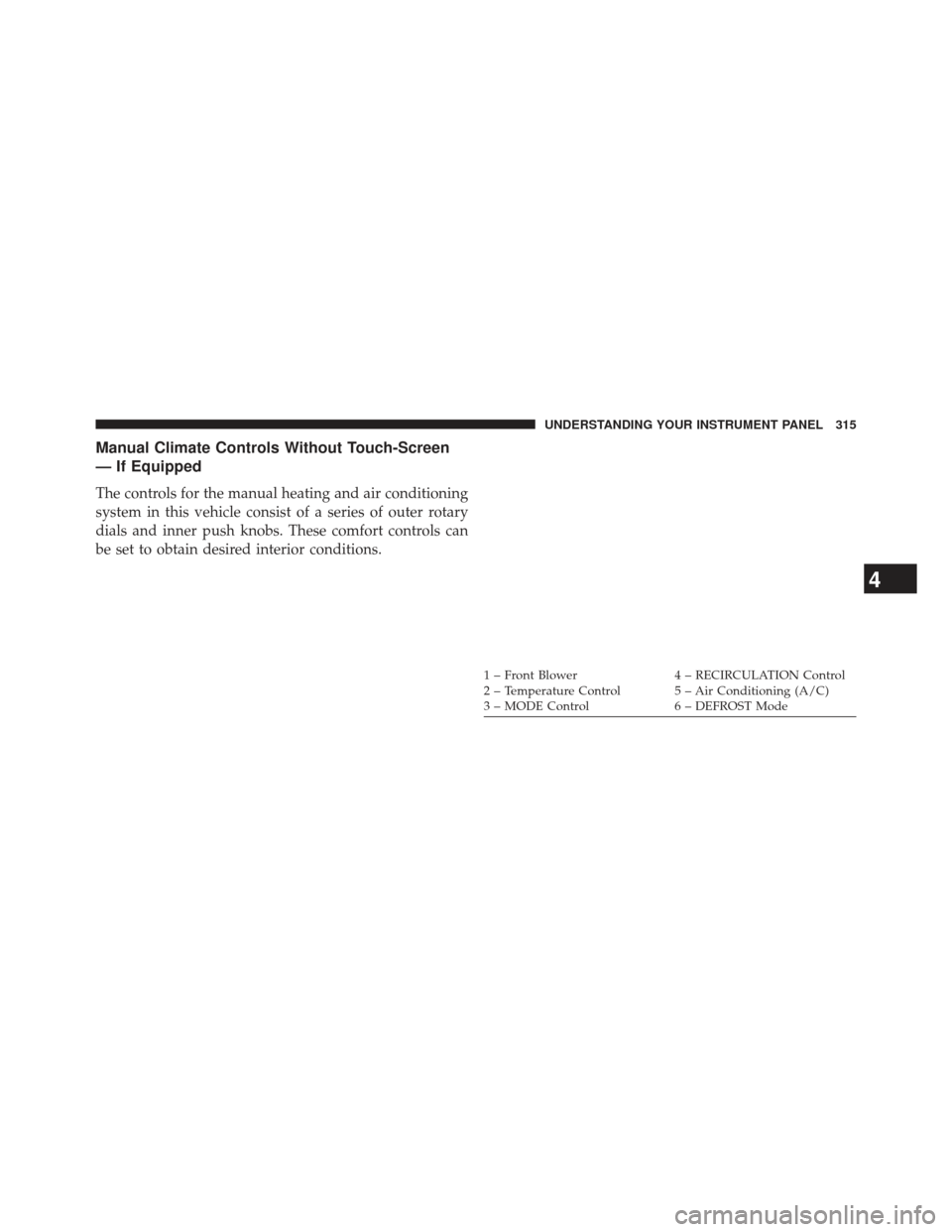
The controls for the manual heating and air conditioning
system in this vehicle consist of a series of outer rotary
dials and inner push knobs. These comfort controls can
be set to obtain desired interior conditions.
1 – Front Blower4 – RECIRCULATION Control
2 – Temperature Control 5 – Air Conditioning (A/C)
3 – MODE Control 6 – DEFROST Mode
4
UNDERSTANDING YOUR INSTRUMENT PANEL 315
Page 318 of 734
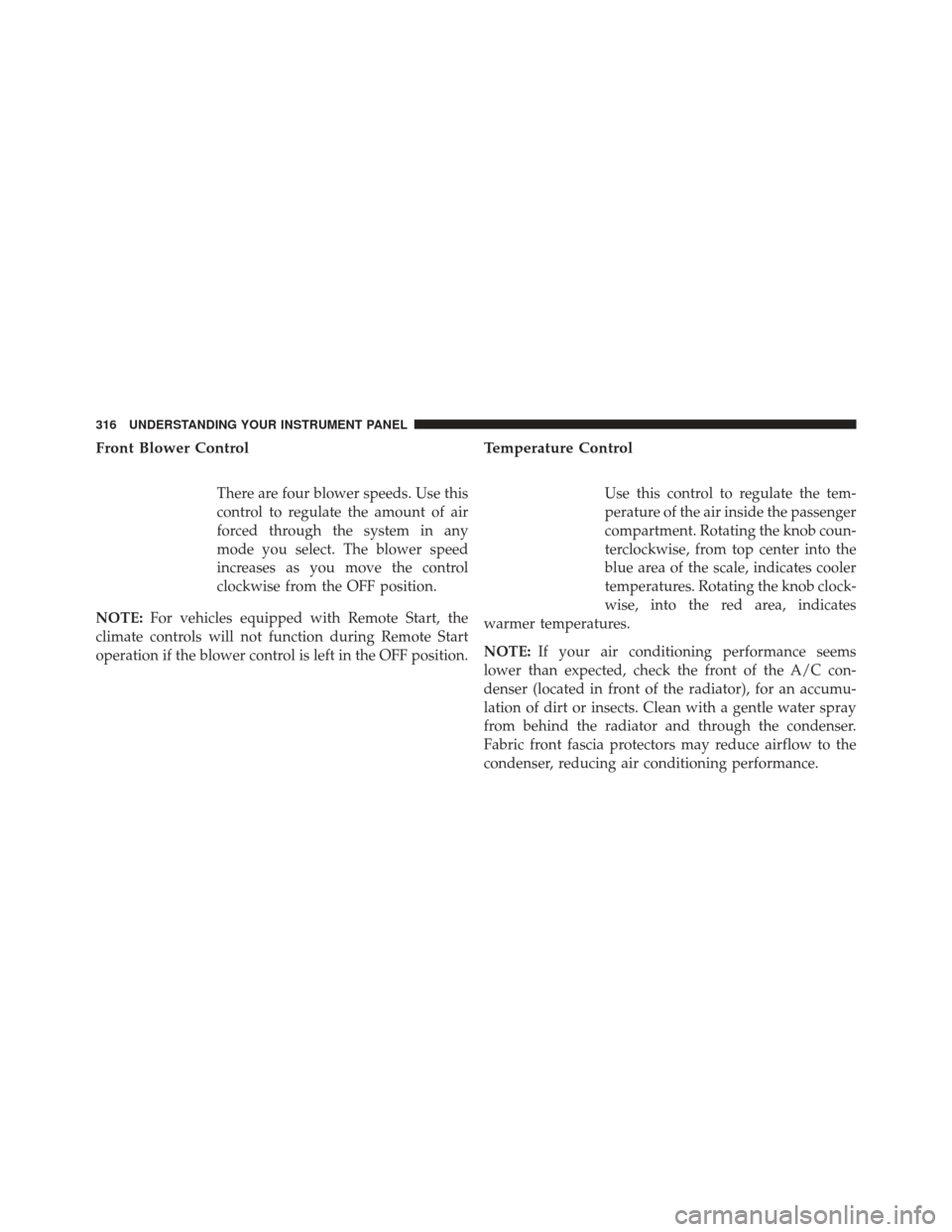
Front Blower Control
There are four blower speeds. Use this
control to regulate the amount of air
forced through the system in any
mode you select. The blower speed
increases as you move the control
clockwise from the OFF position.
NOTE: For vehicles equipped with Remote Start, the
climate controls will not function during Remote Start
operation if the blower control is left in the OFF position.
Temperature Control
Use this control to regulate the tem-
perature of the air inside the passenger
compartment. Rotating the knob coun-
terclockwise, from top center into the
blue area of the scale, indicates cooler
temperatures. Rotating the knob clock-
wise, into the red area, indicates
warmer temperatures.
NOTE: If your air conditioning performance seems
lower than expected, check the front of the A/C con-
denser (located in front of the radiator), for an accumu-
lation of dirt or insects. Clean with a gentle water spray
from behind the radiator and through the condenser.
Fabric front fascia protectors may reduce airflow to the
condenser, reducing air conditioning performance.
316 UNDERSTANDING YOUR INSTRUMENT PANEL
Page 321 of 734
•In cold or damp weather, the use of the Recirculation
mode will cause windows to fog on the inside because
of moisture buildup inside the vehicle. For maximum
defogging, select the outside air position.
• The A/C can be deselected manually without disturb-
ing the mode control selection by pressing the A/C
button.
Air Outlets
The airflow from each of the instrument panel outlets can
be adjusted for direction, and turned on or off to control
airflow.
NOTE: For maximum airflow to the rear, the center
instrument panel outlets can be directed toward the rear
seat passengers.
Economy Mode
If ECONOMY mode is desired, press the A/C button to
turn off the LED indicator and the A/C compressor. Rotate the temperature control knob to the desired tem-
perature. Also, make sure to select only Panel, Bi-Level or
Floor modes.
Stop/Start System – If Equipped
While in an Autostop, the Climate Controls system may
automatically adjust airflow to maintain cabin comfort.
Customer settings will be maintained upon return to an
engine running condition.
Air Conditioning Operation
Push the A/C button to engage the Air
Conditioning (A/C). A LED will illu-
minate when the A/C system is
engaged.
4
UNDERSTANDING YOUR INSTRUMENT PANEL 319
Page 322 of 734
MAX A/C
For maximum cooling, when MAX A/C is selected the
A/C is turned on automatically and the air is
recirculated.
NOTE:A/C cannot be deselected when in MAX A/C
position. The LED will blink three times if the A/C
button is pushed.
Manual Climate Controls With Touch-Screen — If
Equipped
Hard-Keys
The hard-keys are located below the radio touch-screen.
Climate Controls — Hard-keys
320 UNDERSTANDING YOUR INSTRUMENT PANEL
Page 323 of 734
Soft-Keys
Soft-keys are accessible on the radio touch-screen.Button Descriptions (Applies To Both Hard-keys And
Soft-keys)
1. A/C Button
Press and release to change the current setting, the
indicator illuminates when A/C is ON. Performing this
function again will cause the A/C operation to switch
into manual mode and the A/C indicator will turn off.
2. Recirculation Button
Press and release to change the current setting, the
indicator illuminates when ON.
3. Front Defrost Button
Press and release to change the current airflow setting to
Defrost mode. The indicator illuminates when this fea-
ture is ON. Performing this function will cause the ATC
to switch into manual mode. The blower speed may
Temperature Controls — Soft-keys
4
UNDERSTANDING YOUR INSTRUMENT PANEL 321
Page 327 of 734
Automatic Climate Controls With Touch-Screen
— If Equipped
Hard-Keys
The hard-keys located below the radio touch-screen.Soft-Keys
Soft-keys are accessible on the radio touch-screen.
Dual Zone Automatic Climate Controls — Hard-keys
Dual Zone Automatic Temperature Controls — Soft-keys
4
UNDERSTANDING YOUR INSTRUMENT PANEL 325
Page 330 of 734
•Floor Mode
Air comes from the floor outlets. A slight amount
of air is directed through the defrost and side
window demister outlets.
• Mix Mode
Air comes from the floor, defrost and side window
demister outlets. This mode works best in cold or
snowy conditions.
6. Blower Control
Blower control is used to regulate the amount of air forced
through the climate system. There are seven blower speeds
available. Adjusting the blower will cause automatic mode
to switch to manual operation. The speeds can be selected
using either hard-keys or soft-keys as follows:
Hard-key
The blower speed increases as you turn the control
clockwise from the lowest blower setting. The blower
speed decreases as you turn the knob counter-clockwise. Soft-key
Use the small blower icon to reduce the blower setting
and the large blower icon to increase the blower setting.
Blower can also be selected by pressing the blower bar
area between the icons.
7. Climate Control OFF Button
Press and release this button to turn the Climate Control
ON/OFF.
8. Driver Temperature Controls
Push the Up button for warmer temperature settings.
Push the Down button for cooler temperature settings.
On the touch-screen, slide the temperature bar towards
the red arrow soft-key for warmer temperature settings
or slide the temperature bar towards the blue arrow
soft-key for cooler temperature settings.
328 UNDERSTANDING YOUR INSTRUMENT PANEL
Page 331 of 734
9. Passenger Temperature Controls
Push the Up button for warmer temperature settings.
Push the Down button for cooler temperature settings.
On the touch-screen, slide the temperature bar towards
the red arrow soft-key for warmer temperature settings
or slide the temperature bar towards the blue arrow
soft-key for cooler temperature settings.
10. AUTO Temperature Control
Controls airflow temperature, distribution, volume, and
the amount of air recirculation automatically. Press and
release to select. Refer to “Automatic Operation” for
more information. Performing this function will cause
the ATC to switch between manual mode and automatic
modes.11. SYNC
Press the Sync soft-key to toggle the Sync feature On/Off.
The Sync indicator is illuminated when this feature is
enabled. Sync is used to synchronize the passenger
temperature setting with the driver temperature setting.
Changing the passenger temperature setting while in
Sync will automatically exit this feature.
4
UNDERSTANDING YOUR INSTRUMENT PANEL 329