keyless entry Ram 1500 2013 Owner's Guide
[x] Cancel search | Manufacturer: RAM, Model Year: 2013, Model line: 1500, Model: Ram 1500 2013Pages: 734, PDF Size: 5.47 MB
Page 197 of 734
Courtesy/Reading Lights
Both lights in the overhead console and rear passenger
compartment will illuminate as courtesy lights when a
door is opened, when the dimmer control is rotated to the
courtesy light position (full right position), or when the
UNLOCK button is pressed on the Remote Keyless Entry(RKE) transmitter, if equipped. These lights are also
operated individually as reading lights by pressing on
the corresponding lens.
Overhead Console
Front Courtesy/Reading Lights
3
UNDERSTANDING THE FEATURES OF YOUR VEHICLE 195
Page 248 of 734
Disconnecting the Rear Camera or Remote
Keyless Entry — If Equipped
1. Open the tailgate to access the rear camera or RKEconnector bracket located on the rear sill. 2. Remove the connector bracket from the sill by press-
ing inward in the locking tab.
3. Disconnect the chassis wiring harness, ensuring the connector bracket does not fall into the sill.
Connector Bracket
Locking Tab
246 UNDERSTANDING THE FEATURES OF YOUR VEHICLE
Page 250 of 734
3. Raise the tailgate to a 45 degree angle.
4. Raise the right side of the tailgate until the right sidepivot clears the hanger bracket.
5. Slide the entire tailgate to the right to free the left side pivot. 6. Remove the tailgate from the vehicle.
NOTE:
Do not carry the tailgate loose in the truck
pickup box.
WARNING!
To avoid inhaling carbon monoxide, which is deadly,
the exhaust system on vehicles equipped with “Cap
or Slide-In Campers” should extend beyond the
overhanging camper compartment and be free of
leaks.
Locking Tailgate
The lock is located next to the tailgate handle. The
tailgate can be locked using the vehicle key or by locking
the truck with the key-fob if equipped with remote
keyless entry.
Locking Tang
248 UNDERSTANDING THE FEATURES OF YOUR VEHICLE
Page 293 of 734
Key Fob Linked To Memory
When this feature is selected the memory seat, mirror,
and radio settings will return to the memory set position
when the RKE transmitter UNLOCK button is pressed. If
this feature is not selected then the memory seat, mirror,
and radio settings can only return to the memory set
position using the seat mounted switch. To make your
selection, press and release the SELECT button until a
check-mark appears next to the feature showing the
system has been activated or the check-mark is removed
showing the system has been deactivated.
Keyless Enter-N-Go™ (Passive Entry)
This feature allows you to lock and unlock the vehicle’s
door(s) without having to press the RKE transmitter lock
or unlock buttons. To make your selection, press and
release the SELECT button until a check-mark appears
next to the feature showing the system has been activated
or the check-mark is removed showing the system hasbeen deactivated. Refer to “Keyless Enter-N-Go™” in
“Things To Know Before Starting Your Vehicle”.
Remote Start Comfort Sys.
When this feature is selected and the remote start is
activated, the heated steering wheel and driver heated
seat features will automatically turn on in cold weather.
In warm weather, the driver vented seat feature will
automatically turn on when the remote start is activated.
These features will stay on through the duration of
remote start or until the key is turned to RUN. To make
your selection, press and release the SELECT button until
a check-mark appears next to the feature showing the
system has been activated or the check-mark is removed
showing the system has been deactivated.
Key-Off Power Delay
When this feature is selected, the power window
switches, radio, hands-free system (if equipped), DVD
video system (if equipped), power sunroof (if equipped),
4
UNDERSTANDING YOUR INSTRUMENT PANEL 291
Page 305 of 734
•Headlight Illumination On Approach
When this feature is selected, the headlights will activate
and remain on for 0, 30, 60, or 90 seconds when the doors
are unlocked with the Remote Keyless Entry (RKE)
transmitter. To change the Illuminated Approach status,
touch the + or - soft-key to select your desired time
interval. Touch the back arrow soft-key to return to the
previous menu.
• Headlights With Wipers — If Equipped
When this feature is selected, and the headlight switch is
in the AUTO position, the headlights will turn on ap-
proximately 10 seconds after the wipers are turned on.
The headlights will also turn off when the wipers are
turned off if they were turned on by this feature. To make
your selection, touch the Headlights With Wipers softkey,
until a check-mark appears next to setting, showing that
setting has been selected. Touch the back arrow soft-key
to return to the previous menu. •
Auto Dim High Beams “SmartBeam™” — If
Equipped
When this feature is selected, the high beam headlights
will deactivate automatically under certain conditions. To
make your selection, touch the Auto High Beams softkey,
until a check-mark appears next to setting, showing that
setting has been selected. Touch the back arrow soft-key
to return to the previous menu. Refer to “Lights/ Smart-
Beam™ — If Equipped” in “Understanding The Features
Of Your Vehicle” for further information.
• Daytime Running Lights – If Equipped
When this feature is selected, the headlights will turn on
whenever the engine is running. To make your selection,
touch the Daytime Running Lights soft-key, until a
check-mark appears next to setting, showing that setting
has been selected. Touch the back arrow soft-key to
return to the previous menu.
4
UNDERSTANDING YOUR INSTRUMENT PANEL 303
Page 306 of 734
•Flash Headlights With Lock
When this feature is selected, the headlights will flash
when the doors are locked or unlocked with the Remote
Keyless Entry (RKE) transmitter. This feature may be
selected with or without the sound horn on lock feature
selected. To make your selection, touch the Flash Head-
lights with Lock soft-key, until a check-mark appears
next to setting, showing that setting has been selected.
Touch the back arrow soft-key to return to the previous
menu.
Doors & Locks
After pressing the Doors & Locks soft-key the following
settings will be available.
• Auto Unlock On Exit
When this feature is selected, all doors will unlock when
the vehicle is stopped and the transmission is in the
PARK or NEUTRAL position and the driver’s door is opened. To make your selection, touch the Auto Unlock
On Exit soft-key, until a check-mark appears next to
setting, showing that setting has been selected. Touch the
back arrow soft-key to return to the previous menu.
•
Sound Horn With Lock
When this feature is selected, the horn will sound when
the door locks are activated. To make your selection,
touch the Sound Horn With Lock soft-key, until a check-
mark appears next to setting, showing that setting has
been selected. Touch the back arrow soft-key to return to
the previous menu.
• Sound Horn With Remote Start
When this feature is selected, the horn will sound when
the remote start is activated. To make your selection,
touch the Sound Horn With Remote Start soft-key, until a
check-mark appears next to setting, showing that setting
has been selected. Touch the back arrow soft-key to
return to the previous menu.
304 UNDERSTANDING YOUR INSTRUMENT PANEL
Page 307 of 734
•1st Press Of Key Fob Unlocks
When 1st Press Of Key Fob Unlocks is selected, only the
driver’s door will unlock on the first press of the Remote
Keyless Entry (RKE) transmitter UNLOCK button. When
1st Press Of Key Fob Unlocks is selected, you must press
the RKE transmitter UNLOCK button twice to unlock the
passenger’s doors. When Unlock All Doors On 1st Press
is selected, all of the doors will unlock on the first press
of the RKE transmitter UNLOCK button.
NOTE: If the vehicle is programmed 1st Press Of Key
Fob Unlocks, all doors will unlock no matter which
Passive Entry equipped door handle is grasped. If 1st
Press Of Key Fob Unlocks is programmed, only the
driver ’s door will unlock when the driver ’s door is
grasped. With Passive Entry, if 1st Press Of Key Fob
Unlocks is programmed touching the handle more than
once will only result in the driver ’s door opening. If
driver door first is selected, once the driver door is opened, the interior door lock/unlock switch can be used
to unlock all doors (or use RKE transmitter).
•
Passive Entry
This feature allows you to lock and unlock the vehicle’s
door(s) without having to press the Remote Keyless
Entry (RKE) transmitter lock or unlock buttons. To make
your selection, touch the Passive Entry soft-key, until a
check-mark appears next to setting, showing that setting
has been selected. Touch the back arrow soft-key to
return to the previous menu. Refer to “Keyless Enter-N-
Go™” in “Things To Know Before Starting Your Vehicle”.
• Memory To FOB — If Equipped
This feature provides automatic driver seat positioning to
enhance driver mobility when entering and exiting the
vehicle. To make your selection, touch the Memory
Linked To FOB soft-key, until a check-mark appears next
to setting, showing that setting has been selected. Touch
the back arrow soft-key to return to the previous menu.
4
UNDERSTANDING YOUR INSTRUMENT PANEL 305
Page 308 of 734
NOTE:The seat will return to the memorized seat
location (if Recall Memory with Remote Key Unlock is set
to ON) when the Remote Keyless Entry (RKE) transmitter
is used to unlock the door. Refer to “Driver Memory
Seat” in “Understanding The Features Of Your Vehicle”
for further information.
Auto-On Comfort & Remote Start
After pressing the Auto-On Comfort & Remote Start
soft-key the following settings will be available.
• Horn With Remote Start
When this feature is selected, the horn will sound when
the remote start is activated. To make your selection,
touch the Sound Horn With Remote Start soft-key, until a
check-mark appears next to setting, showing that setting
has been selected. Touch the back arrow soft-key to
return to the previous menu. •
Auto-On Driver Heated/Ventilated Seat & Steering
Wheel With Vehicle Start — If Equipped
When this feature is selected the driver’s heated seat and
heated steering wheel will automatically turn on when
temperatures are below 40° F (4.4° C). When tempera-
tures are above 80° F (26.7° C) the driver vented seat will
turn on. To make your selection, touch the Auto Heated
Seats soft-key, until a check-mark appears next to setting,
showing that setting has been selected. Touch the back
arrow soft-key to return to the previous menu.
Engine Off Options
After pressing the Engine Off Options soft-key the fol-
lowing settings will be available.
• Engine Off Power Delay
When this feature is selected, the power window
switches, radio, Uconnect® phone system (if equipped),
DVD video system (if equipped), power sunroof (if
306 UNDERSTANDING YOUR INSTRUMENT PANEL
Page 723 of 734
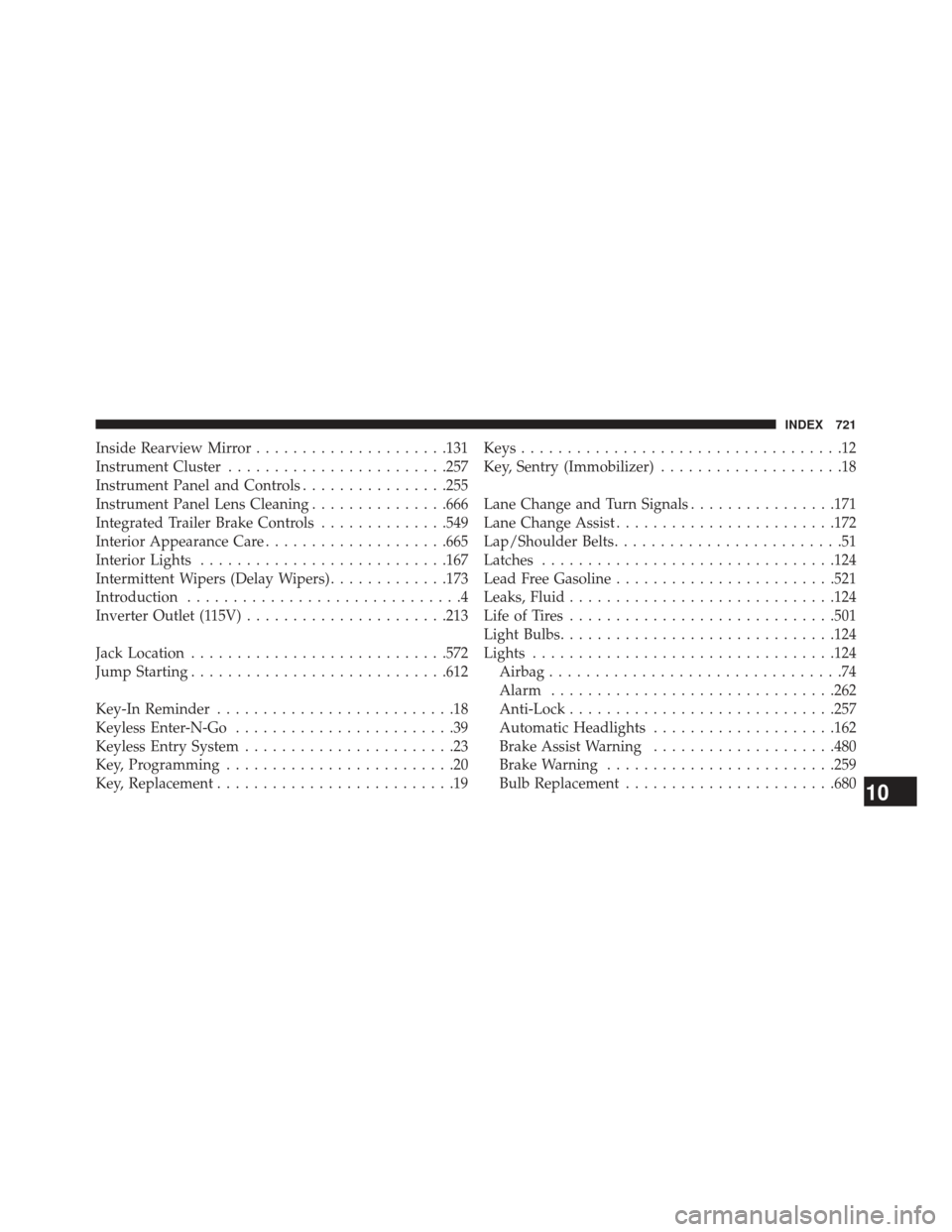
Inside Rearview Mirror.....................131
Instrument Cluster ....................... .257
Instrument Panel and Controls ................255
Instrument Panel Lens Cleaning ...............666
Integrated Trailer Brake Controls ..............549
Interior Appearance Care ....................665
Interior Lights .......................... .167
Intermittent Wipers (Delay Wipers) .............173
Introduction ..............................4
Inverter Outlet (115V) ..................... .213
Jack Location ........................... .572
Jump Starting ........................... .612
Key-In Reminder ..........................18
Keyless Enter-N-Go ........................39
Keyless Entry System .......................23
Key, Programming .........................20
Key, Replacement ..........................19 Keys
...................................12
Key, Sentry (Immobilizer) ....................18
Lane Change and Turn Signals ................171
Lane Change Assist ....................... .172
Lap/Shoulder Belts .........................51
Latches ............................... .124
Lead Free Gasoline ....................... .521
Leaks, Fluid ............................ .124
Life of Tires ............................ .501
Light Bulbs ............................. .124
Lights ................................ .124
Airbag ................................74
Alarm .............................. .262
Anti-Lock ............................ .257
Automatic Headlights ....................162
Brake Assist Warning ....................480
Brake Warning ........................ .259
Bulb Replacement ...................... .680
10
INDEX 721
Page 727 of 734
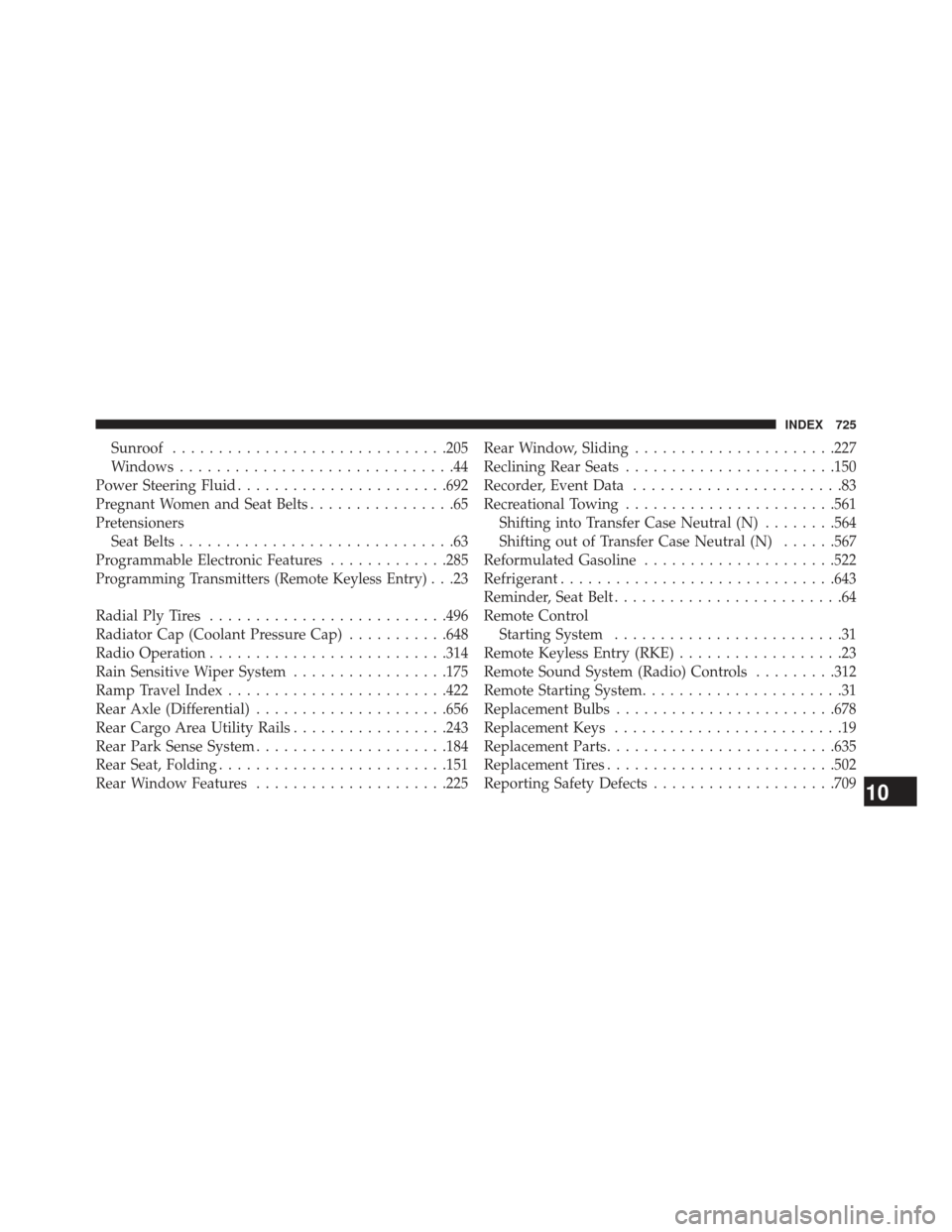
Sunroof............................. .205
Windows ..............................44
Power Steering Fluid ...................... .692
Pregnant Women and Seat Belts ................65
Pretensioners Seat Belts ..............................63
Programmable Electronic Features .............285
Programming Transmitters (Remote Keyless Entry). . .23
Radial Ply Tires ......................... .496
Radiator Cap (Coolant Pressure Cap) ...........648
Radio Operation ......................... .314
Rain Sensitive Wiper System .................175
Ramp Travel Index ....................... .422
Rear Axle (Differential) .....................656
Rear Cargo Area Utility Rails .................243
Rear Park Sense System .....................184
Rear Seat, Folding ........................ .151
Rear Window Features .....................225 Rear Window, Sliding
..................... .227
Reclining Rear Seats ...................... .150
Recorder, Event Data .......................83
Recreational Towing ...................... .561
Shifting into Transfer Case Neutral (N) ........564
Shifting out of Transfer Case Neutral (N) ......567
Reformulated Gasoline .....................522
Refrigerant ............................. .643
Reminder, Seat Belt .........................64
Remote Control Starting System .........................31
Remote Keyless Entry (RKE) ..................23
Remote Sound System (Radio) Controls .........312
Remote Starting System ......................31
Replacement Bulbs ....................... .678
Replacement Keys .........................19
Replacement Parts ........................ .635
Replacement Tires ........................ .502
Reporting Safety Defects ....................709
10
INDEX 725