remote start Ram 1500 2013 Owner's Guide
[x] Cancel search | Manufacturer: RAM, Model Year: 2013, Model line: 1500, Model: Ram 1500 2013Pages: 734, PDF Size: 5.47 MB
Page 148 of 734
•The engine must be running for the heated seats to
operate.
The heated seats switch from HIGH to LOW and from
LOW to OFF automatically, based on time and tempera-
ture of the seat. The heated seats can operate on HIGH
heat for a maximum of 20 minutes before switching to
LOW heat at that time, the number of illuminated LEDs
changes from two to one, indicating the change. Once a
seat has switched to the LOW heat setting it may operate
for a maximum of 40 minutes before automatically
shutting OFF. The heated seats can shut OFF early or may
not turn on when the seat is already warm.
Vehicle Equipped With Remote Start
On models that are equipped with remote start, the
driver ’s heated seat can be programmed to come on
during a remote start. Refer to “Remote Starting System
— If Equipped” in “Things to Know Before Starting Your
Vehicle” for further information.Rear Heated Seats
On some models, the two outboard seats are equipped
with heated seats. The heated seat switches for these
seats are located on the rear of the center console.
There are two heated seat switches that allow the rear
passengers to operate the seats independently. You can
choose from HIGH, LOW or OFF heat settings. Amber
indicator lights in each switch indicate the level of heat in
use. Two indicator lights will illuminate for HIGH, one
for LOW and none for OFF. Press the switch once to select HIGH-level
heating. Press the switch a second time to select
LOW-level heating. Press the switch a third
time to shut the heating elements OFF.
NOTE:
• Once a heat setting is selected, heat will be felt within
two to five minutes.
146 UNDERSTANDING THE FEATURES OF YOUR VEHICLE
Page 149 of 734
•The engine must be running for the heated seats to
operate.
When the HIGH-level setting is selected, the heater will
provide a boosted heat level during the first four minutes
of operation. Then, the heat output will drop to the
normal HIGH-level. If the HIGH-level setting is selected,
the system will automatically switch to LOW-level after a
maximum of 60 minutes of continuous operation. At that
time, the number of illuminated LEDs changes from two
to one, indicating the change. The LOW-level setting will
turn OFF automatically after a maximum of 45 minutes.
Ventilated Seats — If Equipped
On some models, both the driver and passenger seats are
ventilated. Located in the seat cushion is a small fan that
draws air from the passenger compartment and pulls the
air through fine perforations in the seat cover to help
keep the driver and front passenger cooler in higher
ambient temperatures. The ventilated seat switches are located in the switch
bank in the center stack of the instrument panel just
below the climate controls as well as soft-keys located in
the radio screen. The fans operate at two speeds, HIGH
and LOW.
Press the switch once to choose HIGH,
press it a second time to choose LOW.
Pressing the switch a third time will
turn the ventilated seat OFF. When
HIGH speed is selected both lights on
the switch will be illuminated. When
LOW speed is selected one light will
be illuminated.
NOTE: The engine must be running for the ventilated
seats to operate.
Vehicles Equipped With Remote Start
On models equipped with remote start, the drivers
ventilated seat can be programmed to come on during a
3
UNDERSTANDING THE FEATURES OF YOUR VEHICLE 147
Page 150 of 734
remote start. Refer to “Remote Starting System — If
Equipped” in “Things to Know Before Starting Your
Vehicle” for further information.
Manual Seat Adjuster — If Equipped
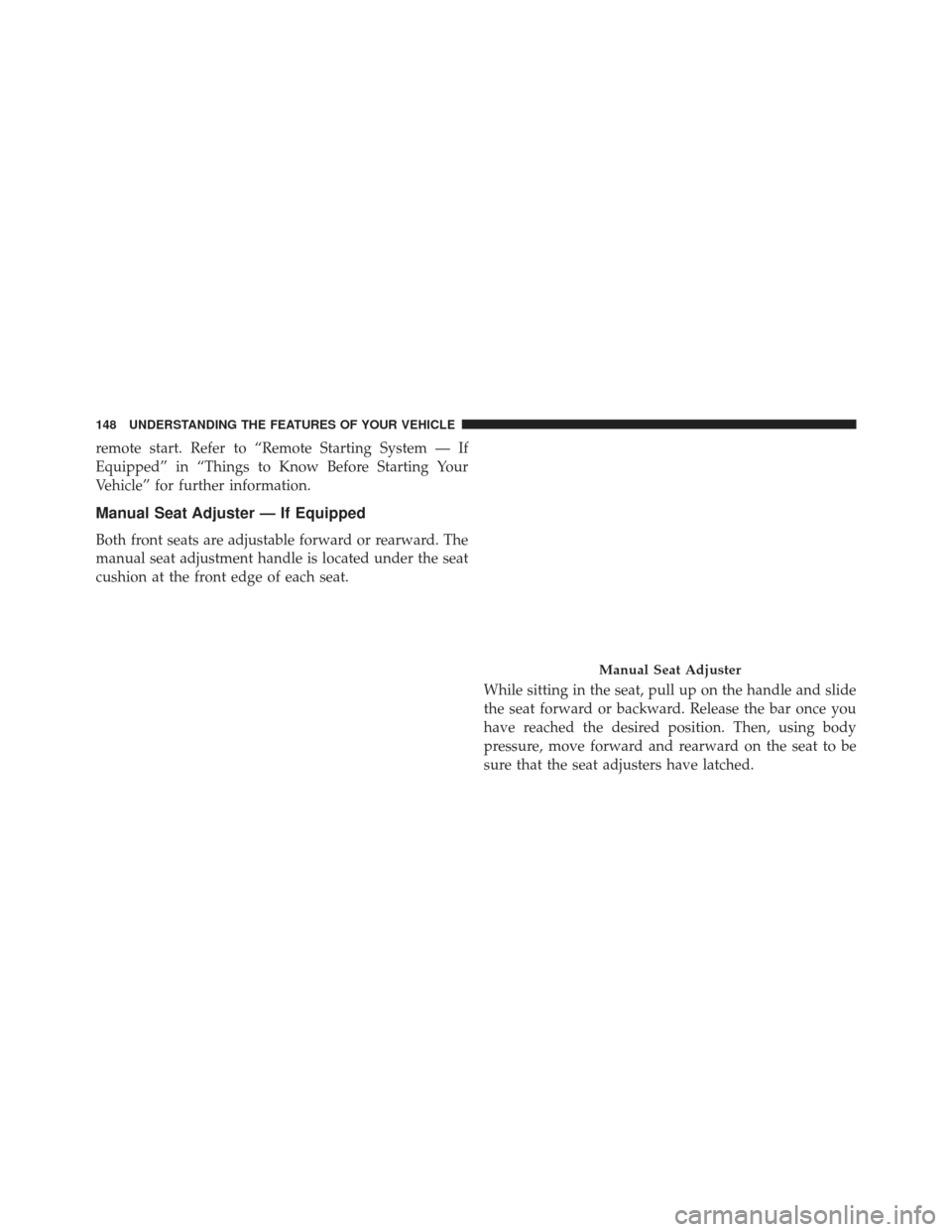
Both front seats are adjustable forward or rearward. The
manual seat adjustment handle is located under the seat
cushion at the front edge of each seat.While sitting in the seat, pull up on the handle and slide
the seat forward or backward. Release the bar once you
have reached the desired position. Then, using body
pressure, move forward and rearward on the seat to be
sure that the seat adjusters have latched.
Manual Seat Adjuster
148 UNDERSTANDING THE FEATURES OF YOUR VEHICLE
Page 159 of 734
Vehicles Equipped With Keyless Enter-N-Go
1. Without pressing the brake pedal, push the ENGINESTART/STOP button and cycle the ignition to the
ON/RUN position (Do not start the engine).
2. Adjust all memory profile settings to desired prefer- ences (seat, side mirrors, adjustable pedals and radio
station presets).
3. Press and release the S (Set) button on the memory switch.
4. Within five seconds, press and release either of the memory buttons (1) or (2). The Electronic Vehicle
Information Center (EVIC) will display which
memory position has been set.
Vehicles Not Equipped With Keyless Enter-N-Go
1. Insert the ignition key fob, and turn the ignition switch to the ON/RUN position. 2. Adjust all memory profile settings to desired prefer-
ences (seat, side mirrors, adjustable pedals [if
equipped], power tilt and telescopic steering column
[if equipped], and radio station presets).
3. Press and release the S (Set) button on the memory switch.
4. Within five seconds, press and release either of the memory buttons (1) or (2). The Electronic Vehicle
Information Center (EVIC) will display which
memory position has been set.
NOTE:
• Memory profiles can be set without the vehicle in
PARK, but the vehicle must be in PARK to recall a
memory profile.
• The Recall Memory with Remote Linked to Memory
feature can be enabled through the Electronic Vehicle
Information Center (EVIC), refer to “Electronic Vehicle
3
UNDERSTANDING THE FEATURES OF YOUR VEHICLE 157
Page 178 of 734
operate until the wiper switch is moved, vehicle speed
is greater than 0 mph (0 km/h), or the outside tem-
perature is greater than 32°F (0°C).
• Transmission In NEUTRAL Position — When the
ignition is ON, and the transmission is in the NEU-
TRAL position, the Rain Sensing system will not
operate until the wiper switch is moved, vehicle speed
is greater than 5 mph (8 km/h), or the shift lever is
moved out of the NEUTRAL position.
Remote Start Mode Inhibit — On vehicles equipped
with Remote Starting system, Rain Sensing wipers are
not operational when the vehicle is in the remote start
mode. Once the operator is in the vehicle and has placed
the ignition switch in the RUN position, rain sensing
wiper operation can resume, if it has been selected, and
no other inhibit conditions (mentioned previously) exist.TILT STEERING COLUMN
This feature allows you to tilt the steering column
upward or downward. The tilt lever is located on the
steering column, below the multifunction lever.
Pull the lever toward the steering wheel to unlock the
steering column. With one hand firmly on the steering
wheel, move the steering column up or down, as desired.
Release the lever to lock the steering column firmly in
place.
176 UNDERSTANDING THE FEATURES OF YOUR VEHICLE
Page 180 of 734
The heated steering wheel switch is located on the switch
bank below the climate controls. There are also soft-keys
in the radio screen that will activate the heated steering
wheel.Press the switch to turn on the heated
steering wheel. The light on the switch
will illuminate to indicate the steering
wheel heater is on. Pressing the switch
a second time will turn off the heated
steering wheel and light indicator.
NOTE: The engine must be running for the heated
steering wheel to operate.
Vehicles Equipped With Remote Start
On models that are equipped with remote start, the
heated steering wheel can be programmed to come on
during a remote start. Refer to “Remote Starting System — If Equipped” in “Things to Know Before Starting Your
Vehicle” for further information.
WARNING!
•
Persons who are unable to feel pain to the skin
because of advanced age, chronic illness, diabetes,
spinal cord injury, medication, alcohol use, exhaus-
tion, or other physical conditions must exercise
care when using the steering wheel heater. It may
cause burns even at low temperatures, especially if
used for long periods.
• Do not place anything on the steering wheel that
insulates against heat, such as a blanket or steering
wheel covers of any type and material. This may
cause the steering wheel heater to overheat.
178 UNDERSTANDING THE FEATURES OF YOUR VEHICLE
Page 273 of 734
9. Selectable Gauge 2
10. Selectable Gauge 1
The main display area will normally display the main
menu or the screens of a selected feature of the main
menu. The main display area also displays “pop up”
messages that consist of approximately 60 possible warn-
ing or information messages. These pop up messages fall
into several categories:
•Five Second Stored Messages
When the appropriate conditions occur, this type of
message takes control of the main display area for five
seconds and then returns to the previous screen. Most of
the messages of this type are then stored (as long as the
condition that activated it remains active) and can be
reviewed from the “Messages” main menu item. As long
as there is a stored message, an “i” will be displayed in the EVIC’s compass/outside temp line. Examples of this
message type are “Right Front Turn Signal Lamp Out”
and “Low Tire Pressure”.
•
Unstored Messages
This message type is displayed indefinitely or until the
condition that activated the message is cleared. Examples
of this message type are “Turn Signal On” (if a turn signal
is left on) and “Lights On” (if driver leaves the vehicle).
• Unstored Messages Until RUN
These messages deal primarily with the Remote Start
feature. This message type is displayed until the ignition
is in the RUN state. Examples of this message type are
“Remote Start Aborted - Door Ajar” and “Press Brake
Pedal and Push Button to Start”.
• Five Second Unstored Messages
When the appropriate conditions occur, this type of
message takes control of the main display area for five
4
UNDERSTANDING YOUR INSTRUMENT PANEL 271
Page 276 of 734
•Brake Fluid Low
• Service Electronic Braking System
• Engine Temperature Hot
• Battery Voltage Low
• Service Electronic Throttle Control
• Lights On
• Right Turn Signal Light Out
• Left Turn Signal Light Out
• Turn Signal On
• Vehicle Not in Park
• Key in Ignition
• Key in Ignition Lights On
• Remote Start Active Key to Run •
Remote Start Active Push Start Button
• Remote Start Aborted Fuel Low
• Remote Start Aborted Too Cold
• Remote Start Aborted Door Open
• Remote Start Aborted Hood Open
• Remote Start Aborted Trunk Open
• Remote Start Aborted Time Expired
• Remote Start Disabled Start to Reset
• Service Airbag System
• Service Airbag Warning Light
• Driver Seatbelt Unbuckled
• Passenger Seatbelt Unbuckled
• Front Seatbelts Unbuckled
274 UNDERSTANDING YOUR INSTRUMENT PANEL
Page 292 of 734
feature showing the system has been activated, or the
check-mark is removed showing the system has been
deactivated.
Horn with Remote Start
When this feature is selected, a short horn sound will
occur when the RKE transmitter REMOTE START button
is pressed. To make your selection, press and release the
SELECT button until a check-mark appears next to the
feature showing the system has been activated or the
check-mark is removed showing the system has been
deactivated.
Sound Horn With Remote Lock
When this feature is selected, a short horn sound will
occur when the RKE transmitter LOCK button is pressed.
This feature may be selected with or without the Flash
Lamps with Lock feature. To make your selection, pressand release the SELECT button until a check-mark ap-
pears next to the feature showing the system has been
activated or the check-mark is removed showing the
system has been deactivated.
Remote Unlock Sequence
When
Unlock Driver Door Only On 1st Press is selected,
only the driver’s door will unlock on the first press of the
RKE transmitter UNLOCK button. When Driver Door 1st
Press is selected, you must press the RKE transmitter
UNLOCK button twice to unlock the passenger’s doors.
When Unlock All Doors On 1st Press is selected, all of
the doors will unlock on the first press of the RKE
transmitter UNLOCK button. To make your selection,
scroll up or down until the preferred setting is high-
lighted, then press and release the SELECT button until a
check-mark appears next to the setting, showing that the
setting has been selected.
290 UNDERSTANDING YOUR INSTRUMENT PANEL
Page 293 of 734
Key Fob Linked To Memory
When this feature is selected the memory seat, mirror,
and radio settings will return to the memory set position
when the RKE transmitter UNLOCK button is pressed. If
this feature is not selected then the memory seat, mirror,
and radio settings can only return to the memory set
position using the seat mounted switch. To make your
selection, press and release the SELECT button until a
check-mark appears next to the feature showing the
system has been activated or the check-mark is removed
showing the system has been deactivated.
Keyless Enter-N-Go™ (Passive Entry)
This feature allows you to lock and unlock the vehicle’s
door(s) without having to press the RKE transmitter lock
or unlock buttons. To make your selection, press and
release the SELECT button until a check-mark appears
next to the feature showing the system has been activated
or the check-mark is removed showing the system hasbeen deactivated. Refer to “Keyless Enter-N-Go™” in
“Things To Know Before Starting Your Vehicle”.
Remote Start Comfort Sys.
When this feature is selected and the remote start is
activated, the heated steering wheel and driver heated
seat features will automatically turn on in cold weather.
In warm weather, the driver vented seat feature will
automatically turn on when the remote start is activated.
These features will stay on through the duration of
remote start or until the key is turned to RUN. To make
your selection, press and release the SELECT button until
a check-mark appears next to the feature showing the
system has been activated or the check-mark is removed
showing the system has been deactivated.
Key-Off Power Delay
When this feature is selected, the power window
switches, radio, hands-free system (if equipped), DVD
video system (if equipped), power sunroof (if equipped),
4
UNDERSTANDING YOUR INSTRUMENT PANEL 291