warning light Ram 1500 2013 Owner's Guide
[x] Cancel search | Manufacturer: RAM, Model Year: 2013, Model line: 1500, Model: Ram 1500 2013Pages: 734, PDF Size: 5.47 MB
Page 276 of 734
•Brake Fluid Low
• Service Electronic Braking System
• Engine Temperature Hot
• Battery Voltage Low
• Service Electronic Throttle Control
• Lights On
• Right Turn Signal Light Out
• Left Turn Signal Light Out
• Turn Signal On
• Vehicle Not in Park
• Key in Ignition
• Key in Ignition Lights On
• Remote Start Active Key to Run •
Remote Start Active Push Start Button
• Remote Start Aborted Fuel Low
• Remote Start Aborted Too Cold
• Remote Start Aborted Door Open
• Remote Start Aborted Hood Open
• Remote Start Aborted Trunk Open
• Remote Start Aborted Time Expired
• Remote Start Disabled Start to Reset
• Service Airbag System
• Service Airbag Warning Light
• Driver Seatbelt Unbuckled
• Passenger Seatbelt Unbuckled
• Front Seatbelts Unbuckled
274 UNDERSTANDING YOUR INSTRUMENT PANEL
Page 280 of 734
•Windshield Washer Fluid Low Indicator
This telltale will turn on to indicate the wind-
shield washer fluid is low.
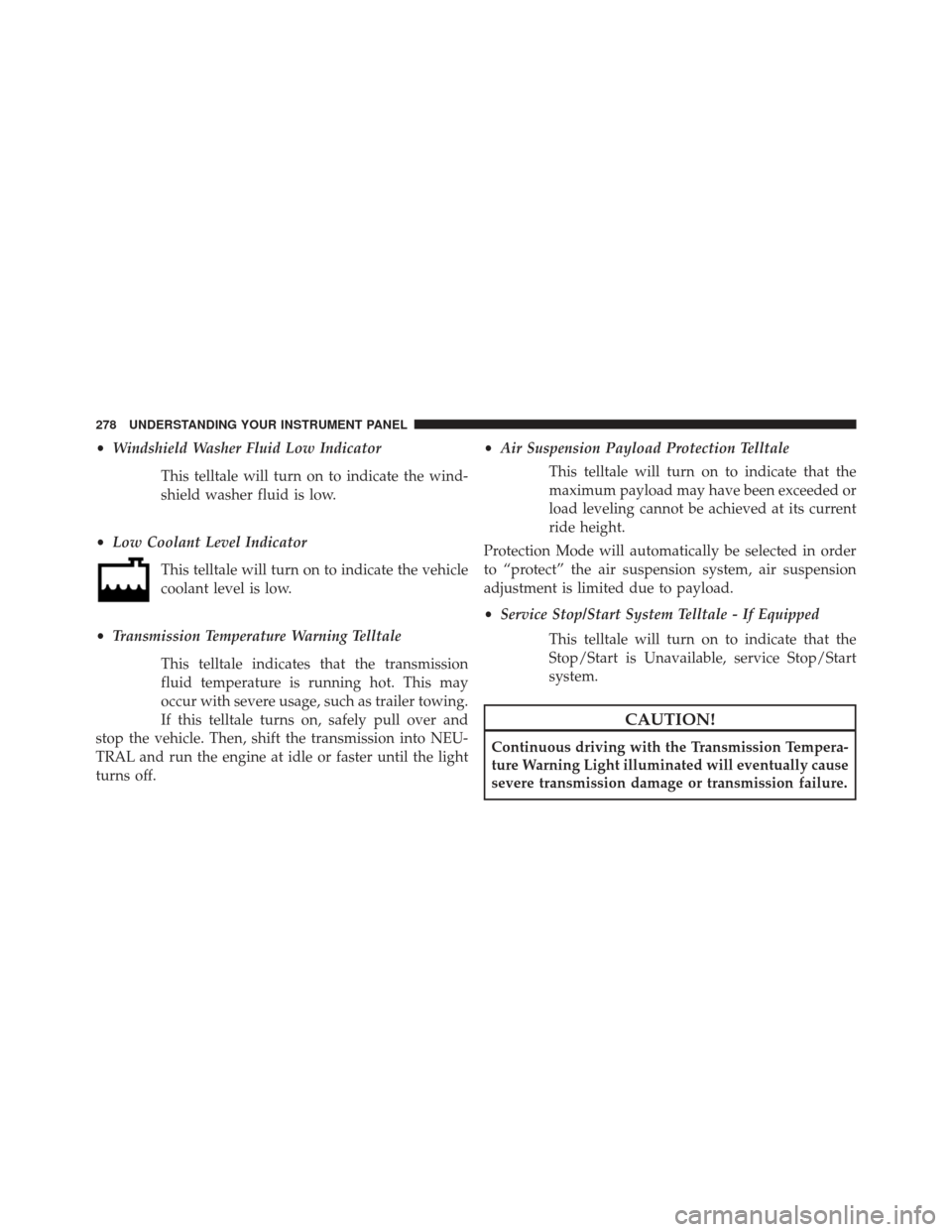
• Low Coolant Level Indicator
This telltale will turn on to indicate the vehicle
coolant level is low.
• Transmission Temperature Warning Telltale
This telltale indicates that the transmission
fluid temperature is running hot. This may
occur with severe usage, such as trailer towing.
If this telltale turns on, safely pull over and
stop the vehicle. Then, shift the transmission into NEU-
TRAL and run the engine at idle or faster until the light
turns off. •
Air Suspension Payload Protection Telltale
This telltale will turn on to indicate that the
maximum payload may have been exceeded or
load leveling cannot be achieved at its current
ride height.
Protection Mode will automatically be selected in order
to “protect” the air suspension system, air suspension
adjustment is limited due to payload.
• Service Stop/Start System Telltale - If Equipped
This telltale will turn on to indicate that the
Stop/Start is Unavailable, service Stop/Start
system.
CAUTION!
Continuous driving with the Transmission Tempera-
ture Warning Light illuminated will eventually cause
severe transmission damage or transmission failure.
278 UNDERSTANDING YOUR INSTRUMENT PANEL
Page 281 of 734
WARNING!
If you continue operating the vehicle when the
Transmission Temperature Warning Light is illumi-
nated you could cause the fluid to boil over, come in
contact with hot engine or exhaust components and
cause a fire.
EVIC White Telltales
•Electronic Speed Control Ready
This light will turn on when the electronic
speed control is ON. For further information,
refer to “Electronic Speed Control” in “Under-
standing The Features Of Your Vehicle.”
EVIC Red Telltales
This area will show reconfigurable red telltales. These
telltales include:
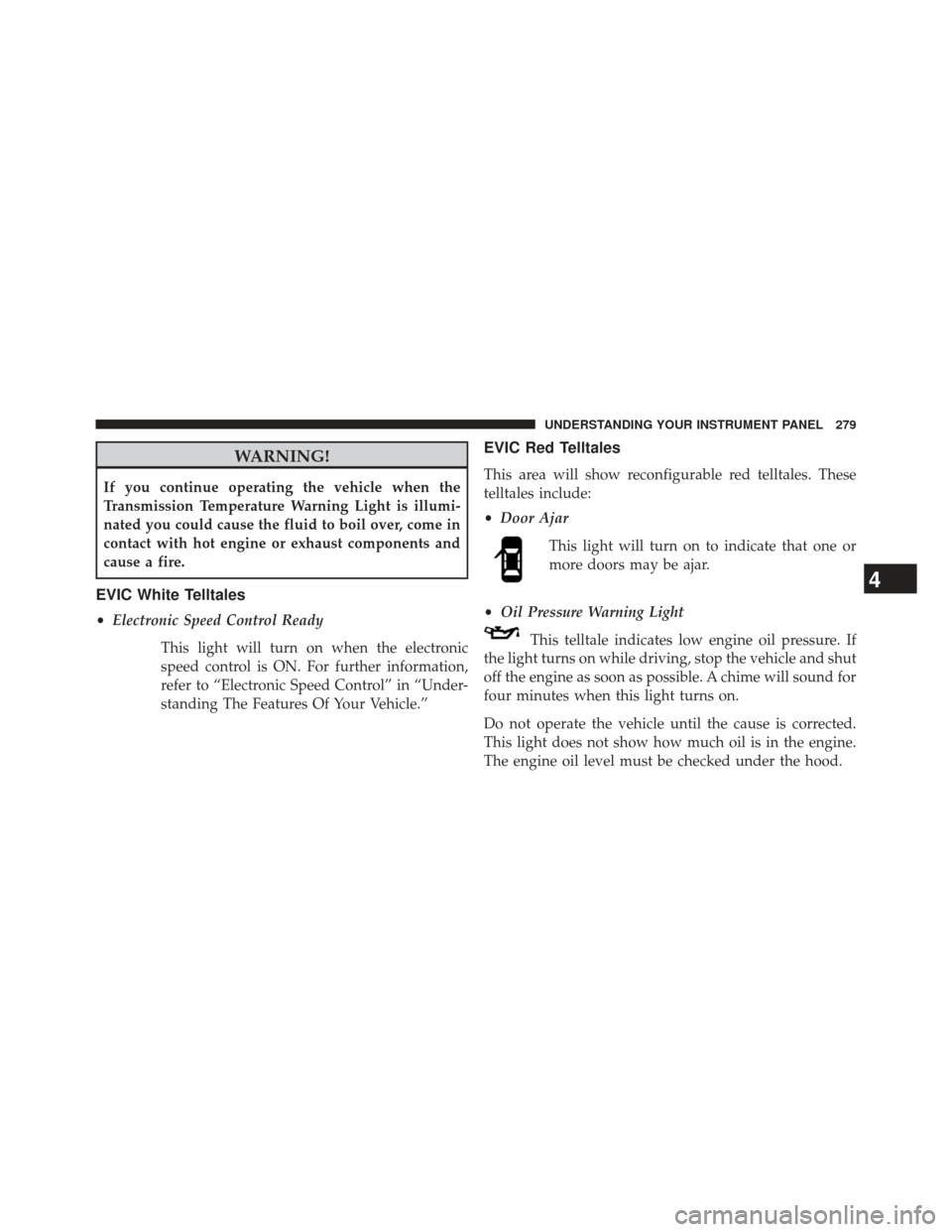
•Door Ajar
This light will turn on to indicate that one or
more doors may be ajar.
• Oil Pressure Warning Light
This telltale indicates low engine oil pressure. If
the light turns on while driving, stop the vehicle and shut
off the engine as soon as possible. A chime will sound for
four minutes when this light turns on.
Do not operate the vehicle until the cause is corrected.
This light does not show how much oil is in the engine.
The engine oil level must be checked under the hood.
4
UNDERSTANDING YOUR INSTRUMENT PANEL 279
Page 282 of 734
•Oil Temperature Warning Light
This telltale indicates engine oil temperature is
high. If the light turns on while driving, stop
the vehicle and shut off the engine as soon as
possible.
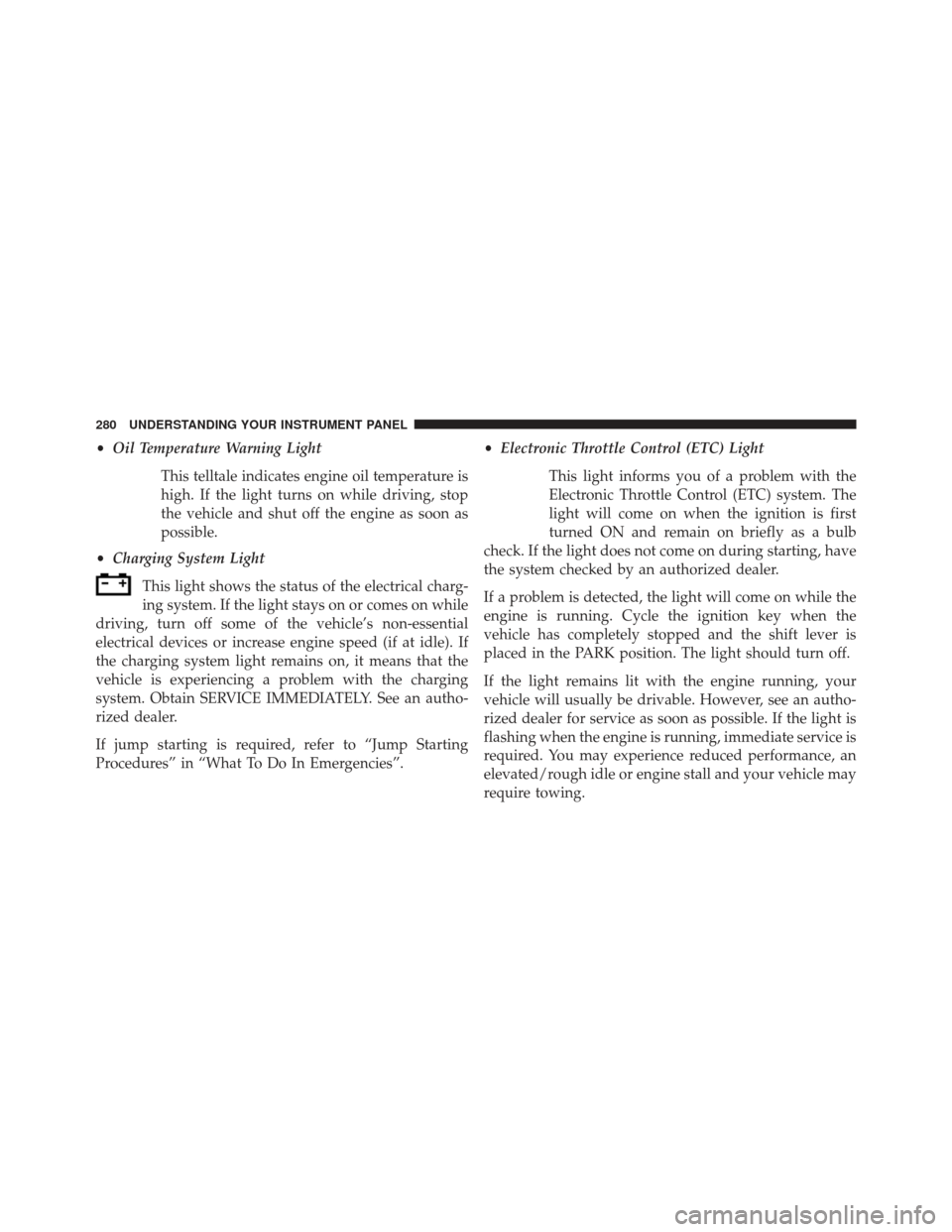
• Charging System Light
This light shows the status of the electrical charg-
ing system. If the light stays on or comes on while
driving, turn off some of the vehicle’s non-essential
electrical devices or increase engine speed (if at idle). If
the charging system light remains on, it means that the
vehicle is experiencing a problem with the charging
system. Obtain SERVICE IMMEDIATELY. See an autho-
rized dealer.
If jump starting is required, refer to “Jump Starting
Procedures” in “What To Do In Emergencies”. •
Electronic Throttle Control (ETC) Light
This light informs you of a problem with the
Electronic Throttle Control (ETC) system. The
light will come on when the ignition is first
turned ON and remain on briefly as a bulb
check. If the light does not come on during starting, have
the system checked by an authorized dealer.
If a problem is detected, the light will come on while the
engine is running. Cycle the ignition key when the
vehicle has completely stopped and the shift lever is
placed in the PARK position. The light should turn off.
If the light remains lit with the engine running, your
vehicle will usually be drivable. However, see an autho-
rized dealer for service as soon as possible. If the light is
flashing when the engine is running, immediate service is
required. You may experience reduced performance, an
elevated/rough idle or engine stall and your vehicle may
require towing.
280 UNDERSTANDING YOUR INSTRUMENT PANEL
Page 283 of 734
•Engine Temperature Warning Light
This light warns of an overheated engine condi-
tion. As temperatures rise and the gauge ap-
proaches H,this indicator will illuminate and a single
chime will sound after reaching a set threshold. Further
overheating will cause the temperature gauge to pass H,
the indicator will continuously flash and a continuous
chime will occur until the engine is allowed to cool.
If the light turns on while driving, safely pull over and
stop the vehicle. If the A/C system is on, turn it off. Also,
shift the transmission into NEUTRAL and idle the ve-
hicle. If the temperature reading does not return to
normal, turn the engine off immediately and call for
service. Refer to “If Your Engine Overheats” in “What To
Do In Emergencies” for more information.EVIC Green Telltales
• Electronic Speed Control SET
This telltale will illuminate green when the
electronic speed control is SET. For further
information, refer to “Electronic Speed Con-
trol” in “Understanding The Features Of Your
Vehicle.”
EVIC Selectable Menu Items
Press and release the UP or DOWN arrow buttons until
the desired Selectable Menu icon is highlighted in the
EVIC.
4
UNDERSTANDING YOUR INSTRUMENT PANEL 281
Page 287 of 734
Audio
Press and release the UP or DOWN arrow
button until the Audio display icon is high-
lighted in the EVIC. Press and release the
SELECT/RIGHT arrow button to display the
active source.
Screen Setup
Press and release the UP or DOWN arrow
button until the Screen Setup display icon is
highlighted in the EVIC. Press and release the
SELECT/RIGHT arrow button to enter the
Screen Setup sub-menu. The Screen Setup feature allows
you to change what information is displayed in the
instrument cluster as well as the location that information
is displayed.
Stored Messages
Press and release the UP or DOWN button until “Mes-
sages: XX” displays highlighted in the EVIC. If there is
more than one message, pressing the SELECT/RIGHT
button will display a stored warning message. Press and
release the UP and DOWN buttons if there is more than
one message to step through the remaining stored mes-
sages. If there are no message, pressing the SELECT/
RIGHT button will do nothing.
Personal Settings (Customer-Programmable
Features)
For vehicles equipped a 3.5” EVIC screen
Personal Settings allows the driver to set and recall
features when the transmission is in PARK.
Press and release the UP and DOWN button until Per-
sonal Settings displays in the EVIC.
4
UNDERSTANDING YOUR INSTRUMENT PANEL 285
Page 294 of 734
and power outlets will remain active for up to 10 minutes
after the ignition switch is turned OFF. Opening either
front vehicle door will cancel this feature. To make your
selection, scroll up or down until the preferred setting is
highlighted, then press and release the SELECT button
until a check-mark appears next to the setting, showing
that the setting has been selected.
Air Suspension Display Alerts – If Equipped
When All is selected, all the Air Suspension Alerts will be
displayed. When Warnings Only is selected only the Air
Suspension Warnings will be displayed. To make your
selection, scroll up or down until the preferred setting is
highlighted, then press and release the SELECT button
until a check-mark appears next to the setting, showing
that the setting has been selected.
Aero Ride Height Mode (1500 Only) – If Equipped
When this feature is selected the Ride Height will auto-
matically be adjusted depending on the vehicle speed. Tomake your selection, press and release the SELECT
button until a check-mark appears next to the feature
showing the system has been activated or the check-mark
is removed showing the system has been deactivated.
Tire/Jack Mode – If Equipped
When this feature is selected the air suspension system is
disabled to assist with changing a spare tire. To make
your selection, press and release the SELECT button until
a check-mark appears next to the feature showing the
system has been activated or the check-mark is removed
showing the system has been deactivated.
Transport Mode – If Equipped
When this feature is selected the air suspension system is
disabled to assist with flat bed towing. To make your
selection, press and release the SELECT button until a
check-mark appears next to the feature showing the
system has been activated or the check-mark is removed
showing the system has been deactivated.
292 UNDERSTANDING YOUR INSTRUMENT PANEL
Page 312 of 734
•Flash Lights with Remote Lower
When this feature is selected, the front and rear turn
signals will flash when the RKE transmitter REMOTE
LOWER button is pressed twice. This feature may be
selected with or without the sound horn on lower feature
selected. Touch the box next to your selection and a
check-mark appears next to the feature showing the
system has been activated or the check-mark is removed
showing the system has been deactivated.
• Suspension Display Messages
When All is selected, all the Air Suspension Alerts will be
displayed. When Warnings Only is selected only the Air
Suspension Warnings will be displayed.
• Automatic Aero Mode
When this feature is selected the Ride Height will auto-
matically be adjusted depending on the vehicle speed.
Touch the box next to your selection and a check-mark appears next to the feature showing the system has been
activated or the check-mark is removed showing the
system has been deactivated.
•
Tire Jack Mode
When this feature is selected the air suspension system is
disabled to assist with changing a spare tire. Touch the
box next to your selection and a check-mark appears next
to the feature showing the system has been activated or
the check-mark is removed showing the system has been
deactivated.
• Transport Mode
When this feature is selected the air suspension system is
disabled to assist with flat bed towing. Touch the box
next to your selection and a check-mark appears next to
the feature showing the system has been activated or the
check-mark is removed showing the system has been
deactivated.
310 UNDERSTANDING YOUR INSTRUMENT PANEL
Page 365 of 734
WARNING!
Do not downshift for additional engine braking on a
slippery surface. The drive wheels could lose their
grip and the vehicle could skid, causing a collision or
personal injury.
When to Use TOW/HAUL Mode
When driving in hilly areas, towing a trailer, carrying a
heavy load, etc., and frequent transmission shifting oc-
curs, press the TOW/HAUL switch to activate TOW/
HAUL mode. This will improve performance and reduce
the potential for transmission overheating or failure due
to excessive shifting.The “TOW/HAUL Indicator Light” will illuminate in the
instrument cluster to indicate that TOW/HAUL mode
has been activated. Pressing the switch a second time
restores normal operation. Normal operation is always
TOW/HAUL Switch
5
STARTING AND OPERATING 363
Page 371 of 734
DRIVE
This range should be used for most city and highway
driving. It provides the smoothest upshifts and down-
shifts, and the best fuel economy. The transmission
automatically upshifts through underdrive first and sec-
ond gears, direct third gear and overdrive fourth and
fifth gears. The DRIVE position provides optimum driv-
ing characteristics under all normal operating conditions.
To access all six available gears, you must use the
Electronic Range Select (ERS) shift control, described
below.
When frequent transmission shifting occurs (such as
when operating the vehicle under heavy loading condi-
tions, in hilly terrain, traveling into strong head winds, or
while towing heavy trailers), use the Electronic Range
Select (ERS) shift control (refer to “Electronic Range
Select (ERS) Operation)” in this section) to select a lower
gear range. Under these conditions, using a lower gearrange will improve performance and extend transmission
life by reducing excessive shifting and heat buildup.
If the transmission temperature exceeds normal operat-
ing limits, the powertrain controller will modify the
transmission shift schedule and expand the range of
torque converter clutch engagement. This is done to
prevent transmission damage due to overheating.
If the transmission becomes extremely hot or is in danger
of overheating, the “Transmission Temperature Warning
Light” may illuminate and the transmission may operate
differently until the transmission cools down.
NOTE:
Use caution when operating a heavily loaded
vehicle at low speeds (such as towing a trailer up a steep
grade, or in stop-and-go traffic) during hot weather. In
these conditions, torque converter slip can impose a
significant additional heat load on the cooling system.
Downshifting the transmission to the lowest possible
gear (when climbing a grade), or shifting to NEUTRAL
5
STARTING AND OPERATING 369