ignition Ram 1500 2013 Workshop Manual
[x] Cancel search | Manufacturer: RAM, Model Year: 2013, Model line: 1500, Model: Ram 1500 2013Pages: 734, PDF Size: 5.47 MB
Page 200 of 734
NOTE:
•Erasing all channels should only be performed when
programming HomeLink® for the first time. Do not
erase channels when programming additional buttons.
• If you have any problems, or require assistance, please
call toll-free 1–800–355–3515 or, on the Internet at
www.HomeLink.com for information or assistance.
Programming A Rolling Code
For programming garage door openers that were manu-
factured after 1995. These garage door openers can be
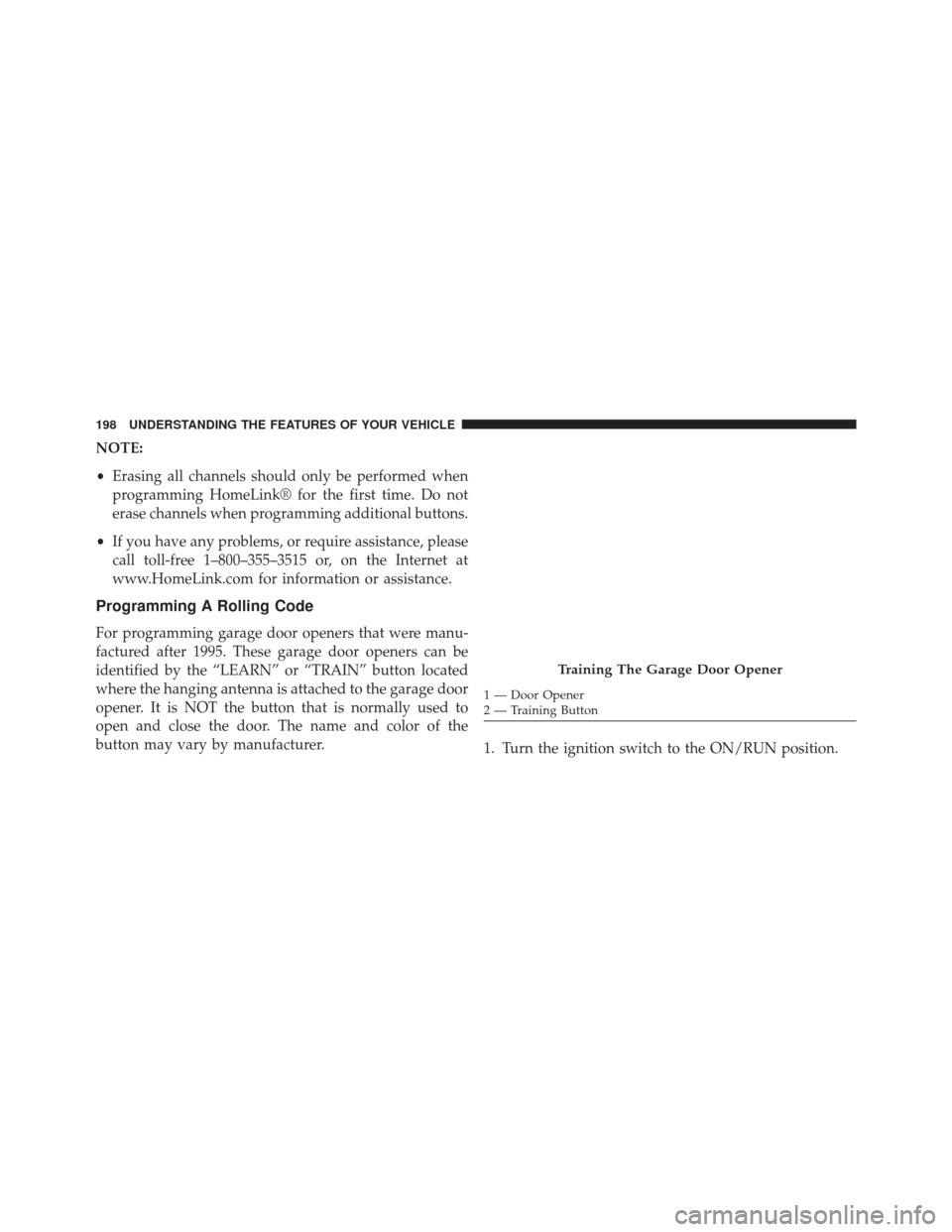
identified by the “LEARN” or “TRAIN” button located
where the hanging antenna is attached to the garage door
opener. It is NOT the button that is normally used to
open and close the door. The name and color of the
button may vary by manufacturer. 1. Turn the ignition switch to the ON/RUN position.
Training The Garage Door Opener
1 — Door Opener
2 — Training Button
198 UNDERSTANDING THE FEATURES OF YOUR VEHICLE
Page 202 of 734
To program the remaining two HomeLink® buttons,
repeat each step for each remaining button. DO NOT
erase the channels.
Reprogramming A Single HomeLink® Button
To reprogram a channel that has been previously trained,
follow these steps:
1. Turn the ignition switch to the ON/RUN position.
2. Press and hold the desired HomeLink® button untilthe EVIC displays “CHANNEL # TRAINING” Do not
release the button.
3. Without releasing the button proceed with “Program-
ming A Rolling Code” Step 2 and follow all remaining
steps.
Programming A Non-Rolling Code
For programming Garage Door Openers manufactured
before 1995. 1. Turn the ignition switch to the ON/RUN position.
2. Place the hand-held transmitter 1 to 3 inches (3 to 8
cm) away from the HomeLink® button you wish to
program.
3. Simultaneously press and hold both the Homelink® button you want to program and the hand-held trans-
mitter button.
4. Continue to hold buttons until the EVIC display changes from “CHANNEL # TRAINING” to “CHAN-
NEL # TRAINED”, then release both buttons.
NOTE:
• It may take up to 30 seconds or longer in some cases
for the channel to train.
• If the EVIC displays “DID NOT TRAIN” repeat from
Step 2.
200 UNDERSTANDING THE FEATURES OF YOUR VEHICLE
Page 203 of 734
5. Press and hold the programmed HomeLink® button.The EVIC will display “CHANNEL # TRANSMIT”. If
the garage door opener/device activates, program-
ming is complete.
To program the remaining two HomeLink® buttons,
repeat each step for each remaining button. DO NOT
erase the channels.
Reprogramming A Single HomeLink® Button
To reprogram a channel that has been previously trained,
follow these steps:
1. Cycle the ignition to the ON/RUN position.
2. Press and hold the desired HomeLink® button until the indicator light begins to flash after 20 seconds. Do
not release the button.
3. Without releasing the button proceed with “Program-
ming A Non-Rolling Code” Step 2 and follow all
remaining steps.
Canadian/Gate Operator Programming
For programming transmitters in Canada/United States
that require the transmitter signals to “time-out” after
several seconds of transmission.
Canadian radio frequency laws require transmitter sig-
nals to time-out (or quit) after several seconds of trans-
mission – which may not be long enough for HomeLink®
to pick up the signal during programming. Similar to this
Canadian law, some U.S. gate operators are designed to
time-out in the same manner.
It may be helpful to unplug the device during the cycling
process to prevent possible overheating of the garage
door or gate motor.
1. Turn the ignition switch to the ON/RUN position.
2. Place the hand-held transmitter 1 to 3 inches (3 to 8 cm) away from the HomeLink® button you wish to
program.
3
UNDERSTANDING THE FEATURES OF YOUR VEHICLE 201
Page 204 of 734
3. Simultaneously press and hold both the Homelink®button while you press and release (“cycle”), your
hand-held transmitter every two seconds.
4. Continue to hold buttons until the EVIC display changes from “CHANNEL # TRAINING” to “CHAN-
NEL # TRAINED”, then release both buttons.
NOTE:
• It may take up to 30 seconds or longer in some cases
for the channel to train.
• If the EVIC displays “DID NOT TRAIN” repeat from
Step 2.
5. Press and hold the programmed HomeLink® button. The EVIC will display “CHANNEL # TRANSMIT”. If
the device is plugged in and activates, programming is
complete. If you unplugged the garage door opener/device for
programming, plug it back in at this time.
Reprogramming A Single HomeLink® Button
To reprogram a channel that has been previously trained,
follow these steps:
1. Turn the ignition switch to the ON/RUN position.
2. Press and hold the desired HomeLink® button until
the EVIC displays “CHANNEL # TRAINING” Do not
release the button.
3. Without releasing the button proceed with
“Canadian/Gate Operator Programming” Step 2 and
follow all remaining steps.
Using HomeLink®
To operate, press and release the programmed
HomeLink® button. Activation will now occur for the
202 UNDERSTANDING THE FEATURES OF YOUR VEHICLE
Page 208 of 734
WARNING!
•Never leave children unattended in a vehicle, and
do not leave the key in the ignition switch (or leave
the ignition of a vehicle equipped with Keyless
Enter-N-Go™ in the ACC or ON/Run position).
Occupants, particularly unattended children, can
become entrapped by the power sunroof while
operating the power sunroof switch. Such entrap-
ment may result in serious injury or death.
• In a collision, there is a greater risk of being thrown
from a vehicle with an open sunroof. You could
also be seriously injured or killed. Always fasten
your seat belt properly and make sure all passen-
gers are also properly secured.
• Do not allow small children to operate the sunroof.
Never allow your fingers, other body parts, or any
object, to project through the sunroof opening.
Injury may result.
Opening Sunroof — Express
Press the switch rearward and release it within one-half
second and the sunroof will open automatically from any
position. The sunroof will open fully and stop automati-
cally. This is called “Express Open”. During Express
Open operation, any movement of the sunroof switch
will stop the sunroof.
Closing Sunroof — Express
Press the switch forward and release it within one-half
second and the sunroof will close automatically from any
position. The sunroof will close fully and stop automati-
cally. This is called “Express Close”. During Express
Close operation, any movement of the switch will stop
the sunroof.
206 UNDERSTANDING THE FEATURES OF YOUR VEHICLE
Page 210 of 734
Sunroof Maintenance
Use only a nonabrasive cleaner and a soft cloth to clean
the glass panel.
Ignition Off Operation
For Vehicles Not Equipped With The Electronic Vehicle
Information Center (EVIC)
The power sunroof switch will remain active for 45
seconds after the ignition switch is turned to the LOCK
position. Opening either front door will cancel this
feature.
For Vehicles Equipped With The EVIC
The power sunroof switch will remain active for up to
approximately ten minutes after the ignition switch is
turned to the LOCK position. Opening either front door
will cancel this feature.
ELECTRICAL POWER OUTLETS
The auxiliary 12 Volt (13 Amp) power outlets can provide
power for in-cab accessories designed for use with the
standard “cigar lighter” plug. The 12 Volt power outlets
have a cap attached to the outlet indicating “12V DC”,
together with either a key symbol or a battery symbol.
A key symbol indicates that the key must be in the
ON/RUN or ACC positions for the outlet to provide
power. The battery symbol indicates that the outlet is
connected to the battery, and can provide power at all
times.
NOTE:To ensure proper operation a MOPAR® knob
and element must be used.
208 UNDERSTANDING THE FEATURES OF YOUR VEHICLE
Page 257 of 734
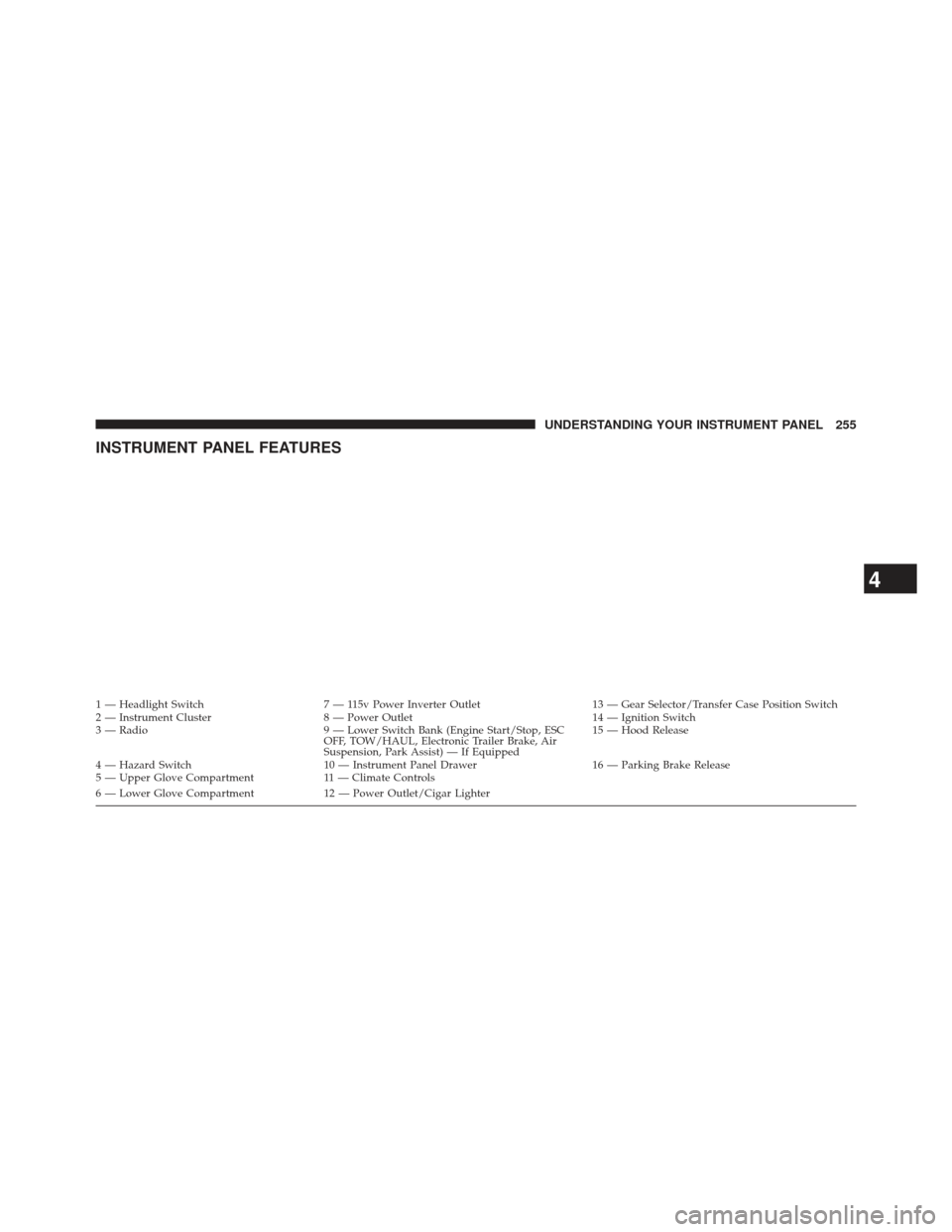
INSTRUMENT PANEL FEATURES
1 — Headlight Switch7 — 115v Power Inverter Outlet 13 — Gear Selector/Transfer Case Position Switch
2 — Instrument Cluster 8 — Power Outlet 14 — Ignition Switch
3 — Radio 9 — Lower Switch Bank (Engine Start/Stop, ESC
OFF, TOW/HAUL, Electronic Trailer Brake, Air
Suspension, Park Assist) — If Equipped 15 — Hood Release
4 — Hazard Switch 10 — Instrument Panel Drawer 16 — Parking Brake Release
5 — Upper Glove Compartment 11 — Climate Controls
6 — Lower Glove Compartment 12 — Power Outlet/Cigar Lighter
4
UNDERSTANDING YOUR INSTRUMENT PANEL 255
Page 259 of 734
INSTRUMENT CLUSTER DESCRIPTIONS
1. Tachometer
The tachometer indicates engine speed in Revolutions
Per Minute (RPM x 1000).
CAUTION!
Do not operate the engine with the tachometer
pointer at high RPM for extended periods. Engine
operation over 3200 RPM (Redline) can result in
significant damage that will not be covered under
warranty.
2. Anti-Lock Brake (ABS) Light This light monitors the Anti-lock Brake System
(ABS). The light will turn on when the ignition
switch is turned to the ON/RUN position and
may stay on for as long as four seconds. If the ABS light remains on or turns on while driving, it
indicates that the anti-lock portion of the brake system is
not functioning and that service is required. However,
the conventional brake system will continue to operate
normally if the BRAKE warning light is not on.
If the ABS light is on, the brake system should be serviced
as soon as possible to restore the benefits of anti-lock
brakes. If the ABS light does not turn on when the
ignition switch is turned to the ON/RUN position, have
the light inspected by an authorized dealer.
3. Malfunction Indicator Light (MIL)
The Malfunction Indicator Light (MIL) is part of
an onboard diagnostic (OBDII) system which
monitors the emissions and engine control sys-
tem. If the vehicle is ready for emissions testing, the light
will come on when the ignition is first turned on and
remain on, as a bulb check, until the engine is started. If
the vehicle is not ready for emissions testing the light will4
UNDERSTANDING YOUR INSTRUMENT PANEL 257
Page 260 of 734
come on when the ignition is first turned on and remain
on for 15 seconds, then blink for 5 seconds, and remain
on until the vehicle is started. If the bulb does not come
on during starting, have the condition investigated
promptly.
If this light comes on and remains on while driving, it
suggests a potential engine control problem and the need
for system service.
Although your vehicle will usually be drivable and not
need towing, see your authorized dealer for service as
soon as possible.
CAUTION!
Prolonged driving with the Malfunction Indicator
Light (MIL) on could cause damage to the engine
control system. It also could affect fuel economy and
drivability. If the MIL is flashing, severe catalytic
(Continued)
CAUTION!(Continued)
converter damage and power loss will soon occur.
Immediate service is required.
WARNING!
A malfunctioning catalytic converter, as referenced
above, can reach higher temperatures than in normal
operating conditions. This can cause a fire if you
drive slowly or park over flammable substances such
as dry plants, wood, cardboard, etc. This could result
in death or serious injury to the driver, occupants or
others.
4. Turn Signal Indicators The arrow will flash with the exterior turn signal
when the turn signal lever is operated.
258 UNDERSTANDING YOUR INSTRUMENT PANEL
Page 262 of 734
hydraulic system malfunction or that a problem with the
Brake Booster has been detected by the Anti-Lock Brake
System (ABS) / Electronic Stability Control (ESC) system.
In this case, the light will remain on until the condition
has been corrected. If the problem is related to the brake
booster, the ABS pump will run when applying the brake
and a brake pedal pulsation may be felt during each stop.
The dual brake system provides a reserve braking capac-
ity in the event of a failure to a portion of the hydraulic
system. A leak in either half of the dual brake system is
indicated by the Brake Warning Light, which will turn on
when the brake fluid level in the master cylinder has
dropped below a specified level.
The light will remain on until the cause is corrected.
NOTE:The light may flash momentarily during sharp
cornering maneuvers, which change fluid level condi-
tions. The vehicle should have service performed, and
the brake fluid level checked. If brake failure is indicated, immediate repair is neces-
sary.
WARNING!
Driving a vehicle with the red brake light on is
dangerous. Part of the brake system may have failed.
It will take longer to stop the vehicle. You could have
a collision. Have the vehicle checked immediately.
Vehicles equipped with the ABS, are also equipped with
Electronic Brake Force Distribution (EBD). In the event of
an EBD failure, the Brake Warning Light will turn on
along with the ABS Light. Immediate repair to the ABS
system is required.
Operation of the Brake Warning Light can be checked by
turning the ignition switch from the OFF position to the
ON/RUN position. The light should illuminate for ap-
proximately two seconds. The light should then turn off
260 UNDERSTANDING YOUR INSTRUMENT PANEL