light Ram 1500 2015 Owner's Manual
[x] Cancel search | Manufacturer: RAM, Model Year: 2015, Model line: 1500, Model: Ram 1500 2015Pages: 871, PDF Size: 24.83 MB
Page 393 of 871
until a check-mark appears next to the setting, showing
that the setting has been selected. Refer to “Integrated
Trailer Brake Module” in “Starting And Operating.”
•Trailer Name
When this feature is selected, the Trailer name can be
selected from 16 names. To make your selection, scroll up
or down until the preferred setting is highlighted, then
press and release the SELECT button until a check-mark
appears next to the setting, showing that the setting has
been selected.
Audio
After pressing the “Audio” button on the touchscreen the
following settings will be available:
•Balance/Fade
This feature allows you to adjust the Balance and Fade
settings. Press and drag the speaker icon or use the
arrows to adjust, tap the “C” icon to readjust to the center.
Press the back arrow button on the touchscreen to return
to the previous menu.
•Equalizer
When in this display you may adjust the Bass, Mid and
Treble settings. Adjust the settings with the “+” and “–”
buttons on the touchscreen or by selecting any point on
the scale between the “+” and “–” buttons on the
touchscreen. Press the back arrow button on the touch-
screen to return to the previous menu.
•Speed Adjusted Volume
This feature increases or decreases volume relative to
vehicle speed. To change the Speed Adjusted Volume
press the “Speed Adjusted Volume” button on the touch-
screen and select from “Off,” “1,” “2” or “3” buttons on
the touchscreen. Press the back arrow button on the
touchscreen to return to the previous menu.
4
UNDERSTANDING YOUR INSTRUMENT PANEL 391
Page 399 of 871
Radio Operation
Pushing the top of the switch will SEEK up for the next
listenable station and pushing the bottom of the switch
will SEEK down for the next listenable station.
The button located in the center of the left hand control
will tune to the next pre-set station that you have
programmed in the radio pre-set buttons.
CD Player — If Equipped
Pushing the top of the switch once will go to the next
track on the CD. Pressing the bottom of the switch once
will go to the beginning of the current track or to the
beginning of the previous track if it is within eight
seconds after the current track begins to play.
If you push the switch up or down twice it plays the
second track, three times, it will play the third, etc.
CD/DVD DISC MAINTENANCE
To keep a CD/DVD in good condition, take the following
precautions:
1. Handle the disc by its edge; avoid touching the
surface.
2. If the disc is stained, clean the surface with a soft cloth,
wiping from center to edge.
3. Do not apply paper or tape to the disc; avoid scratch-
ing the disc.
4. Do not use solvents such as benzene, thinner, cleaners,
or anti-static sprays.
5. Store the disc in its case after playing.
6. Do not expose the disc to direct sunlight.
7. Do not store the disc where temperatures may become
too high.
4
UNDERSTANDING YOUR INSTRUMENT PANEL 397
Page 409 of 871
equipped). An indicator will illuminate when the rear
window defroster is on. The rear window defroster
automatically turns off after 10 minutes.
CAUTION!
Failure to follow these cautions can cause damage to
the heating elements:
•Use care when washing the inside of the rear
window. Do not use abrasive window cleaners on
the interior surface of the window. Use a soft cloth
and a mild washing solution, wiping parallel to the
heating elements. Labels can be peeled off after
soaking with warm water.
•Do not use scrapers, sharp instruments, or abrasive
window cleaners on the interior surface of the
window.
•Keep all objects a safe distance from the window.
6. Modes
The airflow distribution mode can be adjusted so air
comes from the instrument panel outlets, floor outlets,
and demist outlets. The Mode settings are as follows:
•Panel Mode
Air comes from the outlets in the instrument
panel. Each of these outlets can be individu-
ally adjusted to direct the flow of air. The air
vanes of the center outlets and outboard outlets can
be moved up and down or side to side to regulate
airflow direction. There is a shut off wheel located
below the air vanes to shut off or adjust the amount
of airflow from these outlets.
•Bi-Level Mode
Air comes from the instrument panel outlets
and floor outlets. A slight amount of air is
directed through the defrost and side window
demister outlets.
4
UNDERSTANDING YOUR INSTRUMENT PANEL 407
Page 410 of 871
NOTE:BI-LEVEL mode is designed under comfort con-
ditions to provide cooler air out of the panel outlets and
warmer air from the floor outlets.
•Floor Mode
Air comes from the floor outlets. A slight
amount of air is directed through the defrost
and side window demister outlets.
•Mix Mode
Air comes from the floor, defrost and side
window demister outlets. This mode works
best in cold or snowy conditions.
NOTE:The air conditioning compressor operates in MIX
and DEFROST modes even if the A/C button is not
pressed. This dehumidifies the air to help dry the wind-
shield. To improve fuel economy, utilize these modes
only when required.
7. Blower Control
Blower control is used to regulate the amount of air
forced through the climate system. There are seven
blower speeds available. Adjusting the blower will cause
automatic mode to switch to manual operation. The
speeds can be selected using either buttons on the
faceplate or buttons on the touchscreen as follows:
Blower Control Knob On The Faceplate
The blower speed increases as you turn the control
clockwise from the lowest blower setting. The blower
speed decreases as you turn the blower control knob
counterclockwise.
Buttons On The Touchscreen
Use the small blower icon to reduce the blower setting
and the large blower icon to increase the blower setting.
Blower can also be selected by pressing the blower bar
area between the icons.
408 UNDERSTANDING YOUR INSTRUMENT PANEL
Page 417 of 871
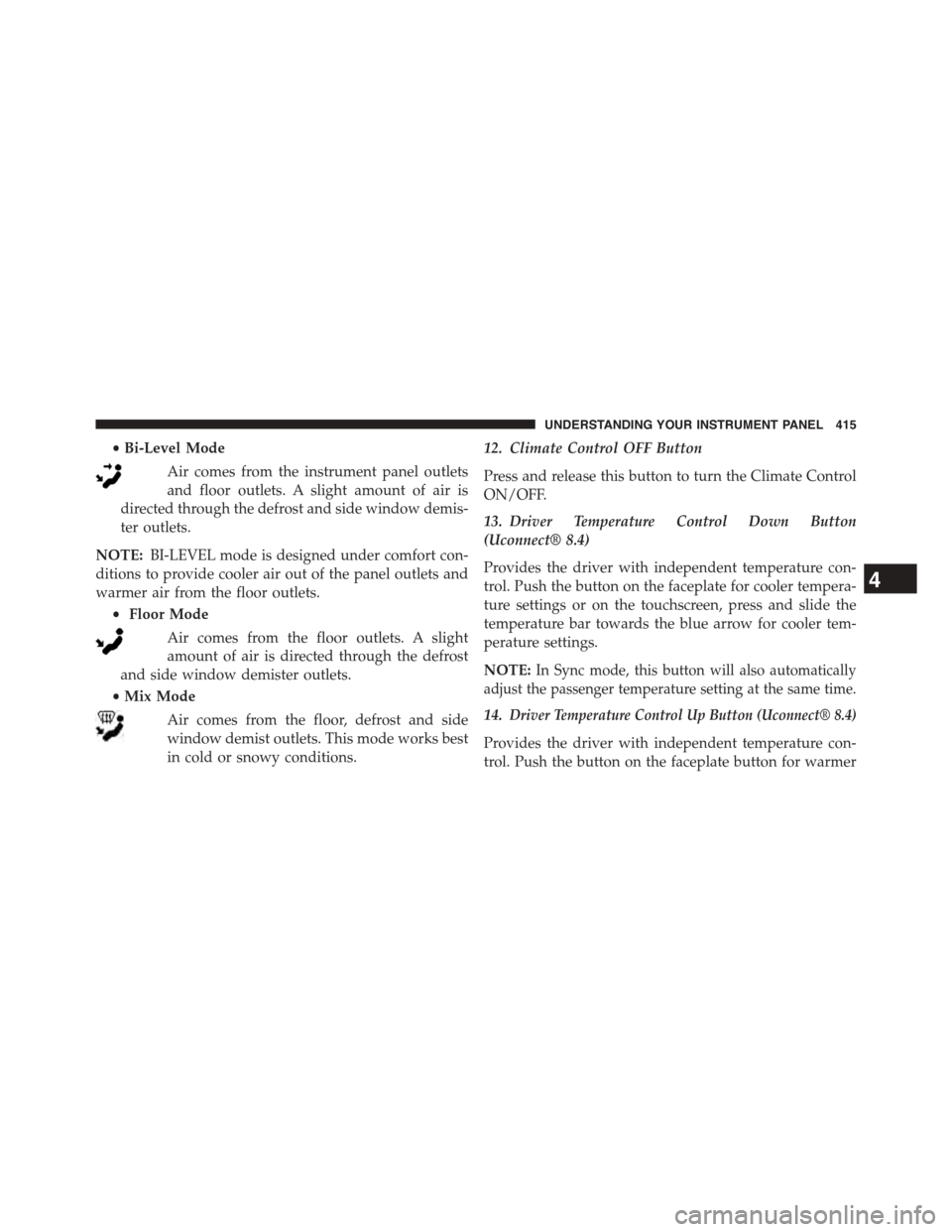
•Bi-Level Mode
Air comes from the instrument panel outlets
and floor outlets. A slight amount of air is
directed through the defrost and side window demis-
ter outlets.
NOTE:BI-LEVEL mode is designed under comfort con-
ditions to provide cooler air out of the panel outlets and
warmer air from the floor outlets.
•Floor Mode
Air comes from the floor outlets. A slight
amount of air is directed through the defrost
and side window demister outlets.
•Mix Mode
Air comes from the floor, defrost and side
window demist outlets. This mode works best
in cold or snowy conditions.
12. Climate Control OFF Button
Press and release this button to turn the Climate Control
ON/OFF.
13. Driver Temperature Control Down Button
(Uconnect® 8.4)
Provides the driver with independent temperature con-
trol. Push the button on the faceplate for cooler tempera-
ture settings or on the touchscreen, press and slide the
temperature bar towards the blue arrow for cooler tem-
perature settings.
NOTE:In Sync mode, this button will also automatically
adjust the passenger temperature setting at the same time.
14.Driver Temperature Control Up Button (Uconnect® 8.4)
Provides the driver with independent temperature con-
trol. Push the button on the faceplate button for warmer
4
UNDERSTANDING YOUR INSTRUMENT PANEL 415
Page 429 of 871
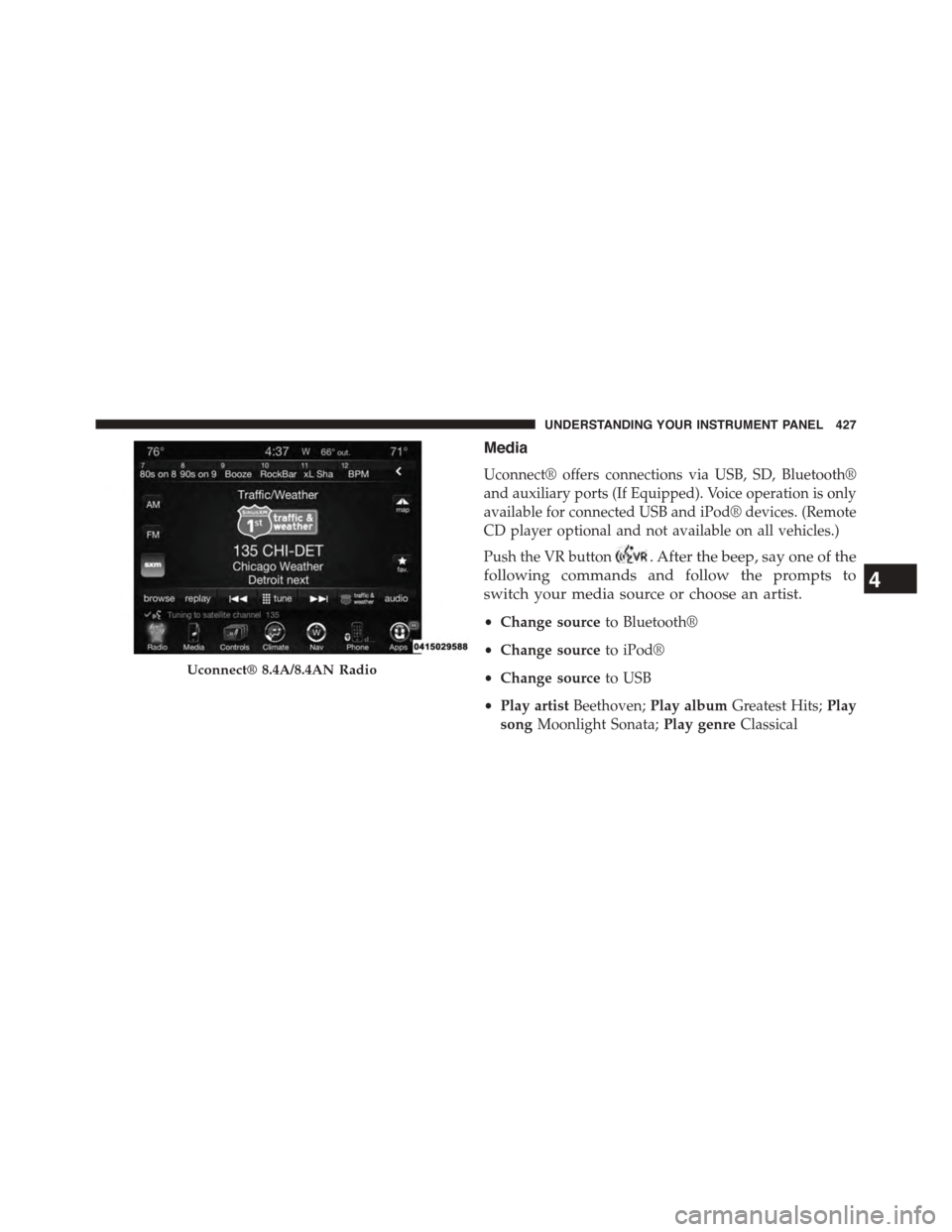
Media
Uconnect® offers connections via USB, SD, Bluetooth®
and auxiliary ports (If Equipped). Voice operation is only
available for connected USB and iPod® devices. (Remote
CD player optional and not available on all vehicles.)
Push the VR button. After the beep, say one of the
following commands and follow the prompts to
switch your media source or choose an artist.
•Change sourceto Bluetooth®
•Change sourceto iPod®
•Change sourceto USB
•Play artistBeethoven;Play albumGreatest Hits;Play
songMoonlight Sonata;Play genreClassical
Uconnect® 8.4A/8.4AN Radio
4
UNDERSTANDING YOUR INSTRUMENT PANEL 427
Page 435 of 871

TIP:Your mobile phone must have the full implementa-
tion of theMessage Access Profile (MAP)to take advan-
tage of this feature. For details about MAP, visit
UconnectPhone.com. Apple iPhone® iOS6 or later
supports readingincomingtext messages only.
Uconnect® Access* (8.4A/8.4AN)
An included trial and/or subscription is required to take
advantage of the Uconnect® Access services in the next
section of this guide. To register with Uconnect® Access,
press the Apps button on the 8.4-inch touchscreen to get
started. Detailed registration instructions can be found
on the next page.
*Uconnect® Access is available only on equipped ve-
hicles purchased within the continental United States and
Alaska. Services can only be used where coverage is
available; see coverage map for details.
9-1-1 Call
Theft Alarm Notification
Remote Door Lock/Unlock
Stolen Vehicle Assistance
Remote Vehicle Start**
Remote Horn and Lights
Yelp® Search
Voice Texting
Roadside Assistance Call
Wi-Fi Hotspot***
**If vehicle is equipped.
***Extra charges apply.
4
UNDERSTANDING YOUR INSTRUMENT PANEL 433
Page 446 of 871
▫After Driving Off-Road.................555
!WINCH USAGE — POWER WAGON ONLY —
(IF EQUIPPED)........................556
▫Things To Know Before Using Your Winch . . . .556
▫Understanding The Features Of Your Winch . . .558
▫Winch Accessories....................560
▫Operating Your Winch..................561
▫Rigging Techniques....................573
!POWER STEERING — 1500 MODELS........575
▫POWER STEERING — 2500/3500 MODELS . .576
!FUEL SAVER TECHNOLOGY 5.7L/6.4L ENGINES
ONLY — IF EQUIPPED..................578
!PARKING BRAKE......................578
!BRAKE SYSTEM.......................581
▫Hydraulic Brake Assist — 2500/3500 Models Only
(Except Power Wagon)..................581
!ELECTRONIC BRAKE CONTROL SYSTEM . . . .581
▫Anti-Lock Brake System (ABS)............581
▫Traction Control System (TCS)............583
▫Brake Assist System (BAS)...............583
▫Hill Start Assist (HSA)..................584
▫Electronic Stability Control (ESC)..........587
▫ESC Activation/Malfunction Indicator Light And
ESC OFF Indicator Light................591
▫Trailer Sway Control (TSC)..............592
▫Hill Descent Control (HDC) — If Equipped . . .593
!TIRE SAFETY INFORMATION.............597
▫Tire Markings........................597
444 STARTING AND OPERATING
Page 458 of 871

The engine may then be restarted by moving the trans-
mission shift selector out of PARK (e.g. to DRIVE) or, in
some cases, only by a KEY START. The Electronic Vehicle
Information Center (EVIC)/Driver Information Display
(DID) will display a SHIFT OUT OF PARK message, or a
STOP/START KEY START REQUIRED message, to indi-
cate which action is required. Refer to “Electronic Vehicle
Information Center (EVIC) or Driver Information Display
(DID)” in “Understanding Your Instrument Panel” for
further information.
To Manually Turn Off The Stop Start System
1. Press the STOP/START Off switch (located on the
switch bank). The light on the switch will illuminate.
STOP/START OFF Switch
456 STARTING AND OPERATING
Page 459 of 871
2. The STOP/START OFF message will appear in Elec-
tronic Vehicle Information Center (EVIC)/Driver In-
formation Display (DID). Refer to “Electronic Vehicle
Information Center (EVIC) or Driver Information Dis-
play (DID)” in “Understanding Your Instrument
Panel” for further information.
3. At the next vehicle stop (after turning off the STOP/
START system) the engine will not be stopped.
4. If the STOP/START system is manually turned off, the
engine can only be started and stopped by cycling the
ignition switch.
5. The STOP/START system will reset itself back to an
ON condition every time the key is turned off and
back on.
To Manually Turn On The Stop Start System
1. Press the STOP/START Off switch (located on the
switch bank).
2. The light on the switch will turn off.
System Malfunction
If there is a malfunction in the STOP/START system, the
system will not shut down the engine. A SERVICE
STOP/START SYSTEM message will appear in the Elec-
tronic Vehicle Information Center (EVIC)/Driver Infor-
mation Display (DID). Refer to “Electronic Vehicle Infor-
mation Center (EVIC) or Driver Information Display
(DID)” in “Understanding Your Instrument Panel” for
further information.
The system will need to be checked by your authorized
dealer.
5
STARTING AND OPERATING 457