air Ram 1500 2016 Workshop Manual
[x] Cancel search | Manufacturer: RAM, Model Year: 2016, Model line: 1500, Model: Ram 1500 2016Pages: 916, PDF Size: 7.55 MB
Page 364 of 916
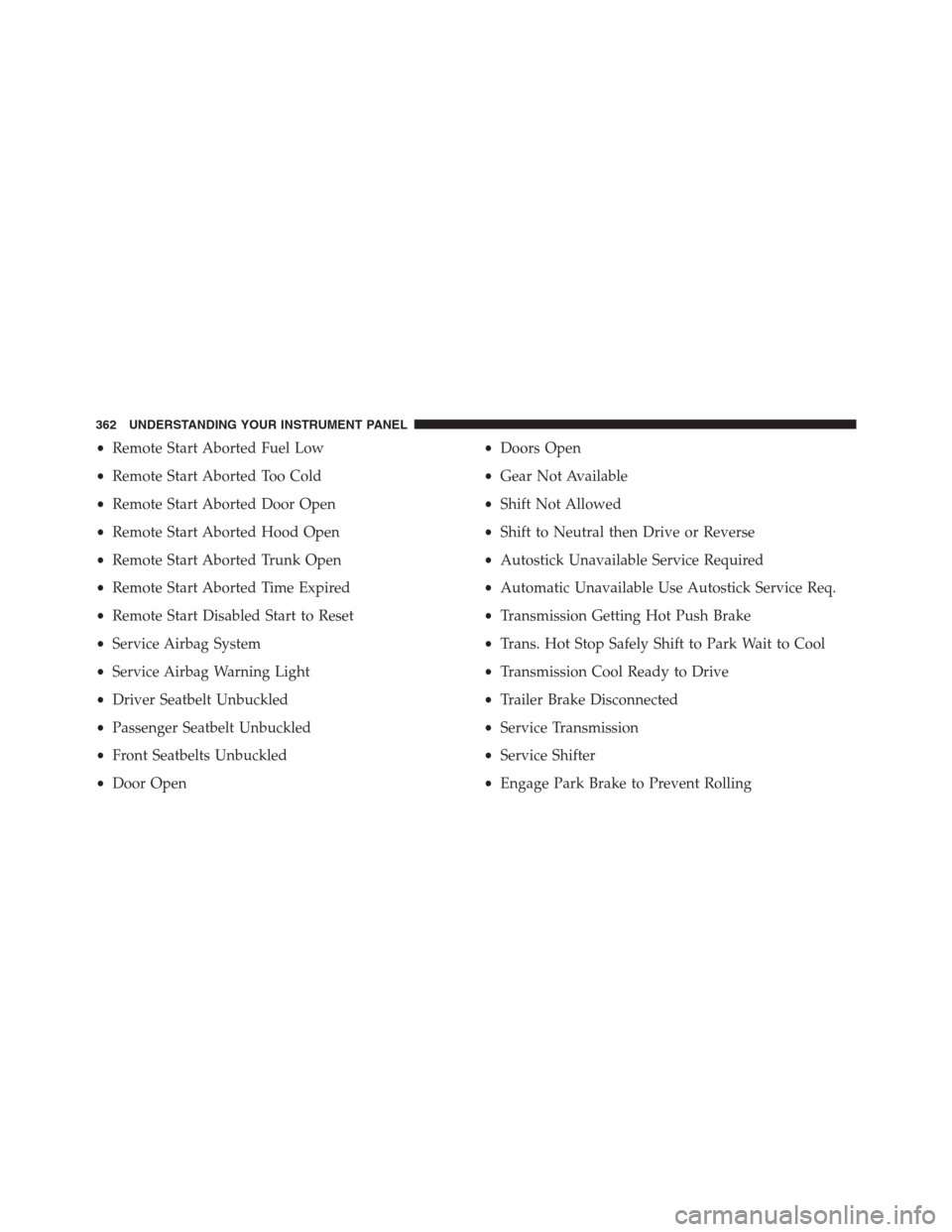
•Remote Start Aborted Fuel Low
•Remote Start Aborted Too Cold
•Remote Start Aborted Door Open
•Remote Start Aborted Hood Open
•Remote Start Aborted Trunk Open
•Remote Start Aborted Time Expired
•Remote Start Disabled Start to Reset
•Service Airbag System
•Service Airbag Warning Light
•Driver Seatbelt Unbuckled
•Passenger Seatbelt Unbuckled
•Front Seatbelts Unbuckled
•Door Open•Doors Open
•Gear Not Available
•Shift Not Allowed
•Shift to Neutral then Drive or Reverse
•Autostick Unavailable Service Required
•Automatic Unavailable Use Autostick Service Req.
•Transmission Getting Hot Push Brake
•Trans. Hot Stop Safely Shift to Park Wait to Cool
•Transmission Cool Ready to Drive
•Trailer Brake Disconnected
•Service Transmission
•Service Shifter
•Engage Park Brake to Prevent Rolling
362 UNDERSTANDING YOUR INSTRUMENT PANEL
Page 365 of 916
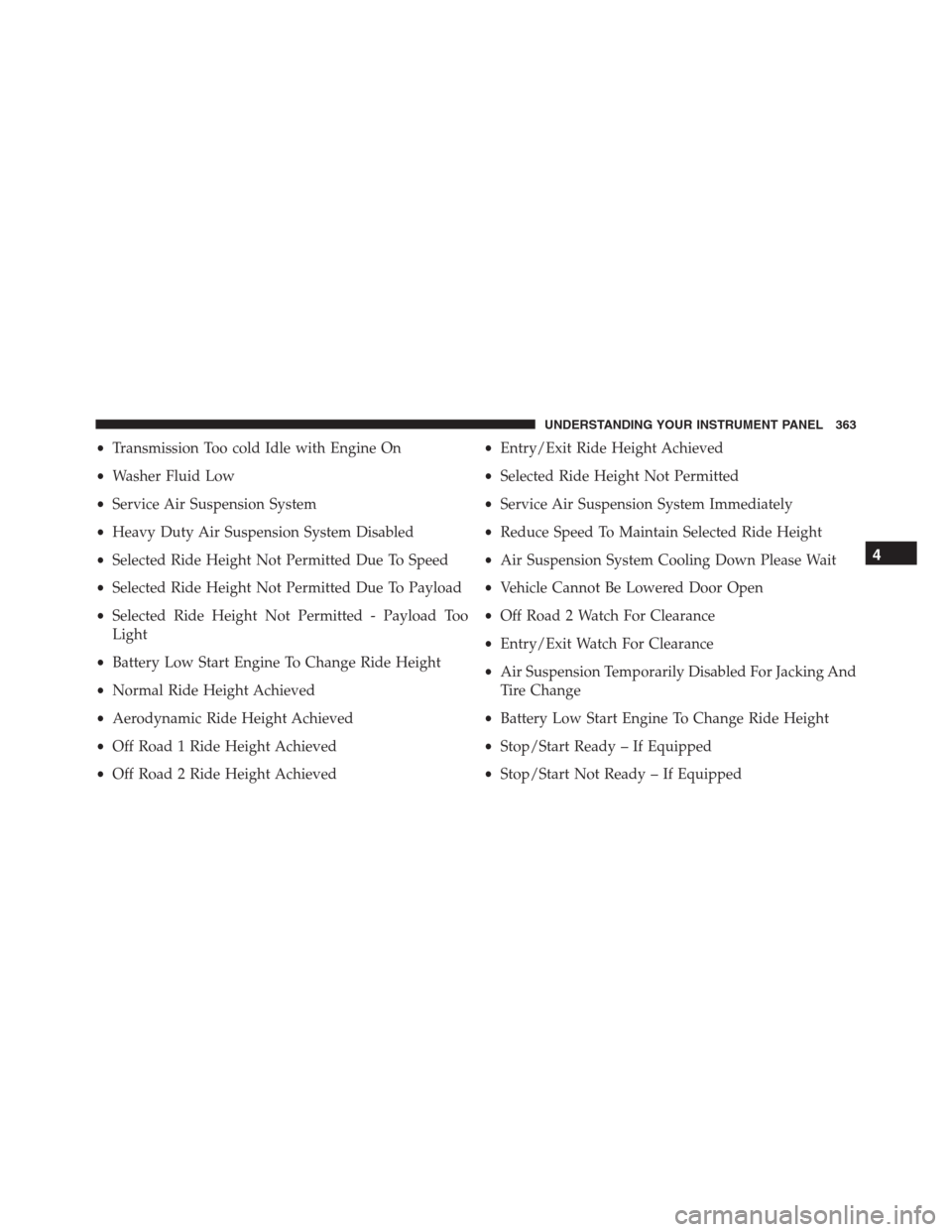
•Transmission Too cold Idle with Engine On
•Washer Fluid Low
•Service Air Suspension System
•Heavy Duty Air Suspension System Disabled
•Selected Ride Height Not Permitted Due To Speed
•Selected Ride Height Not Permitted Due To Payload
•Selected Ride Height Not Permitted - Payload Too
Light
•Battery Low Start Engine To Change Ride Height
•Normal Ride Height Achieved
•Aerodynamic Ride Height Achieved
•Off Road 1 Ride Height Achieved
•Off Road 2 Ride Height Achieved•Entry/Exit Ride Height Achieved
•Selected Ride Height Not Permitted
•Service Air Suspension System Immediately
•Reduce Speed To Maintain Selected Ride Height
•Air Suspension System Cooling Down Please Wait
•Vehicle Cannot Be Lowered Door Open
•Off Road 2 Watch For Clearance
•Entry/Exit Watch For Clearance
•Air Suspension Temporarily Disabled For Jacking And
Tire Change
•Battery Low Start Engine To Change Ride Height
•Stop/Start Ready – If Equipped
•Stop/Start Not Ready – If Equipped
4
UNDERSTANDING YOUR INSTRUMENT PANEL 363
Page 378 of 916
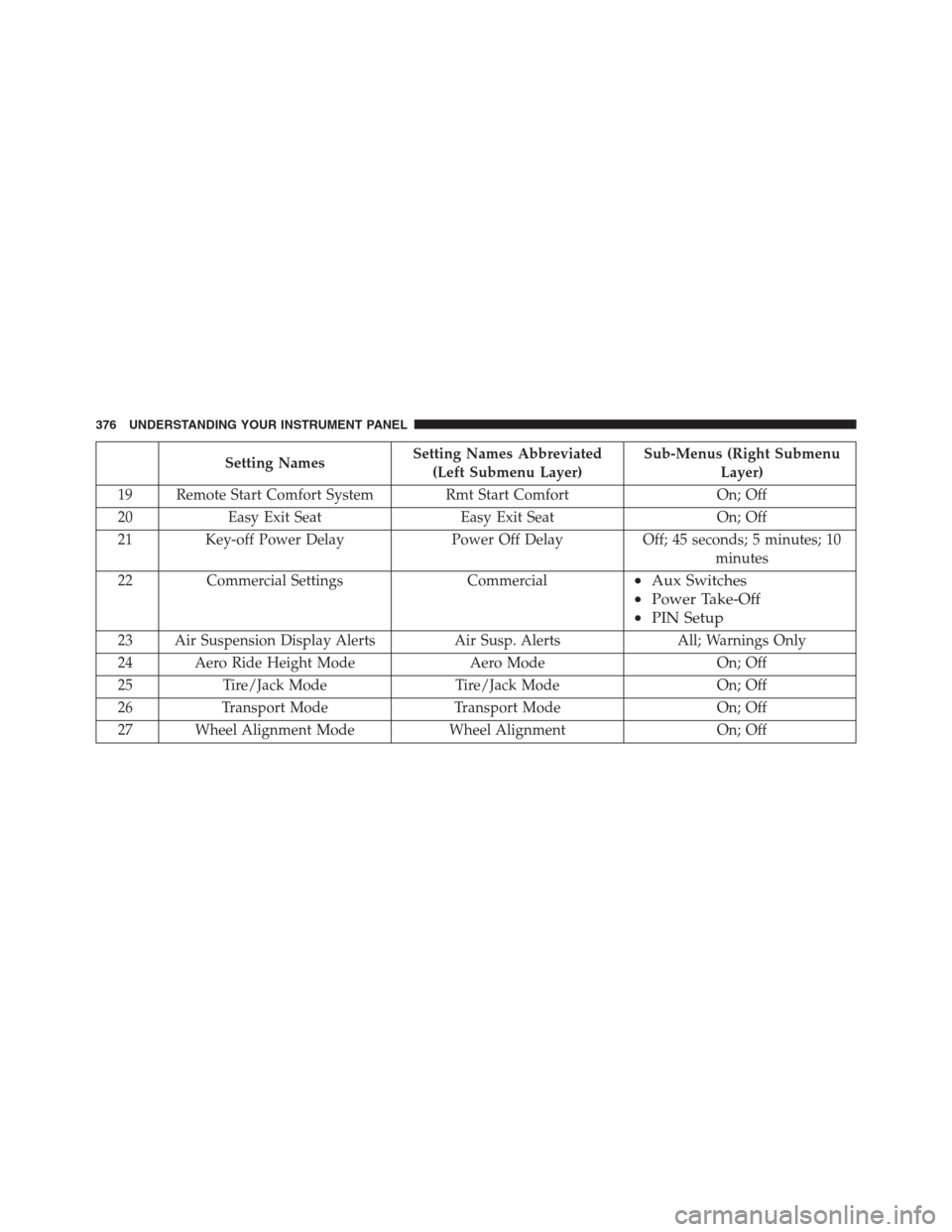
Setting NamesSetting Names Abbreviated
(Left Submenu Layer)Sub-Menus (Right Submenu
Layer)
19 Remote Start Comfort System Rmt Start Comfort On; Off
20 Easy Exit Seat Easy Exit Seat On; Off
21 Key-off Power Delay Power Off Delay Off; 45 seconds; 5 minutes; 10
minutes
22 Commercial Settings Commercial
•Aux Switches
•Power Take-Off
•PIN Setup
23 Air Suspension Display Alerts Air Susp. Alerts All; Warnings Only
24 Aero Ride Height Mode Aero Mode On; Off
25 Tire/Jack Mode Tire/Jack Mode On; Off
26 Transport Mode Transport Mode On; Off
27 Wheel Alignment Mode Wheel Alignment On; Off
376 UNDERSTANDING YOUR INSTRUMENT PANEL
Page 394 of 916
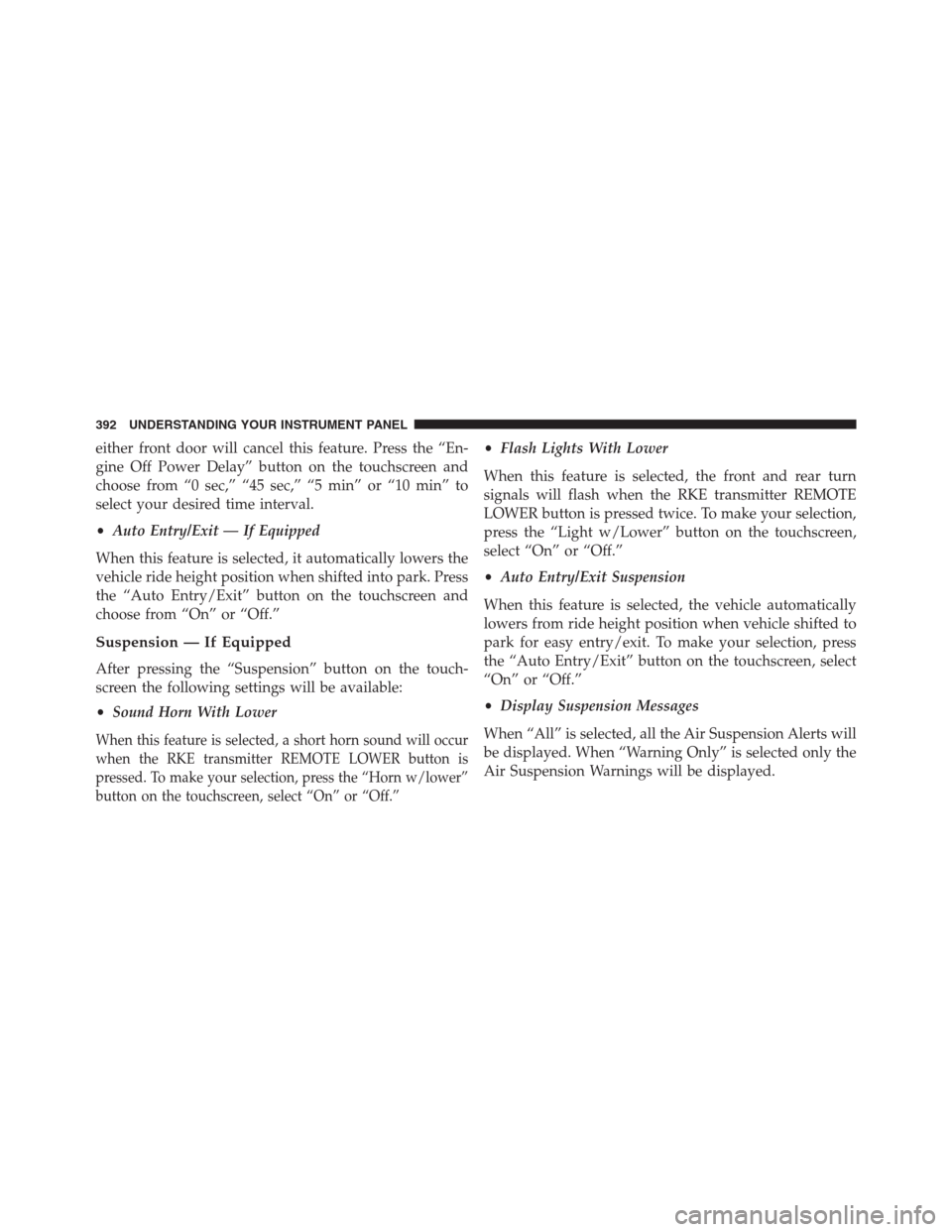
either front door will cancel this feature. Press the “En-
gine Off Power Delay” button on the touchscreen and
choose from “0 sec,” “45 sec,” “5 min” or “10 min” to
select your desired time interval.
•Auto Entry/Exit — If Equipped
When this feature is selected, it automatically lowers the
vehicle ride height position when shifted into park. Press
the “Auto Entry/Exit” button on the touchscreen and
choose from “On” or “Off.”
Suspension — If Equipped
After pressing the “Suspension” button on the touch-
screen the following settings will be available:
•Sound Horn With Lower
When this feature is selected, a short horn sound will occur
when the RKE transmitter REMOTE LOWER button is
pressed. To make your selection, press the “Horn w/lower”
button on the touchscreen, select “On” or “Off.”
•Flash Lights With Lower
When this feature is selected, the front and rear turn
signals will flash when the RKE transmitter REMOTE
LOWER button is pressed twice. To make your selection,
press the “Light w/Lower” button on the touchscreen,
select “On” or “Off.”
•Auto Entry/Exit Suspension
When this feature is selected, the vehicle automatically
lowers from ride height position when vehicle shifted to
park for easy entry/exit. To make your selection, press
the “Auto Entry/Exit” button on the touchscreen, select
“On” or “Off.”
•Display Suspension Messages
When “All” is selected, all the Air Suspension Alerts will
be displayed. When “Warning Only” is selected only the
Air Suspension Warnings will be displayed.
392 UNDERSTANDING YOUR INSTRUMENT PANEL
Page 395 of 916
•Automatic Aero Mode (1500 Model Only)
When this feature is selected the Ride Height will auto-
matically be adjusted depending on the vehicle speed. To
make your selection, press the “Aero Mode” button on
the touchscreen, select “On” or “Off.”
•Tire Jack Mode
When this feature is selected the air suspension system is
disabled to prevent auto leveling of the suspension, while
the vehicle is on a jack changing a tire. To make your
selection, press the “Tire Jack Mode” button on the
touchscreen, select “On” or “Off.”
•Transport Mode
When this feature is selected the air suspension system is
disabled to assist with flat bed towing. To make your
selection, press the “Transport Mode” button on the
touchscreen, select “On” or “Off.”•Wheel Alignment Mode
This feature prevents auto leveling of the air suspension
while performing a wheel alignment service. Before
performing a wheel alignment this mode must be en-
abled. Refer to your authorized dealer for further infor-
mation.
Trailer Brake
After pressing the “Trailer Brake” button on the touch-
screen the following settings will be available:
•Trailer Select
When this feature is selected, the Trailer Type can be
selected between “Trailer 1,” “Trailer 2,” “Trailer 3” and
“Trailer 4.”
•Trailer Brake Type
When this feature is selected, the Trailer Brake Type can
be changed between “Light Electric,” “Heavy Electric,”
4
UNDERSTANDING YOUR INSTRUMENT PANEL 393
Page 398 of 916
•Perform Compass Calibration
Press the “Calibration” button on the touchscreen to
change this setting. This compass is self-calibrating,
which eliminates the need to manually reset the compass.
When the vehicle is new, the compass may appear erratic
until it is calibrated. You may also calibrate the compass
by pressing the “ON” button on the touchscreen and
completing one or more 360-degree turns (in an area free
from large metal or metallic objects). The compass will
now function normally.
Phone/Bluetooth
After pressing the “Phone/Bluetooth” button on the
touchscreen the following settings will be available:
•Paired Devices
This feature shows which phones are paired to the
Phone/Bluetooth system. For further information, refer
to your Uconnect Supplement Manual.
SiriusXM Setup — If Equipped
After pressing the “SiriusXM Setup” button on the touch-
screen, the following settings will be available:
•Channel Skip
SiriusXM can be programmed to exclude undesirable
channels while scanning. To make your selection, press
the “Channel Skip” button on the touchscreen, select the
channels you would like to skip.
•Subscription Information
New vehicle purchasers or lessees will receive a free
limited time subscription to SiriusXM Satellite Radio
with your radio. Following the expiration of the free
services, it will be necessary to access the information on
the Subscription Information screen to re-subscribe.
Press the “Subscription Info” button on the touchscreen
to access the Subscription Information screen.
396 UNDERSTANDING YOUR INSTRUMENT PANEL
Page 408 of 916
•ParkView Backup Camera Delay
When this feature is enabled, it will allow the ParkView
Backup Camera display to remain on while in drive for
up to 10 seconds, or 8 mph. To make your selection, press
the “ParkView Backup Camera Delay” button on the
touchscreen to select from on or off.
•Rain Sensing Auto Wipers — If Equipped
When this feature is selected, the system will automati-
cally activate the windshield wipers if it senses moisture
on the windshield. To make your selection, press the
“Rain Sensing” button on the touchscreen to select from
on or off.
•Hill Start Assist — If Equipped
When this feature is selected, the Hill Start Assist (HSA)
system is active. Refer to “Electronic Brake Control
System” in “Starting And Operating” for system functionand operating information. To make your selection, press
the “Hill Start Assist” button on the touchscreen to select
from on or off.
•Two Or Four Corner Air Suspension Modes — If
Equipped
There are four air suspension modes designed to protect
the system in unique situations. Tire Jack Mode is se-
lected to assist in changing a spare tire. Transport Mode
is selected to assist when the vehicle is being flat bed
towed. Wheel Alignment Mode is selected before per-
forming a wheel alignment, refer to your authorized
dealer for information. Protection Mode will automati-
cally be selected to “protect” the air suspension system
when the payload has been exceeded or load leveling
cannot be achieved.
Lights
After pressing the “Lights” button on the touchscreen the
following settings will be available.
406 UNDERSTANDING YOUR INSTRUMENT PANEL
Page 414 of 916
Air Suspension — If Equipped
After pressing the “Suspension” button on the touch-
screen the following settings will be available.
•Sound Horn With Lower
When this feature is selected, a short horn sound will
occur when the RKE transmitter REMOTE LOWER but-
ton is pressed. Press the box next to your selection and a
check-mark appears next to the feature showing the
system has been activated or the check-mark is removed
showing the system has been deactivated.
•Flash Lights With Lower
When this feature is selected, the front and rear turn
signals will flash when the RKE transmitter REMOTE
LOWER button is pressed twice. This feature may be
selected with or without the Sound Horn on Lower
feature selected. Press the box next to your selection and
a check-mark appears next to the feature showing thesystem has been activated or the check-mark is removed
showing the system has been deactivated.
•Suspension Display Messages
When “All” is selected, all the Air Suspension Alerts will
be displayed. When “Warning” is selected only the Air
Suspension Warnings will be displayed.
•Automatic Aero Mode (1500 Model Only)
When this feature is selected the Ride Height will auto-
matically be adjusted depending on the vehicle speed.
Press the box next to your selection and a check-mark
appears next to the feature showing the system has been
activated or the check-mark is removed showing the
system has been deactivated.
•Tire Jack Mode
When this feature is selected the air suspension system is
disabled to assist with changing a spare tire. Press the box
next to your selection and a check-mark appears next to
412 UNDERSTANDING YOUR INSTRUMENT PANEL
Page 415 of 916
the feature showing the system has been activated or the
check-mark is removed showing the system has been
deactivated.
•Transport Mode
When this feature is selected the air suspension system
lowers and then disables to assist with flat bed towing.
Press the box next to your selection and a check-mark
appears next to the feature showing the system has been
activated or the check-mark is removed showing the
system has been deactivated.
•Wheel Alignment Mode
Before performing a wheel alignment this mode must be
enabled. Refer to your authorized dealer for further
information.
Trailer Brake
After pressing the “Trailer Brake” button on the touch-
screen the following settings will be available:•Trailer Select
When this feature is selected, the Trailer Type can be
selected between “Trailer 1,” “Trailer 2,” “Trailer 3” and
“Trailer 4.” To make your selection, scroll up or down
until the preferred setting is highlighted, then press and
release the SELECT button until a check-mark appears
next to the setting, showing that the setting has been
selected.
•Trailer Brake Type
When this feature is selected, the Trailer Brake Type can
be changed between “Light Electric,” “Heavy Electric,”
“Light EOH” and “Heavy EOH.” To make your selection,
scroll up or down until the preferred setting is high-
lighted, then press and release the SELECT button until a
check-mark appears next to the setting, showing that the
setting has been selected. Refer to “Integrated Trailer
Brake Module” in “Starting And Operating.”
4
UNDERSTANDING YOUR INSTRUMENT PANEL 413
Page 417 of 916
Phone/Bluetooth
After pressing the “Phone/Bluetooth” button on the
touchscreen the following settings will be available:
•Paired Phones
This feature shows which phones are paired to the
Phone/Bluetooth system. For further information, refer
to the Uconnect Supplement Manual.
•Paired Audio Sources
This feature shows which audio devices are paired to the
Phone/Bluetooth system. For further information, refer
to the Uconnect Supplement Manual.
SiriusXM Setup — If Equipped
After pressing the “SiriusXM Setup” button on the touch-
screen, the following settings will be available:
•Channel Skip
SiriusXM can be programmed to designate a group of
channels that are the most desirable to listen to or to
exclude undesirable channels while scanning. To make
your selection, press the “Channel Skip” button on the
touchscreen, select the channels you would like to skip
followed by pressing the back arrow button on the
touchscreen.
•Subscription Information
New vehicle purchasers or lessees will receive a free
limited time subscription to SiriusXM Satellite Radio
with your radio. Following the expiration of the free
services, it will be necessary to access the information on
the Subscription Information screen to re-subscribe.
4
UNDERSTANDING YOUR INSTRUMENT PANEL 415