door Ram 1500 2018 Service Manual
[x] Cancel search | Manufacturer: RAM, Model Year: 2018, Model line: 1500, Model: Ram 1500 2018Pages: 700, PDF Size: 8.86 MB
Page 120 of 700
5. Push and hold the programmed HomeLink button. Theinstrument cluster display will display “CHANNEL #
TRANSMIT.” If the garage door opener/device acti-
vates, programming is complete.
To program the remaining two HomeLink buttons, repeat
each step for each remaining button. DO NOT erase the
channels.
Reprogramming A Single HomeLink Button
(Non-Rolling Code)
To reprogram a channel that has been previously trained,
follow these steps:
1. Cycle the ignition to the ON/RUN position.
2. Push and hold the desired HomeLink button until the indicator light begins to flash after 20 seconds. Do not
release the button.
3. Without releasing the button proceed with “Program-
ming A Non-Rolling Code” step 2 and follow all remain-
ing steps.
Canadian/Gate Operator Programming
For programming transmitters in Canada/United States
that require the transmitter signals to “time-out” after
several seconds of transmission. Canadian radio frequency laws require transmitter signals
to time-out (or quit) after several seconds of transmission –
which may not be long enough for HomeLink to pick up
the signal during programming. Similar to this Canadian
law, some U.S. gate operators are designed to time-out in
the same manner.
It may be helpful to unplug the device during the cycling
process to prevent possible overheating of the garage door
or gate motor.
1. Turn the ignition switch to the ON/RUN position.
NOTE:
For vehicle’s equipped with Keyless Enter-N-Go,
place the ignition in the RUN position with the Engine ON.
For vehicle’s equipped with Keyless Enter-N-Go, place the
ignition in the RUN position with the Engine ON. Make
sure while programming HomeLink with the engine ON
that your vehicle is outside of your garage, or that the
garage door remains open at all times.
2. Place the hand - held transmitter 1 to 3 inches (3 to 8 cm) away from the HomeLink button you wish to program.
3. Push and hold the HomeLink button while you push and release (“cycle”), your hand - held transmitter every
two seconds.
118 GETTING TO KNOW YOUR VEHICLE
Page 121 of 700
4. Continue to hold both buttons until the instrumentcluster display changes from “CHANNEL # TRAIN-
ING” to “CHANNEL # TRAINED,” then release both
buttons.
NOTE: •It may take up to 30 seconds or longer in some cases
for the channel to train.
• If the instrument cluster display shows “DID NOT
TRAIN”, repeat from Step 2.
5. Push and hold the programmed HomeLink button. The instrument cluster display will display “CHANNEL #
TRANSMIT.” If the device is plugged in and activates,
programming is complete.
If you unplugged the garage door opener/device for
programming, plug it back in at this time.
Reprogramming A Single HomeLink Button
(Canadian/Gate Operator)
To reprogram a channel that has been previously trained,
follow these steps:
1. Turn the ignition switch to the ON/RUN position. NOTE:
For vehicle’s equipped with Keyless Enter-N-Go,
place the ignition in the RUN position with the Engine ON.
For vehicle’s equipped with Keyless Enter-N-Go, place the
ignition in the RUN position with the Engine ON. Make
sure while programming HomeLink with the engine ON
that your vehicle is outside of your garage, or that the
garage door remains open at all times.
2. Push and hold the desired HomeLink button until the instrument cluster display shows “CHANNEL #
TRAINING” Do not release the button.
3. Without releasing the button proceed with “Canadian/
Gate Operator Programming” Step 2 and follow all
remaining steps.
Using HomeLink
To operate, push and release the programmed HomeLink
button. Activation will now occur for the programmed
device (i.e. garage door opener, gate operator, security
system, entry door lock, home/office lighting, etc.) The
hand-held transmitter of the device may also be used at
any time.
3
GETTING TO KNOW YOUR VEHICLE 119
Page 122 of 700
Security
It is advised to erase all channels before you sell or turn in
your vehicle.
To erase the channels press and hold the two outside
HomeLink buttons (I and III) for up 20 seconds. The
instrument cluster display will display “CLEARING
CHANNELS.” Release the buttons when the instrument
cluster display shows “CHANNELS CLEARED.”
The HomeLink Universal Transceiver is disabled when the
Vehicle Security Alarm is active.
Troubleshooting Tips
If you are having trouble programming HomeLink, here
are some of the most common solutions:
•Replace the battery in the Garage Door Opener hand-
held transmitter.
• Push the LEARN button on the Garage Door Opener to
complete the training for a Rolling Code.
• Did you unplug the device for programming and re-
member to plug it back in? If you have any problems, or require assistance, please call
toll-free 1-800-355-3515 or, on the Internet at
HomeLink.com for information or assistance.
WARNING!
•
Vehicle exhaust contains carbon monoxide, a danger-
ous gas. Do not run your vehicle in the garage while
programming the transceiver. Exhaust gas can cause
serious injury or death.
• Your motorized door or gate will open and close
while you are programming the universal trans-
ceiver. Do not program the transceiver if people, pets
or other objects are in the path of the door or gate.
Only use this transceiver with a garage door opener
that has a “stop and reverse” feature as required by
Federal safety standards. This includes most garage
door opener models manufactured after 1982. Do not
use a garage door opener without these safety fea-
tures. Call toll-free 1-800-355-3515 or, on the Internet
at HomeLink.com for safety information or assis-
tance.
120 GETTING TO KNOW YOUR VEHICLE
Page 124 of 700
To open the upper glove compartment, push upward on
the handle release. The glove compartment door will
automatically open.To open the lower glove compartment, pull the release
handle.
Upper Glove Compartment
Lower Glove Compartment
122 GETTING TO KNOW YOUR VEHICLE
Page 125 of 700
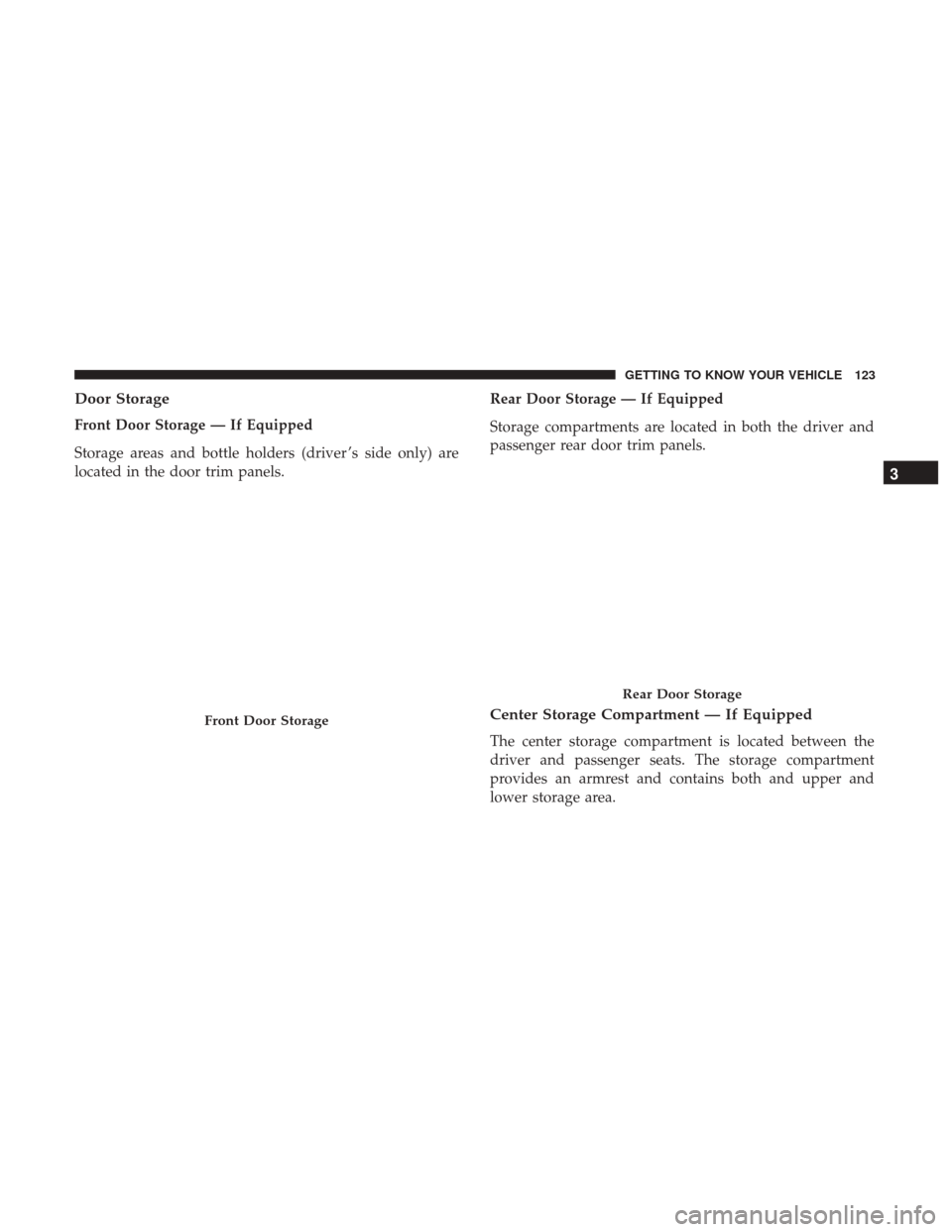
Door Storage
Front Door Storage — If Equipped
Storage areas and bottle holders (driver ’s side only) are
located in the door trim panels.Rear Door Storage — If Equipped
Storage compartments are located in both the driver and
passenger rear door trim panels.
Center Storage Compartment — If Equipped
The center storage compartment is located between the
driver and passenger seats. The storage compartment
provides an armrest and contains both and upper and
lower storage area.
Front Door Storage
Rear Door Storage
3
GETTING TO KNOW YOUR VEHICLE 123
Page 127 of 700
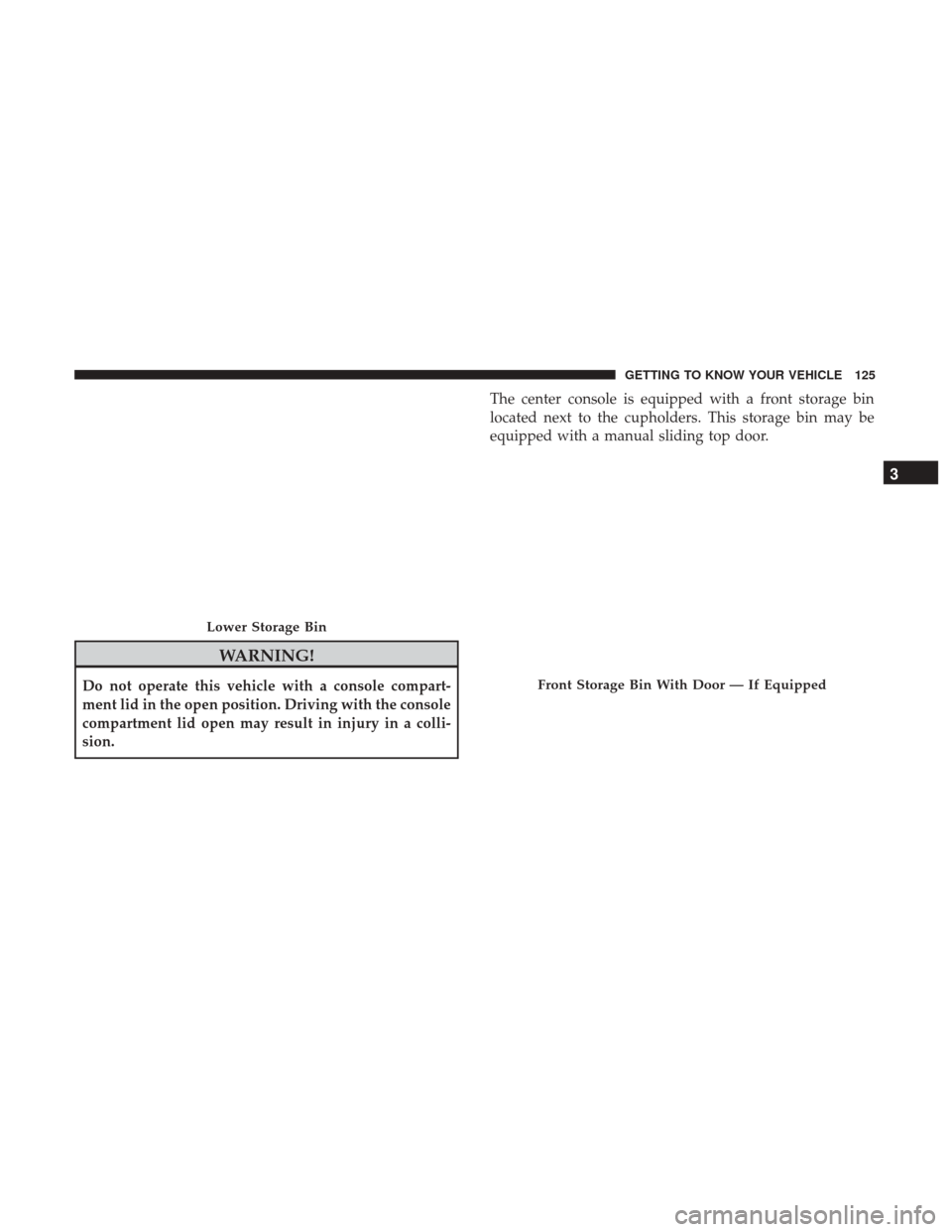
WARNING!
Do not operate this vehicle with a console compart-
ment lid in the open position. Driving with the console
compartment lid open may result in injury in a colli-
sion.The center console is equipped with a front storage bin
located next to the cupholders. This storage bin may be
equipped with a manual sliding top door.
Lower Storage Bin
Front Storage Bin With Door — If Equipped
3
GETTING TO KNOW YOUR VEHICLE 125
Page 145 of 700
CAUTION!
Leaving the lid open for extended periods of time
could cause the vehicle battery to discharge. If the lid
is required to stay open for extended periods of time, it
is recommended that the bin lights be turned off
manually using the on/off switch.
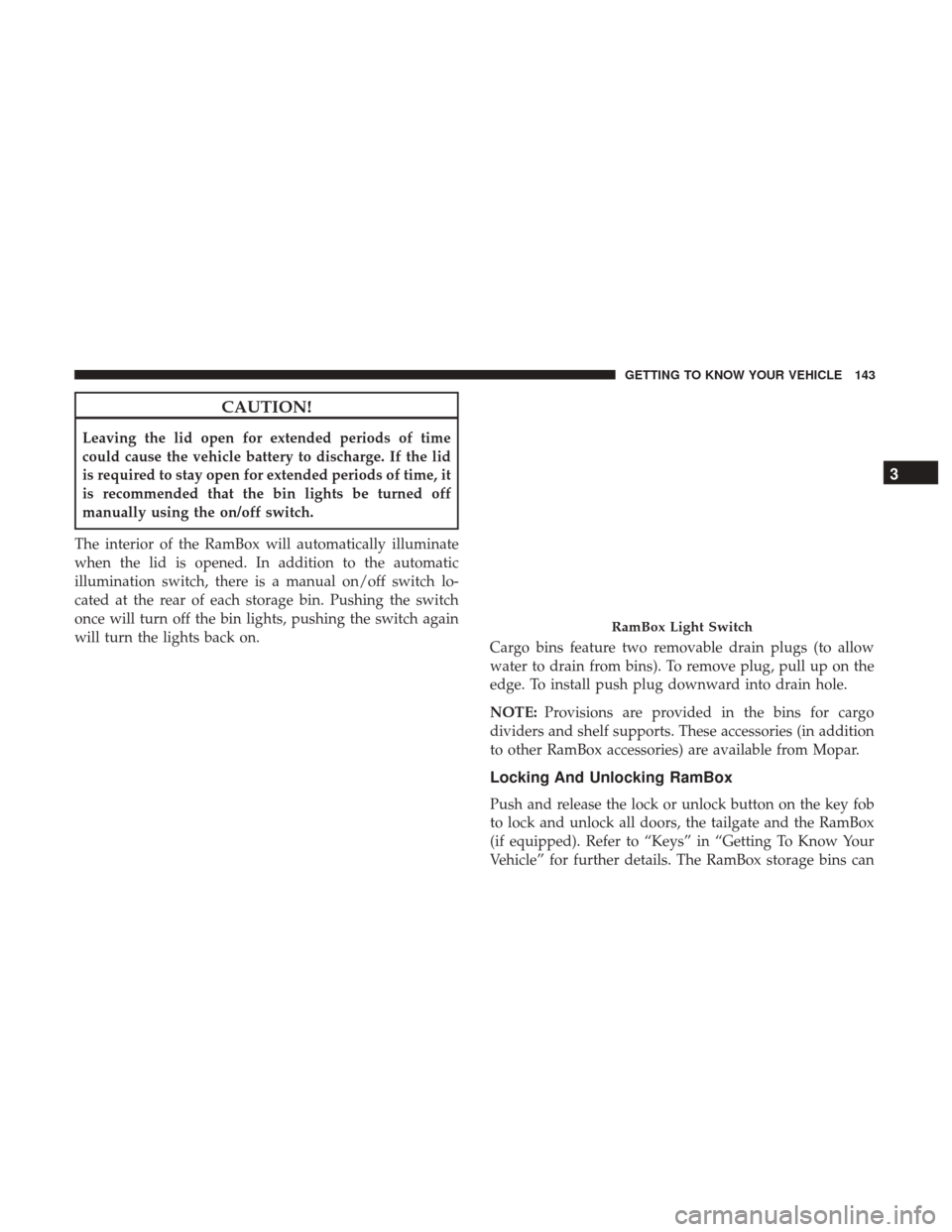
The interior of the RamBox will automatically illuminate
when the lid is opened. In addition to the automatic
illumination switch, there is a manual on/off switch lo-
cated at the rear of each storage bin. Pushing the switch
once will turn off the bin lights, pushing the switch again
will turn the lights back on. Cargo bins feature two removable drain plugs (to allow
water to drain from bins). To remove plug, pull up on the
edge. To install push plug downward into drain hole.
NOTE:Provisions are provided in the bins for cargo
dividers and shelf supports. These accessories (in addition
to other RamBox accessories) are available from Mopar.
Locking And Unlocking RamBox
Push and release the lock or unlock button on the key fob
to lock and unlock all doors, the tailgate and the RamBox
(if equipped). Refer to “Keys” in “Getting To Know Your
Vehicle” for further details. The RamBox storage bins can
RamBox Light Switch
3
GETTING TO KNOW YOUR VEHICLE 143
Page 171 of 700
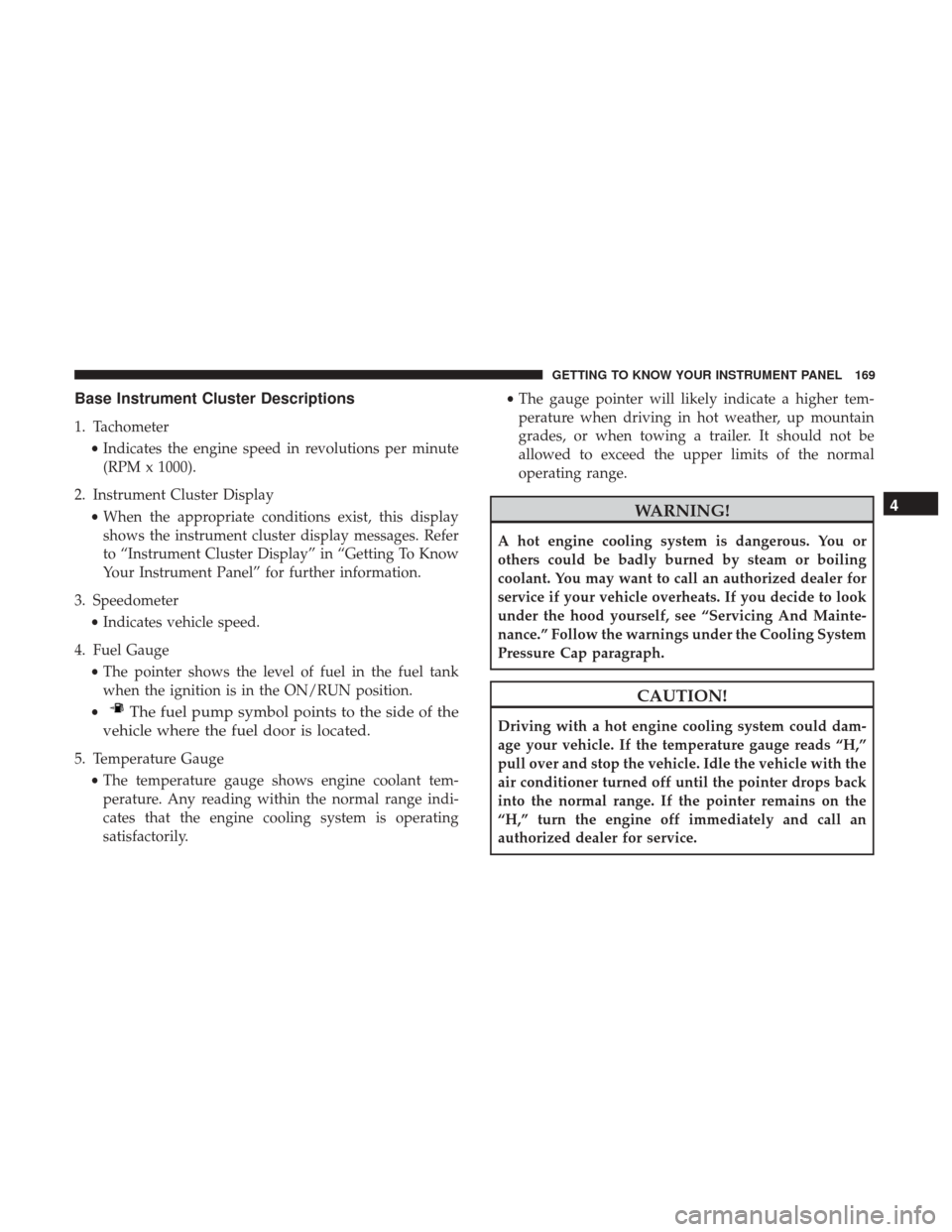
Base Instrument Cluster Descriptions
1. Tachometer•Indicates the engine speed in revolutions per minute
(RPM x 1000).
2. Instrument Cluster Display •When the appropriate conditions exist, this display
shows the instrument cluster display messages. Refer
to “Instrument Cluster Display” in “Getting To Know
Your Instrument Panel” for further information.
3. Speedometer •Indicates vehicle speed.
4. Fuel Gauge •The pointer shows the level of fuel in the fuel tank
when the ignition is in the ON/RUN position.
•
The fuel pump symbol points to the side of the
vehicle where the fuel door is located.
5. Temperature Gauge
•The temperature gauge shows engine coolant tem-
perature. Any reading within the normal range indi-
cates that the engine cooling system is operating
satisfactorily. •
The gauge pointer will likely indicate a higher tem-
perature when driving in hot weather, up mountain
grades, or when towing a trailer. It should not be
allowed to exceed the upper limits of the normal
operating range.
WARNING!
A hot engine cooling system is dangerous. You or
others could be badly burned by steam or boiling
coolant. You may want to call an authorized dealer for
service if your vehicle overheats. If you decide to look
under the hood yourself, see “Servicing And Mainte-
nance.” Follow the warnings under the Cooling System
Pressure Cap paragraph.
CAUTION!
Driving with a hot engine cooling system could dam-
age your vehicle. If the temperature gauge reads “H,”
pull over and stop the vehicle. Idle the vehicle with the
air conditioner turned off until the pointer drops back
into the normal range. If the pointer remains on the
“H,” turn the engine off immediately and call an
authorized dealer for service.
4
GETTING TO KNOW YOUR INSTRUMENT PANEL 169
Page 173 of 700
Premium Instrument Cluster Descriptions
1. Tachometer•Indicates the engine speed in revolutions per minute
(RPM x 1000).
2. Voltmeter •When the engine is running, the gauge indicates the
electrical system voltage. The pointer should stay
within the normal range if the battery is charged. If the
pointer moves to either extreme left or right and
remains there during normal driving, the electrical
system should be serviced.
NOTE: The voltmeter may show a gauge fluctuation at
various engine temperatures. This cycling operation is
caused by the post-heat cycle of the intake manifold heater
system. The number of cycles and the length of the cycling
operation is controlled by the engine control module.
Post-heat operation can run for several minutes, and then
the electrical system and voltmeter needle will stabilize.
3. Oil Pressure Gauge
•The pointer should always indicate some oil pressure
when the engine is running. A continuous high or low
reading under normal driving conditions may indicate a lubrication system malfunction. Immediate service
should be obtained from an authorized dealer.
4. Speedometer •Indicates vehicle speed.
5. Fuel Gauge •The pointer shows the level of fuel in the fuel tank
when the ignition is in the ON/RUN position.
•
The fuel pump symbol points to the side of the
vehicle where the fuel door is located.
6. Instrument Cluster Display
•When the appropriate conditions exist, this display
shows the instrument cluster display messages. Refer
to “Instrument Cluster Display” in “Getting To Know
Your Instrument Panel” for further information.
7. Temperature Gauge •The temperature gauge shows engine coolant tem-
perature. Any reading within the normal range indi-
cates that the engine cooling system is operating
satisfactorily.
• The gauge pointer will likely indicate a higher tem-
perature when driving in hot weather, up mountain
grades, or when towing a trailer. It should not be
4
GETTING TO KNOW YOUR INSTRUMENT PANEL 171
Page 174 of 700
allowed to exceed the upper limits of the normal
operating range.
WARNING!
A hot engine cooling system is dangerous. You or
others could be badly burned by steam or boiling
coolant. You may want to call an authorized dealer for
service if your vehicle overheats. If you decide to look
under the hood yourself, see “Servicing And Mainte-
nance.” Follow the warnings under the Cooling System
Pressure Cap paragraph.
CAUTION!
Driving with a hot engine cooling system could dam-
age your vehicle. If the temperature gauge reads “H,”
pull over and stop the vehicle. Idle the vehicle with the
air conditioner turned off until the pointer drops back
into the normal range. If the pointer remains on the
“H,” turn the engine off immediately and call an
authorized dealer for service.
INSTRUMENT CLUSTER DISPLAY
Your vehicle may be equipped with an instrument cluster
display, which offers useful information to the driver. With
the ignition in the STOP/OFF mode, opening/closing of a
door will activate the display for viewing, and display the
total miles, or kilometers, in the odometer. Your instrument
cluster display is designed to display important informa-
tion about your vehicle’s systems and features. Using a
driver interactive display located on the instrument panel,
your instrument cluster display can show you how sys-
tems are working and give you warnings when they are
not. The steering wheel mounted controls allow you to
scroll through the main menus and submenus. You can
access the specific information you want and make selec-
tions and adjustments.
172 GETTING TO KNOW YOUR INSTRUMENT PANEL