battery Ram 1500 2019 User Guide
[x] Cancel search | Manufacturer: RAM, Model Year: 2019, Model line: 1500, Model: Ram 1500 2019Pages: 698, PDF Size: 9.04 MB
Page 42 of 698
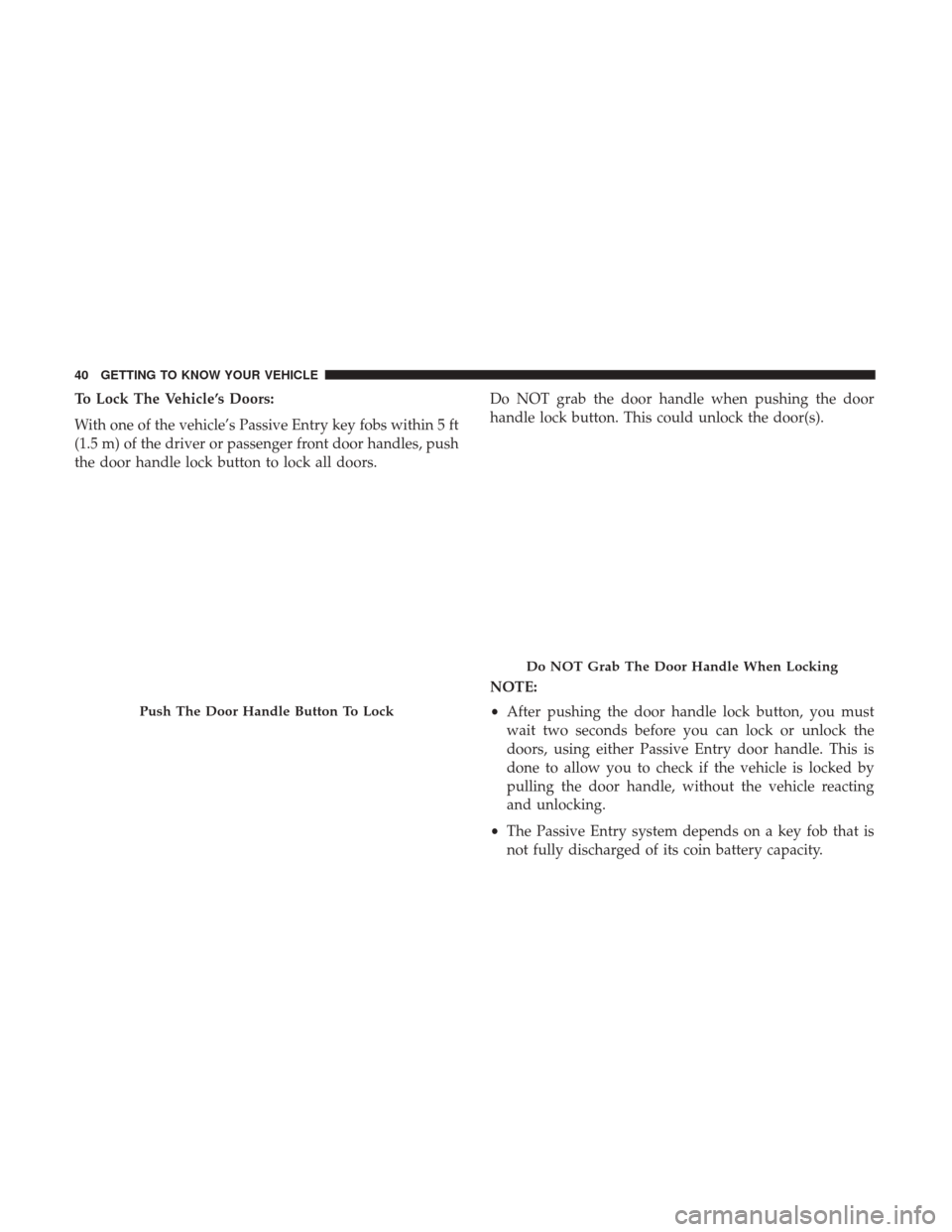
To Lock The Vehicle’s Doors:
With one of the vehicle’s Passive Entry key fobs within 5 ft
(1.5 m) of the driver or passenger front door handles, push
the door handle lock button to lock all doors.Do NOT grab the door handle when pushing the door
handle lock button. This could unlock the door(s).
NOTE:
•
After pushing the door handle lock button, you must
wait two seconds before you can lock or unlock the
doors, using either Passive Entry door handle. This is
done to allow you to check if the vehicle is locked by
pulling the door handle, without the vehicle reacting
and unlocking.
• The Passive Entry system depends on a key fob that is
not fully discharged of its coin battery capacity.
Push The Door Handle Button To Lock
Do NOT Grab The Door Handle When Locking
40 GETTING TO KNOW YOUR VEHICLE
Page 43 of 698
•The LED light on the key fob will not blink if the key fob
battery is low or fully depleted, but a low key fob battery
condition will still support the Passive Entry system
functionality. When the key fob battery is low, the
instrument cluster will display a message indicating that
the key fob battery is low. Refer to “Keys” in “Getting To
Know Your Vehicle” for further information.
The vehicle doors can also be locked by using the key fob
lock button or the lock button located on the vehicle’s
interior door panel.
General Information
The following regulatory statement applies to all radio
frequency (RF) devices equipped in this vehicle:
This device complies with Part 15 of the FCC Rules and
with Industry Canada license-exempt RSS standard(s).
Operation is subject to the following two conditions:
1. This device may not cause harmful interference, and
2.
This device must accept any interference received, includ-
ing interference that may cause undesired operation.
NOTE: Changes or modifications not expressly approved
by the party responsible for compliance could void the
user ’s authority to operate the equipment.
Automatic Door Locks — If Equipped
The auto door lock feature default condition is enabled.
When enabled, the door locks will lock automatically when
the vehicle’s speed exceeds 15 mph (24 km/h). The auto
door lock feature can be enabled or disabled by an autho-
rized dealer per written request of the customer. Please see
an authorized dealer for service.
Automatic Doors Unlock — If Equipped
This feature unlocks all of the doors of the vehicle when either
front door is opened. This will occur only after the vehicle has
been shifted into the PARK position after the vehicle has been
driven (shifted out of PARK and all doors closed).
Automatic Doors Unlock Programming — If
Equipped
The Automatic Doors Unlock feature can be enabled or
disabled as follows:
• For vehicles not equipped with a touchscreen radio,
refer to “Instrument Cluster Display” in “Getting To
Know Your Instrument Panel” for further information.
• For vehicles equipped with a touchscreen radio, refer to
“Uconnect Settings” in “Multimedia” for further infor-
mation.
3
GETTING TO KNOW YOUR VEHICLE 41
Page 76 of 698
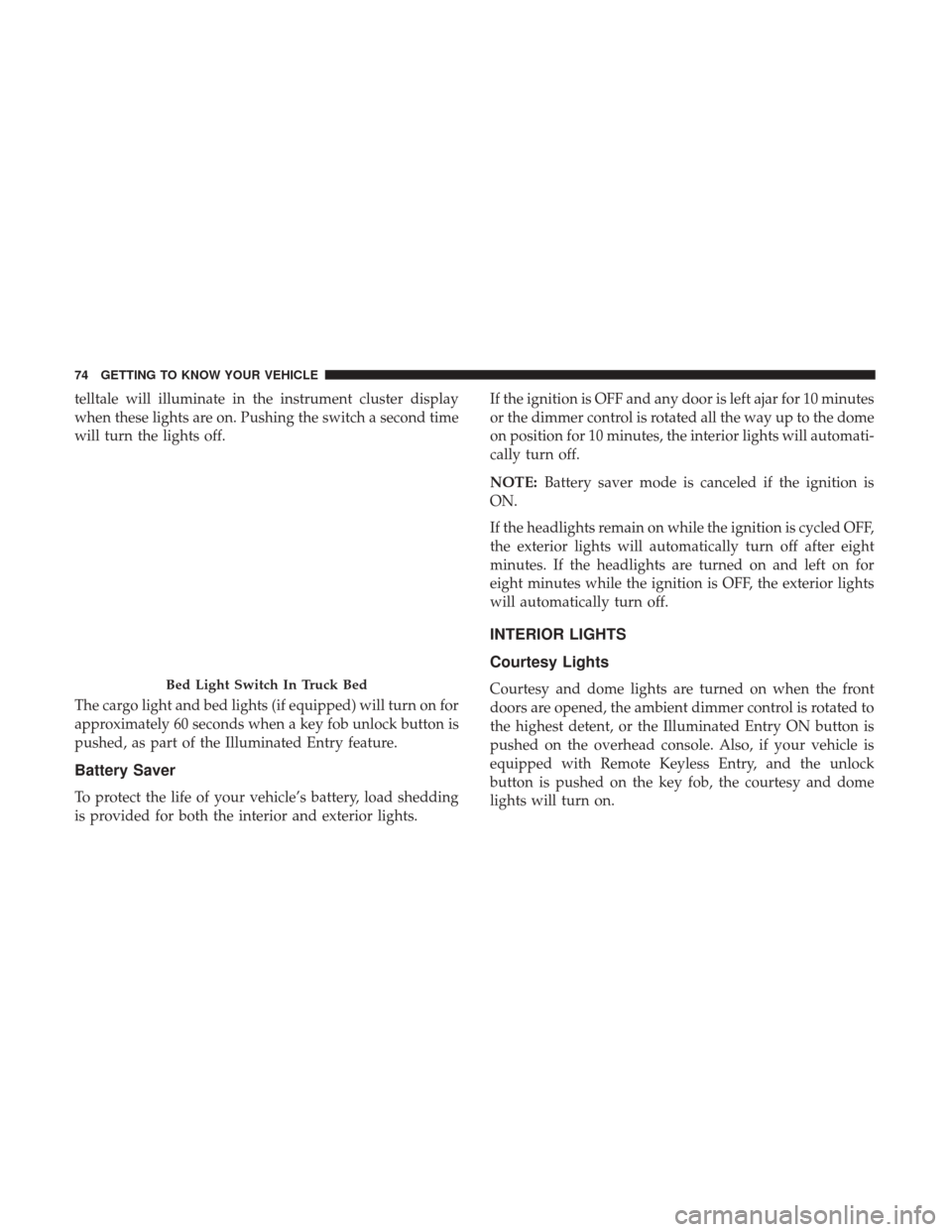
telltale will illuminate in the instrument cluster display
when these lights are on. Pushing the switch a second time
will turn the lights off.
The cargo light and bed lights (if equipped) will turn on for
approximately 60 seconds when a key fob unlock button is
pushed, as part of the Illuminated Entry feature.
Battery Saver
To protect the life of your vehicle’s battery, load shedding
is provided for both the interior and exterior lights.If the ignition is OFF and any door is left ajar for 10 minutes
or the dimmer control is rotated all the way up to the dome
on position for 10 minutes, the interior lights will automati-
cally turn off.
NOTE:
Battery saver mode is canceled if the ignition is
ON.
If the headlights remain on while the ignition is cycled OFF,
the exterior lights will automatically turn off after eight
minutes. If the headlights are turned on and left on for
eight minutes while the ignition is OFF, the exterior lights
will automatically turn off.
INTERIOR LIGHTS
Courtesy Lights
Courtesy and dome lights are turned on when the front
doors are opened, the ambient dimmer control is rotated to
the highest detent, or the Illuminated Entry ON button is
pushed on the overhead console. Also, if your vehicle is
equipped with Remote Keyless Entry, and the unlock
button is pushed on the key fob, the courtesy and dome
lights will turn on.Bed Light Switch In Truck Bed
74 GETTING TO KNOW YOUR VEHICLE
Page 111 of 698
GARAGE DOOR OPENER — IF EQUIPPED
HomeLink replaces up to three hand-held transmitters that
operate devices such as garage door openers, motorized
gates, lighting or home security systems. The HomeLink
unit is powered by your vehicles 12 Volt battery.
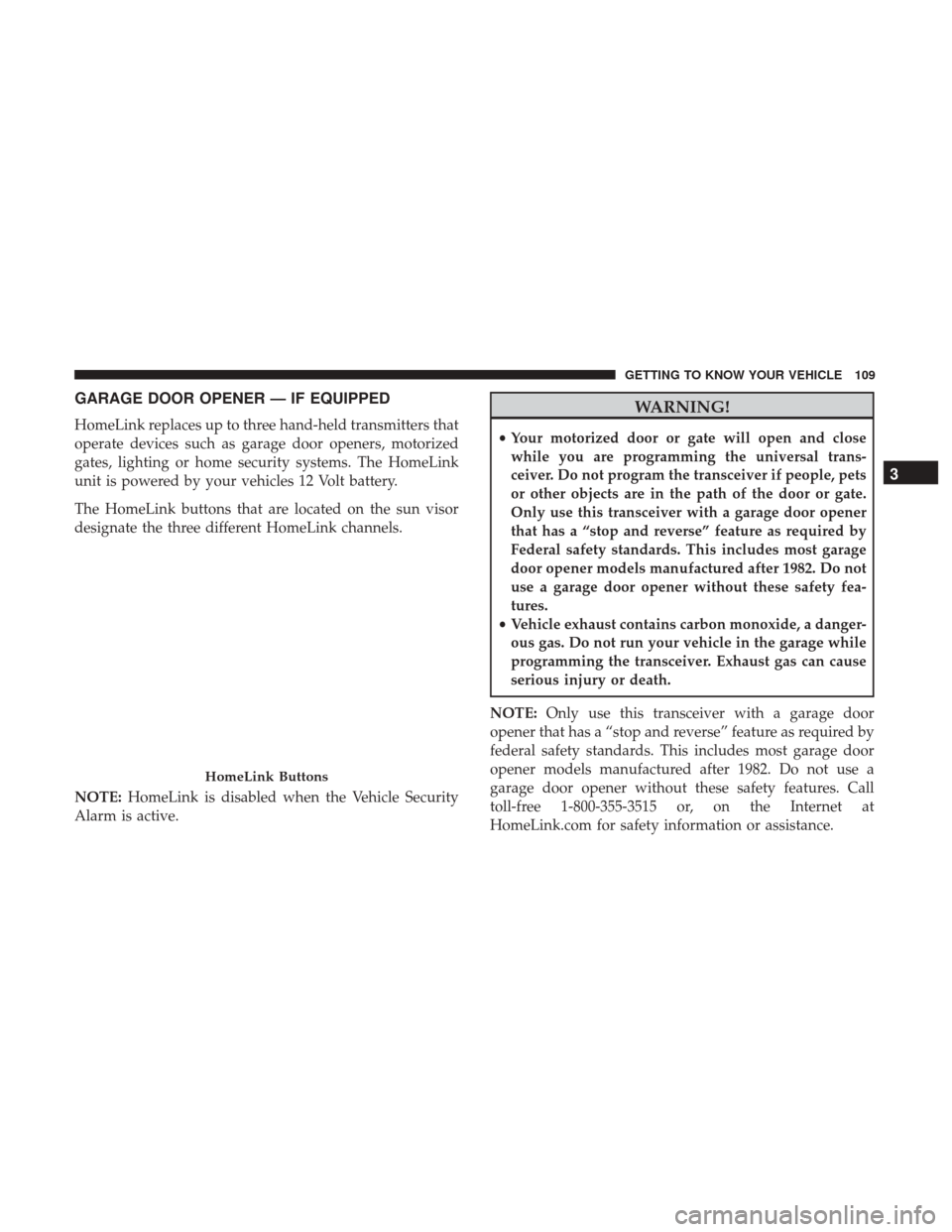
The HomeLink buttons that are located on the sun visor
designate the three different HomeLink channels.
NOTE:HomeLink is disabled when the Vehicle Security
Alarm is active.
WARNING!
• Your motorized door or gate will open and close
while you are programming the universal trans-
ceiver. Do not program the transceiver if people, pets
or other objects are in the path of the door or gate.
Only use this transceiver with a garage door opener
that has a “stop and reverse” feature as required by
Federal safety standards. This includes most garage
door opener models manufactured after 1982. Do not
use a garage door opener without these safety fea-
tures.
• Vehicle exhaust contains carbon monoxide, a danger-
ous gas. Do not run your vehicle in the garage while
programming the transceiver. Exhaust gas can cause
serious injury or death.
NOTE: Only use this transceiver with a garage door
opener that has a “stop and reverse” feature as required by
federal safety standards. This includes most garage door
opener models manufactured after 1982. Do not use a
garage door opener without these safety features. Call
toll-free 1-800-355-3515 or, on the Internet at
HomeLink.com for safety information or assistance.
HomeLink Buttons
3
GETTING TO KNOW YOUR VEHICLE 109
Page 112 of 698
Before You Begin Programming HomeLink
Be sure that your vehicle is parked outside of the garage
before you begin programming.
For more efficient programming and accurate transmission
of the radio-frequency signal it is recommended that a new
battery be placed in the hand-held transmitter of the device
that is being programmed to the HomeLink system.
To erase the channels, place the ignition in the ON/RUN
position, and push and hold the two outside HomeLink
buttons (I and III) for up to 20 seconds or until the orange
indicator flashes.
NOTE:
•Erasing all channels should only be performed when
programming HomeLink for the first time. Do not erase
channels when programming additional buttons.
• If you have any problems, or require assistance, please
call toll-free 1-800-355-3515 or, on the Internet at
HomeLink.com for information or assistance.
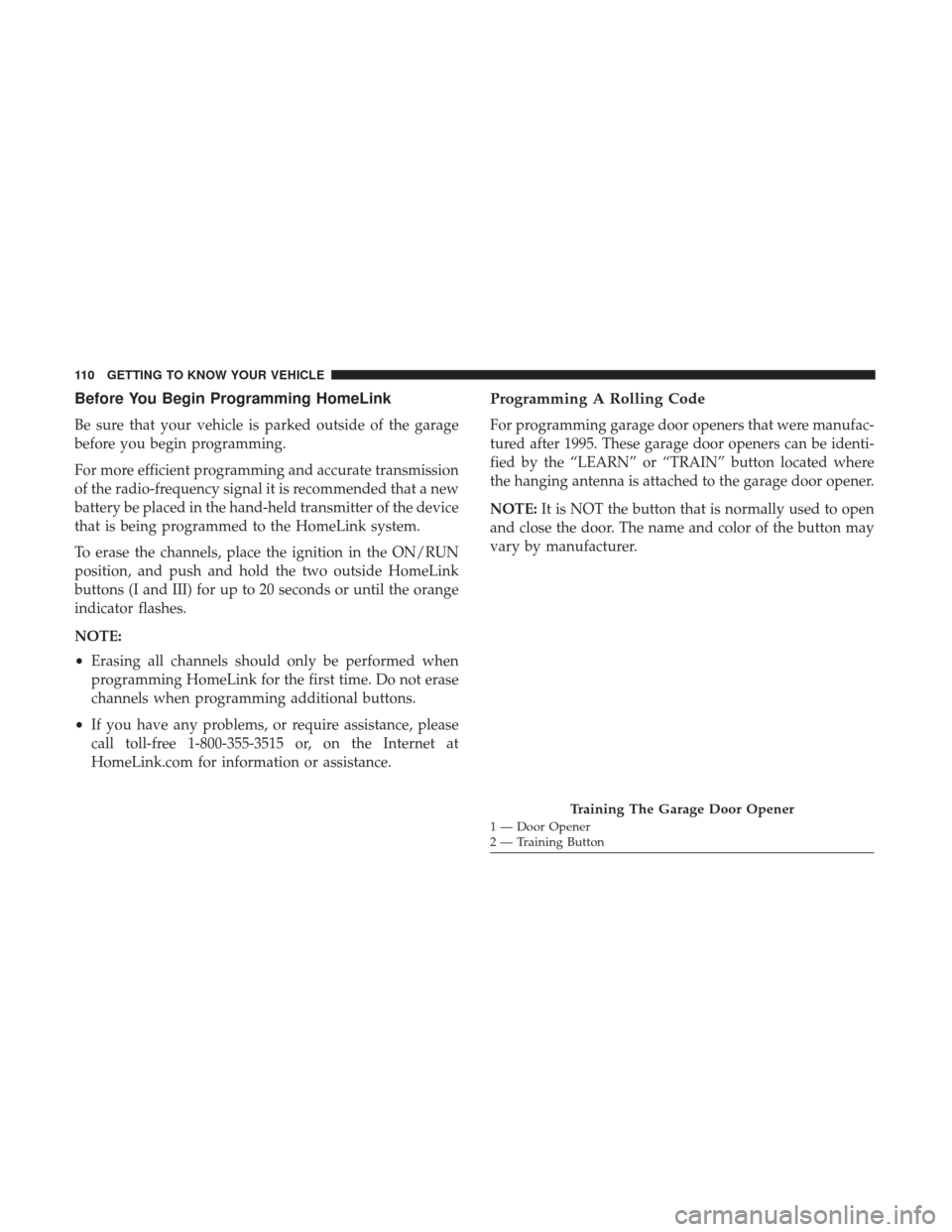
Programming A Rolling Code
For programming garage door openers that were manufac-
tured after 1995. These garage door openers can be identi-
fied by the “LEARN” or “TRAIN” button located where
the hanging antenna is attached to the garage door opener.
NOTE: It is NOT the button that is normally used to open
and close the door. The name and color of the button may
vary by manufacturer.
Training The Garage Door Opener
1 — Door Opener
2 — Training Button
110 GETTING TO KNOW YOUR VEHICLE
Page 116 of 698
Using HomeLink
To operate, push and release the programmed HomeLink
button. Activation will now occur for the programmed
device (i.e. garage door opener, gate operator, security
system, entry door lock, home/office lighting, etc.) The
hand-held transmitter of the device may also be used at
any time.
Security
It is advised to erase all channels before you sell or turn in
your vehicle.
To do this, push and hold the two outside buttons for 20
seconds until the orange indicator flashes. Note that all
channels will be erased. Individual channels cannot be
erased.
The HomeLink Universal Transceiver is disabled when the
Vehicle Security Alarm is active.
Troubleshooting Tips
If you are having trouble programming HomeLink, here
are some of the most common solutions:
•Replace the battery in the Garage Door Opener hand-
held transmitter. •
Push the LEARN button on the Garage Door Opener to
complete the training for a Rolling Code.
• Did you unplug the device for programming and re-
member to plug it back in?
If you have any problems, or require assistance, please call
toll-free 1-800-355-3515 or, on the Internet at
HomeLink.com for information or assistance.
General Information
The following regulatory statement applies to all Radio
Frequency (RF) devices equipped in this vehicle:
This device complies with Part 15 of the FCC Rules and
with Innovation, Science and Economic Development
Canada license-exempt RSS standard(s). Operation is sub-
ject to the following two conditions:
1. This device may not cause harmful interference, and
2. This device must accept any interference received, in- cluding interference that may cause undesired opera-
tion.
NOTE: Changes or modifications not expressly approved
by the party responsible for compliance could void the
user ’s authority to operate the equipment.
114 GETTING TO KNOW YOUR VEHICLE
Page 129 of 698
If your vehicle is equipped with “Smart Fold”, the entire
center section of the 40/20/40 seat folds forward for access
of cupholders and console storage.
Electrical Power Outlets
The auxiliary 12 Volt (13 Amp) power outlet can provide
power for in-cab accessories designed for use with the
standard “cigar lighter” plug. The 12 Volt power outlets
and 5 Volt (2.5 Amp) USB Port (Charge Only) have a cap
attached to the outlet indicating “12V DC,” together with
either a key symbol, battery symbol, or USB symbol.A key symbol indicates that the key must be in the
ON/RUN or ACC positions for the outlet to provide
power. The battery symbol indicates that the outlet is
connected to the battery, and can provide power at all
times.
CAUTION!
•
Do not exceed the maximum power of 160 Watts (13
Amps) at 12 Volts. If the 160 Watts (13 Amps) power
rating is exceeded, the fuse protecting the system
will need to be replaced.
• Power outlets are designed for accessory plugs only.
Do not insert any other object in the power outlets as
this will damage the outlet and blow the fuse.
Improper use of the power outlet can cause damage
not covered by your New Vehicle Limited Warranty.
Rear Armrest Cupholder With Smart Fold
3
GETTING TO KNOW YOUR VEHICLE 127
Page 130 of 698
An auxiliary power outlet can be found in the tray on top
of the center stack. This power outlet only works when the
vehicle is in the ON/RUN or ACC position.When the vehicle is turned off, be sure to unplug any
equipment as to not drain the battery of the vehicle. All
accessories connected to the outlet(s) should be removed or
turned off when the vehicle is not in use to protect the
battery against discharge.
Power Outlet — Top Of Center Stack
Power Outlet Fuse Locations
1 — F54 Fuse 20 A Yellow Power Outlet Battery Fed Position
2 — F54 Fuse 20 A Yellow Power Outlet Ignition Fed Position
3 — F48 Fuse 10 A Red Port Power or Rear USB (Charge Only)
128 GETTING TO KNOW YOUR VEHICLE
Page 131 of 698
WARNING!
To avoid serious injury or death:
•Only devices designed for use in this type of outlet
should be inserted into any 12 Volt outlet.
• Do not touch with wet hands.
• Close the lid when not in use and while driving the
vehicle.
• If this outlet is mishandled, it may cause an electric
shock and failure.
CAUTION!
• Many accessories that can be plugged in draw power
from the vehicle’s battery, even when not in use (i.e.,
cellular phones, etc.). Eventually, if plugged in long
enough, the vehicle’s battery will discharge suffi-
ciently to degrade battery life and/or prevent the
engine from starting.
(Continued)
CAUTION! (Continued)
•Accessories that draw higher power (i.e., coolers,
vacuum cleaners, lights, etc.), will discharge the
battery even more quickly. Only use these intermit-
tently and with greater caution.
• After the use of high power draw accessories, or long
periods of the vehicle not being started (with acces-
sories still plugged in), the vehicle must be driven a
sufficient length of time to allow the generator to
recharge the vehicle’s battery.
3
GETTING TO KNOW YOUR VEHICLE 129
Page 139 of 698
NOTE:RamBox will not open when the pushbutton is
pushed if the RamBox is locked.CAUTION!
Leaving the lid open for extended periods of time
could cause the vehicle battery to discharge. If the lid
is required to stay open for extended periods of time, it
is recommended that the bin lights be turned off
manually using the on/off switch.
The interior of the RamBox will automatically illuminate
when the lid is opened. The timing can be adjusted through
your touchscreen.
Refer to “Uconnect Settings” in “Multimedia” for further
information.
Cargo bins feature two removable drain plugs (to allow
water to drain from bins). To remove plug, pull up on the
edge. To install push plug downward into drain hole.
If equipped, a power inverter can be found inside the
RamBox.
Refer to “Electrical Power Outlets” in “Getting To Know
Your Vehicle” for further information.
NOTE: Provisions are provided in the bins for cargo
dividers. These accessories (in addition to other RamBox
accessories) are available from Mopar.
RamBox Push Button And Keyhole Lock
1 — Keyhole Lock
2 — Push Button
3
GETTING TO KNOW YOUR VEHICLE 137