instrument cluster Ram 1500 2020 Owners Manual
[x] Cancel search | Manufacturer: RAM, Model Year: 2020, Model line: 1500, Model: Ram 1500 2020Pages: 674, PDF Size: 32.69 MB
Page 384 of 674
382 STARTING AND OPERATING
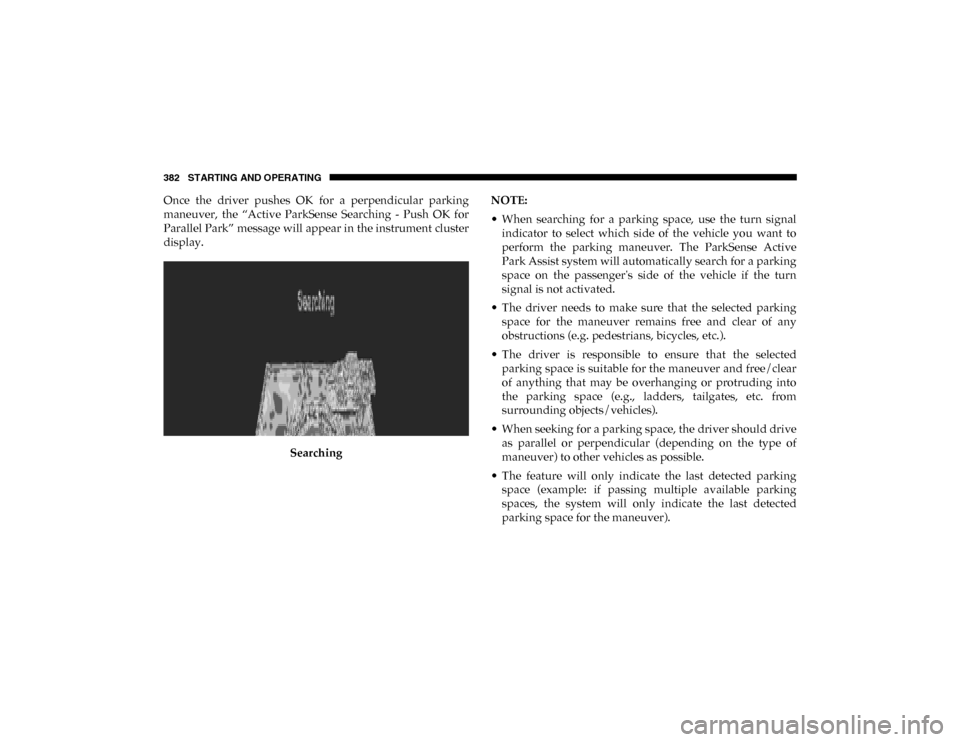
Once the driver pushes OK for a perpendicular parking
maneuver, the “Active ParkSense Searching - Push OK for
Parallel Park” message will appear in the instrument cluster
display.Searching NOTE:
• When searching for a parking space, use the turn signal
indicator to select which side of the vehicle you want to
perform the parking maneuver. The ParkSense Active
Park Assist system will automatically search for a parking
space on the passenger's side of the vehicle if the turn
signal is not activated.
• The driver needs to make sure that the selected parking space for the maneuver remains free and clear of any
obstructions (e.g. pedestrians, bicycles, etc.).
• The driver is responsible to ensure that the selected parking space is suitable for the maneuver and free/clear
of anything that may be overhanging or protruding into
the parking space (e.g., ladders, tailgates, etc. from
surrounding objects/vehicles).
• When seeking for a parking space, the driver should drive as parallel or perpendicular (depending on the type of
maneuver) to other vehicles as possible.
• The feature will only indicate the last detected parking space (example: if passing multiple available parking
spaces, the system will only indicate the last detected
parking space for the maneuver).
2020_DT_1500_OM_US.book Page 382
Page 387 of 674
STARTING AND OPERATING 385
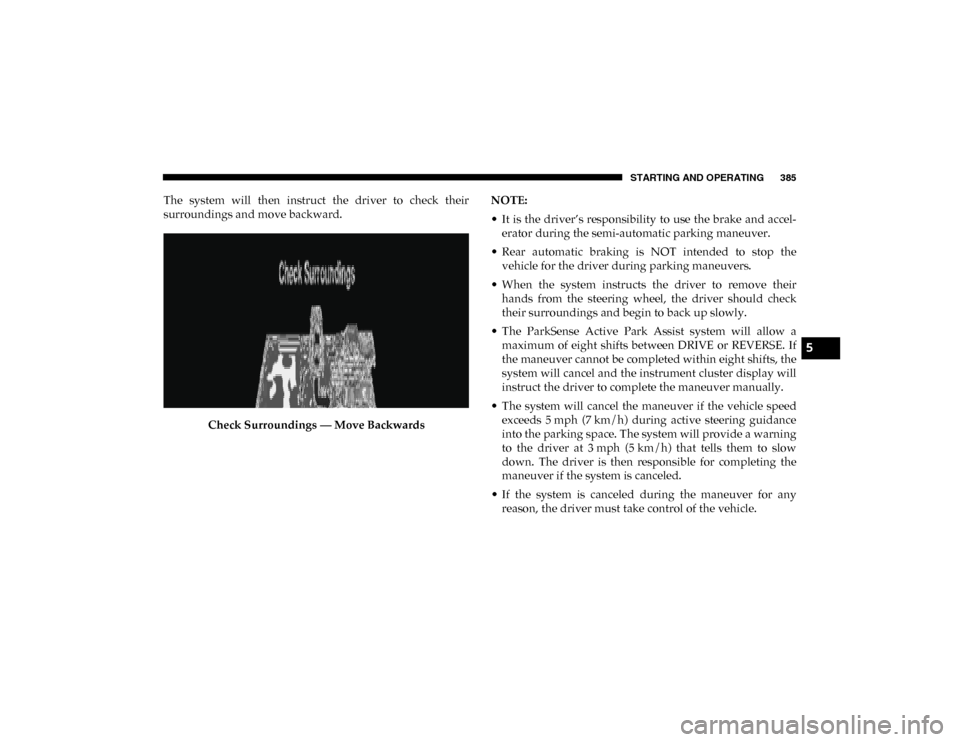
The system will then instruct the driver to check their
surroundings and move backward.Check Surroundings — Move Backwards NOTE:
• It is the driver’s responsibility to use the brake and accel
-
erator during the semi-automatic parking maneuver.
• Rear automatic braking is NOT intended to stop the vehicle for the driver during parking maneuvers.
• When the system instructs the driver to remove their hands from the steering wheel, the driver should check
their surroundings and begin to back up slowly.
• The ParkSense Active Park Assist system will allow a maximum of eight shifts between DRIVE or REVERSE. If
the maneuver cannot be completed within eight shifts, the
system will cancel and the instrument cluster display will
instruct the driver to complete the maneuver manually.
• The system will cancel the maneuver if the vehicle speed exceeds 5 mph (7 km/h) during active steering guidanceinto the parking space. The system will provide a warning
to the driver at 3 mph (5 km/h) that tells them to slowdown. The driver is then responsible for completing the
maneuver if the system is canceled.
• If the system is canceled during the maneuver for any reason, the driver must take control of the vehicle.
5
2020_DT_1500_OM_US.book Page 385
Page 393 of 674

STARTING AND OPERATING 391
LANESENSE — IF EQUIPPED
LaneSense Operation
The LaneSense system is operational at speeds above 37 mph
(60 km/h) and below 112 mph (180 km/h). It uses a forward
looking camera to detect lane markings and measure vehicle
position within the lane boundaries.
When both lane markings are detected and the driver unin -
tentionally drifts out of the lane while no turn signal has been
applied OR the driver departs the lane on the opposite side
of the applied turn signal (if the left turn signal is applied and
the vehicle departs to the right), the LaneSense system
provides a haptic warning in the form of torque applied to
the steering wheel to prompt the driver to remain within the
lane boundaries. The LaneSense system will also provide a
visual warning through the instrument cluster display to
prompt the driver to remain within the lane boundaries.
The driver may manually override the haptic warning by
applying torque into the steering wheel at any time. When only a single lane marking is detected and the driver
unintentionally drifts across that lane marking (no turn
signal applied), the LaneSense system provides a visual
warning through the instrument cluster display to prompt
the driver to remain within the lane. When only a single lane
marking is detected, a haptic (torque) warning will not be
provided.
NOTE:
When operating conditions have been met, the LaneSense
system will monitor if the driver’s hands are on the steering
wheel and provides an audible and visual warning to the
driver when the driver’s hands are not detected on the
steering wheel. The system will cancel if the driver does not
return their hands to the wheel.
Turning LaneSense On Or Off
The LaneSense button is located on the switch panel
below the Uconnect display.
NOTE:
If your vehicle is equipped with a 12–inch Uconnect Display
screen, the LaneSense button is located above the display.
5
2020_DT_1500_OM_US.book Page 391
Page 394 of 674
392 STARTING AND OPERATING
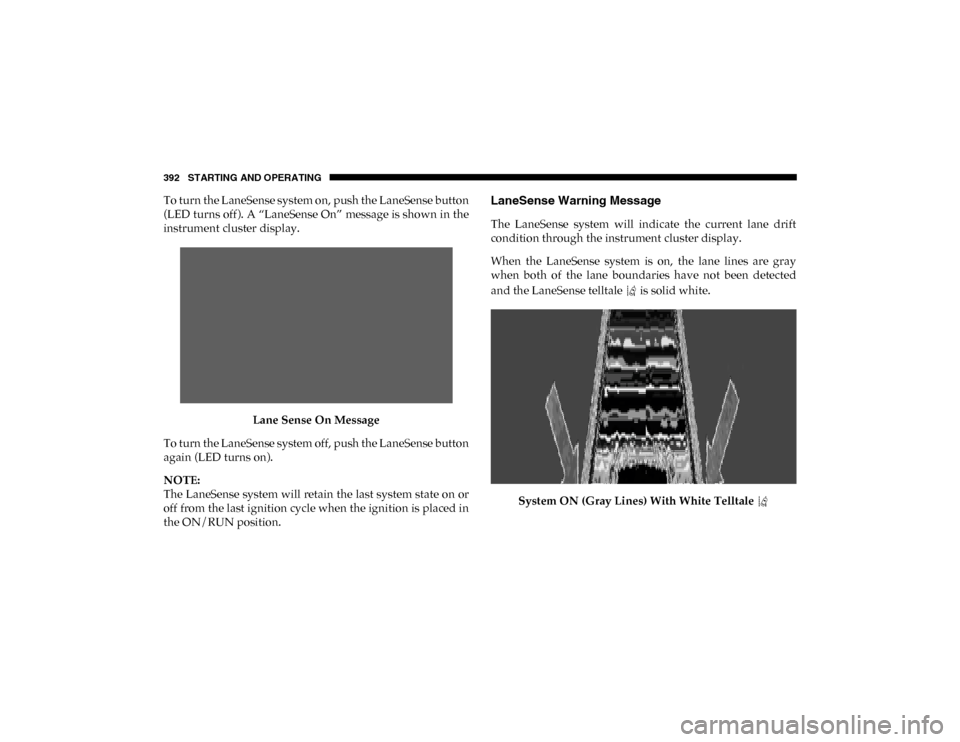
To turn the LaneSense system on, push the LaneSense button
(LED turns off). A “LaneSense On” message is shown in the
instrument cluster display.Lane Sense On Message
To turn the LaneSense system off, push the LaneSense button
again (LED turns on).
NOTE:
The LaneSense system will retain the last system state on or
off from the last ignition cycle when the ignition is placed in
the ON/RUN position.LaneSense Warning Message
The LaneSense system will indicate the current lane drift
condition through the instrument cluster display.
When the LaneSense system is on, the lane lines are gray
when both of the lane boundaries have not been detected
and the LaneSense telltale is solid white.
System ON (Gray Lines) With White Telltale
2020_DT_1500_OM_US.book Page 392
Page 395 of 674
STARTING AND OPERATING 393
Left Lane Departure — Only Left Lane Detected
• When the LaneSense system is ON, the LaneSense Telltale is solid white when only the left lane marking has been
detected and the system is ready to provide visual warn -
ings in the instrument cluster display if an unintentional
lane departure occurs on the left side.
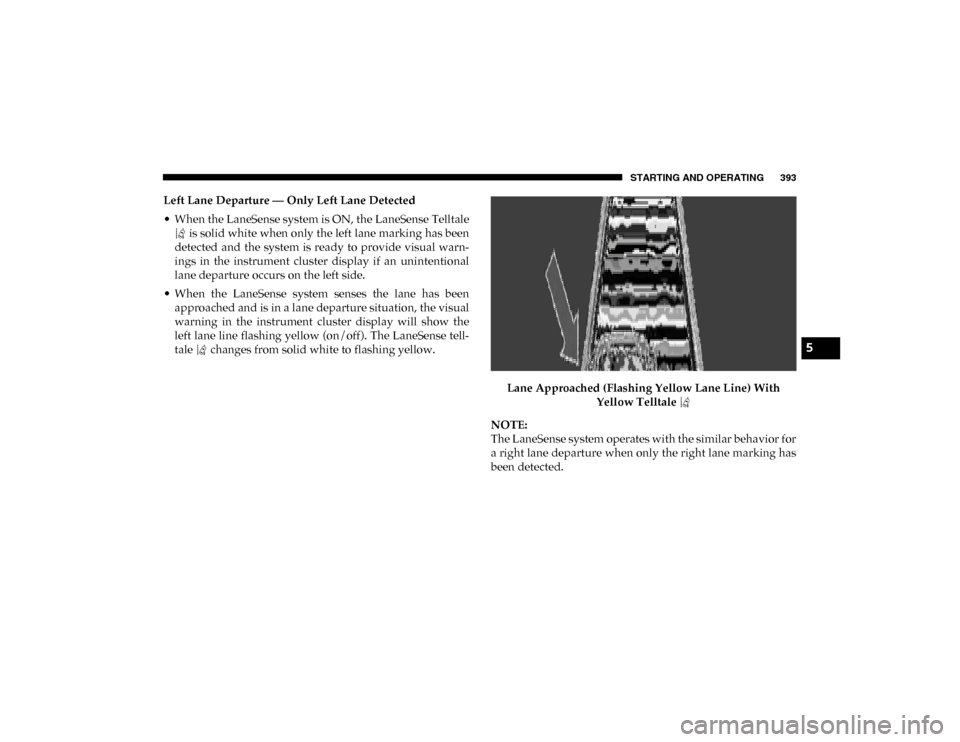
• When the LaneSense system senses the lane has been approached and is in a lane departure situation, the visual
warning in the instrument cluster display will show the
left lane line flashing yellow (on/off). The LaneSense tell -
tale changes from solid white to flashing yellow.
Lane Approached (Flashing Yellow Lane Line) With Yellow Telltale
NOTE:
The LaneSense system operates with the similar behavior for
a right lane departure when only the right lane marking has
been detected.
5
2020_DT_1500_OM_US.book Page 393
Page 396 of 674
394 STARTING AND OPERATING
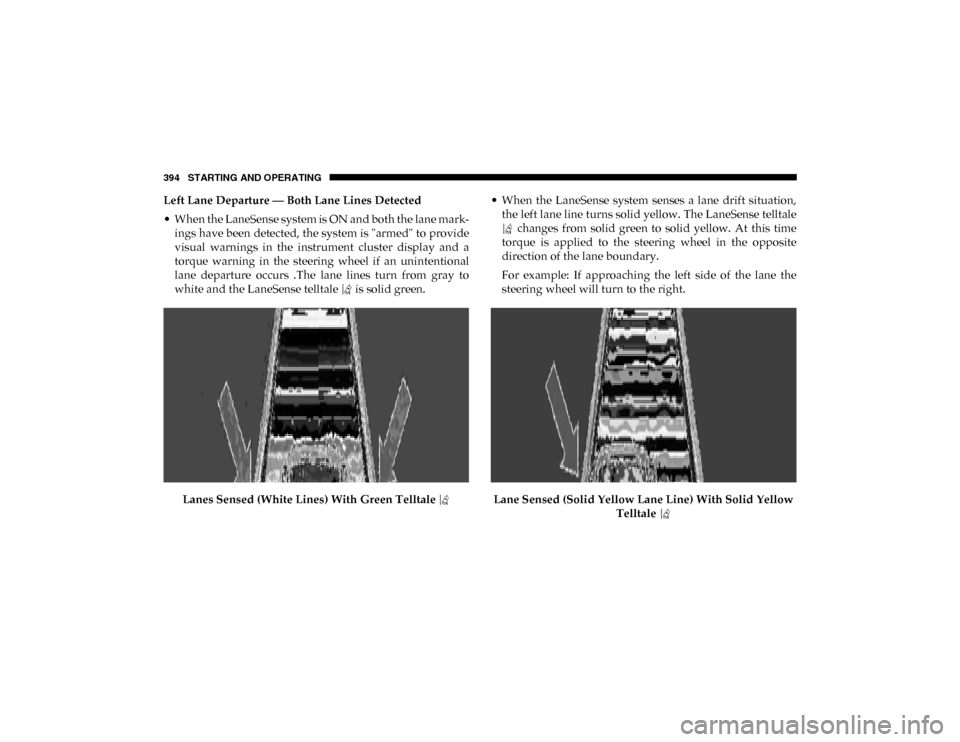
Left Lane Departure — Both Lane Lines Detected
• When the LaneSense system is ON and both the lane mark -
ings have been detected, the system is "armed" to provide
visual warnings in the instrument cluster display and a
torque warning in the steering wheel if an unintentional
lane departure occurs .The lane lines turn from gray to
white and the LaneSense telltale is solid green.
Lanes Sensed (White Lines) With Green Telltale • When the LaneSense system senses a lane drift situation,
the left lane line turns solid yellow. The LaneSense telltale changes from solid green to solid yellow. At this time
torque is applied to the steering wheel in the opposite
direction of the lane boundary.
For example: If approaching the left side of the lane the
steering wheel will turn to the right.
Lane Sensed (Solid Yellow Lane Line) With Solid Yellow Telltale
2020_DT_1500_OM_US.book Page 394
Page 412 of 674

410 STARTING AND OPERATING
With Weight-Distributing Hitch (Correct)
Improper Adjustment Of Weight-Distributing Hitch (Incorrect) Recommended Distribution Hitch Adjustment
Towing With 1500 Air Suspension
1. Set air suspension to normal ride height. No action is
required if already in normal ride height.
NOTE:
The vehicle must remain in the engine run position with all
doors closed while attaching a trailer for proper leveling of
the air suspension system.
2. Position the truck to be ready to connect to the trailer (do not connect the trailer).
3. Under the instrument cluster or touch screen radio settings, enable tire jack mode. Tire jack mode will be
canceled and procedure must be restarted if the vehicle is
driven at speeds above 5mph (8 kmh).
4. Measure the height of the top of the front wheel opening on the fender to ground, this is height H1.
2020_DT_1500_OM_US.book Page 410
Page 413 of 674

STARTING AND OPERATING 411
Measuring Height (H)
5. Attach the trailer to the vehicle without the weight distri -
bution bars connected.
6. Measure the height of the top of the front wheel opening on the fender to ground, this is height H2.
7. Install and adjust the tension in the weight distributing bars per the manufacturers’ recommendations so that the
height of the front fender is approximately (H2-H1)/
3+H1 (about 1/3 the difference between H2 and H1 above
normal ride height [H1]). 8. Use the instrument cluster or touch screen radio settings
and switch off tire jack mode. Make sure the truck returns
to normal ride height. Preform a visual inspection of the
trailer and weight distributing hitch to confirm manufac -
turers’ recommendations have been met.
9. The truck can now be driven.
NOTE:
For all towing conditions, we recommend towing with tow
haul mode engaged.
Trailer Hitch Type and Maximum Trailer Weight
The following chart provides the maximum trailer weight a
given factory equipped trailer hitch type can tow and should
be used to assist you in selecting the correct trailer hitch for
your intended towing condition.
Measurement Example Example 1500 Height (mm) H1 925
H2 946
H2-H1 21
(H2-H1)/3 7
(H2-H1)/3 + H1 932
5
2020_DT_1500_OM_US.book Page 411
Page 419 of 674

STARTING AND OPERATING 417
GAIN Adjustment Buttons (+/-)
Pushing these buttons will adjust the brake control power
output to the trailer brakes in 0.5 increments. The GAIN
setting can be increased to a maximum of 10 or decreased to
a minimum of 0 (no trailer braking).
GAIN
The GAIN setting is used to set the trailer brake control for
the specific towing condition and should be changed as
towing conditions change. Changes to towing conditions
include trailer load, vehicle load, road conditions and
weather.
Adjusting GAIN
NOTE:
This should only be performed in a traffic free environment
at speeds of approximately 20–25 mph (30–40 km/h).
1. Make sure the trailer brakes are in good working condi-
tion, functioning normally and properly adjusted. See
your trailer dealer if necessary.
2. Hook up the trailer and make the electrical connections according to the trailer manufacturer's instructions.
3. When a trailer with electric/EOH brakes is plugged in, the trailer connected message should appear in the
instrument cluster display (if the connection is not recog -nized by the ITBM, braking functions will not be avail
-
able), the GAIN setting will illuminate and the correct
type of trailer must be selected from the instrument
cluster display options.
4. Push the UP or DOWN button on the steering wheel until “TRAILER TOW” appears on the screen.
5. Push the RIGHT arrow on the steering wheel to enter “TRAILER TOW”.
6. Push the UP or DOWN buttons until the Trailer Brake Type appears on the screen.
7. Push the RIGHT arrow and then push the UP or DOWN buttons until the proper Trailer Brake Type appears on
the screen.
8. In a traffic-free environment, tow the trailer on a dry, level surface at a speed of 20–25 mph (30–40 km/h) and
squeeze the manual brake control lever completely.
9. If the trailer wheels lockup (indicated by squealing tires), reduce the GAIN setting; if the trailer wheels turn freely,
increase the GAIN setting.
Repeat steps 8 and 9 until the GAIN setting is at a point just
below trailer wheel lockup. If towing a heavier trailer, trailer
wheel lockup may not be attainable even with the maximum
GAIN setting of 10.
5
2020_DT_1500_OM_US.book Page 417
Page 420 of 674

418 STARTING AND OPERATING
*The suggested selection depends and may change
depending on the customer preferences for braking perfor-
mance. Condition of the trailer brakes, driving and road state
may also affect the selection.
Display Messages
The trailer brake control interacts with the instrument cluster
display. Display messages, along with a single chime, will be
displayed when a malfunction is determined in the trailer
connection, trailer brake control, or on the trailer. Refer to
“Instrument Cluster Display” in “Getting To Know Your
Instrument Panel” for further information. NOTE:
• An aftermarket controller may be available for use with
trailers with air or electric-over-hydraulic trailer brake
systems. To determine the type of brakes on your trailer
and the availability of controllers, check with your trailer
manufacturer or dealer.
• Removal of the ITBM will cause errors and it may cause damage to the electrical system and electronic modules of
the vehicle. See your authorized dealer if an aftermarket
module is to be installed.
Light Electric Heavy Electric
Light EOHHeavy EOH
Type of Trailer Brakes Electric Trailer Brakes Electric Trailer Brakes Electric over Hydraulic
Trailer BrakesElectric over Hydraulic
Trailer Brakes
Load *Under 10,000 lbs *Above 10,000 lbs *Under 10,000 lbs *Above 10,000 lbs
WARNING!
Connecting a trailer that is not compatible with the
ITBM system may result in reduced or complete loss of
trailer braking. There may be a increase in stopping
distance or trailer instability which could result in
personal injury.
CAUTION!
Connecting a trailer that is not compatible with the
ITBM system may result in reduced or complete loss of
trailer braking. There may be a increase in stopping
distance or trailer instability which could result in
damage to your vehicle, trailer, or other property.
2020_DT_1500_OM_US.book Page 418