wheel Ram 1500 2020 Owner's Manual
[x] Cancel search | Manufacturer: RAM, Model Year: 2020, Model line: 1500, Model: Ram 1500 2020Pages: 674, PDF Size: 32.69 MB
Page 608 of 674

606 MULTIMEDIA
Lane Sense Warning — If Equipped Early
MedLate
NOTE:
Sets what distance the steering wheel provides feedback for potential lane departures. Lane Sense Strength — If Equipped Low
MedHigh
ParkSense Sound Only Sound & Display
NOTE:
The Rear Park Assist system scans for objects behind the vehicle when the transmission gear selector is in REVERSE and the
vehicle speed is less than 7 mph (11 km/h). Front ParkSense Volume LowMedHigh
Rear ParkSense Volume LowMedHigh
Rear ParkSense Braking Assist On
Off
NOTE:
Brakes the vehicle while in reverse if potential rear collision is detected. Blind Spot Alert OffLightsLights & Chime
Trailer Length For Blind Spot Alert Auto
Max (39.5 feet)
NOTE:
Auto detects the length of the trailer. Max sets all trailers to 39.5 ft (12 m). Setting Name
Selectable Options
2020_DT_1500_OM_US.book Page 606
Page 611 of 674

MULTIMEDIA 609
Headlights With Wipers — If Equipped On
Off
NOTE:
When the “Headlights With Wipers” feature is selected, and the headlight switch is in the AUTO position, the headlights
turn on approximately 10 seconds after the wipers are turned on. The headlights also turn off when the wipers are turned
off if they were turned on by this feature. Auto Dim High Beams — If Equipped OnOff
NOTE:
When the “Auto Dim High Beams” feature is selected, the high beam headlights deactivate automatically under certain
conditions. Daytime Running Lights OnOff
NOTE:
When the “Daytime Running Lights” feature is selected, the daytime running lights can be turned on or off. This feature is
only allowed by law in the country of the vehicle purchase. Steering Directed Lights — If Equipped On
Off
NOTE:
When the “Steering Directed Lights” feature is selected, the headlights turn with the direction of the steering wheel. Flash Lights with Lock OnOff
NOTE:
When the “Flash Lights With Lock” feature is selected, the exterior lamps flash when the doors are locked or unlocked with
the key fob. This feature may be selected with or without the sound horn on lock feature selected. Setting Name
Selectable Options
9
2020_DT_1500_OM_US.book Page 609
Page 614 of 674

612 MULTIMEDIA
Auto-On Comfort & Remote Start Systems — If Equipped
After pressing the Auto-On Comfort & Remote Start button on the touchscreen, the following settings will be available:Personal Settings Linked To Key Fob
— If Equipped On
Off
NOTE:
• The “Personal Settings Linked To Key Fob” feature provides automatic driver seat positioning to enhance driver mobility when entering and exiting the vehicle.
• The seats return to the memorized seat location (if “Personal Settings Linked To Key Fob” is set to on) when the key fob is used to unlock the door. Setting Name
Selectable Options
Setting NameSelectable Options
Auto-On Driver Heated/ Vented Seat & Steering Wheel — If Equipped Off
Remote Start All Starts
NOTE:
When the “Auto-On Driver Heated/Vented Seat & Steering Wheel” feature is selected, the driver's heated seat and heated
steering wheel will automatically turn on when temperatures are below 40°F (4.4°C). When temperatures are above 80°F
(26.7°C), the driver vented seat will turn on.
2020_DT_1500_OM_US.book Page 612
Page 617 of 674

MULTIMEDIA 615
Trailer
After pressing the Trailer button on the touchscreen, the following settings will be available:Transport Mode
On Off
NOTE:
When the “Transport Mode” feature is selected, the air suspension system lowers and then disables to assist with flat bed
towing. Wheel Alignment Mode On Off
NOTE:
Before performing a wheel alignment, the “Wheel Alignment Mode” must be enabled. Refer to an authorized dealer for
further information. Four Corner Air Suspension Modes — If Equipped Tire Jack Mode
Transport Mode Wheel Alignment Mode
NOTE:
There are four air suspension modes designed to protect the system in unique situations. Tire Jack Mode is selected to assist
in changing a spare tire. Transport Mode is selected to assist when the vehicle is being flat bed towed. Wheel Alignment
Mode is selected before performing a wheel alignment, refer to an authorized dealer for information. Setting Name
Selectable Options
Setting NameSelectable Options
Trailer Trailer 1 Trailer 2Trailer 3 Trailer 4
9
2020_DT_1500_OM_US.book Page 615
Page 619 of 674

MULTIMEDIA 617
NOTE:
For further information about Trailer Tire Pressure Monitoring, refer to ”Auxiliary Driving Systems” in “Safety.”
Audio
After pressing the Audio button on the touchscreen, the following settings will be available:Trailer Name
List of Trailer Names
NOTE:
You can select and personalize your trailer name depending on the type of trailer you are hauling. Select the trailer name
from the following list: trailer, boat, car, cargo, dump, equipment, flatbed, gooseneck, horse, livestock, motorcycle, snowmo -
bile, travel, utility, and 5th wheel. Setting Name
Selectable Options
Setting NameSelectable Options
Balance/Fade FrontRight Back Left
NOTE:
The “Balance/Fade” feature allows you to adjust the Balance and Fade settings. Press and drag the speaker icon or use the
arrows to adjust, tap the C icon to readjust to the center. Equalizer + –
NOTE:
When in the “Equalizer” display, you may adjust the Bass, Mid and Treble settings.
9
2020_DT_1500_OM_US.book Page 617
Page 624 of 674
622 MULTIMEDIA
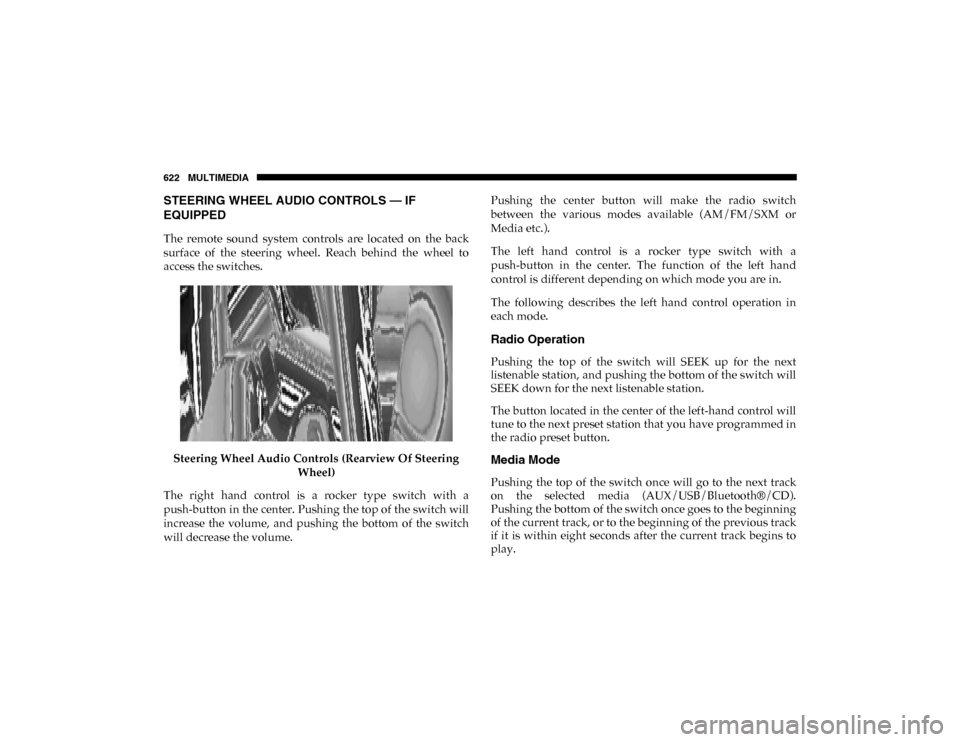
STEERING WHEEL AUDIO CONTROLS — IF
EQUIPPED
The remote sound system controls are located on the back
surface of the steering wheel. Reach behind the wheel to
access the switches.Steering Wheel Audio Controls (Rearview Of Steering Wheel)
The right hand control is a rocker type switch with a
push-button in the center. Pushing the top of the switch will
increase the volume, and pushing the bottom of the switch
will decrease the volume. Pushing the center button will make the radio switch
between the various modes available (AM/FM/SXM or
Media etc.).
The left hand control is a rocker type switch with a
push-button in the center. The function of the left hand
control is different depending on which mode you are in.
The following describes the left hand control operation in
each mode.
Radio Operation
Pushing the top of the switch will SEEK up for the next
listenable station, and pushing the bottom of the switch will
SEEK down for the next listenable station.
The button located in the center of the left-hand control will
tune to the next preset station that you have programmed in
the radio preset button.
Media Mode
Pushing the top of the switch once will go to the next track
on the selected media (AUX/USB/Bluetooth®/CD).
Pushing the bottom of the switch once goes to the beginning
of the current track, or to the beginning of the previous track
if it is within eight seconds after the current track begins to
play.
2020_DT_1500_OM_US.book Page 622
Page 631 of 674
MULTIMEDIA 629
Get Started
All you need to control your Uconnect system with your
voice are the buttons on your steering wheel.
1. Visit UconnectPhone.com to check mobile device and
feature compatibility and to find phone pairing instruc -
tions.
2. Reduce background noise. Wind noise and passenger conversations are examples of noise that may impact
recognition.
3. Speak clearly at a normal pace and volume while facing straight ahead. The microphone is located in the head -
liner and aimed at the driver.
4. Each time you give a Voice Command, you must first push either the VR or Phone button, wait until after the
beep, then say your Voice Command.
5. You can interrupt the help message or system prompts by pushing the VR or Phone button and saying a Voice
Command from current category.
Basic Voice Commands
The basic Voice Commands below can be given at any point
while using your Uconnect system.
Push the VR button . After the beep, say:
• “Cancel ” to stop a current voice session.
• “Help ” to hear a list of suggested Voice Commands.
• “Repeat ” to listen to the system prompts again.
Notice the visual cues that inform you of your voice recogni -
tion system’s status. Cues appear on the top of the touch -
screen.
Uconnect 3 With 5-inch Display
9
2020_DT_1500_OM_US.book Page 629
Page 640 of 674

638 MULTIMEDIA
Climate
Too hot? Too cold? Adjust vehicle temperatures hands-free
and keep everyone comfortable while you keep moving
ahead. (If vehicle is equipped with climate control.)
Push the VR button . After the beep, say one of the
following commands:
• “Set driver temperature to 70 degrees ”
• “Set passenger temperature to 70 degrees ”
TIP:
Voice Command for Climate may only be used to adjust the
interior temperature of your vehicle. Voice Command will
not work to adjust the heated seats or steering wheel if
equipped. Uconnect 4/4C/4C NAV With 8.4-inch Display Climate
2020_DT_1500_OM_US.book Page 638
Page 647 of 674
MULTIMEDIA 645
Siri® Eyes Free — If Equipped
Siri lets you use your voice to send text messages, select
media, place phone calls and much more. Siri uses your
natural language to understand what you mean and
responds back to confirm your requests. The system is
designed to keep your eyes on the road and your hands on
the wheel by letting Siri help you perform useful tasks.
To enable Siri, push and hold, then release the Uconnect
Voice Recognition (VR) button on the steering wheel. After
you hear a double beep you can ask Siri to play podcasts and
music, get directions, read text messages and many other
useful requests.Uconnect 4C/4C NAV With 8.4-inch Siri® Eyes Free Available
9
2020_DT_1500_OM_US.book Page 645
Page 648 of 674
646 MULTIMEDIA
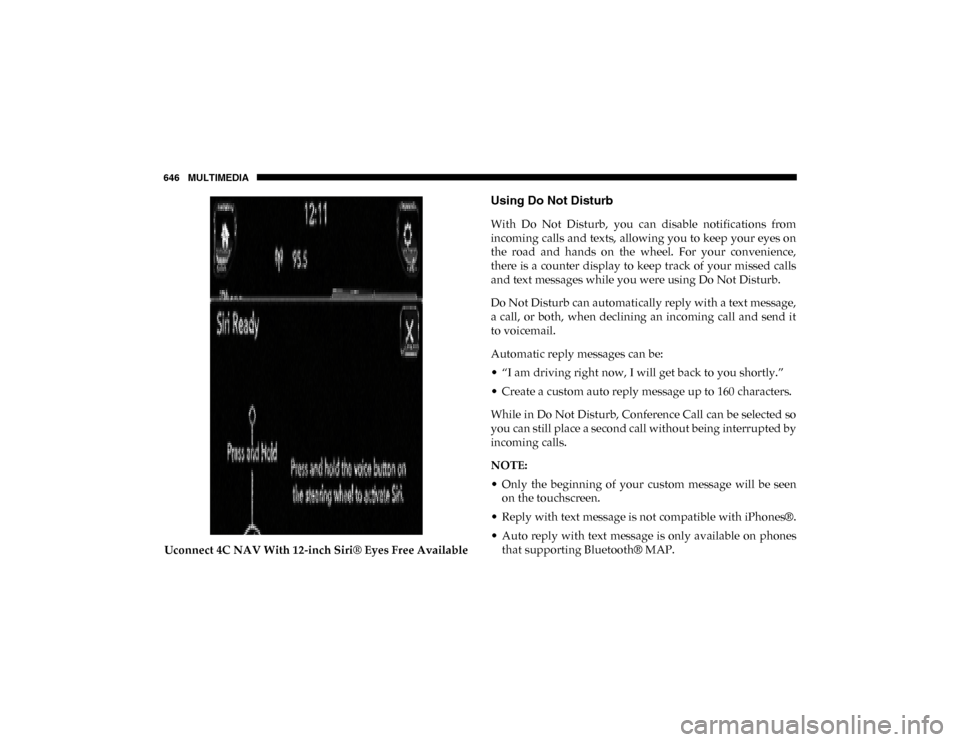
Uconnect 4C NAV With 12-inch Siri® Eyes Free Available
Using Do Not Disturb
With Do Not Disturb, you can disable notifications from
incoming calls and texts, allowing you to keep your eyes on
the road and hands on the wheel. For your convenience,
there is a counter display to keep track of your missed calls
and text messages while you were using Do Not Disturb.
Do Not Disturb can automatically reply with a text message,
a call, or both, when declining an incoming call and send it
to voicemail.
Automatic reply messages can be:
• “I am driving right now, I will get back to you shortly.”
• Create a custom auto reply message up to 160 characters.
While in Do Not Disturb, Conference Call can be selected so
you can still place a second call without being interrupted by
incoming calls.
NOTE:
• Only the beginning of your custom message will be seenon the touchscreen.
• Reply with text message is not compatible with iPhones®.
• Auto reply with text message is only available on phones that supporting Bluetooth® MAP.
2020_DT_1500_OM_US.book Page 646