center console Ram 1500 2020 User Guide
[x] Cancel search | Manufacturer: RAM, Model Year: 2020, Model line: 1500, Model: Ram 1500 2020Pages: 674, PDF Size: 32.69 MB
Page 130 of 674
128 GETTING TO KNOW YOUR VEHICLE
If your vehicle is equipped with “Smart Fold”, the entire
center section of the 40/20/40 seat folds forward for access
of cupholders and console storage.Rear Armrest Cupholder With Smart FoldElectrical Power Outlets
The auxiliary 12 Volt (13 Amp) power outlet can provide
power for in-cab accessories designed for use with the
standard “cigar lighter” plug. The 12 Volt power outlets
and 5 Volt (2.5 Amp) USB Port (Charge Only) have a cap
attached to the outlet indicating “12V DC,” together with
either a key symbol, battery symbol, or USB symbol.
A key symbol indicates that the ignition must be in the ON/
RUN or ACC positions for the outlet to provide power. The
battery symbol indicates that the outlet is connected to the
battery, and can provide power at all times.
CAUTION!
• Do not exceed the maximum power of 160 Watts (13 Amps) at 12 Volts. If the 160 Watts (13 Amps) power rating is
exceeded, the fuse protecting the system will need to be
replaced.
• Power outlets are designed for accessory plugs only. Do not insert any other object in the power outlets as this
will damage the outlet and blow the fuse. Improper use
of the power outlet can cause damage not covered by
your New Vehicle Limited Warranty.
2020_DT_1500_OM_US.book Page 128
Page 133 of 674
GETTING TO KNOW YOUR VEHICLE 131
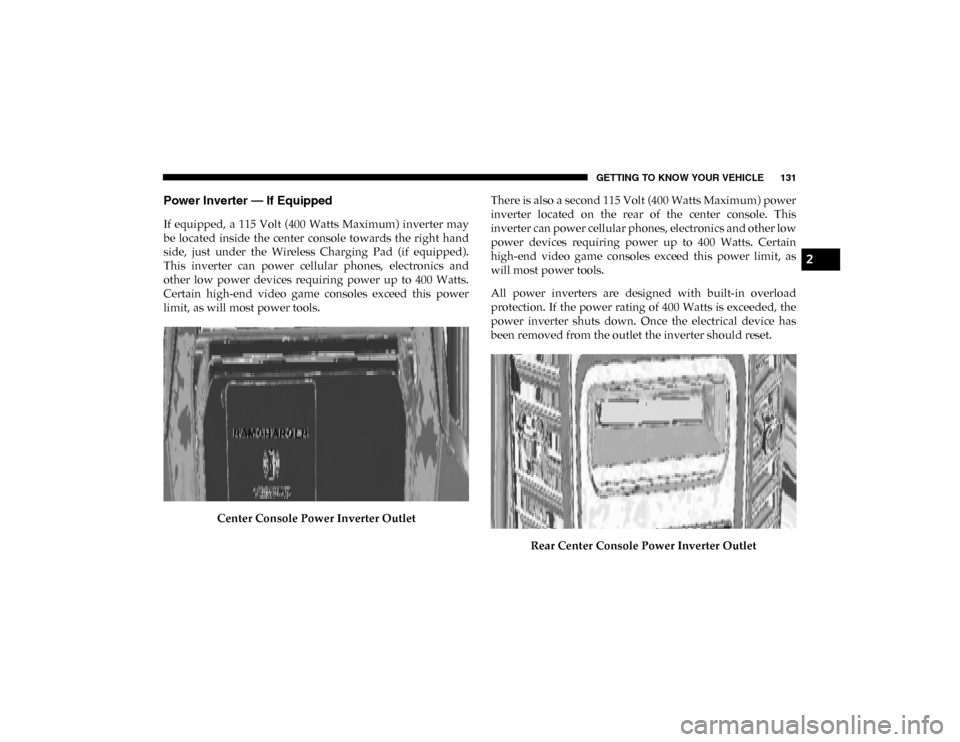
Power Inverter — If Equipped
If equipped, a 115 Volt (400 Watts Maximum) inverter may
be located inside the center console towards the right hand
side, just under the Wireless Charging Pad (if equipped).
This inverter can power cellular phones, electronics and
other low power devices requiring power up to 400 Watts.
Certain high-end video game consoles exceed this power
limit, as will most power tools.Center Console Power Inverter Outlet There is also a second 115 Volt (400 Watts Maximum) power
inverter located on the rear of the center console. This
inverter can power cellular phones, electronics and other low
power devices requiring power up to 400 Watts. Certain
high-end video game consoles exceed this power limit, as
will most power tools.
All power inverters are designed with built-in overload
protection. If the power rating of 400 Watts is exceeded, the
power inverter shuts down. Once the electrical device has
been removed from the outlet the inverter should reset.
Rear Center Console Power Inverter Outlet
2
2020_DT_1500_OM_US.book Page 131
Page 135 of 674
GETTING TO KNOW YOUR VEHICLE 133
Instrument Panel Power Inverter Switch
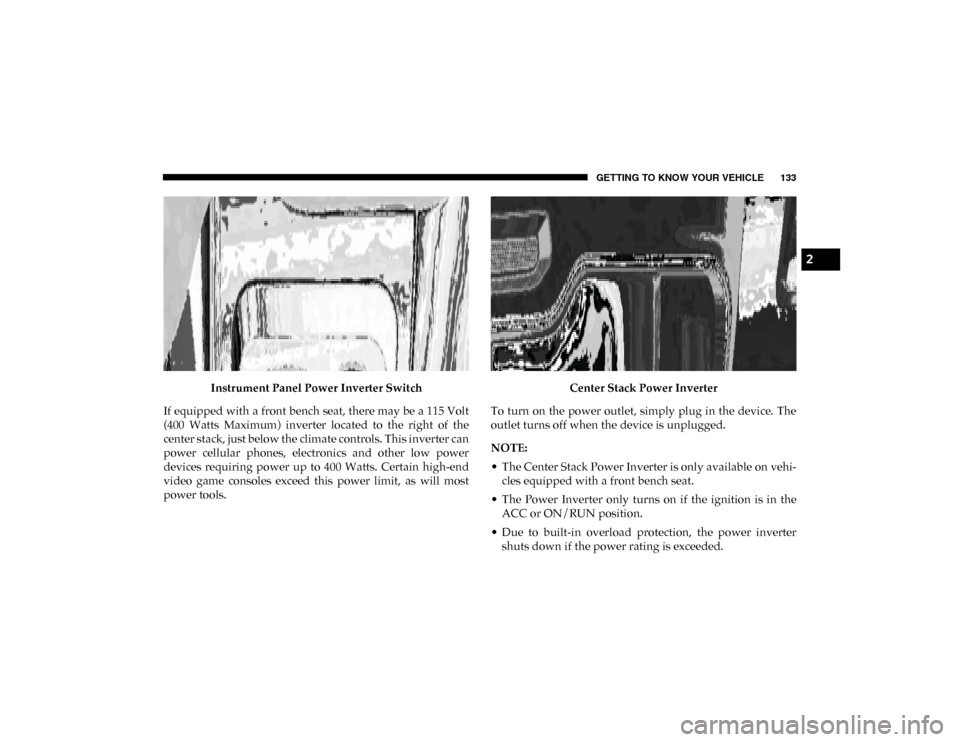
If equipped with a front bench seat, there may be a 115 Volt
(400 Watts Maximum) inverter located to the right of the
center stack, just below the climate controls. This inverter can
power cellular phones, electronics and other low power
devices requiring power up to 400 Watts. Certain high-end
video game consoles exceed this power limit, as will most
power tools. Center Stack Power Inverter
To turn on the power outlet, simply plug in the device. The
outlet turns off when the device is unplugged.
NOTE:
• The Center Stack Power Inverter is only available on vehi -
cles equipped with a front bench seat.
• The Power Inverter only turns on if the ignition is in the ACC or ON/RUN position.
• Due to built-in overload protection, the power inverter shuts down if the power rating is exceeded.
2
2020_DT_1500_OM_US.book Page 133
Page 136 of 674

134 GETTING TO KNOW YOUR VEHICLE
Wireless Charging Pad — If Equipped
Wireless Charging PadYour vehicle may be equipped with a 15W 3A Qi wireless
charging pad located inside of the center console just below
the CD player (if equipped). This charging pad is designed to
wirelessly charge your Qi enabled mobile phone. Qi is a stan
-
dard that uses magnetic induction to transfer power to your
mobile device.
Your mobile phone must be designed for Qi wireless
charging. If the phone is not equipped with Qi wireless
charging functionality, an aftermarket sleeve or a specialized
back plate can be purchased from your mobile phone
provider or an local electronics retailer. Please see your
phone’s owner’s manual for further information.
The wireless charging pad is equipped with an anti-slip mat,
an adjustable cradle to hold your mobile phone in place and
an LED indicator light.
WARNING!
To avoid serious injury or death:
• Do not insert any objects into the receptacles.
• Do not touch with wet hands.
• Close the lid when not in use.
• If this outlet is mishandled, it may cause an electric shock and failure.
CAUTION!
The key fob should not be placed on the charging pad or
within 15 cm (150 mm) of it. Doing so can cause excessive
heat buildup and damage to the fob. Placing the fob in
close proximity of the charging pad blocks the fob from
being detected by the vehicle and prevents the vehicle
from starting.
2020_DT_1500_OM_US.book Page 134
Page 255 of 674

SAFETY 253
Do not decrease OR increase the front passenger’s seated
weight on the front passenger seat
The front passenger’s seated weight must be properly posi-
tioned on the front passenger seat. Failure to do so may
result in serious injury or death. The OCS determines the
most probable classification of the occupant that it detects.
The OCS will detect the front passenger’s decreased or
increased seated weight, which may result in an adjusted
inflation rate of the Passenger Advanced Front Air Bag in a
collision. This does not mean that the OCS is working
improperly. Decreasing the front passenger’s seated weight
on the front passenger seat may result in a reduced-power
deployment of the Passenger Advanced Front Air Bag.
Increasing the front passenger’s seated weight on the front
passenger seat may result in a full-power deployment of the
Passenger Advanced Front Air Bag. Examples of improper front passenger seating include:
• The front passenger’s weight is transferred to another part
of the vehicle (like the door, arm rest or instrument panel).
• The front passenger leans forward, sideways, or turns to face the rear of the vehicle.
• The front passenger’s seatback is not in the full upright position.
• The front passenger carries or holds an object while seated (e.g., backpack, box, etc.).
• Objects are lodged under the front passenger seat.
• Objects are lodged between the front passenger seat and center console.
• Accessories that may change the seated weight on the front passenger seat are attached to the front passenger seat.
• Anything that may decrease or increase the front passenger’s seated weight.
4
2020_DT_1500_OM_US.book Page 253
Page 434 of 674

432 IN CASE OF EMERGENCY
If equipped, the overhead console contains an ASSIST and a
SOS button.
NOTE:
• Your vehicle may be transmitting data as authorized bythe subscriber.
• The SOS and ASSIST buttons will only function if you are connected to an operable LTE (voice/data) or 4G (data)
network. Other Uconnect services will only be operable if
your SiriusXM Guardian™ service is active and connected
to an operable LTE (voice/data) or 4G (data) network. ASSIST Call
The ASSIST Button is used to automatically connect you to
any one of the following support centers:
• Roadside Assistance – If you get a flat tire, or need a tow,
just push the ASSIST button and you’ll be connected to
someone who can help. Roadside Assistance will know
what vehicle you’re driving and its location. Additional
fees may apply for roadside assistance.
• SiriusXM Guardian™ Customer Care – In-vehicle support for SiriusXM Guardian™.
• Vehicle Customer Care – Total support for all other vehicle issues.
SOS Call
1. Push the SOS Call button on the overhead console.
NOTE:
In case the SOS Call button is pushed in error, there will be a
ten second delay before the SOS Call system initiates a call to
a SOS operator. To cancel the SOS Call connection, push the
SOS call button on the overhead console or press the cancel -
lation button on the Device Screen. Termination of the SOS
Call will turn off the green LED light on the overhead
console.
WARNING!
ALWAYS obey traffic laws and pay attention to the road.
ALWAYS drive safely with your hands on the steering
wheel. You have full responsibility and assume all risks
related to the use of the features and applications in this
vehicle. Only use the features and applications when it is
safe to do so. Failure to do so may result in an accident
involving serious injury or death.
2020_DT_1500_OM_US.book Page 432
Page 626 of 674

624 MULTIMEDIA
A third and fourth USB Ports are located behind the center
console, above the Power Inverter. These USBs Ports are
charge only.Rear Center Console Mini-USB (Type C) USB Ports Rear Center Console Standard (Type A) USB Ports
1 — Mini-USB Type C Port #1
2 — Mini-USB Type C Port #2
1 — Standard USB Type A Port #1
2 — Standard USB Type A Port #2
2020_DT_1500_OM_US.book Page 624
Page 627 of 674
MULTIMEDIA 625
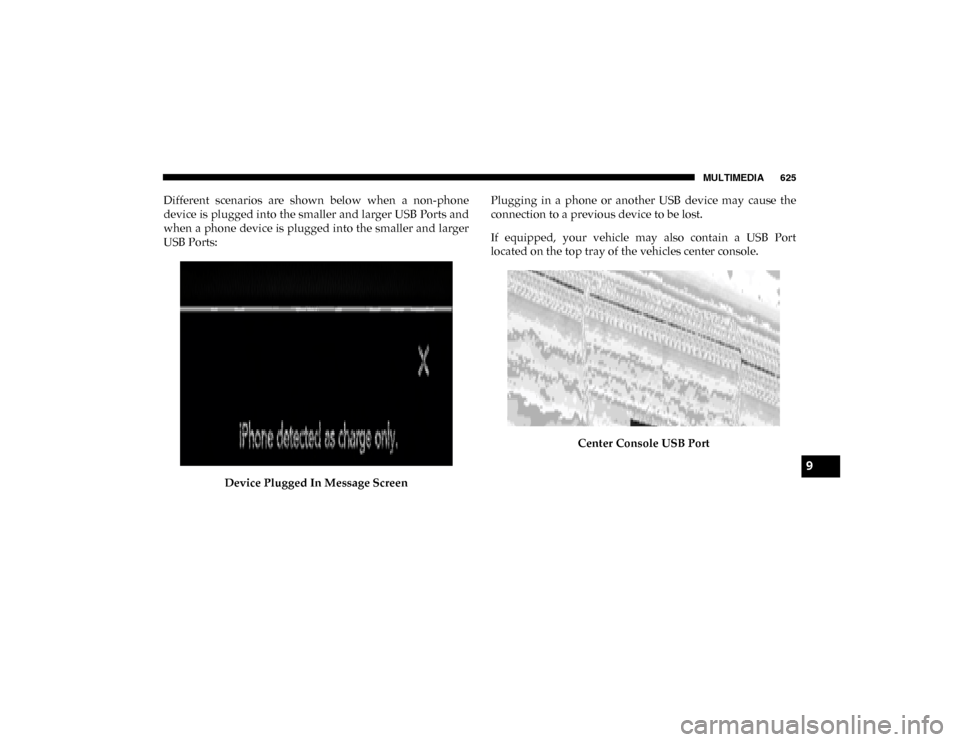
Different scenarios are shown below when a non-phone
device is plugged into the smaller and larger USB Ports and
when a phone device is plugged into the smaller and larger
USB Ports:Device Plugged In Message Screen Plugging in a phone or another USB device may cause the
connection to a previous device to be lost.
If equipped, your vehicle may also contain a USB Port
located on the top tray of the vehicles center console.
Center Console USB Port
9
2020_DT_1500_OM_US.book Page 625
Page 628 of 674
626 MULTIMEDIA
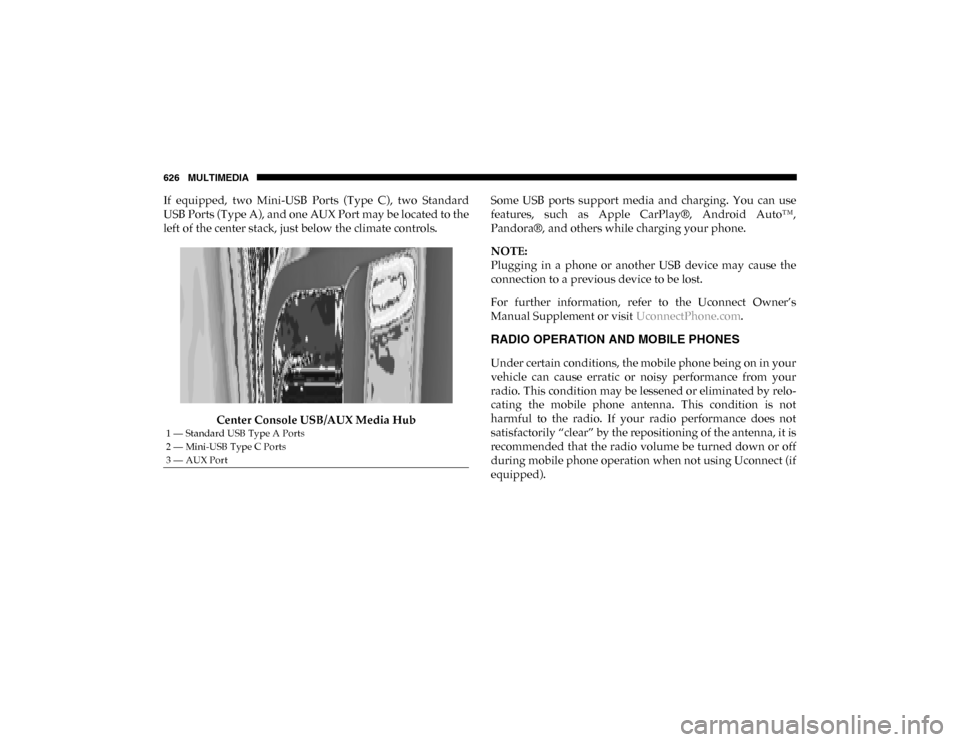
If equipped, two Mini-USB Ports (Type C), two Standard
USB Ports (Type A), and one AUX Port may be located to the
left of the center stack, just below the climate controls.Center Console USB/AUX Media Hub Some USB ports support media and charging. You can use
features, such as Apple CarPlay®, Android Auto™,
Pandora®, and others while charging your phone.
NOTE:
Plugging in a phone or another USB device may cause the
connection to a previous device to be lost.
For further information, refer to the Uconnect Owner’s
Manual Supplement or visit
UconnectPhone.com.
RADIO OPERATION AND MOBILE PHONES
Under certain conditions, the mobile phone being on in your
vehicle can cause erratic or noisy performance from your
radio. This condition may be lessened or eliminated by relo -
cating the mobile phone antenna. This condition is not
harmful to the radio. If your radio performance does not
satisfactorily “clear” by the repositioning of the antenna, it is
recommended that the radio volume be turned down or off
during mobile phone operation when not using Uconnect (if
equipped).
1 — Standard USB Type A Ports
2 — Mini-USB Type C Ports
3 — AUX Port
2020_DT_1500_OM_US.book Page 626