door handle Ram 1500 2020 User Guide
[x] Cancel search | Manufacturer: RAM, Model Year: 2020, Model line: 1500, Model: Ram 1500 2020Pages: 674, PDF Size: 32.69 MB
Page 110 of 674

108 GETTING TO KNOW YOUR VEHICLE
Swing Door Release Handle
Once the wider swing door is opened, pull the release handle
on the inboard side of the narrower door to open. Swing Door Release Handle
Closing
Always close the narrower swing door first, then close the
wider swing door. The swing doors must be latched closed
before the tailgate can be lowered.
2020_DT_1500_OM_US.book Page 108
Page 118 of 674
116 GETTING TO KNOW YOUR VEHICLE
INTERNAL EQUIPMENT
Storage
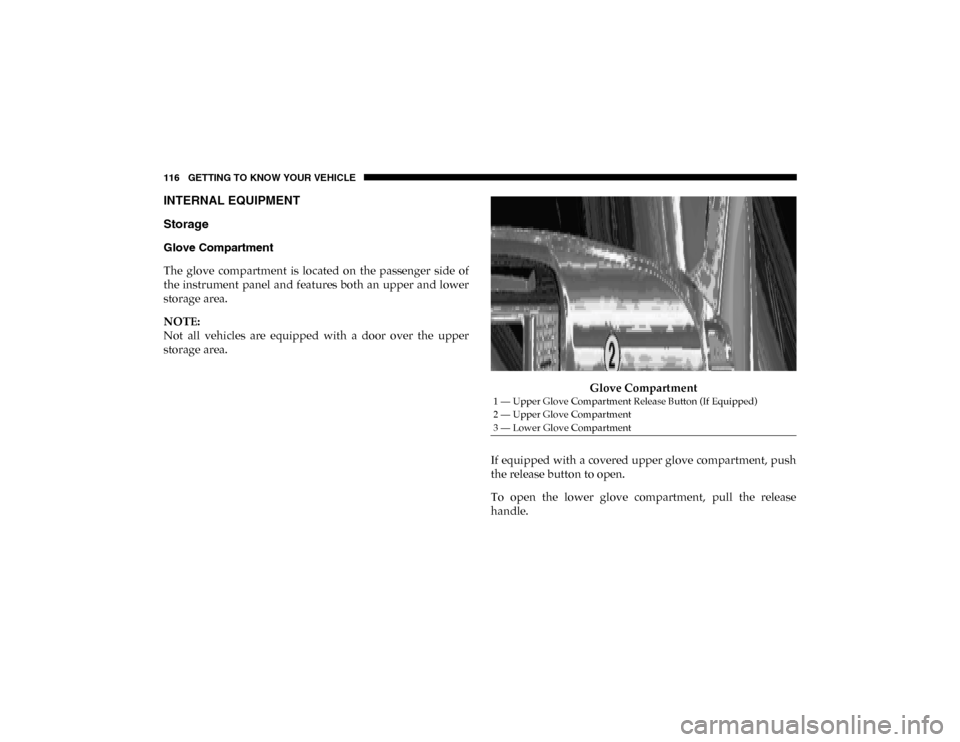
Glove Compartment
The glove compartment is located on the passenger side of
the instrument panel and features both an upper and lower
storage area.
NOTE:
Not all vehicles are equipped with a door over the upper
storage area.Glove Compartment
If equipped with a covered upper glove compartment, push
the release button to open.
To open the lower glove compartment, pull the release
handle.
1 — Upper Glove Compartment Release Button (If Equipped)
2 — Upper Glove Compartment
3 — Lower Glove Compartment
2020_DT_1500_OM_US.book Page 116
Page 121 of 674
GETTING TO KNOW YOUR VEHICLE 119
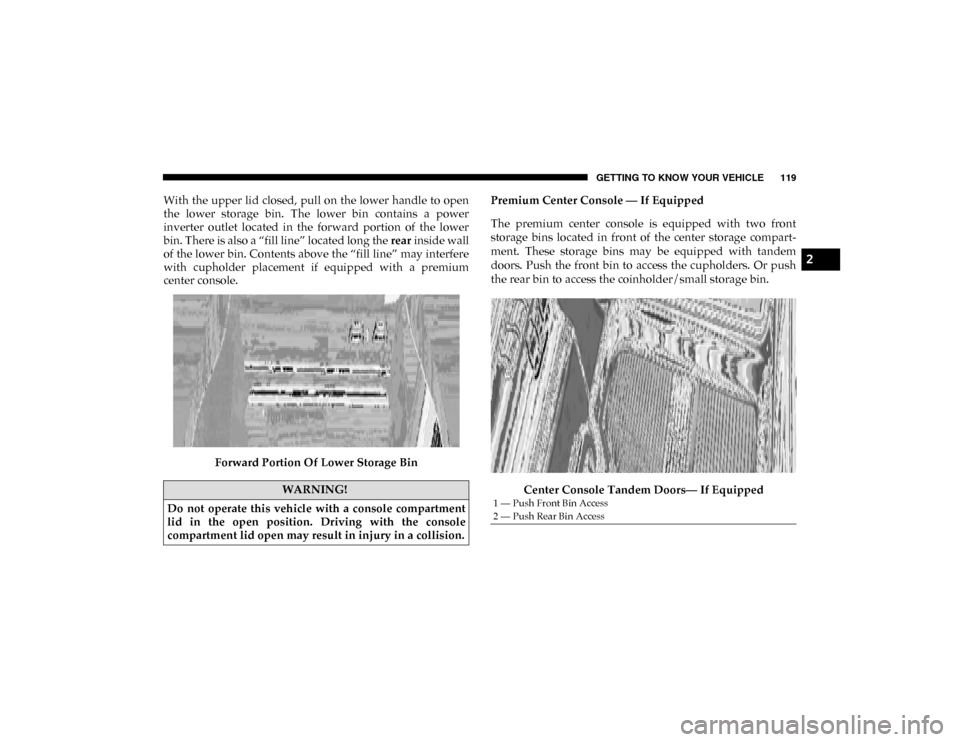
With the upper lid closed, pull on the lower handle to open
the lower storage bin. The lower bin contains a power
inverter outlet located in the forward portion of the lower
bin. There is also a “fill line” located long the rear inside wall
of the lower bin. Contents above the “fill line” may interfere
with cupholder placement if equipped with a premium
center console.
Forward Portion Of Lower Storage Bin Premium Center Console — If Equipped
The premium center console is equipped with two front
storage bins located in front of the center storage compart
-
ment. These storage bins may be equipped with tandem
doors. Push the front bin to access the cupholders. Or push
the rear bin to access the coinholder/small storage bin.
Center Console Tandem Doors— If Equipped
WARNING!
Do not operate this vehicle with a console compartment
lid in the open position. Driving with the console
compartment lid open may result in injury in a collision.
1 — Push Front Bin Access
2 — Push Rear Bin Access
2
2020_DT_1500_OM_US.book Page 119
Page 569 of 674

MULTIMEDIA 567
Auto Unlock On ExitOn Off
NOTE:
When the “Auto Unlock On Exit” feature is selected, all doors unlock when the vehicle is stopped, the transmission is in the
PARK or NEUTRAL (N) position, and the driver's door is opened. Sound Horn With Lock Off1st Press 2nd Press
Remote Door Unlock All Driver
NOTE:
The “Remote Door Unlock” feature allows you to program your remote door locks to open “All doors” or only the “Driver
door” with the first push of the key fob or when grabbing the Passive Entry door handle. Sound Horn With Remote Start On
Off
NOTE:
When the “Sound Horn With Remote Start” feature is selected, the horn sounds when the remote start is activated.
Memory Linked To Fob — If Equipped On
Off
NOTE:
• The “Memory Linked To Fob” feature provides automatic driver seat positioning to enhance driver mobility when entering and exiting the vehicle.
• The seat returns to the memorized seat location if “Memory Linked To Fob” is set to On when the key fob is used to unlock the door. Setting Name
Selectable Options
9
2020_DT_1500_OM_US.book Page 567
Page 570 of 674

568 MULTIMEDIA
Power Side Steps — If Equipped
After pressing the Power Side Steps button on the touchscreen, the following settings will be available:Passive Entry — If Equipped
On Off
NOTE:
The “Passive Entry” feature allows you to lock and unlock the vehicle’s door(s) without having to push the key fob lock or
unlock buttons. It automatically unlocks the doors when the outside door handle is grabbed. Flash Lights With Lock On Off
NOTE:
When the “Flash Lights With Lock” feature is selected, the exterior lights flash when the doors are locked or unlocked with
the key fob. This feature may be selected with or without the “Sound Horn With Lock” feature selected. Setting Name
Selectable Options
Setting NameSelectable Options
Power Side Steps AutomaticStow
2020_DT_1500_OM_US.book Page 568
Page 590 of 674

588 MULTIMEDIA
1st Press Of Key Fob Unlocks Driver Door
All Doors
NOTE:
• When “1st Press Of Key Fob Unlocks: Driver Door” is selected, only the driver's door unlocks on the first press of the key fob unlock button. You must push the key fob unlock button twice to unlock the passengers’ doors.
• When “All Doors” is selected, all of the doors unlock on the first push of the key fob unlock button.
• If the vehicle is programmed “1st Press Of Key Fob Unlocks: All Doors”, all doors will unlock no matter which Passive Entry equipped door handle is grasped. If “1st Press Of Key Fob Unlocks: Driver Door” is programmed, only the driver’s
door will unlock when the driver’s door is grasped.
• With Passive Entry, if “1st Press Of Key Fob Unlocks: Driver Door” is programmed pushing the handle more than once only results in the driver’s door opening. If “Driver Door” is selected, once the driver’s door is opened, the interior door
lock/unlock switch can be used to unlock all doors (or use key fob).
Passive Entry — If Equipped On Off
NOTE:
The “Passive Entry” feature allows you to lock and unlock the vehicle’s door(s) without having to push the key fob lock or
unlock buttons. Setting Name
Selectable Options
2020_DT_1500_OM_US.book Page 588
Page 613 of 674

MULTIMEDIA 611
1st Press Of Key Fob UnlocksDriver Door All Doors
NOTE:
• When “1st Press Of Key Fob Unlocks: Driver Door” is selected, only the driver's door unlocks on the first press of the key fob unlock button. You must push the key fob unlock button twice to unlock the passengers’ doors.
• When “All Doors” is selected, all of the doors unlock on the first push of the key fob unlock button.
• If the vehicle is programmed “1st Press Of Key Fob Unlocks: All Doors”, all doors unlock no matter which Passive Entry equipped door handle is grasped. If “1st Press Of Key Fob Unlocks: Driver Door” is programmed, only the driver’s door
unlocks when the driver’s door is grasped.
• With Passive Entry, if “1st Press Of Key Fob Unlocks: Driver Door” is programmed pushing the handle more than once only results in the driver’s door opening. If “Driver Door” is selected, once the driver’s door is opened, the interior door
lock/unlock switch can be used to unlock all doors (or use key fob).
Passive Entry — If Equipped OnOff
NOTE:
The “Passive Entry” feature allows you to lock and unlock the vehicle’s door(s) without having to push the key fob lock or
unlock buttons. Setting Name
Selectable Options
9
2020_DT_1500_OM_US.book Page 611