instrument panel Ram 1500 2020 User Guide
[x] Cancel search | Manufacturer: RAM, Model Year: 2020, Model line: 1500, Model: Ram 1500 2020Pages: 674, PDF Size: 32.69 MB
Page 60 of 674
58 GETTING TO KNOW YOUR VEHICLE
DRIVER ADJUSTABLE PEDALS — IF EQUIPPED
The adjustable pedals system is designed to allow a greater
range of driver comfort for steering wheel tilt and seat posi-
tion. This feature allows the brake and accelerator pedals to
move toward or away from the driver to provide improved
position with the steering wheel.
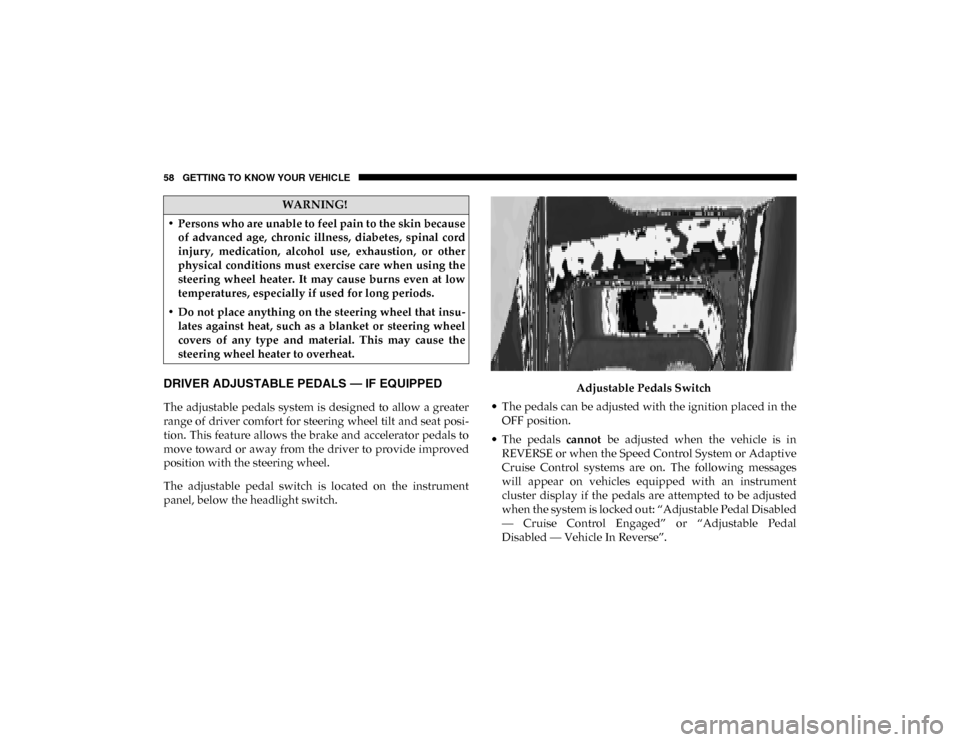
The adjustable pedal switch is located on the instrument
panel, below the headlight switch. Adjustable Pedals Switch
• The pedals can be adjusted with the ignition placed in the OFF position.
• The pedals cannot be adjusted when the vehicle is in
REVERSE or when the Speed Control System or Adaptive
Cruise Control systems are on. The following messages
will appear on vehicles equipped with an instrument
cluster display if the pedals are attempted to be adjusted
when the system is locked out: “Adjustable Pedal Disabled
— Cruise Control Engaged” or “Adjustable Pedal
Disabled — Vehicle In Reverse”.
WARNING!
• Persons who are unable to feel pain to the skin because of advanced age, chronic illness, diabetes, spinal cord
injury, medication, alcohol use, exhaustion, or other
physical conditions must exercise care when using the
steering wheel heater. It may cause burns even at low
temperatures, especially if used for long periods.
• Do not place anything on the steering wheel that insu -
lates against heat, such as a blanket or steering wheel
covers of any type and material. This may cause the
steering wheel heater to overheat.
2020_DT_1500_OM_US.book Page 58
Page 68 of 674
66 GETTING TO KNOW YOUR VEHICLE
Illuminated Vanity Mirror
“Slide-On-Rod” Features Of Sun Visor — If Equipped
The sun visor “Slide-On-Rod” feature allows for additional
flexibility in positioning the visor to block out the sun.
To use the “Slide-On-Rod” feature, rotate the sun visor
downward and unclip it. Pull the sun visor along the
“Slide-On-Rod” until the sun visor is in the desired position. “Slide-On-Rod” Extender
EXTERIOR LIGHTS
Headlight Switch
The headlight switch is located on the left side of the instru-
ment panel. This switch controls the operation of the head
-
lights, parking lights, automatic headlights (if equipped),
instrument panel lights, cargo light (if equipped) and fog
lights (if equipped).
2020_DT_1500_OM_US.book Page 66
Page 69 of 674
GETTING TO KNOW YOUR VEHICLE 67
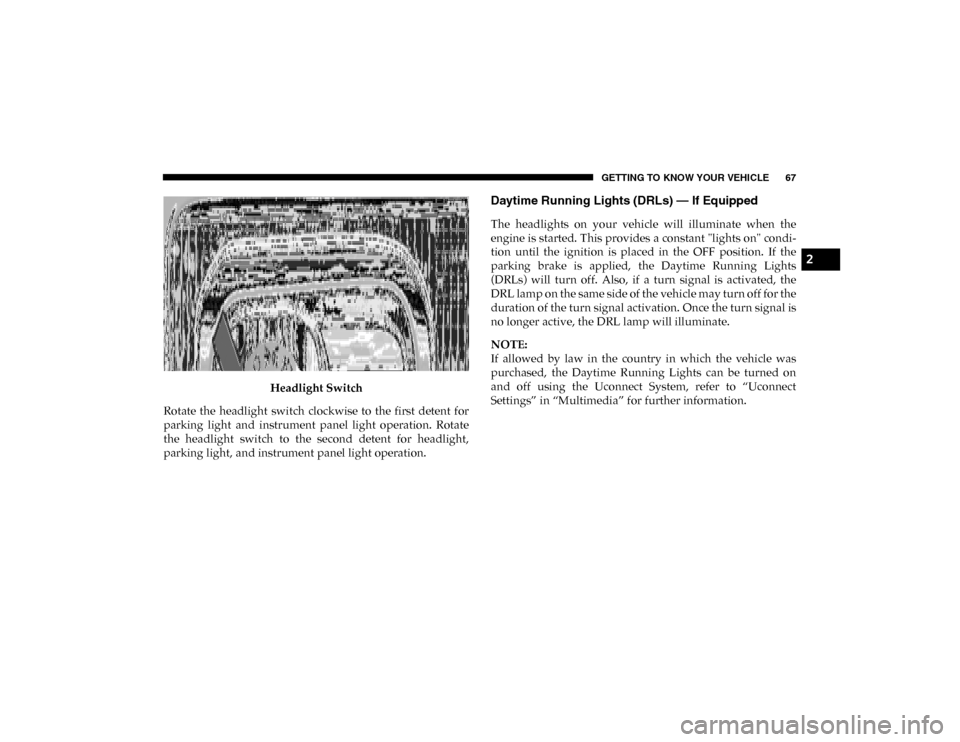
Headlight Switch
Rotate the headlight switch clockwise to the first detent for
parking light and instrument panel light operation. Rotate
the headlight switch to the second detent for headlight,
parking light, and instrument panel light operation.
Daytime Running Lights (DRLs) — If Equipped
The headlights on your vehicle will illuminate when the
engine is started. This provides a constant "lights on" condi -
tion until the ignition is placed in the OFF position. If the
parking brake is applied, the Daytime Running Lights
(DRLs) will turn off. Also, if a turn signal is activated, the
DRL lamp on the same side of the vehicle may turn off for the
duration of the turn signal activation. Once the turn signal is
no longer active, the DRL lamp will illuminate.
NOTE:
If allowed by law in the country in which the vehicle was
purchased, the Daytime Running Lights can be turned on
and off using the Uconnect System, refer to “Uconnect
Settings” in “Multimedia” for further information.
2
2020_DT_1500_OM_US.book Page 67
Page 70 of 674
68 GETTING TO KNOW YOUR VEHICLE
Multifunction Lever
The multifunction lever is located on the left side of the
steering column.Multifunction Lever
High/Low Beam Switch
Push the multifunction lever toward the instrument panel to
switch the headlights to high beam. Pulling the multifunc -
tion lever back toward the steering wheel will turn the low
beams back on, or shut the high beams off. High/Low Beam Switch
Automatic High Beam Headlamp Control — If
Equipped
The Automatic High Beam Headlamp Control system
provides increased forward lighting at night by automating
high beam control through the use of a digital camera
mounted on the inside rearview mirror or a windshield
mounted camera. These cameras detect vehicle specific light
and automatically switch from high beams to low beams
until the approaching vehicle is out of view.
2020_DT_1500_OM_US.book Page 68
Page 72 of 674

70 GETTING TO KNOW YOUR VEHICLE
Automatic Headlights — If Equipped
This system automatically turns your headlights on or off
based on ambient light levels. To turn the system on, turn the
headlight switch to the extreme clockwise position aligning
the indicator with the AUTO on the headlight switch. When
the system is on, the Headlight Time Delay feature is also on.
This means your headlights will stay on for up to 90 seconds
after the ignition is placed in the OFF position. To turn the
Automatic System off, turn the headlight switch counter-
clockwise to the O (off) position.
NOTE:
The engine must be running before the headlights will come
on in the Automatic mode.
Parking Lights And Panel Lights
To turn on the parking lights and instrument panel lights,
from the O (off) position, rotate the headlight switch clock -
wise to the first detent. To turn off the parking lights, rotate
the headlight switch back to the O (off) position.
Headlights On With Wipers (Available With Automatic
Headlights Only)
When this feature is active, the headlights will turn on
approximately 10 seconds after the wipers are turned on if the headlight switch is placed in the AUTO position. In addi
-
tion, the headlights will turn off when the wipers are turned
off, if they were turned on by this feature.
NOTE:
This feature can be programmed through the Uconnect
system. Refer to “Uconnect Settings” in “Multimedia” for
further information.
Headlight Delay
To aid in your exit, your vehicle is equipped with a headlight
delay that will leave the headlights on for approximately up
to 90 seconds. This delay is initiated when the ignition is
turned off while the headlight switch is on, and then the
headlight switch is cycled off. Headlight delay can be
canceled by either turning the headlight switch on then off,
or by placing the ignition in the ON/RUN position.
NOTE:
This feature can be programmed through the Uconnect
system. Refer to “Uconnect Settings” in “Multimedia” for
further information.
2020_DT_1500_OM_US.book Page 70
Page 76 of 674
74 GETTING TO KNOW YOUR VEHICLE
Three types of Rear Courtesy/Reading Lights are available
for your vehicle.
• Push button on/off
• Push lens on/off
• Push round puck lens on/off (if equipped with Dual PaneSunroof)
Push Lens On/Off Rear Courtesy Light
NOTE:
The courtesy/reading lights will remain on until the switch
is pushed a second time, so be sure they have been turned off before exiting the vehicle. If the interior lights are left on after
the ignition is turned off, they will automatically turn off
after 10 minutes.
Dimmer Control
The dimmer controls are inboard and adjacent to the head
-
light switch located on the left side of the instrument panel.
Dimmer Controls
1 — Ambient Light Control
2 — Instrument Panel Dimmer Control
2020_DT_1500_OM_US.book Page 74
Page 77 of 674
GETTING TO KNOW YOUR VEHICLE 75
With the parking lights or headlights on, rotating the right
dimmer control upward will increase the brightness of the
instrument panel lights. Rotating the left dimmer control will
adjust the interior and ambient light levels.
NOTE:
The dimming of the touchscreen is programmable through
the Uconnect system. Refer to “Uconnect Settings” in “Multi-
media” for further details.
Illuminated Entry
The courtesy lights will turn on when you use the key fob to
unlock the doors or open any door.
This feature also turns on the puddle lamps located beneath
the outside mirrors (if equipped).
The lights will fade to off after approximately 30 seconds, or
they will immediately fade to off once the ignition switch is
placed in the ON/RUN position from the OFF position.
The front courtesy overhead console and door courtesy
lights will not turn off if the Dome ON button on the over -
head console is pushed.
The illuminated entry system will not operate if the Dome
Defeat button on the overhead console is pushed. NOTE:
If your vehicle is equipped with Illuminated Approach lights
under the outside mirrors, they can also be turned off by
pushing the Dome Defeat button.
WINDSHIELD WIPERS AND WASHERS
Windshield Wipers
The wipers and washers are operated by a switch in the
multifunction lever. Turn the end of the lever to select the
desired wiper speed.
Windshield Wiper/Washer Lever
2
2020_DT_1500_OM_US.book Page 75
Page 80 of 674
78 GETTING TO KNOW YOUR VEHICLE
wiper switch is moved, vehicle speed is greater than
3 mph (5 km/h), or the gear selector is moved out of the
NEUTRAL position.
• Remote Start Mode Inhibit — On vehicles equipped with
Remote Starting system, Rain Sensing wipers are not oper -
ational when the vehicle is in the remote start mode. Once
the operator is in the vehicle and has placed the ignition
switch in the RUN position, Rain Sensing wiper operation
can resume, if it has been selected, and no other inhibit
conditions (mentioned previously) exist.
CLIMATE CONTROLS
The Climate Control System allows you to regulate the
temperature, air flow, and direction of air circulating
throughout the vehicle. The controls are located on the
touchscreen (if equipped), on the sides of the touchscreen or
on the instrument panel below the radio.
Manual Climate Control Overview
Manual Climate Controls
2020_DT_1500_OM_US.book Page 78
Page 82 of 674
80 GETTING TO KNOW YOUR VEHICLE
Blower Control
There are seven blower speeds. Use this control knob to regulate the amount of air forced through the
system in any mode you select. The blower speed increases as you move the control clockwise from
the off position.
Modes Control
Rotate the Mode Control Knob to change the airflow distribution mode. The airflow distribution mode
can be adjusted so air comes from the instrument panel outlets, floor outlets, defrost outlets and
demist outlets. The Mode settings are as follows:
Panel Mode Panel Mode
Air comes from the outlets in the instrument panel. Each of these outlets can be individually adjusted
to direct the flow of air. The air vanes of the center outlets and outboard outlets can be moved up and
down or side to side to regulate airflow direction. There is a shut off wheel located below the air vanes
to shut off or adjust the amount of airflow from these outlets.
Bi-Level Mode Bi-Level Mode
Air comes from the instrument panel outlets and floor outlets. A slight amount of air is directed
through the defrost and side window demister outlets.
NOTE:
Bi-Level mode is designed under comfort conditions to provide cooler air out of the panel outlets and
warmer air from the floor outlets.
Icon
Description
2020_DT_1500_OM_US.book Page 80
Page 91 of 674
GETTING TO KNOW YOUR VEHICLE 89
Faceplate Mode Button
Touchscreen Mode Buttons Modes Control
•
Faceplate: Push the Mode Button to change the airflow distribution mode. The airflow distribution
mode can be adjusted so air comes from the instrument panel outlets, floor outlets, defrost outlets and
demist outlets.
• Touchscreen: Press one of the “MODE” buttons to change the airflow distribution mode. The airflow
distribution mode can be adjusted so air comes from the instrument panel outlets, floor outlets,
defrost outlets and demist outlets.
The Mode settings are as follows:
Panel Mode Panel Mode
Air comes from the outlets in the instrument panel. Each of these outlets can be individually adjusted
to direct the flow of air. The air vanes of the center outlets and outboard outlets can be moved up and
down or side to side to regulate airflow direction. There is a shut off wheel located below the air vanes
to shut off or adjust the amount of airflow from these outlets.
Bi-Level Mode Bi-Level Mode
Air comes from the instrument panel outlets and floor outlets. A slight amount of air is directed
through the defrost and side window demister outlets.
NOTE:
Bi-Level mode is designed under comfort conditions to provide cooler air out of the panel outlets and
warmer air from the floor outlets.
Icon
Description
2
2020_DT_1500_OM_US.book Page 89