tires Ram 1500 2020 User Guide
[x] Cancel search | Manufacturer: RAM, Model Year: 2020, Model line: 1500, Model: Ram 1500 2020Pages: 674, PDF Size: 32.69 MB
Page 232 of 674
230 SAFETY
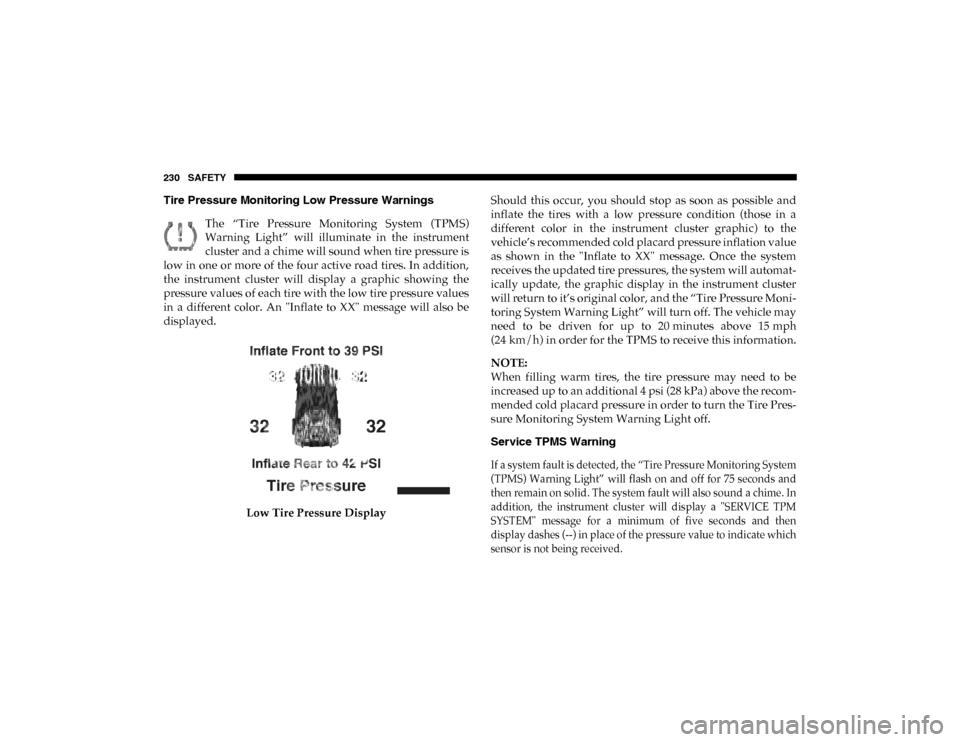
Tire Pressure Monitoring Low Pressure WarningsThe “Tire Pressure Monitoring System (TPMS)
Warning Light” will illuminate in the instrument
cluster and a chime will sound when tire pressure is
low in one or more of the four active road tires. In addition,
the instrument cluster will display a graphic showing the
pressure values of each tire with the low tire pressure values
in a different color. An "Inflate to XX" message will also be
displayed.
Low Tire Pressure Display Should this occur, you should stop as soon as possible and
inflate the tires with a low pressure condition (those in a
different color in the instrument cluster graphic) to the
vehicle’s recommended cold placard pressure inflation value
as shown in the "Inflate to XX" message. Once the system
receives the updated tire pressures, the system will automat
-
ically update, the graphic display in the instrument cluster
will return to it’s original color, and the “Tire Pressure Moni -
toring System Warning Light” will turn off. The vehicle may
need to be driven for up to 20 minutes above 15 mph
(24 km/h) in order for the TPMS to receive this information.
NOTE:
When filling warm tires, the tire pressure may need to be
increased up to an additional 4 psi (28 kPa) above the recom -
mended cold placard pressure in order to turn the Tire Pres -
sure Monitoring System Warning Light off.
Service TPMS Warning
If a system fault is detected, the “Tire Pressure Monitoring System
(TPMS) Warning Light” will flash on and off for 75 seconds and
then remain on solid. The system fault will also sound a chime. In
addition, the instrument cluster will display a "SERVICE TPM
SYSTEM" message for a minimum of five seconds and then
display dashes (--) in place of the pressure value to indicate which
sensor is not being received.
2020_DT_1500_OM_US.book Page 230
Page 233 of 674

SAFETY 231
If the ignition switch is cycled, this sequence will repeat,
providing the system fault still exists. If the system fault no
longer exists, the “Tire Pressure Monitoring System Warning
Light” will no longer flash, and the "SERVICE TPM
SYSTEM" message will no longer display, and a pressure
value will display in place of the dashes. A system fault can
occur due to any of the following:
• Signal interference due to electronic devices or drivingnext to facilities emitting the same radio frequencies as the
Tire Pressure Monitor (TPM) sensors
• Installing aftermarket window tinting that contains mate -
rials that may block radio wave signals
• Accumulation of snow or ice around the wheels or wheel housings
• Using tire chains on the vehicle
• Using wheels/tires not equipped with TPM sensors
A system fault may occur due to an incorrect TPM sensor loca -
tion condition. When a system fault occurs due to an incorrect
TPM sensor location, the “Tire Pressure Monitoring System
(TPMS) Warning Light” will flash on and off for 75 seconds
and then remain on solid. The system fault will also sound a
chime. In addition, the instrument cluster will display a “Tire
Pressure Temporarily Unavailable” message in place of the
tire pressure display screen. If the ignition switch is cycled, this sequence will repeat, providing the system fault still
exists. If the system fault no longer exists, the “Tire Pressure
Monitoring System Warning Light” will no longer flash and
the tire pressure display screen will be displayed showing the
tire pressure values the correct locations.
Vehicles With Non Matching Full Size Spare Or Compact
Spare
• The non matching full size spare or compact spare tire
does not have a TPM sensor. Therefore, the TPMS will not
monitor the pressure in the non matching full size spare or
compact spare tire.
• If you install the non matching full size spare or compact spare tire in place of a road tire that has a pressure below
the low-pressure warning limit, upon the next ignition
switch cycle, the Tire Pressure Monitoring System (TPMS)
Warning Light and a “LOW TIRE” message will remain
ON and a chime will sound. In addition, the graphic in the
instrument cluster will still display a pressure value in a
different color and an “Inflate to XX” message.
• After driving the vehicle for up to 20 minutes above 15 mph (24 km/h), the Tire Pressure Monitoring System
(TPMS) Warning Light will flash on and off for 75 seconds
and then remain on solid. In addition, the instrument
4
2020_DT_1500_OM_US.book Page 231
Page 234 of 674

232 SAFETY
cluster will display a "SERVICE TPM SYSTEM" message
for a minimum of five seconds and then display dashes (--)
in place of the pressure value.
• For each subsequent ignition switch cycle, a chime will sound, the Tire Pressure Monitoring System (TPMS)
Warning Light will flash on and off for 75 seconds and
then remain on solid, and the instrument cluster will
display a "SERVICE TPM SYSTEM" message for a
minimum of five seconds and then display dashes (--) in
place of the pressure value.
• Once you repair or replace the original road tire and rein -
stall it on the vehicle in place of the non matching full size
spare or compact spare, the TPMS will update automati -
cally. In addition, the Tire Pressure Monitoring System
(TPMS) Warning Light will turn OFF and the graphic in
the instrument cluster will display a new pressure value
instead of dashes (--), as long as no tire pressure is below
the low-pressure warning limit in any of the four active
road tires. The vehicle may need to be driven for up to
20 minutes above 15 mph (24 km/h) in order for the TPMS
to receive this information. Tire Fill Alert
This feature notifies the user when the placard tire pressure
is attained while inflating or deflating the tire.
The customer may choose to disable or enable the Tire Fill
Alert feature through use of the customer settings in the
radio.
NOTE:
• Only one tire can be filled at a time when using the Tire Fill
Alert system.
• The Tire Fill Alert feature cannot be entered if an existing TPM system fault is set to “active” or if the system is in
deactivation mode (if equipped).
The system will be activated when a positive increase in tire
pressure is detected by the TPM system while inflating the
tire. The ignition must be in the RUN mode, with the trans -
mission in PARK (P).
NOTE:
It is not required to have the engine running to enter Tire Fill
Alert mode.
2020_DT_1500_OM_US.book Page 232
Page 291 of 674

Periodic Safety Checks You Should Make Outside
The Vehicle
Tires
Examine tires for excessive tread wear and uneven wear
patterns. Check for stones, nails, glass, or other objects
lodged in the tread or sidewall. Inspect the tread for cuts and
cracks. Inspect sidewalls for cuts, cracks, and bulges. Check
the wheel bolts for tightness. Check the tires (including
spare) for proper cold inflation pressure.
Lights
Have someone observe the operation of brake lights and
exterior lights while you work the controls. Check turn
signal and high beam indicator lights on the instrument
panel.Door Latches
Check for proper closing, latching, and locking.
Fluid Leaks
Check area under the vehicle after overnight parking for
fuel, coolant, oil, or other fluid leaks. Also, if gasoline fumes
are detected or if fuel, or brake fluid leaks are suspected, the
cause should be located and corrected immediately.
4
2020_DT_1500_OM_US.book Page 289
SAFETY 289
Page 316 of 674
314 STARTING AND OPERATING
When operating your vehicle in 4WD LOW, the engine
speed is approximately three times that of the 2WD or 4WD
HIGH positions at a given road speed. Take care not to over-
speed the engine and do not exceed 25 mph (40 km/h).
Proper operation of four-wheel drive vehicles depends on
tires of equal size, type and circumference on each wheel.
Any difference in tire size can cause damage to the drive -
train.
Because four-wheel drive provides improved traction, there
is a tendency to exceed safe turning and stopping speeds. Do
not go faster than road conditions permit.
Shifting Procedure
NOTE:
• If any of the requirements to select a new transfer case position have not been met, the transfer case will not shift.
The position indicator light for the previous position will
remain ON and the newly selected position indicator light
will continue to flash until all the requirements for the
selected position have been met.
• If all the requirements to select a new transfer case position have been met, the current position indicator light will
turn OFF, the selected position indicator light will flash until the transfer case completes the shift. When the shift is
complete, the position indicator light for the selected posi
-
tion will stop flashing and remain ON.
Five-Position Electronically Shifted Transfer Case
(Eight Speed Transmission Only) — If Equipped
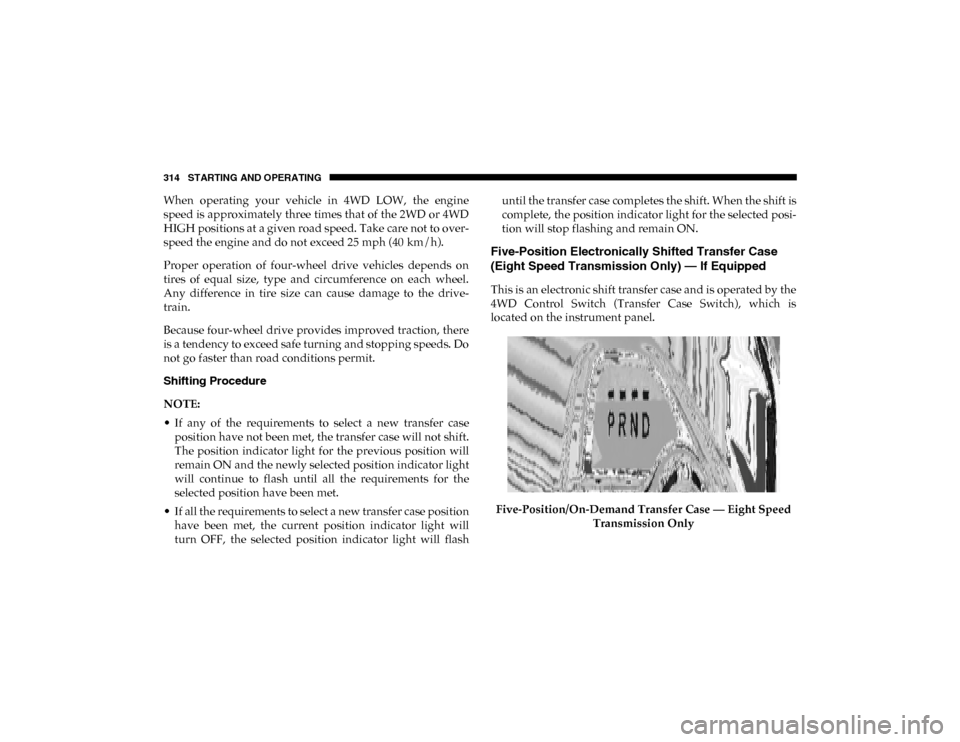
This is an electronic shift transfer case and is operated by the
4WD Control Switch (Transfer Case Switch), which is
located on the instrument panel.
Five-Position/On-Demand Transfer Case — Eight Speed Transmission Only
2020_DT_1500_OM_US.book Page 314
Page 320 of 674

318 STARTING AND OPERATING
When operating your vehicle in 4WD LOW, the engine
speed is approximately three times that of the 2WD, 4WD
AUTO or 4WD HIGH positions at a given road speed. Take
care not to overspeed the engine and do not exceed 25 mph
(40 km/h).
Proper operation of four-wheel drive vehicles depends on
tires of equal size, type and circumference on each wheel.
Any difference in tire size can cause damage to the drive-
train.
Because four-wheel drive provides improved traction, there
is a tendency to exceed safe turning and stopping speeds. Do
not go faster than road conditions permit. Shifting Procedure
NOTE:
• If any of the requirements to select a new transfer case
position have not been met, the transfer case will not shift.
The position indicator light for the previous position will
remain ON and the newly selected position indicator light
will continue to flash until all the requirements for the
selected position have been met.
• If all the requirements to select a new transfer case position have been met, the current position indicator light will
turn OFF, the selected position indicator light will flash
until the transfer case completes the shift. When the shift is
complete, the position indicator light for the selected posi -
tion will stop flashing and remain ON.
2020_DT_1500_OM_US.book Page 318
Page 333 of 674
STARTING AND OPERATING 331
AXLE LOCKER SYSTEM — IF EQUIPPED
This vehicle is equipped with an electronically locking rear
differential. This differential, when engaged, mechanically
lock together the axle shafts forcing the wheels to spin at an
equal rate. The locking of the rear differential should only be
engaged during low-speed, extreme off-road situations
where one wheel is likely to not be in contact with the
ground. It is not recommended to drive the vehicle with the
differentials locked on pavement due to the reduced ability
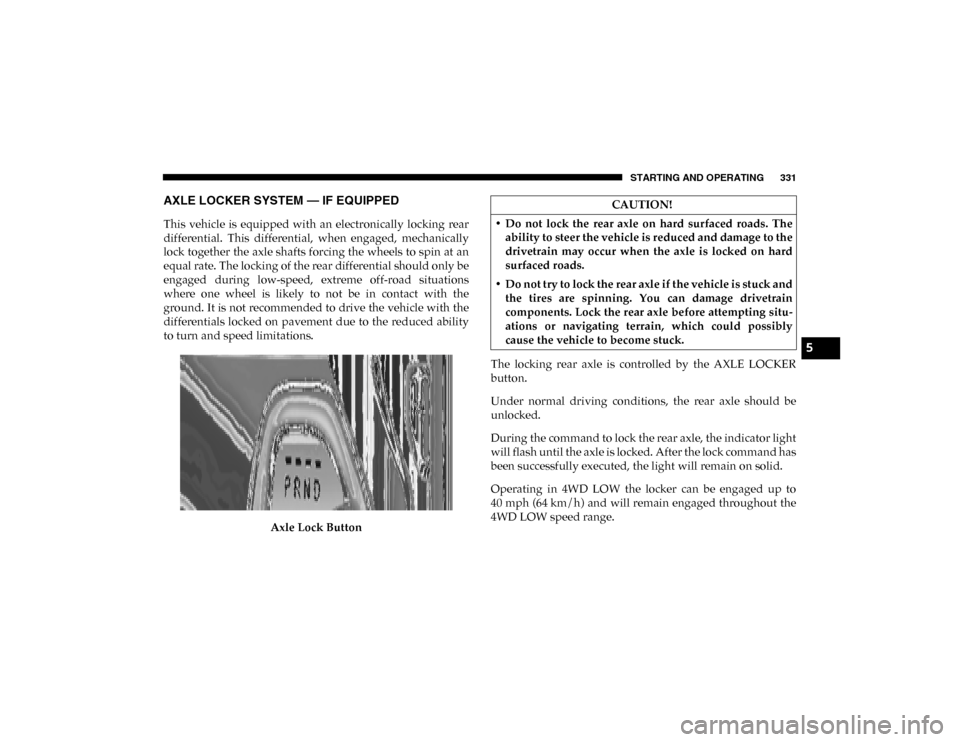
to turn and speed limitations.Axle Lock Button The locking rear axle is controlled by the AXLE LOCKER
button.
Under normal driving conditions, the rear axle should be
unlocked.
During the command to lock the rear axle, the indicator light
will flash until the axle is locked. After the lock command has
been successfully executed, the light will remain on solid.
Operating in 4WD LOW the locker can be engaged up to
40 mph (64 km/h) and will remain engaged throughout the
4WD LOW speed range.
CAUTION!
• Do not lock the rear axle on hard surfaced roads. The ability to steer the vehicle is reduced and damage to the
drivetrain may occur when the axle is locked on hard
surfaced roads.
• Do not try to lock the rear axle if the vehicle is stuck and the tires are spinning. You can damage drivetrain
components. Lock the rear axle before attempting situ -
ations or navigating terrain, which could possibly
cause the vehicle to become stuck.
5
2020_DT_1500_OM_US.book Page 331
Page 374 of 674
372 STARTING AND OPERATING
tion to improve the performance of the feature. The system
will also continuously perform the dynamic vehicle cali-
bration to account for differences such as over or under
inflated tires and new tires.
• The driver must control the vehicle’s brakes themselves. Automatic emergency braking feature is NOT intended to
substitute for the driver during REVERSE maneuvers.
Enabling And Disabling The ParkSense Active Park
Assist System
The ParkSense Active Park Assist system can be
enabled and disabled with the ParkSense Active Park
Assist switch, located on the switch panel below the
Uconnect display.
NOTE:
If your vehicle is equipped with a 12–inch Uconnect display,
the ParkSense Active Park Assist switch is located above the
display.
To enable the ParkSense Active Park Assist system, push the
ParkSense Active Park Assist switch once (LED turns on).
To disable the ParkSense Active Park Assist system, push the
ParkSense Active Park Assist switch again (LED turns off). The ParkSense Active Park Assist system will turn off auto
-
matically for any of the following conditions:
• The parking maneuver is completed.
• Vehicle speed greater than 18 mph (30 km/h) when searching for a parking space.
• Vehicle speed greater than 5 mph (7 km/h) during active steering guidance into the parking space.
• Touching the steering wheel during active steering guid -
ance into the parking space.
• Pushing the ParkSense Front and Rear Park Assist switch.
• The driver’s door is opened.
• The tailgate is opened.
• Electronic Stability Control/Anti-lock Braking System intervention.
• The ParkSense Active Park Assist system will allow a maximum of eight shifts between DRIVE and REVERSE. If
the maneuver cannot be completed within eight shifts, the
system will cancel and the instrument cluster display will
instruct the driver to complete the maneuver manually.
2020_DT_1500_OM_US.book Page 372
Page 402 of 674
400 STARTING AND OPERATING
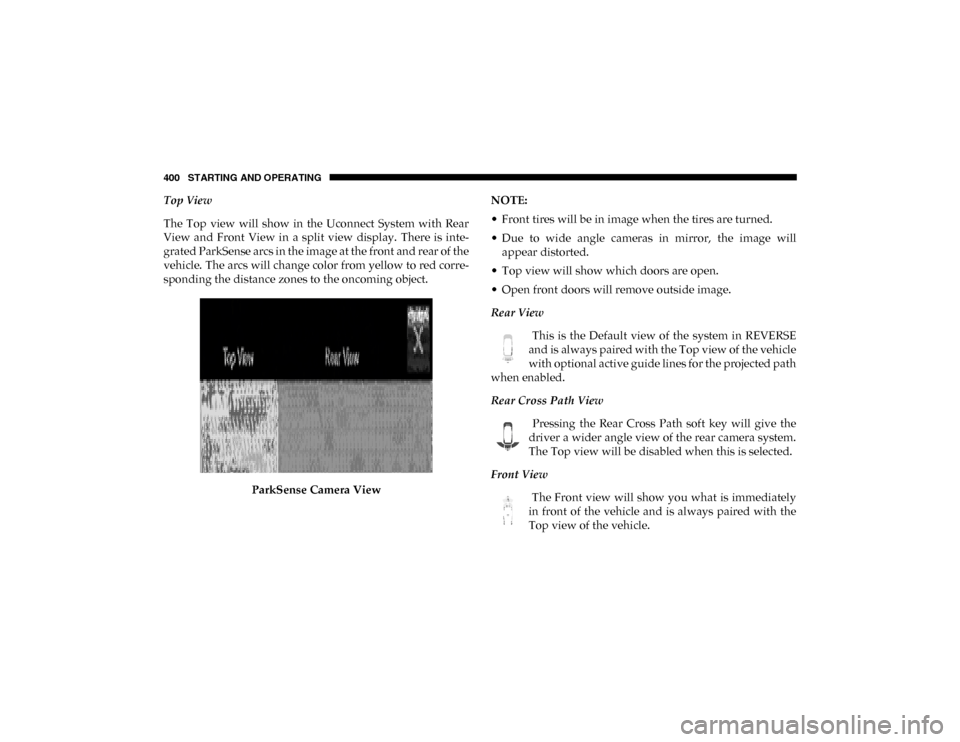
Top View
The Top view will show in the Uconnect System with Rear
View and Front View in a split view display. There is inte-
grated ParkSense arcs in the image at the front and rear of the
vehicle. The arcs will change color from yellow to red corre -
sponding the distance zones to the oncoming object.
ParkSense Camera View NOTE:
• Front tires will be in image when the tires are turned.
• Due to wide angle cameras in mirror, the image will
appear distorted.
• Top view will show which doors are open.
• Open front doors will remove outside image.
Rear View
This is the Default view of the system in REVERSE
and is always paired with the Top view of the vehicle
with optional active guide lines for the projected path
when enabled.
Rear Cross Path View
Pressing the Rear Cross Path soft key will give the
driver a wider angle view of the rear camera system.
The Top view will be disabled when this is selected.
Front View The Front view will show you what is immediately
in front of the vehicle and is always paired with the
Top view of the vehicle.
2020_DT_1500_OM_US.book Page 400
Page 408 of 674

406 STARTING AND OPERATING
Gross Axle Weight Rating (GAWR)
The GAWR is the maximum permissible load on the front
and rear axles. The load must be distributed in the cargo area
so that the GAWR of each axle is not exceeded.
Each axle GAWR is determined by the components in the
system with the lowest load carrying capacity (axle, springs,
tires or wheels). Heavier axles or suspension components
sometimes specified by purchasers for increased durability
does not necessarily increase the vehicle's GVWR.
Tire Size
The tire size on the Vehicle Certification Label represents the
actual tire size on your vehicle. Replacement tires must be
equal to the load capacity of this tire size.
Rim Size
This is the rim size that is appropriate for the tire size listed.
Inflation Pressure
This is the cold tire inflation pressure for your vehicle for all
loading conditions up to full Gross Axle Weight Rating
(GAWR).
Curb Weight
The curb weight of a vehicle is defined as the total weight of
the vehicle with all fluids, including vehicle fuel, at full
capacity conditions, and with no occupants or cargo loaded
into the vehicle. The front and rear curb weight values are
determined by weighing your vehicle on a commercial scale
before any occupants or cargo are added.
Loading
The actual total weight and the weight of the front and rear
of your vehicle at the ground can best be determined by
weighing it when it is loaded and ready for operation.
The entire vehicle should first be weighed on a commercial
scale to insure that the Gross Vehicle Weight Rating (GVWR)
has not been exceeded. The weight on the front and rear of
the vehicle should then be determined separately to be sure
that the load is properly distributed over the front and rear
axle. Weighing the vehicle may show that the Gross Axle
Weight Rating (GAWR) of either the front or rear axles has
been exceeded but the total load is within the specified
GVWR. If so, weight must be shifted from front to rear or
rear to front as appropriate until the specified weight limita-
tions are met. Store the heavier items down low and be sure
2020_DT_1500_OM_US.book Page 406