wheel Ram 1500 2020 User Guide
[x] Cancel search | Manufacturer: RAM, Model Year: 2020, Model line: 1500, Model: Ram 1500 2020Pages: 674, PDF Size: 32.69 MB
Page 60 of 674
58 GETTING TO KNOW YOUR VEHICLE
DRIVER ADJUSTABLE PEDALS — IF EQUIPPED
The adjustable pedals system is designed to allow a greater
range of driver comfort for steering wheel tilt and seat posi-
tion. This feature allows the brake and accelerator pedals to
move toward or away from the driver to provide improved
position with the steering wheel.
The adjustable pedal switch is located on the instrument
panel, below the headlight switch. Adjustable Pedals Switch
• The pedals can be adjusted with the ignition placed in the OFF position.
• The pedals cannot be adjusted when the vehicle is in
REVERSE or when the Speed Control System or Adaptive
Cruise Control systems are on. The following messages
will appear on vehicles equipped with an instrument
cluster display if the pedals are attempted to be adjusted
when the system is locked out: “Adjustable Pedal Disabled
— Cruise Control Engaged” or “Adjustable Pedal
Disabled — Vehicle In Reverse”.
WARNING!
• Persons who are unable to feel pain to the skin because of advanced age, chronic illness, diabetes, spinal cord
injury, medication, alcohol use, exhaustion, or other
physical conditions must exercise care when using the
steering wheel heater. It may cause burns even at low
temperatures, especially if used for long periods.
• Do not place anything on the steering wheel that insu -
lates against heat, such as a blanket or steering wheel
covers of any type and material. This may cause the
steering wheel heater to overheat.
2020_DT_1500_OM_US.book Page 58
Page 70 of 674
68 GETTING TO KNOW YOUR VEHICLE
Multifunction Lever
The multifunction lever is located on the left side of the
steering column.Multifunction Lever
High/Low Beam Switch
Push the multifunction lever toward the instrument panel to
switch the headlights to high beam. Pulling the multifunc -
tion lever back toward the steering wheel will turn the low
beams back on, or shut the high beams off. High/Low Beam Switch
Automatic High Beam Headlamp Control — If
Equipped
The Automatic High Beam Headlamp Control system
provides increased forward lighting at night by automating
high beam control through the use of a digital camera
mounted on the inside rearview mirror or a windshield
mounted camera. These cameras detect vehicle specific light
and automatically switch from high beams to low beams
until the approaching vehicle is out of view.
2020_DT_1500_OM_US.book Page 68
Page 73 of 674
GETTING TO KNOW YOUR VEHICLE 71
Lights-On Reminder
If the headlights, parking lights, or cargo lights are left on
after the ignition is placed in the OFF position, a chime will
sound when the driver’s door is opened.
Front Fog Lights — If Equipped
To activate the front fog lights, turn on the parking lights or
low beam headlights and push in the center of the headlight
switch control knob. Pushing the headlight switch control
knob a second time will turn the front fog lights off.Front Fog Light Switch If the fog lights are off, one of the fog lights will illuminate
depending on the direction in which the vehicle is turning.
This will provide increased visibility while turning,
depending on the angle of the steering wheel.
Turn Signals
Move the multifunction lever up or down and the arrows on
each side of the instrument cluster display will flash to show
proper operation of the front and rear turn signal lights.
NOTE:
If either light remains on and does not flash, or there is a very
fast flash rate, check for a defective outside light bulb. If an
indicator fails to light when the lever is moved, it would
suggest that the indicator bulb is defective.
Lane Change Assist — If Equipped
Tap the multifunction lever up or down once, without
moving beyond the detent, and the turn signal (right or left)
will flash three times then automatically turn off.
2
2020_DT_1500_OM_US.book Page 71
Page 82 of 674
80 GETTING TO KNOW YOUR VEHICLE
Blower Control
There are seven blower speeds. Use this control knob to regulate the amount of air forced through the
system in any mode you select. The blower speed increases as you move the control clockwise from
the off position.
Modes Control
Rotate the Mode Control Knob to change the airflow distribution mode. The airflow distribution mode
can be adjusted so air comes from the instrument panel outlets, floor outlets, defrost outlets and
demist outlets. The Mode settings are as follows:
Panel Mode Panel Mode
Air comes from the outlets in the instrument panel. Each of these outlets can be individually adjusted
to direct the flow of air. The air vanes of the center outlets and outboard outlets can be moved up and
down or side to side to regulate airflow direction. There is a shut off wheel located below the air vanes
to shut off or adjust the amount of airflow from these outlets.
Bi-Level Mode Bi-Level Mode
Air comes from the instrument panel outlets and floor outlets. A slight amount of air is directed
through the defrost and side window demister outlets.
NOTE:
Bi-Level mode is designed under comfort conditions to provide cooler air out of the panel outlets and
warmer air from the floor outlets.
Icon
Description
2020_DT_1500_OM_US.book Page 80
Page 91 of 674
GETTING TO KNOW YOUR VEHICLE 89
Faceplate Mode Button
Touchscreen Mode Buttons Modes Control
•
Faceplate: Push the Mode Button to change the airflow distribution mode. The airflow distribution
mode can be adjusted so air comes from the instrument panel outlets, floor outlets, defrost outlets and
demist outlets.
• Touchscreen: Press one of the “MODE” buttons to change the airflow distribution mode. The airflow
distribution mode can be adjusted so air comes from the instrument panel outlets, floor outlets,
defrost outlets and demist outlets.
The Mode settings are as follows:
Panel Mode Panel Mode
Air comes from the outlets in the instrument panel. Each of these outlets can be individually adjusted
to direct the flow of air. The air vanes of the center outlets and outboard outlets can be moved up and
down or side to side to regulate airflow direction. There is a shut off wheel located below the air vanes
to shut off or adjust the amount of airflow from these outlets.
Bi-Level Mode Bi-Level Mode
Air comes from the instrument panel outlets and floor outlets. A slight amount of air is directed
through the defrost and side window demister outlets.
NOTE:
Bi-Level mode is designed under comfort conditions to provide cooler air out of the panel outlets and
warmer air from the floor outlets.
Icon
Description
2
2020_DT_1500_OM_US.book Page 89
Page 108 of 674
106 GETTING TO KNOW YOUR VEHICLE
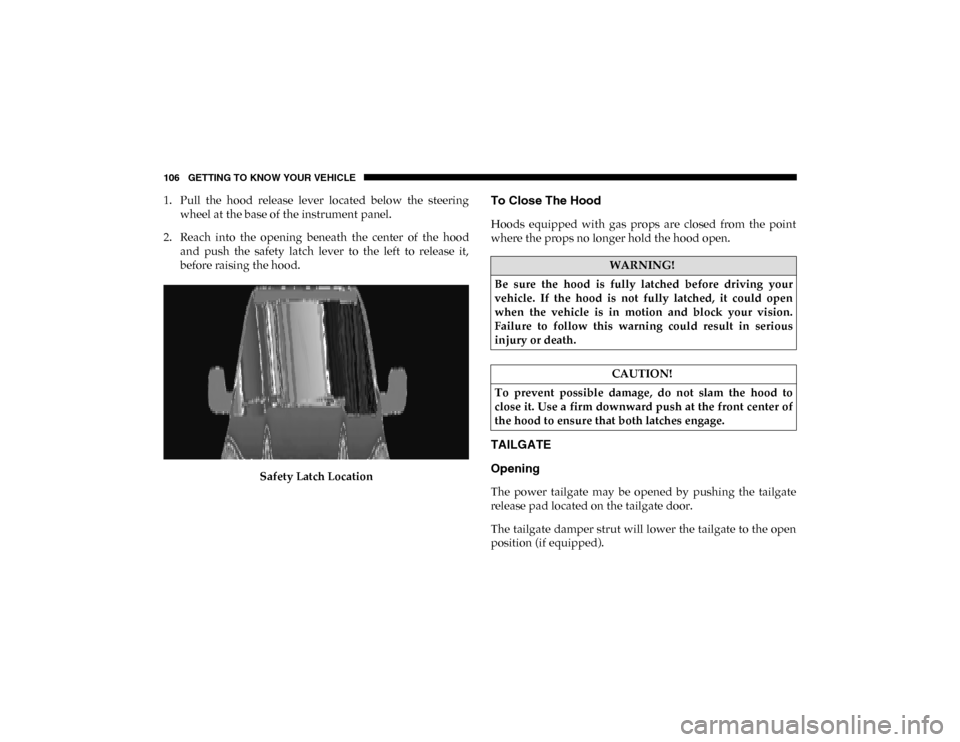
1. Pull the hood release lever located below the steeringwheel at the base of the instrument panel.
2. Reach into the opening beneath the center of the hood and push the safety latch lever to the left to release it,
before raising the hood.
Safety Latch LocationTo Close The Hood
Hoods equipped with gas props are closed from the point
where the props no longer hold the hood open.
TAILGATE
Opening
The power tailgate may be opened by pushing the tailgate
release pad located on the tailgate door.
The tailgate damper strut will lower the tailgate to the open
position (if equipped).
WARNING!
Be sure the hood is fully latched before driving your
vehicle. If the hood is not fully latched, it could open
when the vehicle is in motion and block your vision.
Failure to follow this warning could result in serious
injury or death.
CAUTION!
To prevent possible damage, do not slam the hood to
close it. Use a firm downward push at the front center of
the hood to ensure that both latches engage.
2020_DT_1500_OM_US.book Page 106
Page 134 of 674
132 GETTING TO KNOW YOUR VEHICLE
NOTE:
400 Watts is the maximum for the inverter, not each outlet. If
three outlets are in use, 400 Watts is shared amongst the
devices plugged in.
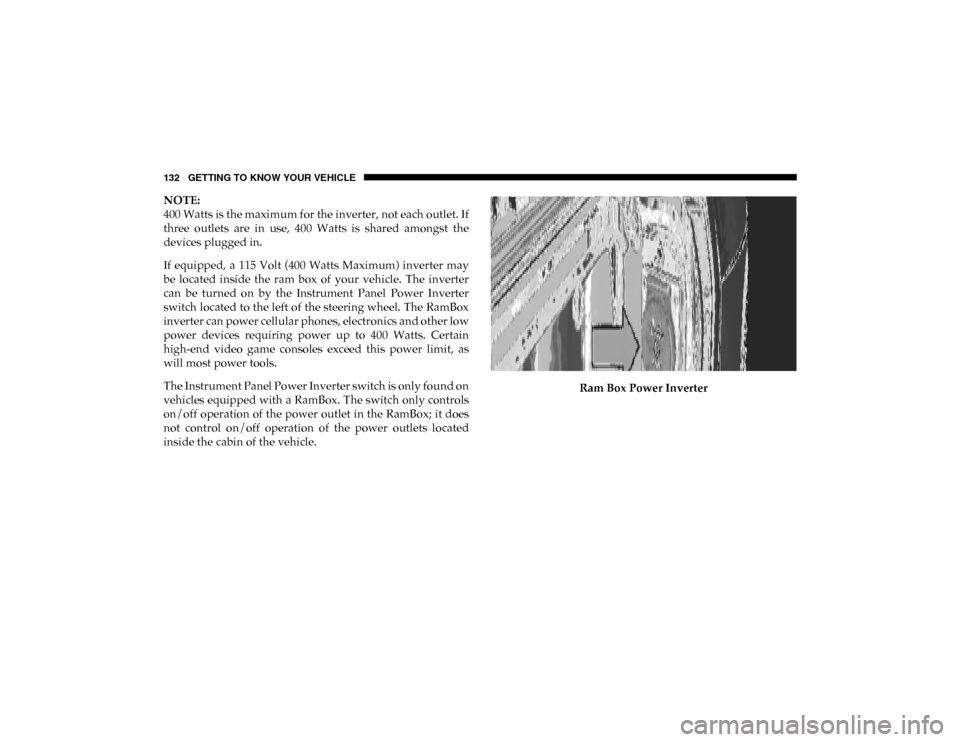
If equipped, a 115 Volt (400 Watts Maximum) inverter may
be located inside the ram box of your vehicle. The inverter
can be turned on by the Instrument Panel Power Inverter
switch located to the left of the steering wheel. The RamBox
inverter can power cellular phones, electronics and other low
power devices requiring power up to 400 Watts. Certain
high-end video game consoles exceed this power limit, as
will most power tools.
The Instrument Panel Power Inverter switch is only found on
vehicles equipped with a RamBox. The switch only controls
on/off operation of the power outlet in the RamBox; it does
not control on/off operation of the power outlets located
inside the cabin of the vehicle.Ram Box Power Inverter
2020_DT_1500_OM_US.book Page 132
Page 138 of 674
136 GETTING TO KNOW YOUR VEHICLE
(Continued)
NOTE:
If you are installing a Toolbox, Ladder Rack or Headache
Rack at the front of the Pickup Box, you must use Mopar Box
Reinforcement Brackets that are available from an autho-
rized dealer.
You can carry wide building materials (sheets of plywood,
etc.) by building a raised load floor. Place lumber across the
box in the indentations provided above the wheel housings
and in the bulkhead dividers to form the floor.
There are stampings in the sheet metal on the inner side
bulkheads of the box in front of and behind both wheel hous-
ings. Place wooden boards across the box from side to side to
create separate load compartments in the pickup box.
There are four tie-down cleats bolted to the lower sides of the
pickup box that can sustain loads up to 1000 lbs (450 kg) total.
RAMBOX — IF EQUIPPED
The RamBox system is an integrated pickup box storage and
cargo management system consisting of three features:
• Integrated box side storage bins
• Cargo divider
• Bed rail tie-down system
WARNING!
• The pickup box is intended for load carrying purposes only, not for passengers, who should sit in seats and
use seat belts.
• Care should always be exercised when operating a vehicle with unrestrained cargo. Vehicle speeds may
need to be reduced. Severe turns or rough roads may
cause shifting or bouncing of the cargo that may result
in vehicle damage. If wide building materials are to be
frequently carried, the installation of a support is
recommended. This will restrain the cargo and transfer
the load to the pickup box floor.
• If you wish to carry more than 600 lbs (272 kg) of materialsuspended above the wheelhouse, supports must be
installed to transfer the weight of the load to the pickup
box floor or vehicle damage may result. The use of proper
supports will permit loading up to the rated payload.
• Unrestrained cargo may be thrown forward in an acci -
dent causing serious or fatal injury.
WARNING! (Continued)
2020_DT_1500_OM_US.book Page 136
Page 168 of 674
166 GETTING TO KNOW YOUR INSTRUMENT PANEL
INSTRUMENT CLUSTER DISPLAY
Your vehicle will be equipped with an instrument cluster
display, which offers useful information to the driver. With
the ignition in the STOP/OFF mode, opening/closing of a
door will activate the display for viewing, and display the
total miles, or kilometers, in the odometer. Your instrument
cluster display is designed to display important information
about your vehicle’s systems and features. Using a driver
interactive display located on the instrument panel, your
instrument cluster display can show you how systems are
working and give you warnings when they are not. The
steering wheel mounted controls allow you to scroll through
the main menus and submenus. You can access the specific
information you want and make selections and adjustments.
Instrument Cluster Display Controls
The instrument cluster display features a driver-interactive
display that is located in the instrument cluster.Base Instrument Cluster Display
1 – Instrument Cluster Display Controls
2 – Instrument Cluster Display Screen
2020_DT_1500_OM_US.book Page 166
Page 169 of 674
GETTING TO KNOW YOUR INSTRUMENT PANEL 167
Premium Instrument Cluster Display
The instrument cluster display menu items may consist of
the following:
• Speedometer
• Vehicle Info
• Driver Assist
• Fuel Economy
• Trip Info • Stop/Start
• Trailer Tow — If Equipped
• Audio
• Messages
• Screen Setup
• Vehicle Settings
The system allows the driver to select information by
pushing the following instrument cluster display control
buttons located on the left side of the steering wheel:
Instrument Cluster Display Control Buttons
1 – Instrument Cluster Display Controls
2 – Instrument Cluster Display Screen
3
2020_DT_1500_OM_US.book Page 167