Tire Ram 1500 2020 Owner's Guide
[x] Cancel search | Manufacturer: RAM, Model Year: 2020, Model line: 1500, Model: Ram 1500 2020Pages: 674, PDF Size: 32.69 MB
Page 324 of 674

322 STARTING AND OPERATING
NOTE:
If equipped with a touch screen radio all enabling/disabling
of air suspension features must be done through the radio.
Refer to “Uconnect Settings” in “Multimedia” for further
information.
Air Suspension Modes
The Air Suspension system has multiple modes to protect the
system in unique situations:
Automatic AERO Mode
To improve aerodynamics, the air suspension system has a
feature which will put the vehicle into AERO height auto-
matically. Refer to “Instrument Cluster Display” in “Getting
To Know Your Instrument Panel” for further information.
Automatic Aero Mode may be disabled through vehicle
settings in the instrument cluster display or through your
Uconnect Radio if equipped. Refer to “Instrument Cluster Display” in “Getting To Know Your Instrument Panel” or
“Uconnect Settings” in “Multimedia” for further information.
NOTE:
This mode is intended to be enabled with engine running.
Tire Jack Mode
To assist with changing a tire, the air suspension system has
a feature which allows the automatic leveling to be disabled.
Refer to “Instrument Cluster Display” in “Getting To Know
Your Instrument Panel” or “Uconnect Settings” in “Multi
-
media” if equipped with a touch screen radio for further
information.
NOTE:
This mode is intended to be enabled with engine running.
Transport Mode
For towing your vehicle with four wheels off the road, the air
suspension system has a feature which will put the vehicle
into Entry/Exit height and disable the automatic load
leveling system. Refer to “Instrument Cluster Display” in
“Getting To Know Your Instrument Panel” or “Uconnect
Settings” in “Multimedia” if equipped with a touch screen
radio for further information.
NOTE:
This mode is intended to be enabled with engine running.
WARNING!
The air suspension system uses a high pressure volume
of air to operate the system. To avoid personal injury or
damage to the system, see your authorized dealer for
service.
2020_DT_1500_OM_US.book Page 322
Page 327 of 674
STARTING AND OPERATING 325
• Tire/Jack Mode – Indicator lamps 5 and 1 will be illumi-
nated. Tire/Jack Mode is disabled by driving the vehicle.
• Wheel Alignment Mode – Indicator lamps 3, 4, and 5 will be illuminated. Wheel Alignment Mode is disabled by
driving the vehicle.
ACTIVE-LEVEL FOUR CORNER AIR SUSPENSION
SYSTEM (REBEL MODELS ONLY) — IF EQUIPPED
Description
The air suspension system provides full time load leveling
capability along with the benefit of being able to adjust
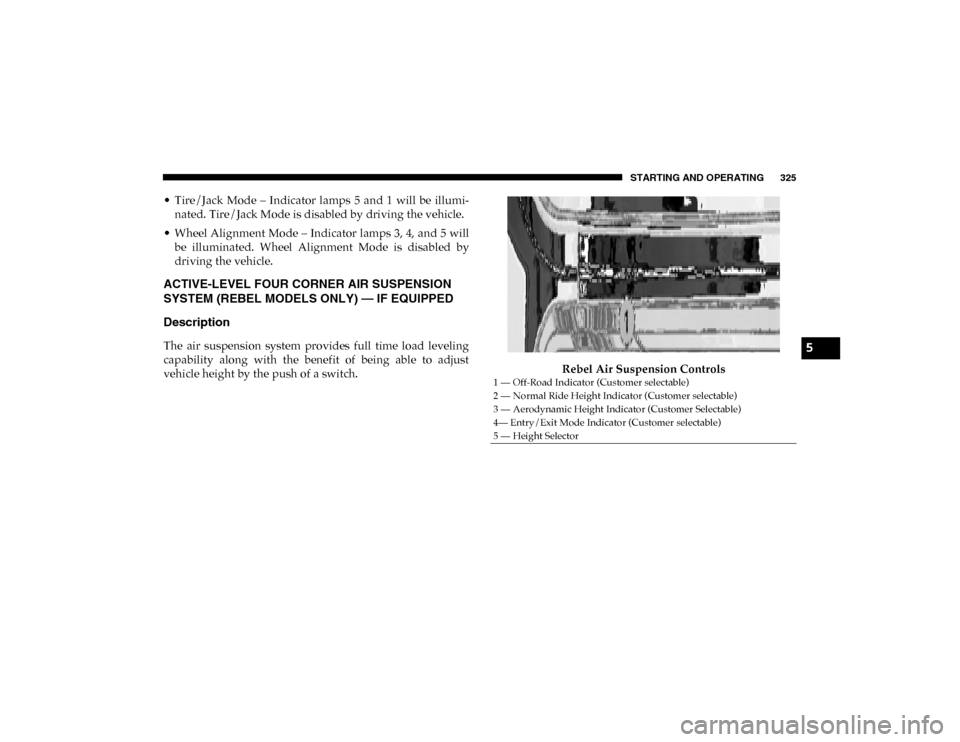
vehicle height by the push of a switch. Rebel Air Suspension Controls
1 — Off-Road Indicator (Customer selectable)
2 — Normal Ride Height Indicator (Customer selectable)
3 — Aerodynamic Height Indicator (Customer Selectable)
4— Entry/Exit Mode Indicator (Customer selectable)
5 — Height Selector
5
2020_DT_1500_OM_US.book Page 325
Page 330 of 674
328 STARTING AND OPERATING
To assist with changing a spare tire, the air suspension system
has a feature which allows the automatic leveling to be disabled.
Refer to “Instrument Cluster Display” in “Getting To Know
Your Instrument Panel” for further information.
NOTE:
If equipped with a touch screen radio all enabling/disabling
of air suspension features must be done through the radio.
Refer to “Uconnect Settings” in “Multimedia” for further
information.
Air Suspension Modes
The Air Suspension system has multiple modes to protect the
system in unique situations:
AERO Mode
To improve aerodynamics, the air suspension system has a
feature which will put the vehicle into AERO height auto-
matically. Refer to “Instrument Cluster Display” in “Getting
To Know Your Instrument Panel” for further information. NOTE:
This mode is intended to be enabled with engine running.
Tire Jack Mode
To assist with changing a tire, the air suspension system has
a feature which allows the automatic leveling to be disabled.
Refer to “Instrument Cluster Display” in “Getting To Know
Your Instrument Panel” or “Uconnect Settings” in “Multi
-
media” if equipped with a touch screen radio for further
information.
NOTE:
This mode is intended to be enabled with engine running.
Transport Mode
For towing your vehicle with four wheels off the road, the air
suspension system has a feature which will put the vehicle
into Entry/Exit height and disable the automatic load
leveling system. Refer to “Instrument Cluster Display” in
“Getting To Know Your Instrument Panel” or “Uconnect
Settings” in “Multimedia” if equipped with a touch screen
radio for further information.
NOTE:
This mode is intended to be enabled with engine running.
WARNING!
The air suspension system uses a high pressure volume
of air to operate the system. To avoid personal injury or
damage to the system, see your authorized dealer for
service.
2020_DT_1500_OM_US.book Page 328
Page 332 of 674

330 STARTING AND OPERATING
The indicator lamps 1 through 4 will illuminate to show the
current position of the vehicle. Flashing indicator lamps will
show a position which the system is working to achieve.
When raising or lowering, the flashing indicator lamp is the
position the system is working to achieve.
Pushing the height selector switch up once will move the
suspension one position higher from the current position,
assuming all conditions are met (i.e. key in ON/RUN posi-
tion, engine running, speed below threshold, etc). The height
selector switch can be pushed up multiple times, each push
will raise the requested level by one position up to a
maximum position of OR or the highest position allowed
based on current conditions (i.e. vehicle speed, etc).
Pushing the height selector switch down once will move the
suspension one position lower from the current level,
assuming all conditions are met (i.e. key in ON/RUN posi -
tion, engine running, doors closed, speed below threshold,
etc). The height selector switch can be pushed down multiple
times, each push will lower the requested level by one posi -
tion down to a minimum of Entry/Exit Mode or the lowest
position allowed based on current conditions (i.e. vehicle
speed, etc.)
Automatic height changes will occur based on vehicle speed
and the current vehicle height. The indicator lamps and instrument cluster display messages will operate the same
for automatic changes and user requested changes.
• Off-Road 1 (OR1) – Indicator lamps 4, 3, 2, and 1 will be
illuminated when the vehicle is in OR1.
• Normal Ride Height (NRH) – Indicator lamps 4, 3, and 2 will be illuminated when the vehicle is in this position.
• Aero Mode – Indicator lamps 4 and 3 will be illuminated when the vehicle is in this position.
• Entry/Exit Mode – Indicator lamp 4 will be illuminated when the vehicle is in Entry Exit Mode. Entry/Exit mode
can be requested up to 33 mph (53 km/h). If vehicle speed
is reduced to, and kept below, 15 mph (24 km/h) indicator
lamp 3 will flash and indicator lamp 4 will remain solid
until Entry/Exit Mode is achieved at which point indicator
lamp 3 will turn off.
• Transport Mode – No indicator lamps will be illuminated. Transport Mode is disabled by driving the vehicle.
• Tire/Jack Mode – Indicator lamps 4 and 1 will be illumi -
nated. Tire/Jack Mode is disabled by driving the vehicle.
• Wheel Alignment Mode – Indicator lamps 2, 3, and 4 will be illuminated. Wheel Alignment Mode is disabled by
driving the vehicle.
2020_DT_1500_OM_US.book Page 330
Page 333 of 674
STARTING AND OPERATING 331
AXLE LOCKER SYSTEM — IF EQUIPPED
This vehicle is equipped with an electronically locking rear
differential. This differential, when engaged, mechanically
lock together the axle shafts forcing the wheels to spin at an
equal rate. The locking of the rear differential should only be
engaged during low-speed, extreme off-road situations
where one wheel is likely to not be in contact with the
ground. It is not recommended to drive the vehicle with the
differentials locked on pavement due to the reduced ability
to turn and speed limitations.Axle Lock Button The locking rear axle is controlled by the AXLE LOCKER
button.
Under normal driving conditions, the rear axle should be
unlocked.
During the command to lock the rear axle, the indicator light
will flash until the axle is locked. After the lock command has
been successfully executed, the light will remain on solid.
Operating in 4WD LOW the locker can be engaged up to
40 mph (64 km/h) and will remain engaged throughout the
4WD LOW speed range.
CAUTION!
• Do not lock the rear axle on hard surfaced roads. The ability to steer the vehicle is reduced and damage to the
drivetrain may occur when the axle is locked on hard
surfaced roads.
• Do not try to lock the rear axle if the vehicle is stuck and the tires are spinning. You can damage drivetrain
components. Lock the rear axle before attempting situ -
ations or navigating terrain, which could possibly
cause the vehicle to become stuck.
5
2020_DT_1500_OM_US.book Page 331
Page 345 of 674

STARTING AND OPERATING 343
NOTE:
Any chassis/suspension or tire size modifications to the
vehicle will effect the performance of the Adaptive Cruise
Control and Forward Collision Warning System.
Activating Adaptive Cruise Control (ACC)
You can only engage ACC if the vehicle speed is above
0 mph (0 km/h).
The minimum set speed for the ACC system is 20 mph
(32 km/h).
When the system is turned on and in the ready state, the
instrument cluster display will read “ACC Ready.”
When the system is off, the instrument cluster display will
read “Adaptive Cruise Control (ACC) Off.”NOTE:
You cannot engage ACC under the following conditions:
• When in Four-Wheel Drive Low
• When you apply the brakes
• When the parking brake is applied
• When the automatic transmission is in PARK, REVERSE or
NEUTRAL
• When the vehicle speed is outside of the speed range
• When the brakes are overheated
• When the driver door is open at low speed
• When the driver seat belt is unbuckled at low speed
• ESC Full-Off Mode is active
5
2020_DT_1500_OM_US.book Page 343
Page 374 of 674
372 STARTING AND OPERATING
tion to improve the performance of the feature. The system
will also continuously perform the dynamic vehicle cali-
bration to account for differences such as over or under
inflated tires and new tires.
• The driver must control the vehicle’s brakes themselves. Automatic emergency braking feature is NOT intended to
substitute for the driver during REVERSE maneuvers.
Enabling And Disabling The ParkSense Active Park
Assist System
The ParkSense Active Park Assist system can be
enabled and disabled with the ParkSense Active Park
Assist switch, located on the switch panel below the
Uconnect display.
NOTE:
If your vehicle is equipped with a 12–inch Uconnect display,
the ParkSense Active Park Assist switch is located above the
display.
To enable the ParkSense Active Park Assist system, push the
ParkSense Active Park Assist switch once (LED turns on).
To disable the ParkSense Active Park Assist system, push the
ParkSense Active Park Assist switch again (LED turns off). The ParkSense Active Park Assist system will turn off auto
-
matically for any of the following conditions:
• The parking maneuver is completed.
• Vehicle speed greater than 18 mph (30 km/h) when searching for a parking space.
• Vehicle speed greater than 5 mph (7 km/h) during active steering guidance into the parking space.
• Touching the steering wheel during active steering guid -
ance into the parking space.
• Pushing the ParkSense Front and Rear Park Assist switch.
• The driver’s door is opened.
• The tailgate is opened.
• Electronic Stability Control/Anti-lock Braking System intervention.
• The ParkSense Active Park Assist system will allow a maximum of eight shifts between DRIVE and REVERSE. If
the maneuver cannot be completed within eight shifts, the
system will cancel and the instrument cluster display will
instruct the driver to complete the maneuver manually.
2020_DT_1500_OM_US.book Page 372
Page 398 of 674
396 STARTING AND OPERATING
PARKVIEW REAR BACK UP CAMERA
The ParkView Rear Back Up Camera allows you to see an
image of the rear surroundings of your vehicle whenever the
gear selector is put into REVERSE or whenever it is manually
activated. When the gear selector is put into REVERSE, the
image will be displayed in the Uconnect screen along with a
caution note to “check entire surroundings” across the top of
the screen. After five seconds this note will disappear.
Manual Activation Of The Rear View Camera:
1. Press the "Controls" button located on the bottom of theUconnect display.
2. Press the "Backup Camera" button to turn the Rear View Camera system on.
When the vehicle is shifted out of REVERSE (with Camera
delay turned off), the rear Camera mode is exited and the
previous screen appears again.
When the vehicle is shifted out of REVERSE (with Camera
delay turned on), the rear Camera image will be displayed
for up to 10 seconds after shifting to another gear, unless the
vehicle speed exceeds 8 mph (13 km/h), the transmission is shifted into PARK, the ignition is placed in the OFF position,
or the touchscreen button “X” to disable display of the Rear
View Camera image is pressed.
Whenever the Rear View Camera image is activated through
the "Backup Camera" button in the "Controls" menu, and the
vehicle speed is greater than, or equal to, 8 mph (13 km/h), a
display timer for the image is initiated. The image will
continue to be displayed until the display timer exceeds 10
seconds.
NOTE:
• If the vehicle speed remains below 8 mph (13 km/h), the Rear View Camera image will be displayed continuously
until deactivated via the touchscreen button "X", the trans -
mission is shifted into PARK, or the ignition is placed in
the OFF position.
• The touchscreen button "X" to disable display of the camera image is made available ONLY when the vehicle is
not in REVERSE.
When enabled, active guide lines are overlaid on the image
to illustrate the width of the vehicle and its projected backup
path based on the steering wheel position. The active guide
lines will show separate zones that will help indicate the
distance to the rear of the vehicle.
2020_DT_1500_OM_US.book Page 396
Page 400 of 674

398 STARTING AND OPERATING
NOTE:
If snow, ice, mud, or any foreign substance builds up on the
camera lens, clean the lens, rinse with water, and dry with a
soft cloth. Do not cover the lens.
Zoom View
When the Rear View Camera image is being displayed, and
the vehicle speed is below 8 mph (13 km/h) while in any
gear selector position, Zoom View is available. By pressing
the “magnifying glass” icon in the upper left of the display
screen, the image will zoom in to four times the standard
view. Pressing the icon a second time will return the view to
the standard Backup Camera display.
When Zoom View is selected while the vehicle is in
REVERSE, then shifted to DRIVE, the camera delay view will
display the standard Backup Camera view. If the vehicle is
then returned to REVERSE gear from DRIVE, the Zoom
View selection will automatically resume.
Shifting to NEUTRAL from any gear will maintain the
selected view (Zoom or Standard) as long as the vehicle is
below 8 mph (13 km/h).
If the vehicle is in PARK, Zoom View is available until the
gear selector is placed in DRIVE or REVERSE and speeds are
at or above 8 mph (13 km/h). NOTE:
• If the vehicle in is DRIVE, NEUTRAL, or REVERSE, and
speed is greater than or equal to 8 mph (13 km/h), ZoomView is unavailable and the icon will appear grey.
• While in Zoom View, the guidelines will not be visible.
SURROUND VIEW CAMERA SYSTEM — IF EQUIPPED
Your vehicle may be equipped with the Surround View
Camera System that allows you to see an on-screen image of
the surroundings and top view of your vehicle whenever the
gear selector is put into REVERSE or a different view is
selected through the on screen soft buttons. The top view of
the vehicle will show which doors are open. The image will
be displayed on the touchscreen display along with a caution
note “Check Entire Surroundings” across the top of the
screen. After five seconds, this note will disappear. The
Surround View Camera System is comprised of four sequen -
tial cameras located in the front grille, rear tailgate and side
mirrors.
NOTE:
The Surround View Camera System has programmable
settings that may be selected through the Uconnect System.
Refer to “Uconnect Settings” in “Multimedia” for further
information.
2020_DT_1500_OM_US.book Page 398
Page 402 of 674
400 STARTING AND OPERATING
Top View
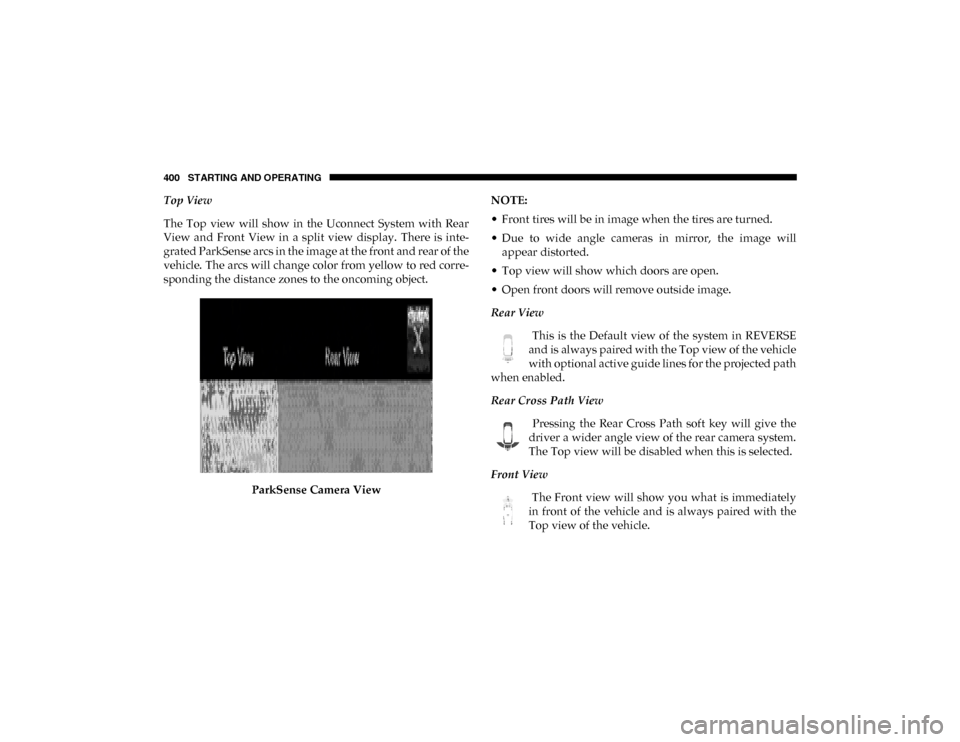
The Top view will show in the Uconnect System with Rear
View and Front View in a split view display. There is inte-
grated ParkSense arcs in the image at the front and rear of the
vehicle. The arcs will change color from yellow to red corre -
sponding the distance zones to the oncoming object.
ParkSense Camera View NOTE:
• Front tires will be in image when the tires are turned.
• Due to wide angle cameras in mirror, the image will
appear distorted.
• Top view will show which doors are open.
• Open front doors will remove outside image.
Rear View
This is the Default view of the system in REVERSE
and is always paired with the Top view of the vehicle
with optional active guide lines for the projected path
when enabled.
Rear Cross Path View
Pressing the Rear Cross Path soft key will give the
driver a wider angle view of the rear camera system.
The Top view will be disabled when this is selected.
Front View The Front view will show you what is immediately
in front of the vehicle and is always paired with the
Top view of the vehicle.
2020_DT_1500_OM_US.book Page 400