AC system Ram 1500 2020 Workshop Manual
[x] Cancel search | Manufacturer: RAM, Model Year: 2020, Model line: 1500, Model: Ram 1500 2020Pages: 674, PDF Size: 32.69 MB
Page 89 of 674
GETTING TO KNOW YOUR VEHICLE 87
Faceplate
Temperature Knobs
Touchscreen
Temperature Buttons Driver and Passenger Temperature Control
Temperature control provides the driver and passenger with independent temperature control. Push
the red button (or rotate knob if equipped) on the faceplate or touchscreen, or press and slide the
temperature bar towards the red arrow button on the touchscreen for warmer temperature settings.
Push the blue button (or rotate knob if equipped) on the faceplate or touchscreen, or press and slide
the temperature bar towards the blue arrow button on the touchscreen for cooler temperature settings.
NOTE:
• The numbers within the temperature display will only appear if the system is equipped with an auto
-
matic climate control system.
• Up and down buttons are only available on vehicles equipped with a 12-inch display.
Icon
Description
2
2020_DT_1500_OM_US.book Page 87
Page 90 of 674

88 GETTING TO KNOW YOUR VEHICLE
SYNC
Press the SYNC button on the touchscreen to toggle the SYNC feature on/off. The SYNC indicator
illuminates when SYNC is on. SYNC is used to synchronize the passenger temperature setting with
the driver temperature setting. Changing the passenger’s temperature setting while in SYNC will
automatically exit this feature.
NOTE:
The SYNC button is only available on the touchscreen.
Faceplate Blower Knob
Touchscreen
Blower Buttons Blower Control
Blower Control is used to regulate the amount of air forced through the climate system. There are
seven blower speeds available. Adjusting the blower will cause automatic mode to switch to manual
operation. The speeds can be selected using either the blower control knob on the faceplate or the
buttons on the touchscreen.
•
Faceplate: The blower speed increases as you turn the blower control knob clockwise from the lowest
blower setting. The blower speed decreases as you turn the blower control knob counterclockwise.
• Touchscreen: Use the small blower icon to reduce the blower setting and the large blower icon to
increase the blower setting. Blower can also be selected by pressing the blower bar area between the
icons.
Icon
Description
2020_DT_1500_OM_US.book Page 88
Page 92 of 674
90 GETTING TO KNOW YOUR VEHICLE
Climate Control Functions
A/C (Air Conditioning)
The Air Conditioning (A/C) button allows the operator to
manually activate or deactivate the air conditioning system.
When the air conditioning system is turned on, cool dehu-
midified air will flow through the outlets into the cabin. Forimproved fuel economy, press the A/C button to turn off the
air conditioning and manually adjust the blower and airflow
mode settings. Also, make sure to select only Panel, Bi-Level,
or Floor modes.
Floor Mode
Floor Mode
Air comes from the floor outlets. A slight amount of air is directed through the defrost and side
window demister outlets.
Mix Mode Mix Mode
Air is directed through the floor, defrost, and side window demister outlets. This setting works best in
cold or snowy conditions that require extra heat to the windshield. This setting is good for
maintaining comfort while reducing moisture on the windshield.
Climate Control OFF Button
This button turns the Climate Control System off.
Icon
Description
2020_DT_1500_OM_US.book Page 90
Page 93 of 674

GETTING TO KNOW YOUR VEHICLE 91
NOTE:
• On vehicles equipped with a 12-inch display, reducing theblower control all the way down will turn the climate off.
• For Manual Climate Controls, if the system is in Mix, Floor or Defrost Mode, the A/C can be turned off, but the A/C
system shall remain active to prevent fogging of the
windows.
• If fog or mist appears on the windshield or side glass, select Defrost mode, and increase blower speed if needed.
• If your air conditioning performance seems lower than expected, check the front of the A/C condenser (located in
front of the radiator), for an accumulation of dirt or insects.
Clean with a gentle water spray from the front of the radi -
ator and through the condenser.
MAX A/C
MAX A/C sets the control for maximum cooling perfor -
mance.
Press and release to toggle between MAX A/C and the prior
settings. The button illuminates when MAX A/C is on.
In MAX A/C, the blower level and mode position can be
adjusted to desired user settings. Pressing other settings will
cause the MAX A/C operation to switch to the selected
setting and MAX A/C to exit. Recirculation
In cold weather, use of Recirculation mode may lead to
excessive window fogging. The Recirculation feature may be
unavailable (button on the touchscreen greyed out) if condi
-
tions exist that could create fogging on the inside of the
windshield.
Automatic Temperature Control (ATC) — If Equipped
Automatic Operation
1. Push the AUTO button on the faceplate, or the AUTO button on the touchscreen on the Automatic Temperature
Control (ATC) Panel.
2. Next, adjust the temperature you would like the system to maintain by adjusting the driver and passenger
temperature control buttons. Once the desired tempera -
ture is displayed, the system will achieve and automati -
cally maintain that comfort level.
3. When the system is set up for your comfort level, it is not necessary to change the settings. You will experience the
greatest efficiency by simply allowing the system to func -
tion automatically.
2
2020_DT_1500_OM_US.book Page 91
Page 94 of 674

92 GETTING TO KNOW YOUR VEHICLE
NOTE:
• It is not necessary to move the temperature settings forcold or hot vehicles. The system automatically adjusts the
temperature, mode, and blower speed to provide comfort
as quickly as possible.
• The temperature can be displayed in U.S. or Metric units by selecting the U.S./Metric customer-programmable
feature. Refer to the “Uconnect Settings” in “Multimedia”
for further information.
To provide you with maximum comfort in the Automatic
mode during cold start-ups, the blower fan will remain on
low until the engine warms up. The blower will increase in
speed and transition into Auto mode.
Manual Operation Override
This system offers a full complement of manual override
features. The AUTO symbol in the front ATC display will be
turned off when the system is being used in the manual
mode.
Operating Tips
NOTE:
Refer to the chart at the end of this section for suggested
control settings for various weather conditions. Summer Operation
The engine cooling system must be protected with a
high-quality antifreeze coolant to provide proper corrosion
protection and to protect against engine overheating. OAT
coolant (conforming to MS.90032) is recommended.
Winter Operation
To ensure the best possible heater and defroster perfor
-
mance, make sure the engine cooling system is functioning
properly and the proper amount, type, and concentration of
coolant is used. Use of the Air Recirculation mode during
Winter months is not recommended, because it may cause
window fogging.
Vacation/Storage
Before you store your vehicle, or keep it out of service (i.e.,
vacation) for two weeks or more, run the air conditioning
system at idle for about five minutes, in fresh air with the
blower setting on high. This will ensure adequate system
lubrication to minimize the possibility of compressor
damage when the system is started again.
2020_DT_1500_OM_US.book Page 92
Page 95 of 674

GETTING TO KNOW YOUR VEHICLE 93
Window Fogging
Vehicle windows tend to fog on the inside in mild, rainy,
and/or humid weather. To clear the windows, select Defrost
or Mix mode and increase the front blower speed. Do not use
the Recirculation mode without A/C for long periods, as
fogging may occur.Outside Air Intake
Make sure the air intake, located directly in front of the wind
-
shield, is free of obstructions, such as leaves. Leaves collected
in the air intake may reduce airflow, and if they enter the
plenum, they could plug the water drains. In Winter months,
make sure the air intake is clear of ice, slush, and snow.
Cabin Air Filter
The climate control system filters out dust and pollen from
the air. Contact an authorized dealer to service your cabin air
filter, and to have it replaced when needed.
CAUTION!
Failure to follow these cautions can cause damage to the
heating elements:
• Use care when washing the inside of the rear window. Do not use abrasive window cleaners on the interior
surface of the window. Use a soft cloth and a mild
washing solution, wiping parallel to the heating
elements. Labels can be peeled off after soaking with
warm water.
• Do not use scrapers, sharp instruments, or abrasive window cleaners on the interior surface of the window.
• Keep all objects a safe distance from the window.
2
2020_DT_1500_OM_US.book Page 93
Page 102 of 674

100 GETTING TO KNOW YOUR VEHICLE
Pinch Protect Feature
This feature will detect an obstruction in the closing of the
sunroof during the Express Close operation. If an obstruction
in the path of the sunroof is detected, the sunroof will auto-
matically retract. Remove the obstruction if this occurs.
NOTE:
If three consecutive sunroof close attempts result in Pinch
Protect reversals, Pinch Protect will disable and the sunroof
must be closed in Manual Mode.
Venting Sunroof — Express
Push and release the Vent button within one half second and
the sunroof will open to the vent position. This is called
“Express Vent”, and it will occur regardless of sunroof posi -
tion. During Express Vent operation, any other actuation of
the switch will stop the sunroof.
Sunroof Maintenance
Use only a non-abrasive cleaner and a soft cloth to clean the
glass panel. Ignition Off Operation
The power sunroof switch will remain active for up to
approximately 10 minutes after the ignition switch is placed
in the OFF position. Opening either front door will cancel
this feature.
NOTE:
Ignition Off time is programmable through the Uconnect
System. Refer to “Uconnect Settings” in “Multimedia” for
further information.
Relearn Procedure
For vehicles equipped with a sunroof, there is a relearn
procedure that allows you to calibrate the sunroof when the
“Express Operation” feature stops working. To reset the
sunroof, follow these steps:
1. Place the ignition in the ACC or the ON/RUN position.
2. Ensure that the sunroof is in the fully closed position.
3. Push and hold the close switch. The sunroof will hit the
hard stop and move to the vent position after ten seconds.
4. Release the close switch.
2020_DT_1500_OM_US.book Page 100
Page 107 of 674
GETTING TO KNOW YOUR VEHICLE 105
Sunroof Maintenance
Use only a non-abrasive cleaner and a soft cloth to clean the
glass panel.
Ignition Off Operation
The power sunroof switch will remain active for up to
approximately 10 minutes after the ignition switch is placed
in the OFF position. Opening either front door will cancel
this feature.
NOTE:
Ignition Off time is programmable through the Uconnect
System. Refer to “Uconnect Settings” in “Multimedia” for
further information.HOOD
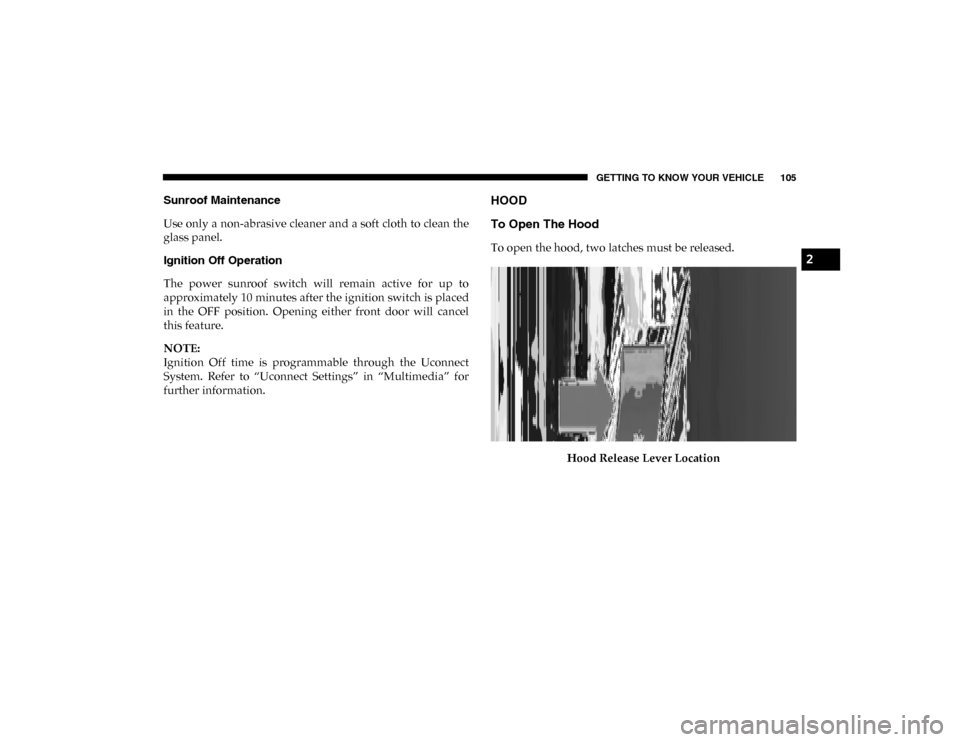
To Open The Hood
To open the hood, two latches must be released.Hood Release Lever Location2
2020_DT_1500_OM_US.book Page 105
Page 111 of 674
GETTING TO KNOW YOUR VEHICLE 109
NOTE:
• When the swing doors are open, the maximum load placedon a door cannot exceed 180 lbs (82 kg).
• Pull back on the swing doors firmly after closing to ensure they are securely latched.GARAGE DOOR OPENER — IF EQUIPPED
HomeLink® replaces up to three hand-held transmitters that
operate devices such as garage door openers, motorized
gates, lighting or home security systems. The HomeLink®
unit is powered by your vehicles 12 Volt battery.
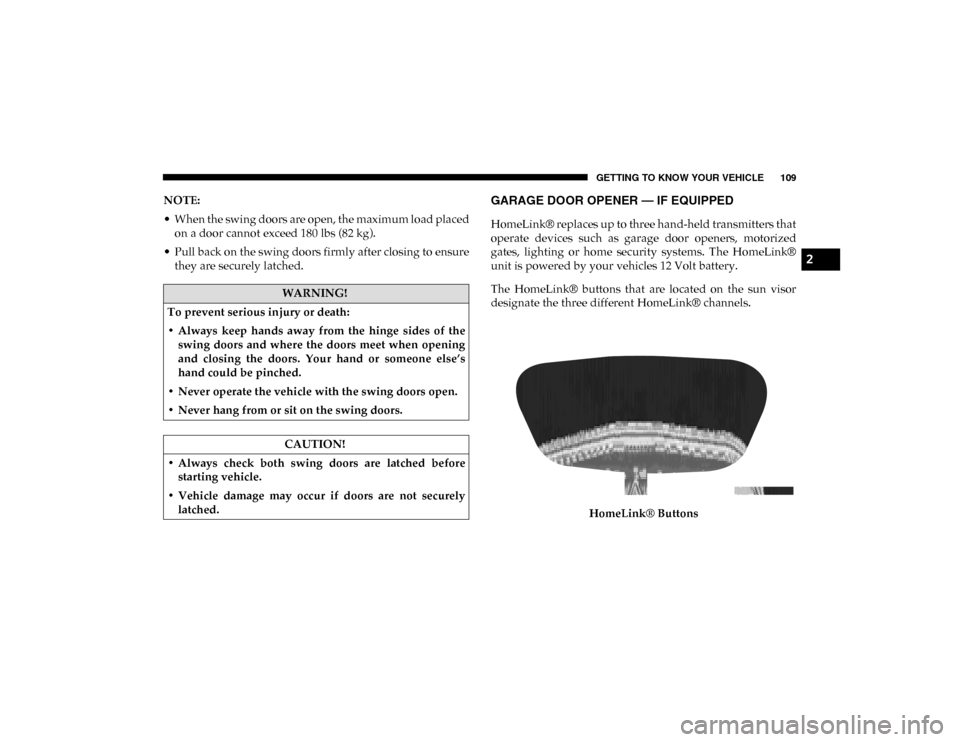
The HomeLink® buttons that are located on the sun visor
designate the three different HomeLink® channels.
HomeLink® Buttons
WARNING!
To prevent serious injury or death:
• Always keep hands away from the hinge sides of the swing doors and where the doors meet when opening
and closing the doors. Your hand or someone else’s
hand could be pinched.
• Never operate the vehicle with the swing doors open.
• Never hang from or sit on the swing doors.
CAUTION!
• Always check both swing doors are latched before starting vehicle.
• Vehicle damage may occur if doors are not securely latched.
2
2020_DT_1500_OM_US.book Page 109
Page 112 of 674

110 GETTING TO KNOW YOUR VEHICLE
NOTE:
HomeLink® is disabled when the Vehicle Security Alarm is
active.
NOTE:
Only use this transceiver with a garage door opener that has
a “stop and reverse” feature as required by federal safety
standards. This includes most garage door opener models
manufactured after 1982. Do not use a garage door openerwithout these safety features. Call toll-free 1-800-355-3515 or,
on the Internet at HomeLink.com for safety information or
assistance.
Before You Begin Programming HomeLink®
Be sure that your vehicle is parked outside of the garage
before you begin programming.
For more efficient programming and accurate transmission
of the radio-frequency signal it is recommended that a new
battery be placed in the hand-held transmitter of the device
that is being programmed to the HomeLink® system.
To erase the channels, place the ignition in the ON/RUN
position, and push and hold the two outside HomeLink®
buttons (I and III) for up to 20 seconds or until the orange
indicator flashes.
NOTE:
• Erasing all channels should only be performed when programming HomeLink® for the first time. Do not erase
channels when programming additional buttons.
• If you have any problems, or require assistance, please call toll-free 1-800-355-3515 or, on the Internet at Home-
Link.com for information or assistance.
WARNING!
• Your motorized door or gate will open and close while you are programming the universal transceiver. Do not
program the transceiver if people, pets or other objects
are in the path of the door or gate. Only use this trans -
ceiver with a garage door opener that has a “stop and
reverse” feature as required by Federal safety stan -
dards. This includes most garage door opener models
manufactured after 1982. Do not use a garage door
opener without these safety features.
• Vehicle exhaust contains carbon monoxide, a dangerous gas. Do not run your vehicle in the garage
while programming the transceiver. Exhaust gas can
cause serious injury or death.
2020_DT_1500_OM_US.book Page 110