wheel Ram 1500 2020 Repair Manual
[x] Cancel search | Manufacturer: RAM, Model Year: 2020, Model line: 1500, Model: Ram 1500 2020Pages: 674, PDF Size: 32.69 MB
Page 325 of 674
STARTING AND OPERATING 323
Wheel Alignment Mode
Before performing a wheel alignment, this mode must be
enabled. Refer to “Instrument Cluster Display” in “Getting
To Know Your Instrument Panel” or “Uconnect Settings” in
“Multimedia” if equipped with a touch screen radio for
further information.
NOTE:
This mode is intended to be enabled with engine running.
Protection Strategy
In order to “protect” the air suspension system, the vehicle
will disable load leveling as required (suspension over-
loaded, battery charge low, etc.). Load leveling will automat -
ically resume as soon as system operation requirements are
met. See your authorized dealer if system does not resume.
NOTE:
If towing with air suspension refer to “Trailer Towing” in
“Starting And Operating” for further information.
Instrument Cluster Display Messages
When the appropriate conditions exist, a message will
appear in the instrument cluster display. Refer to “Instru-
ment Cluster Display” in “Getting To Know Your Instru-
ment Panel” for further information. An audible chime will be heard whenever a system error has
been detected.
See an authorized dealer for system service if normal opera
-
tion does not resume.
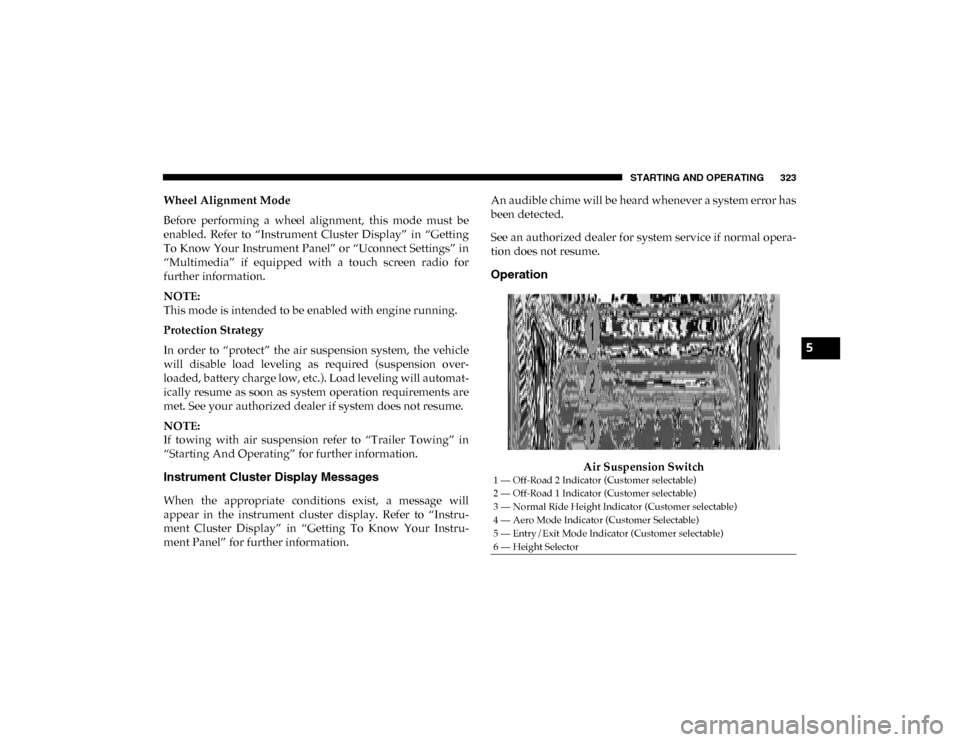
Operation
Air Suspension Switch
1 — Off-Road 2 Indicator (Customer selectable)
2 — Off-Road 1 Indicator (Customer selectable)
3 — Normal Ride Height Indicator (Customer selectable)
4 — Aero Mode Indicator (Customer Selectable)
5 — Entry/Exit Mode Indicator (Customer selectable)
6 — Height Selector
5
2020_DT_1500_OM_US.book Page 323
Page 327 of 674
STARTING AND OPERATING 325
• Tire/Jack Mode – Indicator lamps 5 and 1 will be illumi-
nated. Tire/Jack Mode is disabled by driving the vehicle.
• Wheel Alignment Mode – Indicator lamps 3, 4, and 5 will be illuminated. Wheel Alignment Mode is disabled by
driving the vehicle.
ACTIVE-LEVEL FOUR CORNER AIR SUSPENSION
SYSTEM (REBEL MODELS ONLY) — IF EQUIPPED
Description
The air suspension system provides full time load leveling
capability along with the benefit of being able to adjust
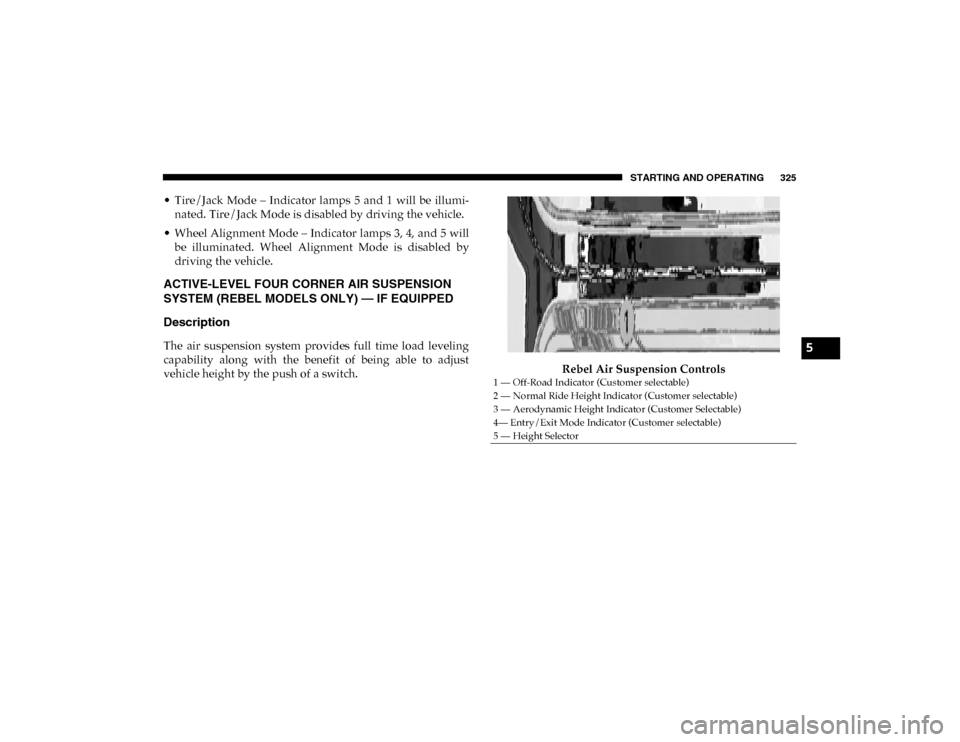
vehicle height by the push of a switch. Rebel Air Suspension Controls
1 — Off-Road Indicator (Customer selectable)
2 — Normal Ride Height Indicator (Customer selectable)
3 — Aerodynamic Height Indicator (Customer Selectable)
4— Entry/Exit Mode Indicator (Customer selectable)
5 — Height Selector
5
2020_DT_1500_OM_US.book Page 325
Page 330 of 674

328 STARTING AND OPERATING
To assist with changing a spare tire, the air suspension system
has a feature which allows the automatic leveling to be disabled.
Refer to “Instrument Cluster Display” in “Getting To Know
Your Instrument Panel” for further information.
NOTE:
If equipped with a touch screen radio all enabling/disabling
of air suspension features must be done through the radio.
Refer to “Uconnect Settings” in “Multimedia” for further
information.
Air Suspension Modes
The Air Suspension system has multiple modes to protect the
system in unique situations:
AERO Mode
To improve aerodynamics, the air suspension system has a
feature which will put the vehicle into AERO height auto-
matically. Refer to “Instrument Cluster Display” in “Getting
To Know Your Instrument Panel” for further information. NOTE:
This mode is intended to be enabled with engine running.
Tire Jack Mode
To assist with changing a tire, the air suspension system has
a feature which allows the automatic leveling to be disabled.
Refer to “Instrument Cluster Display” in “Getting To Know
Your Instrument Panel” or “Uconnect Settings” in “Multi
-
media” if equipped with a touch screen radio for further
information.
NOTE:
This mode is intended to be enabled with engine running.
Transport Mode
For towing your vehicle with four wheels off the road, the air
suspension system has a feature which will put the vehicle
into Entry/Exit height and disable the automatic load
leveling system. Refer to “Instrument Cluster Display” in
“Getting To Know Your Instrument Panel” or “Uconnect
Settings” in “Multimedia” if equipped with a touch screen
radio for further information.
NOTE:
This mode is intended to be enabled with engine running.
WARNING!
The air suspension system uses a high pressure volume
of air to operate the system. To avoid personal injury or
damage to the system, see your authorized dealer for
service.
2020_DT_1500_OM_US.book Page 328
Page 331 of 674
STARTING AND OPERATING 329
Wheel Alignment Mode
Before performing a wheel alignment, this mode must be
enabled. Refer to “Instrument Cluster Display” in “Getting
To Know Your Instrument Panel” or “Uconnect Settings” in
“Multimedia” if equipped with a touch screen radio for
further information.
NOTE:
This mode is intended to be enabled with engine running.
Protection Strategy
In order to “protect” the air suspension system, the vehicle
will disable load leveling as required (suspension over-
loaded, battery charge low, etc.). Load leveling will automat -
ically resume as soon as system operation requirements are
met. See your authorized dealer if system does not resume.
NOTE:
If towing with air suspension refer to “Trailer Towing” in
“Starting And Operating” for further information.
Instrument Cluster Display Messages
When the appropriate conditions exist, a message will
appear in the instrument cluster display. Refer to “Instru-
ment Cluster Display” in “Getting To Know Your Instru-
ment Panel” for further information. An audible chime will be heard whenever a system error has
been detected.
See an authorized dealer for system service if normal opera
-
tion does not resume.
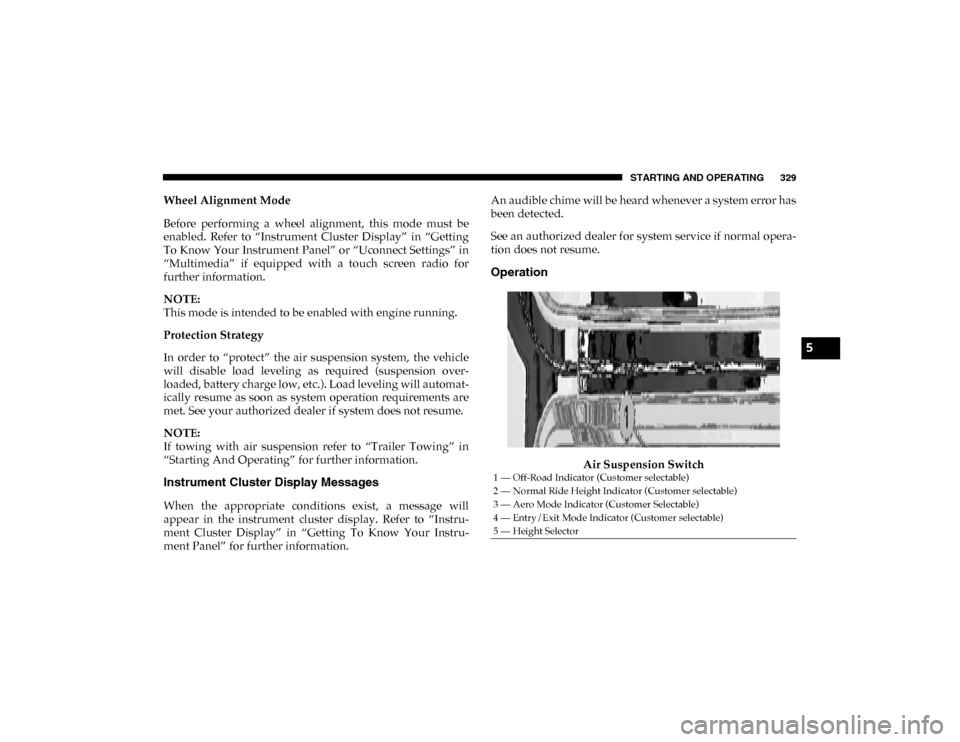
Operation
Air Suspension Switch
1 — Off-Road Indicator (Customer selectable)
2 — Normal Ride Height Indicator (Customer selectable)
3 — Aero Mode Indicator (Customer Selectable)
4 — Entry/Exit Mode Indicator (Customer selectable)
5 — Height Selector
5
2020_DT_1500_OM_US.book Page 329
Page 332 of 674

330 STARTING AND OPERATING
The indicator lamps 1 through 4 will illuminate to show the
current position of the vehicle. Flashing indicator lamps will
show a position which the system is working to achieve.
When raising or lowering, the flashing indicator lamp is the
position the system is working to achieve.
Pushing the height selector switch up once will move the
suspension one position higher from the current position,
assuming all conditions are met (i.e. key in ON/RUN posi-
tion, engine running, speed below threshold, etc). The height
selector switch can be pushed up multiple times, each push
will raise the requested level by one position up to a
maximum position of OR or the highest position allowed
based on current conditions (i.e. vehicle speed, etc).
Pushing the height selector switch down once will move the
suspension one position lower from the current level,
assuming all conditions are met (i.e. key in ON/RUN posi -
tion, engine running, doors closed, speed below threshold,
etc). The height selector switch can be pushed down multiple
times, each push will lower the requested level by one posi -
tion down to a minimum of Entry/Exit Mode or the lowest
position allowed based on current conditions (i.e. vehicle
speed, etc.)
Automatic height changes will occur based on vehicle speed
and the current vehicle height. The indicator lamps and instrument cluster display messages will operate the same
for automatic changes and user requested changes.
• Off-Road 1 (OR1) – Indicator lamps 4, 3, 2, and 1 will be
illuminated when the vehicle is in OR1.
• Normal Ride Height (NRH) – Indicator lamps 4, 3, and 2 will be illuminated when the vehicle is in this position.
• Aero Mode – Indicator lamps 4 and 3 will be illuminated when the vehicle is in this position.
• Entry/Exit Mode – Indicator lamp 4 will be illuminated when the vehicle is in Entry Exit Mode. Entry/Exit mode
can be requested up to 33 mph (53 km/h). If vehicle speed
is reduced to, and kept below, 15 mph (24 km/h) indicator
lamp 3 will flash and indicator lamp 4 will remain solid
until Entry/Exit Mode is achieved at which point indicator
lamp 3 will turn off.
• Transport Mode – No indicator lamps will be illuminated. Transport Mode is disabled by driving the vehicle.
• Tire/Jack Mode – Indicator lamps 4 and 1 will be illumi -
nated. Tire/Jack Mode is disabled by driving the vehicle.
• Wheel Alignment Mode – Indicator lamps 2, 3, and 4 will be illuminated. Wheel Alignment Mode is disabled by
driving the vehicle.
2020_DT_1500_OM_US.book Page 330
Page 333 of 674
STARTING AND OPERATING 331
AXLE LOCKER SYSTEM — IF EQUIPPED
This vehicle is equipped with an electronically locking rear
differential. This differential, when engaged, mechanically
lock together the axle shafts forcing the wheels to spin at an
equal rate. The locking of the rear differential should only be
engaged during low-speed, extreme off-road situations
where one wheel is likely to not be in contact with the
ground. It is not recommended to drive the vehicle with the
differentials locked on pavement due to the reduced ability
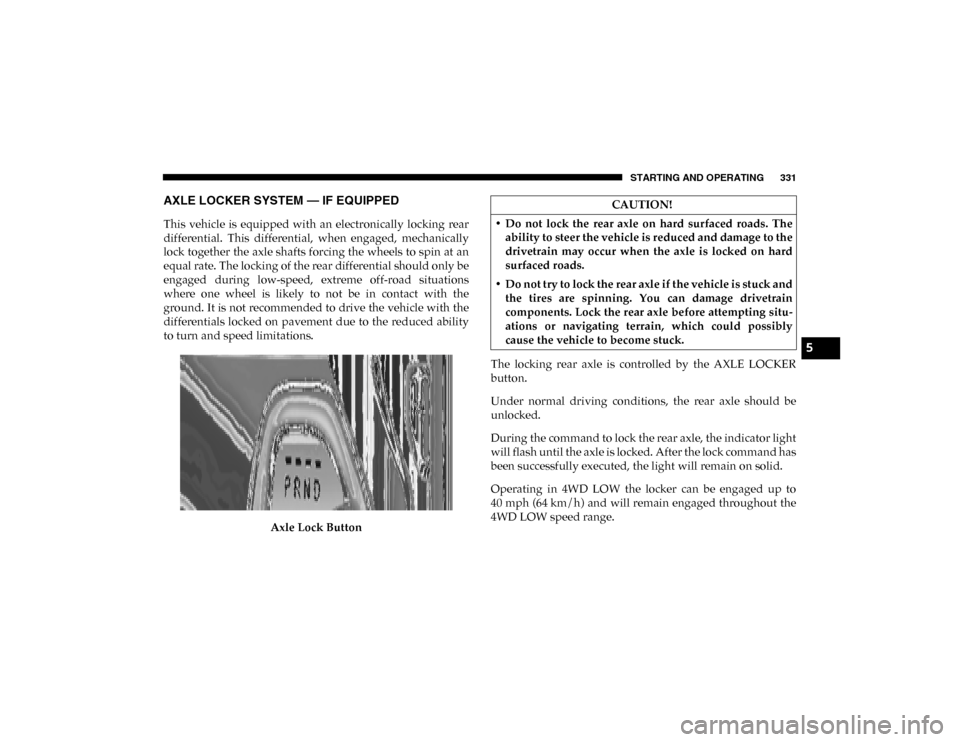
to turn and speed limitations.Axle Lock Button The locking rear axle is controlled by the AXLE LOCKER
button.
Under normal driving conditions, the rear axle should be
unlocked.
During the command to lock the rear axle, the indicator light
will flash until the axle is locked. After the lock command has
been successfully executed, the light will remain on solid.
Operating in 4WD LOW the locker can be engaged up to
40 mph (64 km/h) and will remain engaged throughout the
4WD LOW speed range.
CAUTION!
• Do not lock the rear axle on hard surfaced roads. The ability to steer the vehicle is reduced and damage to the
drivetrain may occur when the axle is locked on hard
surfaced roads.
• Do not try to lock the rear axle if the vehicle is stuck and the tires are spinning. You can damage drivetrain
components. Lock the rear axle before attempting situ -
ations or navigating terrain, which could possibly
cause the vehicle to become stuck.
5
2020_DT_1500_OM_US.book Page 331
Page 334 of 674

332 STARTING AND OPERATING
Operating the locker in 2WD, 4WD AUTO, and 4WD
LOCK/HIGH the locker can be engaged up to 20 mph
(32 km/h). While driving with the locker engaged, if speed
exceeds 25 mph (40 km/h), the locker will automatically
disengage, but will automatically reengage at 20 mph
(32 km/h).
NOTE:
Left to right wheel speed difference may be necessary to
allow the rear axle to fully lock. If the indicator light is
flashing after selecting the rear axle lock mode, drive the
vehicle in a turn or on loose gravel to expedite the locking
action.
The axle locker could become torque locked due to side to
side loads on the rear axle. Driving slowly while turning the
steering wheel from a left hand turn to a right hand turn or
driving in REVERSE for a short distance may be required to
release the torque lock and unlock the axles.
To unlock the rear axle; push the AXLE LOCK button. The
AXLE LOCK indicator light will go out when the rear axle is
unlocked.
LIMITED-SLIP DIFFERENTIAL — IF EQUIPPED
The limited-slip differential provides additional traction on
snow, ice, mud, sand and gravel, particularly when there is a difference between the traction characteristics of the
surface under the right and left rear wheels. During normal
driving and cornering, the limited-slip unit performs simi
-
larly to a conventional differential. On slippery surfaces,
however, the differential delivers more of the driving effort
to the rear wheel having the better traction.
The limited-slip differential is especially helpful during slip -
pery driving conditions. With both rear wheels on a slippery
surface, a slight application of the accelerator will supply
maximum traction. When starting with only one rear wheel
on an excessively slippery surface, slight momentary appli -
cation of the parking brake may be necessary to gain
maximum traction.
Care should be taken to avoid sudden accelerations when
both rear wheels are on a slippery surface. This could cause
both rear wheels to spin, and allow the vehicle to slide side -
ways on the crowned surface of a road or in a turn.
WARNING!
When servicing vehicles equipped with a limited-slip or
locking differential never run the engine with one rear
wheel off the ground since the vehicle may drive
through the rear wheel remaining on the ground and
result in unintended movement.
2020_DT_1500_OM_US.book Page 332
Page 339 of 674

STARTING AND OPERATING 337
4. If the STOP/START system is manually turned off, theengine can be started and stopped by cycling the ignition
switch or pressing the STOP/START switch again.
5. The STOP/START system will reset itself back to an ON condition every time the key is turned off and back on.
To Manually Turn On The Stop Start System
1. Push the STOP/START Off switch (located near the gearselector module).
2. The light on the switch will turn off.
System Malfunction
If there is a malfunction in the STOP/START system, the
system will not shut down the engine. A “SERVICE STOP/
START SYSTEM” message will appear in the instrument
cluster display. Refer to “Instrument Cluster Display” in
“Getting To Know Your Instrument Panel” for further infor -
mation.
The system will need to be checked by your authorized
dealer.
SPEED CONTROL — IF EQUIPPED
When engaged, the Speed Control takes over accelerator
operations at speeds greater than 20 mph (32 km/h).
The Speed Control buttons are located on the right side of the
steering wheel.
Speed Control Buttons
1 — CANC/Cancel
2 — SET (+)/Accel
3 — On/Off
4 — RES/Resume
5 — SET (-)/Decel
5
2020_DT_1500_OM_US.book Page 337
Page 344 of 674

342 STARTING AND OPERATING
Adaptive Cruise Control (ACC) Operation
The speed control buttons (located on the right side of the
steering wheel) operates the Adaptive Cruise Control (ACC)
system.Adaptive Cruise Control Buttons
• Does not always fully recognize complex driving
conditions, which can result in wrong or missing
distance warnings.
• Will bring the vehicle to a complete stop while following a target vehicle and hold the vehicle for
approximately three minutes in the stop position. If
the target vehicle does not start moving within three
minutes the parking brake will be activated, and the
ACC system will be cancelled.
You should switch off the ACC system:
• When driving in fog, heavy rain, heavy snow, sleet, heavy traffic, and complex driving situations (i.e., in
highway construction zones).
• When entering a turn lane or highway off ramp; when driving on roads that are winding, icy, snow-covered,
slippery, or have steep uphill or downhill slopes.
• When towing a trailer up or down steep slopes.
• When circumstances do not allow safe driving at a constant speed.
WARNING! (Continued)
1 — SET (+)/Accel
2 — Normal (Fixed Speed) Cruise Control On/Off
3 — RES/Resume
4 — SET (-)/Decel
5 — Distance Setting Decrease
6 — Adaptive Cruise Control (ACC) On/Off
7 — Distance Setting Increase
8 — CANC/Cancel
2020_DT_1500_OM_US.book Page 342
Page 345 of 674

STARTING AND OPERATING 343
NOTE:
Any chassis/suspension or tire size modifications to the
vehicle will effect the performance of the Adaptive Cruise
Control and Forward Collision Warning System.
Activating Adaptive Cruise Control (ACC)
You can only engage ACC if the vehicle speed is above
0 mph (0 km/h).
The minimum set speed for the ACC system is 20 mph
(32 km/h).
When the system is turned on and in the ready state, the
instrument cluster display will read “ACC Ready.”
When the system is off, the instrument cluster display will
read “Adaptive Cruise Control (ACC) Off.”NOTE:
You cannot engage ACC under the following conditions:
• When in Four-Wheel Drive Low
• When you apply the brakes
• When the parking brake is applied
• When the automatic transmission is in PARK, REVERSE or
NEUTRAL
• When the vehicle speed is outside of the speed range
• When the brakes are overheated
• When the driver door is open at low speed
• When the driver seat belt is unbuckled at low speed
• ESC Full-Off Mode is active
5
2020_DT_1500_OM_US.book Page 343