576 Ram 1500 2020 Owner's Manual
[x] Cancel search | Manufacturer: RAM, Model Year: 2020, Model line: 1500, Model: Ram 1500 2020Pages: 674, PDF Size: 32.69 MB
Page 13 of 674

11
FLUID CAPACITIES ........................................................ 553
FLUIDS AND LUBRICANTS ......................................... 554
Engine............................................................................ 554
Chassis........................................................................... 556
MULTIMEDIA
UCONNECT SYSTEMS ................................................... 557
DRAG & DROP MENU BAR .......................................... 557
CYBERSECURITY ............................................................ 558
UCONNECT SETTINGS ................................................. 559
Uconnect 3 Settings ..................................................... 559
Uconnect 4/4C/4C NAV Settings ............................ 576
Uconnect 4C NAV With 12-inch Display
Settings .......................................................................... 600
STEERING WHEEL AUDIO CONTROLS — IF
EQUIPPED ......................................................................... 622
Radio Operation .......................................................... 622
Media Mode ................................................................. 622
IPOD®/USB/MP3 CONTROL — IF EQUIPPED ........ 623
RADIO OPERATION AND MOBILE PHONES .......... 626
Regulatory And Safety Information ......................... 627
UCONNECT VOICE RECOGNITION QUICK TIPS ...628
Introducing Uconnect .................................................628
Get Started .................................................................... 629
Basic Voice Commands...............................................629
Radio..............................................................................631
Media ............................................................................. 632
Phone ............................................................................. 634
Voice Text Reply ..........................................................636
Climate ..........................................................................638
Navigation .................................................................... 639
SiriusXM Guardian™ (4C/4C NAV) — If
Equipped .......................................................................641
Register (4C/4C NAV)................................................642
Mobile App (4C/4C NAV) .........................................642
SiriusXM® Travel Link (4C NAV) ............................643
Siri® Eyes Free — If Equipped ................................. 645
Using Do Not Disturb ................................................646
Android Auto™ — If Equipped ...............................647
Apple CarPlay® — If Equipped ...............................648
General Information ....................................................650
Additional Information...............................................651
2020_DT_1500_OM_US.book Page 11
Page 578 of 674
576 MULTIMEDIA
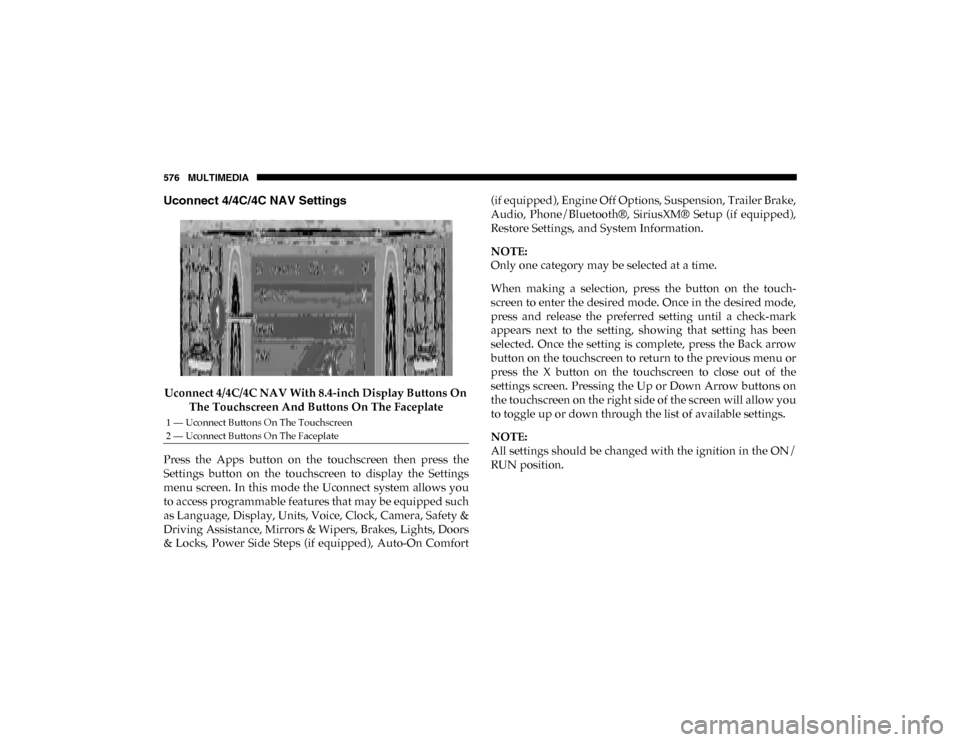
Uconnect 4/4C/4C NAV Settings
Uconnect 4/4C/4C NAV With 8.4-inch Display Buttons On The Touchscreen And Buttons On The Faceplate
Press the Apps button on the touchscreen then press the
Settings button on the touchscreen to display the Settings
menu screen. In this mode the Uconnect system allows you
to access programmable features that may be equipped such
as Language, Display, Units, Voice, Clock, Camera, Safety &
Driving Assistance, Mirrors & Wipers, Brakes, Lights, Doors
& Locks, Power Side Steps (if equipped), Auto-On Comfort (if equipped), Engine Off Options, Suspension, Trailer Brake,
Audio, Phone/Bluetooth®, SiriusXM® Setup (if equipped),
Restore Settings, and System Information.
NOTE:
Only one category may be selected at a time.
When making a selection, press the button on the touch
-
screen to enter the desired mode. Once in the desired mode,
press and release the preferred setting until a check-mark
appears next to the setting, showing that setting has been
selected. Once the setting is complete, press the Back arrow
button on the touchscreen to return to the previous menu or
press the X button on the touchscreen to close out of the
settings screen. Pressing the Up or Down Arrow buttons on
the touchscreen on the right side of the screen will allow you
to toggle up or down through the list of available settings.
NOTE:
All settings should be changed with the ignition in the ON/
RUN position.
1 — Uconnect Buttons On The Touchscreen
2 — Uconnect Buttons On The Faceplate
2020_DT_1500_OM_US.book Page 576